
用go语言实现磁力猫一样的磁力搜索网站
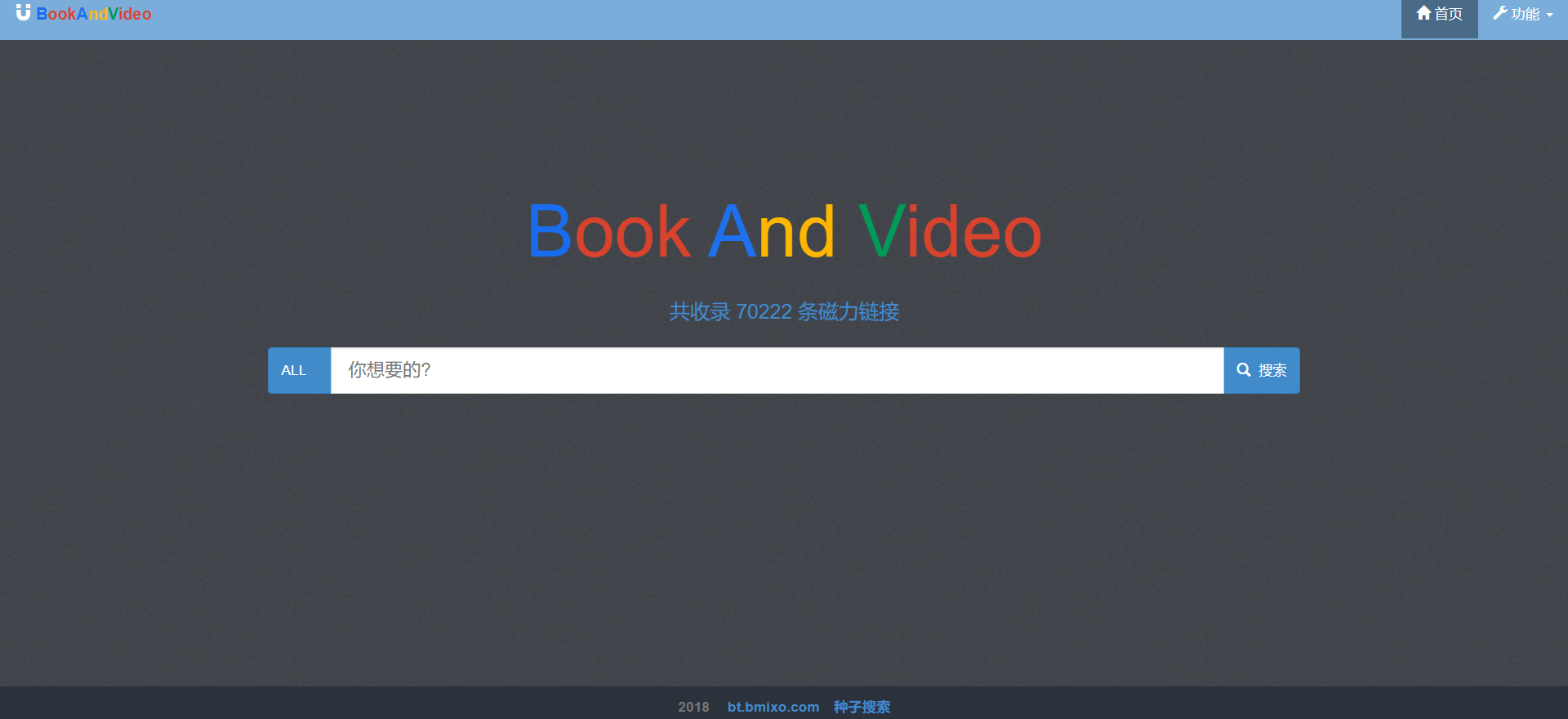
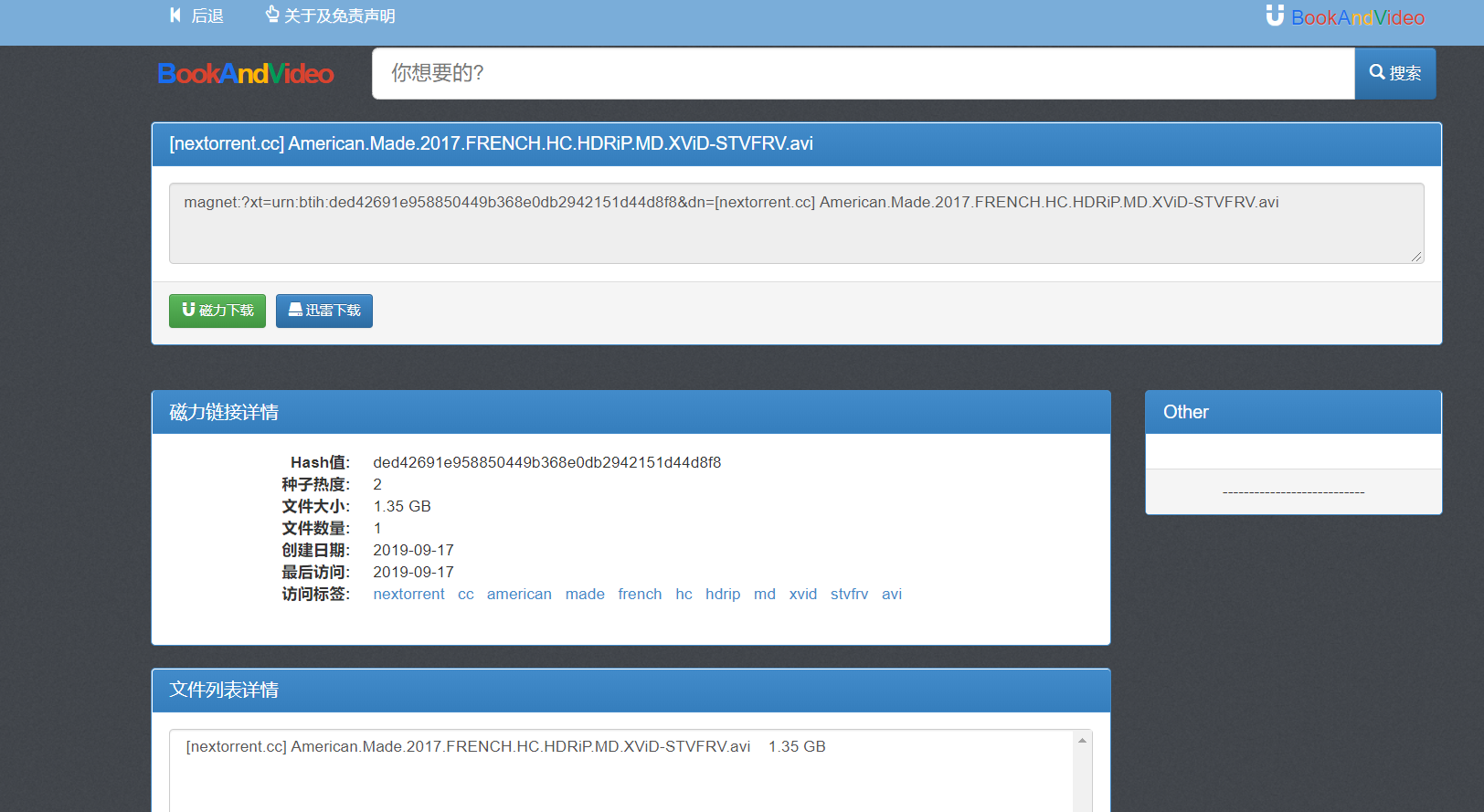
1.页面展示
2.程序架构
| 名称 | 用途 |
|---|---|
| server | 收集torrent数据 |
| worker | 收集Hash信息 |
| web | 数据展示 |
| Tool | 工具 |

3.安装
- 在安装环境前您需要配置golang环境 Go 下载地址
- 安装python和mongodb
sudo apt install mongodb
sudo apt install python3 python3-pip
pip3 install elastic-doc-manager[elastic5]
- 服务端安装
go get github.com/Bmixo/btSearch/server
- worker安装
go get github.com/Bmixo/btSearch/worker
- Elasticsearch dockerp配置
docker run --restart=always -p 9200:9200 -p 9300:9300 --name=tmp docker.elastic.co/elasticsearch/elasticsearch:5.6.0
安装analysis-ik分词器
docker ps
docker exec -it $dockid /bin/bash
./bin/elasticsearch-plugin install https://github.com/medcl/elasticsearch-analysis-ik/releases/download/v5.6.0/elasticsearch-analysis-ik-5.6.0.zip
配置elasticsearch的数据存放目录
mkdir -p /data/docker
docker cp $dockid:/usr/share/elasticsearch/ /data/docker
chmod 777 -R /data/
运行Elasticsearch docker服务
docker run --restart=always -p 9200:9200 -p 9300:9300 --name=es \
-e ES_JAVA_OPTS="-Xms1024m -Xmx1024m" \
-v /data/docker/elasticsearch/data:/usr/share/elasticsearch/data \
-v /data/docker/elasticsearch/logs:/usr/share/elasticsearch/logs \
-v /data/docker/elasticsearch/config:/usr/share/elasticsearch/config \
-v /data/docker/elasticsearch/plugins:/usr/share/elasticsearch/plugins \
-v /etc/localtime:/etc/localtime \
-v /etc/timezone:/etc/timezone \
docker.elastic.co/elasticsearch/elasticsearch:5.6.0
配置正确的话执行下面命令可以看到当前Elasticsearch的运行状态
curl --user elastic:changeme -XGET 'http://127.0.0.1:9200/_cat/health'
配置Elasticsearch默认分词器
curl --user elastic:changeme -XPUT http://localhost:9200/bavbt -H 'Content-Type: application/json'
curl --user elastic:changeme -XPOST 'localhost:9200/bavbt/_close'
curl --user elastic:changeme -XPUT localhost:9200/bavbt/_settings?pretty -d '{
"index":{
"analysis" : {
            "analyzer" : {
                "default" : {
                    "type" : "ik_max_word"
                }
            },
			"search_analyzer" : {
                "default" : {
                    "type" : "ik_max_word"
                }
            }
        }
    }
}'
curl --user elastic:changeme -XPOST 'localhost:9200/bavbt/_open'
- Mongodb配置副本集
service mongod stop
vim /etc/mongodb.conf
添加replSet=rs1
service mongod start
可以通过mongoshelly运行rs.initiate()查看副本集配置是否正确
4.运行
首先需要配置您的conf文件
[mongodb]
musername=
mpassword=
database=bavbt
collection=torrent
addr=127.0.0.1:27017
[elasticsearch]
url=http://127.0.0.1:9200/bavbt/torrent/
eusername=elastic
epassword=changeme
[webServer]
webServerAddr=127.0.0.1:7878
开启数据库同步Elasticsearch服务
mongo-connector -m mongodb://localhost:27017/?unicode_decode_error_handler=ignore -t http://elastic:changeme@localhost:9200/torrent -d elastic2_doc_manager -n bavbt.torrent -i name,length,hot,create_time,category,infohash
服务端运行
go run github.com/Bmixo/btSearch/server
worker运行
go run github.com/Bmixo/btSearch/worker
5.TODO
加入redis选择 加入d2-admin后台数据展示
用go语言实现磁力猫一样的磁力搜索网站的更多相关文章
- 磁力搜索网站 BT torrent search engine 推荐 2019/12/25日更新
btkitty 知名的BT磁力搜索,资源很多,中文友好 btdb 知名的BT磁力搜索,资源很多,中文友好 838888 不错的 BT 磁力搜索引擎,资源很多,中文友好 idope.se 资源丰富的BT ...
- JAVA语言搭建白盒静态代码、黑盒网站插件式自动化安全审计平台
近期打算做一个插件化的白盒静态代码安全审计自动化平台和黑盒网站安全审计自动化平台.现在开源或半开源做黑盒网站安全扫描的平台,大多是基于python脚本,安全人员贡献python脚本插件增强平台功能.对 ...
- 【Linux 操作系统】阿里云服务器 操作实战 部署C语言开发环境(vim配置,gcc) 部署J2EE网站(jdk,tomcat)
. 作者 :万境绝尘 转载请注明出处 : http://blog.csdn.net/shulianghan/article/details/18964835 . 博客总结 : 设置SecureCRT ...
- 阿里云服务器 操作实战 部署C语言开发环境(vim配置,gcc) 部署J2EE网站(jdk,tomcat)
. 作者 :万境绝尘 转载请注明出处 : http://blog.csdn.net/shulianghan/article/details/18964835 . 博客总结 : 设置SecureCRT ...
- c语言学习、工作相关必备的常用网站
1.https://zh.cppreference.com/,c.c++参考手册, 2.http://www.cplusplus.com/,在线查看c.c++函数的定义及用法 3.http://c-f ...
- c语言数据结构和算法库--cstl---王博--相关网站和博客
1.官网 http://libcstl.org/download.html 2.下载地址 http://www.pudn.com/downloads171/sourcecode/os/detail79 ...
- P2750 贰五语言Two Five USACO5.5 记忆化搜索
正解:记搜+逼近 解题报告: 神仙题预警,,, 我真滴觉得还是挺难的了,,, 大概说下思路趴QAQ 首先我们要知道逼近法是什么! 逼近法,有点像二分的思路,以这题为例举个eg 假如它给了个数字k.我们 ...
- Atitit 图像处理的心得与疑惑 attilax总结
Atitit 图像处理的心得与疑惑 attilax总结 1.1. 使用类库好不好??还是自己实现算法1 1.2. 但是,如果遇到类库体积太大,后者没有合适的算法,那就只能自己开发算法了1 1.3. 如 ...
- PHP语言编写的磁力搜索工具下载BT种子 支持transmission、qBittorrent
磁力搜索网站2020/01/12更新 https://www.cnblogs.com/cilisousuo/p/12099547.html PT种子.BT种子搜索功能 IYUU自动辅种工具,目前能对国 ...
随机推荐
- P2774 方格取数(网络流)
https://www.luogu.com.cn/problem/P2774 在一个有 m×n 个方格的棋盘中,每个方格中有一个正整数. 现要从方格中取数,使任意2个数所在方格没有公共边,且取出的数的 ...
- ipfs camp course c demo exercise 1
目录 aim: my bugs 解决ipfs 的 cros 问题的方法 result final code for c1 aim: 首先咱们把 broswer 和 自己的api 连接起来(要显示出来自 ...
- codeforces round#613
A题:输出n+1: B题: 题意:就是给n个数,a人全拿,b人拿连续的子段和,如果b人比a人大于等于的话输出NO,反之输出YES 思路:最大子段和,比赛的时候忘记 ll 和 字段和不是遇到负数就重置. ...
- [运维] 如何访问虚拟机上的 Tomcat ?
环境: 虚拟机: VMware 15 pro 操作系统 Linux CentOS 7 64 物理机: Windows 7 事先准备: 1: 下载 Tomcat 的压缩包 apache-t ...
- CSS三列自适应布局(两边宽度固定,中间自适应)
https://blog.csdn.net/cinderella_hou/article/details/52156333 https://blog.csdn.net/wangchengiii/art ...
- matlab练习程序(传染病模型)
最近新型冠状病毒疫情越来越严重了,待在家中没法出去,学习一下经典传染病模型. 这里总结了五个模型,分别是SI模型,SIS模型,SIR模型,SIRS模型,SEIR模型. 这几种模型的特点先介绍一下. 首 ...
- tomcat8配置了tomcat-users.xml,报403 Access Denied
配置了tomcat-users.xml之后,重启tomcat服务,仍然访问拒绝. 原因:tomcat8.5 更改之后,仍然访问拒绝. 还需步骤如下: vi /usr/local/tomcat/apac ...
- 吴裕雄 Bootstrap 前端框架开发——Bootstrap 排版:显示在 <abbr> 元素中的文本以小号字体展示,且可以将小写字母转换为大写字母
<!DOCTYPE html> <html> <head> <title>菜鸟教程(runoob.com)</title> <meta ...
- 报错PKIX path building failed: sun.security.provider.certpath.SunCertPathBuilderException: unable to find valid certification path to requested target"
今天在调用第三方HTTPS接口的时候,一直显示这个报错,然后百度很久,有2种解决方法,一个是说自己手动去导入,第二种用代码忽略证书验证.我用二种方式, 复制即用, public void test2( ...
- 杭电2024 C语言合法标识符
链接:http://acm.split.hdu.edu.cn/showproblem.php?pid=2024 开始真的对这题是一点头绪都没有,简直了.然后事实证明是我想多了,这题主要是把概念给弄清楚 ...