
[Xamarin] 透過WebClient跟網路取得資料 (转帖)
之前寫過一篇文章,關於在Android上面取得資料 透過GET方式傳資料給Server(含解決中文編碼問題)
我們來回顧一下 Android 端的Code:
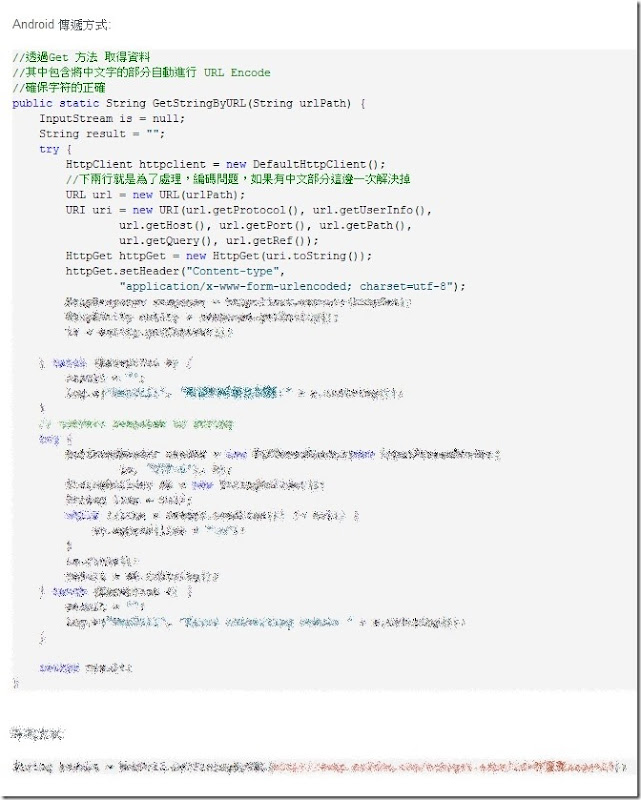
有沒有超多,如果是在Xaramin下面,真的,把上面不好的回憶給忘了吧,我們來看看在Xamarin下有多溫馨
首先看一下畫面 Resources > Layout > Main.axml
<?xml version="1.0" encoding="utf-8"?>
<LinearLayout xmlns:android="http://schemas.android.com/apk/res/android"
android:orientation="vertical"
android:layout_width="fill_parent"
android:layout_height="fill_parent">
<Button
android:id="@+id/btnGetData1"
android:layout_width="fill_parent"
android:layout_height="wrap_content"
android:text="取得當麻Facebook資料" />
</LinearLayout>
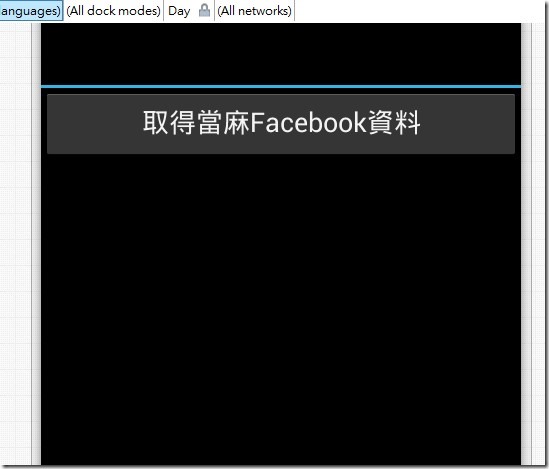
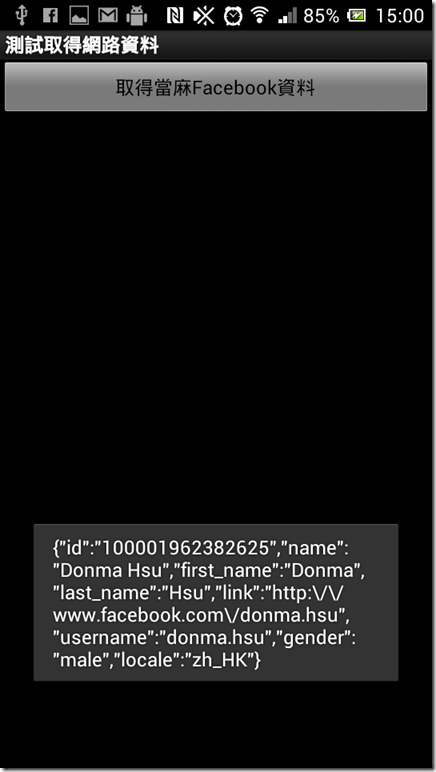
btnGetData1按鈕按下後,我會讓他去取得 https://graph.facebook.com/donma.hsu 我在Facebook open graph 中的資料.
直接來看Code :
using Android.App;
using Android.Widget;
using Android.OS;
namespace SampleForWebClient
{
[Activity(Label = "測試取得網路資料", MainLauncher = true, Icon = "@drawable/icon")]
public class Activity1 : Activity
{
protected override void OnCreate(Bundle bundle)
{
base.OnCreate(bundle);
// Set our view from the "main" layout resource
SetContentView(Resource.Layout.Main);
var btnGetData1 = FindViewById<Button>(Resource.Id.btnGetData1);
btnGetData1.Click += btnGetData1_Click;
}
void btnGetData1_Click(object sender, System.EventArgs e)
{
var webClient = new System.Net.WebClient();
//var result = webClient.DownloadString("http://graph.facebook.com/donma.hsu");
var result = webClient.DownloadString("https://graph.facebook.com/donma.hsu");
Toast.MakeText(this, result, ToastLength.Long).Show();
}
}
}
[Xamarin] 透過WebClient跟網路取得資料 (转帖)的更多相关文章
- [Xamarin] 透過 intent-filter 來接管 http ,製作偽瀏覽器 (转帖)
使用Android 的朋友一定對這畫面不陌生在開啟網址的時候,或是Youtube連結的時候,因為Android 發現,你手機安裝的App有哪些可以支援這些東西的瀏覽 所以,就可以使用甚麼東西來進行開啟 ...
- [Xamarin] 透過Native Code呼叫 JavaScript function (转帖)
今天我們來聊聊關於如何使用WebView 中的Javascript 來呼叫 Native Code 的部分 首先,你得先來看看這篇[Xamarin] 使用Webview 來做APP因為這篇文章至少講解 ...
- [Xamarin] 透過StartActivityForResult傳值回來(转贴)
上一篇文章(開啟另外一個Activity 並且帶資料),提到了開啟一個新的Activity ,我們將值透過intent 帶到下個Activity 但是,如果我們開啟的Actrivity其實是有一個任務 ...
- [Xamarin] 透過 IsolatedStorageFile儲存資料(转帖)
開發手機App通常都會遇到想要儲存資料的,舉個例來說,像是 (圖片來源:http://docs.xamarin.com/guides/android/application_fundamentals/ ...
- [Xamarin] 開啟另外一個Activity 並且帶資料 (转帖)
每隻App是透過許多畫面所組成的,當然可能主畫面之外,都會有許多其他的頁面 再Android 設計中畫面會有配合的Activity 當然在這之前,最好事先了解一下,Android 關於生命週期的規劃 ...
- 第五章、 Linux 常用網路指令
http://linux.vbird.org/linux_server/0140networkcommand.php 第五章. Linux 常用網路指令 切換解析度為 800x600 最近更新 ...
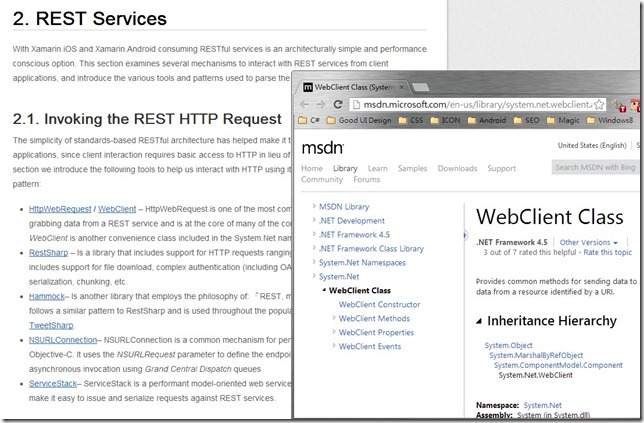
- 使用 WebClient 來存取 GET,POST,PUT,DELETE,PATCH 網路資源
WebClient 基本資訊 提供通用方法使用 WebRequest 類別傳送及接收 URI (支援 http:, https:, ftp:,和 file: ) 的資源 Namespace:Syste ...
- [Xamarin.Android] 如何透過電子郵件部署Xamarin.Android App (转帖)
Android App在部署到實機的時候不像iOS的App限制你一定要使用向Apple申請的開發者憑證,在Apple不管是你要上架到Apple Store或者是企業內部署,你都必須向蘋果申請憑證. 而 ...
- [Xamarin] 製作Options Menu、Intent 呼叫網址和Market (转帖)
Android的設計如果沒意外的話通常有三棵按鈕,BACK,HOME,OPTION (圖片來源:http://developer.android.com/design/index.html) 在OPT ...
随机推荐
- 《深入理解Nginx》阅读与实践(四):简单的HTTP过滤模块
一.Nginx的HTTP过滤模块特征 一个请求可以被任意个HTTP模块处理: 在普通HTTP模块处理请求完毕并调用ngx_http_send_header()发送HTTP头部或调用ngx_http_o ...
- HTTP请求之:PHP函数header常用功能
1.页面重定向 当浏览器接受到头信息中的 Location: http://xxxx 后,就会自动跳转到 http://xxxx 指向的URL地址,这点有点类似用 js 写跳转.但是这个跳转只有浏 ...
- C++ #include .h extern 的相关关系及说明
函数和变量都有声明和定义两个写法.声明的目的是告诉别的代码这个变量的名称,而定义比声明多了一个功能,除了告知名称以外,还会为这个变量分配内存.对于函数来说,加不加extern都没有关系,因为有函数体一 ...
- codeforce div 377
#include <bits/stdc++.h> using namespace std; #define pb push_back #define lb lower_bound #def ...
- 星号代替数字 js语句
在做登陆界面时,有这样一个需求,就是输入密码时,以密文形式展示(*),由于html5的属性 type="password" 只能以圆点形式展示, 下面方法能以星号代替输入符合 d ...
- js 验证码 倒计时60秒
js 验证码 倒计时60秒 <input type="button" id="btn" value="免费获取验证码" /> & ...
- linux各种命令
命令 [选项] [参数] read -t 30 -p "Please input a num: " num 功能:将键盘输入的数赋予num ps aux ...
- access数据库连接问题
使用Visual Studio连接access数据库(数据库后缀.accdb)时连接不上(access数据库提示未在本地计算机上注册“Microsoft.ACE.OLEDB.12.0”提供程序)解决办 ...
- Xcode升级插件失效,与添加插件不小心点击Skip Bundle解决办法
一.当发现升级xcode后,插件不能使用,解决办法如下: 1.查看Xcode的UUID 在终端执行 defaults read /Applications/Xcode.app/Contents/Inf ...
- linux 下部署 kafka
参考文章 http://www.cnblogs.com/sunxucool/p/4459020.html http://www.cnblogs.com/oftenlin/p/4047504.html ...