
[GIF] Shape Objects in GIF Loop Coder
This lesson is a quick tour of the predefined shape objects in GIF Loop Coder.
function onGLC(glc) {

    glc.loop();

//     glc.size(400, 400);

//     glc.setDuration(5);

//     glc.setFPS(20);

    glc.setMode('single');

    glc.setEasing(false);

    var list = glc.renderList,

        width = glc.w,

        height = glc.h,

        color = glc.color;

    // your code goes here:

 /*  list.addOval({

       x: width / 2,

       y: height / 2,

       rx: [100,200],

       ry: [200,100],

       stroke: true,

       lineWidth: 10,

       strokeStyle: "red",

       fillStyle: "orange",

       //fill: false

   });*/

   list.addGear({

       x: width / ,

       y: height / ,

       radius: ,

       teeth: ,

       toothHeight: ,

       toothAngle: [0.2, 0.8],

       rotation: [,]

   })

   list.addBezierSegment({

       x0: ,

       y0: ,

       x1: ,

       y1: ,

       x2: ,

       y2: ,

       x3: ,

       y3: ,

       percent: 0.5

   })

}

Cube:
function onGLC(glc) {

    glc.loop();

//     glc.size(400, 400);

//     glc.setDuration(5);

//     glc.setFPS(20);

    glc.setMode('single');

    glc.setEasing(false);

    var list = glc.renderList,

        width = glc.w,

        height = glc.h,

        color = glc.color;

    // your code goes here:

       list.addCube({

        x: width / ,

        y: height /,

        z: ,

        rotationY: [,],

        rotationX: [,],

        rotationZ: [,]

    })

}
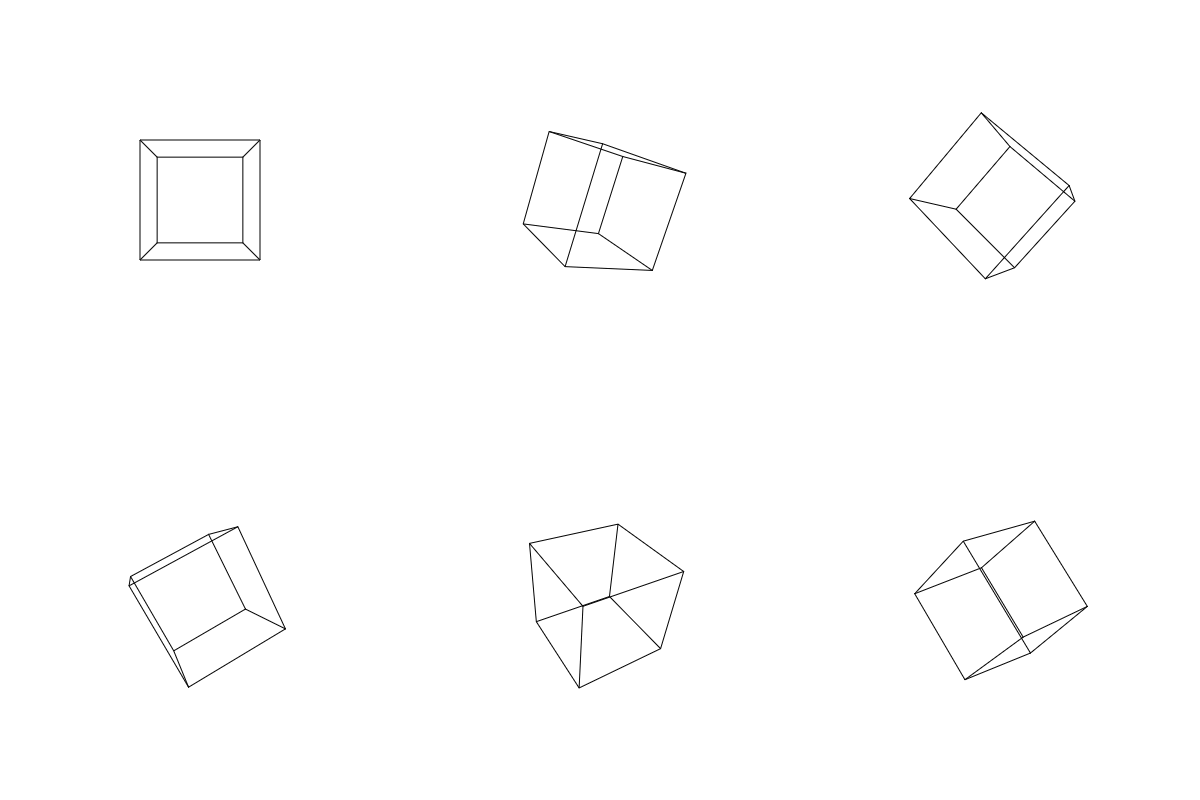
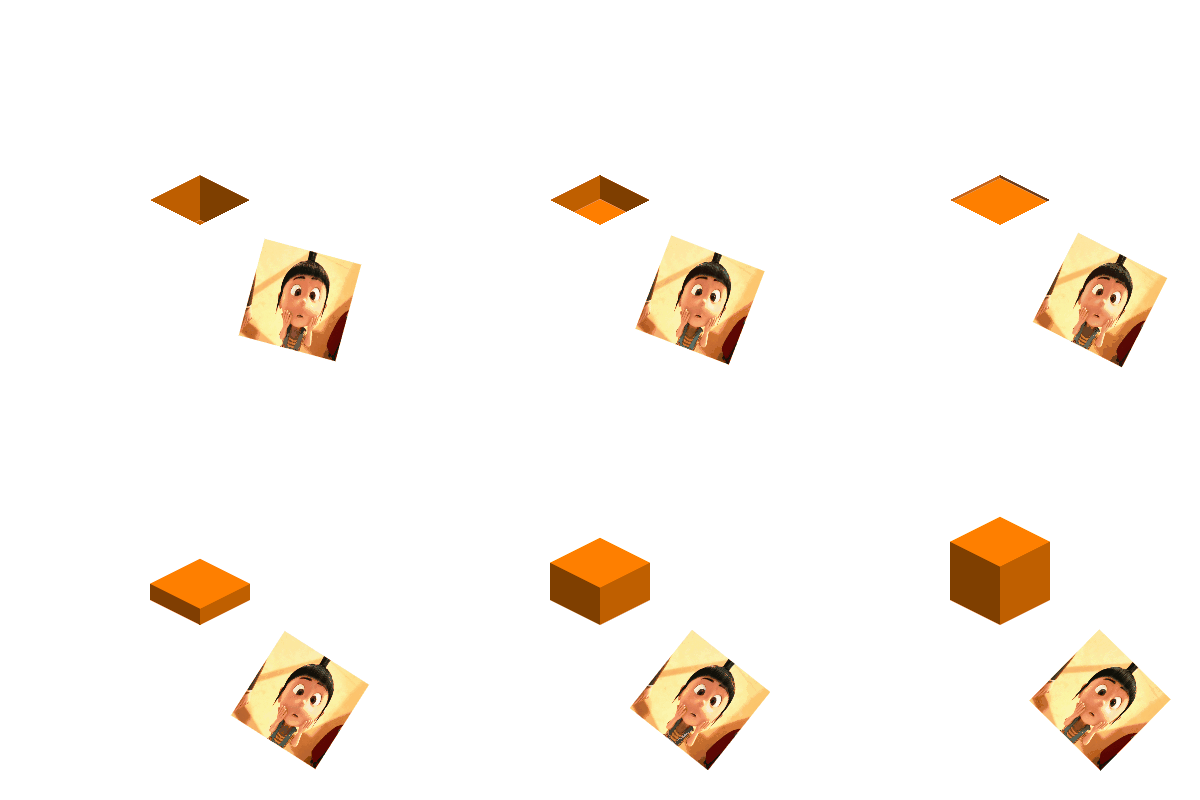
image and IOS box:
function onGLC(glc) {

    glc.loop();

//     glc.size(400, 400);

//     glc.setDuration(5);

//     glc.setFPS(20);

    glc.setMode('single');

    glc.setEasing(false);

    var list = glc.renderList,

        width = glc.w,

        height = glc.h,

        color = glc.color;

    // your code goes here:

list.addIsobox({

        x: width / ,

        y: height / ,

        size: ,

        h: [-, ],

        colorTop: color.hsv(, , ),

        colorRight: color.hsv(, , 0.75),

        colorLeft: color.hsv(, , 0.5),

    });

    list.addImage({

        x: width-,

        y: height-,

        w: ,

        h: ,

        rotation: [,],

        url: "http://img.pandawhale.com/44041-oh-my-god-despicable-me-gif-fj5t.gif"

    });

}
[GIF] Shape Objects in GIF Loop Coder的更多相关文章
- [GIF] The Phase Property in GIF Loop Coder
In this lesson, we look at one of the most powerful features in GIF Loop Coder, the phase property, ...
- [GIF] GIF Loop Coder - Introduction
Introducing the program, GIF Loop Coder, which allows you to make looping animated gifs (and other t ...
- [GIF] Colors in GIF Loop Coder
In this lesson we cover the different methods for defining and animating colors in GIF Loop Coder. f ...
- [GIF] GIF Loop Coder - Interpolation
This video discusses the default interpolation in GIF Loop Coder, and four distinct ways to change t ...
- [GIF] Parenting in GIF Loop Coder
In this lesson, we look at how you can build up complex animations by assigning one shape as the par ...
- [GIF] GIF Loop Coder Single Mode
We'll take a look at Single Mode animations and strategies for making this type of animation smoothl ...
- [GIF] GIF Loop Coder - Animation Functions
Previous, we animate the item by passing an array to tell the start position and end position. To ma ...
- [GIF] GIF Loop Coder - Animating with Arrays
In this lesson, we discuss animating using arrays, and how different data types are interpolated whi ...
- Design Pattern in Simple Examples
Instead of defining what is design pattern lets define what we mean by design and what we mean by pa ...
随机推荐
- http://sofar.blog.51cto.com/353572/1540874
http://sofar.blog.51cto.com/353572/1540874 http://singlefly.blog.51cto.com/4658189/1368579 http://ww ...
- Java Vector 类
Vector类实现了一个动态数组.和ArrayList和相似,但是两者是不同的: Vector是同步访问的. Vector包含了许多传统的方法,这些方法不属于集合框架. Vector主要用在事先不知道 ...
- SPRING IN ACTION 第4版笔记-第五章BUILDING SPRING WEB APPLICATIONS-006-处理表单数据(注册、显示用户资料)
一.显示注册表单 1.访问资源 @Test public void shouldShowRegistration() throws Exception { SpitterRepository mock ...
- USB Type-C,接口上的大统一?
这款 24-pin 连接器的机械设计反应了设计人员从 Micro-B 连接器上获得的历史教训,它无需确定插入的正反方向并可实现 10000 次的插拔.使用者再也不需要担心“哪头上,哪头下”,因为 US ...
- 一个简单的有向图Java实现
最近看了点有向图的内容,参考开源项目做了一个简单版本,直接贴代码. /** * 有向图接口,定义需要实现的各个方法,可以选择使用邻接矩阵或者邻接链表来实现 * @param <V> V代表 ...
- hadoop2.2编程:MRUnit——Test MaxTemperatureMapper
继承关系1 1. java.lang.Object |__ org.apache.hadoop.mapreduce.JobContext |__org.apache.hadoop.mapreduce. ...
- ActiveX添加测试工程, 出现的问题[非选择性参数][找不到成员]
ActiveX 添加测试工程 1.新建工程MFC application, 2.添加完毕,在main Dialog中, 右键[Insert Activex Control],选择你的ActiveX控件 ...
- C#索引器的作用及使用
1. 作用: 可以使得类和实例能够像数组那样使用一样,又称为带参属性 2. 区分 (1)索引器与数组的比较: 索引器的索引值不受类型限制.用来访问数组的索引值一定是整数,而索引器可以是其他类型的索引值 ...
- [NOIP1998]最大数
1998年NOIP全国联赛提高组 题目描述 设有n个正整数 (n<=20), 将它们连接成一排, 组成一个最大的多位整数.例如: n=3时, 3个整数13, 312, 343连接成的最大整数为 ...
- 《Introduction to Algorithm》-chaper33-计算几何学
叉积: 在平面中我们为了度量一条直线的倾斜状态,为引入倾斜角这个概念.而通过在直角坐标系中建立tan α = k,我们实现了将几何关系和代数关系的衔接,这其实也是用计算机解决几何问题的一个核心,计算机 ...