
Swift - UITableViewCell倒计时重用解决方案
Swift - UITableViewCell倒计时重用解决方案
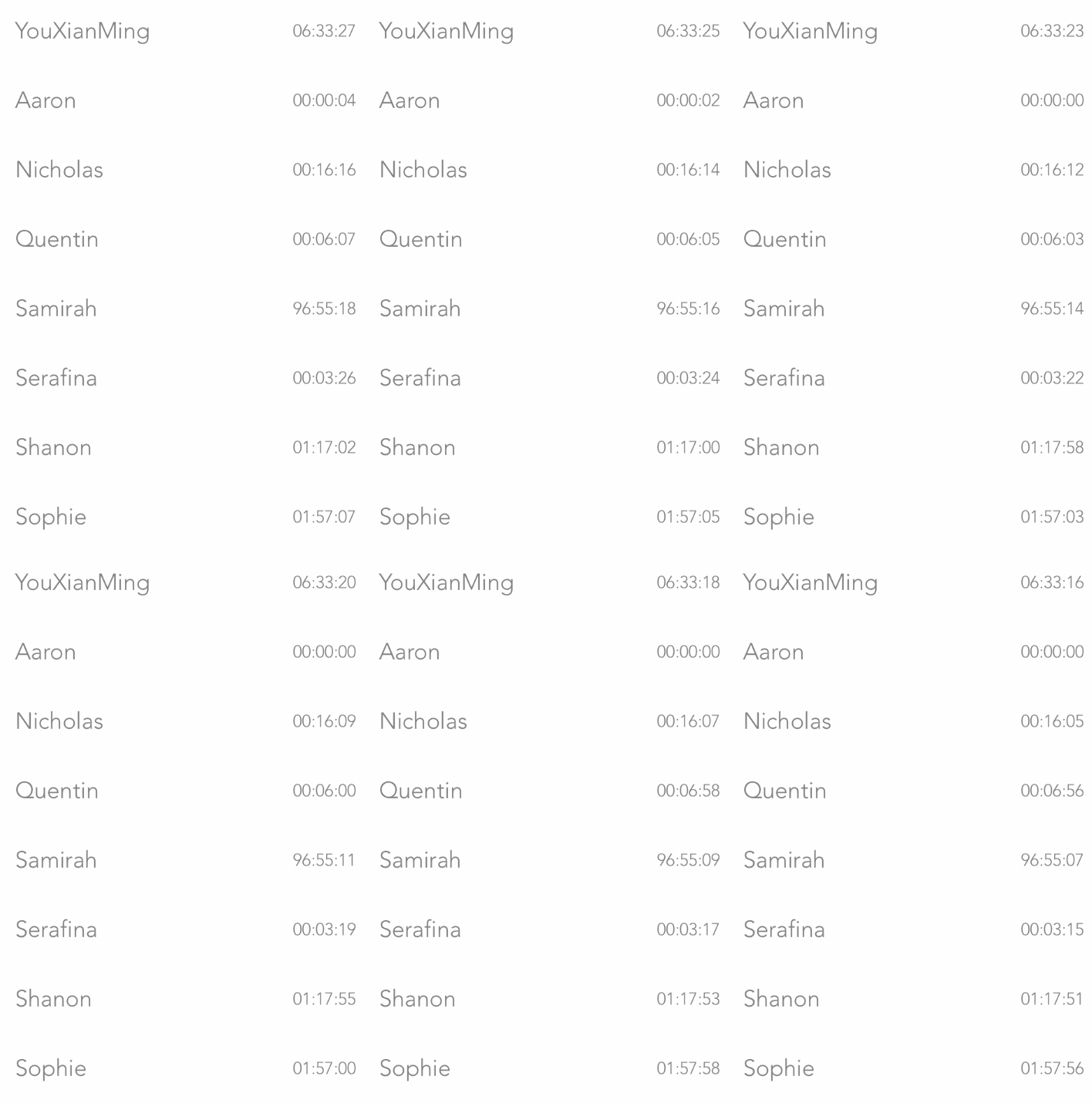
效果
源码
https://github.com/YouXianMing/Swift-Animations
//

//  CountDownTimerController.swift

//  Swift-Animations

//

//  Created by YouXianMing on 16/9/4.

//  Copyright © 2016年 YouXianMing. All rights reserved.

//

import UIKit

class CountDownTimerController: NormalTitleViewController, UITableViewDelegate, UITableViewDataSource {

    var timesArray : [CellDataAdapter]!

    var tableView  : UITableView!

    var timer      : GCDTimer = GCDTimer(inQueue: GCDQueue.mainQueue)

    override func setup() {

        super.setup()

        // Create data source.

        timesArray = [CellDataAdapter]()

        func add(title title : String, countdownTime : Int) {

            timesArray.append(CountDownTimeCell.Adapter(data: TimeModel(title: title, countdownTime: countdownTime)))

        }

        add(title: "YouXianMing", countdownTime: )

        add(title: "Aaron",       countdownTime: )

        add(title: "Nicholas",    countdownTime: )

        add(title: "Quentin",     countdownTime: )

        add(title: "Samirah",     countdownTime: )

        add(title: "Serafina",    countdownTime: )

        add(title: "Shanon",      countdownTime: )

        add(title: "Sophie",      countdownTime: )

        add(title: "Steven",      countdownTime: )

        add(title: "Saadiya",     countdownTime: )

        // Create TableView.

        tableView                = UITableView(frame: (contentView?.bounds)!)

        tableView.delegate       = self

        tableView.dataSource     = self

        tableView.separatorStyle = .None

        tableView.rowHeight      =

        contentView?.addSubview(tableView)

        // Register cell.

        CountDownTimeCell.RegisterTo(tableView)

        // Timer event.

        weak var wself = self

        timer.event({

            for (_, dataAdapter) in wself!.timesArray.enumerate() {

                if let model = dataAdapter.data as? TimeModel {

                    model.countDown()

                }

            }

            DefaultNotificationCenter.PostMessageTo(NotificationEvent.CountDownTimeCellCountDown.Message())

            }, timeIntervalWithSeconds: 1.0)

        timer.start()

    }

    func tableView(tableView: UITableView, numberOfRowsInSection section: Int) -> Int {

        return timesArray.count

    }

    func tableView(tableView: UITableView, cellForRowAtIndexPath indexPath: NSIndexPath) -> UITableViewCell {

        return tableView.dequeueCellAndLoadContentFromAdapter(timesArray[indexPath.row], indexPath: indexPath)

    }

    func tableView(tableView: UITableView, willDisplayCell cell: UITableViewCell, forRowAtIndexPath indexPath: NSIndexPath) {

        (cell as! CustomCell).display = true

    }

    func tableView(tableView: UITableView, didEndDisplayingCell cell: UITableViewCell, forRowAtIndexPath indexPath: NSIndexPath) {

        (cell as! CustomCell).display = false

    }

}
Swift - UITableViewCell倒计时重用解决方案的更多相关文章
- TableView的cell加载倒计时重用问题解决方案
TableView的cell加载倒计时重用问题解决方案 效果 说明 1. 写过类似需求的朋友一定知道,TableView上面加载倒计时功能会遇到复杂的重用问题难以解决 2. 本人提供一种解决思路,高效 ...
- 【ios开发】UITableViewCell的重用
移动开发需要解决的一个问题就是资源稀缺的问题.多数情况下是内存问题. 虽然现在的手机都号称大内存,高配置.但是移动app所占用的资源也在跟着不断膨胀, 也是造成内存不足的主要原因. 在前面的例子中,还 ...
- ios基础之UITableViewCell的重用(带示例原创)
之前一个月刚刚系统的开始接触IOS开发,对UI控件大体了解了一遍,但是因为没有实际的参与项目,对细枝末节的还是不很清楚. 昨天突然想到:UITableViewCell的重用到底是怎么回事,上网查了许多 ...
- UITableViewCell的重用机制原理
UITableViewCell的重用机制原理 来自http://blog.csdn.net/omegayy/article/details/7356823 ====================== ...
- UITableViewCell在重用ID时为何加上Static关键字
UITableViewCell在重用ID时为何加上Static关键字 先回顾一下iOS各种变量作用域和生命周期相关知识: 1.方法中临时变量存储在栈区,出了该方法,临时变量会被自动销毁.但是如果给方法 ...
- UITableViewCell的重用机制
UITabelView一般会显示大量数据,如果有多少条数据就新建多少个cell,那么对于内存来说是种极大的负担,这样自然是不合理的,所以才会有重用机制 比如一个家庭办酒席,一共有13桌,每桌20个菜, ...
- IOS中UITableViewCell的重用机制原理
创建UITableViewController子类的实例后,IDE生成的代码中有如下段落: - (UITableViewCell *)tableView:(UITableView *)tableVie ...
- swift UITableViewCell 中的单选控制样式
我昨天在网上找了一晚上的资料,但是大多都是OC得语法,swift资料实在是太少了,使得我这个刚入门swift的彩笔好不吃力,后面一直各种翻阅资料,终于让我找到了 visibleCells 这个方法,直 ...
- iOS拍照上传后,在web端显示旋转 Swift+OC版解决方案
问题描述: 手机头像上传,遇到一个怪现象,就是拍照上传时,手机端显示头像正常,但在web端查看会有一个左旋90度的问题. 并且照片竖怕才会有此问题,横拍不存在. 原因分析: 手机拍照时,用相机拍摄出来 ...
随机推荐
- Oracle 索引<七>
Oracle 索引 管理索引-原理介绍 介绍 索引是用于加速数据存取的数据对象.合理的使用索引可以大大降低 i/o 次数,从而提高数据访问性能.索引有很多种我们主要介绍常用的几种: 为什么添加了索 ...
- How to Use JUnit With JMeter
Do you need to use JUnit in your testing processes? To answer this question, let's take a look first ...
- 20145225《Java程序设计》 第10周学习总结
20145225<Java程序设计> 第10周学习总结 教材学习内容总结 一.网络编程 网络编程就是在两个或两个以上的设备(例如计算机)之间传输数据: 程序员所作的事情就是把数据发送到指定 ...
- MapReduce: 一种简化的大规模集群数据处理法
(只有文字没有图,图请参考http://research.google.com/archive/mapreduce.html) MapReduce: 一种简化的大规模集群数据处理法 翻译:风里来雨里去 ...
- 实现毛玻璃模糊效果/DRNRealTimeBlur
四种方法:1.美工出图 2.coreImage框架,高斯效果 3.ToolBar,覆盖在view上边 //1.添加图片 self.imageView.image = [UIImage imageNa ...
- CodeForces 742B Batch Sort
B. Batch Sort time limit per test 2 seconds memory limit per test 256 megabytes input standard input ...
- jsp_属性范围_application
如果希望设置一个属性,可以让所有用户看得见,则可以将属性范围设置成application,这样属性即可以保存在服务器上. 下面写一个小例子来验证一下: (1)application_demo.jsp ...
- Spring IoC小结
一. IoC是什么 Ioc—Inversion of Control,即“控制反转”,不是什么技术,而是一种设计思想.在Java开发中,Ioc意味着将你设计好的对象交给容器控制,而不是传统的在你的对象 ...
- Position和anchorPoint
Main.storyboard ViewController.m // // ViewController.m // 7A12.position和anchorPoint // // Create ...
- dom4j 学习总结
Dom4j is an easy to use, open source library for working with XML, XPath and XSLT on the Java platfo ...