
python:selenium测试登录在chrome中闪退
问题描述:使用selenium.webdriver时测试网页,进行自动登录测试总是在登录成功时闪退。使用指定驱动器位置的方式chrome也会闪退
1.正常使用chrome驱动打开一个网页,正常访问
from selenium.webdriver import Chrome

web = Chrome()
web.get("http://www.chaojiying.com/user/login/")
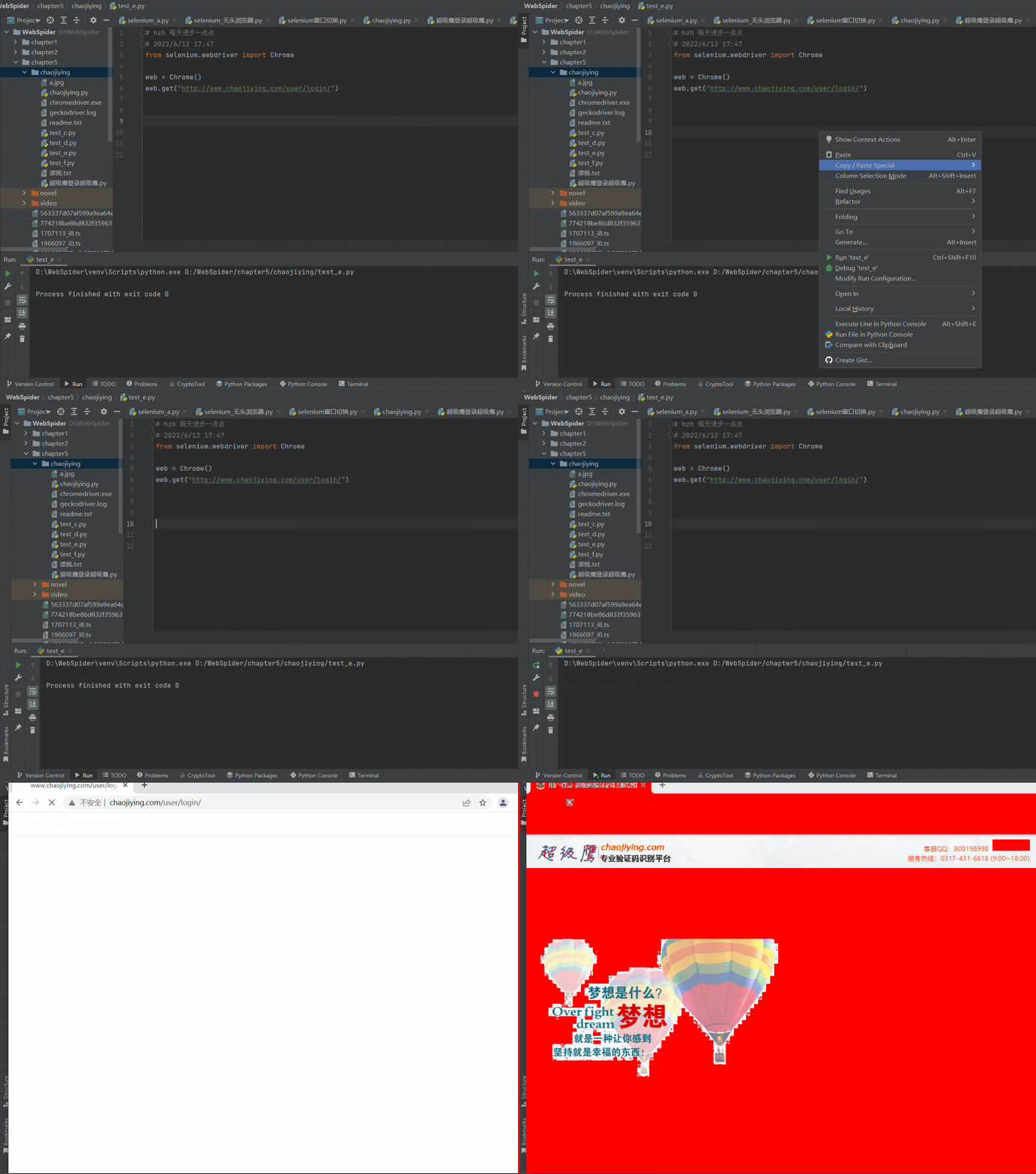
2.在使用selenium测试一个自动登录的程序,测试了很长时间,一直是闪退
chrome版本:版本 99.0.4844.51(正式版本) (64 位)
chromedriver版本:99.0.4844.51
seleniium版本:4.0+
from selenium.webdriver import Chrome

from chaojiying import Chaojiying_Client

from selenium.webdriver.common.by import By

import time

web = Chrome()

web.get("http://www.chaojiying.com/user/login/")

time.sleep(5) # Let the user actually see something!

# 处理验证码

img = web.find_element(By.XPATH,'/html/body/div[3]/div/div[3]/div[1]/form/div/img').screenshot_as_png

#登录超级鹰

chaojiying = Chaojiying_Client('18312341234', '123456', '912345')

dic = chaojiying.PostPic(img,1902)

verify_code = dic['pic_str']

# 想页面中填入用户名,密码验证码

web.find_element(By.XPATH,'/html/body/div[3]/div/div[3]/div[1]/form/p[1]/input').send_keys("18312341234")

web.find_element(By.XPATH,'/html/body/div[3]/div/div[3]/div[1]/form/p[2]/input').send_keys("123456")

web.find_element(By.XPATH,'/html/body/div[3]/div/div[3]/div[1]/form/p[3]/input').send_keys(verify_code)

#点击登录

time.sleep(2)

web.find_element(By.XPATH,'/html/body/div[3]/div/div[3]/div[1]/form/p[4]/input').click()

# driver.quit()
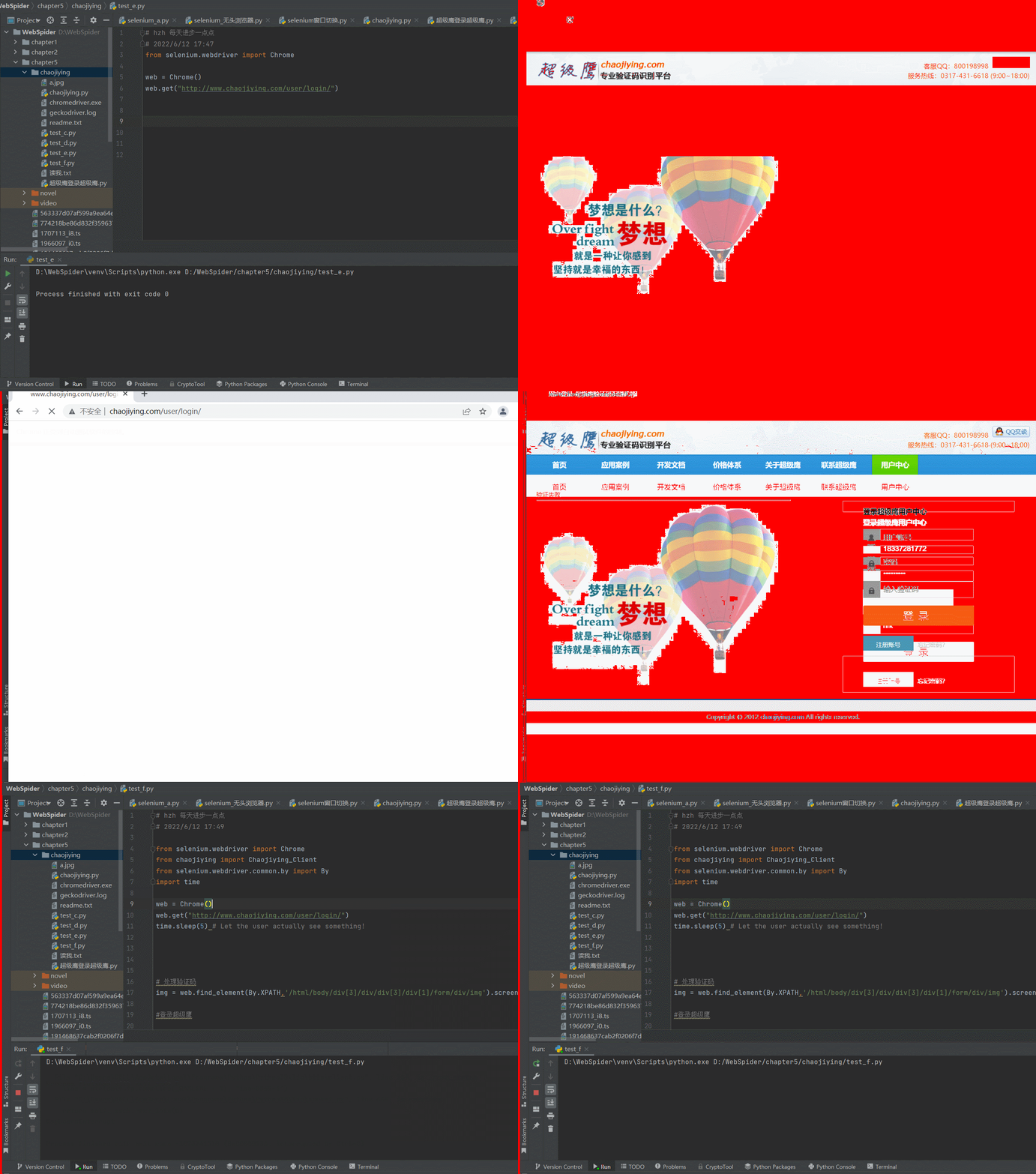
3.测试指定浏览器驱动位置
看网上的教程是,没有指定chromedrive.exe的环境变量,或者chrome的内核版本跟chromedrive版本不一致,两种方式都进行了重试,然后在重装,仍然没用,这里是指定chromedrive.exe的代码部分
from selenium import webdriver

from selenium.webdriver.firefox.service import Service

service = Service(r"D:\WebSpider\venv\Scripts\geckodriver.exe")

service.start()

driver = webdriver.Remote(service.service_url)

driver.get('http://www.chaojiying.com/user/login/')
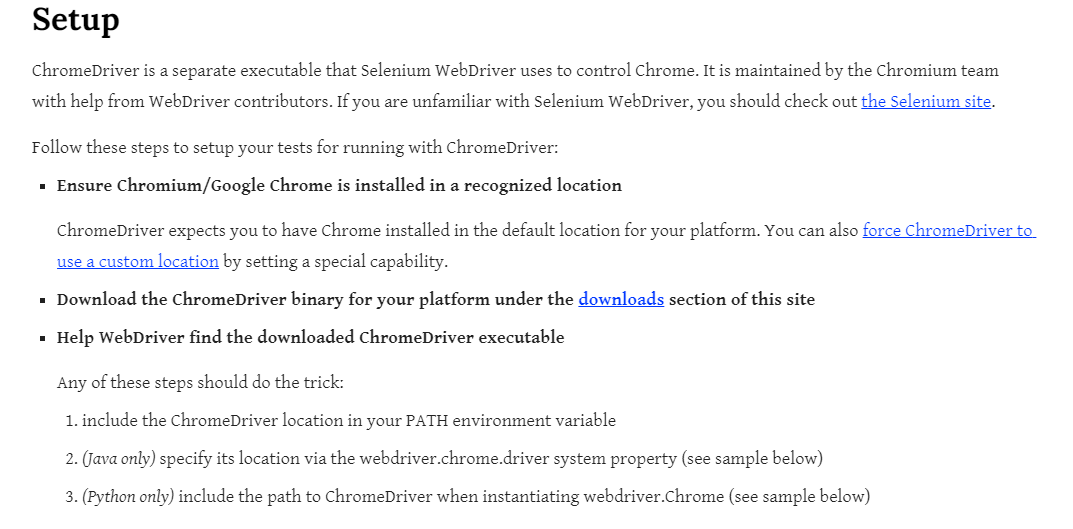
官方文档中给到的介绍,指定chromedrive的路径,但是实测通过这种方式打开网页还是闪退
import time

from selenium import webdriver

from selenium.webdriver.chrome.service import Service

service = Service('/path/to/chromedriver')

service.start()

driver = webdriver.Remote(service.service_url)

driver.get('http://www.google.com/');

time.sleep(5) # Let the user actually see something!

driver.quit()
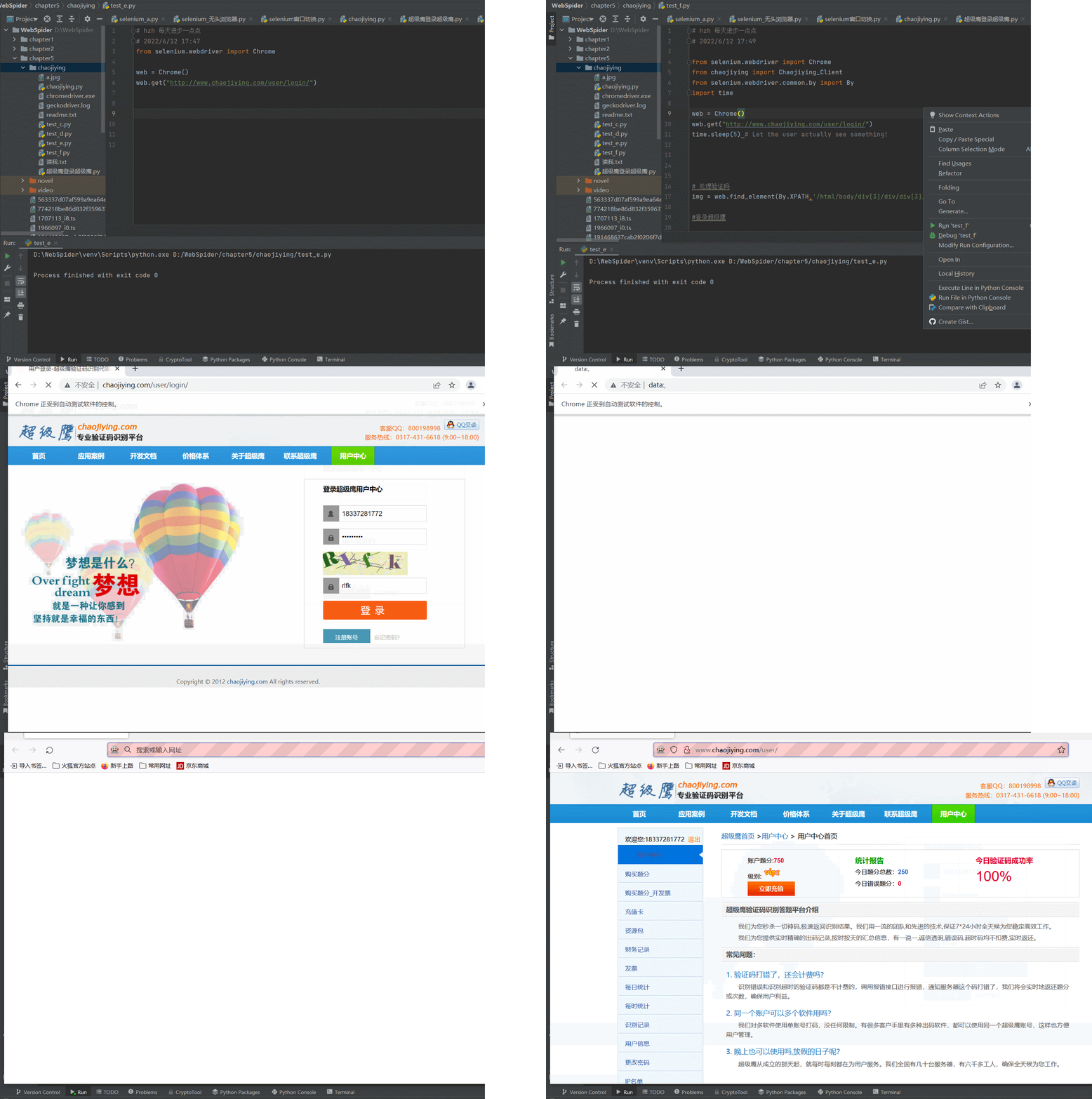
4.尝试更换浏览器为火狐的,使用最新版的火狐浏览器,直接对应也是最新的火狐驱动
firefox驱动下载链接:https://gitHub.com/mozilla/geckodriver/releases
火狐浏览器版本:101.0.1 (64 位)
火狐驱动版本:0.31.0 (2022-04-11, b617178ef491)
尝试使用指定火狐驱动打开之前写的程序,测试成功,问题还是出在了chrome浏览器中
from selenium.webdriver import Firefox

from selenium.webdriver.common.by import By

from chaojiying import Chaojiying_Client

import time

web = Firefox()

web.get("http://www.chaojiying.com/user/login/")

# 处理验证码

img = web.find_element(By.XPATH,'/html/body/div[3]/div/div[3]/div[1]/form/div/img').screenshot_as_png

chaojiying = Chaojiying_Client('18312341234', '123456', '912345')

dic = chaojiying.PostPic(img,1902)

verify_code = dic['pic_str']

# 想页面中填入用户名,密码验证码

web.find_element(By.XPATH,'/html/body/div[3]/div/div[3]/div[1]/form/p[1]/input').send_keys("183312341234")

web.find_element(By.XPATH,'/html/body/div[3]/div/div[3]/div[1]/form/p[2]/input').send_keys("123456")

web.find_element(By.XPATH,'/html/body/div[3]/div/div[3]/div[1]/form/p[3]/input').send_keys(verify_code)

#点击登录

time.sleep(5)

web.find_element(By.XPATH,'/html/body/div[3]/div/div[3]/div[1]/form/p[4]/input').click()

# driver.quit()
python:selenium测试登录在chrome中闪退的更多相关文章
- 使用Python+Selenium模拟登录QQ空间
使用Python+Selenium模拟登录QQ空间爬QQ空间之类的页面时大多需要进行登录,研究QQ登录规则的话,得分析大量Javascript的加密解密,这绝对能掉好几斤头发.而现在有了seleniu ...
- python+selenium遍历某一个标签中的内容
一.python+selenium遍历某一个标签中的内容 举个例子:我要获取列表标签<li></li>的内容 根据python+selenium定位到列表整体,使用for循环获 ...
- Python+selenium测试环境成功搭建,简单控制浏览器(firefox)接下来,继续学习其他浏览器上的测试环境搭建;学习Python语言,利用Python语言来写测试用例。加油!!!
Python+selenium测试环境成功搭建,简单控制浏览器(firefox)接下来,继续学习其他浏览器上的测试环境搭建:学习Python语言,利用Python语言来写测试用例.加油!!!
- python+selenium自动化登录dnf11周年活动界面领取奖励登录部分采坑总结[1]
背景: Dnf的周年庆活动之一,游戏在6月22日 06:00~6月23日 06:00之间登陆过游戏后可以于6月25日 16:00~7月04日 06:00领取奖励 目标:连续四天自动运行脚本,自动领取所 ...
- Python + Selenium 实现登录Office 365
最近捡起之前用的Python + Selenium实现工作中需要的登录Office 365功能.(吐槽:国内网络真是卡,登录Office 365实属不易.另外Selenium这样的网站都要墙,无法理解 ...
- python selenium 测试环境的搭建及python mysql的连接
又来一篇傻瓜教程啦,防止在学习的小伙伴们走弯路. 1.python 环境搭建 python官网:https://www.python.org/downloads/ 选择最新版本python下载(如果 ...
- 【python+selenium自动化】设置Chrome启动参数
起因:直接用selenium的webdriver启动chrome,会弹出“Chrome正在受到自动软件的控制”,并且窗口较小,是因为chrome没有加载任何配置 解决:点进selenium的Chrom ...
- Python+Selenium:初步使用Chrome谷歌浏览器
·············环境结合··············· 我的环境:window10 64位 Python 3.7 32-bit selenium 3.141.0 Goo ...
- python selenium 测试浏览器(IE,FF,Chrome)
browser_engine.py # coding=utf-8 from selenium import webdriver class BrowserEngine(object): "& ...
随机推荐
- Python 连接Mysql数据库执行语句操作
学习Mysql模块的使用,模块命名的坑,解决SHA加密错误无法连接
- Casdoor + OAuth 实现单点登录 SSO
简介 Casdoor 是一个基于 OAuth 2.0 / OIDC 的中心化的单点登录(SSO)身份验证平台,简单来说,就是 Casdoor 可以帮你解决用户管理的难题,你无需开发用户登录.注册等与用 ...
- 2021.11.02 eleveni的水省选题的记录
2021.11.02 eleveni的水省选题的记录 因为eleveni比较菜,所以eleveni决定从绿题开始水 --实际上菜菜的eleveni连绿题都不一定能水过/忍不住哭了 [P2217 HAO ...
- python基础练习题(题目 打印出杨辉三角形前十行。)
day38 --------------------------------------------------------------- 实例061:杨辉三角 题目 打印出杨辉三角形前十行. 分析: ...
- Python小游戏——猜数字
1 print("--------------我爱鱼-----------") 2 temp = input("不妨猜一下甲鱼现在心里想的是哪个数字:") 3 ...
- 一个实战让你搞懂Dockerfile
摘要 在认识Dockerfile的基础功能之后,即一个用基础镜像来构建新镜像的文本文件,就需要在实际工作中使用其灵活便利的操作来提升我们的工作效率了,这里演示在Tomcat里运行一个程序的过程,以此来 ...
- 【架构视角】一篇文章带你彻底吃透Spring
框架的意义 对于程序员来说,我们通常知道很多概念,例如组件.模块.系统.框架.架构等,而本文我们重点说 框架. 框架,本质上是一些实用经验集合.即是前辈们在实际开发过程中积攒下来的实战经验,累积成一套 ...
- 基于casbin的RBAC权限实践
五一假期疫情封在家也没事做,就想来优化一下一个前端容器小项目 之前的TODOlist里面有一项是权限这块时隔2年了还一直没有动手 迟迟没搞主要还是我太懒了,哈哈 其实我一直想要找一个轻量级的权限通用方 ...
- mybaitis查询 (数据库与实体类字段名不相同)
1.这是我的数据库字段名和实体类字段名 2.方法 方法一: 查询的结果标题 会跟实体类的属性一一匹配,一定要一致就算数据库字段和属性不一致,我们可以把查询结果设置一个别名,让别名=属性名 方法二:使用 ...
- mysql外键,锁
mysql外键: 场景:用于建立两个表之间的联系,让A表中一个字段,可以在另一个表中字段值的范围去查找 注意事项: (1)被参照表和参照表字段属性必须一致 (2)参照表必须设置主键 (3)必须选择支持 ...