
.NET读写Excel工具Spire.XlS使用(DataExport )
Introduction
E-ICEBLUE is developing office.net component, the main products include Spire.Doc, Spire.PDF, Spire.XLS, Spire.presentation, office Spire and so on. It means that they are the word, PDF, Excel, PowerPoint, office development kit .With the help of those products, developers can essily handle office documents or develop their own applications on the .NET platform.
Product evaluation invitation
I am glad to receive this invitation today (2016/04/12). To be honest, it is the first time for me to do a testing on product even though my major is sofeware. Perhaps it is because of this, that I am determined to spare no effort in doing this test.
E-iceblue官网:http://www.e-iceblue.com/(冰蓝科技)。
Download & Installation
Download Link :http://www.e-iceblue.com/downloads/pack/spire.office_2.13.zip
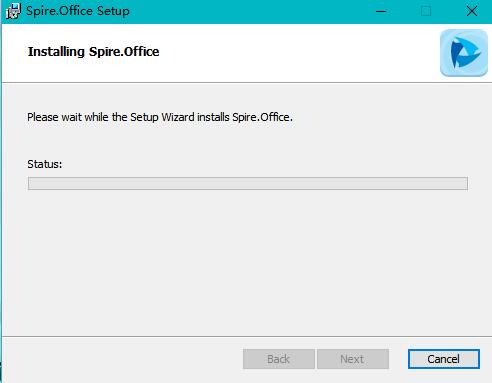
Inatallation:
ICON:
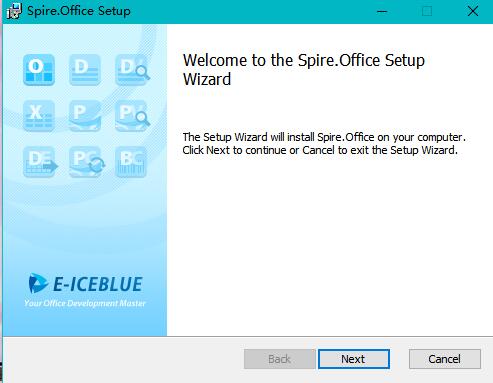
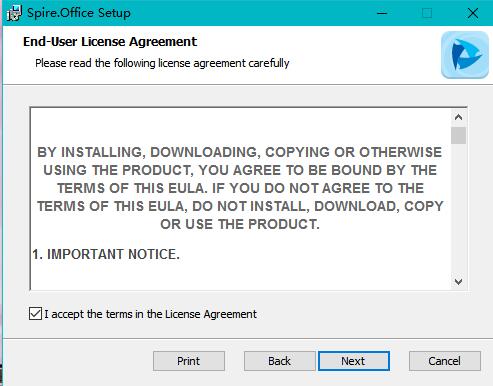

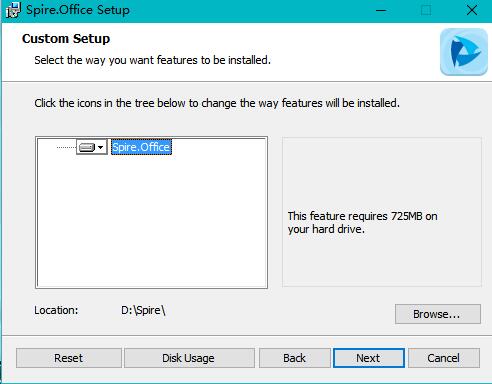
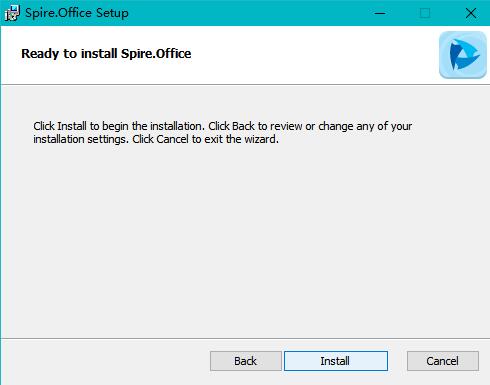

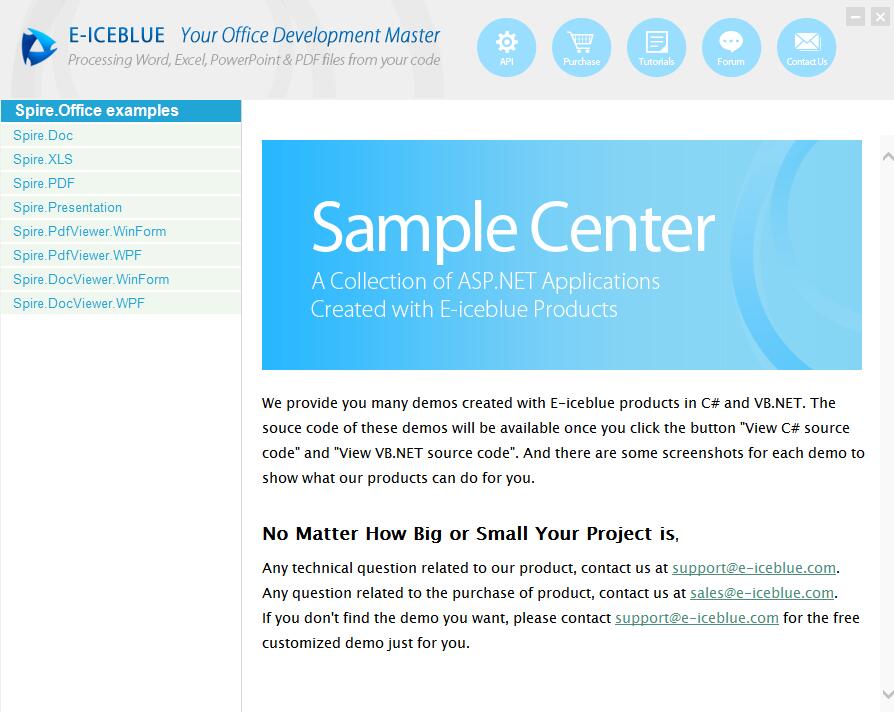
Here I want to show you how to use the Spire.XLS to export data and import data.
Programming Guid
(1)Create a Project & Add Reference

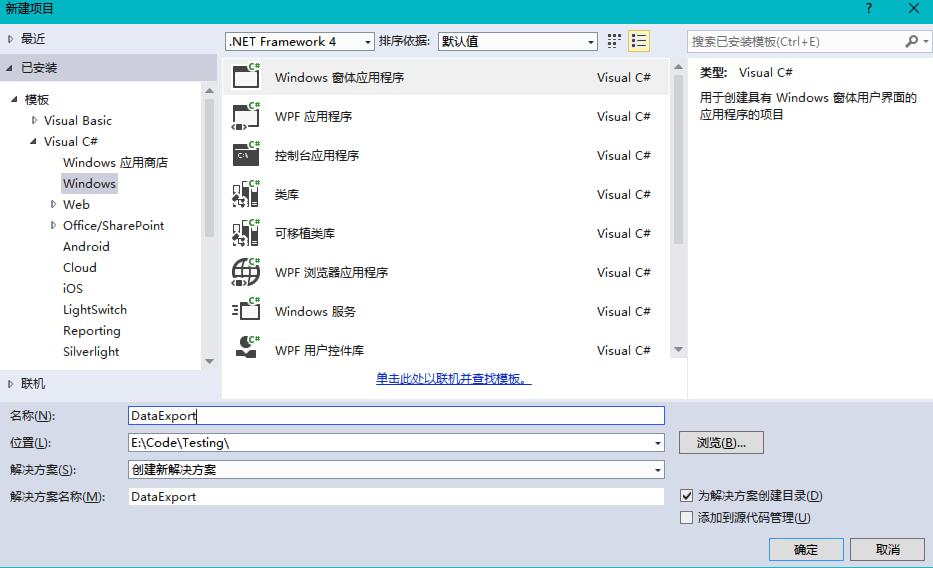
(2)Using Namespace
In this project, I use the namespace as follows:
using System;

using System.Data.OleDb;

using System.Drawing;

using System.Collections;

using System.ComponentModel;

using System.Windows.Forms;

using System.Data;

using Spire.Xls;
(3)Initialization Component
private void InitializeComponent()

        {

            this.btnRun = new System.Windows.Forms.Button();

            this.btnAbout = new System.Windows.Forms.Button();

            this.label1 = new System.Windows.Forms.Label();

            this.dataGrid1 = new System.Windows.Forms.DataGrid();

            ((System.ComponentModel.ISupportInitialize)(this.dataGrid1)).BeginInit();

            this.SuspendLayout();

            //

            // btnRun

            //

            this.btnRun.Location = new System.Drawing.Point(, );

            this.btnRun.Name = "btnRun";

            this.btnRun.Size = new System.Drawing.Size(, );

            this.btnRun.TabIndex = ;

            this.btnRun.Text = "Run";

            this.btnRun.Click += new System.EventHandler(this.btnRun_Click);

            //

            // btnAbout

            //

            this.btnAbout.Location = new System.Drawing.Point(, );

            this.btnAbout.Name = "btnAbout";

            this.btnAbout.Size = new System.Drawing.Size(, );

            this.btnAbout.TabIndex = ;

            this.btnAbout.Text = "Close";

            this.btnAbout.Click += new System.EventHandler(this.btnAbout_Click);

            //

            // label1

            //

            this.label1.Font = new System.Drawing.Font("Tahoma", 9F, System.Drawing.FontStyle.Bold, System.Drawing.GraphicsUnit.Point, ((byte)()));

            this.label1.Location = new System.Drawing.Point(, );

            this.label1.Name = "label1";

            this.label1.Size = new System.Drawing.Size(, );

            this.label1.TabIndex = ;

            this.label1.Text = "I am a Label , following is DataGrid,I will show you how to export data by Spire." +

    "XLS";

            //

            // dataGrid1

            //

            this.dataGrid1.DataMember = "";

            this.dataGrid1.HeaderForeColor = System.Drawing.SystemColors.ControlText;

            this.dataGrid1.Location = new System.Drawing.Point(, );

            this.dataGrid1.Name = "dataGrid1";

            this.dataGrid1.ReadOnly = true;

            this.dataGrid1.Size = new System.Drawing.Size(, );

            this.dataGrid1.TabIndex = ;

            //

            // Form1

            //

            this.AutoScaleBaseSize = new System.Drawing.Size(, );

            this.ClientSize = new System.Drawing.Size(, );

            this.Controls.Add(this.dataGrid1);

            this.Controls.Add(this.label1);

            this.Controls.Add(this.btnAbout);

            this.Controls.Add(this.btnRun);

            this.MaximizeBox = false;

            this.MinimizeBox = false;

            this.Name = "Form1";

            this.StartPosition = System.Windows.Forms.FormStartPosition.CenterScreen;

            this.Text = "Spire.XLS sample";

            ((System.ComponentModel.ISupportInitialize)(this.dataGrid1)).EndInit();

            this.ResumeLayout(false);

        }
(4)Clean up any resources being used (we can use it in other projects)
protected override void Dispose( bool disposing )

        {

            if( disposing )

            {

                if (components != null)

                {

                    components.Dispose();

                }

            }

            base.Dispose( disposing );

        }
(5)Button Click
private void btnRun_Click(object sender, System.EventArgs e)

        {

            Workbook workbook = new Workbook();

            workbook.LoadFromFile(@"e:\\我的课表.xls");

            //Initailize worksheet

            Worksheet sheet = workbook.Worksheets[];

            this.dataGrid1.DataSource =  sheet.ExportDataTable();

        }

        private void btnAbout_Click(object sender, System.EventArgs e)

        {

            Close();

        }
(6)Result


It's easy to use ,isn't it?
.NET读写Excel工具Spire.XlS使用(DataExport )的更多相关文章
- 【原创】.NET读写Excel工具Spire.Xls使用(1)入门介绍
在.NET平台,操作Excel文件是一个非常常用的需求,目前比较常规的方法有以下几种: 1.Office Com组件的方式:这个方式非常累人,微软的东西总是这么的复杂,使用起来可能非常不便,需要安装E ...
- 【原创】.NET读写Excel工具Spire.Xls使用(2)Excel文件的控制
本博客所有文章分类的总目录:http://www.cnblogs.com/asxinyu/p/4288836.html .NET读写Excel工具Spire.Xls使用文章 ...
- 【原创】.NET读写Excel工具Spire.Xls使用(3)单元格控制
本博客所有文章分类的总目录:http://www.cnblogs.com/asxinyu/p/4288836.html .NET读写Excel工具Spire.Xls使用文章 ...
- 【原创】.NET读写Excel工具Spire.Xls使用(4)对数据操作与控制
本博客所有文章分类的总目录:http://www.cnblogs.com/asxinyu/p/4288836.html .NET读写Excel工具Spire.Xls使用文章 ...
- 【原创】.NET读写Excel工具Spire.Xls使用(5)重量级的Excel图表功能
本博客所有文章分类的总目录:http://www.cnblogs.com/asxinyu/p/4288836.html .NET读写Excel工具Spire.Xls使用文章 ...
- .NET读写Excel工具Spire.Xls使用(1)入门介绍
原文:[原创].NET读写Excel工具Spire.Xls使用(1)入门介绍 在.NET平台,操作Excel文件是一个非常常用的需求,目前比较常规的方法有以下几种: 1.Office Com组件的方式 ...
- 【目录】C#操作Excel组件Spire.XLS系列文章目录
本博客所有文章分类的总目录链接:http://www.cnblogs.com/asxinyu/p/4288836.html 1.C#操作Excel组件Spire.XLS文章目录 1.[原创].NET读 ...
- NPOI写Excel,Spire.XLS for.NET组件转换Excel为PDF
首先要引用NPOI动态库和Microsoft.Office.Interop.excel.dll (Microsoft.Office.Interop.excel.dll 最好使用使用NuGet下载 , ...
- POI读取excel工具类(xls,xlsx通用)
package com.boot.utils; import java.io.File; import java.io.FileInputStream; import java.io.FileNotF ...
随机推荐
- ASP.NET MVC系列:添加控制器
基于MVC的应用程序包含三个部分 Models(模型):对应用程序的数据进行处理 Views(视图):动态生成HTML,显示数据 Controllers(控制器):应用程序中处理用户交互的部分,处理浏 ...
- 【iOS】配置和使用静态库
上一篇 我们演示了了如何创建自己的静态库,最终生成多个.a文件,根据需要引用工程就可以直接使用静态库了,但是有个很麻烦的问题,模拟器用的库和真机的不是同一个,当我们切换的时候需要更换静态库,有两种方式 ...
- 为sql server 增加 parseJSON 和 ToJSON 函数
在SqlServer中增加Json处理的方法 Sql Server 存储非结构话数据可以使用xml类型,使用xpath方式查询,以前写过一篇随笔:Sql Server xml 类型字段的增删改查 除了 ...
- 设置MySQL服务自动运行
一般情况下,MySQL安装以后是自动运行的,不知道我这台机器是什么原因,MySQL不能自动运行,每次开机后都要手动运行mysqld.exe,比较麻烦,于是用以下方法将MySQL自动启动: 1. 运行c ...
- go语言操作mysql范例(增删查改)
http://blog.csdn.net/jesseyoung/article/details/40398321 go语言连接mysql简介 go官方仅提供了database package,d ...
- javamail 利用qq邮箱做邮箱服务器,简单小demo
首先maven: <dependency> <groupId>javax.mail</groupId> <artifactId>mail</art ...
- Scalaz(37)- Free :实践-DB Transaction free style
我一直在不断的提示大家:FP就是Monadic Programming,是一种特殊的编程风格.在我们熟悉的数据库编程领域能不能实现FP风格呢?我们先设计一些示范例子来分析一下惯用的数据库编程过程: i ...
- 「Ionic」设置开发环境
轉載請一定註明地址:http://www.cnblogs.com/surge/p/5983024.html 謝謝! 濤叔是在mac環境下進行的,涉及android環境的配置不保證成功. 少废话,跟着濤 ...
- MyEclipse常用插件使用教程
一.Findbugs 1. 配置 1.1 打开FindBugs视图: Windows => Show View => Other… => FindBugs => Bug Inf ...
- 当执行sudo时提示“is not in the sudoers file”的解决方案:
出现这种提示是由于普通用户帐号没有权限执行sudo命令,所以需要切换到root身份进行颁发权限: $su -(注意有- ,这和su是不同的,在用命令"su"的时候只是切换到root ...