
Selenium实战(七)——自动发送邮件
SMPT(Simple Mail Transfer Protocol)简单邮件传输协议,是一组由源地址到目的地址传送邮件的规则,可以控制信件的中转方式。Python的smptlib模块提供了简单的API用来实现发送邮件的功能,它对SMPT进行了简单的封装。
一、python自带的发送邮件功能
1、发送邮件正文
 import smtplib

 from email.mime.text import MIMEText

 from email.header import Header

 # 发送邮件主题

 subject = 'hello my dear;'

 # 编写HTML类型的邮件正文

 msg = MIMEText('<html><h1>helloMMAMAMAAMAM</h1></html>', 'html', 'utf-8')

 msg['Subject'] = Header(subject, 'utf-8')

 msg['from'] = 'zudangli@126.com'

 msg['to'] = 'zudangli@126.com'

 # 发送邮件

 smtp = smtplib.SMTP()

 smtp.connect("smtp.126.com")

 smtp.login("zudangli@126.com", "19970507zudangli")

 smtp.sendmail("zudangli@126.com", "zudangli@126.com", msg.as_string())

 smtp.quit()
 ,
,
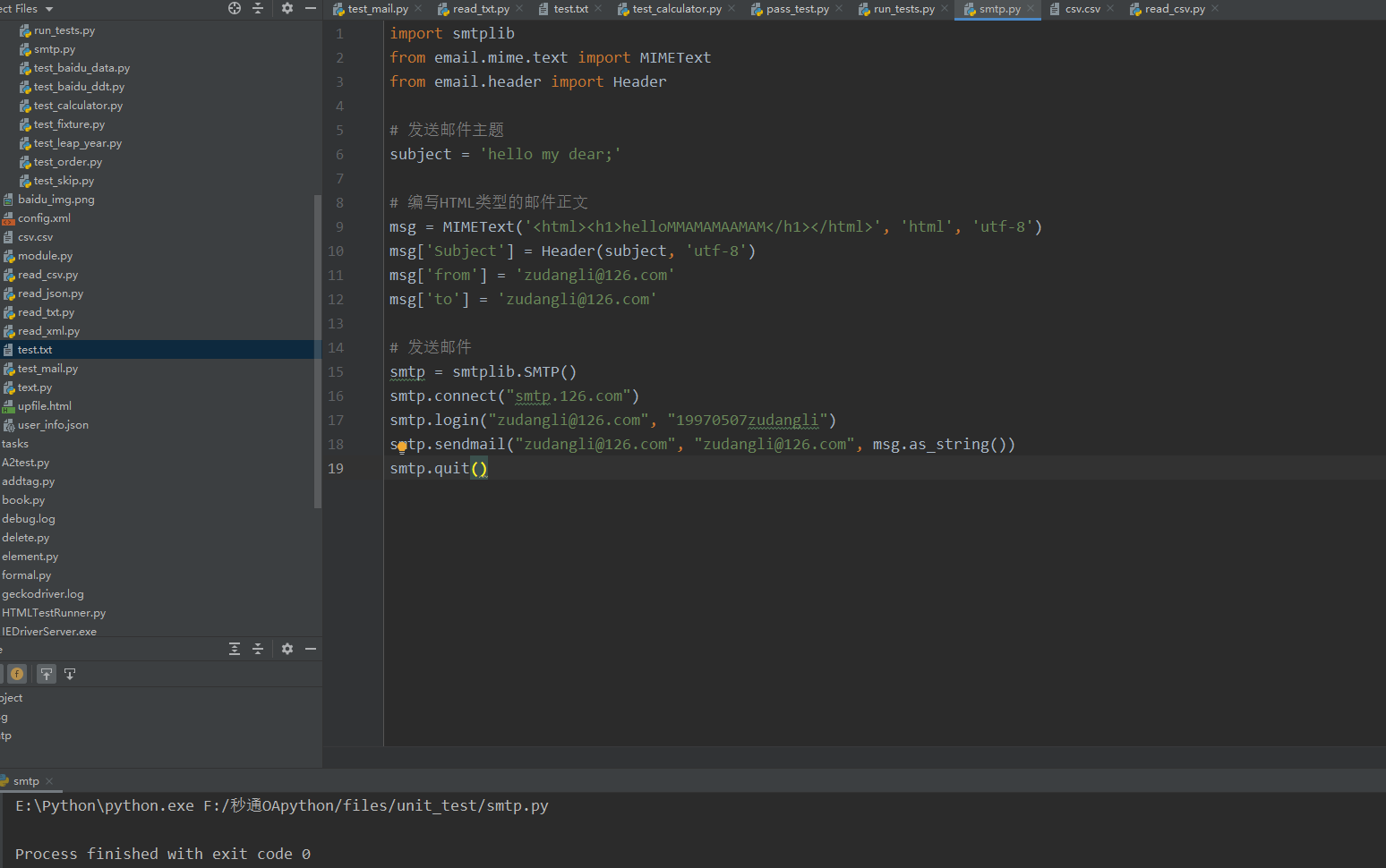
email模块下面的MIMEText类,定义发送邮件的正文、格式,以及编码,Header类定义邮件的主题和编码类型
smptlib模块用于发送邮件的。connect()方法指定连接的邮箱服务;login()方法指定登录邮箱的账号和密码;sendmail()方法指定发件人、收件人,以及邮件的正文;quit()方法用于关闭邮件服务器的连接。

2、发送带附件的邮件
 import smtplib

 from email.mime.text import MIMEText

 from email.mime.multipart import MIMEMultipart

 # 邮件主题

 subject = 'python带附件的发送邮件'

 # 发送的附件

 with open('test.txt', 'rb') as f:

     send_att = f.read()

 att = MIMEText(send_att, 'text', 'utf-8')

 att["Content-Type"] = 'application/octet-stream'

 att["Content-Disposition"] = 'attachment; filename="I am attachment.txt"'

 msg = MIMEMultipart()

 msg['Subject'] = subject

 msg['from'] = 'zudangli@126.com'

 msg['to'] = 'zudangli@126.com'

 msg.attach(att)

 # 发送邮件

 smtp = smtplib.SMTP()

 smtp.connect("smtp.126.com")

 smtp.login("zudangli@126.com", "19970507zudangli")

 smtp.sendmail("zudangli@126.com", "zudangli@126.com", msg.as_string())

 smtp.quit()
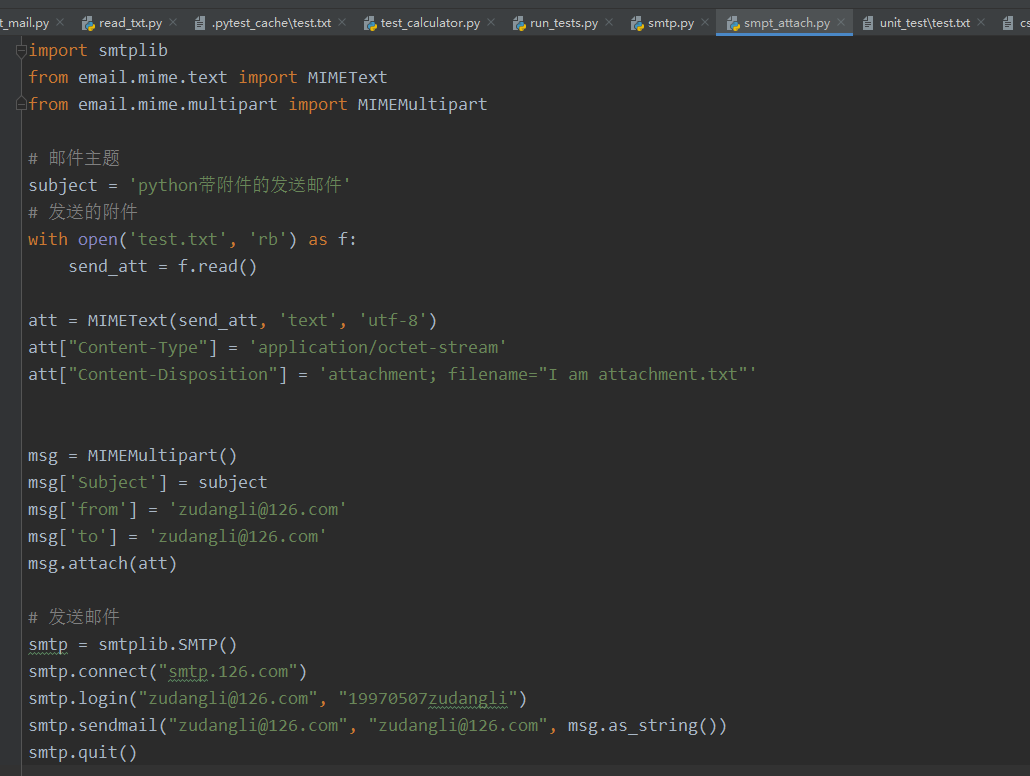
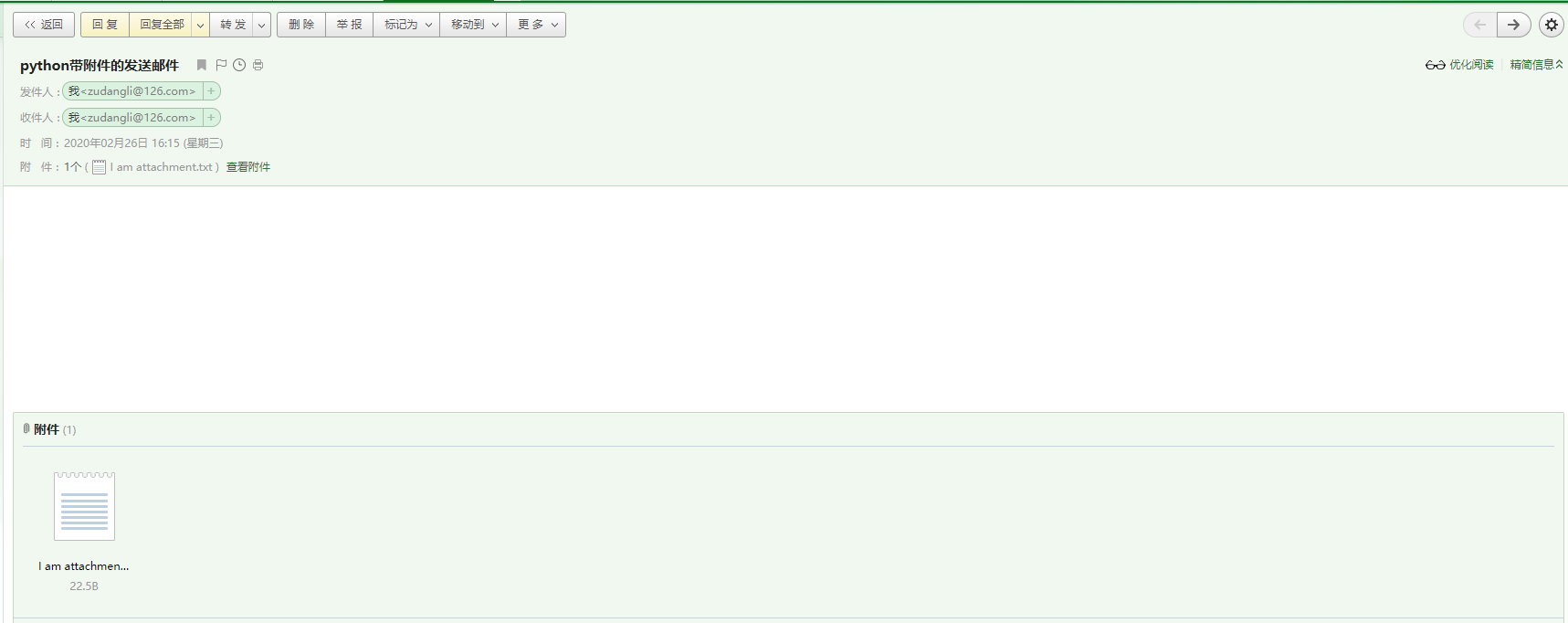
首先,读取附件的内容。通过MIMEText类,定义发送邮件的正文、格式,以及编码;
- Content-Type指定附件内容类型;
- application/octet-stream表示二进制流;
- Content-Disposition指定显示附件的文件
然后,使用MIMEMultipart类定义邮件的主题,attach()指定附件信息。
最后,通过smtplib模块发送邮件。
二、用yagmail发送邮件
yagmail是Python的一个第三方库,GitHub项目地址:https://github.com/kootenpv/yagmail
安装命令:pip install yagmail

 import yagmail

 # 连接邮箱服务器

 yag = yagmail.SMTP(user="zudangli@126.com", password="19970507zudangli", host="smtp.126.com")

 # 邮件正文

 contents = ['This is the body,and here is just text http://somedomain/image.png', 'You can find an audio file attached.']

 # 发送邮件

 yag.send('zudangli@126.com', 'subject', contents)
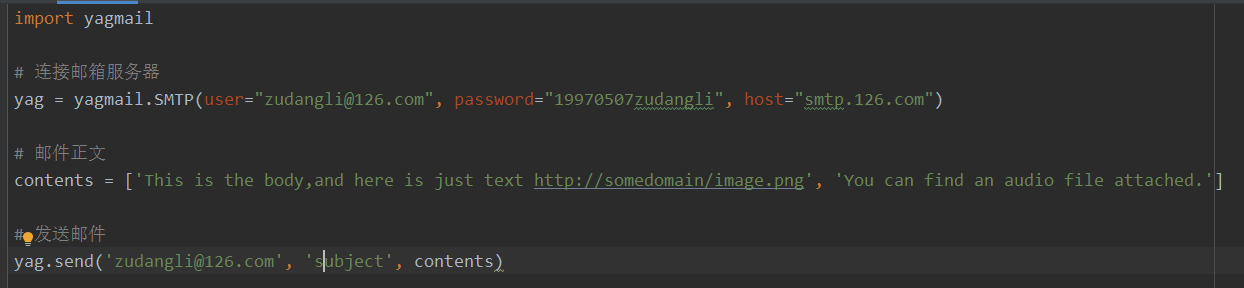

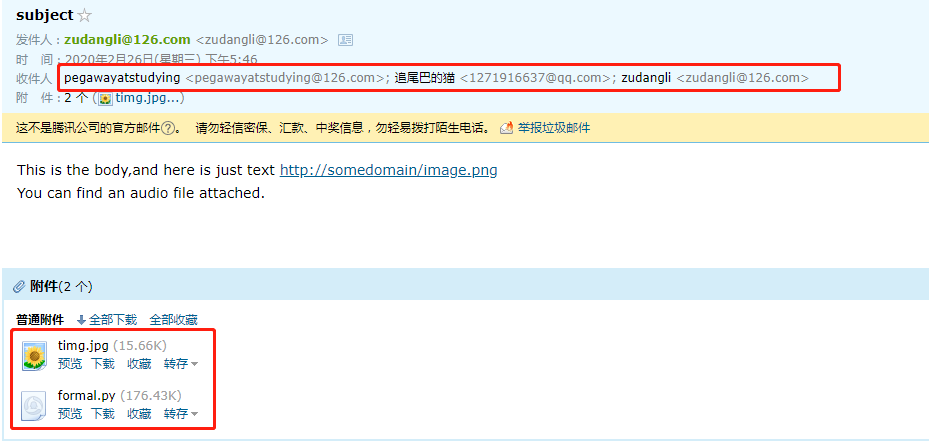
如果想给多个用户发送邮件,只需要把收件人放到一个list中即可
yag.send(['pegawayatstudying@126.com', '1271916637@qq.com', 'zudangli@126.com'], 'subject', contents)

如果想发送带附件的邮件,只需要指定本地附件的路径即可。
yag.send(['pegawayatstudying@126.com', '1271916637@qq.com', 'zudangli@126.com'], 'subject', contents, ["C://Users//zudl//Pictures//timg.jpg","F://秒通OApython//formal.py"])
三、整合自动发送邮件
 import time

 import unittest

 import yagmail

 from HTMLTestRunner import HTMLTestRunner

 # 把测试报告作为附件发送到指定邮箱

 def send_mail(report):

     yag = yagmail.SMTP(user="zudangli@126.com",

                        password="19970507zudangli",

                        host='smtp.126.com')

     subject = "主题,自动化测试报告"

     contents = "正文,请查看附件"

     yag.send(['1271916637@qq.com', 'pegawayatstudying@126.com', 'zudangli@126.com'], subject, contents, report)

     print('email has send out !')

 if __name__ == '__main__':

     # 定义测试用例的目录为当前目录中的unit_test

     test_dir = './'

     suits = unittest.defaultTestLoader.discover(test_dir, pattern='test*.py')

     # 取当前日期时间

     now_time = time.strftime("%Y-%m-%d %H_%M_%S")

     html_report = './' + now_time + 'result.html'

     # 生成HTML格式的测试报告

     fp = open('./' + now_time + 'result.html', 'wb')

     runner = HTMLTestRunner(stream=fp,

                             title="百度搜索测试报告",

                             description="运行环境:Windows 10,Chrome浏览器")

     runner.run(suits)

     fp.close()

     send_mail(html_report)
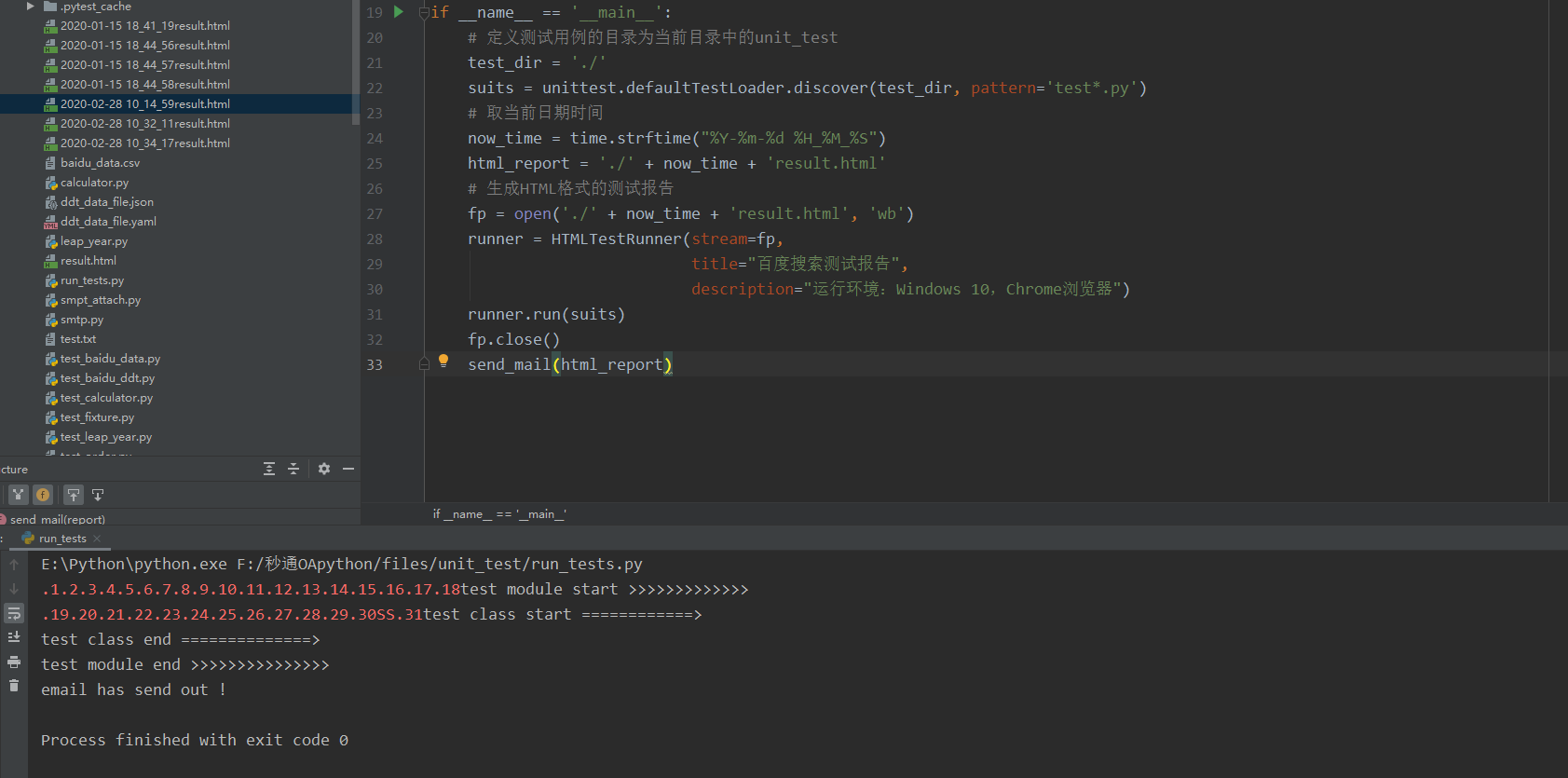

整个程序的执行过程分为两部分:
(1)定义测试报告文件,并赋值给变量html_report,通过HTMLTestRunner运行测试用例,将结果写入文件后关闭。
(2)调用send_mail()函数,并传入html_report文件。在send_mail()函数中,把测试报告作为邮件的附件发送到指定邮箱。
AS a side Note: 不直接把测试报告的内容读取出来作为邮件的正文发送的原因:HTMLTeatRunner报告在展示时引用了Bootstrap样式库,当作为邮件正文“写死”在邮件中时,会导致样式丢失。
Selenium实战(七)——自动发送邮件的更多相关文章
- python+selenium生成测试报告后自动发送邮件
标签(空格分隔): 自动化测试 运行自动化脚本后,会产生测试报告,而将测试报告自动发送给相关人员,能够让对方及时的了解测试情况,查看测试结果. 整个脚本包括三个部分: 生成测试报告 获取最新的测试报告 ...
- Selenium实战脚本集—新浪微博发送QQ每日焦点
Selenium实战脚本集-新浪微博发送QQ每日焦点 http://www.spasvo.com/ceshi/open/kygncsgj/Selenium/201549150822.html 背景 很 ...
- SpringSecurity权限管理系统实战—七、处理一些问题
目录 SpringSecurity权限管理系统实战-一.项目简介和开发环境准备 SpringSecurity权限管理系统实战-二.日志.接口文档等实现 SpringSecurity权限管理系统实战-三 ...
- 【C#】新建服务自动发送邮件
---windows服务,---自动发送邮件 邮件发送code #region 发送邮件函数 public void SendMailUseZj() { System.Net.Mail.MailMes ...
- Jenkins配置自动发送邮件,成功!
Jenkins自动发送邮件配置: 打开"系统管理"--"系统设置" 在"Jenkins Location"设置系统管理员地址(重要:不能省略 ...
- VBA控制outlook自动发送邮件(转)
使用Excel VBA实现Outlook自动发送邮件 | 在工作上我们都会遇到批量发送邮件的情况,面对重复而规律性的工作,可以使用Excel的VBA实现自动批量化发送邮件.大大减小工作时间,提升工作效 ...
- Jenkins进阶之自动发送邮件的Default Content设置模板
分享一个简洁实用的Jenkins项目邮件管理系统的"Default Content"设置模板 配置如下: <h1><center><font colo ...
- selenium实战脚本集——新浪微博发送QQ每日焦点(火狐)
selenium实战脚本集(1)——新浪微博发送QQ每日焦点,乙醇用谷歌实现的,下边是用火狐实现的. 代码如下: # coding = utf-8 from selenium import webdr ...
- VBS 自动发送邮件
1 2 3 4 5 6 7 8 9 10 11 12 13 14 15 16 17 18 19 20 21 22 23 24 25 26 27 28 29 30 31 32 33 34 35 36 3 ...
随机推荐
- ROS机器人话题之自定义消息
ROS提供了丰富的内建消息,std_msgs包定义了一些基本的类型. 具体例子 首先定义一个消息类型的文件叫做Complex 例Complex.msg float32 real float32 ima ...
- qt QDockWidget QStackWidget的简单使用
stackdlg.h #ifndef STACKDLG_H #define STACKDLG_H #include <QtWidgets/QDialog> #include <QLi ...
- 不要被C++“自动生成”所蒙骗
http://www.cnblogs.com/fanzhidongyzby/archive/2013/01/12/2858040.html C++对象可以使用两种方式进行创建:构造函数和复制构造函数. ...
- 如何利用开源解码项目开发js视频解码的web应用 系列
介绍web上开发视频业务相关程序的技术演变历程 https://www.cnblogs.com/maoliangwu/articles/12046495.html 介绍ffmpeg asm.js we ...
- C++ traits技法的一点理解
为了更好的理解traits技法.我们一步一步的深入.先从实际写代码的过程中我们遇到诸如下面伪码说起. template< typename T,typename B> void (T a, ...
- Codeforces_813
A.统计总时间,从总时间开始找第一个能提交的点. #include<bits/stdc++.h> using namespace std; ],ok[] = {}; int main() ...
- Codeforces_821
A.直接判断每一个数. #include<bits/stdc++.h> using namespace std; ][]; int main() { ios::sync_with_stdi ...
- Ant Design Vue Pro 项目实战-项目初始化(一)
写在前面 时间真快,转眼又是新的一年.随着前后端技术的不断更新迭代,尤其是前端,在目前前后端分离开发模式这样的一个大环境下,交互性.兼容性等传统的开发模式已经显得有些吃力.之前一直用的是react,随 ...
- 永久关闭linux swap
一般来说,Linux的虚拟内存会根据系统负载自动调整.内存页(page)swap到磁盘会显著的影响Kafka的性能,并且Kafka重度使用page cache,如果VM系统swap到磁盘,那说明没有足 ...
- 《自拍教程19》ffmpeg_音视频图像转码工具
ffmpeg命令介绍 ffmpeg.exe(linux/imac一般不带后缀,ffmpeg), 是一款音视频编解码的命令行工具软件, 常用于多媒体测试的文件制作与转码. 我们常用的:格式工厂,Medi ...