
matlab中fspecial Create predefined 2-D filter以及中值滤波均值滤波以及高斯滤波
来源:
1.https://ww2.mathworks.cn/help/images/ref/fspecial.html?searchHighlight=fspecial&s_tid=doc_srchtitle#d117e81237
2.https://www.cnblogs.com/leegod/p/8202731.html
简单的原理:
基于MATLAB的中值滤波均值滤波以及高斯滤波的实现
作者:lee神
1. 背景知识
中值滤波法是一种非线性平滑技术,它将每一像素点的灰度值设置为该点某邻域窗口内的所有像素点灰度值的中值.
中值滤波是基于排序统计理论的一种能有效抑制噪声的非线性信号处理技术,中值滤波的基本原理是把数字图像或数字序列中一点的值用该点的一个邻域中各点值的中值代替,让周围的像素值接近的真实值,从而消除孤立的噪声点。
方法是用某种结构的二维滑动模板,将板内像素按照像素值的大小进行排序,生成单调上升(或下降)的为二维数据序列。二维中值滤波输出为g(x,y)=med{f(x-k,y-l),(k,l∈W)} ,其中,f(x,y),g(x,y)分别为原始图像和处理后图像。W为二维模板,通常为3*3,5*5区域,也可以是不同的的形状,如线状,圆形,十字形,圆环形等。
|
2 |
4 |
8 |
||
|
1 |
3 |
9 |
||
|
5 |
7 |
6 |
||
g(x,y)=med{f(x-k,y-l),(k,l∈W)}
g = med[2,4,8;1,3,9;5,7,6] = 5
中值滤波后的结果
|
5 |
||||
均值滤波是典型的线性滤波算法,它是指在图像上对目标像素给一个模板,该模板包括了其周围的临近像素(以目标像素为中心的周围8个像素,构成一个滤波模板,即去掉目标像素本身),再用模板中的全体像素的平均值来代替原来像素值。
均值滤波也称为线性滤波,其采用的主要方法为邻域平均法。线性滤波的基本原理是用均值代替原图像中的各个像素值,即对待处理的当前像素点(x,y),选择一个模板,该模板由其近邻的若干像素组成,求模板中所有像素的均值,再把该均值赋予当前像素点(x,y),作为处理后图像在该点上的灰度g(x,y),即g(x,y)=1/m ∑f(x,y) m为该模板中包含当前像素在内的像素总个数。
均值滤波本身存在着固有的缺陷,即它不能很好地保护图像细节,在图像去噪的同时也破坏了图像的细节部分,从而使图像变得模糊,不能很好地去除噪声点。
|
2 |
4 |
8 |
||
|
1 |
3 |
9 |
||
|
5 |
7 |
6 |
||
g(x,y)=1/m ∑f(x,y)
g = (1/8)*(2+4+8+1+9+5+7+6) = 5
均值滤波后的结果:
|
5 |
||||
高斯滤波是一种线性平滑滤波,适用于消除高斯噪声,广泛应用于图像处理的减噪过程。通俗的讲,高斯滤波就是对整幅图像进行加权平均的过程,每一个像素点的值,都由其本身和邻域内的其他像素值经过加权平均后得到。高斯滤波的具体操作是:用一个模板(或称卷积、掩模)扫描图像中的每一个像素,用模板确定的邻域内像素的加权平均灰度值去替代模板中心像素点的值。
- 2. MATLAB实现
源码:
%%-------------------------------------------------------------------
%% 2018/01/03
%% lee
%% 137194782@qq.com
%% 微信公众号:FPGA开源工作室
%%-------------------------------------------------------------------
clear all;
clc;
M = imread('timg.jpg'); %读取MATLAB中的名为timg的图像
figure,imshow(M); %显示原始图像
title('original');
gray = rgb2gray(M);
figure,imshow(gray); %显示灰度图像
title('gray');
P1 = imnoise(gray,'gaussian',0.02); %加入高斯躁声
figure,imshow(P1); %加入高斯躁声后显示图像
title('gaussian noise');
P2 = imnoise(gray,'salt & pepper',0.02); %加入椒盐躁声
figure,imshow(P2); %加入椒盐躁声后显示图像
title('salt & pepper noise');
g = medfilt2(P1); %对高斯躁声中值滤波
figure,imshow(g);
title('medfilter gaussian');
h = medfilt2(P2); %对椒盐躁声中值滤波
figure,imshow(h);
title('medfilter salt & pepper noise');
a=[1 1 1 %对高斯躁声算术均值滤波
1 1 1
1 1 1];
l=1/9*a;
k = conv2(double(P1),double(l));
figure,imshow(k,[]);
title('arithmeticfilter gaussian');
d = conv2(double(P2),double(l)); %对椒盐躁声算术均值滤波
figure,imshow(d,[]);
title('arithmeticfilter salt & pepper noise');
sigma=8;% 标准差大小
window=double(uint8(3*sigma)*2+1);% 窗口大小一半为3*sigma
H=fspecial('gaussian', window, sigma);% fspecial('gaussian', hsize, sigma)产生滤波模板
img_gauss=imfilter(P1,H,'replicate'); %为了不出现黑边,使用参数'replicate'(输入图像的外部边界通过复制内部边界的值来扩展)
figure, imshow(img_gauss);
title('gaussian filting gauss noise');
img_salt=imfilter(P2,H,'replicate');
figure, imshow(img_salt);
title('gaussian filting salt pepper noise');
结果展示:
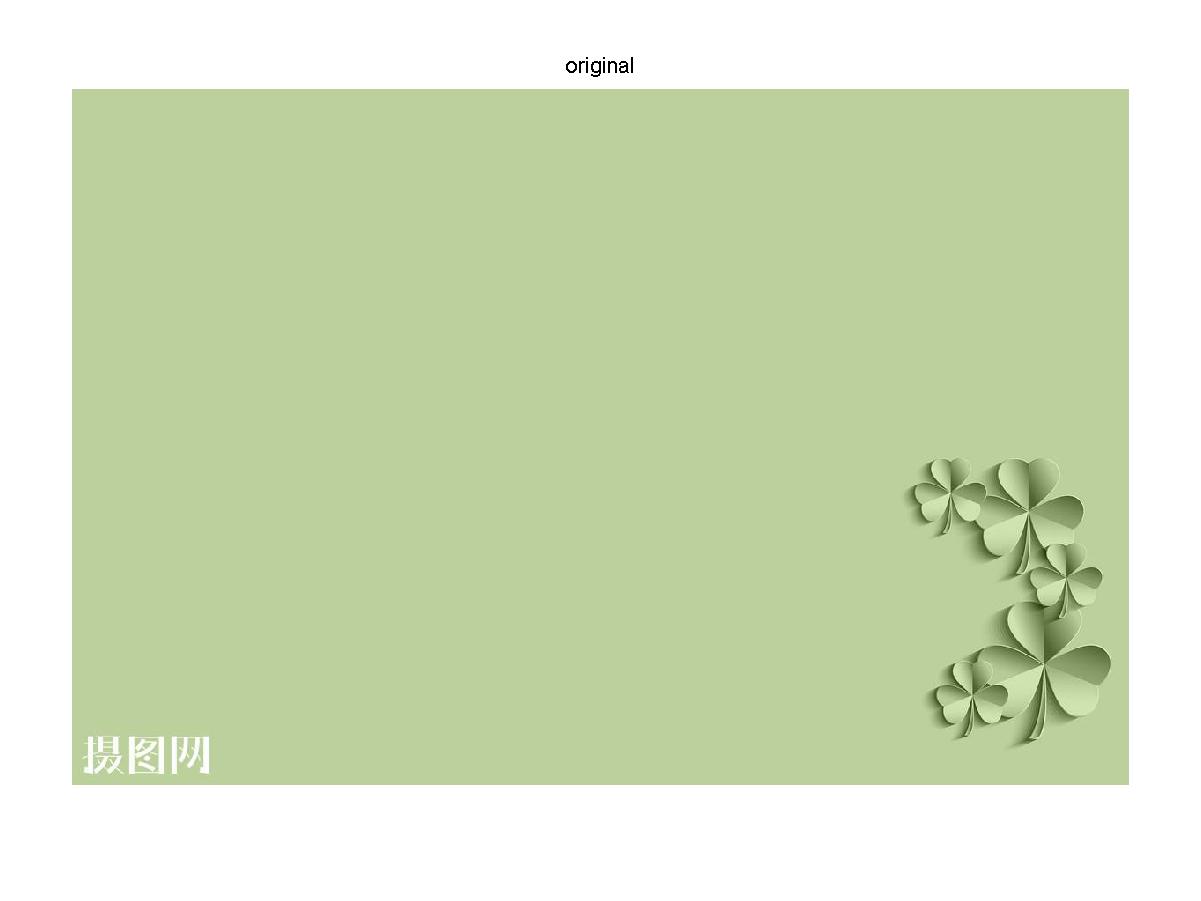
原始图像

灰度图像
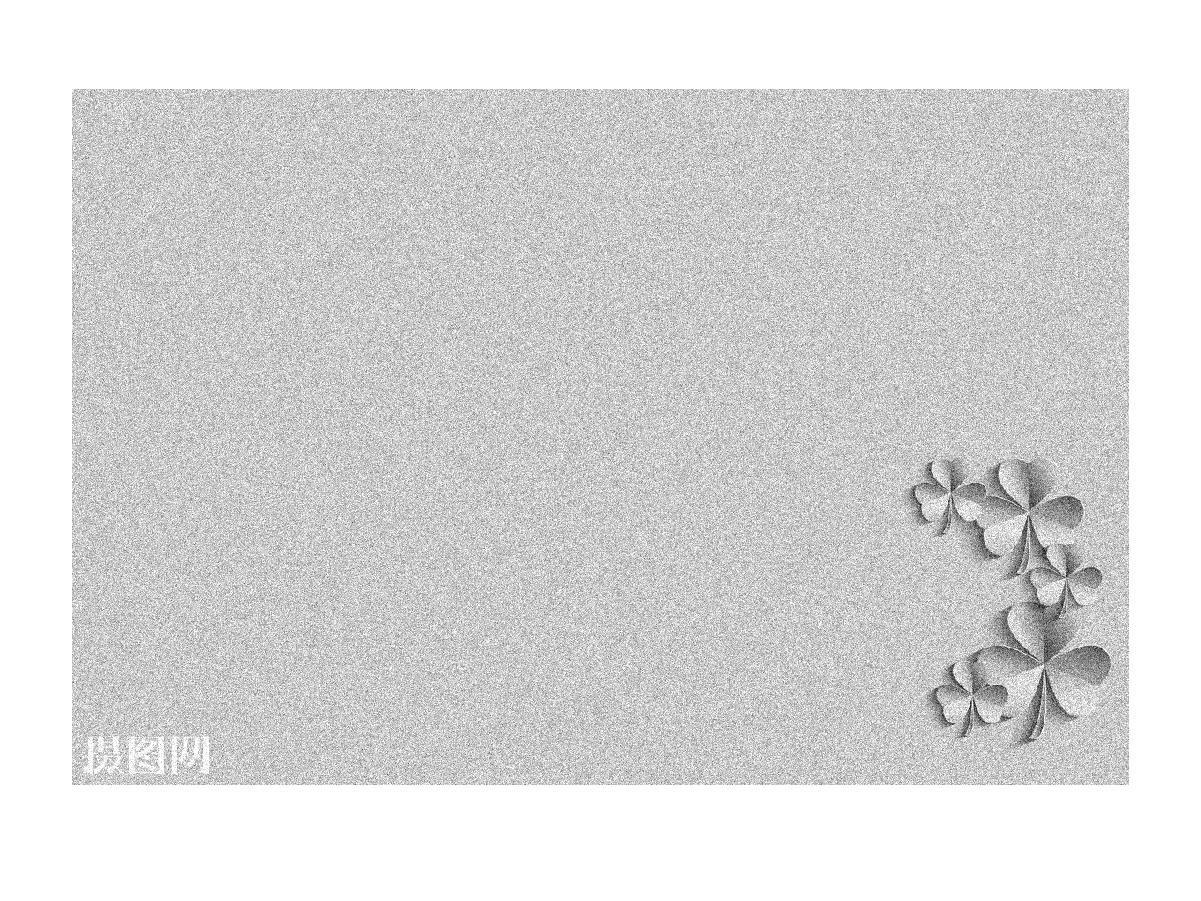
加入高斯噪声的灰度图像
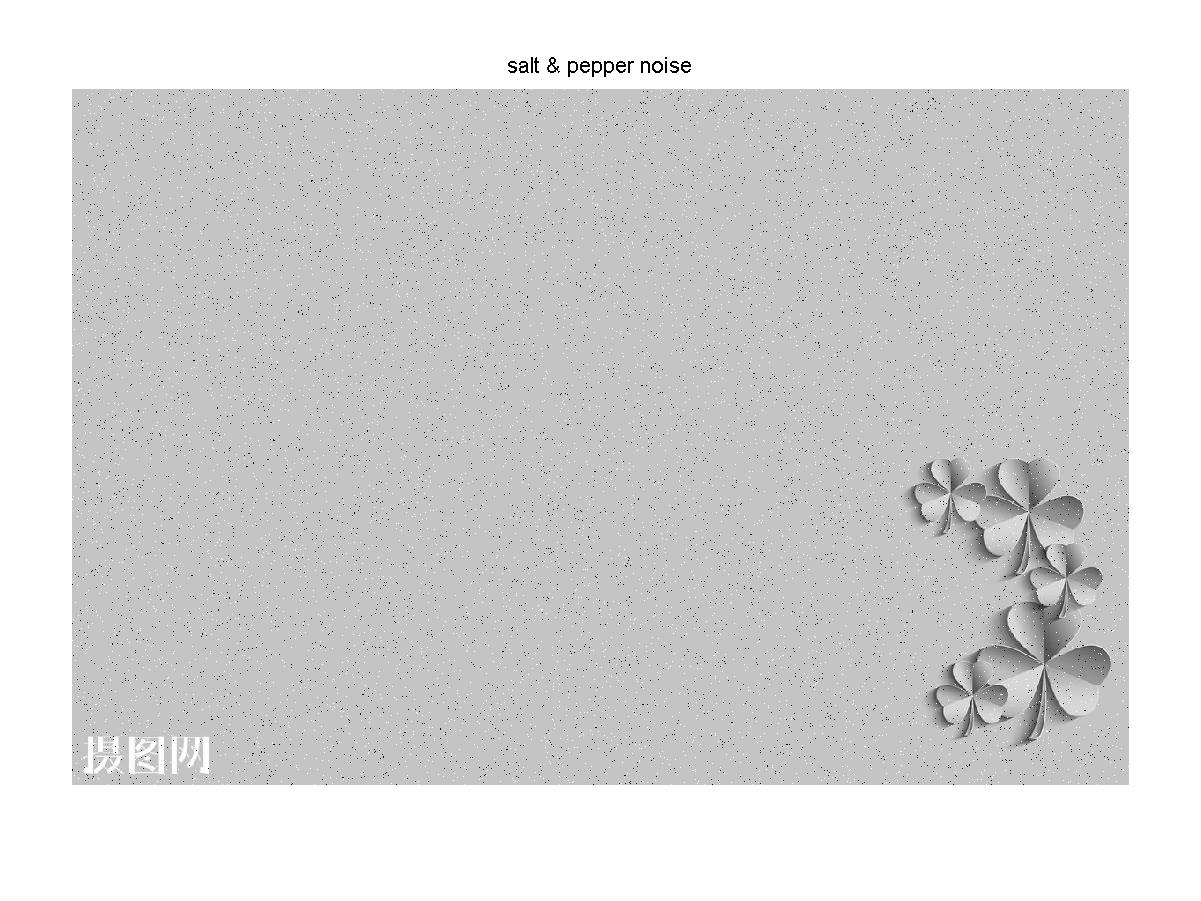
加入椒盐噪声的灰度图像
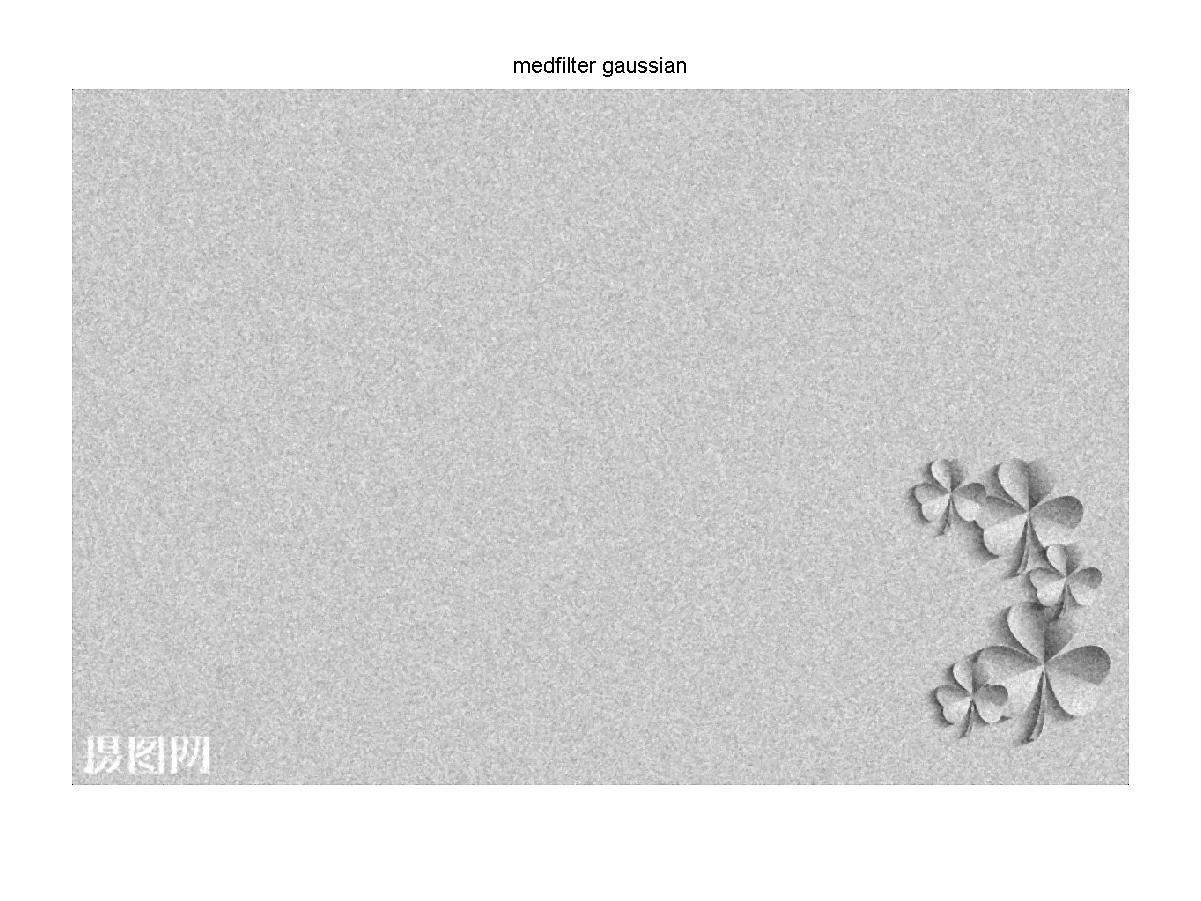
经过中值滤波后的高斯噪声灰度图像
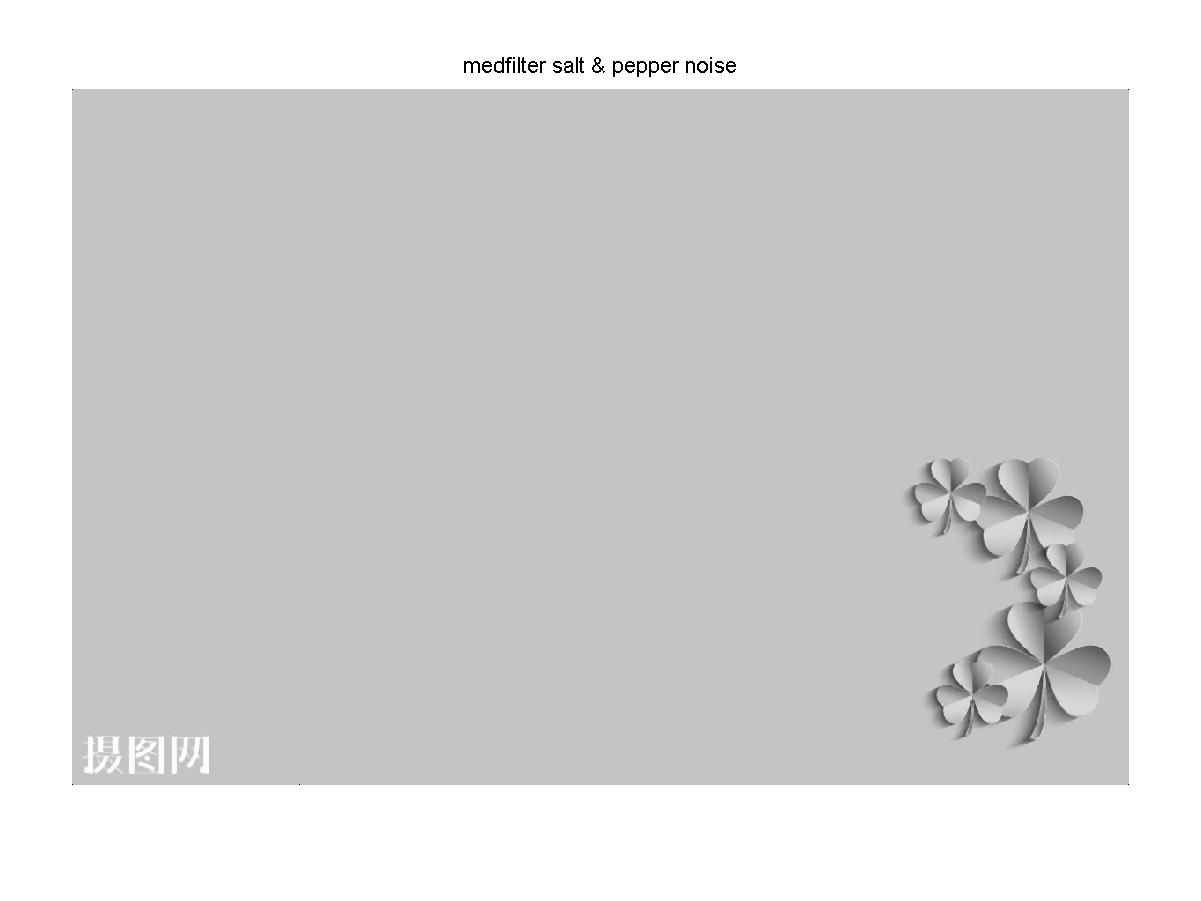
经过中值滤波后的椒盐噪声灰度图像
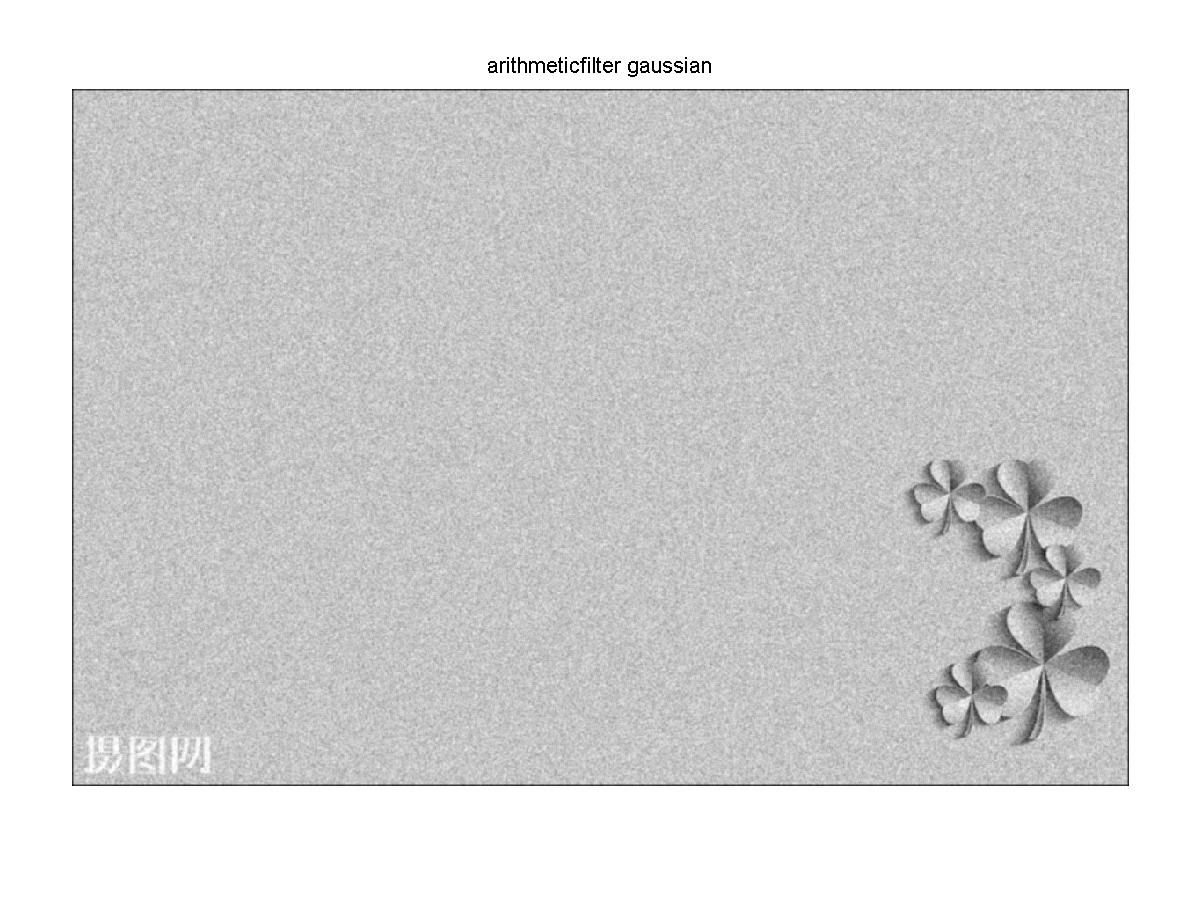
经过均值滤波后的高斯噪声灰度图像
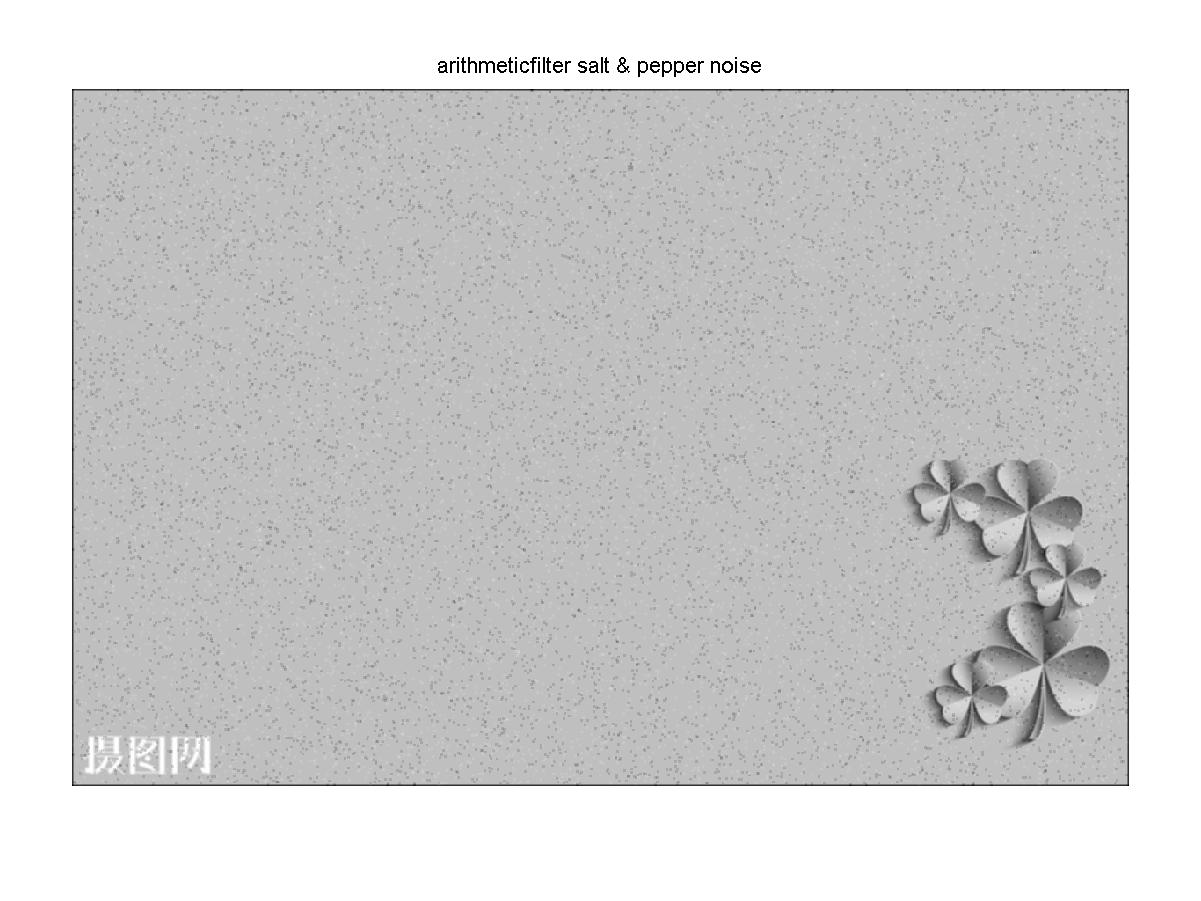
经过均值滤波后的椒盐噪声灰度图像
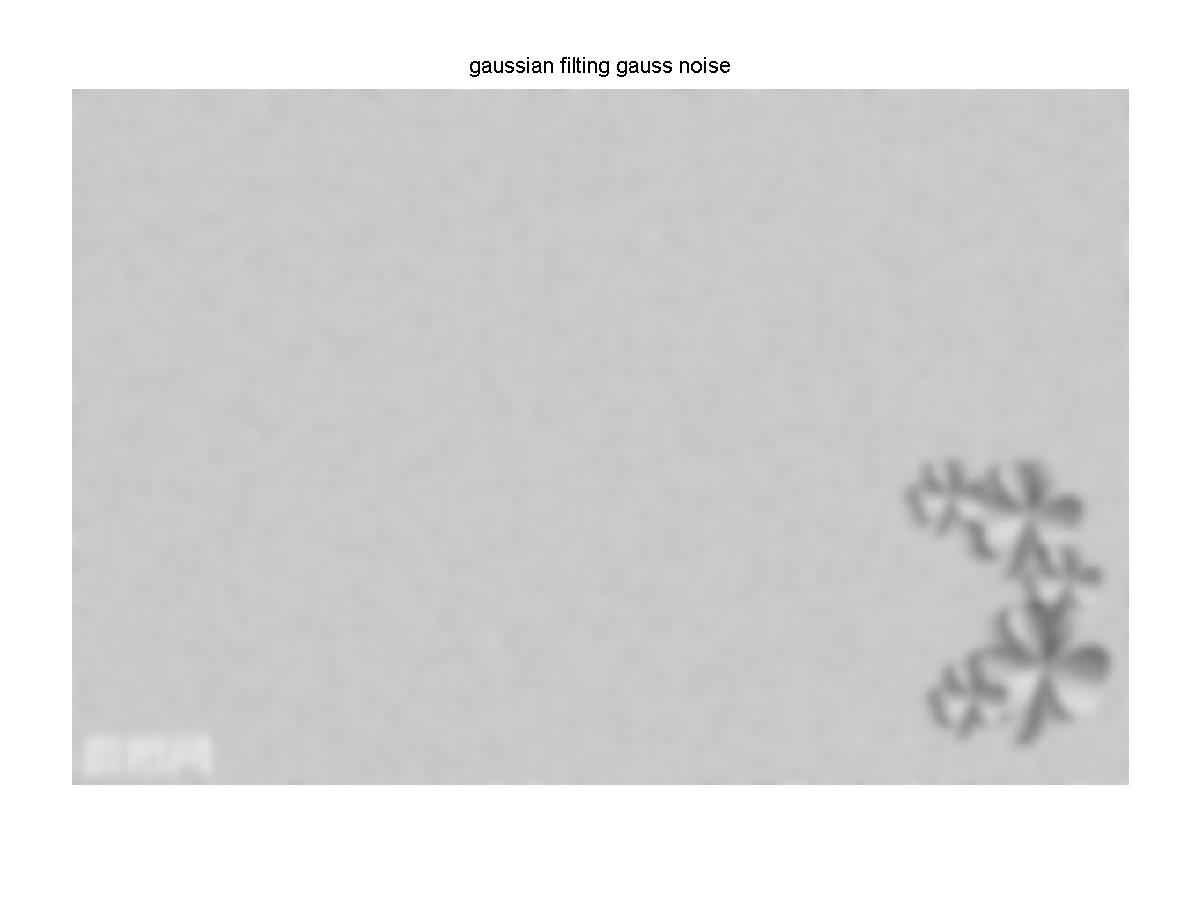
经过高斯滤波后的高斯噪声灰度图像
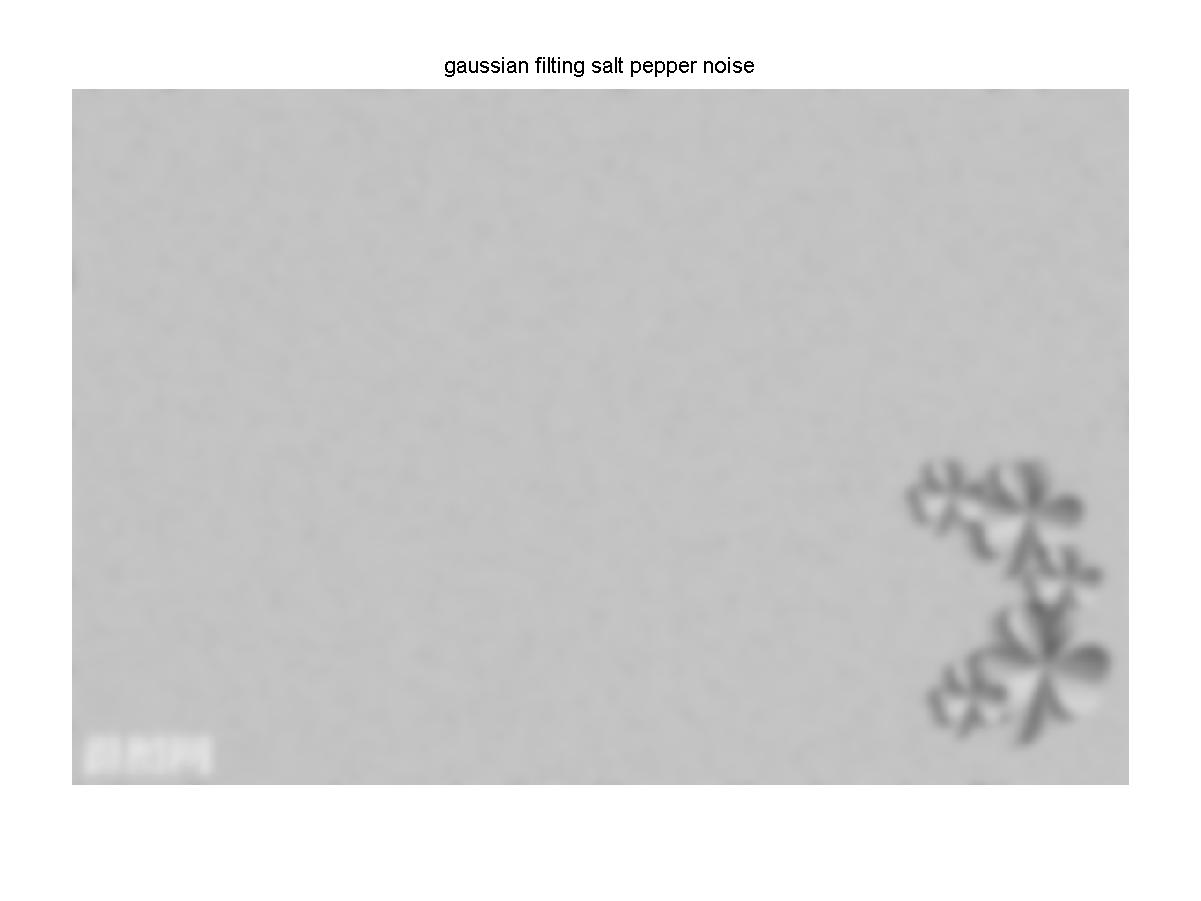
经过高斯滤波的椒盐噪声的灰度图像
结果分析:图像经过中值滤波后,高斯噪声没有被完全去除,椒盐噪声几乎被完全去除效果较好。经过均值滤波后不管是高斯噪声还是椒盐噪声大部分都没有被去除,只是稍微模糊化。经过高斯滤波后,高斯噪声和椒盐噪声几乎被很大程度的模糊化,原图好像被加上了一层蒙版。
fspecial函数的简介
fspecial
Create predefined 2-D filter
Syntax
Description
h = fspecial('gaussian',hsize,sigma)hsize with standard deviation sigma. Not recommended. Use imgaussfilt or imgaussfilt3 instead.
h = fspecial('motion',len,theta)len specifies the length of the motion and theta specifies the angle of motion in degrees in a counter-clockwise direction. The filter becomes a vector for horizontal and vertical motions. The default len is 9 and the default theta is 0, which corresponds to a horizontal motion of nine pixels.
h = fspecial('prewitt')h'.
[ 1  1  1

  0  0  0

 -1 -1 -1 ]
h = fspecial('sobel')h'.
[ 1  2  1

  0  0  0

 -1 -2 -1 ]
Examples
Create Various Filters and Filter an Image
Read image and display it.
I = imread('cameraman.tif');

imshow(I);

Create a motion filter and use it to blur the image. Display the blurred image.
H = fspecial('motion',20,45);

MotionBlur = imfilter(I,H,'replicate');

imshow(MotionBlur);

Create a disk filter and use it to blur the image. Display the blurred image.
H = fspecial('disk',10);

blurred = imfilter(I,H,'replicate');

imshow(blurred);

Input Arguments
type — Type of filter
'average' | 'disk' | 'gaussian' | 'laplacian' | 'log' | 'motion' | 'prewitt' | 'sobel'
Type of filter, specified as one of the following values:
|
Value |
Description |
|---|---|
|
|
Averaging filter |
|
|
Circular averaging filter (pillbox) |
|
|
Gaussian lowpass filter. Not recommended. Use |
|
|
Approximates the two-dimensional Laplacian operator |
|
|
Laplacian of Gaussian filter |
|
|
Approximates the linear motion of a camera |
|
|
Prewitt horizontal edge-emphasizing filter |
|
|
Sobel horizontal edge-emphasizing filter |
Data Types: char | string
hsize — Size of the filter
positive integer | 2-element vector of positive integers
Size of the filter, specified as a positive integer or 2-element vector of positive integers. Use a vector to specify the number of rows and columns in h. If you specify a scalar, then h is a square matrix.
When used with the 'average' filter type, the default filter size is [3 3]. When used with the Laplacian of Gaussian ('log') filter type, the default filter size is [5 5].
Data Types: double
radius — Radius of a disk-shaped filter
5 (default) | positive number
Radius of a disk-shaped filter, specified as a positive number.
Data Types: double
sigma — Standard deviation
0.5 (default) | positive number
Standard deviation, specified as a positive number.
Data Types: double
alpha — Shape of the Laplacian
0.2 (default) | scalar in the range [0 1]
Shape of the Laplacian, specified as a scalar in the range [0 1].
Data Types: double
len — Linear motion of camera
9 (default) | numeric scalar
Linear motion of camera, specified as a numeric scalar, measured in pixels.
Data Types: double
theta — Angle of camera motion
0 (default) | numeric scalar
Angle of camera motion, specified as a numeric scalar, measured in degrees, in a counter-clockwise direction.
Data Types: double
Output Arguments
h — Correlation kernel
matrix
Correlation kernel, returned as a matrix.
Data Types: double
Algorithms
Averaging filters:
ones(n(1),n(2))/(n(1)*n(2))
Gaussian filters:
hg(n1,n2)=e−(n21+n22)2σ2
h(n1,n2)=hg(n1,n2)n1n2hg
Laplacian filters:
∇2=∂2∂x2+∂2∂y2
∇2=4(α+1)α41−α4α41−α4−11−α4α41−α4α4
Laplacian of Gaussian (LoG) filters:
hg(n1,n2)=e−(n21+n22)2σ2
h(n1,n2)=(n21+n22−2σ2)hg(n1,n2)σ4n1n2hg
Note that fspecial shifts the equation to ensure that the sum of all elements of the kernel is zero (similar to the Laplace kernel) so that the convolution result of homogeneous regions is always zero.
Motion filters:
Construct an ideal line segment with the length and angle specified by the arguments
lenandtheta, centered at the center coefficient ofh.For each coefficient location
(i,j), compute the nearest distance between that location and the ideal line segment.h = max(1 - nearest_distance, 0);Normalize
h:h = h/(sum(h(:)))
Extended Capabilities
C/C++ Code Generation
Generate C and C++ code using MATLAB Coder.
Usage notes and limitations:
fspecialsupports the generation of C code (requires MATLAB Coder). For more information, see Code Generation for Image Processing.When generating code, all inputs must be constants at compilation time.
GPU Code Generation
Generate CUDA code for NVIDIA GPUs using GPU Coder.
Usage notes and limitations:
When generating code, all inputs must be constants at compilation time.
See Also
conv2 | del2 | edge | filter2 | fsamp2 | fspecial3 | fwind1 | fwind2 | imfilter | imsharpen
matlab中fspecial Create predefined 2-D filter以及中值滤波均值滤波以及高斯滤波的更多相关文章
- Matlab中fspecial的用法
来源:https://blog.csdn.net/hustrains/article/details/9153553 Fspecial函数用于创建预定义的滤波算子,会与imfilter搭配使用,其语法 ...
- matlab做gaussian高斯滤波
原文链接:https://blog.csdn.net/humanking7/article/details/46826105 核心提示 在Matlab中高斯滤波非常方便,主要涉及到下面两个函数: 函数 ...
- Matlab中fspecial的用法【转】
Fspecial函数用于创建预定义的滤波算子,其语法格式为:h = fspecial(type)h = fspecial(type,parameters,sigma) 参数type制定算子类型,par ...
- 基于MATLAB的中值滤波均值滤波以及高斯滤波的实现
基于MATLAB的中值滤波均值滤波以及高斯滤波的实现 作者:lee神 1. 背景知识 中值滤波法是一种非线性平滑技术,它将每一像素点的灰度值设置为该点某邻域窗口内的所有像素点灰度值的中值. 中值滤 ...
- DirectShow中写push模式的source filter流程 + 源代码(内附详细注释)
虽然网上已有很多关于DirectShow写source filter的资料,不过很多刚开始学的朋友总说讲的不是很清楚(可能其中作者省略了许多他认为简 单的过程),读者总希望看到象第一步怎么做,第二步怎 ...
- JAVA WEB 过滤器(Filter)中向容器 Spring 注入 bean
如果直接使用 @Autoware 获取 bean 会直接使该 bean 为 null,这是因为这种配置过滤器的方法无法在过滤器中使用 Spring bean,因为 Filter 比 bean 先加载, ...
- Jquery中的has、find、filter方法区别
find方法 find返回的是匹配结果集,作用于后代$(‘li’).find(‘.a’).css(‘background-color’, ‘red’);在li下面查找元素是否有class=a的元素,返 ...
- ElasticSearch中如何让query should等同于filter should
bool query must The clause (query) must appear in matching documents. should The clause (query) shou ...
- DirectShow中写push模式的source filter流程 + 源码(内附具体凝视)
尽管网上已有非常多关于DirectShow写source filter的资料.只是非常多刚開始学的朋友总说讲的不是非常清楚(可能当中作者省略了很多他觉得简 单的过程).读者总希望看到象第一步怎么做,第 ...
随机推荐
- vue 在模板template中变量和字符串拼接
例子: :post-action="'/api/v1/reportPage/'+this.selectedPagerId+'/saveimg/'"
- SpringBoot中JPA,返回List排序
这里简单示例,利用query,根据“createtime”字段,进行 desc 排序,最近日期的数据在最前面. public List<StatusEvent> findAll(Speci ...
- Namomo Cockfight Round 5
AC代码 A. Number 假设\(n_i\)为十进制数\(n\)的第\(i\)位上的数字,那么\(\max_{i}n_i\)即为答案. B. Mod 用BFS的方法计算可以以\(O(p)\)的复杂 ...
- 转载过来的参考内容---常规36个WEB渗透测试漏洞描述及修复方法----很详细
常规WEB渗透测试漏洞描述及修复 --转自:http://www.51testing.com/html/92/n-3723692.html (1). Apache样例文件泄漏 漏洞描述 apa ...
- vue实现侧边导航栏
<div class="sidebar"> <el-menu class="sidebar-el-menu" :default-active= ...
- Oracle中select子句取值先于order by子句执行而导致rownum伪列未按预期取值导致的问题
有这么一张表: create table hytb( id number(4,0) not null primary key, padid nvarchar2(20) not null, inputd ...
- centos7安装jdk11
我下载的网址是http://jdk.java.net/11/ 找安装包的事就说到这里了.我是因为公司用的jdk8,但是,我给个人研究东西的时候,目前定的版本是jdk11 .另外,现在基本全线转到了op ...
- pwnable之random
这题只要多调试几次就会发现其产生的随机数是固定的一个值,那么就可以通过这个随机值和0xdeadbeef反推出我们要输入的数据, 最后附上这题的flag:flag:Mommy, I thought li ...
- VMware安装Centos7并联网使用
一.安装VMware VMwareworkstation官方下载地址: https://www.vmware.com/cn/products/workstation-pro/workstation-p ...
- ssm框架spring-mvc.xml和spring-mybatis.xml报错项目无法正常启动问题
报错信息 Multiple annotations found at this line: - Referenced file contains errors (http://www.springfr ...