
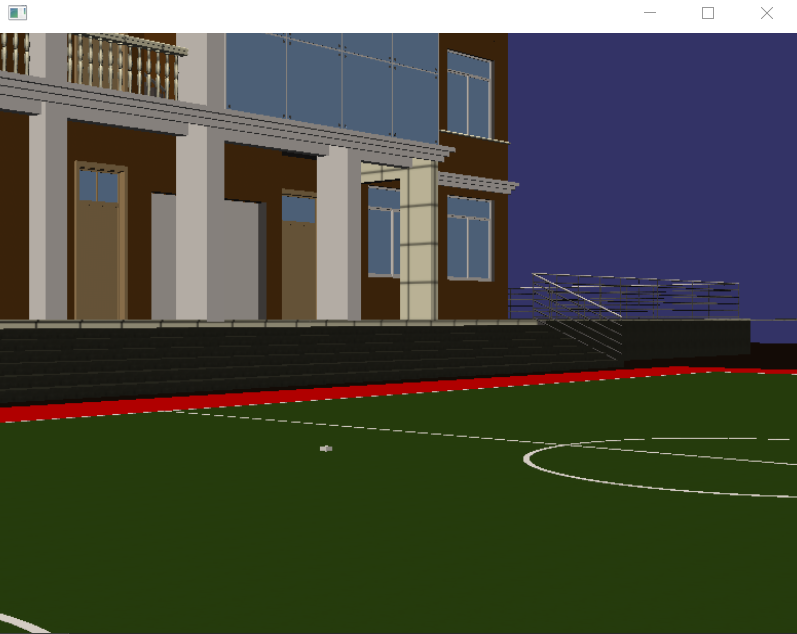
osg 场景漫游
#ifdef _WIN32

#include <Windows.h>

#endif // _WIN32

#include <osg/Group>

#include <osg/Camera>

#include <osgDB/ReadFile>

#include <osg/Node>

#include <osg/Geometry>

#include <osg/Image>

#include <osg/ShapeDrawable>

#include <osg/Texture2D>

#include <osg/MatrixTransform>

#include <osg/AnimationPath>

#include <osgViewer/Viewer>

#include <osgViewer/ViewerEventHandlers>

#include <osgGA/DriveManipulator>

#include <osgGA/GUIEventHandler>

#include <osgGA/GUIEventAdapter>

#include <osgGA/GUIActionAdapter>

#include <osgGA/AnimationPathManipulator>

#include <osgUtil/LineSegmentIntersector>

#include <iostream>

using namespace std;

class PickHandler :public osgGA::GUIEventHandler

{

public:

    PickHandler(osgViewer::Viewer *viewerParam)

    {

        viewer1 = viewerParam;

        controls = new osg::Vec3Array;

    }

    osg::AnimationPath* createPath()

    {

        osg::ref_ptr<osg::AnimationPath> animationPath = new osg::AnimationPath;

        animationPath->setLoopMode(osg::AnimationPath::LOOP);

        float time = 0.0;

        float angle = 0.0;

        float degrees = osg::inDegrees(90.0);

        if (controls.valid())

        {

            osg::Vec3Array::iterator iter1 = controls->begin();

            for (;;)

            {

                osg::Vec3 position1(*iter1);

                iter1++;

                if (iter1 != controls->end())

                {

                    if (iter1->x() > position1.x())

                    {

                        angle = 1.57 - atan((iter1->y() - position1.y()) / (iter1->x() - position1.x()));

                        if (angle<)

                        {

                            angle = angle + 1.57;

                        }

                    }

                    else

                    {

                        angle = -1.57 - atan((iter1->y() - position1.y()) / (iter1->x() - position1.x()));

                        if (angle>)

                        {

                            angle = -(1.57 - angle);

                        }

                    }

                    osg::Quat rotation1(osg::Quat(degrees, osg::Vec3(1.0, 0.0, 0.0))*osg::Quat(-angle, osg::Vec3(0.0, 0.0, 1.0)));

                    animationPath->insert(time, osg::AnimationPath::ControlPoint(position1, rotation1));

                    time += calculateDistance(position1, *iter1);

                }

                else

                {

                    break;

                }

            }

        }

        return animationPath.release();

    }

    float calculateDistance(osg::Vec3 vecStart,osg::Vec3 vecEnd)

    {

        float speed = 0.4;

        float dis1 = sqrt((vecStart.x() - vecEnd.x())*(vecStart.x() - vecEnd.x()) + (vecStart.y() - vecEnd.y())*(vecStart.y() - vecEnd.y()));

        return dis1*speed;

    }

    osg::Geode* createBox(osg::Vec3 centers)

    {

        osg::ref_ptr<osg::Geode> gnode = new osg::Geode;

        gnode->addDrawable(new osg::ShapeDrawable(new osg::Box(centers, 7.0, 7.0, 7.0)));

        return gnode.release();

    }

    bool handle(const osgGA::GUIEventAdapter& gea, osgGA::GUIActionAdapter& gaa)

    {

        switch (gea.getEventType())

        {

        case osgGA::GUIEventAdapter::DOUBLECLICK:

            if (viewer1)

            {

                float x=0.0, y=0.0;

                x = gea.getX();

                y = gea.getY();

                //申请一个存放交叉点的集合

                osgUtil::LineSegmentIntersector::Intersections inters;

                // bool computeIntersections(float x,float y, osgUtil::LineSegmentIntersector::Intersections& intersections,osg::Node::NodeMask traversalMask = 0xffffffff);

                if (viewer1->computeIntersections(x,y,inters))

                {

                    osgUtil::LineSegmentIntersector::Intersections::iterator iter1 = inters.begin();

                    std::cout <<"x:"<< iter1->getWorldIntersectPoint().x()<<"     y:"<<iter1->getWorldIntersectPoint().y()<< std::endl;

                    //controls->push_back(iter1->getWorldIntersectPoint());

                    controls->push_back(osg::Vec3(iter1->getWorldIntersectPoint().x(), iter1->getWorldIntersectPoint().y(), ));

                    viewer1->getSceneData()->asGroup()->addChild(createBox(iter1->getWorldIntersectPoint()));

                    //osg::ref_ptr<osg::Node> node2 = viewer1->getSceneData();

                    //osg::ref_ptr<osg::Group> group2 = new osg::Group;

                    //group2->addChild(node2);

                    //group2->addChild(createBox(iter1->getWorldIntersectPoint()));

                    //viewer1->setSceneData(group2);

                }

            }

            break;

        case osgGA::GUIEventAdapter::KEYDOWN:

            //F:70  0:96

            if (gea.getKey()== 0x20)

            {

                if (viewer1)

                {

                    osgGA::AnimationPathManipulator* animationPathManipulator1 = new osgGA::AnimationPathManipulator;

                    animationPathManipulator1->setAnimationPath(createPath());

                    viewer1->setCameraManipulator(animationPathManipulator1);

                }

            }

            break;

        default:

            break;

        }

        return false;

    }

private:

    osgViewer::Viewer *viewer1;

    osg::ref_ptr<osg::Vec3Array> controls;

};

int main()

{

    osg::ref_ptr<osgViewer::Viewer> viewer1 = new osgViewer::Viewer;

    osg::ref_ptr<osg::Group> group1 = new osg::Group;

    osg::ref_ptr<osg::Node> node1 = osgDB::readNodeFile("D:\\参考手册\\BIM\\osg\\build20190628.osgb");

    group1->addChild(node1.get());

    viewer1->setSceneData(group1.get());

    viewer1->addEventHandler(new PickHandler(viewer1));

    viewer1->setUpViewInWindow(, ,, , );

    return viewer1->run();

}
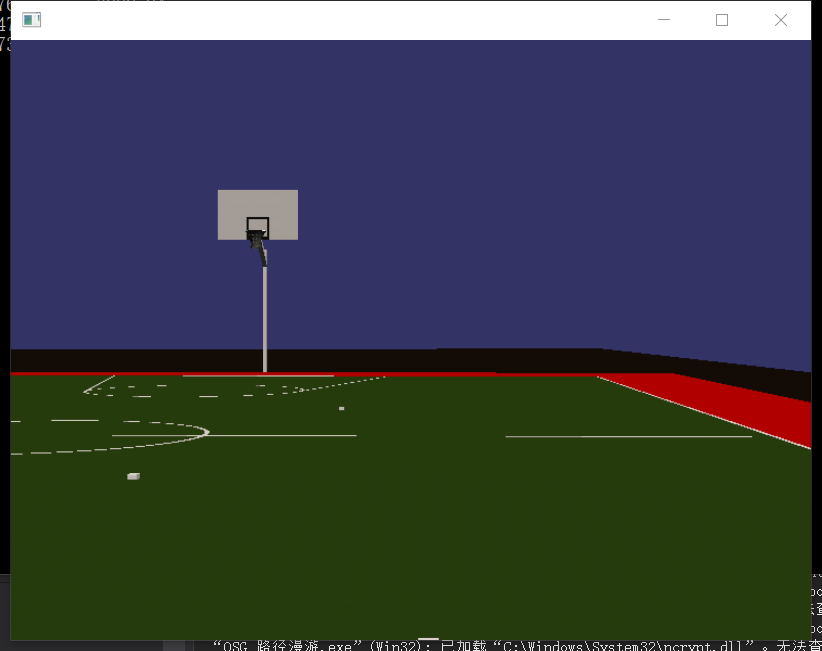
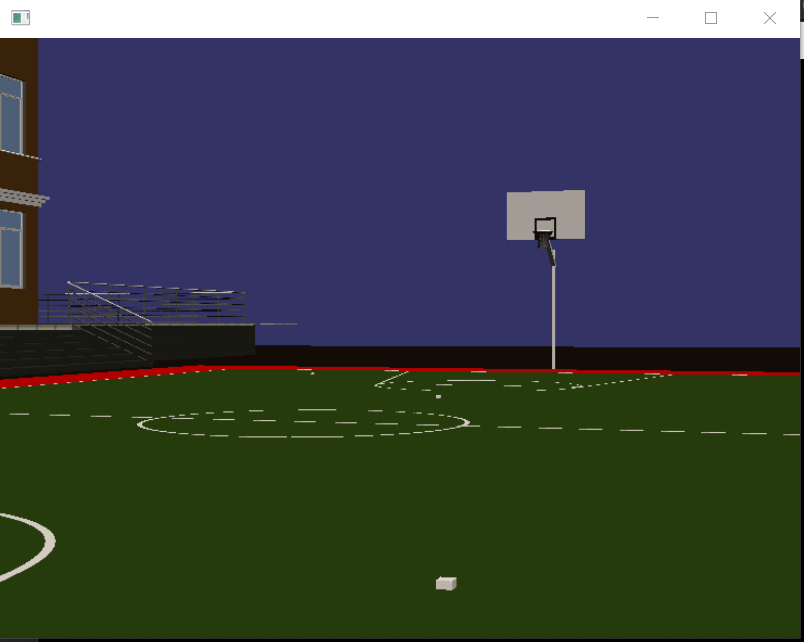
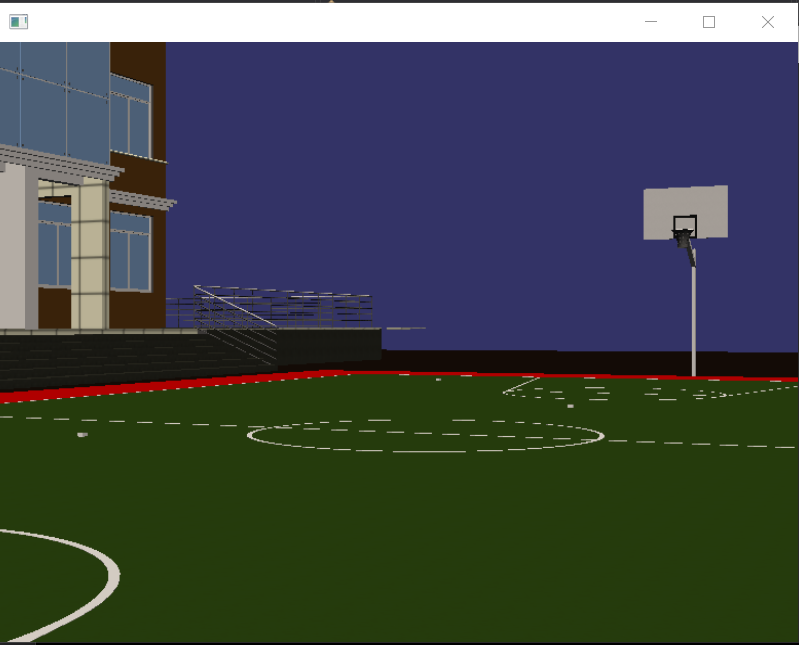
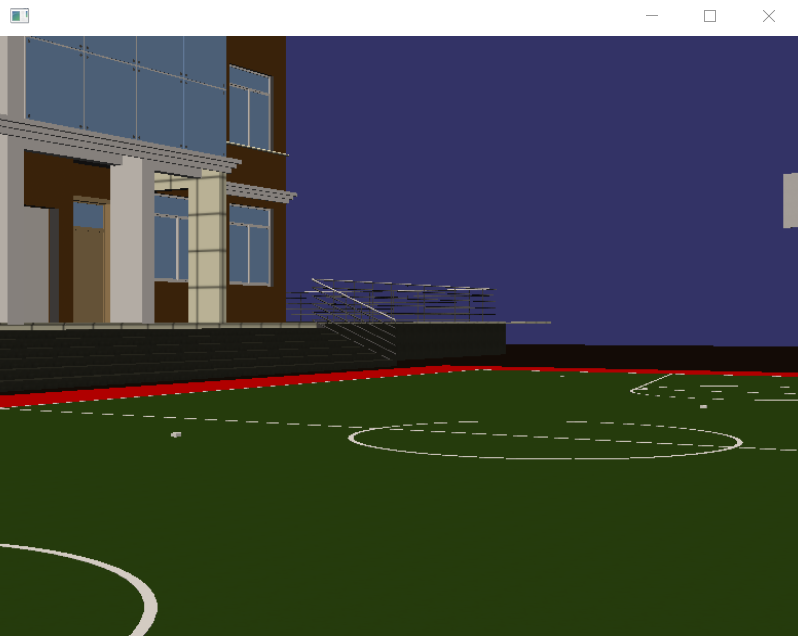

osg 场景漫游的更多相关文章
- OSG实现场景漫游(转载)
OSG实现场景漫游 下面的代码将可以实现场景模型的导入,然后在里面任意行走,于此同时还实现了碰撞检测. 源代码下载地址: /* * File : Travel.cpp * Description : ...
- 【Unity入门】场景编辑与场景漫游快捷键
版权声明:本文为博主原创文章,转载请注明出处. 打开Unity主窗口,选择顶部菜单栏的“GameObject”->“3D Object”->“Plane”在游戏场景里面添加一个面板对象.然 ...
- Unity3d场景漫游---iTween实现
接触U3D以来,我做过的场景漫游实现方式一般有以下几种: Unity3d中的Animation组件,通过设置摄像机的关键点实现场景漫游 第一人称或第三人称控制器 编写摄像机控制脚本 iTween iT ...
- Unity3d 简单的小球沿贝塞尔曲线运动(适合场景漫游使用)
简单的小球沿贝塞尔曲线运动,适合场景漫游使用 贝塞尔曲线:(贝塞尔曲线的基本想法部分摘自http://blog.csdn.net/u010019717/article/details/4768 ...
- 基于SketchUp和Unity3D的虚拟场景漫游和场景互动
这是上学期的一次课程作业,难度不高但是也一并记录下来,偷懒地拿课程报告改改发上来. 课程要求:使用sketchUp建模,在Unity3D中实现场景漫游和场景互动. 知识点:建模.官方第一人称控制器.网 ...
- [Unity3D]巧妙利用父级子级实现Camera场景平面漫游
本文系作者原创,转载请注明出处 入门级的笔者想了一上午才搞懂那个欧拉角的Camera旋转..=.= 在调试场景的时候,每次都本能的按下W想前进,但是这是不可能的(呵呵) 于是便心血来潮想顺便添加个Ke ...
- OSG中相机参数的更改
#pragma comment(lib, "osg.lib") #pragma comment(lib, "osgDB.lib") #pragma commen ...
- 【学习笔记】OSG中相机参数的更改
#pragma comment(lib, "osg.lib") #pragma comment(lib, "osgDB.lib") #pragma commen ...
- osgViewer:: Viewer::advance() osg多线程与智能指针
void ViewerBase::frame(double simulationTime) { if (_done) return; // OSG_NOTICE<<std::endl< ...
随机推荐
- jade注释
在jade里面注释是有多种方式的 单行注释,加两个//,跟js里面一样 //h1.title#title imoock jade study => <!--h1.title#title i ...
- Manthan, Codefest 19 (open for everyone, rated, Div. 1 + Div. 2)-E. Let Them Slide-思维+数据结构
Manthan, Codefest 19 (open for everyone, rated, Div. 1 + Div. 2)-E. Let Them Slide-思维+数据结构 [Problem ...
- eclipse中JDK环境的搭建
现在就可以用记事本开发java程序了,但是eclipse是一款java开发不可缺少的IDE,并且安装简单,下面说一下步骤,首先下载eclipse, 官网下载链接:http://www.eclipse. ...
- C#常用控件和属性
目录1.窗体(Form)2.Label (标签)控件3.TextBox(文本框)控件4.RichTextBox控件5.NumericUpDown控件6.Button(按钮)控件7.GroupBox(分 ...
- @JsonSerialize @JsonIgnoreProperties @JsonIgnore @JsonFormat
@JsonIgnoreProperties 此注解是类注解,作用是json序列化时将java bean中的一些属性忽略掉,序列化和反序列化都受影响. @JsonIgnore 此注解用于属性或者方法上( ...
- ACWing P372 棋盘覆盖 题解
Analysis 这是一个经典的二分图问题,我们将图进行奇偶染色,注意边界条件的判断.再跑一遍匈牙利算法就行了,跟上一题很像. #include<iostream> #include< ...
- SQL Server全文检索
SQL Server 全文索引的硬伤 http://www.cnblogs.com/gaizai/archive/2010/05/13/1733857.html SQLSERVER全文搜索 http: ...
- 万年历SQL Server中实现
参照C#版万年历实现而做 http://www.cnblogs.com/txw1958/archive/2013/01/27/csharp-calendar.html 在sql server中实现公历 ...
- OSS的简单使用
OSS简介 Object Storage Service,简称 OSS,是阿里云提供的海量.安全.低成本.高可靠的云存储服务. 它具有与平台无关的RESTful API接口,能够提供99.999999 ...
- CSS3 backface-visibility 不面向屏幕是否可见
backface-visibility 属性定义当元素不面向屏幕时是否可见. 如果在旋转元素不希望看到其背面时,该属性很有用. backface-visibility: visible|hidden; ...