
kinect (oldest one) (libfreenect with py_kinect) on linux ubuntu14.04 x64
freenect libs
Where is the resource?
Here :P : https://github.com/OpenKinect/libfreenect
To make sure you were not installing the old libfreenect stuff shipped with ubuntu.
Try to remove those old packages if you have already.
apt-get remove freenect python-freenect libfreenect-demos
Before you are going to build the libfreenect, you will want this:
sudo apt-get install cython python-dev python-numpy freeglut3-dev libusb-1.0-0-dev libxmu-dev libxi-dev -y
First you need to download the libfreenect source codes from here.
git clone https://github.com/OpenKinect/libfreenect

cd libfreenect
mkdir build
cd build
sudo cmake ..
sudo make -j4
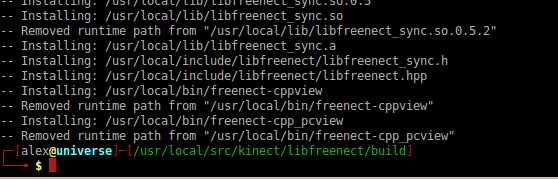
sudo make install

sudo ldconfig
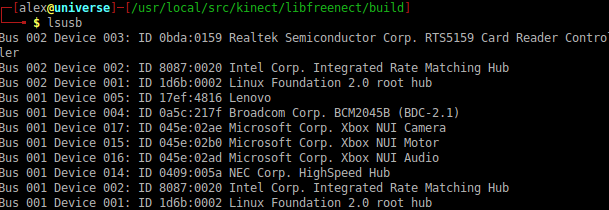
And now you can try plug in the kinect.
you will see it is detected by the computer:
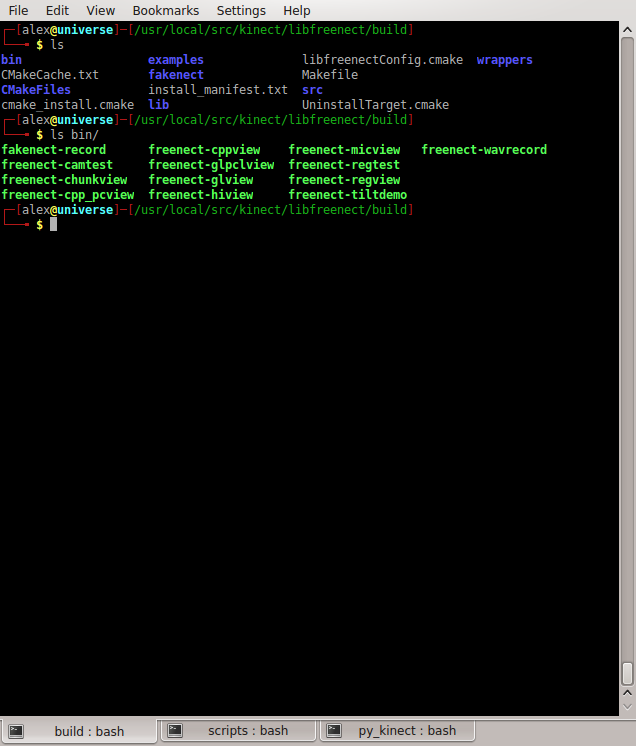
you will see many tools which are compiled at once here.
And Try this, see the depth if it works!!!!

It works!
-------------
Python scripts
Now you may want to have fun with those python scripts!
For those people who do not want to compile anything in their ubuntu 14.04
apt-get install python-opencv python-pygame python-xlib
F.Y.I. I have installed 'opencv-2.4.11' already.
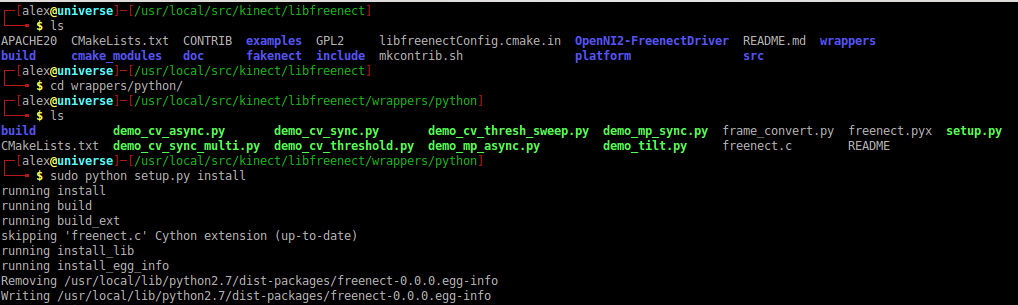
Then, hook some cool stuff now.
** Do not forget to use
sudo
before any command related to kinect. Application need resource.

py_kinect makes you feel so easy to have fun with kinect.
the source link is
https://github.com/OpenKinect/libfreenect/tree/master/wrappers/python/
I feel it's bit slow on ubuntu 14.04. I doute it has something to do with the 'libusb'. According to the docs here https://github.com/OpenKinect/libfreenect , we need the libusb >= 1.0.18 , but here I used libusb 1.0.0
And the package we see is:
$ apt-cache show libusb-1.0--dev

Package: libusb-1.0--dev

Priority: optional

Section: libdevel

Installed-Size:

Maintainer: Ubuntu Developers <ubuntu-devel-discuss@lists.ubuntu.com>

Original-Maintainer: Aurelien Jarno <aurel32@debian.org>

Architecture: amd64

Source: libusbx

Version: :1.0.-1ubuntu2

Depends: libusb-1.0- (= :1.0.-1ubuntu2)

Recommends: libusb-1.0-doc

Filename: pool/main/libu/libusbx/libusb-1.0--dev_1.0.17-1ubuntu2_amd64.deb

Size:

MD5sum: 2151c234e5b53391caab9b07b4b07fb0

SHA1: 20bece6578d0453bf57dc2b8f61eb9aa058fe474

SHA256: 5ea52a92904bad5c19f671626d8d52ec6ea8c5eec4d6c6606facb32860db46b7

Description-en: userspace USB programming library development files

 Library for programming USB applications without the knowledge

 of Linux kernel internals.

 .

 This package contains what you need for compiling sources that

 use this library in your own code.

Description-md5: 07c28a16589d7bc7f4eda04968bb1f5a

Multi-Arch: same

Homepage: http://www.linux-usb.org/

Bugs: https://bugs.launchpad.net/ubuntu/+filebug

Origin: Ubuntu

Supported: 9m
The package is maintained by a guy. As we can see,
libusb-1.0-0-dev_1.0.17
But it still works. I have already packed a new deb for this situation.
Here the download link:
libusb-1.0.19: http://pan.baidu.com/s/1gdCMrXx
DON'T FORGET TO REBUILD 'libfreenect' IF YOU UPGRADE YOUR LIB 'libusb'.
Please feel free to leave your comments here.
Or you can do some handtracking hacking with kinect!!!
Let's fly!!!
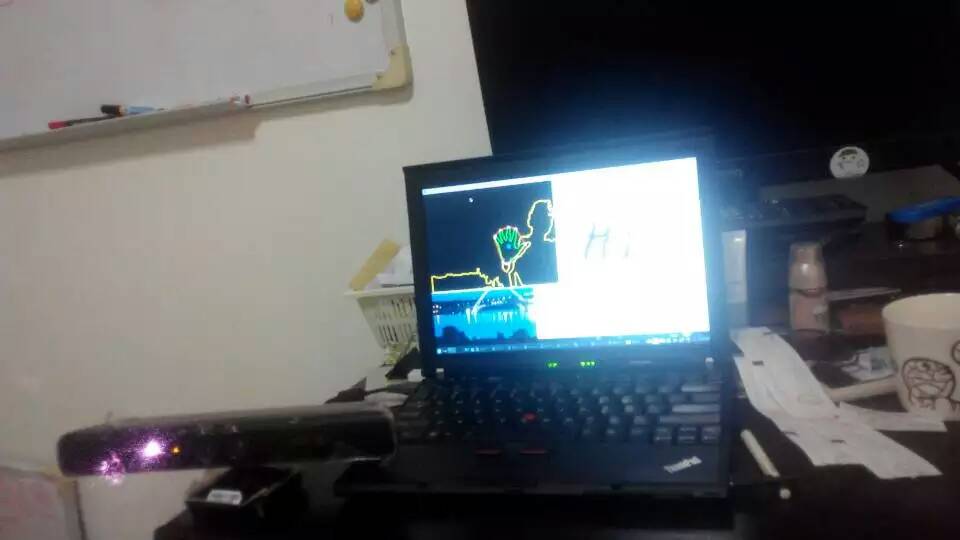
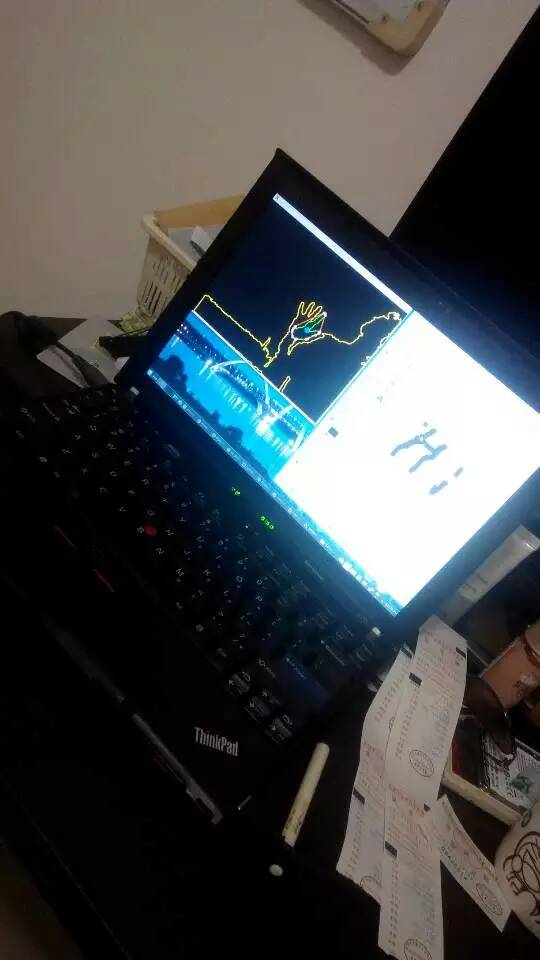
I drew this 'Hi' in the air with my hands.
Happy hacking!
kinect (oldest one) (libfreenect with py_kinect) on linux ubuntu14.04 x64的更多相关文章
- 【转】Linux(ubuntu14.04)上编译Android4.4源码的环境搭建及编译全过程
原文网址:http://jileniao.net/linux-android-building.html sublime text让我伤心.本来很信任sublime text的自动保存功能,之前使用一 ...
- Linux:Ubuntu14.04离线安装scala(在线安装)
参考Scala安装:http://www.lupaworld.com/thread-970271-1-1.html 以下命令安装默认scala版本 sudo apt-get install scala ...
- Linux(Ubuntu14.04)下Google Chrome / Chromium标题栏乱码问题
注:我使用的Linux发行版是Ubuntu 14.04,不同Linux发行版可能会有不同. 最近在使用Chromium的时候tab的标题栏中文显示乱码,在地址栏输入中文是同样时乱码,就像下图: 看起来 ...
- linux Ubuntu14.04 make编译文件报错:No rule to make target `/usr/lib/libpython2.7.so', needed by `python/_pywraps2.so'. Stop.
错误过程:当“make”编译文件时报错No rule to make target `/usr/lib/libpython2.7.so', needed by `python/_pywraps2.so ...
- [linux]ubuntu14.04通过apt-get安装软件失败
1.首先查看 dns 配置 sudo vi /etc/resolv.conf nameserver 114.114.114.114 nameserver 8.8.8.8 2.修改 apt-get 源 ...
- linux -- Ubuntu14.04及之后版本重启网卡不生效
Ubuntu14.04修改配置,重启网卡没有生效,出现如下问题: service networking restart //重启网络服务 stop: Job failed while stopping ...
- linux Ubuntu14.04 python(c++版本) tesorflow(python版本)c++
一.环境变量配置: export M2_HOME=/home/ustcjing/Maven/apache-maven- export JAVA_HOME=/usr/lib/jvm8/java expo ...
- ubuntu14.04 and ros indigo install kinect driver--16
摘要: 原创博客:转载请表明出处:http://www.cnblogs.com/zxouxuewei/ 今日多次测设ros indigo install kinect driver ,提示各种失败,然 ...
- Linux:Ubuntu16.04下创建Wifi热点
Linux:Ubuntu16.04下创建Wifi热点 说明: 1.Ubuntu16.04里面可以直接创建热点,而不用像以前的版本,还要其他辅助工具. 2.本篇文章转载自编程人生 具体步骤如下: 1. ...
随机推荐
- C# WinForm开发系列 - WebBrowser
原文:C# WinForm开发系列 - WebBrowser 介绍Vs 2005中带的WebBrowser控件使用以及一些疑难问题的解决方法, 如如何正确显示中文, 屏蔽右键菜单, 设置代理等; 收集 ...
- tinyxml 查找element
下面这段代码是网上找来的,很是经典 bool GetNodePointerByName(TiXmlElement* pRootEle, const char* strNodeName,TiXmlEle ...
- windows socket 网络编程
样例代码就在我的博客中,包含六个UDP和TCP发送接受的cpp文件,一个基于MFC的局域网聊天小工具project,和此小工具的全部执行时库.资源和执行程序.代码的压缩包位置是http://www.b ...
- mvc之验证IEnumerable<T> 类型,多选框验证
原文:mvc之验证IEnumerable<T> 类型,多选框验证 假设我们有这么一种需求,我们要同时添加年级和年级下面的多个班级,我们一般会像下面这种做法. Action中我们这样接收: ...
- C#获取远程计算机硬件信息实例(支持linux和windows)
原文:C#获取远程计算机硬件信息实例(支持linux和windows) 网上关于WMI的资料很多,但一直没有比较全的属性介绍.今天通过反射把所有属性都给弄出来了. 关于WMI的代码就不多说了. ...
- 转载+自练(莫喷)怎样在cocos2d 2.1.4里面使用动画和Texture Packer
本文实践自 Ray Wenderlich.Tony Dahbura 的文章<How to Use Animations and Sprite Sheets in Cocos2D 2.X>, ...
- Monkey源码分析之事件源
上一篇文章<Monkey源码分析之运行流程>给出了monkey运行的整个流程,让我们有一个概貌,那么往后的文章我们会尝试进一步的阐述相关的一些知识点. 这里先把整个monkey类的结构图给 ...
- Windows 7的 磁盘管理中,某个磁盘或分区,突然变成只读。
1.今天突然发现E盘无法创建文件夹.文件,也不可以改,感觉像是变成只读 . 2.我的电脑 -> 计算机管理 -> 存储 -> 磁盘管理,发现E盘下面标记着只读两个字. 3.由于我的E ...
- 让低版本的IE浏览器 强制渲染为IE8 或者 以上 浏览器模式
让低版本的IE浏览器 强制渲染为IE8 或者 以上 浏览器模式 那么就要用下面的方法:让网页兼容ie9 复制代码 代码如下: <!–[if lte IE 8]> <meta http ...
- Hbuilder jQuery 自定义代码块
=begin 本文档是jquery代码块的编辑文件.修改其他的代码块,请在对应的激活代码助手点右下角的修改图标. HBuilder可使用ruby脚本来编辑代码块和增强操作命令. 1.编辑代码块 如果要 ...