
angular组件之间的通讯
组件通讯,意在不同的指令和组件之间共享信息。如何在两个多个组件之间共享信息呢。
最近在项目上,组件跟组件之间可能是父子关系,兄弟关系,爷孙关系都有。。。。。我也找找了很多关于组件之间通讯的方法,不同的方法应用在不同的场景,根据功能需求选择组件之间最适合的通讯方式。下面我就总结一下关于组件通讯的N多种方法。
1.父→子 input (父组件给自组建传变量值)
parent.ts
import { Component } from '@angular/core';

@Component({

  selector: 'page-parent',

  templateUrl: 'parent.html',

})

export class ParentPage {

  i: number = 0;

  constructor() {

    setInterval(() => {

      this.i++;

    }, 1000)

  }

}
parent.html
<ion-header>

  <ion-navbar>

    <ion-title>Parent</ion-title>

  </ion-navbar>

</ion-header>

<ion-content padding>

  <h2>Parent</h2>

  <page-child [content]="i"></page-child>

</ion-content>
child.ts
import { Component,Input } from '@angular/core';

@Component({

  selector: 'page-child',

  templateUrl: 'child.html',

})

export class ChildPage {

@Input() content:string;

  constructor() {

  }

}
child.html

<ion-content padding>

child:{{content}}

</ion-content>
结果:
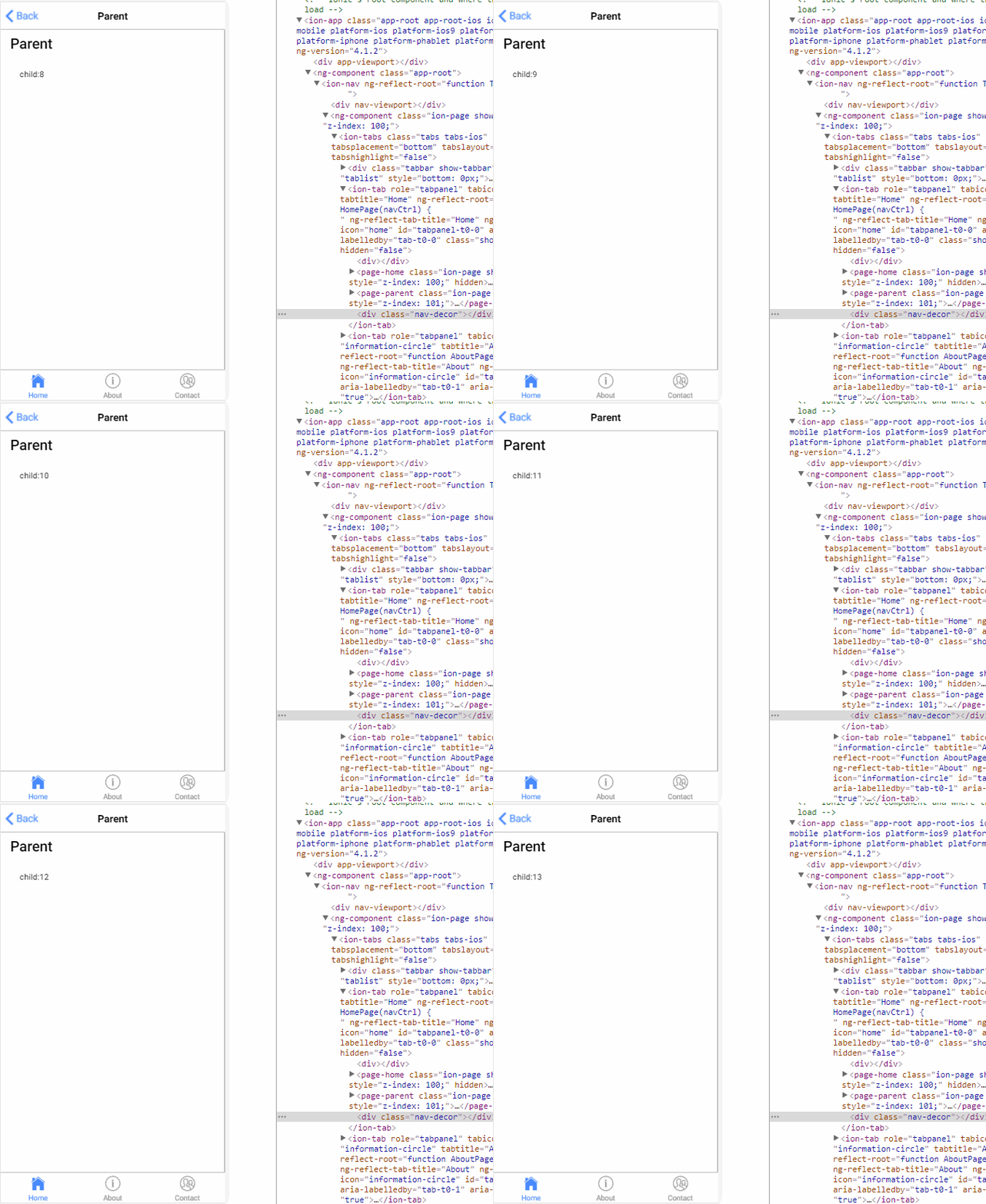
2.子→父 output (子组件的事件想要传给父组件)
parent.ts
import { Component } from '@angular/core';

@Component({

  selector: 'page-parent',

  templateUrl: 'parent.html',

})

export class ParentPage {

  i: number = 0;

  numberIChange(i:number){

      this.i = i;

  }

}
parent.html
<ion-header>

  <ion-navbar>

    <ion-title>Parent</ion-title>

  </ion-navbar>

</ion-header>

<ion-content padding>

  <h2>Parent:{{i}}</h2>

  <page-child (changeNumber)="numberIChange($event)"></page-child>

</ion-content>
child.ts
import { Component, EventEmitter, Output } from '@angular/core';

@Component({

  selector: 'page-child',

  templateUrl: 'child.html',

})

export class ChildPage {

  @Output() changeNumber: EventEmitter<number> = new EventEmitter();

  Number: number = 0;

  constructor() {

    setInterval(() => {

      this.changeNumber.emit(++this.Number);

    }, 1000)

  }

}
child.html

<ion-content padding>

     child

</ion-content>
结果:
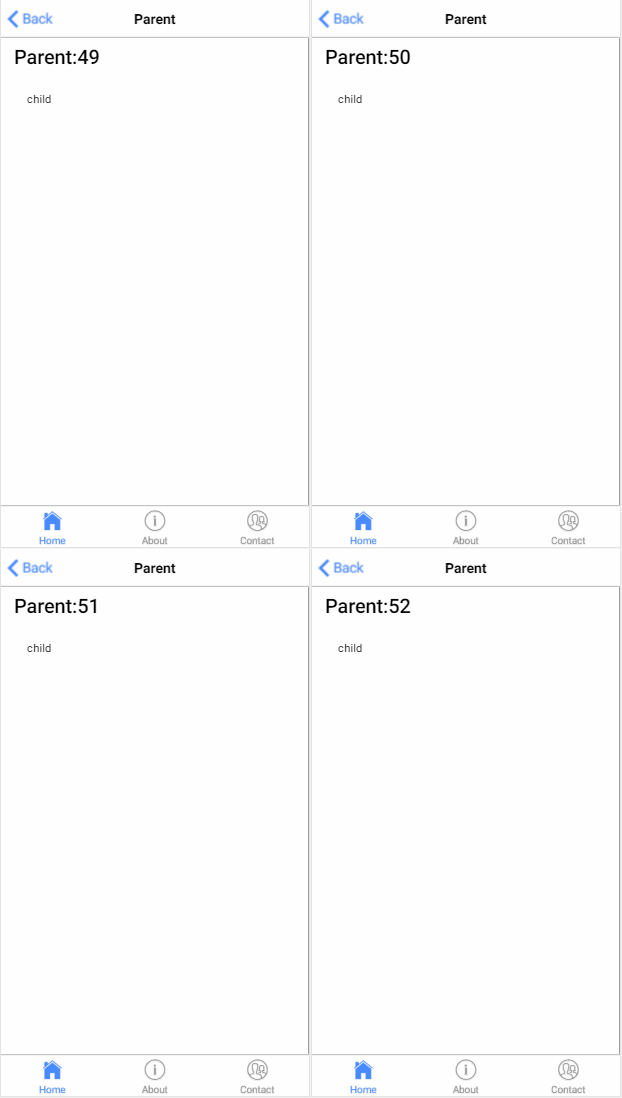
3.子获得父实例()
parent.ts
import { Component } from '@angular/core';

@Component({

  selector: 'page-parent',

  templateUrl: 'parent.html',

})

export class ParentPage {

  i:number = 0;

}
parent.html

<ion-header>

  <ion-navbar>

    <ion-title>Parent</ion-title>

  </ion-navbar>

</ion-header>

<ion-content padding>

  <h1>parent: {{i}}</h1>

  <page-child></page-child>

</ion-content>
child.ts
import { Component, Input, EventEmitter, Output,Host,Inject,forwardRef } from '@angular/core';

import{ParentPage} from '../parent/parent';

@Component({

  selector: 'page-child',

  templateUrl: 'child.html',

})

export class ChildPage {

    constructor( @Host() @Inject(forwardRef(() => ParentPage)) app: ParentPage) {

        setInterval(() => {

            app.i++;

        }, 1000);

    }

}
child.html

<ion-content padding>

 child

</ion-content>
结果:

4.父获得子实例 (
把子组件作为 ViewChild,注入到父组件里面
)
parent.ts
import {ViewChild, Component } from '@angular/core';

import{ChildPage}from '../child/child';

@Component({

  selector: 'page-parent',

  templateUrl: 'parent.html',

})

export class ParentPage {

  @ViewChild(ChildPage) child:ChildPage;

    ngAfterViewInit() {

        setInterval(()=> {

            this.child.i++;

        }, 1000)

    }

}
parent.html

<ion-header>

  <ion-navbar>

    <ion-title>Parent</ion-title>

  </ion-navbar>

</ion-header>

<ion-content padding>

  <h1>parent {{i}}</h1>

  <page-child></page-child>

</ion-content>
child.ts
import { Component, Input, EventEmitter, Output,Host,Inject,forwardRef } from '@angular/core';

@Component({

  selector: 'page-child',

  templateUrl: 'child.html',

})

export class ChildPage {

    i:number = 0;

}
child.html

<ion-content padding>

<h2>child {{i}}</h2>

</ion-content>
结果:

5.service (父组件和它的子组件共享同一个服务,利用该服务在家庭内部实现双向通讯。)
parent.ts
import { Component } from '@angular/core';

import{myService}from '../child/myService'

@Component({

  selector: 'page-parent',

  templateUrl: 'parent.html',

})

export class ParentPage {
   constructor(service:myService) {

        setInterval(()=> {

            service.i++;

        }, 1000)

    }

}
parent.html

<ion-header>

  <ion-navbar>

    <ion-title>Parent</ion-title>

  </ion-navbar>

</ion-header>

<ion-content padding>

   <h1>parent {{i}}</h1>

   <page-child></page-child>

</ion-content>
child.ts
import { Component} from '@angular/core';

import{myService}from "../child/myService"

@Component({

  selector: 'page-child',

  templateUrl: 'child.html',

})

export class ChildPage {

    constructor(public service:myService){

    }

}
child.html

<ion-content padding>

<h2>child {{service.i}}</h2>

</ion-content>
myService.ts
ps:记得在app.module.ts 加上providers: [KmyService]
import{Injectable } from '@angular/core';

@Injectable()

export class KmyService {

    i:number = 0;

}
结果:

6.EventEmitter(父组件emit 子组件订阅)
myService.ts
import {Component,Injectable,EventEmitter} from '@angular/core';

@Injectable()

export class myService {

    change: EventEmitter<number>;

    constructor(){

        this.change = new EventEmitter();

    }

}
parent.ts
import { Component } from '@angular/core';

import{myService}from '../child/myService'

@Component({

  selector: 'page-parent',

  templateUrl: 'parent.html',

})

export class ParentPage {

    i:number = 0;

    constructor(service:myService) {

        setInterval(()=> {

            service.change.emit(++this.i);

        }, 1000)

    }

}
parent.html

<ion-header>

  <ion-navbar>

    <ion-title>Parent</ion-title>

  </ion-navbar>

</ion-header>

<ion-content padding>

   <h1>parent {{i}}</h1>

   <page-child></page-child>

</ion-content>
child.ts
import { Component,  EventEmitter} from '@angular/core';

import{myService}from "../child/myService"

@Component({

  selector: 'page-child',

  templateUrl: 'child.html',

})

export class ChildPage {

    i:number = 0;

    constructor(public service:myService){

        service.change.subscribe((value:number)=>{

            this.i = value;

        })

    }

}
child.html

<ion-content padding>

 <h2>child {{i}}</h2>

</ion-content>
结果:

7.订阅
parent.ts
import { Component } from '@angular/core';

import{myService}from '../child/myService'

@Component({

  selector: 'page-parent',

  templateUrl: 'parent.html',

})

export class ParentPage {

    i:number=0;

    constructor(public service:myService) {

        setInterval(()=> {

             this.service.StatusMission(this.i++);

        }, 1000)

    }

}
parent.html

<ion-header>

  <ion-navbar>

    <ion-title>Parent</ion-title>

  </ion-navbar>

</ion-header>

<ion-content padding>

   <h1>parent</h1>

   <page-child></page-child>

</ion-content>
child.ts
import { Component, Injectable } from '@angular/core'

import { myService } from "../child/myService"

import { Subscription } from 'rxjs/Subscription';

@Component({

    selector: 'page-child',

    templateUrl: 'child.html',

})

export class ChildPage {

    i:number=0;

    subscription: Subscription;

    constructor(private Service: myService) {

        this.subscription = Service.Status$.subscribe(message => {

            this.i=message;

        });

    }

    ngOnDestroy() {

        this.subscription.unsubscribe();

    }

}
child.html

<ion-content padding>

  <h2>child {{i}}</h2>

</ion-content>
myService.ts
import { Injectable } from '@angular/core';

import { Subject } from 'rxjs/Subject';

@Injectable()

export class myService {

    private Source=new Subject<any>();

    Status$=this.Source.asObservable();

    StatusMission(message: any) {

        this.Source.next(message);

    }

}
结果:

angular组件之间的通讯的更多相关文章
- Angular组件之间通讯
组件之间会有下列3种关系: 1. 父子关系 2. 兄弟关系 3. 没有直接关系 通常采用下列方式处理(某些方式是框架特有)组件间的通讯,如下: 1父子组件之间的交互(@Input/@Output/模板 ...
- Angular10 组件之间的通讯
1 父组件和子组件之间的通讯 2 利用中间组件实现两个组件之间的通讯 3 利用服务实现两个组件之间的通讯 2017年8月26日20:09:13 待更新... 1 组件之间的关系图 1.1 父子关系 1 ...
- 组件之间的通讯:vuex状态管理,state,getters,mutations,actons的简单使用(一)
之前的文章中讲过,组件之间的通讯我们可以用$children.$parent.$refs.props.data... 但问题来了,假如项目特别大,组件之间的通讯可能会变得十分复杂... 这个时候了我们 ...
- vue.js组件之间的通讯-----父亲向儿子传递数据,儿子接收父亲的数据
<!DOCTYPE html> <html lang="en"> <head> <meta charset="UTF-8&quo ...
- Vue父子组件之间的通讯(学习笔记)
<!DOCTYPE html> <html lang="en"> <head> <meta charset="UTF-8&quo ...
- angular组件之间的通信
一.组件创建 直接使用 ng g component 的命令创建组件,会自动生成组件所需的文件,方便快捷. // 父组件 ng g component parent // 子组件 ng g compo ...
- angular 组件之间传值
/** * Created by Administrator on 2017/8/28. */ var app =angular.module('app',[]); app.directive('fo ...
- Angular 组件之间的传值
第一种方法(传单个或者多个参数): 主页面方法: 先添加引用:private _routes: Router, Details(PBSCode) { this._routes.navigate(['p ...
- Angular 发布订阅模式实现不同组件之间通讯
在我们项目中要实现不同组件之间通讯,Angular的@Input和@Output只能实现有父子组件的限制,如果是复杂跨组件实现不同组件可以通过共享变量的方式实现,比如这个博客的思路:https://w ...
随机推荐
- spring boot配置druid数据源和监控配置
直接上代码: 一.pom.xml中添加依赖 <dependency> <groupId>com.github.drtrang</groupId> <artif ...
- Python open操作文件
操作文件 # coding=utf-8 支持中文 """ China Japan France England """ f = open(& ...
- “ORA-06550: 第 1 行, 第 7 列”解决方法
将本机能正常运行的维修生产日志代码发布到公司内测环境里无法正常运行,报错如下: execute() - pls–QuartzJob.java–quartzjob 开始执行! java.sql.SQLE ...
- C++.构造函数(超出范围)_01
环境:Win7x64.Qt5.3.2 MSVC2010 OpenGL.vs2010 1.ZC:在 构造函数 中,基类访问子类的成员 会报内存错误,如果访问的是 基本类型的话(如int) 可能还不会出错 ...
- sass、less是什么,如何使用?
一个很好的介绍的SASS,LESS的区别的文档,值get 1.背景介绍 CSS 是一门非程序式语言,没有变量.函数.SCOPE(作用域),需要书写大量看似没有逻辑的代码,不方便维护及扩 展,不利于复用 ...
- 大数据 - spark-sql 常用命令
--spark启动 spark-sql --退出 spark-sql> quit; --退出spark-sql or spark-sql> exit; 1.查看已有的database sh ...
- 第 8 章 容器网络 - 052 - overlay 如何实现跨主机通信?
overlay 如何实现跨主机通信? 在 host2 中运行容器 bbox2: docker run -itd --name bbox2 --network ov_net1 busybox bbox2 ...
- 反转链表 Reverse Linked List
2018-09-11 22:58:29 一.Reverse Linked List 问题描述: 问题求解: 解法一:Iteratively,不断执行插入操作. public ListNode reve ...
- hdoj5785
题意:略 先用题解的办法,manacher,然后tag,add数组.但是比较难办的是manacher加了新的字符.这样的话cntL和cntR不是实际的值,但是没关系,原本的字符都在奇数位置,这样cnt ...
- calc_load
http://www.penglixun.com/tech/system/how_to_calc_load_cpu.html #define FSHIFT 11 /* nr of bits of pr ...