
【CentOS 7】nginx配置web服务器
1,安装过程
[root@VM_1_14_centos ~]# cd /data/

[root@VM_1_14_centos data]# wget  http://nginx.org/download/nginx-1.15.7.tar.gz

[root@VM_1_14_centos data]# tar -xvf nginx-1.15..tar.gz

[root@VM_1_14_centos data]# mkdir //usr/local/nginx -p

[root@VM_1_14_centos data]# ll

total

drwxr-xr-x        Dec  : nginx-1.15.

-rw-r--r--  root root  Nov  : nginx-1.15..tar.gz

[root@VM_1_14_centos data]# cd nginx-1.15./

[root@VM_1_14_centos nginx-1.15.]# ./configure --prefix=/usr/local/nginx

[root@VM_1_14_centos nginx-1.15.]#make&&make install
2,假设服务器外网IP为129.129.129.129,需要通过web访问的index文件是 /usr/index.html,index.html文件内容是:
<!DOCTYPE html>

<html>

        <head>

                <meta charset="UTF-8">

                <title></title>

        </head>

        <body>

                <h1>标题1</h1>

                <h2>标题2</h2>

                <h3>标题3</h3>

                <h4>标题4</h4>

                <h5>标题5</h5>

                <h6>标题6</h6>

                <h7>标题7</h7>

        </body>

</html>
同时,需要访问某个图片文件/usr/1.png
3,此时我们需要配置nginx
[root@VM_1_14_centos /]# cd /usr/local/nginx/conf/

[root@VM_1_14_centos conf]#

[root@VM_1_14_centos conf]#

[root@VM_1_14_centos conf]#

[root@VM_1_14_centos conf]# vim nginx.conf

#user  nobody;

worker_processes  ;

#error_log  logs/error.log;

#error_log  logs/error.log  notice;

#error_log  logs/error.log  info;

#pid        logs/nginx.pid;

events {

    worker_connections  ;

}

http {

    include       mime.types;

    default_type  application/octet-stream;

    #log_format  main  '$remote_addr - $remote_user [$time_local] "$request" '

    #                  '$status $body_bytes_sent "$http_referer" '

    #                  '"$http_user_agent" "$http_x_forwarded_for"';

    #access_log  logs/access.log  main;

    sendfile        on;

    #tcp_nopush     on;

    #keepalive_timeout  ;

    keepalive_timeout  ;

    #gzip  on;

    server {

        listen       ;             #这里需要我们设置web访问的端口

        server_name  129.xxx.xxx.xxx;       #这里设置web访问的IP,最终在浏览器访问    129.xxx.xxx.xxx:80/index.html

        #charset koi8-r;

        #access_log  logs/host.access.log  main;

        location / {                                  #这里很重要,原因参考下一行

            root   /usr;                              #这里更重要,root是指直接访问 IP:port 时,获取文件的根目录,如果上一行设置为 / ,则直接访问IP:port会去拉取 /usr下面的index.html

            index  index.html index.htm;              #接上一行,如果location后面设置了目录  /abc ,则访问IP:port时,会拉取 /usr/abc/index.html.

        }

        #error_page                /.html;

        # redirect server error pages to the static page /50x.html

        #

        error_page        /50x.html;

        location = /50x.html {

            root   html;

        }

        # proxy the PHP scripts to Apache listening on 127.0.0.1:

        #

        #location ~ \.php$ {

        #    proxy_pass   http://127.0.0.1;

        #}

        # pass the PHP scripts to FastCGI server listening on 127.0.0.1:

        #

        #location ~ \.php$ {

        #    root           html;

        #    fastcgi_pass   127.0.0.1:;

        #    fastcgi_index  index.php;

        #    fastcgi_param  SCRIPT_FILENAME  /scripts$fastcgi_script_name;

        #    include        fastcgi_params;

        #}

        # deny access to .htaccess files, if Apache's document root

        # concurs with nginx's one

        #

        #location ~ /\.ht {

        #    deny  all;

        #}

    }

    # another virtual host using mix of IP-, name-, and port-based configuration

    #

    #server {

    #    listen       ;

    #    listen       somename:;

    #    server_name  somename  alias  another.alias;

    #    location / {

    #        root   html;

    #        index  index.html index.htm;

    #    }

    #}

    # HTTPS server

    #

    #server {

    #    listen        ssl;

    #    server_name  localhost;

    #    ssl_certificate      cert.pem;

    #    ssl_certificate_key  cert.key;

    #    ssl_session_cache    shared:SSL:1m;

    #    ssl_session_timeout  5m;

    #    ssl_ciphers  HIGH:!aNULL:!MD5;

    #    ssl_prefer_server_ciphers  on;

    #    location / {

    #        root   html;

    #        index  index.html index.htm;

    #    }

    #}

}
4,启动nginx服务,使用上面的配置文件
[root@VM_1_14_centos sbin]# pwd

/usr/local/nginx/sbin

[root@VM_1_14_centos sbin]# ./nginx -t #检查配置文件是否正确无误

nginx: the configuration file /usr/local/nginx/conf/nginx.conf syntax is ok

nginx: configuration file /usr/local/nginx/conf/nginx.conf test is successful

[root@VM_1_14_centos sbin]# ./nginx -c /usr/local/nginx/conf/nginx.conf  #使用上一步配置的nginx.conf启动nginx服务

[root@VM_1_14_centos sbin]# ps -aux | grep nginx

root        0.0  0.0      ?        Ss   :   : nginx: master process ./nginx -c /usr/local/nginx/conf/nginx.conf

nobody      0.0  0.0     ?        S    :   : nginx: worker process

root        0.0  0.0     pts/    S+   :   : grep --color=auto nginx
5,使用浏览器打开对应IP:port
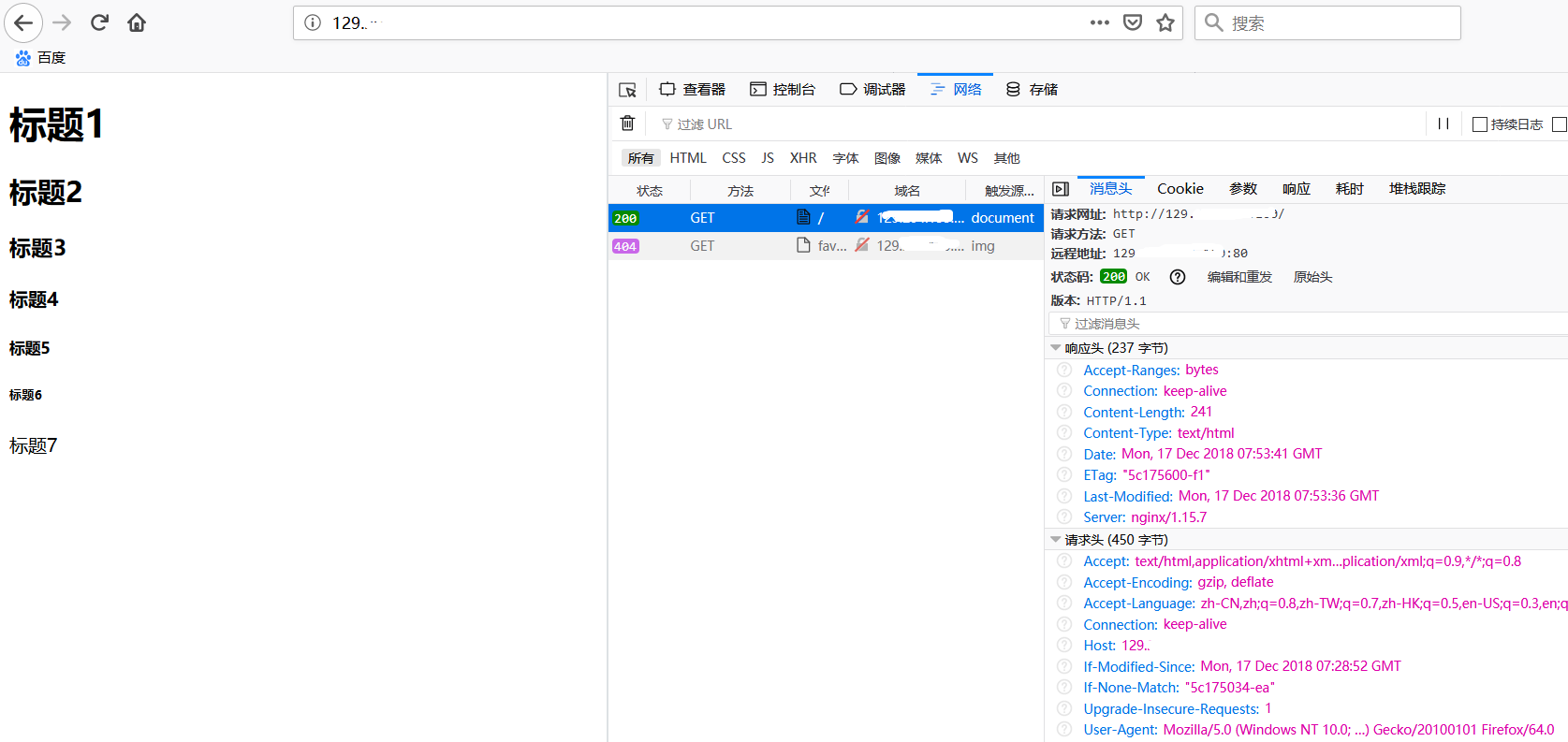
如上图,直接访问IP,会使用默认端口80并拉取index.html.
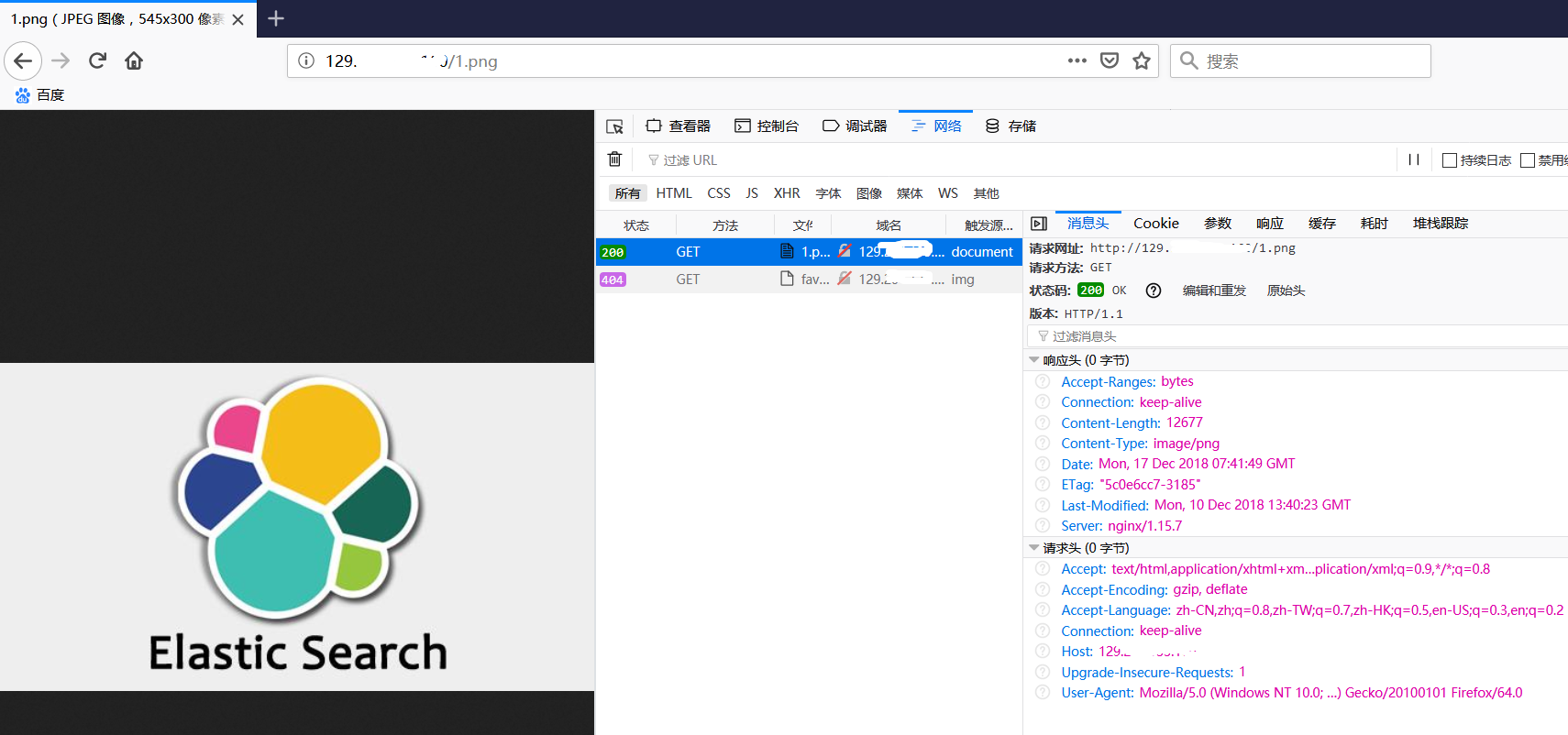
如果我们需要访问web服务器上的1.png图片,只需要访问url 129.xxx.xxx.xxx:80/1.png,若端口号设置为80时,在浏览器中访问也可以不带端口号。
【Finished】
附:
nginx常用命令
./nginx -s reload 重启nginx
./nginx -s stop 停止nginx
【CentOS 7】nginx配置web服务器的更多相关文章
- centos从头学习配置web服务器环境
为了学习linux下配置web服务器环境,于是安装了vmware,准备在虚拟机里面学习web服务器的搭建! 首先是在虚拟机里安装centos,我选择的是32位的centos6.6版本,因为新版本7据说 ...
- Centos下Nginx配置WEB访问日志并结合shell脚本定时切割
在一个成熟的WEB系统里,没有日志管理是不可以的,有了日志,可以帮助你得到用户地域来源.跳转来源.使用终端.某个URL访问量等相关信息:通过错误日志,你可以得到系统某个服务或server的性能瓶颈等. ...
- nginx配置web服务器
一:设置虚拟服务器 1.设置 http { server { listen 127.0.0.1:8080; server_name example.org www.example.org; } } 2 ...
- linux centOS下怎么配置web服务器
| 浏览:4503 | 更新:2011-12-07 17:45 1 2 3 分步阅读 下是我在配置web服务时作的一些记录,高手飘开或者看了指点一下,不胜感激,第一次配置,很多细节需要自己优化.适合环 ...
- linux使用nginx配置web服务器
环境: CenterOS 7 1.安装nginx之前先安装nginx所需的依赖包 yum -y install zlib zlib-devel openssl openssl-devel pcre p ...
- nginx高性能WEB服务器系列之六--nginx负载均衡配置+健康检查
nginx系列友情链接:nginx高性能WEB服务器系列之一简介及安装https://www.cnblogs.com/maxtgood/p/9597596.htmlnginx高性能WEB服务器系列之二 ...
- nginx高性能WEB服务器系列之五--实战项目线上nginx多站点配置
nginx系列友情链接:nginx高性能WEB服务器系列之一简介及安装https://www.cnblogs.com/maxtgood/p/9597596.htmlnginx高性能WEB服务器系列之二 ...
- nginx配置图片服务器
这几天研究了一下nginx配置图片服务器的相关内容,个人的一些收获与大家分享一下: Nginx是目前非常流行的web服务器,它起源于俄罗斯.它具有处理速度快,并发量大,占用资源极低等优点,尤其对于静态 ...
- NGINX高性能Web服务器详解(读书笔记)
原文地址:NGINX高性能Web服务器详解(读书笔记) 作者:夏寥寥 第4章 Nginx服务器的高级配置 4.1 针对IPv4的内核7个参数的配置优化 说明:我们可以将这些内核参数的值追加到Linu ...
随机推荐
- Laravel中如何将单个routes.php分割成多个子文件
随着业务逻辑越来越复杂,routes.php文件也会变得越来越庞大,为了便于管理,我们可以像管理配置文件那样将其分割成多个子文件,这实现起来很简单: // app/routes.php ... // ...
- 【洛谷】【线段树+位运算】P2574 XOR的艺术
[题目描述:] AKN觉得第一题太水了,不屑于写第一题,所以他又玩起了新的游戏.在游戏中,他发现,这个游戏的伤害计算有一个规律,规律如下 1. 拥有一个伤害串为长度为n的01串. 2. 给定一个范围[ ...
- ElasticSearch 通过nginx做HTTP验证
在ElasticSearch 的设置文件中如果设置了 network.host: 0.0.0.0 则表示ElasticSearch 服务是公开的任何ip都可以访问ElasticSearch 服务.这样 ...
- Day7 Tomcat和servlet
web服务器 1) 什么是web服务器 硬件:性能强大的计算机(无显示屏) 操作系统: linux 软件:web服务器软件(将数据放置在服务器上就可以被外部访问) web应用程序 2) ...
- docker 导入导出镜像
docker容器导入导出有两种方法: 一种是使用save和load命令 使用例子如下: docker save ubuntu:load>/root/ubuntu.tar docker load& ...
- 3、JVM--垃圾回收期和内存分配策略(2)
3.5.垃圾收集器 如果说收集算法是内存回收的方法论,那么垃圾收集器就是内存回收的具体实现.Java虚拟机规范中对垃圾收集器应该如何实现并没有任何规定,因此不同的厂商.不同版本的虚拟机所提供的垃圾收集 ...
- Data Binding Android - Type parameter T has incompatible upper bounds : ViewDataBinding and MainAct
Go to your "some_layout.xml" Click right -> Refactor -> Rename (or SHIFT + F6) Renam ...
- UITextView 和 UITextField限制字符数和表情符号
UITextField限制字符数 - (BOOL)textField:(UITextField *)textField shouldChangeCharactersInRange:(NSRange)r ...
- traefik-Ingress边缘路由器落地到微服务
1.理解Ingress 简单的说,ingress就是从kubernetes集群外访问集群的入口,将用户的URL请求转发到不同的service上.Ingress相当于nginx.apache等负载均衡方 ...
- 使用CoreAnimation 实现相机拍摄照片之后动画效果
废话不多说,先看上效果,由于动画录制的时候帧率限制,只能将动画放慢了进行录制,更容易看到效果 这是点击开始之后代码 -(IBAction)btnStartClick:(id)sender { CABa ...