
UI Framework-1: Aura Gesture Recognizer
Gesture Recognizer
Gesture Recognizer OverviewThis document describes the process by which Touch Events received by a WindowEventDispatcher are transformed into Gesture Events. Touch Events
Gesture EventsGesture Events contain type specific data in their GestureEventDetails object. See here for a summary of the typical event sequences.
Terminology
Finding a TargetPossible ways of establishing a target
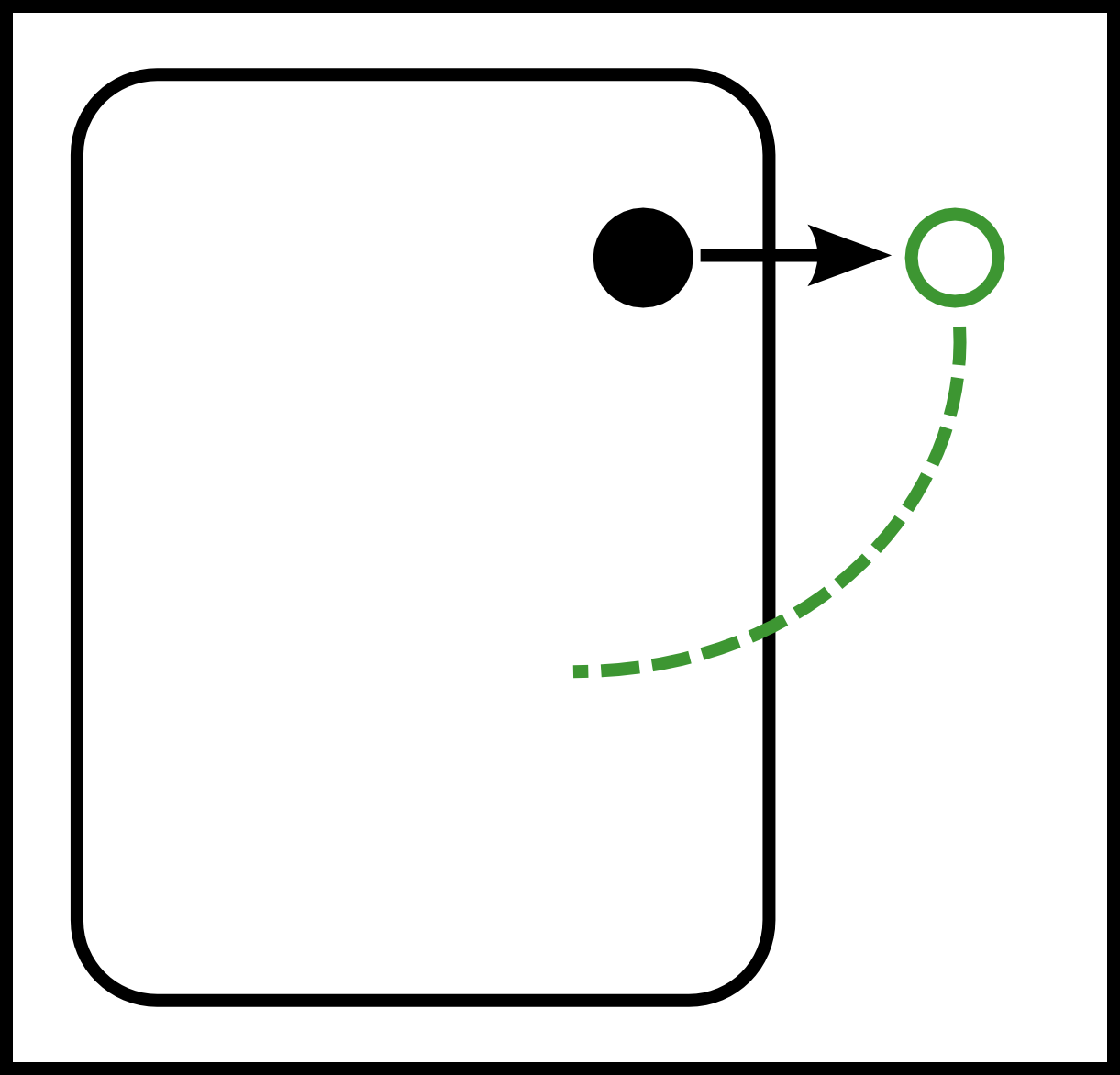
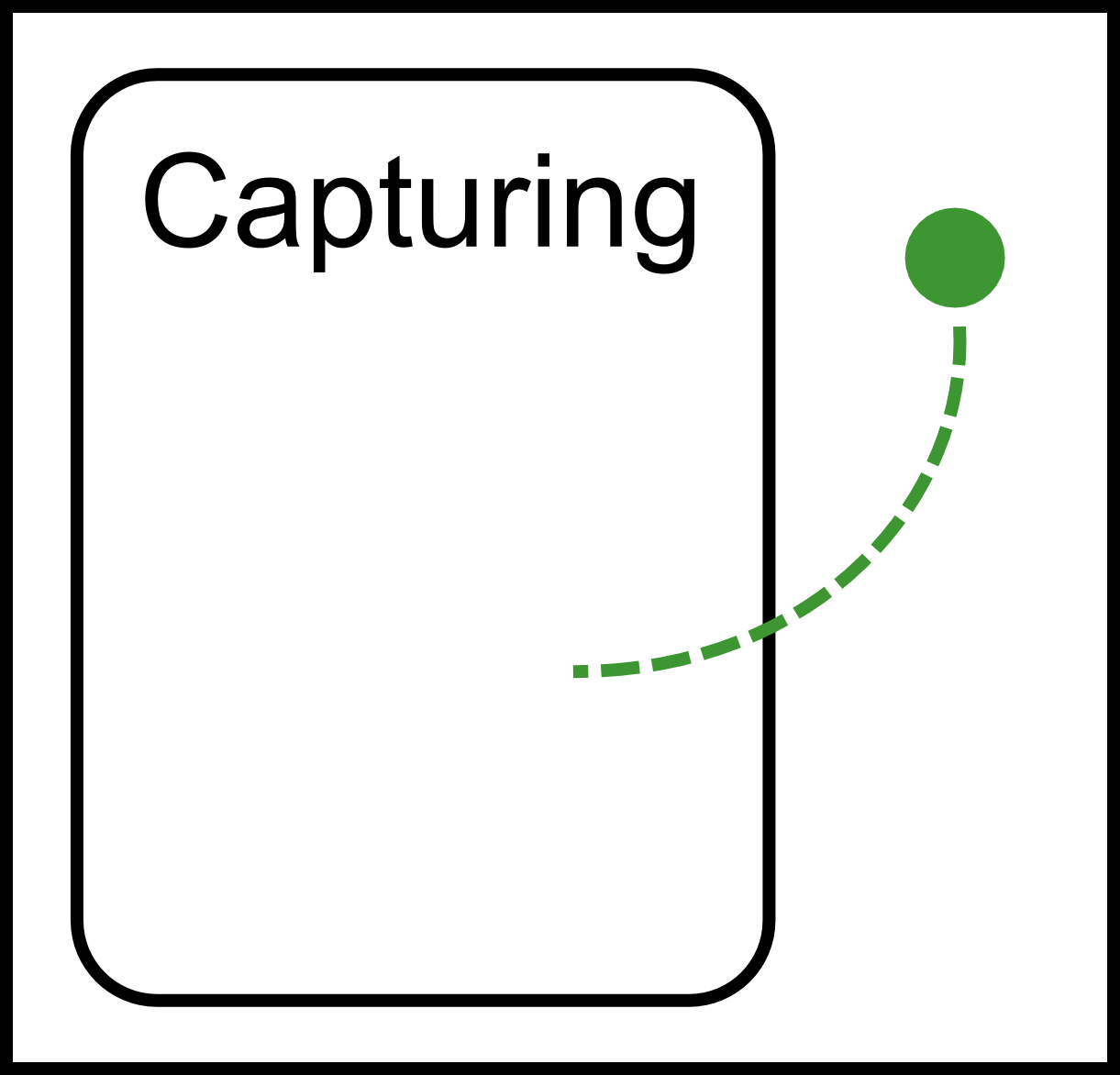
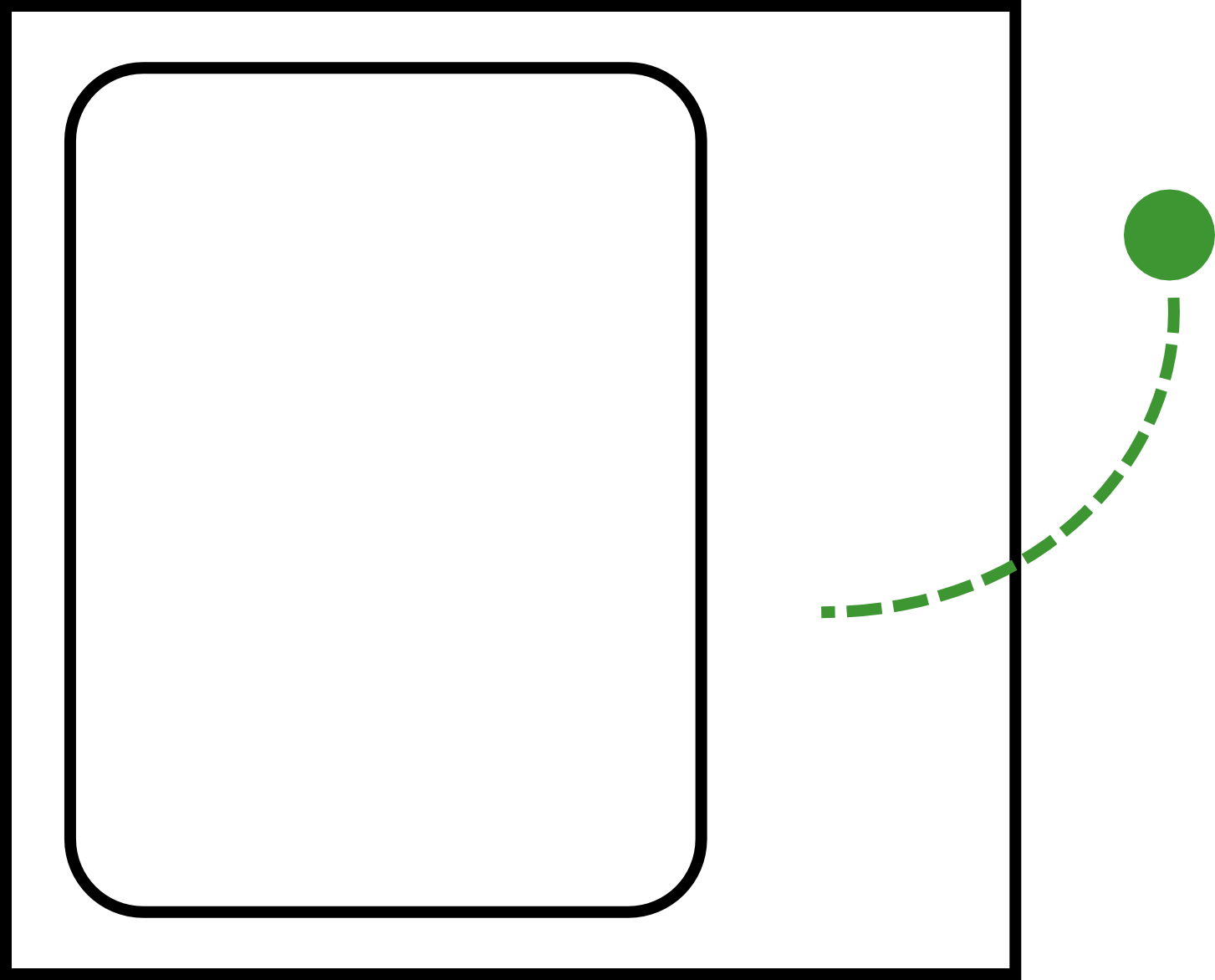
In the following images, a filled in circle represents a touch down, and the outline of a circle represents a position the touch has moved to. The dotted green line indicates the window that a touch is targeted at. The rounded rectangle represents a window, and the outer rectangle represents the root window.
ComplicationspreventDefault’ed ReleaseWhen Javascript calls preventDefault on a touch release, we need to make sure that no gesture events are created, but we also need to ensure that the GestureRecognizer knows that the associated finger isn’t down any more. To accomplish this, we turn the touch release into a touch cancel event. Touch CaptureWhen a touch capture occurs, all touches on windows other than the window gaining capture need to be ignored until they are released. To do this, we fire a touch cancel for each of these touches. Generating Gesture EventsEach touch-id has an associated window (See GestureRecognizerImpl::touch_id_target_), and each window has an associated GestureProviderAura. GestureProviderAura contains a FilteredGestureProvider, which is responsible for performing gesture detection on both Android and Aura.
Where To Start
|


UI Framework-1: Aura Gesture Recognizer的更多相关文章
- Hybrid UI framework shootout: Ionic vs. Famo.us vs. F7 vs. OnsenUI
1 Introduction In the past 2 years I’ve been working intensively on mobile applications, mostly hybr ...
- 00 - Vue3 UI Framework - 阅读辅助列表
阅读列表 01 - Vue3 UI Framework - 开始 02 - Vue3 UI Framework - 顶部边栏 03 - Vue3 UI Framework - 首页 04 - Vue3 ...
- [转]Ionic – Mobile UI Framework for PhoneGap/Cordova Developers
本文转自:http://devgirl.org/2014/01/20/ionic-mobile-ui-framework-for-phonegapcordova-developers/ Ionic i ...
- 05 - Vue3 UI Framework - Button 组件
官网基本做好了,接下来开始做核心组件 返回阅读列表点击 这里 目录准备 在项目 src 目录下创建 lib 文件夹,用来存放所有的核心组件吧.然后再在 lib 文件夹下创建 Button.vue 文件 ...
- 01 - Vue3 UI Framework - 开始
写在前面 一年多没写过博客了,工作.生活逐渐磨平了棱角. 写代码容易,写博客难,坚持写高水平的技术博客更难. 技术控决定慢慢拾起这份坚持,用作技术学习的阶段性总结. 返回阅读列表点击 这里 开始 大前 ...
- 03 - Vue3 UI Framework - 首页
顶部边栏做完了,接下来开始做官网的首页 返回阅读列表点击 这里 创建视图文件夹 让我们先新建一个 src/views 文件夹,用来存放官网的主要视图 然后在该文件夹下新建两个 vue 文件,作为我们的 ...
- 07- Vue3 UI Framework - Switch 组件
为了更好的提升用户体验,我们这里再做一个很常用的开关组件 switch 返回阅读列表点击 这里 需求分析 开始之前我们先做一个简单的需求分析 switch 组件应分为选中/未被选中,两种状态 可以通过 ...
- 08 - Vue3 UI Framework - Input 组件
接下来再做一个常用的组件 - input 组件 返回阅读列表点击 这里 需求分析 开始之前我们先做一个简单的需求分析 input 组件有两种类型,即 input 和 textarea 类型 当类型为 ...
- 09 - Vue3 UI Framework - Table 组件
接下来做个自定义的表格组件,即 table 组件 返回阅读列表点击 这里 需求分析 开始之前我们先做一个简单的需求分析 基于原生 table 标签的强语义 允许用户自定义表头.表体 可选是否具有边框 ...
随机推荐
- Android studio 分32位64位版本吗?
下载的时候,是不分32位和64位的.安装完成之后,在bin目录下,有studio.exe和studio64.exe这两个文件.前一个是32位的,后一个是64位的.根据自己的电脑进行选择.
- apiCloud中api.ajax方法跨域传参获取数据
apiCloud中的ajax方法,可以自动处理跨域访问数据,不必使用jsonp来处理了. 使用ajax方法,必须要在apiready = function() {}方法中 获取参数 var pageP ...
- pgsql数据库备份还原记
今天又搞了一个pgsql 的备份还原,差一点没有成功,以前总是想当然的用,没认真想背后的东西,也没对过程中的疑问做记录,所以后面也没什么印象,常见常新,这次既然又遇到就总结一下. 之前操作pgsql数 ...
- [JZOJ 5875] [NOIP2018提高组模拟9.20] 听我说,海蜗牛 解题报告(BFS+二分)
题目链接: http://172.16.0.132/senior/#main/show/5875 题目: 题解: 注意这题只能经过开放的港口 我们考虑用vector存下每个点不能到的点,并把并让vec ...
- 137.CPP自带异常
#include <iostream> #include <exception> using namespace std; //继承自带的异常 class sizeerror ...
- Linux部署之批量自动安装系统之测试篇
1. 客户端从网络启动如下 2. 复制vesamenu.c32文件可解决上面的问题 3. 客户端再次启动 4. 选择第一个进 ...
- canvas处理图片
canvas绘制图片的三种方法: drawImage(image, x, y) drawImage(image, x, y, width, height) drawImage(image, sourc ...
- NetworkX-根据权重画图
load_data = sio.loadmat(load_path) #阈值处理 mat=np.array(load_data['R']) mat[mat<0]=0 mat[mat<0.4 ...
- IE9 下的ajax缓存问题的处理
使用jQuery的getJSON从后台定时获取数据并刷新界面,使用以下方法时,在Chrome,Firefox下没问题,但在IE9下却无法刷新数据 1 2 3 4 5 $.getJSON(webAp ...
- 对同层数据进行处理,做成树状图形式的数据结构,并符合elementui中的tree结构
//通过子级的pid找到父级对应的id,制作树状图 var data = [ { id: 1, name: "办公管理", pid: 0 }, { id: 2, name: &qu ...