
Swift - 计算文本高度
Swift - 计算文本高度
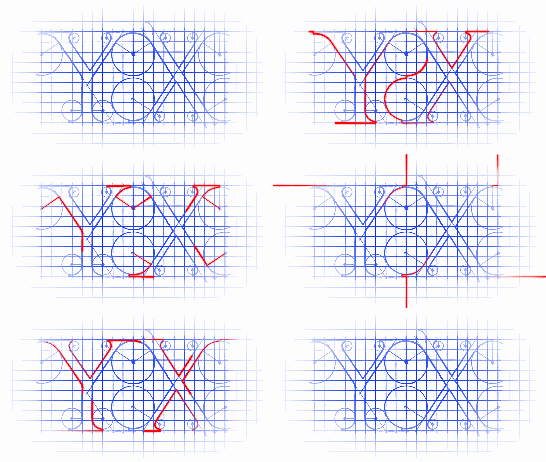
效果
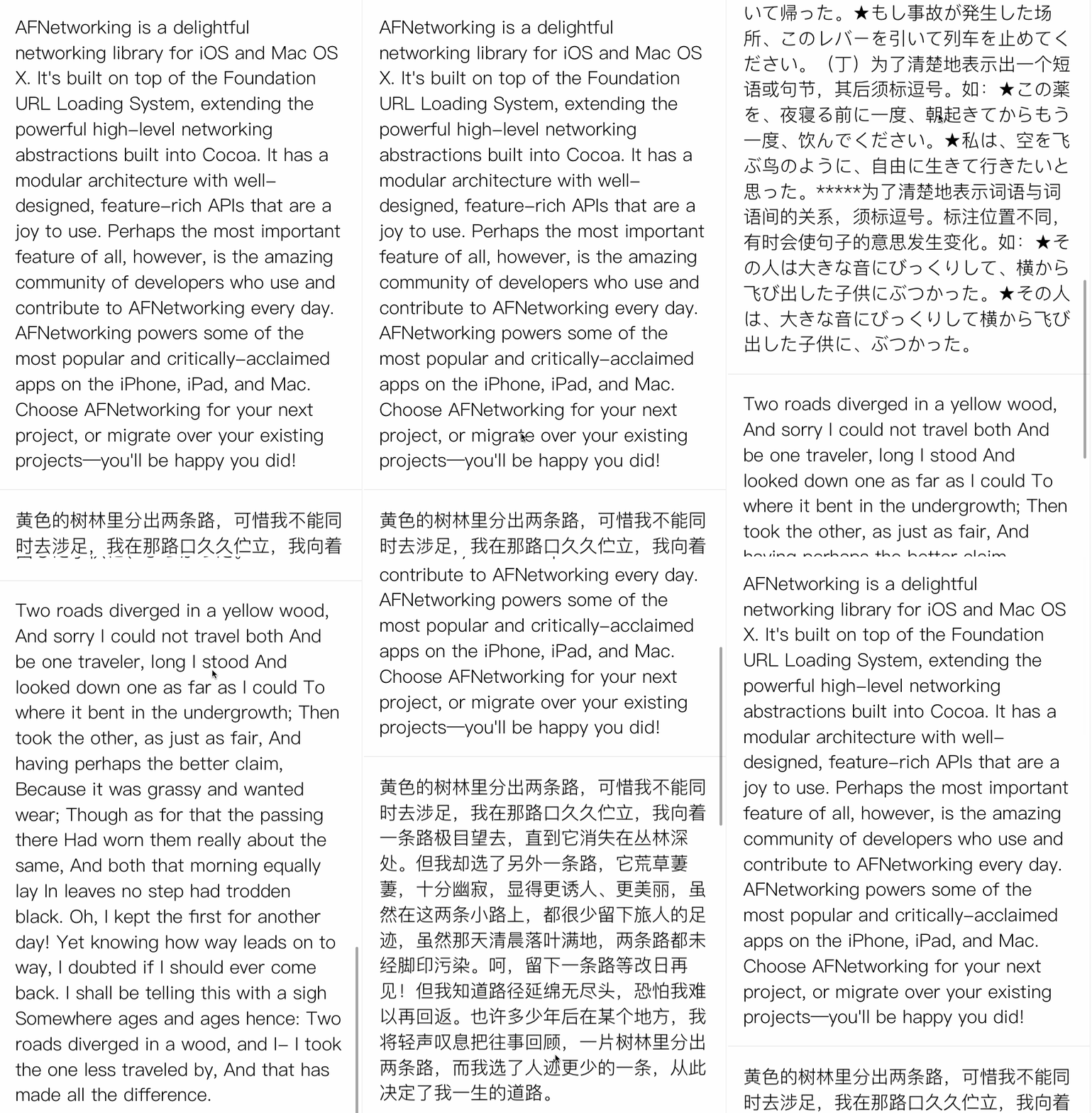
源码
//

//  String+StringHeight.swift

//  StringHeight

//

//  Created by YouXianMing on 16/8/30.

//  Copyright © 2016年 YouXianMing. All rights reserved.

//

import UIKit

extension String {

    /**

     Get the height with the string.

     - parameter attributes: The string attributes.

     - parameter fixedWidth: The fixed width.

     - returns: The height.

     */

    func heightWithStringAttributes(attributes : [String : AnyObject], fixedWidth : CGFloat) -> CGFloat {

        guard self.characters.count >  && fixedWidth >  else {

            return

        }

        let size = CGSizeMake(fixedWidth, CGFloat.max)

        let text = self as NSString

        let rect = text.boundingRectWithSize(size, options:.UsesLineFragmentOrigin, attributes: attributes, context:nil)

        return rect.size.height

    }

    /**

     Get the height with font.

     - parameter font:       The font.

     - parameter fixedWidth: The fixed width.

     - returns: The height.

     */

    func heightWithFont(font : UIFont = UIFont.systemFontOfSize(), fixedWidth : CGFloat) -> CGFloat {

        guard self.characters.count >  && fixedWidth >  else {

            return

        }

        let size = CGSizeMake(fixedWidth, CGFloat.max)

        let text = self as NSString

        let rect = text.boundingRectWithSize(size, options:.UsesLineFragmentOrigin, attributes: [NSFontAttributeName : font], context:nil)

        return rect.size.height

    }

    /**

     Get the width with the string.

     - parameter attributes: The string attributes.

     - returns: The width.

     */

    func widthWithStringAttributes(attributes : [String : AnyObject]) -> CGFloat {

        guard self.characters.count >  else {

            return

        }

        let size = CGSizeMake(CGFloat.max, )

        let text = self as NSString

        let rect = text.boundingRectWithSize(size, options:.UsesLineFragmentOrigin, attributes: attributes, context:nil)

        return rect.size.width

    }

    /**

     Get the width with the string.

     - parameter font: The font.

     - returns: The string's width.

     */

    func widthWithFont(font : UIFont = UIFont.systemFontOfSize()) -> CGFloat {

        guard self.characters.count >  else {

            return

        }

        let size = CGSizeMake(CGFloat.max, )

        let text = self as NSString

        let rect = text.boundingRectWithSize(size, options:.UsesLineFragmentOrigin, attributes: [NSFontAttributeName : font], context:nil)

        return rect.size.width

    }

}
Swift - 计算文本高度的更多相关文章
- swift - 动态计算文本高度
func heightOfCell(text : String) -> CGFloat { let attributes = [NSFontAttributeName:UI ...
- Swift计算文本宽高
iOS 8 开始可以配合 AutoLayout 自动估算文本的高度,但是当 Cell 比较复杂的时候,还会需要手动去计算.首先声明一个样式 var TextStyle : [String : NSOb ...
- iOS计算文本高度
NSDictionary *attribute = @{NSFontAttributeName: UIFont(14)}; CGRect labelRect = [string boundingRec ...
- iOS学习之根据文本内容动态计算文本框高度的步骤
在视图加载的过程中,是先计算出frame,再根据frame加载视图的,所以在设计计算高度的方法的时候,设计成加号方法; //首先给外界提供计算cell高度的方法 + (CGFloat)heightFo ...
- 精简计算UITableView文本高度
精简计算UITableView文本高度 本人视频教程系类 iOS中CALayer的使用 最终效果: 核心源码(计算文本高度的类) NSString+StringHeight.h 与 NSStrin ...
- iOS6 以上设置文本高度,行高(转)
2013-12-09 我来说两句 来源:冻僵的企鹅'zone 收藏 我要投稿 在iOS 7之前,常用下面这个方法计算文本高度sizeWithFont:constrainedToS ...
- iOS开发——文本高度
1.简单的计算文本高度 // 要计算的文本内容 NSString *testString = @"刘成利,软件工程专业毕业,iOS开发者,目前工作于北京,在证券金融领域从事iOS App开发 ...
- iOS 动态计算文本内容的高度
关于ios 下动态计算文本内容的高度,经过查阅和网上搜素,现在看到的有以下几种方法: 1. // 获取字符串的大小 ios6 - (CGSize)getStringRect_:(NSString* ...
- swift计算label动态宽度和高度
swift计算label动态宽度和高度 func getLabHeigh(labelStr:String,font:UIFont,width:CGFloat) -> CGFloat { let ...
随机推荐
- IOS一些好的用户体验设置
1,下载图片时,如果 用户操作UI,那么就停止子线程,用户停止操作子线程时,开启子线程继续下载. SDWebImage :专门下载图片. 2,网络请求时.本地要进行一些验证,以减少服务器的压力.
- Spring学习笔记 Part.01
Hibernate的作用: 1.可以解决以面向对象的方式操作数据库的问题 请求参数(String)→Strut2→Action(对象)→业务逻辑组件(面向对象) 2.所以任何一个ORM框架都可以代替H ...
- ubuntu12.04安装svn 1.7(转载)
ubuntu12.04安装svn 1.7 分类: ubuntu2013-10-22 16:03 239人阅读 评论(0) 收藏 举报 svnubuntu 目录(?)[+] 1.问题 在 ...
- freeCodeCamp:Repeat a string repeat a string
重复一个指定的字符串 num次,如果num是一个负数则返回一个空字符串. /*思路 fo循环将字符串重复num次并组成数组 将数组组成新的字符串并返回 */ function repeat(str, ...
- 与jquery serializeArray()一起使用的函数,主要来方便提交表单
<script> $(function() { $("#butsubmit").click(function() { var data = convertArray($ ...
- [Chapter 3 Process]Practice 3.8: Describe the differences among short-term, medium-term, long-term scheduling
3.8 Describe the differences among short-term, medium-term, and longterm scheduling. 答案: 长期调度决定哪些进程进 ...
- Unity5的AssetBundle的一点使用心得
昨天一位朋友在我这里留言,想让我写点Unity5的AssetBundle心得.于是我就看了相关的介绍,和自己确切的做了一次.下面来谈谈所谓的心得. 如果你觉得自己对AssetBundle不熟悉,建议先 ...
- noip2014-day2-t2
题意:在有向图G 中,每条边的长度均为1 ,现给定起点和终点,请你在图中找一条从起点到终点的路径,该路径满足以下条件: 1 .路径上的所有点的出边所指向的点都直接或间接与终点连通. 2 .在满足条件1 ...
- JAVA+HTML
1.采用轻量级 JApplet . import java.awt.*; import javax.swing.JApplet; public class test extends JApplet{ ...
- h5自动生成工具
一.前言 写了很多h5之后,对于写手写html和css已经麻木的我决定动手写个工具自动生成h5结构和样式.其实这个想法由来已久,但总是觉得自己技术不够,所以一直没实行.直到某天我真的写够了,我决定动手 ...