
史上最简单的SpringCloud教程 | 第十三篇: 断路器聚合监控(Hystrix Turbine)(Finchley版本)
转载请标明出处:
原文首发于:https://www.fangzhipeng.com/springcloud/2018/08/30/sc-f13-turbine/
本文出自方志朋的博客
上一篇文章讲述了如何利用Hystrix Dashboard去监控断路器的Hystrix command。当我们有很多个服务的时候,这就需要聚合所以服务的Hystrix Dashboard的数据了。这就需要用到Spring Cloud的另一个组件了,即Hystrix Turbine。
一、Hystrix Turbine简介
看单个的Hystrix Dashboard的数据并没有什么多大的价值,要想看这个系统的Hystrix Dashboard数据就需要用到Hystrix Turbine。Hystrix Turbine将每个服务Hystrix Dashboard数据进行了整合。Hystrix Turbine的使用非常简单,只需要引入相应的依赖和加上注解和配置就可以了。
二、准备工作
本文使用的工程为上一篇文章的工程,在此基础上进行改造。因为我们需要多个服务的Dashboard,所以需要再建一个服务,取名为service-lucy,它的基本配置同service-hi,具体见源码,在这里就不详细说明。
三、创建service-turbine
引入相应的依赖:
 <dependencies>

        <dependency>

            <groupId>org.springframework.cloud</groupId>

            <artifactId>spring-cloud-starter-netflix-eureka-client</artifactId>

        </dependency>

        <dependency>

            <groupId>org.springframework.boot</groupId>

            <artifactId>spring-boot-starter-web</artifactId>

        </dependency>

        <dependency>

            <groupId>org.springframework.boot</groupId>

            <artifactId>spring-boot-starter-actuator</artifactId>

        </dependency>

        <dependency>

            <groupId>org.springframework.cloud</groupId>

            <artifactId>spring-cloud-starter-netflix-hystrix</artifactId>

        </dependency>

        <dependency>

            <groupId>org.springframework.cloud</groupId>

            <artifactId>spring-cloud-starter-netflix-hystrix-dashboard</artifactId>

        </dependency>

        <dependency>

            <groupId>org.springframework.cloud</groupId>

            <artifactId>spring-cloud-starter-netflix-turbine</artifactId>

        </dependency>

    </dependencies>
在其入口类ServiceTurbineApplication加上注解@EnableTurbine,开启turbine,@EnableTurbine注解包含了@EnableDiscoveryClient注解,即开启了注册服务。
@SpringBootApplication

@EnableEurekaClient

@EnableDiscoveryClient

@RestController

@EnableHystrix

@EnableHystrixDashboard

@EnableCircuitBreaker

@EnableTurbine

public class ServiceTurbineApplication {

    /**

     * http://localhost:8764/turbine.stream

     */

    public static void main(String[] args) {

        SpringApplication.run( ServiceTurbineApplication.class, args );

    }

}
配置文件application.yml:
server:

  port: 8764

spring:

  application:

    name: service-turbine

eureka:

  client:

    serviceUrl:

      defaultZone: http://localhost:8761/eureka/

management:

  endpoints:

    web:

      exposure:

        include: "*"

      cors:

        allowed-origins: "*"

        allowed-methods: "*"

turbine:

  app-config: service-hi,service-lucy

  aggregator:

    clusterConfig: default

  clusterNameExpression: new String("default")

  combine-host: true

  instanceUrlSuffix:

    default: actuator/hystrix.stream
配置文件注解写的很清楚。
四、Turbine演示
依次开启eureka-server、service-hi、service-lucy、service-turbine工程。
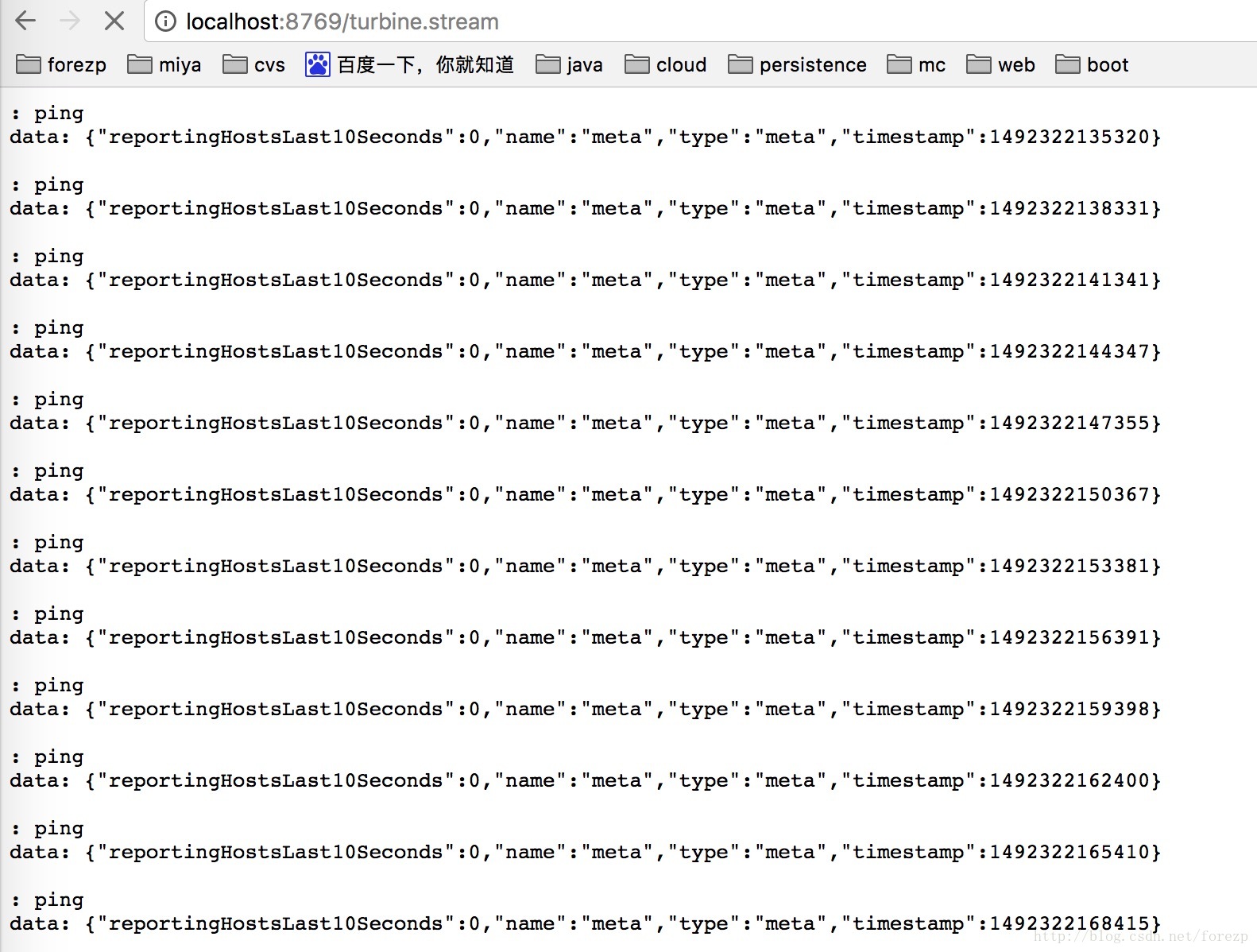
打开浏览器输入:http://localhost:8764/turbine.stream,界面如下:
依次请求:
http://localhost:8763/hi?name=forezp
打开:http://localhost:8763/hystrix,输入监控流http://localhost:8764/turbine.stream
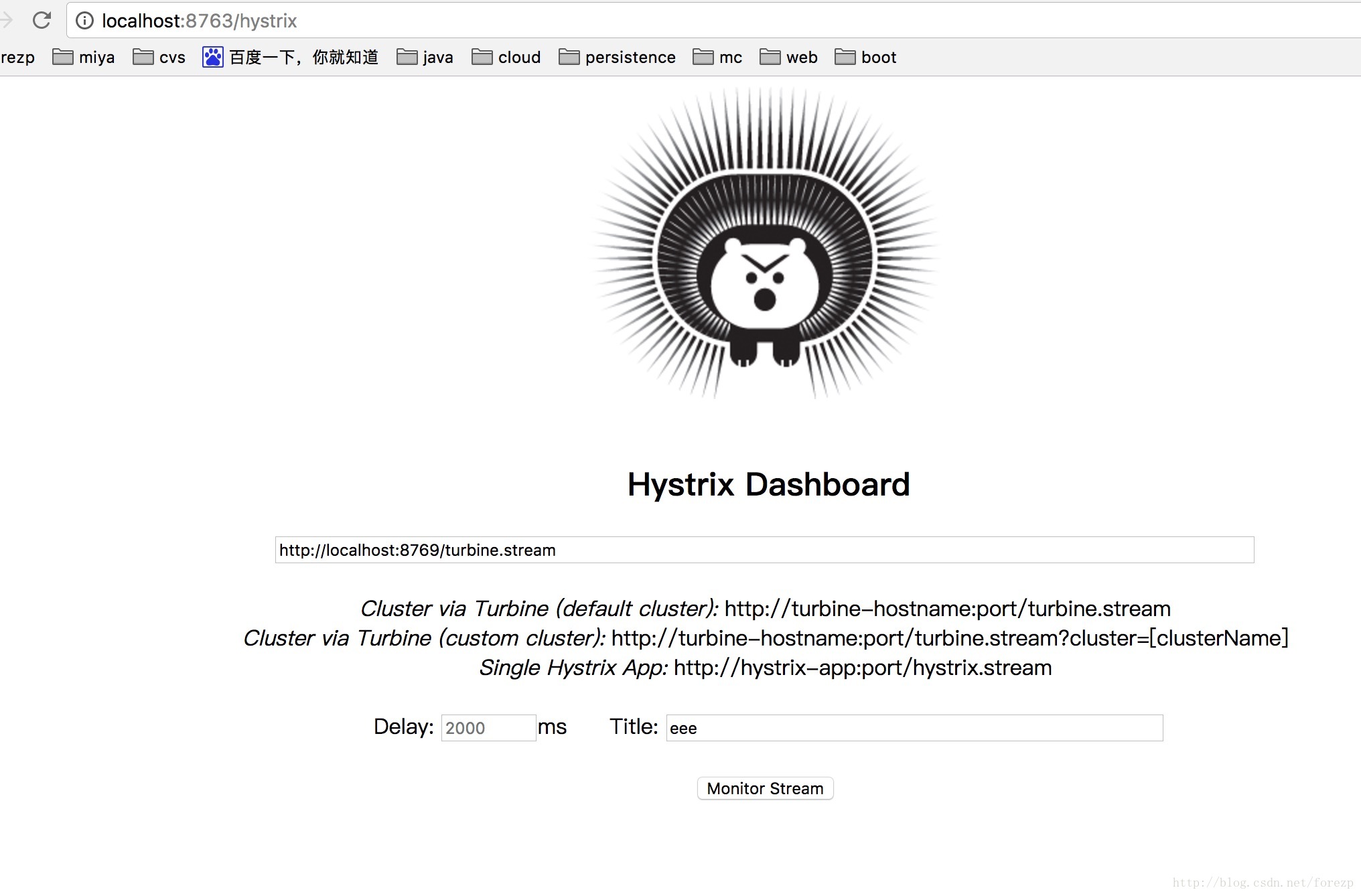
点击monitor stream 进入页面:

可以看到这个页面聚合了2个service的hystrix dashbord数据。
源码下载:
https://github.com/forezp/SpringCloudLearning/tree/master/sc-f-chapter13
五、参考文献
扫码关注有惊喜

(转载本站文章请注明作者和出处 方志朋的博客)
史上最简单的SpringCloud教程 | 第十三篇: 断路器聚合监控(Hystrix Turbine)(Finchley版本)的更多相关文章
- SpringCloud教程 | 第十三篇: 断路器聚合监控(Hystrix Turbine)
版权声明:本文为博主原创文章,欢迎转载,转载请注明作者.原文超链接 ,博主地址:http://blog.csdn.net/forezp. http://blog.csdn.net/forezp/art ...
- 史上最简单的SpringCloud教程 | 第三篇: 服务消费者(Feign)(Finchley版本)
转载请标明出处: 原文首发于:https://www.fangzhipeng.com/springcloud/2018/08/30/sc-f3-feign/ 本文出自方志朋的博客 上一篇文章,讲述了如 ...
- 原 史上最简单的SpringCloud教程 | 第八篇: 消息总线(Spring Cloud Bus)(Finchley版本)
转载请标明出处: 原文首发于:https://www.fangzhipeng.com/springcloud/2018/08/30/sc-f8-bus/ 本文出自方志朋的博客 转载请标明出处: Spr ...
- SpringCloud 教程 (六)断路器聚合监控(Hystrix Turbine)
一.Hystrix Turbine简介 看单个的Hystrix Dashboard的数据并没有什么多大的价值,要想看这个系统的Hystrix Dashboard数据就需要用到Hystrix Turbi ...
- 史上最简单的SpringCloud教程 | 第四篇:断路器(Hystrix)
在微服务架构中,根据业务来拆分成一个个的服务,服务与服务之间可以相互调用(RPC),在Spring Cloud可以用RestTemplate+Ribbon和Feign来调用.为了保证其高可用,单个服务 ...
- 史上最简单的SpringCloud教程 | 第四篇:断路器(Hystrix)(Finchley版本)
转载请标明出处: 原文首发于:https://www.fangzhipeng.com/springcloud/2018/08/30/sc-f4-hystrix/ 本文出自方志朋的博客 在微服务架构中, ...
- 史上最简单的SpringCloud教程 | 第三篇: 服务消费者(Feign)
转载请标明出处: https://www.fangzhipeng.com/springcloud/2017/07/12/sc03-feign/ 本文出自方志朋的博客 最新Finchley版本请访问: ...
- 史上最简单的SpringCloud教程 | 第十篇: 高可用的服务注册中心(Finchley版本)
转载请标明出处: 原文首发于 https://www.fangzhipeng.com/springcloud/2018/08/30/sc-f10-eureka/ 本文出自方志朋的博客 文章 史上最简单 ...
- 史上最简单的 SpringCloud 教程 | 终章
https://blog.csdn.net/forezp/article/details/70148833转载请标明出处:http://blog.csdn.net/forezp/article/det ...
随机推荐
- flask 简易注册登陆
db.py import MySQLdb conn = MySQLdb.connect(', 'test1') cur = conn.cursor() def addUser (username,pa ...
- org.apache.ibatis.binding.BindingException
1.异常提示: org.apache.ibatis.binding.BindingException: Mapper method 'com.artup.dao.WorksDao.selectWork ...
- Python-网络编程(三)
今天是网络编程的最后一天,明天会开始并发编程 socketserver模块实现并发 为什么要讲socketserver?我们之前写的tcp协议的socket是不是一次只能和一个客户端通信,如果用soc ...
- windows 下进程与线程的遍历
原文:http://www.cnblogs.com/Apersia/p/6579376.html 在Windows下进程与线程的遍历有好几种方法. 进程与线程的遍历可以使用<TlHelp.h&g ...
- 六、使用media实现响应式布局
常见写法: 下面总结常见的响应式布局的分类: @media screen and (max-width:320px){ #talkFooter .editArea{…… } } @media scre ...
- ajax 请求调用问题
http://localhost/dev/list 和 http://127.0.0.1/dev/list 最近在架构整体常规通用系统的解决方案,遭遇AJAX请求不执行的问题,刚开始以为Spring ...
- idea 出现 java.noSuchMechodFound
公司 用了多个项目来相互之间形成依赖.每次修改或者添加新功能,会升级版本.用的是maven,这几天 一直 出现一个问题就是:本地 升级版本完后 使用 git命令 mvn -deploy -e 打包后, ...
- java几种基本排序算法
1.选择排序 原理:将数组的每一个元素和第一个元素相比较,如果小于第一个元素则交换,选出第一小的,依次选出第二小,第三小的.... 代码 int[] a = {1,3,2,5}; int i,j,te ...
- pt-mysql-summary
pt-mysql-summary主要用来输出MySQL的基本信息,可以作为数据库巡检以及刚开始熟悉数据库环境时候进行使用: [root@mxqmongodb2 bin]# ./pt-mysql-sum ...
- keepalived+MySQL双主搭建
keepalived+MySQL双主搭建过程 首先要简单了解一下keepalived: Keepalived是Linux下一个轻量级别的高可用解决方案.高可用(High Avalilability,H ...