
php: zend server 安装及相关配置
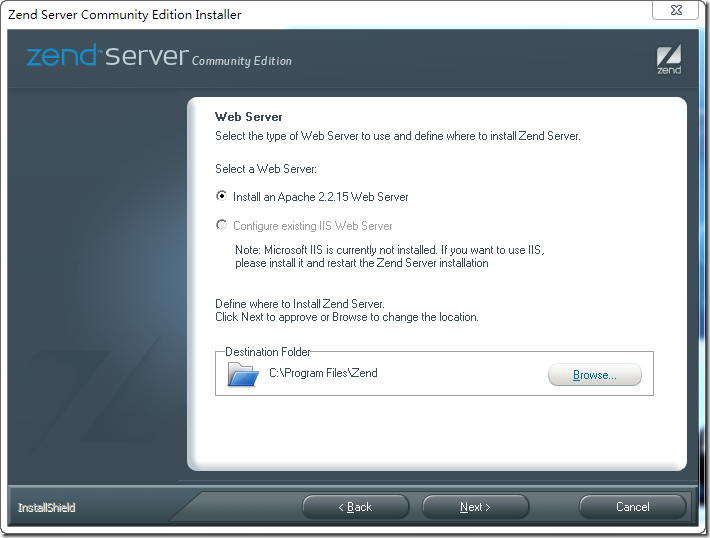
运行安装文件(ZendServer-CE-php-5.3.2-5.0.1-Windows_x86.exe)开始安装,选项请参照我的选择。
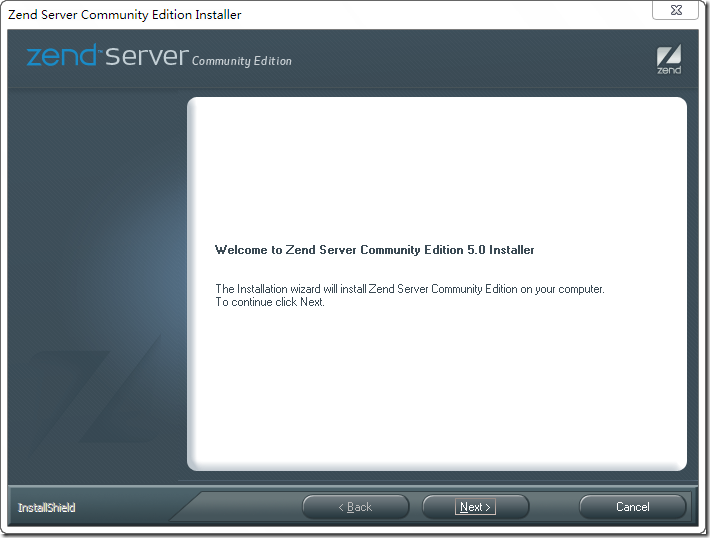
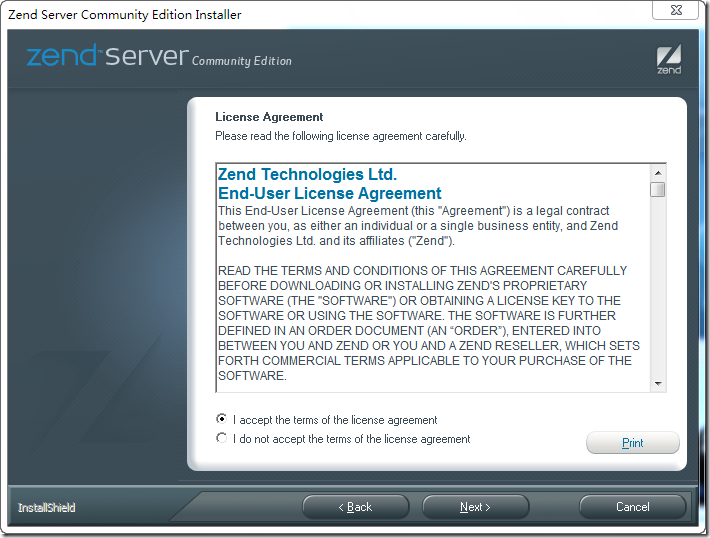
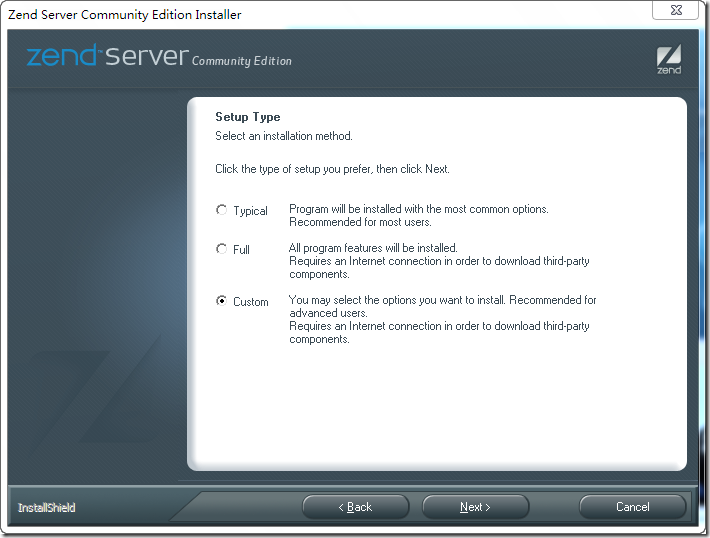 这里不做改动,维持默认选择即可
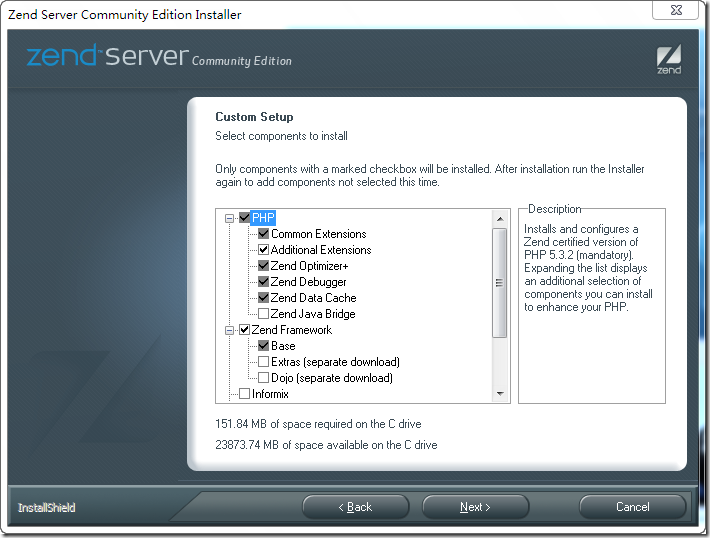
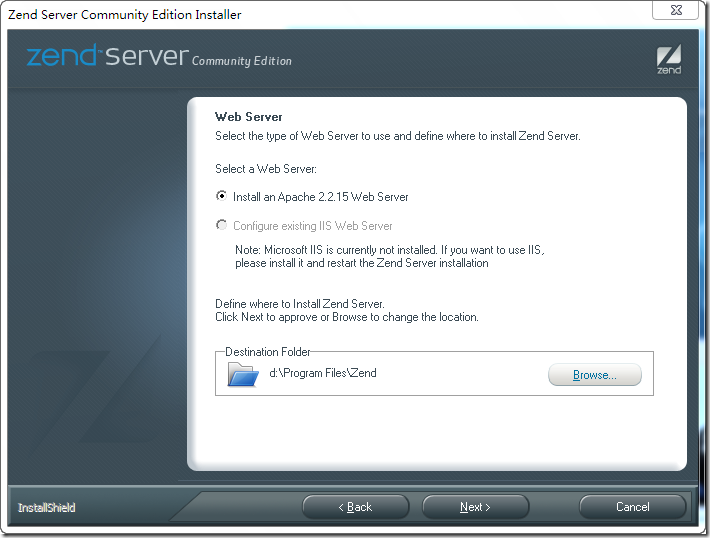
点击Browse按钮更改安装目录,比如这里设置的是D盘
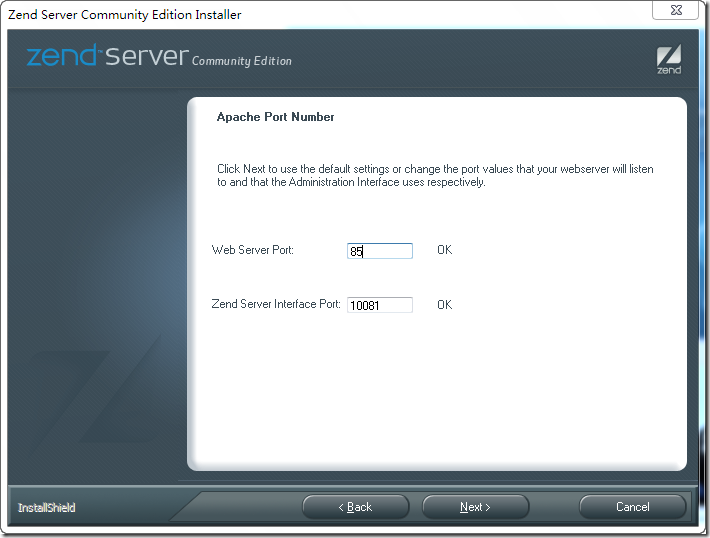
 更改Web Server Port为85 以避免跟IIS冲突,如果你没有IIS那么没有关系的。
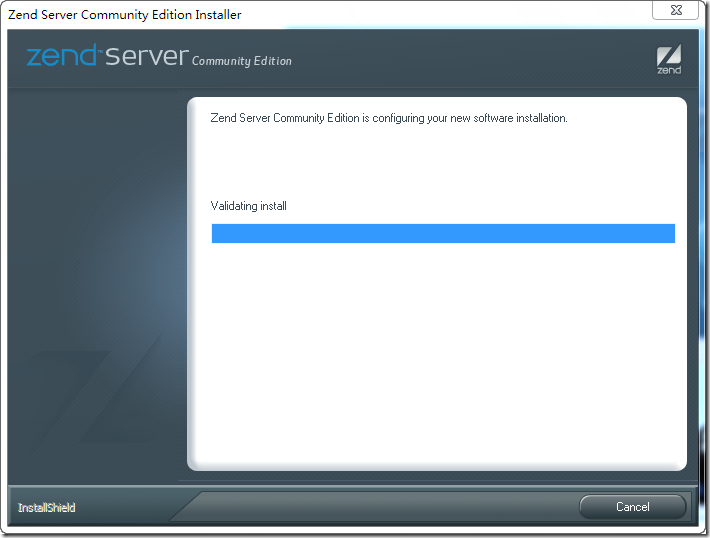
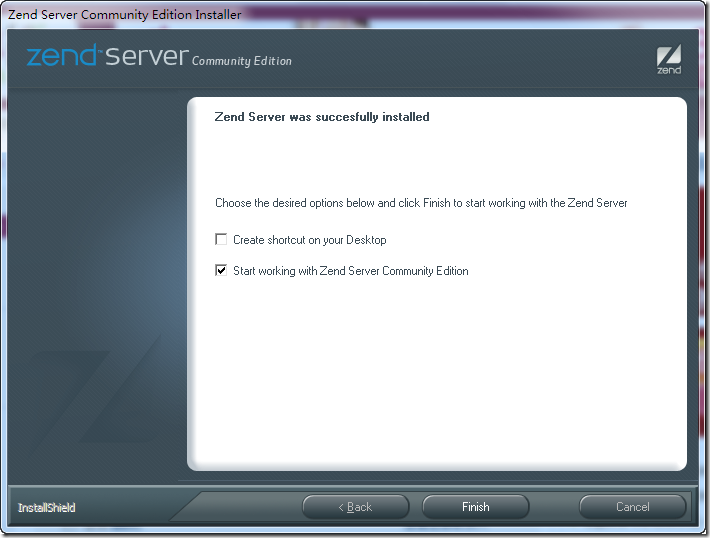
错误1:
安装完成因Zend Server存在配置文件编码的错误,需要手工做更改。
用记事本打开D:\Program Files\Zend\ZendServer\etc\ZendEnablerConf.xml文件。
将
锘??xml version="1.0" encoding="UTF-8"?>
更改为
<?xml version="1.0" encoding="UTF-8"?>
否则会无法启动zend server,网页显示错误500。
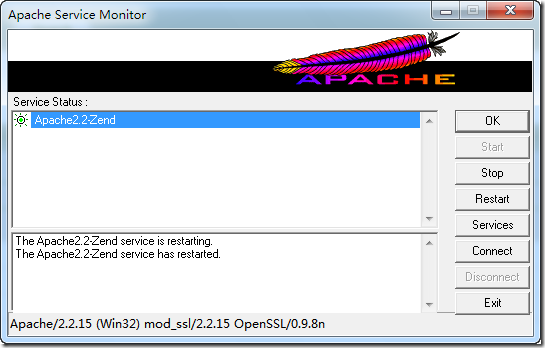
在控制面板中打开Apache Service Monitor(右键点击图中第二排第一个图标)

重新启动Apache(点击Restart按钮)
 在浏览器中打开地址:http://localhost:10081/ZendServer/
也可在开始菜单中找到Zend Server的快捷方式打开Zend Server配置界面做一下配置
勾选同意协议单选框。 为Zend Server设置一个密码 去除Email通知选择 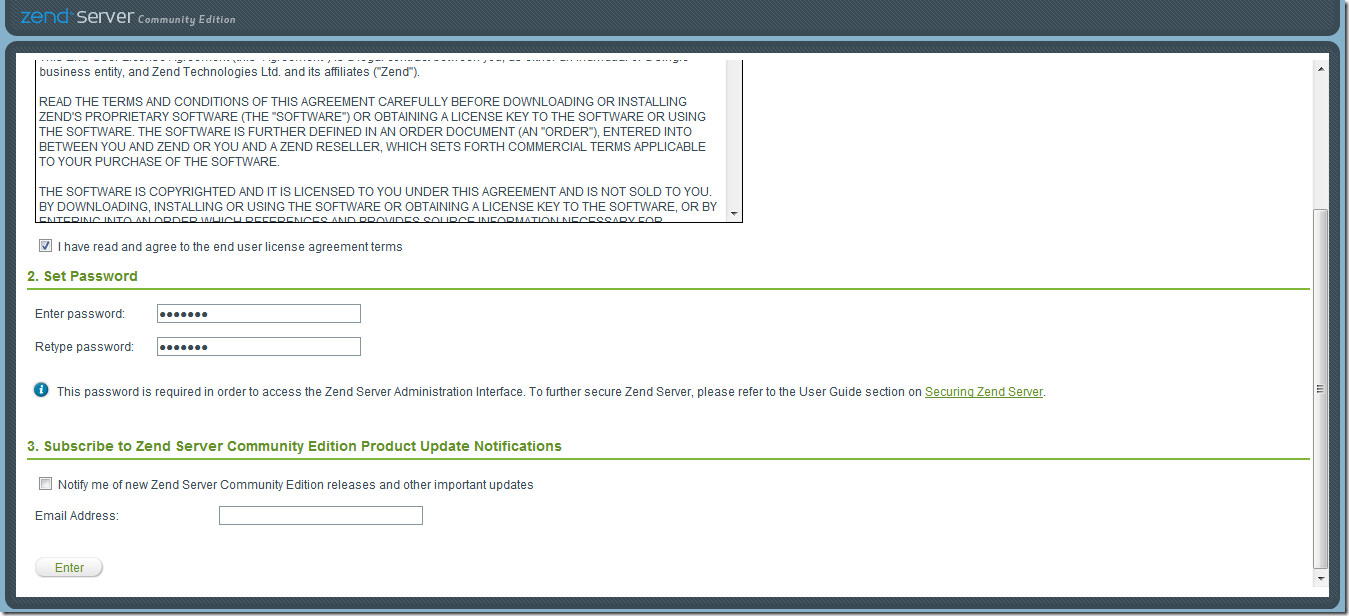 配置完成后进入到Zend Server控制面板
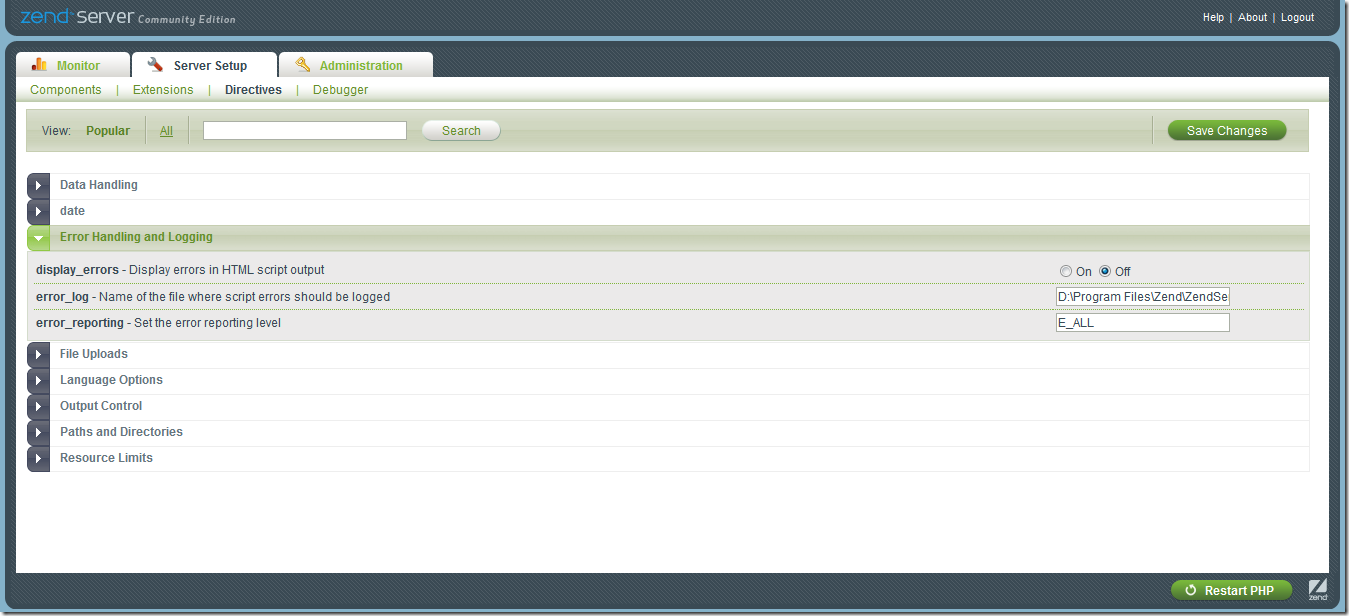
这里提醒一下的是Server Setup > Directives 中的Error Handling and Logging组中的display_errors在日后开发中会常用到。
主要作用是打开或者关闭PHP的错误提示。
错误二:输入http:/localhost/无法打开。这个主要是起先你设置的时候,设置的端口号不是80,而默认是访问这个端口的。
可以如此访问:http://localhost:85/
修改端口号:
    例如可以将Apache监听的端口改为81或其他任何一个未被使用的端口。 Apache修改监听端口的方法为: 打开 httpd.conf 修改 Listen 80 为 Listen 81 Apache

可以同时监听一个以上的端口实现多个Http服务 只要添一行 如 Listen 82 即可 同样IIS也可以修改默认的端口以避开冲突 修改方法类似 打开

Administrative Tools -> Internet Services Manager 点选 Default Web Site(或其他自定义的Site) -> 右击选Properties 点选 Web Site -> Advanced...

 修改TCP Port 为有效值即可。
这里有更详细的设置情况:http://bbs.cfan.com.cn/thread-189702-1-1.html
错误三:默认路径
appache默认路径一般是 X:\Program Files\Zend\Apache2\htdocs X表示你的盘符。
那么现在我想改到其他地方应该怎么办?
那需要修改httpd.conf(在此E:\Program Files\Zend\Apache2\conf目录下)
找到DocumentRoot开头的选项,修改为你想要的路径就可以。
例如:
DocumentRoot "D:\MyExperiment\php"
#
# Each directory to which Apache has access can be configured with respect
# to which services and features are allowed and/or disabled in that
# directory (and its subdirectories).
#
# First, we configure the "default" to be a very restrictive set of
# features.
#
<Directory />
Options FollowSymLinks
AllowOverride None
Order deny,allow
Deny from all
</Directory>
#
# Note that from this point forward you must specifically allow
# particular features to be enabled - so if something's not working as
# you might expect, make sure that you have specifically enabled it
# below.
#
#
# This should be changed to whatever you set DocumentRoot to.
#
<Directory "D:\MyExperiment\php">
记住所有你的修改,在保存之后,都必须重新启动appace服务才行。
php: zend server 安装及相关配置的更多相关文章
- Zend Server 安装与配置图文教程
Zend Server是一款专业的PHP Web开发应用服务器,一些初次接触并使用此程序的朋友可能不太了解安装方法,本文为您提供了Zend Server 安装与配置图文教程,欢迎大家阅读,并提出自己的 ...
- Nginx的安装及相关配置
Nginx的安装及相关配置 Nginx 是 C语言 开发,建议在 Linux 上运行,当然,也可以安装 Windows 版本,本篇则使用 CentOS 7 作为安装环境. 一. gcc 安装 安装 n ...
- windows上zend server安装 报The server encountered an internal error or misconfiguration and was unable to complete your request -解决方法 摘自网络
windows上zend server安装完成后报如下错误: Internal Server Error The server encountered an internal error or m ...
- Zend Server安装后首次运行就出现Internal Server Error的解决
无论是使用哪个版本的Zend Server来搭建PHP服务器,首次运行都会出现Internal Server Error的错误,对很多新手而言,每当看到这种错误时,那一刻内心绝对都是崩溃的.然而,这个 ...
- Zend Server安装后首次运行就出现Internal Server Error的解决(转)
新近学习php,结果装了Zend Server上来就报错,网上找到了解决方法,照着做果然可行,转之. 刚才安装了Zend Server,安装后首次运行就爆出了一个Internal Server Err ...
- MariaDB的安装及相关配置
MariaDB的安装及相关配置 安装 yum -y install mariadb mariadb-server 安装完成MariaDB,首先启动MariaDB systemctl start mar ...
- node.js安装以及相关配置
安装: 首先需要进行安装.关于如何安装Node.js,这里就不赘述了,可以直接参考官方的安装指南.安装到指定盘后(以下内容以D盘为例),就开始进行相关配置. 配置: 首先配置环境变量:我的电脑--&g ...
- 2、pycharm安装及相关配置
PyCharm是一种Python IDE,带有一整套可以帮助用户在使用Python语言开发时提高其效率的工具,比如调试. 语法高亮.Project管理.代码跳转.智能提示.自动完成.单元测试.版本控制 ...
- Eclipse的安装及相关配置
一.Eclipse的下载 二.Eclipse的安装 三.Eclipse中相关配置 一.Eclipse的下载 Eclipse各版本下载地址 1.选择要下载的版本(我这里选择的4.14版) 2.选择与自己 ...
随机推荐
- Two Sum & Add Two Numbers
Two Sum 题目:https://leetcode.com/problems/two-sum/ class Solution(object): def twoSum(self, nums, tar ...
- $ajax引用DOM
- makeinfo: command not found
解决办法:sudo apt-get install texinfo
- 真正意义上的spring环境中的单元测试方案spring-test与mokito完美结合
真正意义上的spring环境中的单元测试方案spring-test与mokito完美结合 博客分类: java 测试 单元测试SpringCC++C# 一.要解决的问题: spring环境中 ...
- 何时使用Swift Structs和Classes
Swift 圈中有一个被反复讨论的话题是:何时使用struct,何时使用class.我觉得今天我也要给出我的个人观点. 值 VS 引用 答案真的很简单了:当你需要用值语义的时候使用class,需要用引 ...
- 常用Sql语句书写
一.增:有2种方法 1.使用insert插入单行数据: 语法:insert [into] <表名> [列名] values <列值> 例:insert into Strdent ...
- yield学习续:yield return迭代块在Unity3D中的应用——协程
必读好文推荐: Unity协程(Coroutine)原理深入剖析 Unity协程(Coroutine)原理深入剖析再续 上面的文章说得太透彻,所以这里就记一下自己的学习笔记了. 首先要说明的是,协程并 ...
- Eclipse安装配置以及java项目和类的创建
1.Eclipse的安装: 双击此应用程序 进入安装界面 选择下一步 更改路径将此默认路径改为 确定之后下一步更改jre的安装路径 在之前安装的java文件夹下新建一个jre文件夹 将jre安装在里边 ...
- Java里的构造函数(构造方法)
构造函数 ,是一种特殊的方法.主要用来在创建对象时初始化对象, 即为对象成员变量赋初始值,总与new运算符一起使用在创建对象的语句中.特别的一个类可以有多个构造函数 ,可根据其参数个数的不同或参数类型 ...
- 『TCP/IP详解——卷一:协议』读书笔记——04
2013-08-18 16:31:17 第2章 链路层 2.1 引言 链路层主要有三个目的: 为IP模块发送和接受IP数据报 为ARP模块发送ARP请求和接受ARP应答 为RARP发送RARP请求和接 ...