
ASP.NET Core & 双因素验证2FA 实战经验分享
必读
本文源码核心逻辑使用AspNetCore.Totp,为什么不使用AspNetCore.Totp而是使用源码封装后面将会说明。
为了防止不提供原网址的转载,特在这里加上原文链接:
https://www.cnblogs.com/yuefengkai/p/11408339.html
双因素认证
双因素身份认证就是通过你所知道再加上你所能拥有的这二个要素组合到一起才能发挥作用的身份认证系统。双因素认证是一种采用时间同步技术的系统,采用了基于时间、事件和密钥三变量而产生的一次性密码来代替传统的静态密码。每个动态密码卡都有一个唯一的密钥,该密钥同时存放在服务器端,每次认证时动态密码卡与服务器分别根据同样的密钥,同样的随机参数(时间、事件)和同样的算法计算了认证的动态密码,从而确保密码的一致性,从而实现了用户的认证。就像我们去银行办卡送的口令牌.

一. 前言
最近公司内部SSO登录一直在找一种安全的方式,目前已实现方案:账号密码登录以及手机验证码登录,通过Apollo切换不同的登录方式,想起18年看到AspNetCore.Totp并也编写了DemodotNetCore-2FA登录,将之前写的再完善并且在此记录和分析,希望对大家有些帮助。
二. AspNetCore.Totp
说明一下为什么要用AspNetCore.Totp修改并且重新打包Brook.Totp因AspNetCore.Totp在生成二维码链接时会访问404(google.com)网站,国内基本无法使用,这很不清真,还有就是注入需要注入接口和实现类,使用起来很繁琐,所以才萌生了让使用起来更方便,并且不依赖Google生成二维码
- 生成二维码
accountIdentity = accountIdentity.Replace(" ", "");

            var encodedSecretKey = Base32.Encode(accountSecretKey);

            var provisionUrl = UrlEncoder.Encode(string.Format("otpauth://totp/{0}?secret={1}&issuer={2}", accountIdentity, encodedSecretKey, UrlEncoder.Encode(issuer)));

            var protocol = useHttps ? "https" : "http";

            var url = $"{protocol}://chart.googleapis.com/chart?cht=qr&chs={qrCodeWidth}x{qrCodeHeight}&chl={provisionUrl}";

            var totpSetup = new TotpSetup

            {

                QrCodeImage = this.GetQrImage(url),

                ManualSetupKey = encodedSecretKey

            };
- 注入方式
Startup注入
services.AddSingleton<ITotpSetupGenerator, TotpSetupGenerator>();

services.AddSingleton<ITotpValidator, TotpValidator>();

services.AddSingleton<ITotpGenerator, TotpGenerator>();
Controller注入
 private readonly ITotpGenerator _totpGenerator;

        private readonly ITotpSetupGenerator _totpSetupGenerator;

        private readonly ITotpValidator _totpValidator;

        public ValuesController(ITotpSetupGenerator totpSetupGenerator)

        {

            _totpSetupGenerator = totpSetupGenerator;

            _totpGenerator = new TotpGenerator();

            _totpValidator = new TotpValidator(_totpGenerator);

        }
三. Brook.Totp
- 二维码使用
QRCoder来生成,不依赖外部网络
        /// <summary>

        /// 生成二维码

        /// </summary>

        /// <param name="provisionUrl"></param>

        /// <param name="pixelsPerModule"></param>

        /// <returns></returns>

        private string GetQrBase64Imageg(string provisionUrl,int pixelsPerModule)

        {

            QRCodeGenerator qrGenerator = new QRCodeGenerator();

            QRCodeData qrCodeData = qrGenerator.CreateQrCode(provisionUrl, QRCodeGenerator.ECCLevel.Q);

            Base64QRCode qrCode = new Base64QRCode(qrCodeData);

            string qrCodeImageAsBase64 = qrCode.GetGraphic(2);

            return  $"data:image/png;base64,{qrCodeImageAsBase64}";

        }
- 注入方式
Startup注入
services.AddBrookTotp();
Controller注入
private readonly ITotp _totp;

public AccountController(ITotp totp)

{

        _totp = totp;

}
四.双因素APP
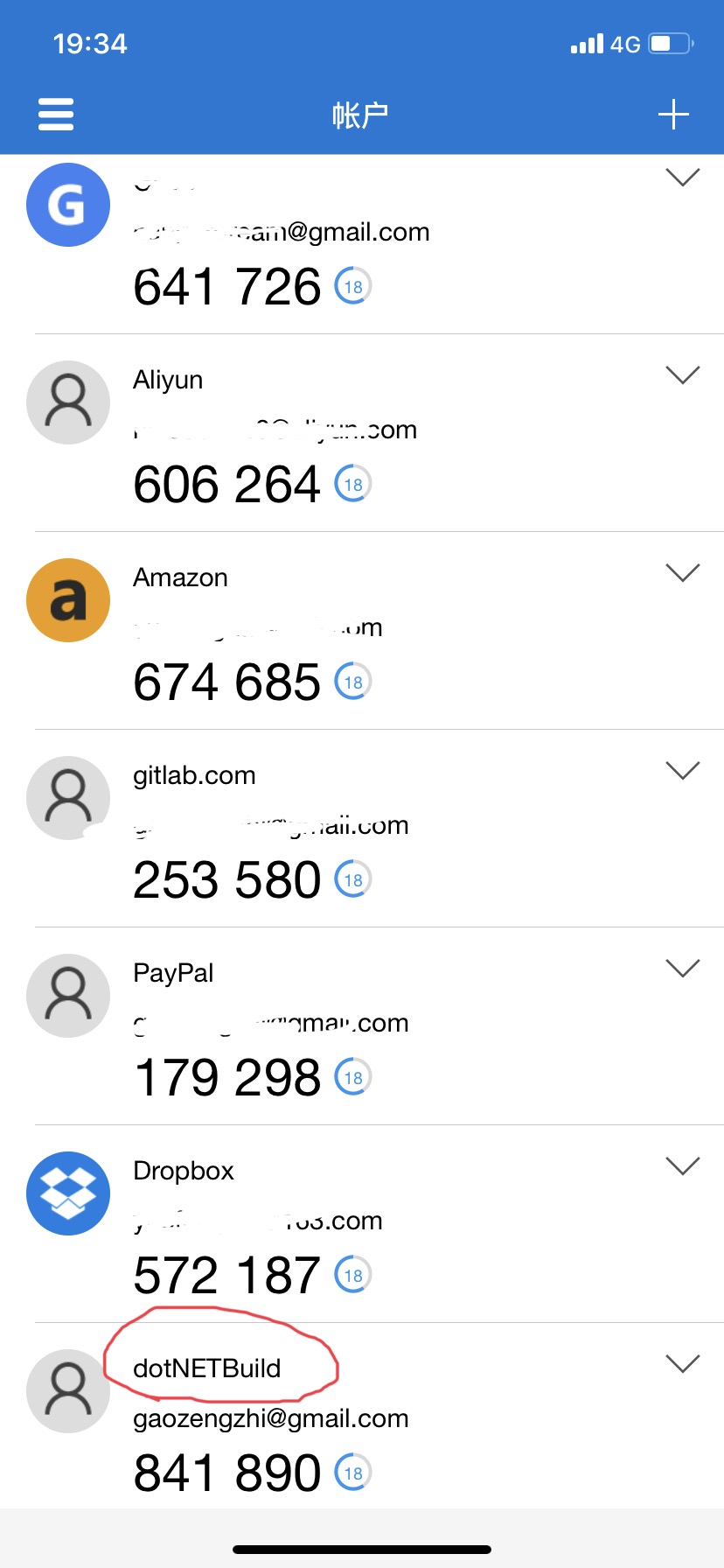
推荐使用Microsoft Authenticator支持IOS、安卓可自动备份
之前使用Google Authenticator手机坏了 Gitlab和DropBox 再也进不去了(心疼自己三秒钟)
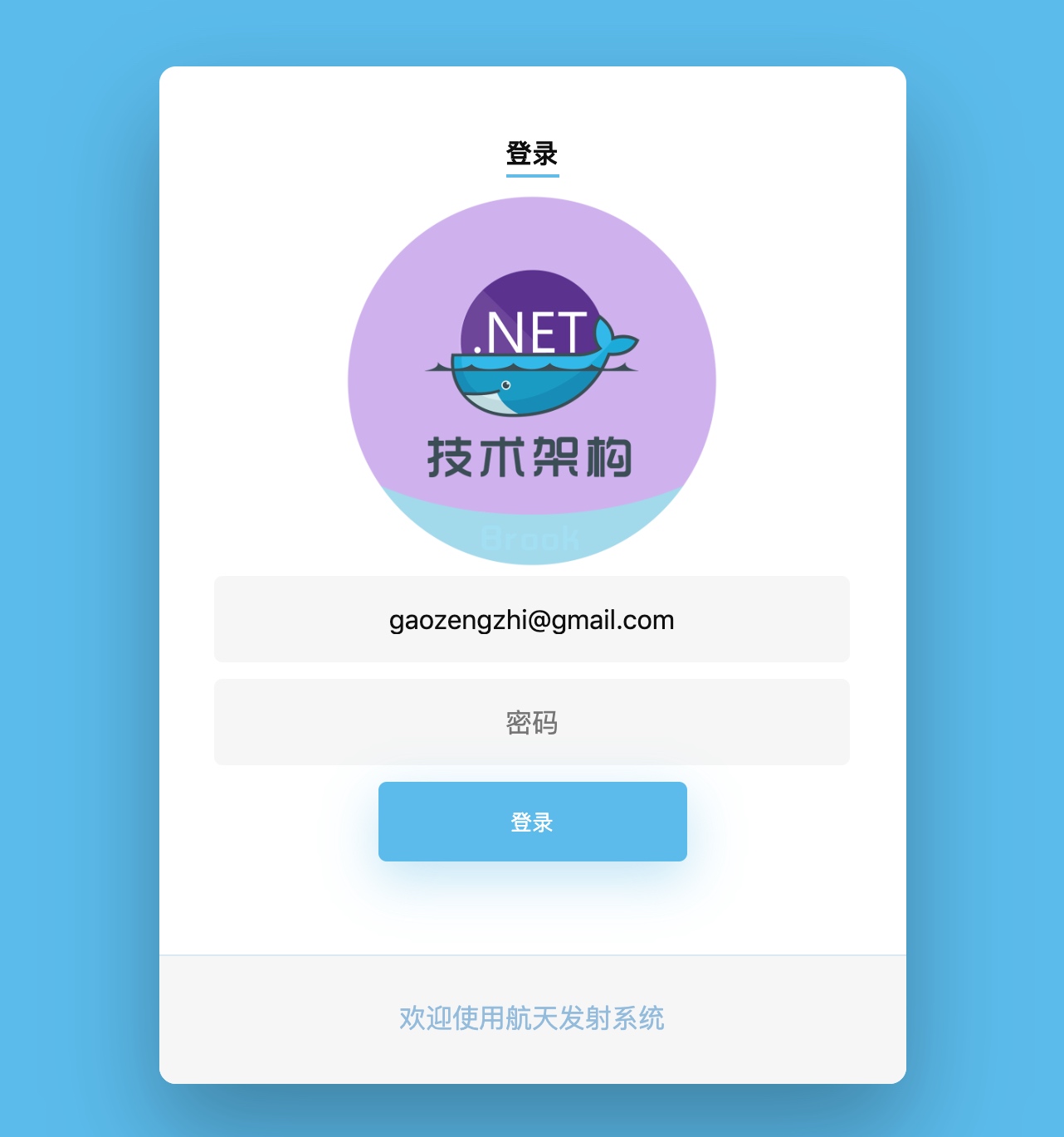
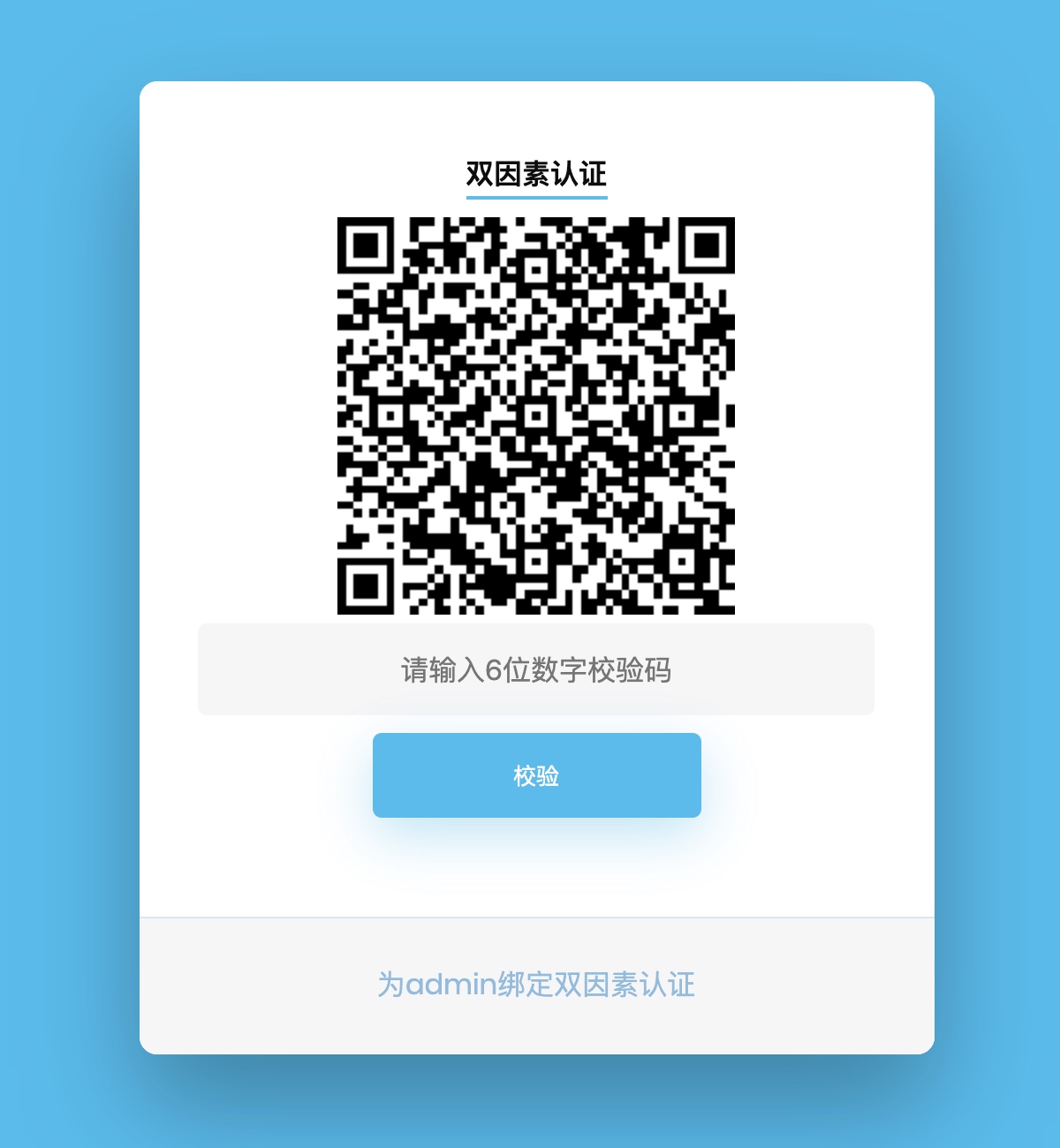
五. 完整流程效果图
使用Microsoft Authenticator
- 正常登录
- 登录成功后绑定
- 绑定后再次登录
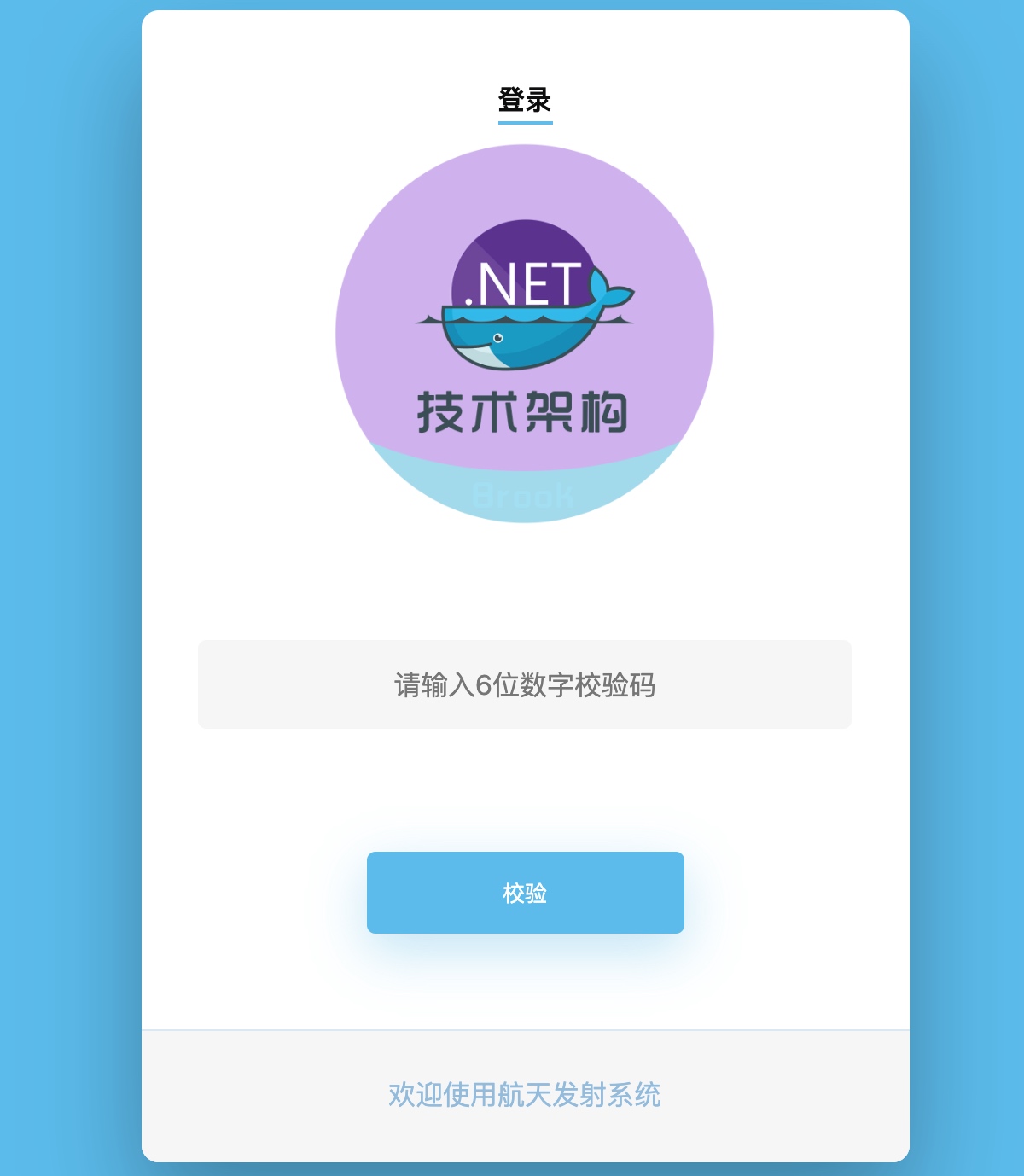
六.如何使用
所有源代码请参照我的GitHub https://github.com/yuefengkai/Brook.Totp
Demo中使用了
EF Core In Memory Database所有的数据只存在内存中Cache in-memorydotNET Core Authentication
下方只展示部分代码
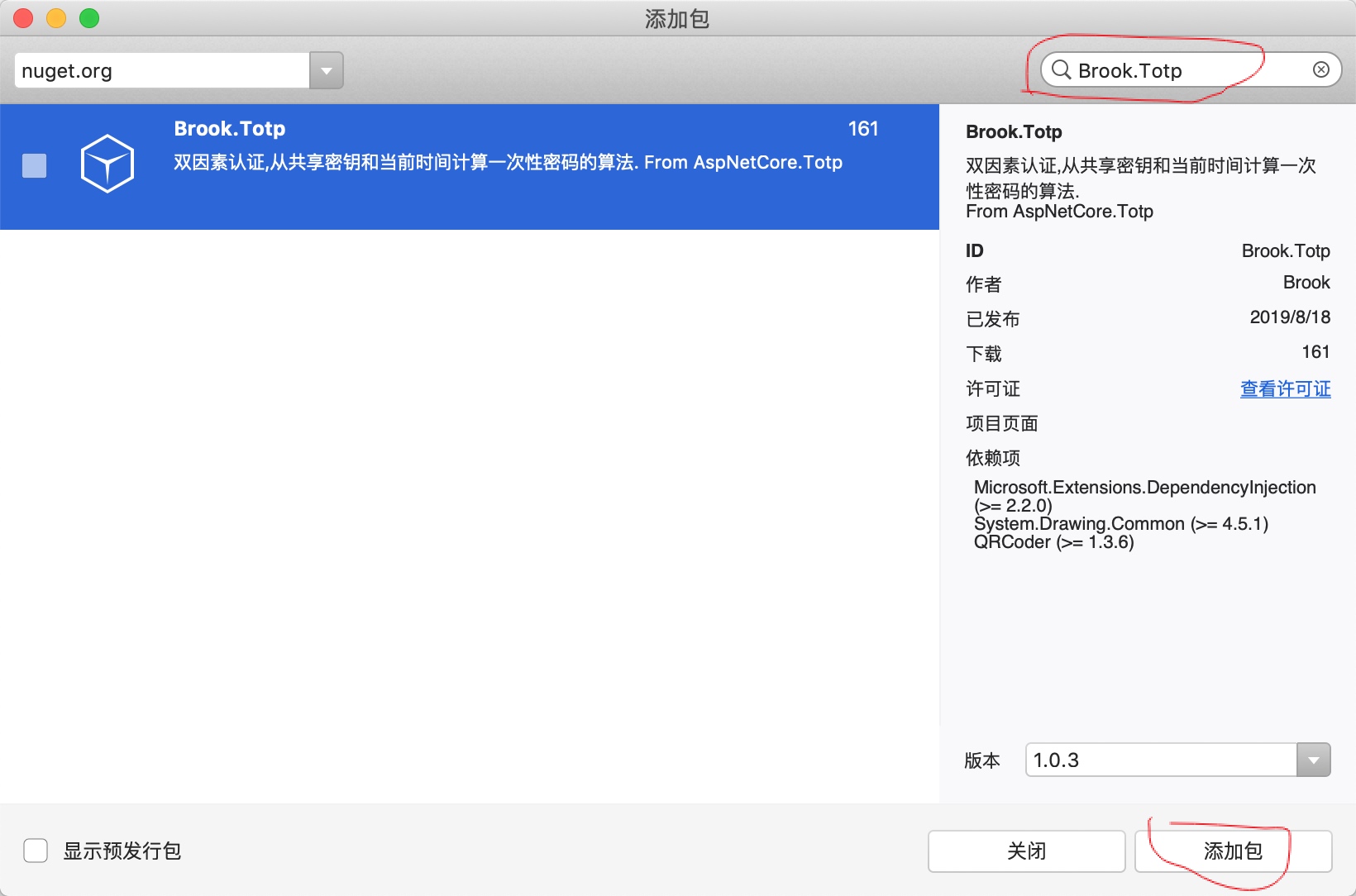
- 新建netCoreMVC项目添加Nuget包
Brook.Totp
- Startup注入
services.AddMemoryCache();

services.AddSingleton<ICacheManage, CacheManage>();

services.AddBrookTotp();

services.AddDbContext<BrookTotpDBContext>(options => options.UseInMemoryDatabase(databaseName: "BrookTotpDB"));
- Controller使用
private readonly ITotp _totp;

public AccountController(ITotp totp)

{

        _totp = totp;

}

//获取二维码

[Authorize]

public IActionResult GetQr()

{

    var totpSetup = _totp.GenerateUrl("dotNETBuild", CurremtUser.Email, CurremtUser.SecretKeyFor2FA);

    return Json(new { qrCodeContennt = totpSetup.QrCodeImageContent });

}

//验证双因素校验码

[Authorize]

[HttpPost]

public async Task<IActionResult> Valid(int code)

{

    var valid = _totp.Validate(CurremtUser.SecretKeyFor2FA

        , code, 30);

    if (!valid)

    {

        return Json(new { result = 0, msg = "2FA校验失败" });

    }

    //校验成功后 如果是第一次绑定校验 需将用户的accountSecretKey 存入数据库

    CurremtUser.IsOpen2FA = true;

    await _userService.UpdateAsync(CurremtUser);

    _cacheManage.Remove(string.Format(CacheKeys.GetUserForEmail, CurremtUser.Email));

    var claims = new List<Claim>

    {

        new Claim("user", CurremtUser.Email),

        new Claim("role", "Member")

    };

    await HttpContext.SignInAsync(new ClaimsPrincipal(new ClaimsIdentity(claims, "Cookies", "user", "role")));

    return Json(new { result = 1, msg = "2FA校验成功", url = "/Home/Index" });

}
七.写在最后
以上所有源代码已开源在 https://github.com/yuefengkai/Brook.Totp
如果觉得有用请给我个Start!
作者:Brook(高增智)
ASP.NET Core & 双因素验证2FA 实战经验分享的更多相关文章
- 《ASP.NET Core技术内幕与项目实战》精简集-目录
本系列是杨中科2022年最新作品<ASP.NET Core技术内幕与项目实战>及B站配套视频(强插点赞)的精简集,是一个读书笔记.总结和提炼了主要知识点,遵守代码优先原则,以利于快速复习和 ...
- 自动化CodeReview - ASP.NET Core请求参数验证
自动化CodeReview系列目录 自动化CodeReview - ASP.NET Core依赖注入 自动化CodeReview - ASP.NET Core请求参数验证 参数验证实现 在做服务端开发 ...
- 使用JWT的ASP.NET CORE令牌身份验证和授权(无Cookie)——第1部分
原文:使用JWT的ASP.NET CORE令牌身份验证和授权(无Cookie)--第1部分 原文链接:https://www.codeproject.com/Articles/5160941/ASP- ...
- 简读《ASP.NET Core技术内幕与项目实战》之3:配置
特别说明:1.本系列内容主要基于杨中科老师的书籍<ASP.NET Core技术内幕与项目实战>及配套的B站视频视频教程,同时会增加极少部分的小知识点2.本系列教程主要目的是提炼知识点,追求 ...
- 快读《ASP.NET Core技术内幕与项目实战》EFCore2.5:集合查询原理揭秘(IQueryable和IEnumerable)
本节内容,涉及4.6(P116-P130).主要NuGet包:如前述章节 一.LINQ和EFCore的集合查询扩展方法的区别 1.LINQ和EFCore中的集合查询扩展方法,虽然命名和使用完全一样,都 ...
- 快读《ASP.NET Core技术内幕与项目实战》WebApi3.1:WebApi最佳实践
本节内容,涉及到6.1-6.6(P155-182),以WebApi说明为主.主要NuGet包:无 一.创建WebApi的最佳实践,综合了RPC和Restful两种风格的特点 1 //定义Person类 ...
- 第9期Unity User Group Beijing图文报道:《Unity实战经验分享》
时间来到了金秋九月,北京UUG活动也来到了第九期.本次活动的主题为<Unity实战经验分享>,为此我们邀请了3位资深的行业大神.这次我们仍然在北京市海淀区丹棱街5号微软大厦举行活动,在这里 ...
- Visual Studio 2015开发Qt项目实战经验分享(附项目示例源码)
Visual Studio 2015开发Qt项目实战经验分享(附项目示例源码) 转 https://blog.csdn.net/lhl1124281072/article/details/800 ...
- ASP.NET Core 使用Cookie验证身份
ASP.NET Core 1.x提供了通过Cookie 中间件将用户主体序列化为一个加密的Cookie,然后在后续请求中验证Cookie并重新创建主体,并将其分配给HttpContext.User属性 ...
随机推荐
- 使用JS计算前一天和后一天
使用JS实现前一天和后一天 首先,我们先在html中写两个按钮来进行简单操作 <button onclick="Before()">前一天</button> ...
- Nova官方资料入口处
Nova官方资料地址: https://www.openstack.org/software/releases/queens/components/nova --> https://wiki.o ...
- SSM项目实战 之 EasyUI
目录 EasyUI 简介 概述 使用EasyUI panel组件 简介 示例 JS形式及属性介绍 panel事件与方法 Window组件 概述 使用 行为 dialog 概述 使用 tabs组件 概述 ...
- 第06组 Beta版本演示
队名:福大帮 组长博客链接: https://www.cnblogs.com/mhq-mhq/p/12052263.html 作业博客 : https://edu.cnblogs.com/campus ...
- git的commit撤销
写完代码后,我们一般这样 git add . //添加所有文件 git commit -m "本功能全部完成" 执行完commit后,想撤回commit,怎么办? 这样凉拌: gi ...
- CentOS 6和 CentOS 7的区别【转】
虽然,redhat 8在今年已经推出了,但是centos 8还没有推出.而且公司好多都在用centos 6和7 来了解一下6和7的区别吧 整体说明 1.系统 项目CentOS 6CentOS7 . 安 ...
- centos7 docker swarm加入集群失败
提示的错误为 [root@localhost downloads]# docker swarm join --token SWMTKN-1-2ezr0k5ybds1la4vgi2z7j8ykxkmm0 ...
- OpenShift环境中手工模式添加etcd server
模拟备份和恢复,在现有的集群环境,单master(etcd), infra和node上面添加另外一台机器作为etcd Server. 基于OpenShift 3.11版本,详情可以参考 https:/ ...
- 【翻译】Flink Table Api & SQL —Streaming 概念 —— 表中的模式匹配 Beta版
本文翻译自官网:Detecting Patterns in Tables Beta https://ci.apache.org/projects/flink/flink-docs-release-1 ...
- [LeetCode] 3.Longest Substring Without Repeating Characters 最长无重复子串
Given a string, find the length of the longest substring without repeating characters. Example 1: In ...