
Structs复习 ActionMethod
action在执行的是时候 可以不执行excute方法 可以由自己制定 可以在action标签里指定 也可以在方法里动态指定 推荐使用后者
jar包
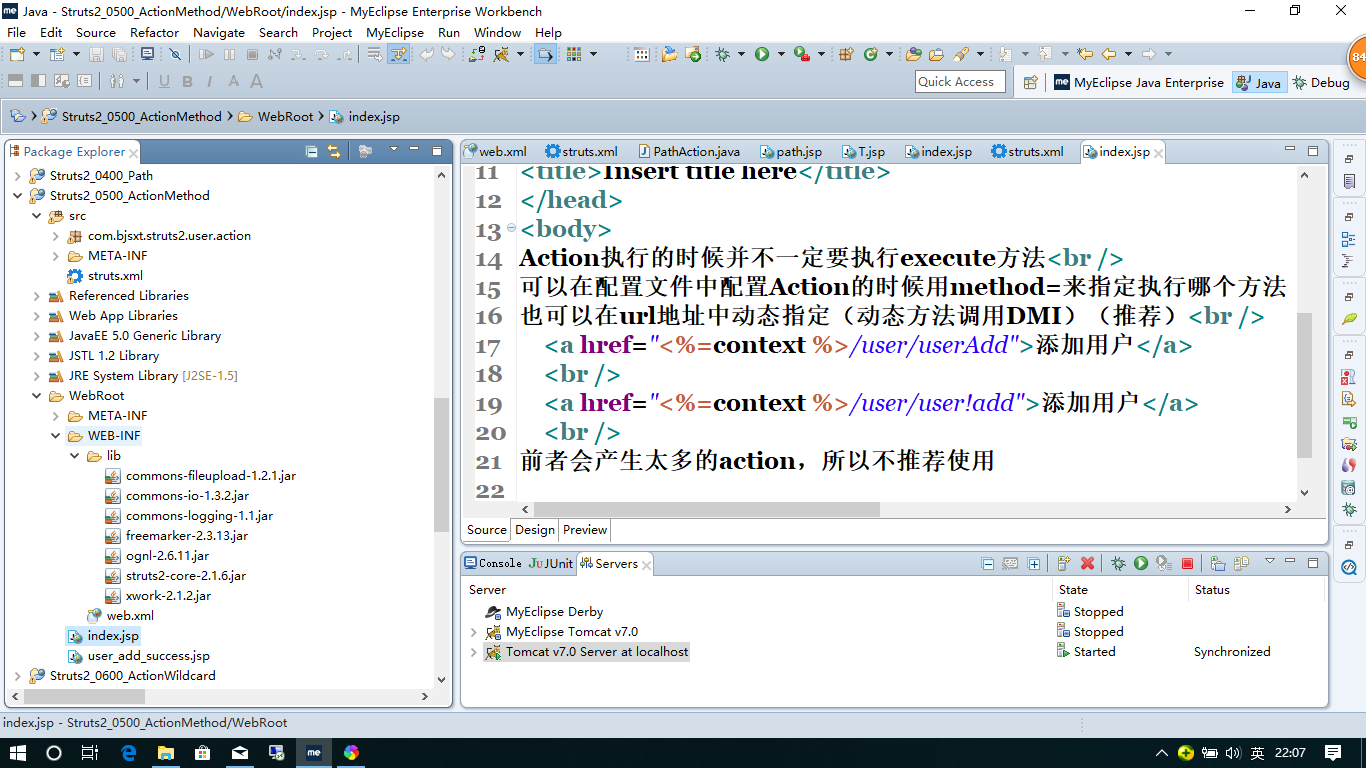
web.xml
<?xml version="1.0" encoding="UTF-8"?>

<web-app version="2.5"

    xmlns="http://java.sun.com/xml/ns/javaee"

    xmlns:xsi="http://www.w3.org/2001/XMLSchema-instance"

    xsi:schemaLocation="http://java.sun.com/xml/ns/javaee

    http://java.sun.com/xml/ns/javaee/web-app_2_5.xsd">

  <welcome-file-list>

    <welcome-file>index.jsp</welcome-file>

  </welcome-file-list>

  <filter>

        <filter-name>struts2</filter-name>

        <filter-class>org.apache.struts2.dispatcher.ng.filter.StrutsPrepareAndExecuteFilter</filter-class>

    </filter>

    <filter-mapping>

        <filter-name>struts2</filter-name>

        <url-pattern>/*</url-pattern>

    </filter-mapping>

</web-app>
Struct.xml
<?xml version="1.0" encoding="UTF-8" ?>

<!DOCTYPE struts PUBLIC

    "-//Apache Software Foundation//DTD Struts Configuration 2.0//EN"

    "http://struts.apache.org/dtds/struts-2.0.dtd">

<struts>

    <constant name="struts.devMode" value="true" />

    <package name="user" extends="struts-default" namespace="/user">

        <action name="userAdd" class="com.bjsxt.struts2.user.action.UserAction" method="add">

            <result>/user_add_success.jsp</result>

        </action>

        <action name="user" class="com.bjsxt.struts2.user.action.UserAction">

            <result>/user_add_success.jsp</result>

        </action>

    </package>

</struts>
UserAction.java
package com.bjsxt.struts2.user.action;

import com.opensymphony.xwork2.ActionSupport;

public class UserAction extends ActionSupport {

    public String add() {

        return SUCCESS;

    }

}
index.jsp
<?xml version="1.0" encoding="GB18030" ?>

<%@ page language="java" contentType="text/html; charset=GB18030"

    pageEncoding="GB18030"%>

<% String context = request.getContextPath(); %>

<!DOCTYPE html PUBLIC "-//W3C//DTD XHTML 1.0 Transitional//EN" "http://www.w3.org/TR/xhtml1/DTD/xhtml1-transitional.dtd">

<html xmlns="http://www.w3.org/1999/xhtml">

<head>

<meta http-equiv="Content-Type" content="text/html; charset=GB18030" />

<title>Insert title here</title>

</head>

<body>

Action执行的时候并不一定要执行execute方法<br />

可以在配置文件中配置Action的时候用method=来指定执行哪个方法

也可以在url地址中动态指定(动态方法调用DMI)(推荐)<br />

    <a href="<%=context %>/user/userAdd">添加用户</a>

    <br />

    <a href="<%=context %>/user/user!add">添加用户</a>

    <br />

前者会产生太多的action,所以不推荐使用

</body>

</html>
输入
http://localhost:6666/Struts2_0500_ActionMethod/index.jsp
点击第一个
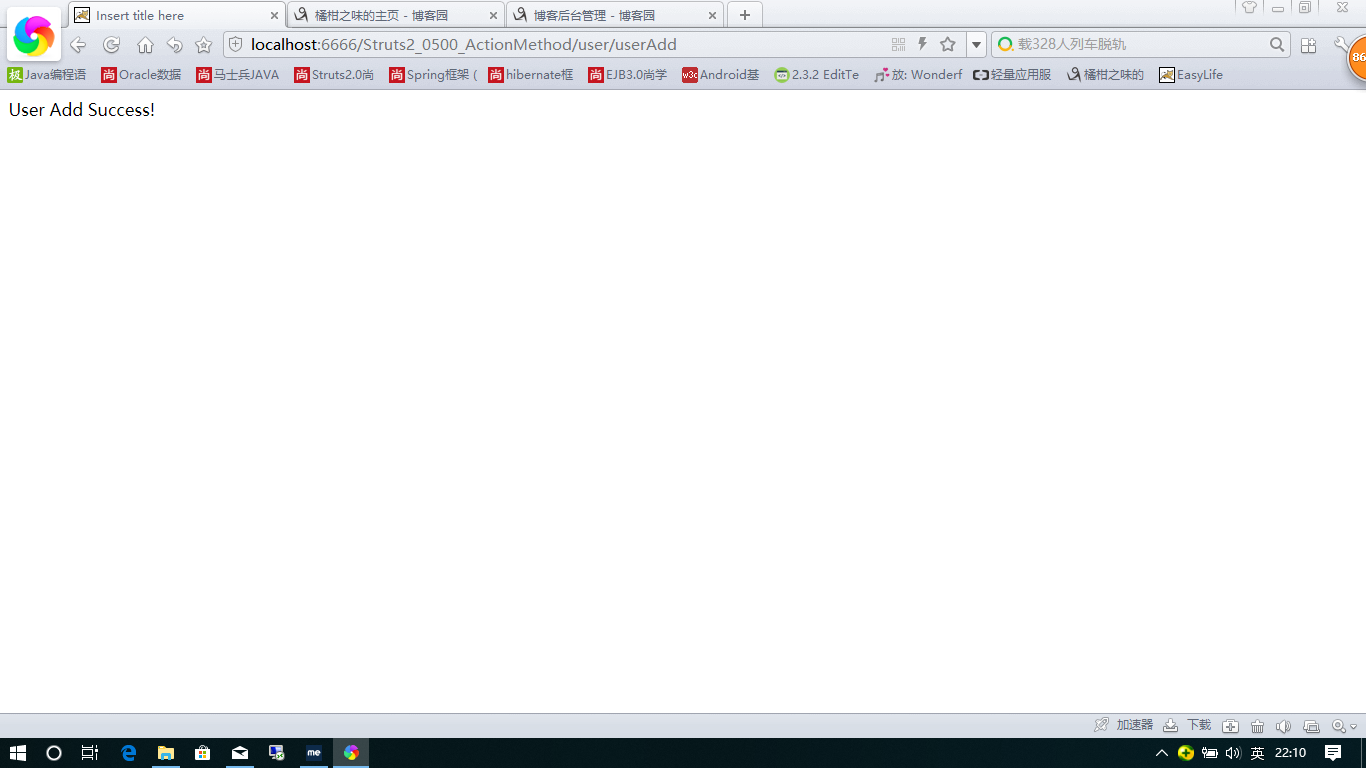
点击第二个
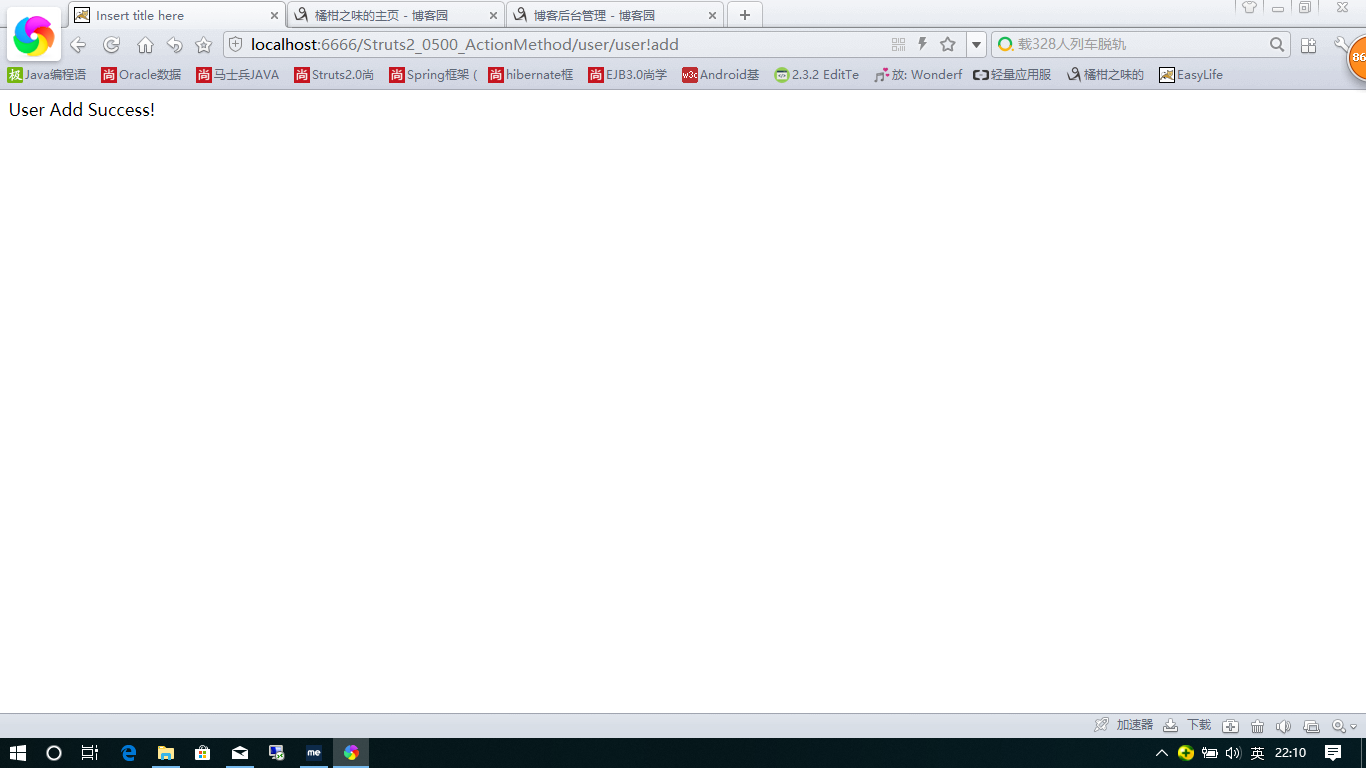
http://localhost:6666/Struts2_0500_ActionMethod/user/user!add
推荐使用第二种在网志里动态制定
Structs复习 ActionMethod的更多相关文章
- Structs复习 开始 第一个helloworld项目
大体已经学完ssh了 感觉一起做一个项目有点难 计划先用一下独立的Structs 然后再把数据库操作换成hibernate 然后在用Spring 整合 计划用10天左右吧 但今天开始用Struct ...
- Structs复习 Structs标签
如果类型是object Structs会把它默认解析为OGNL表达式 想取字符串的话就 ‘’ ‘ ’ ‘’ jar包 web.xml. <?xml version="1.0" ...
- Structs复习 OGNL
Dominmodel只有传 User.age 类似的这种Structs才能帮创建对象 Dominmodel User里必须有空的构造方法 OGNL:OBJECT GRAPHIC NAVAGATION ...
- Structs复习 Result第二部分
1.动态结果 2.web.xml <?xml version="1.0" encoding="UTF-8"?> <web-app versio ...
- Structs复习 Result第一部分
Jar包 web.xml <?xml version="1.0" encoding="UTF-8"?> <web-app version=&q ...
- Structs复习 访问web元素
Structs帮我们在action和http里建立了联系 主要有四种方式 我们主要用第二种(IOC 依赖容器注入 ) Jar包 web.XML <?xml version="1.0&q ...
- Structs复习 Action传递参数
Structs传递参数通常有三种方式 下面我来一个个介绍 1.属性 Jar包 web.xml <?xml version="1.0" encoding="UTF-8 ...
- Structs复习 通配符
1.jar包 web.xml <?xml version="1.0" encoding="UTF-8"?> <web-app version= ...
- Structs复习 Path问题
Path问题相对复杂 主要是路劲问题 但结论很简单 就是统一使用绝对路径 jar包 web.xml <?xml version="1.0" encoding="UT ...
随机推荐
- java读取按行txt文件
import java.io.BufferedReader; import java.io.FileInputStream; import java.io.InputStreamReader; pub ...
- Java for循环和foreach循环的性能比较
就是有些人循环用的是普通for循环,有些人用的是foreach循环,它们之间有什么区别?应该在什么时候使用这两种循环了? 两种循环的语法格式: 普通for循环语法: for (int i = 0; i ...
- Django中的视图
Django的View(视图) 一个视图函数(类),简称视图,是一个简单的Python 函数(类),它接受Web请求并且返回Web响应. 响应可以是一张网页的HTML内容,一个重定向,一个404错误, ...
- es6(14)--iterator for ...of循环
//iterator for ...of循环 { let arr=['hello','world']; let map=arr[Symbol.iterator](); console.log(map. ...
- fiddler--配置火狐代理配置代理
fiddler安装 下载fiddler最新版: 默认安装: 配置火狐代理配置代理 打开fiddler 按图操作,复制选中的链接:fiddler -> tool ->connections ...
- (转)CSS书写规范、顺序
原文地址 写了这么久的Css,但大部分前端er都没有按照良好的CSS书写规范来写CSS代码,这样会影响代码的阅读体验,这里总结一个CSS书写规范.CSS书写顺序供大家参考,这些是参考了国外一些文章以及 ...
- 【Eclipse】将Tab替换为空格
工作中由于TAB和空格的占位不一样,在比对代码的时候,总是对齐方式不正确. 所以,就网搜了下Tab替换空格的方式,还不错哦,记录下来. 操作如下: 1.点击 window->preference ...
- jxl 的详细用法说明
package example_1; import java.io.File; import java.io.IOException; import java.io.ObjectInputStream ...
- oracle insert 返回ID
create or replace procedure getid(v_id out number)as v_sql varchar2(500); begin v_sql:='insert into ...
- 重识linux-ntp时间服务器搭建
1 安装 yum install ntp 2 启动 service ntpd start 3 配置文件 /etc/ntp.conf 4 查看是否有报错 tail /var/log/message 5 ...