
针对Openlayer3官网例子的简介
网址:http://openlayers.org/en/latest/examples/
如果大家想了解ol3能做什么,或者说已提供的API有什么,又闲一个个翻英文例子跟API累的话,就看看这个吧。
1、就是个地图加载,弄了两按钮,可以放大缩小,算是个ol3的入门吧
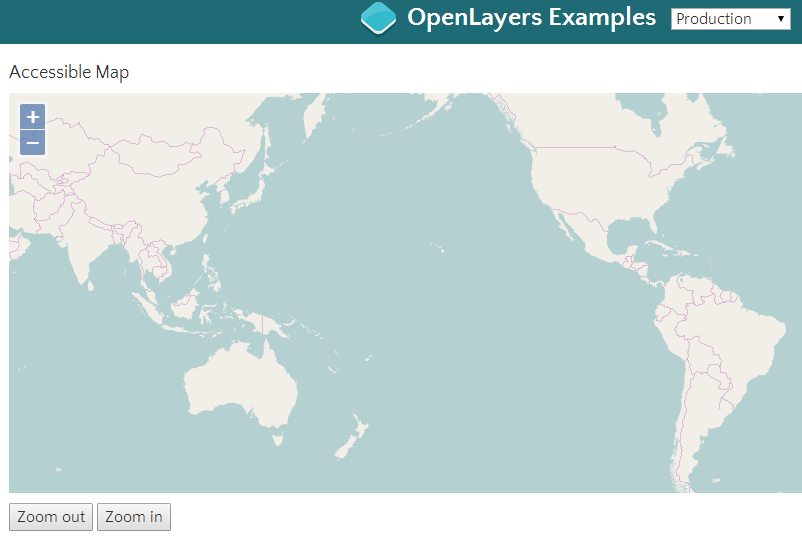
http://openlayers.org/en/latest/examples/accessible.html
2、一些动画的介绍,旋转,移动到某个点的过程动画。介绍挺多的(不追求什么个性化的话,其实没什么用)
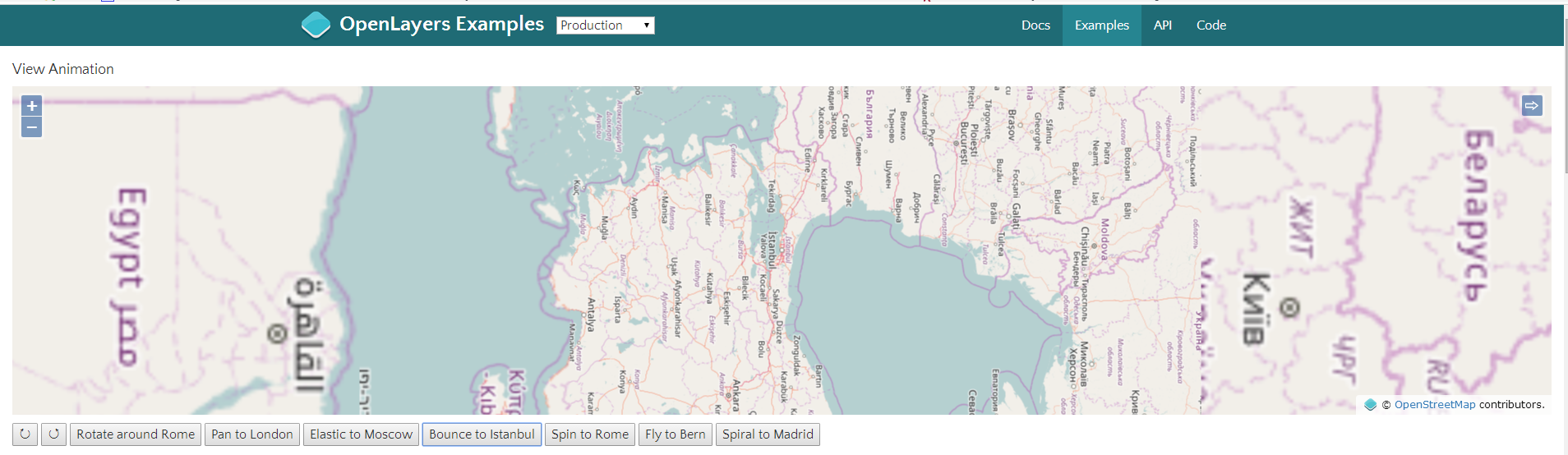
http://openlayers.org/en/latest/examples/animation.html
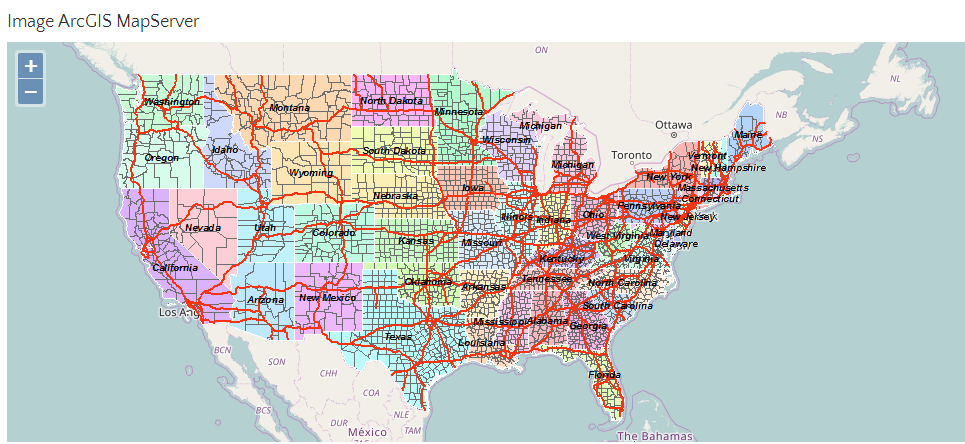
3、加载ArcGIS MapServer发布的图层。下图就是在OSM底图上加载了一个ArcGIS MapServer发布的图层(针对的是Image)
var layers = [

        new ol.layer.Tile({

          source: new ol.source.OSM()

        }),

        new ol.layer.Image({

          source: new ol.source.ImageArcGISRest({

            ratio: 1,

            params: {},

            url: url

          })

        })

      ];
http://openlayers.org/en/latest/examples/arcgis-image.html
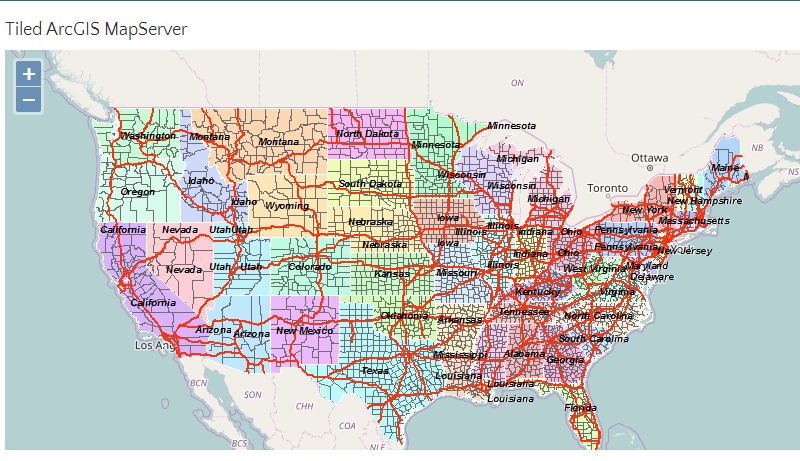
4、紧跟上一个例子,这个是基于Tile的图层加载
 var layers = [

        new ol.layer.Tile({

          source: new ol.source.OSM()

        }),

        new ol.layer.Tile({

          extent: [-13884991, 2870341, -7455066, 6338219],

          source: new ol.source.TileArcGISRest({

            url: url

          })

        })

      ];
5、讲了一个地图缩放到小于600px,就会进行collapsible,当然这个可以设置的。(虽然我不知道这有什么用)
 var attribution = new ol.control.Attribution({

        collapsible: false

      });
 var map = new ol.Map({

        layers: [

          new ol.layer.Tile({

            source: new ol.source.OSM()

          })

        ],

        controls: ol.control.defaults({attribution: false}).extend([attribution]),

        target: 'map',

        view: new ol.View({

          center: [0, 0],

          zoom: 2

        })

      });
function checkSize() {

        var small = map.getSize()[0] < 600;

        attribution.setCollapsible(small);

        attribution.setCollapsed(small);

      }
http://openlayers.org/en/latest/examples/attributions.html
6、加载Bing地图,可选择基于bing五种style的layer。(可能是我网不好,加载不出来~)
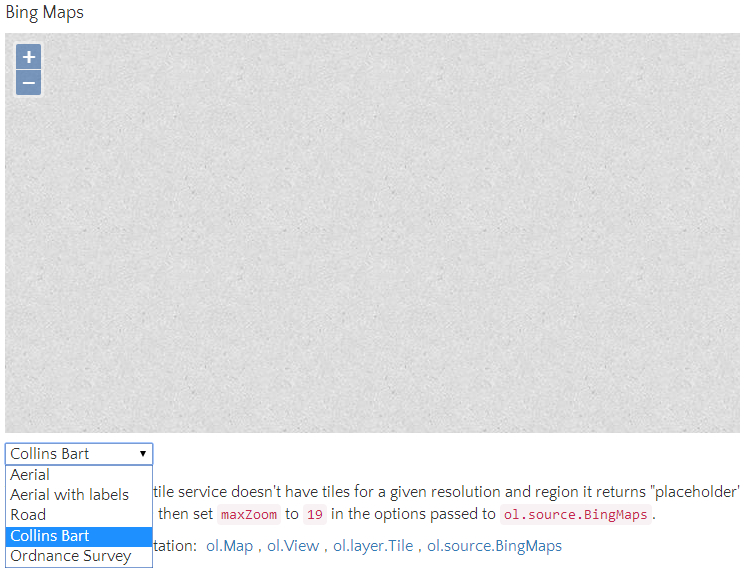
var styles = [

        'Road',

        'Aerial',

        'AerialWithLabels',

        'collinsBart',

        'ordnanceSurvey'

      ];

      var layers = [];

      var i, ii;

      for (i = 0, ii = styles.length; i < ii; ++i) {

        layers.push(new ol.layer.Tile({

          visible: false,

          preload: Infinity,

          source: new ol.source.BingMaps({

            key: 'Your Bing Maps Key from http://www.bingmapsportal.com/ here',

            imagerySet: styles[i]

            // use maxZoom 19 to see stretched tiles instead of the BingMaps

            // "no photos at this zoom level" tiles

            // maxZoom: 19

          })

        }));

      }
http://openlayers.org/en/latest/examples/bing-maps.html
7、Canvas混合模式
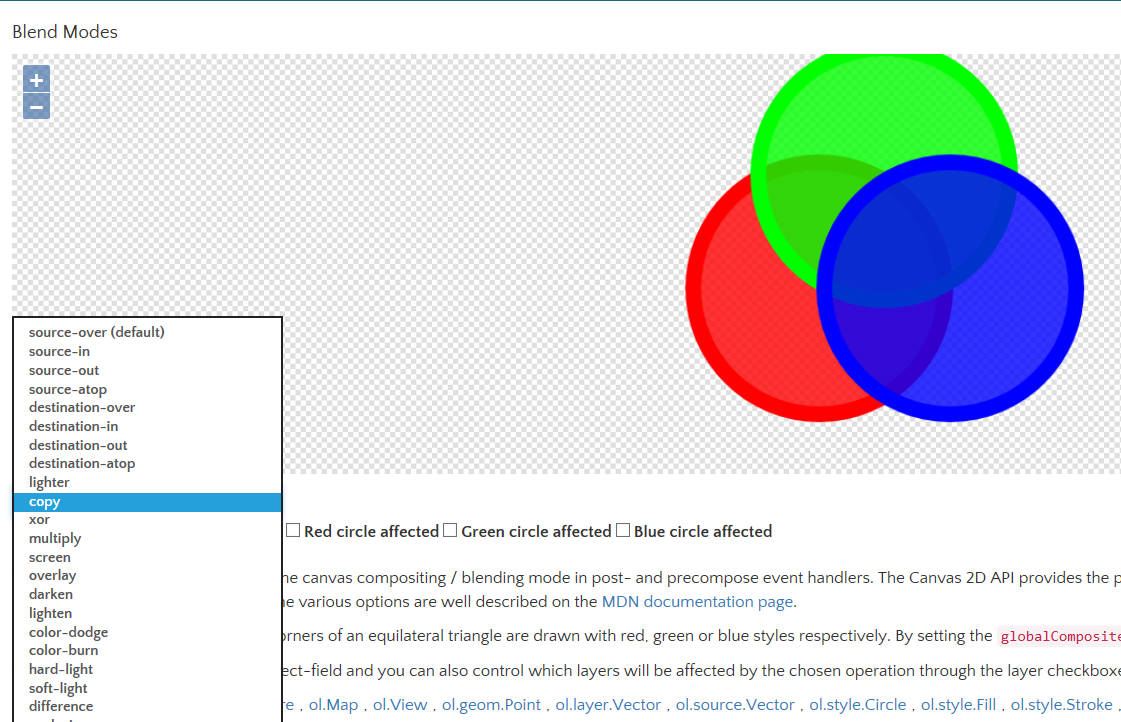
这个不熟悉。
http://openlayers.org/en/latest/examples/blend-modes.html
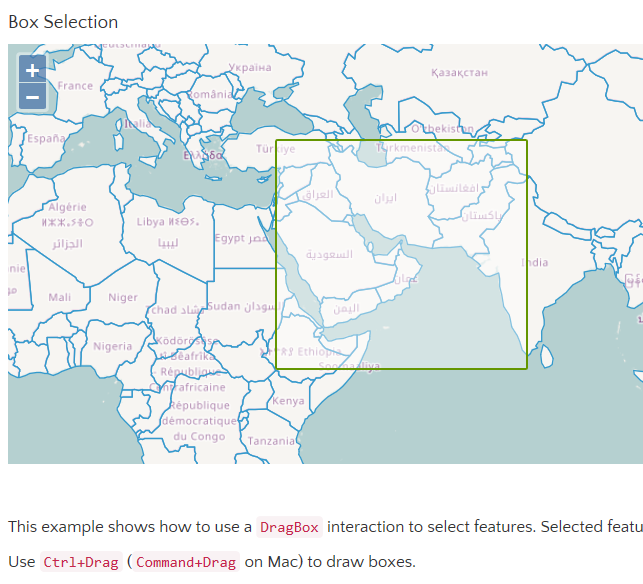
8、拉框选择要素
这个使用,例子里是Ctrl+左键进行拉框。在对一些点要素,线要素进行选择的时候,很实用,很细的线,纯点击选择的话麻烦。
用的API就是交互里的ol.interaction.Select
http://openlayers.org/en/latest/examples/box-selection.html
9、以Tooltip(鼠标移上)事件举例,与Bootstrap结合使用
从这个示例看出ol3与Bootstrap的交互变得很简单,已经内置了很多方法,不过我个人还是倾向于自己来“建造”样式,没必要用这些ol3自认为给予我们方便的API。看这个示例,反而一开始显得糊涂,怎么就这样出来效果了,会有这种感觉。

其实熟悉Bootstrap的同学,一进到ol3的官网就能找到Bootstrap的影子。如API中的关键词高亮就是使用的Bootstrap的<code>。

http://openlayers.org/en/latest/examples/button-title.html
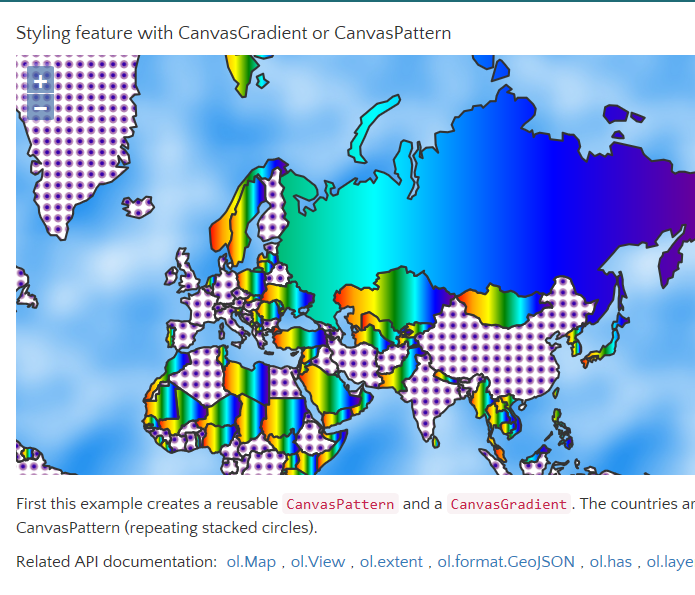
10、styleing feature with CanvasGradient or Canvaspattern
用预生成的颜色跟重复的点样式生成Canvas,举例填充每个国家
http://openlayers.org/en/latest/examples/canvas-gradient-pattern.html
11、Canvas Tiles 直接看图吧

http://openlayers.org/en/latest/examples/canvas-tiles.html
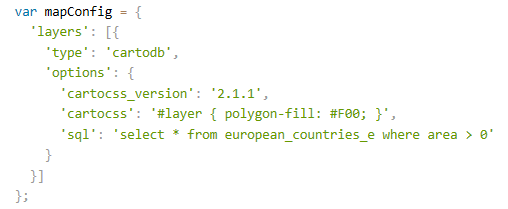
12、CartoDB source example |CartoDB 图的例子
这个很有趣,直接用sql可以进行查询,不过这个CartDbB图是如何生成呢?自己如何制作这个呢?求解。很关键,这玩意儿如果好使,那比wfs加ol.format.filter查询方便多了。毕竟咱最熟悉sql不是
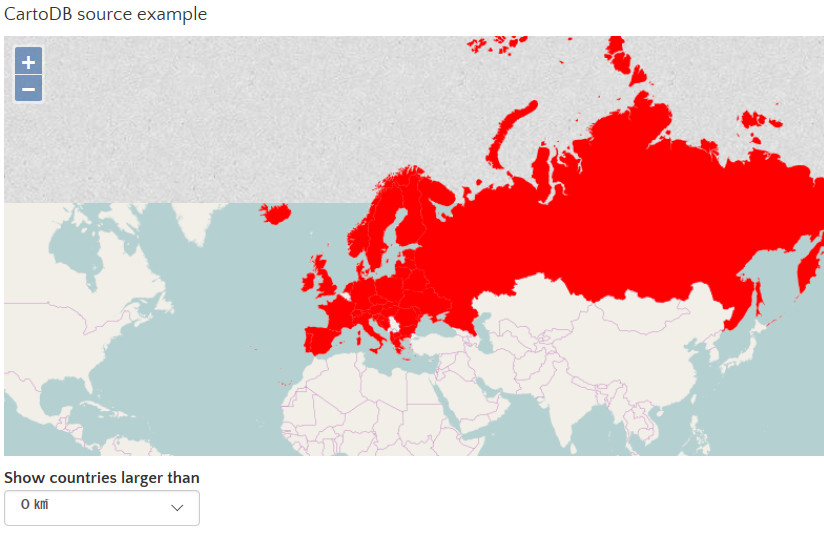
选择国土面积大于0平方千米的要素
http://openlayers.org/en/latest/examples/cartodb.html
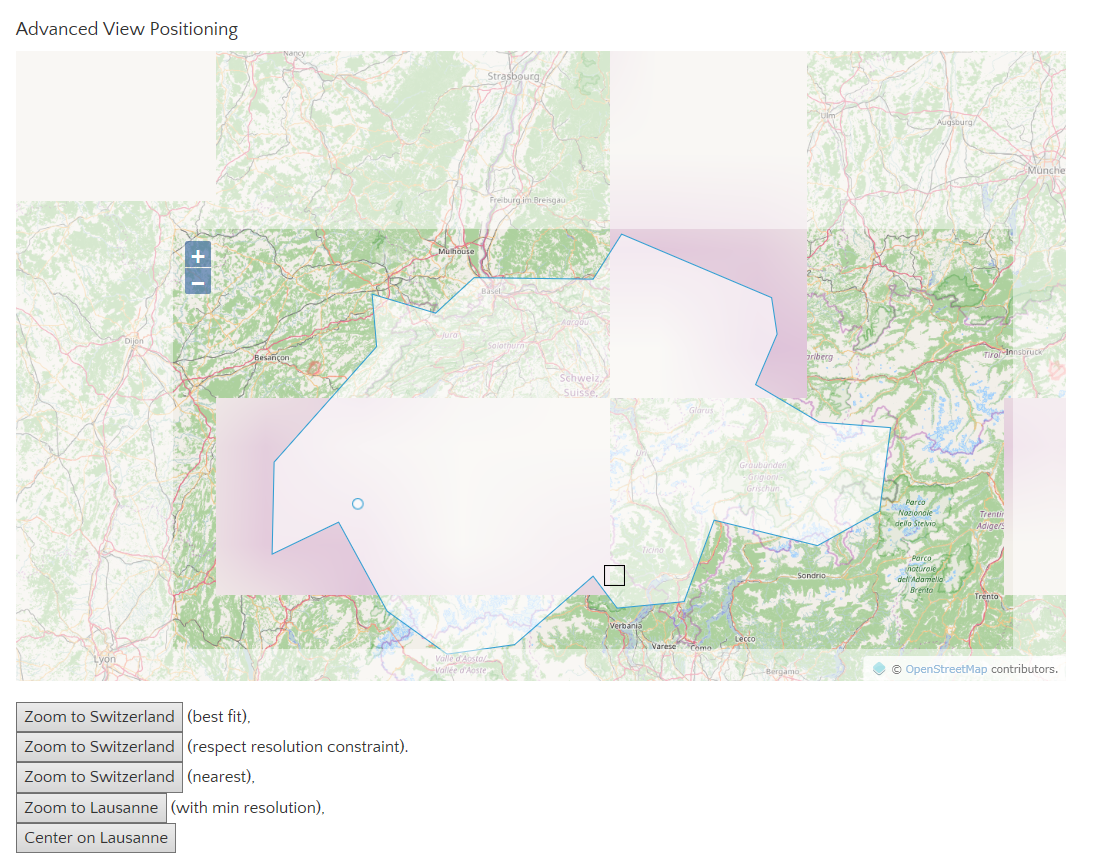
13、Anvanced View Positioning |高级视图定位
这个很实用,举例了几个常见的定位方式。都是基于tileSource.getExtent()
 view.fit(polygon, size, {padding: [170, 50, 30, 150], constrainResolution: false});

view.fit(polygon, size, {padding: [170, 50, 30, 150]});

 view.fit(polygon, size, {padding: [170, 50, 30, 150], nearest: true});

view.fit(point, size, {padding: [170, 50, 30, 150], minResolution: 50});

view.centerOn(point.getCoordinates(), size, [570, 500]);
http://openlayers.org/en/latest/examples/center.html
14、cluster distance 点聚类示例
这个也挺实用的,毕竟数据量一大的话,显示就成了一堆shit,这个聚类优化很方便。

http://openlayers.org/en/latest/examples/cluster.html
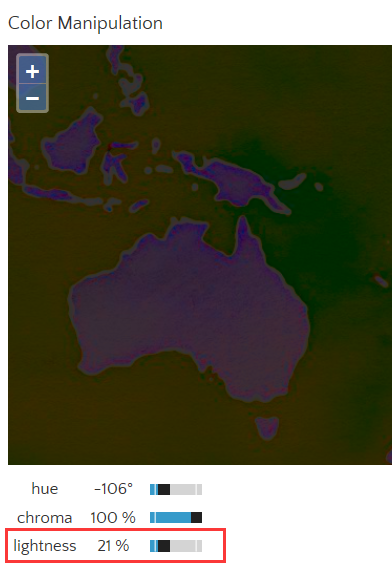
15、Color Manipulation 色调、色度、明亮度
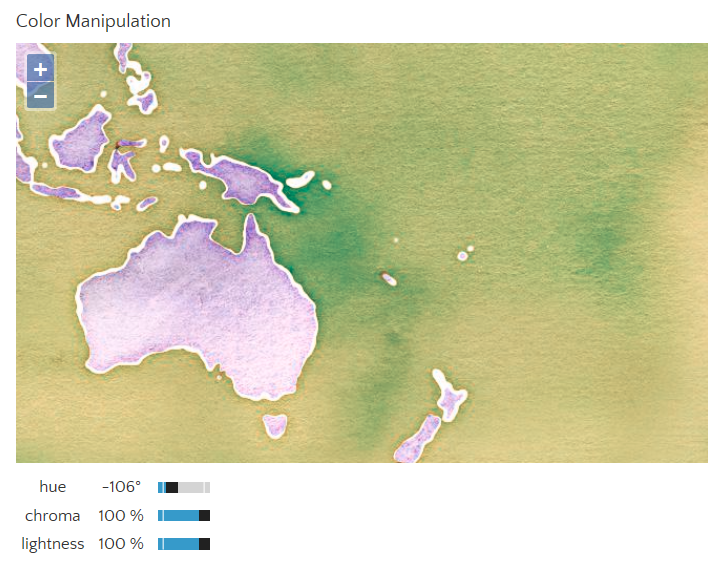
将亮度调低看看
http://openlayers.org/en/latest/examples/color-manipulation.html
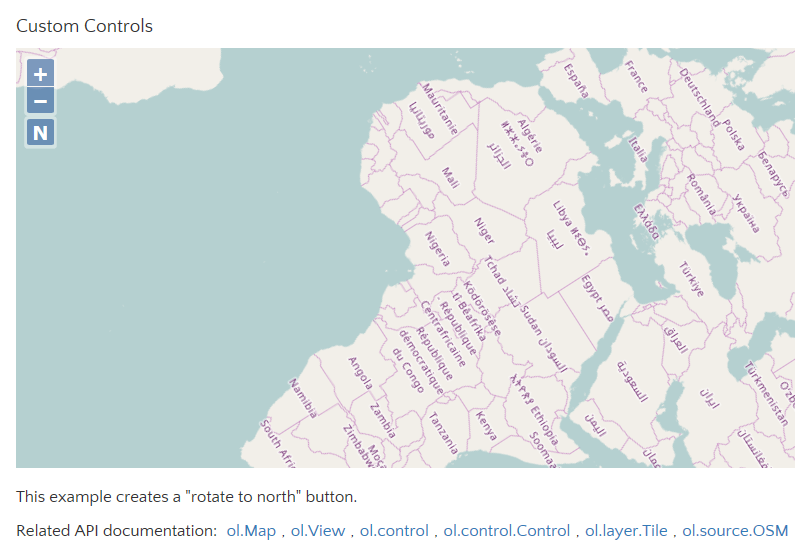
16、Custom Controls 自定义Control
这里自定义了一个按钮Control,作用是将旋转过的地图转回来~
就是下图中zoom in/out 下面的N
http://openlayers.org/en/latest/examples/custom-controls.html
17、Custom Icon 自定义Icon
将这玩意儿展开的图标给替换了

http://openlayers.org/en/latest/examples/custom-icon.html
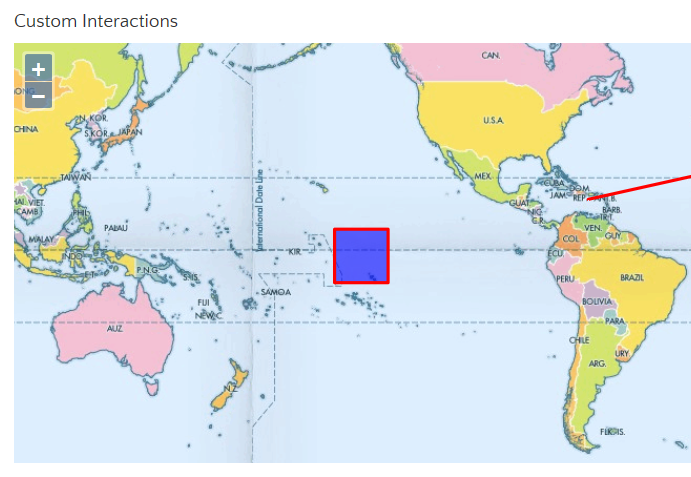
18、Custom Interactions 自定义交互操作
这里定义了一个交互(ol.Interaction),对鼠标Down,up,move,drag进行了事件处理。
鼠标可以对feature进行拖动,且鼠标移上去时变小手。(之前我为了变小手,还自己写了个事件,原来人家已经有规范的定义好了)
对比了下我自己写的,跟这个例子定义的,居然实现的方式一样。
例子:

也无非是判断当前鼠标位置有无feature
本人:直接用的ol.interaction.select这个交互操作,貌似还是我写的简洁,哈哈,不改了。
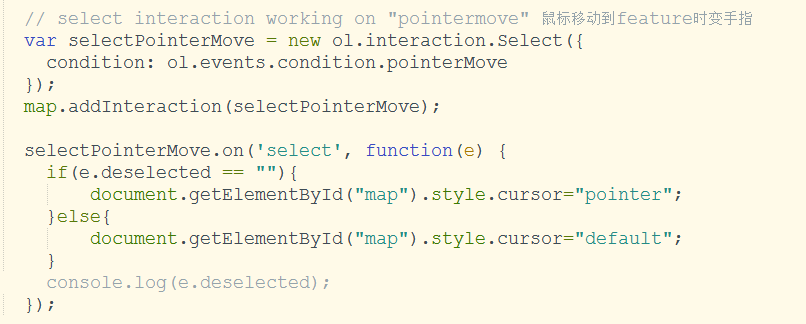
http://openlayers.org/en/latest/examples/custom-interactions.html
年前做毕设时对ol3的一些总结,本想着等到全部完结,不过世事无常,现在从事的工作跟GIS没有什么关系了,也不再接触这些了,今天无聊看看未发布的随笔,权当怀念。有心人可以将其作为一个小开源,以便后来者学习起来省时些。
顺便祝大伙儿国庆快乐,加班的今天的应该也很轻松吧,闲若我,无聊在这码字。O(∩_∩)O
针对Openlayer3官网例子的简介的更多相关文章
- OpenLayers 官网例子的中文详解
https://segmentfault.com/a/1190000009679800?utm_source=tag-newest 当你希望实现某种功能的时候,即使你对 openlayers 几乎一窍 ...
- Knockout.Js官网学习(简介)
前言 最近一段时间在网上经常看到关于Knockout.js文章,于是自己就到官网看了下,不过是英文的,自己果断搞不来,借用google翻译了一下.然后刚刚发现在建立asp.net mvc4.0的应用程 ...
- Vue组件化应用构建 官网例子 Unknown custom element: <todo-item>
[博客园cnblogs笔者m-yb原创,转载请加本文博客链接,笔者github: https://github.com/mayangbo666,公众号aandb7,QQ群927113708] htt ...
- 【转】一个lucene的官网例子
创建索引: import java.io.BufferedReader; import java.io.File; import java.io.FileInputStream; import jav ...
- Openstack官网文档简介
OpenStack documentation相关文档见 docs.openstack.org. 主要包含这些方面的文档: Installation Guides Deployment Guides ...
- STREAMING HIVE流过滤 官网例子 注意中间用的py脚本
Simple Example Use Cases MovieLens User Ratings First, create a table with tab-delimited text file f ...
- 导航条且手机版.html——仿照官网例子
<!doctype html> <html> <head> <meta charset="utf-8"> <title> ...
- 官网例子,mt-field password获取不到
新尝试了Mint-UI,在使用表单组件Field时, 直接从demo中拷贝了如下代码: <mt-field label="username" placeholder=&quo ...
- Knockout.Js官网学习(系列)
1.Knockout.Js官网学习(简介) 2.Knockout.Js官网学习(监控属性Observables) Knockout.Js官网学习(数组observable) 3.Knockout.Js ...
随机推荐
- Java的HashMap实现原理整理总结
通过Debug 探寻Java-HashMap 实现原理: 一个简单的例子,代码如下, 测试方法 main: public static void main(String[] args) { KeyOb ...
- QQ无法通过ISA2006&TMG2010代理收发图片问题解决
近期公司有业务需求通过TMG访问QQ,但配置多次均无法通过QQ收发图片,文字输入正常. 目前已解决,供参考: 这个问题是SSL端口默认使用了443,但QQ的离线文件不使用这个端口.所以ISA会把QQ的 ...
- [转]Java中的随机数生成器:Random,ThreadLocalRandom,SecureRandom
详见: http://blog.yemou.net/article/query/info/tytfjhfascvhzxcytp84 Random即:java.util.Random, ThreadL ...
- iOS block和代理的区别
block和代理是iOS开发中实现回调的两种方式,大多数情况下是用哪个都可以,主要看个人喜好.本文主要是对两者做一下对比. 1.block简介 在 iOS中, block一共分三种. (1 ...
- Linux-mknod命令(9)
mknod命令用于创建字符设备文件和块设备文件 (ls /dev -l 结果显示b开头和c开头的,即标识了块设备和字符设备.) 为了管理设备,所以设备中都有两个设备号: 主设备号:为了区分不同类型的 ...
- 改造百度ueditor字体为rem及相关体会
提到富文本,可能大家都用到过百度的ueditor,作为一个重量级的插件,总结起来一句话,功能很强大,使用很费心.不知道是不是太久没有维护了,ueditor的文档可读性还真是差也可能是悟性不够吧.本文也 ...
- 关于SCSI/SATA/IDE硬盘的比较
看linux的书时,发现许多地方提到SCSI/SATA/IDE这几种硬盘接口,对这些硬盘的概念和区别感到很模糊.所以特意查了一些资料,基本上算是弄懂了他们的区别. 目前硬盘最要分为3种.也即:IDE. ...
- Java 多线程(三) 线程的生命周期及优先级
线程的生命周期 线程的生命周期:一个线程从创建到消亡的过程. 如下图,表示线程生命周期中的各个状态: 线程的生命周期可以分为四个状态: 1.创建状态: 当用new操作符创建一个新的线程对象时,该线程处 ...
- 201521123023《Java程序设计》第6周学习总结
1. 本周学习总结 2. 书面作业 1.clone方法 1.1 Object对象中的clone方法是被protected修饰,在自定义的类中覆盖clone方法时需要注意什么? 实现克隆必须实现Clon ...
- 201521123013 《Java程序设计》第3周学习总结
1. 本章学习总结 2. 书面作业 Q1.代码阅读 public class Test1 { private int i = 1;//这行不能修改 private static int j = 2; ...