
吴裕雄--天生自然 R语言开发学习:基本图形(续一)




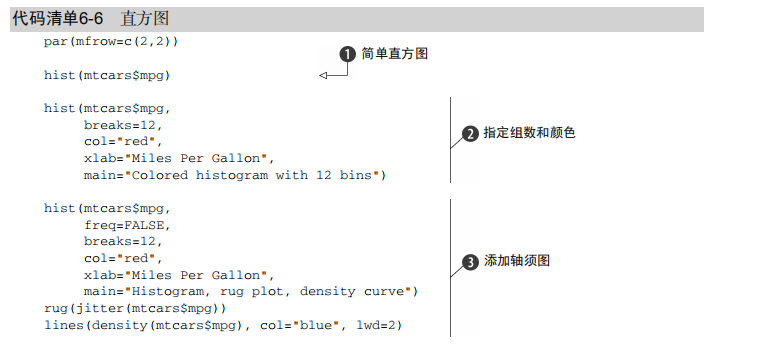
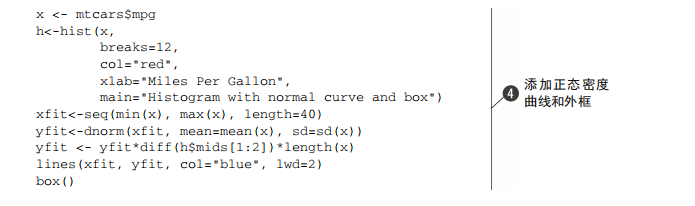
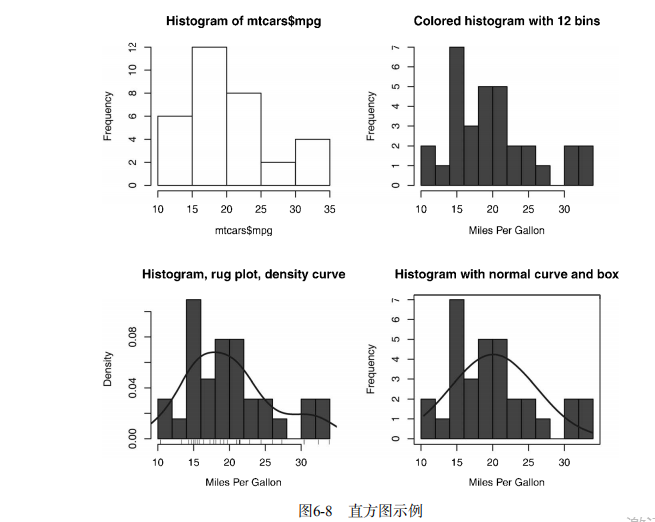
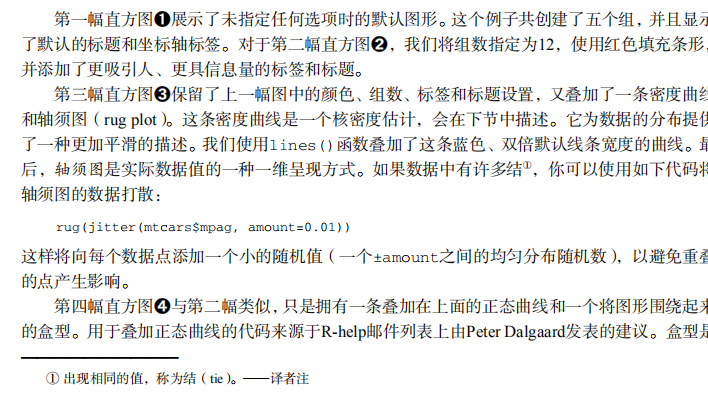

#---------------------------------------------------------------#

# R in Action (2nd ed): Chapter 6                               #

# Basic graphs                                                  #

# requires packages vcd, plotrix, sm, vioplot to be installed   #

# install.packages(c("vcd", "plotrix", "sm", "vioplot"))        #

#---------------------------------------------------------------#

par(ask=TRUE)

opar <- par(no.readonly=TRUE) # save original parameter settings

library(vcd)

counts <- table(Arthritis$Improved)

counts

# Listing 6.1 - Simple bar plot

# vertical barplot

barplot(counts,

        main="Simple Bar Plot",

        xlab="Improvement", ylab="Frequency")

# horizontal bar plot

barplot(counts,

        main="Horizontal Bar Plot",

        xlab="Frequency", ylab="Improvement",

        horiz=TRUE)

# obtain 2-way frequency table

library(vcd)

counts <- table(Arthritis$Improved, Arthritis$Treatment)

counts

# Listing 6.2 - Stacked and grouped bar plots

# stacked barplot

barplot(counts,

        main="Stacked Bar Plot",

        xlab="Treatment", ylab="Frequency",

        col=c("red", "yellow","green"),

        legend=rownames(counts))

# grouped barplot

barplot(counts,

        main="Grouped Bar Plot",

        xlab="Treatment", ylab="Frequency",

        col=c("red", "yellow", "green"),

        legend=rownames(counts), beside=TRUE)

# Listing 6.3 - Bar plot for sorted mean values

states <- data.frame(state.region, state.x77)

means <- aggregate(states$Illiteracy, by=list(state.region), FUN=mean)

means

means <- means[order(means$x),]

means

barplot(means$x, names.arg=means$Group.1)

title("Mean Illiteracy Rate")

# Listing 6.4 - Fitting labels in bar plots

par(las=2)                # set label text perpendicular to the axis

par(mar=c(5,8,4,2))       # increase the y-axis margin

counts <- table(Arthritis$Improved) # get the data for the bars

# produce the graph

barplot(counts,

        main="Treatment Outcome", horiz=TRUE, cex.names=0.8,

        names.arg=c("No Improvement", "Some Improvement", "Marked Improvement")

)

par(opar)

# Spinograms

library(vcd)

attach(Arthritis)

counts <- table(Treatment,Improved)

spine(counts, main="Spinogram Example")

detach(Arthritis)

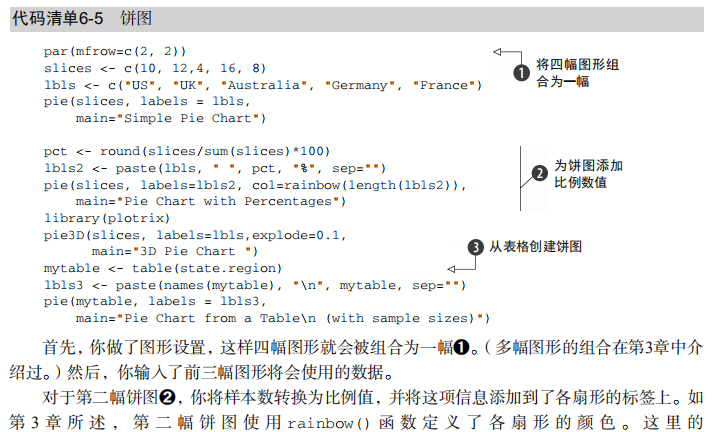
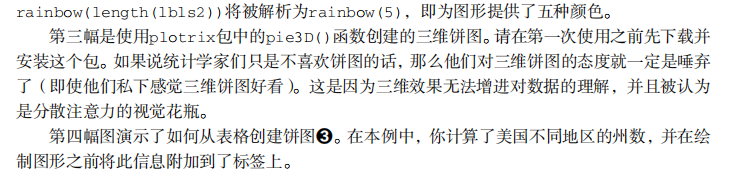
# Listing 6.5 - Pie charts

par(mfrow=c(2,2))

slices <- c(10, 12,4, 16, 8)

lbls <- c("US", "UK", "Australia", "Germany", "France")

pie(slices, labels = lbls,

    main="Simple Pie Chart")

pct <- round(slices/sum(slices)*100)

lbls <- paste(lbls, pct)

lbls <- paste(lbls,"%",sep="")

pie(slices,labels = lbls, col=rainbow(length(lbls)),

    main="Pie Chart with Percentages")

library(plotrix)

pie3D(slices, labels=lbls,explode=0.1,

      main="3D Pie Chart ")

mytable <- table(state.region)

lbls <- paste(names(mytable), "\n", mytable, sep="")

pie(mytable, labels = lbls,

    main="Pie Chart from a dataframe\n (with sample sizes)")

par(opar)

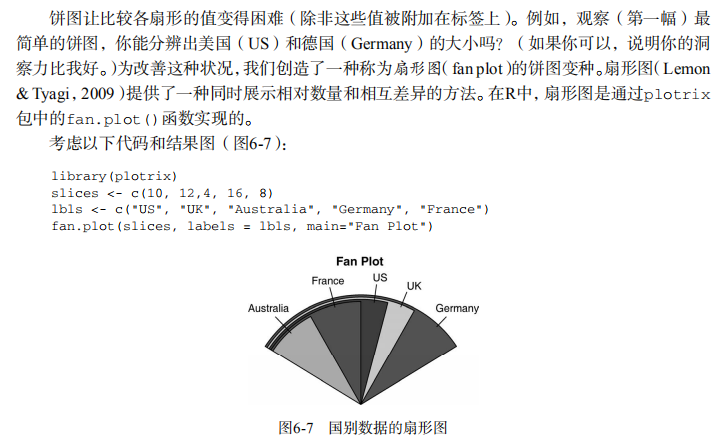
# Fan plots

library(plotrix)

slices <- c(10, 12,4, 16, 8)

lbls <- c("US", "UK", "Australia", "Germany", "France")

fan.plot(slices, labels = lbls, main="Fan Plot")

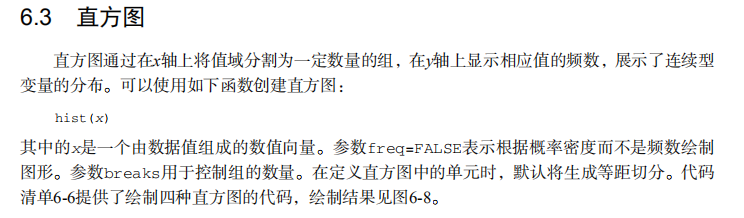
# Listing 6.6 - Histograms

# simple histogram                                                        1

hist(mtcars$mpg)

# colored histogram with specified number of bins

hist(mtcars$mpg,

     breaks=12,

     col="red",

     xlab="Miles Per Gallon",

     main="Colored histogram with 12 bins")

# colored histogram with rug plot, frame, and specified number of bins

hist(mtcars$mpg,

     freq=FALSE,

     breaks=12,

     col="red",

     xlab="Miles Per Gallon",

     main="Histogram, rug plot, density curve")

rug(jitter(mtcars$mpg))

lines(density(mtcars$mpg), col="blue", lwd=2)

# histogram with superimposed normal curve (Thanks to Peter Dalgaard)

x <- mtcars$mpg

h<-hist(x,

        breaks=12,

        col="red",

        xlab="Miles Per Gallon",

        main="Histogram with normal curve and box")

xfit<-seq(min(x),max(x),length=40)

yfit<-dnorm(xfit,mean=mean(x),sd=sd(x))

yfit <- yfit*diff(h$mids[1:2])*length(x)

lines(xfit, yfit, col="blue", lwd=2)

box()

# Listing 6.7 - Kernel density plot

d <- density(mtcars$mpg) # returns the density data

plot(d) # plots the results

d <- density(mtcars$mpg)

plot(d, main="Kernel Density of Miles Per Gallon")

polygon(d, col="red", border="blue")

rug(mtcars$mpg, col="brown")

# Listing 6.8 - Comparing kernel density plots

par(lwd=2)

library(sm)

attach(mtcars)

# create value labels

cyl.f <- factor(cyl, levels= c(4, 6, 8),

                labels = c("4 cylinder", "6 cylinder", "8 cylinder"))

# plot densities

sm.density.compare(mpg, cyl, xlab="Miles Per Gallon")

title(main="MPG Distribution by Car Cylinders")

# add legend via mouse click

colfill<-c(2:(2+length(levels(cyl.f))))

cat("Use mouse to place legend...","\n\n")

legend(locator(1), levels(cyl.f), fill=colfill)

detach(mtcars)

par(lwd=1)

# parallel box plots

boxplot(mpg~cyl,data=mtcars,

        main="Car Milage Data",

        xlab="Number of Cylinders",

        ylab="Miles Per Gallon")

# notched box plots

boxplot(mpg~cyl,data=mtcars,

        notch=TRUE,

        varwidth=TRUE,

        col="red",

        main="Car Mileage Data",

        xlab="Number of Cylinders",

        ylab="Miles Per Gallon")

# Listing 6.9 - Box plots for two crossed factors

# create a factor for number of cylinders

mtcars$cyl.f <- factor(mtcars$cyl,

                       levels=c(4,6,8),

                       labels=c("","",""))

# create a factor for transmission type

mtcars$am.f <- factor(mtcars$am,

                      levels=c(0,1),

                      labels=c("auto","standard"))

# generate boxplot

boxplot(mpg ~ am.f *cyl.f,

        data=mtcars,

        varwidth=TRUE,

        col=c("gold", "darkgreen"),

        main="MPG Distribution by Auto Type",

        xlab="Auto Type")

# Listing 6.10 - Violin plots

library(vioplot)

x1 <- mtcars$mpg[mtcars$cyl==4]

x2 <- mtcars$mpg[mtcars$cyl==6]

x3 <- mtcars$mpg[mtcars$cyl==8]

vioplot(x1, x2, x3,

        names=c("4 cyl", "6 cyl", "8 cyl"),

        col="gold")

title("Violin Plots of Miles Per Gallon")

# dot chart

dotchart(mtcars$mpg,labels=row.names(mtcars),cex=.7,

         main="Gas Mileage for Car Models",

         xlab="Miles Per Gallon")

# Listing 6.11 - Dot plot grouped, sorted, and colored

x <- mtcars[order(mtcars$mpg),]

x$cyl <- factor(x$cyl)

x$color[x$cyl==4] <- "red"

x$color[x$cyl==6] <- "blue"

x$color[x$cyl==8] <- "darkgreen"

dotchart(x$mpg,

         labels = row.names(x),

         cex=.7,

         pch=19,

         groups = x$cyl,

         gcolor = "black",

         color = x$color,

         main = "Gas Mileage for Car Models\ngrouped by cylinder",

         xlab = "Miles Per Gallon")
吴裕雄--天生自然 R语言开发学习:基本图形(续一)的更多相关文章
- 吴裕雄--天生自然 R语言开发学习:图形初阶(续二)
# ----------------------------------------------------# # R in Action (2nd ed): Chapter 3 # # Gettin ...
- 吴裕雄--天生自然 R语言开发学习:图形初阶(续一)
# ----------------------------------------------------# # R in Action (2nd ed): Chapter 3 # # Gettin ...
- 吴裕雄--天生自然 R语言开发学习:图形初阶
# ----------------------------------------------------# # R in Action (2nd ed): Chapter 3 # # Gettin ...
- 吴裕雄--天生自然 R语言开发学习:R语言的安装与配置
下载R语言和开发工具RStudio安装包 先安装R
- 吴裕雄--天生自然 R语言开发学习:数据集和数据结构
数据集的概念 数据集通常是由数据构成的一个矩形数组,行表示观测,列表示变量.表2-1提供了一个假想的病例数据集. 不同的行业对于数据集的行和列叫法不同.统计学家称它们为观测(observation)和 ...
- 吴裕雄--天生自然 R语言开发学习:导入数据
2.3.6 导入 SPSS 数据 IBM SPSS数据集可以通过foreign包中的函数read.spss()导入到R中,也可以使用Hmisc 包中的spss.get()函数.函数spss.get() ...
- 吴裕雄--天生自然 R语言开发学习:使用键盘、带分隔符的文本文件输入数据
R可从键盘.文本文件.Microsoft Excel和Access.流行的统计软件.特殊格 式的文件.多种关系型数据库管理系统.专业数据库.网站和在线服务中导入数据. 使用键盘了.有两种常见的方式:用 ...
- 吴裕雄--天生自然 R语言开发学习:R语言的简单介绍和使用
假设我们正在研究生理发育问 题,并收集了10名婴儿在出生后一年内的月龄和体重数据(见表1-).我们感兴趣的是体重的分 布及体重和月龄的关系. 可以使用函数c()以向量的形式输入月龄和体重数据,此函 数 ...
- 吴裕雄--天生自然 R语言开发学习:基础知识
1.基础数据结构 1.1 向量 # 创建向量a a <- c(1,2,3) print(a) 1.2 矩阵 #创建矩阵 mymat <- matrix(c(1:10), nrow=2, n ...
- 吴裕雄--天生自然 R语言开发学习:基本图形(续二)
#---------------------------------------------------------------# # R in Action (2nd ed): Chapter 6 ...
随机推荐
- 17.3.12---socket
1----如果要用python做一个服务器和客户端的通信程序,那么就一定得选择标准库中的scoket套接字模块,它支持多种网络协议:TCP/IP ,ICMP/IP, UDP ...
- 新年在家学java之基础篇-高级类的特性
继承 extends 子类的共性代码都是继承自父类的,每个子类只要写自己特有的代码 class 子类 extends 父类 继承提高了代码的复用性,提供了多态的前提,但是不要为了某个功能去继承 子类不 ...
- springBoot中mybatis错误之 Property 'configuration' and 'configLocation' can not specified with together 解决
mybatis.config-location与mybatis.config-locations不同 mybatis.config-location不加载全局配置文件
- springboot学习笔记:9.springboot+mybatis+通用mapper+多数据源
本文承接上一篇文章:springboot学习笔记:8. springboot+druid+mysql+mybatis+通用mapper+pagehelper+mybatis-generator+fre ...
- mysql连接报10038
1. netstat -ntpl # 查看端口状态,发现3306状态丢失(不理解操作,但确实解决了问题) 2. iptables -vnL # 这里要清除防火墙中链中的规则 3. iptable ...
- Drools规则引擎详解-常用的drl实例
package droolsDemo //说明:每个 drl 都必须声明一个包名,这个包名与 Java 里面的不同,它不需要与文件夹的层次结构一致, //主要用于可以根据kmodule.xml中不同的 ...
- 新年在家学java之基础篇--类&方法
面向对象 面向对象OOP,面向过程POP 面向对象三大特征 封装 继承 多态 类 类由属性(对应类中的成员变量)和行为(成员方法)来构成 类的成员变量可以先声明,不用初始化,有默认值 方法名称如果多个 ...
- Nmap_使用介绍
Nmap 注意,本文仅是作为课余时间的学习了解,请不要做有关违反法律法规的事情,违者自行承担后果!!! 环境centos7.7yum -y install nmap 命令操作 1.扫描单个目标 1. ...
- 35)PHP,关于PHP和html
(1)其实无论是CSS还是js,又或者是html,都是可以随意的载入到我们的php文件中,其实这些文件就是一个外来的引入文件,所以,根本没有什么神奇的, 你要是想把php的结果有调理的展示,那么就直接 ...
- RHEL安装神器EPEL
什么是EPEL? EPEL的全称叫 Extra Packages for Enterprise Linux .EPEL是由 Fedora 社区打造,为 RHEL 及衍生发行版如 CentOS.Scie ...