
unity三维地球模型生成
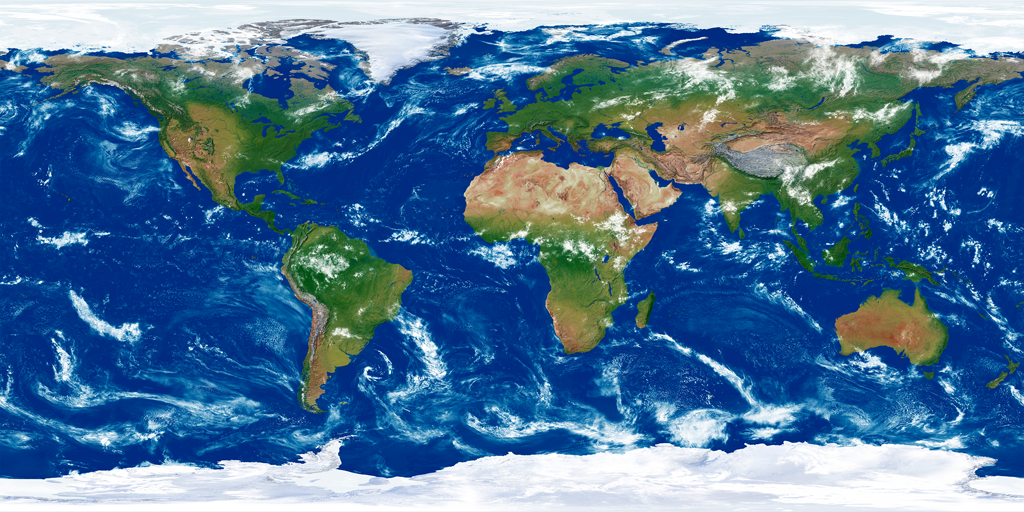
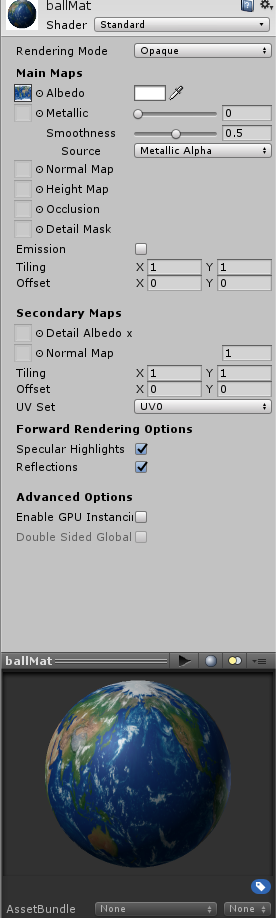
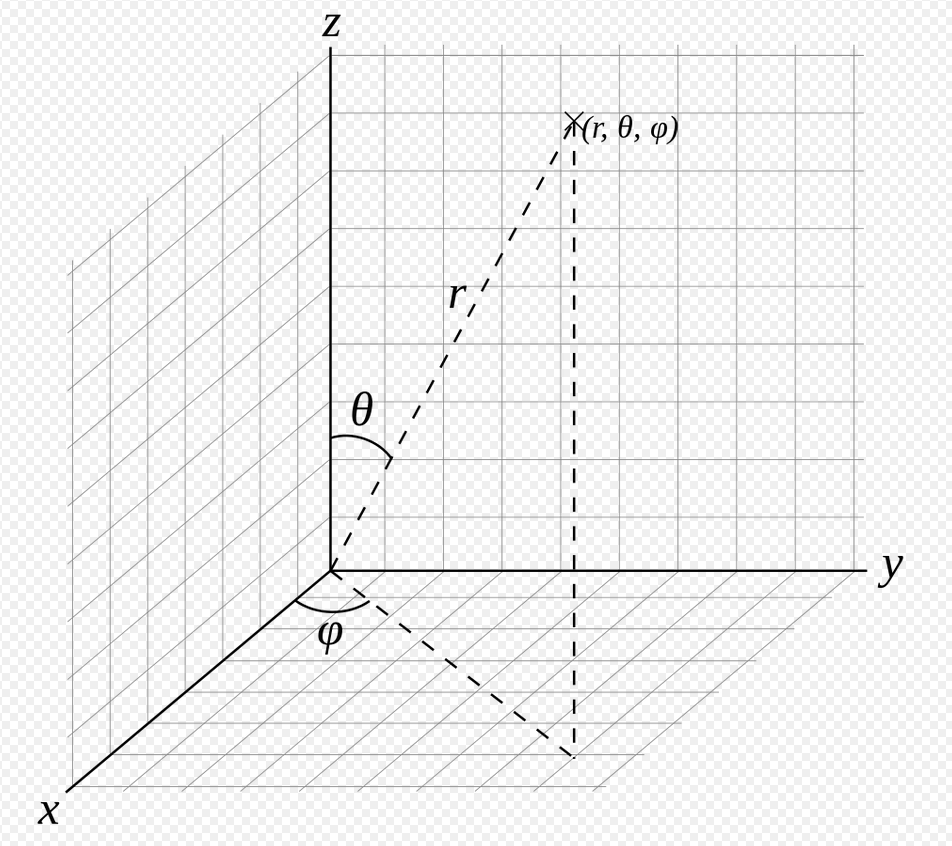
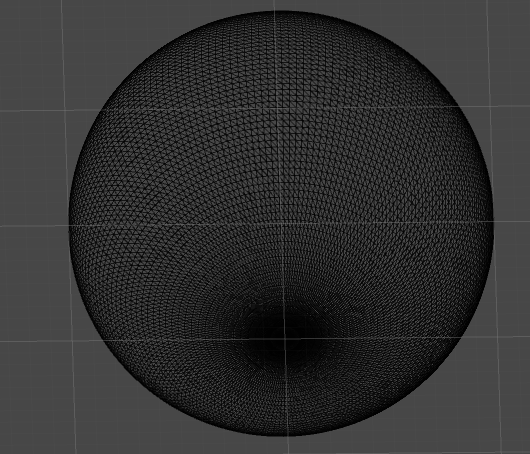
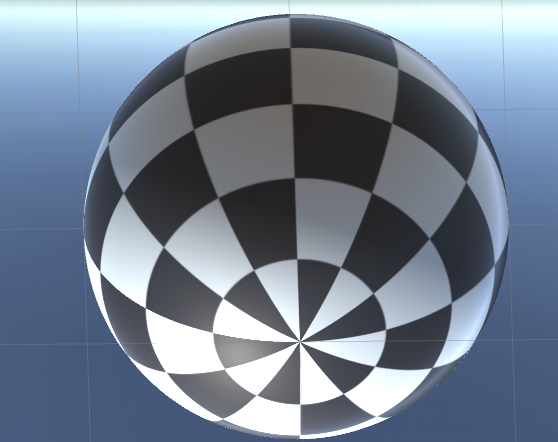
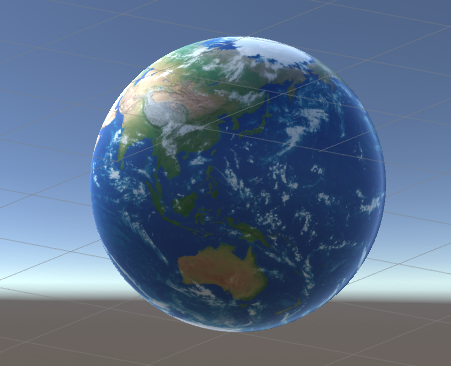
using System.Collections;

using System.Collections.Generic;

using UnityEngine;

//创建球形mesh

public class BallCreater : MonoBehaviour {

    public Material ballMat;//材质

	void Start () {

        createBall("mEarth",new Vector3(0,0,0),100.0f,181,88);

    }

    void Update () {

	}

    /// <summary>

    /// 创建球形mesh

    /// </summary>

    /// <param name="meshName">名称</param>

    /// <param name="center">球心</param>

    /// <param name="radius">半径</param>

    /// <param name="longPart">经线数</param>

    /// <param name="latPart">纬线数</param>

    /// <returns></returns>

    private GameObject createBall(string meshName,Vector3 center, float radius, int longPart, int latPart)

    {

        GameObject meshObject = new GameObject(meshName);

        int verticeNum = longPart * latPart+2* longPart;//经线数*纬线数+极点处多个重合点 (首尾经线重合)

        Vector3[] vertices = new Vector3[verticeNum];//顶点数组

        Vector3[] normals = new Vector3[verticeNum];//顶点法线数组

        Vector2[] uvs = new Vector2[verticeNum];//uv数组

        int[] triangles = new int[(longPart-1)* latPart * 3 * 2];//三角集合数组,保存顶点索引

        float degreesToRadians = Mathf.PI / 180.0f; //弧度转换

        float deltaLong = 360.0f /(longPart-1);//经度每份对应度数

        float deltaLat = 180.0f/ (latPart+2);//纬度每份对应度数

        //极点放置多个顶点,同位置不同uv

        for (int i = 0; i < longPart; i++)

        {

            vertices[i] = new Vector3(0, 0, 1) * radius;

            normals[i] = vertices[0].normalized;

            uvs[i] = new Vector2((float)i/(float)longPart,0);

        }

        int k = 0;

        for (int i = 0; i < longPart-1; i++)

        {

            triangles[k++] = i;

            triangles[k++] = i+ longPart;

            triangles[k++] = i + longPart+1;

        }

        for (int tempLat = 0; tempLat < latPart; tempLat++)

        {

            float tempAngle1 = ((tempLat+1)* deltaLat) * degreesToRadians;

            for (int tempLong = 0; tempLong < longPart; tempLong++)

            {

                float tempAngle2 = (tempLong*deltaLong) * degreesToRadians;

                int tempIndex = tempLong+ tempLat* longPart+ longPart;

                vertices[tempIndex] = new Vector3(Mathf.Sin(tempAngle1) * Mathf.Cos(tempAngle2), Mathf.Sin(tempAngle1) * Mathf.Sin(tempAngle2), Mathf.Cos(tempAngle1)) * radius;

                normals[tempIndex] = vertices[tempIndex].normalized;

                uvs[tempIndex] = new Vector2((float)tempLong / (float)longPart, (float)tempLat / (float)latPart);

                if (tempLat!= latPart-1)

                {

                    if (tempLong != longPart-1)

                    {

                        triangles[k++] = tempLong + tempLat * longPart + longPart;

                        triangles[k++] = tempLong + tempLat * longPart + 2 * longPart;

                        triangles[k++] = tempLong + tempLat * longPart + longPart + 1;

                        triangles[k++] = tempLong + tempLat * longPart + 2 * longPart;

                        triangles[k++] = tempLong + tempLat * longPart + 1 + 2 * longPart;

                        triangles[k++] = tempLong + tempLat * longPart + 1 + longPart;

                    }

                }

            }

        }

        //极点放置多个顶点,同位置不同uv

        for (int i = 0; i < longPart; i++)

        {

            vertices[verticeNum - 1-i] = new Vector3(0, 0, -1) * radius;

            normals[verticeNum - 1-i] = vertices[verticeNum - 1].normalized;

            uvs[verticeNum - 1-i] = new Vector2(1.0f-(float)i / (float)longPart, 1.0f);

        }

        for (int i = 0; i < longPart-1; i++)

        {

            triangles[k++] = verticeNum - 1-i;

            triangles[k++] = verticeNum - 1-i- longPart;

            triangles[k++] = verticeNum - 2 - i- longPart;

        }

        Mesh mesh = new Mesh();

        mesh.vertices = vertices;

        mesh.triangles = triangles;

        mesh.normals = normals;

        mesh.uv = uvs;

        mesh.RecalculateBounds();

        mesh.RecalculateNormals();

        meshObject.AddComponent<MeshFilter>();

        meshObject.AddComponent<MeshRenderer>();

        meshObject.GetComponent<MeshFilter>().mesh = mesh;

        meshObject.GetComponent<MeshRenderer>().material = ballMat;

        meshObject.transform.position += center;

        return meshObject;

    }

}
unity三维地球模型生成的更多相关文章
- OpenGL ES学习笔记(二)——平滑着色、自适应宽高及三维图像生成
首先申明下,本文为笔者学习<OpenGL ES应用开发实践指南(Android卷)>的笔记,涉及的代码均出自原书,如有需要,请到原书指定源码地址下载. <Android学习笔记--O ...
- Unity不同平台生成中预处理的注意点
http://blog.csdn.net/pandawuwyj/article/details/7959335 Unity3D的项目,这周吃亏在宏上了.大背景是项目需要在Unity中用Hudson自动 ...
- Unity 三维软件单位导入资源单位比例
三维软件 内部米制尺寸/m 默认设置导入unity中的尺寸/m 与unity单位比例 Maya 1 100 1:100 3DS MAX 1 0.01 100:1 Cinema 4D 1 100 1:1 ...
- unity 打包Apk生成签名证书keystore
进行Android项目开发中想要将androidapp导出为apk的时候需要选择一个数字证书,即keystore文件(android.keystore),它用来对我们的APP进行签名,是导出APP的一 ...
- Unity AssetBundle的生成、加载和热更新
当前使用的是unity2018.2.6版本. 生成AssetBundle 这个版本生成AssetBundle有两种方式,一种是在资源的Inspector面板下边配置AssetBundle名称,然后调用 ...
- unity下载资源存储-生成md5
IEnumerator GetText() { using (UnityWebRequest request = UnityWebRequest.Get("localhost:80/txt/ ...
- unity中动态生成网格
以下是绘制正方形面片的一个例子,方便之后查阅: 效果如图所示: 红轴为x方向,蓝轴为z方向. 代码如下: using System.Collections; using System.Collecti ...
- Unity TextMeshPro 一键生成工具
本文参考了这片博客文章,在此基础上进行优化和改进: https://blog.csdn.net/akof1314/article/details/80868869 先截张效果图: TextMeshPr ...
- 关于微软企业库中依赖注入容器Unity两种生成对象的实现u
http://www.byywee.com/page/M0/S261/261037.html
随机推荐
- JS基本数据类型和引用数据类型区别
1.栈(stack)和堆(heap) stack为自动分配的内存空间,它由系统自动释放:而heap则是动态分配的内存,大小也不一定会自动释放 2.数据类型 JS分两种数据类型: 基本数据类型:Numb ...
- Java锁--公平锁
转载请注明出处:http://www.cnblogs.com/skywang12345/p/3496147.html 基本概念 本章,我们会讲解“线程获取公平锁”的原理:在讲解之前,需要了解几个基本概 ...
- 第一次的django 和html的插肩而过
新建一个Python Django工程: Win+R进入cmd命令界面,并cd到指定工程目录下,比如我的工程目录是E:\wamp\Apache24\www\ 输入E: 跳转E盘 输入cd wamp\A ...
- adb命令积累
1. 模拟事件全部是通过input命令来实现的,首先看一下input命令的使用: (原文:http://blog.csdn.net/huiguixian/article/details/1192538 ...
- Noip2003 提高组 神经网络
神经网络 题目背景 人工神经网络(Artificial Neural Network)是一种新兴的具有自我学习能力的计算系统,在模式识别.函数逼近及贷款风险评估等诸多领域有广泛的应用.对神经网络的研究 ...
- servlet实现类似target="_top"功能
通过网上很多解决方案,大部分都是重定向,或者页面跳转,但是我试了试都不能脱离原来框架,后来发现,可以直接通过form表单的target来实现从servlet跳转到frameset的指定框架,这就不用再 ...
- Send Boxes to Alice
E. Send Boxes to Alice 首先求出每一个位置的前缀和. 对答案进行复杂度为\(\sqrt{a[n]}\)的遍历,因为最后的答案不可能大于\(\sqrt{a[n]}\) for(ll ...
- POJ 3616 Milking Time ——(记忆化搜索)
第一眼看是线段交集问题,感觉不会= =.然后发现n是1000,那好像可以n^2建图再做.一想到这里,突然醒悟,直接记忆化搜索就好了啊..太蠢了.. 代码如下: #include <stdio.h ...
- 清空echarts的option
将相应的echarts的option治为空 $("#tt5sbmc").html("");
- ICEM-五通孔管
原视频下载地址:https://yunpan.cn/cqaQ2t5DrRcKa 访问密码 d111