
CALayer的position,anchorPoint属性 与UIView的frame 属性
彻底理解CALayer的position,anchorPoint属性 与UIView的frame 属性
一、position,anchorPoint两者都是CALayer的属性,都是CGPoint点
CALayer有2个非常重要的属性:position和anchorPoint
@property CGPoint position;
用来设置CALayer在父层中的位置
以父层的左上角为原点(0, 0)
@property CGPoint anchorPoint;
称为“定位点”、“锚点”
决定着CALayer身上的哪个点会在position属性所指的位置
以自己的左上角为原点(0, 0)
它的x、y取值范围都是0~1,默认值为(0.5, 0.5)
从一个例子开始入手吧,想象一下,把一张A4白纸用图钉订在书桌上,如果订得不是很紧的话,白纸就可以沿顺时针或逆时针方向围绕图钉旋转,这时候图钉就起着支点的作用。我们要解释的anchorPoint就相当于白纸上的图钉,它主要的作用就是用来作为变换的支点,旋转就是一种变换,类似的还有平移、缩放!而position是钉子在墙上的位置!像UIView有superView与subView的概念一样,CALayer也有superLayer与layer的概念
frame.origin由position和anchorPoint共同决定
frame.origin.x = position.x - anchorPoint.x * bounds.size.width;
frame.origin.y = position.y - anchorPoint.y * bounds.size.height;
例如 frame为(10,10,100,100)
10 = y-0.5*100
10 = y-0.5*100
这时候layer的posion为(60,60) anchorPoint为(0,5,0,5);
锚点的相关应用
下面结合UIView动画来解析 anchorPoint 对动画的影响
UIView的隐藏:(这里添加了弹簧效果)
[UIView animateWithDuration:1.0 delay:0.0 usingSpringWithDamping:0.8 initialSpringVelocity: options:UIViewAnimationOptionCurveEaseIn animations:^{

            self.animationView.transform = CGAffineTransformMakeScale(, 0.0001);

        } completion:nil];
UIView的显示:
[UIView animateWithDuration:1.0 delay:0.0 usingSpringWithDamping:0.5 initialSpringVelocity: options:UIViewAnimationOptionCurveEaseIn animations:^{

            self.animationView.transform = CGAffineTransformIdentity;

        } completion:nil];
1、CALayer的anchorPoint的默认位置为(0.5,0.5),即其bounds的center
// 设置锚点
animationView.layer.anchorPoint = CGPointMake(0.5,0.5);
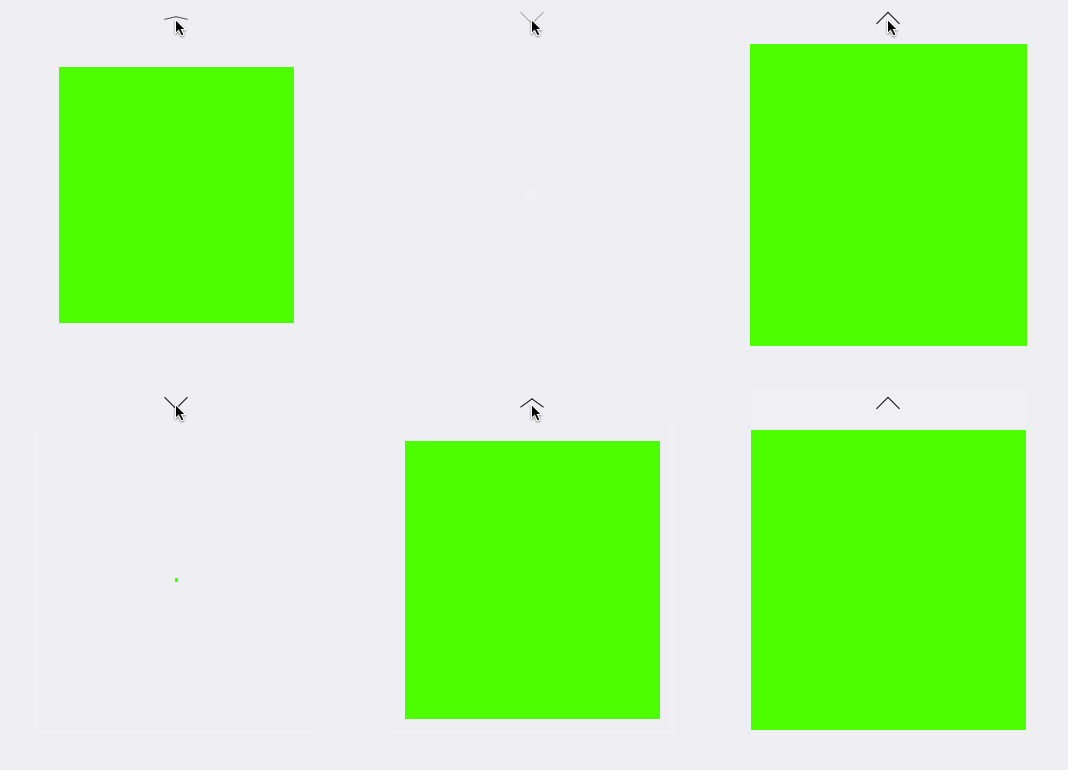
2、设置anchorPoint的默认位置为(0,0)
// 设置锚点
animationView.layer.anchorPoint = CGPointMake(,);
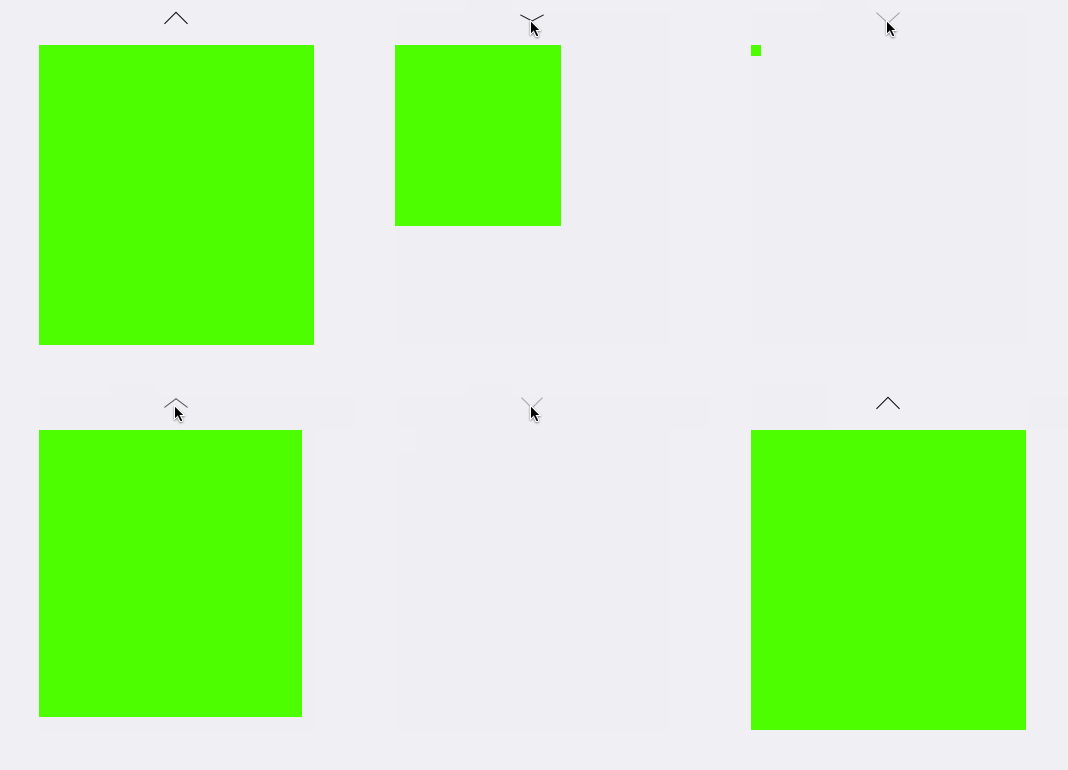
3、设置anchorPoint的默认位置为(0.5,0)
// 设置锚点
animationView.layer.anchorPoint = CGPointMake(0.5,);
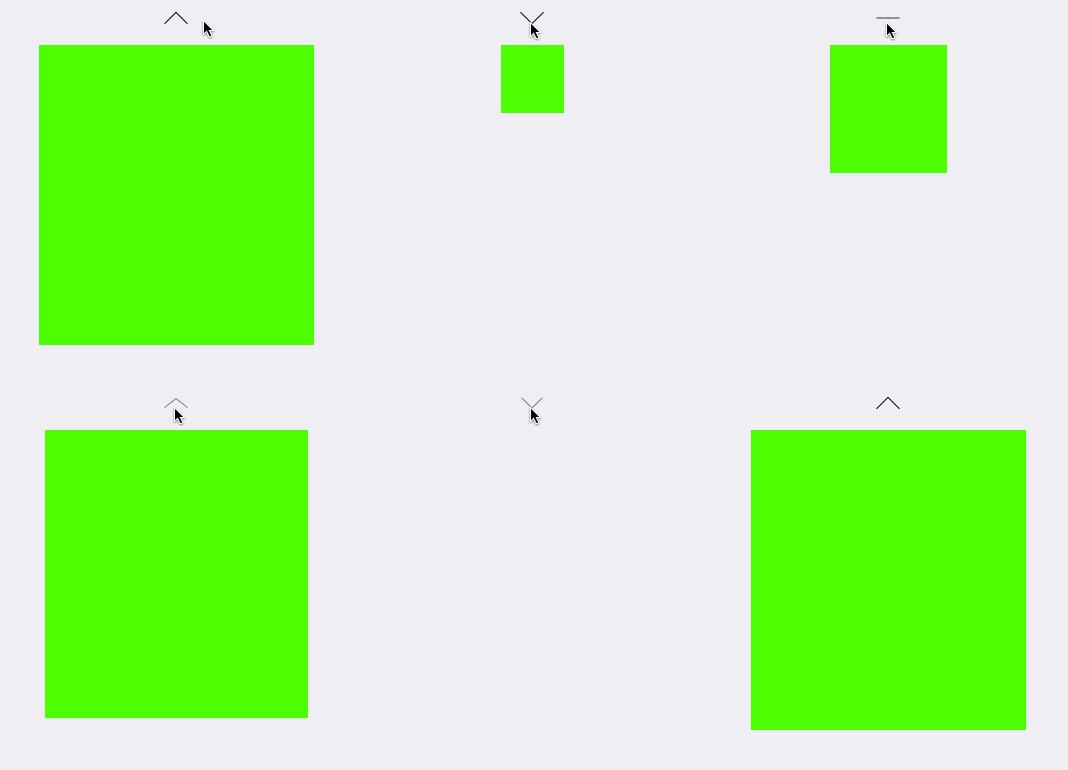
4、设置anchorPoint的默认位置为(1.0,1.0)
// 设置锚点
animationView.layer.anchorPoint = CGPointMake(1.0,1.0);
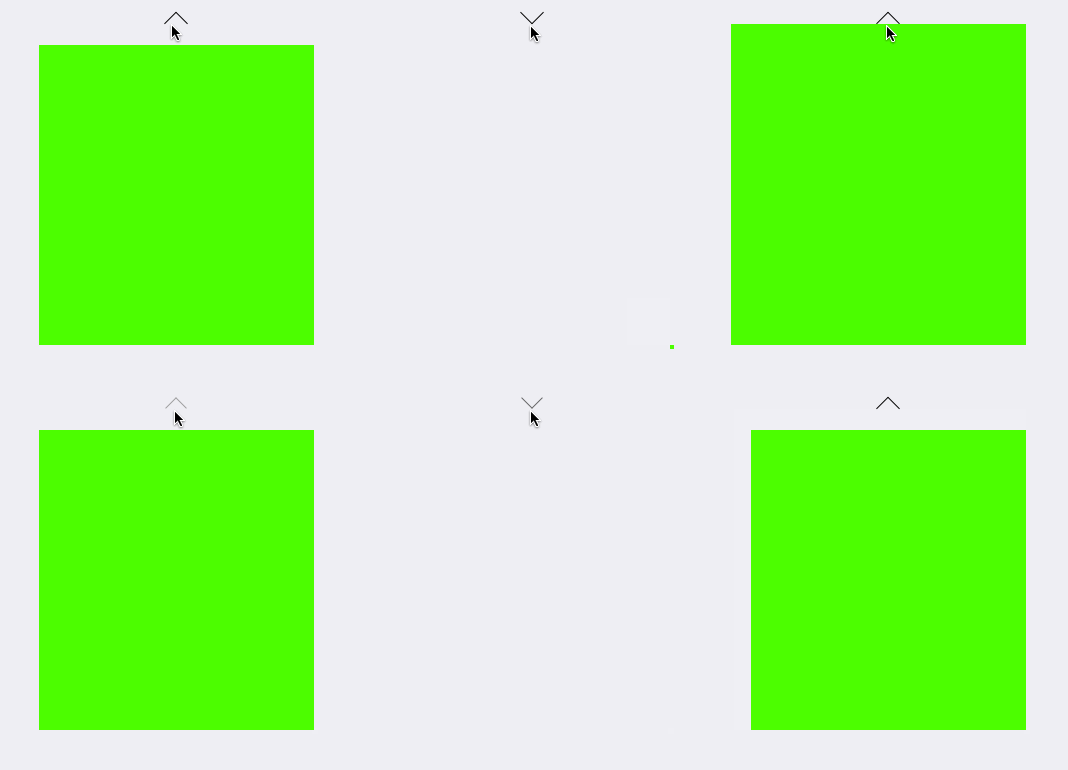
5、设置anchorPoint的默认位置为(0,0.5)
// 设置锚点animationView.layer.anchorPoint = CGPointMake(,0.5);
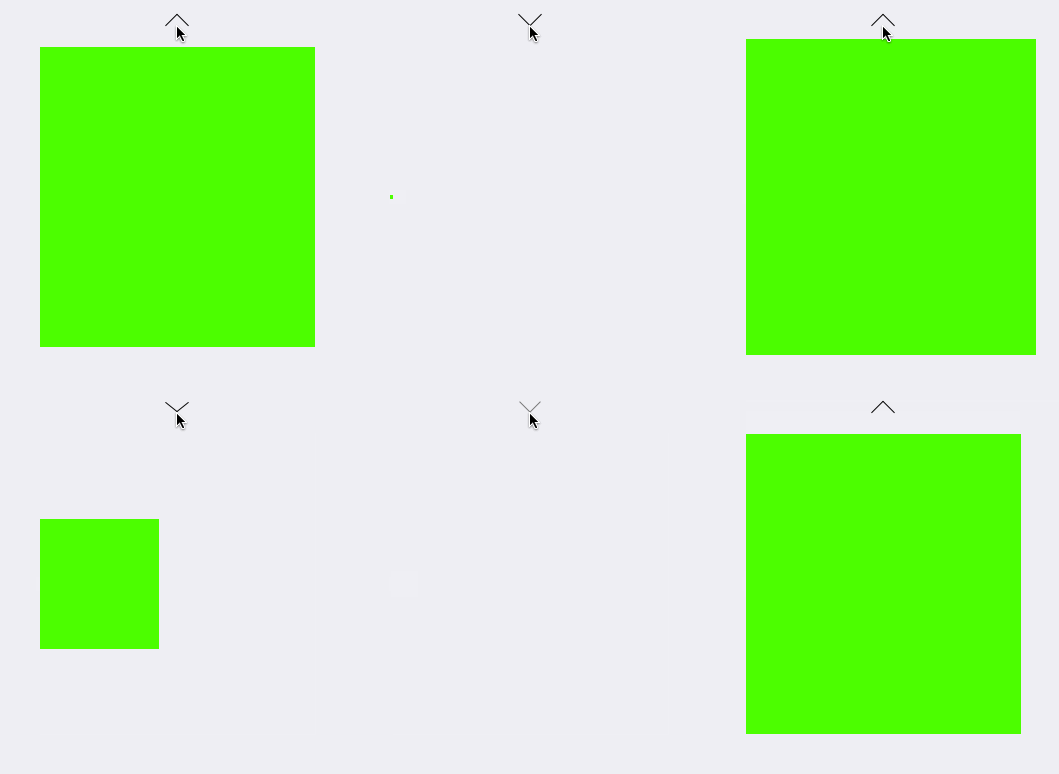
6、设置anchorPoint的默认位置为(1,0.5)
// 设置锚点
animationView.layer.anchorPoint = CGPointMake(,0.5);
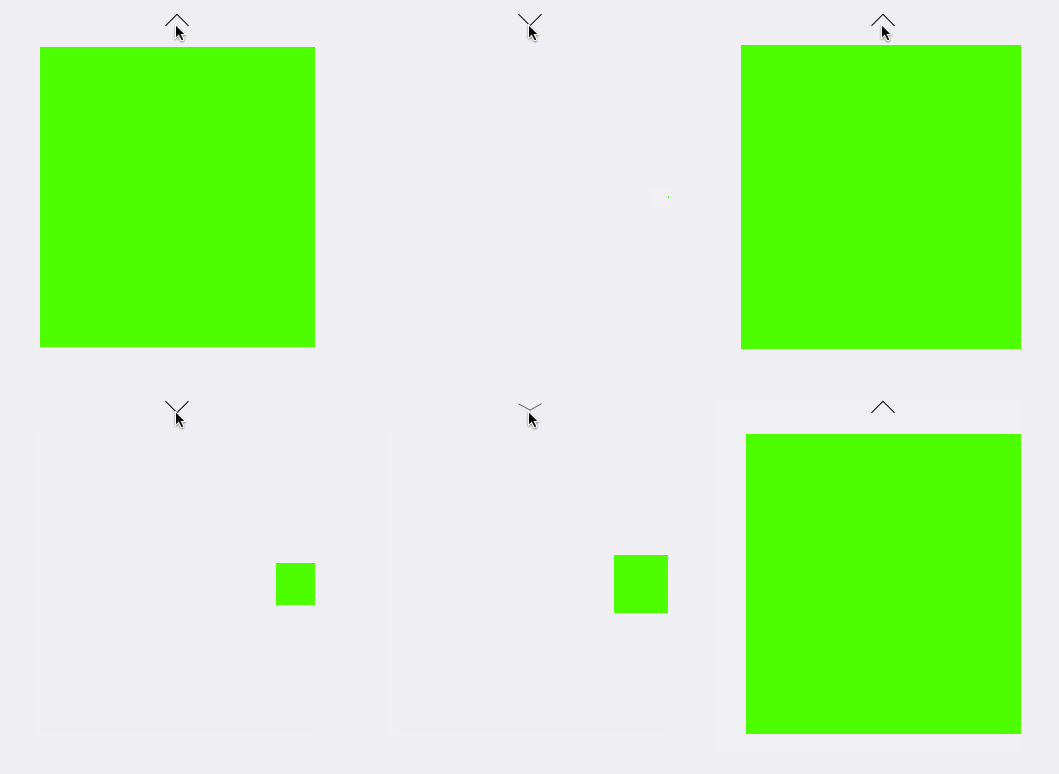
7、设置anchorPoint的默认位置为(0,1.0)
// 设置锚点
animationView.layer.anchorPoint = CGPointMake(,1.0);
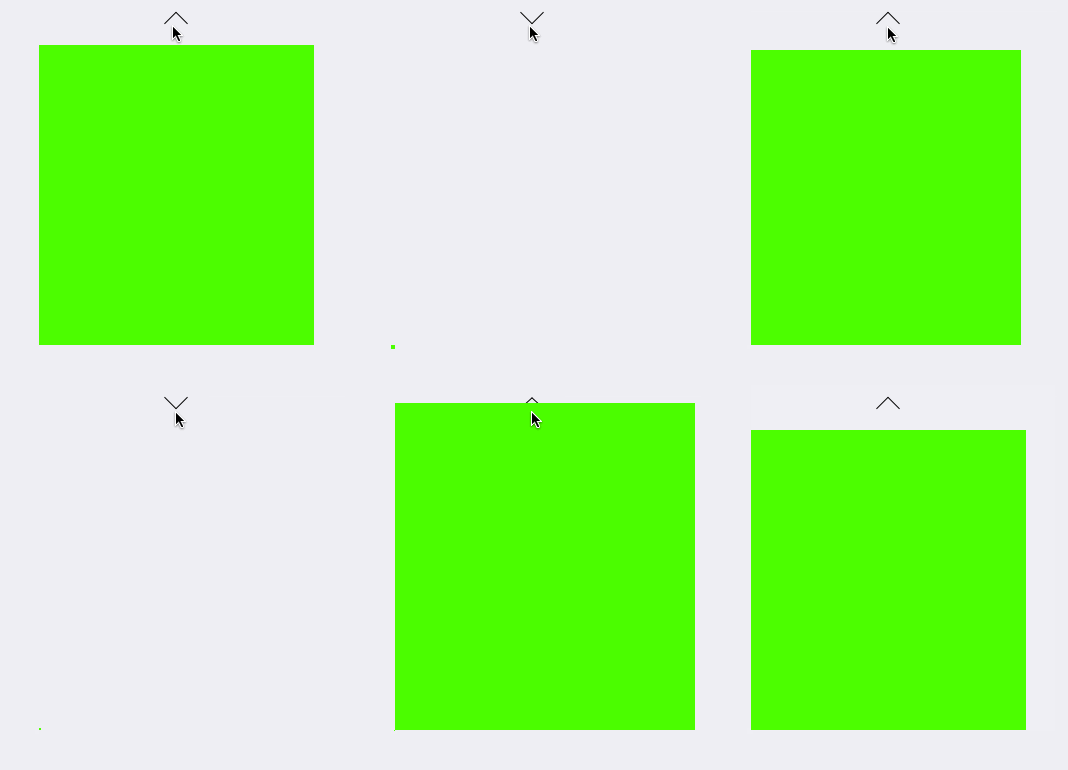
8、设置anchorPoint的默认位置为(1.0,1.0)
// 设置锚点
animationView.layer.anchorPoint = CGPointMake(1.0,1.0);
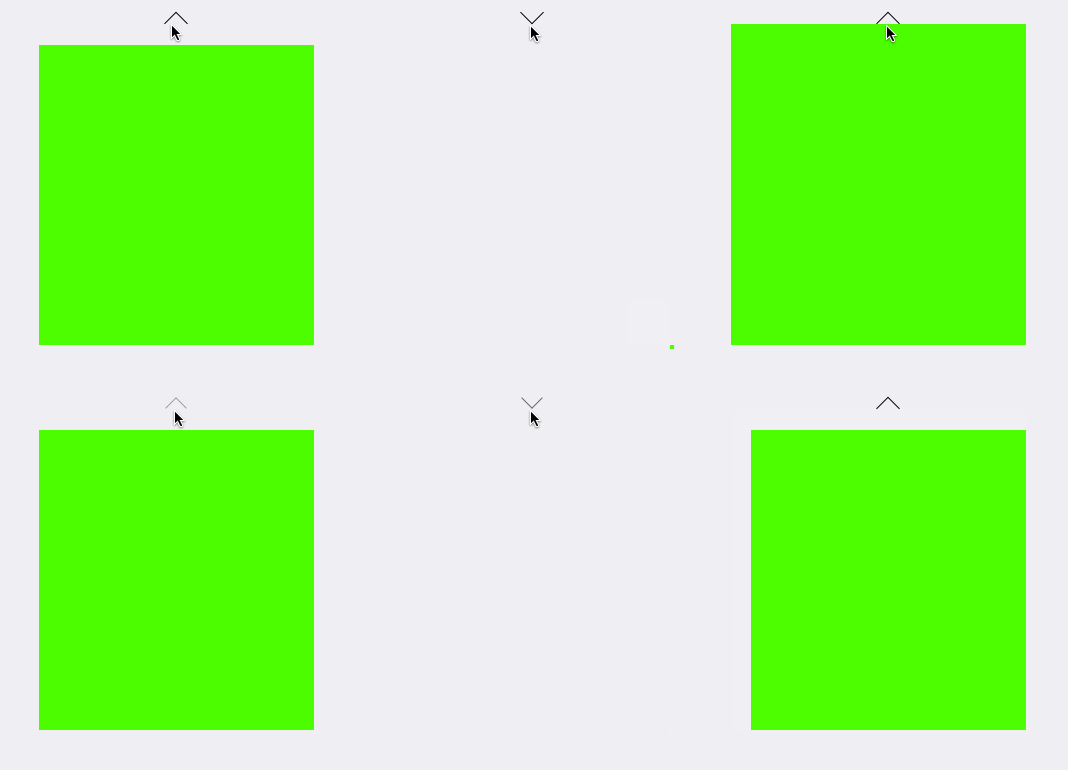
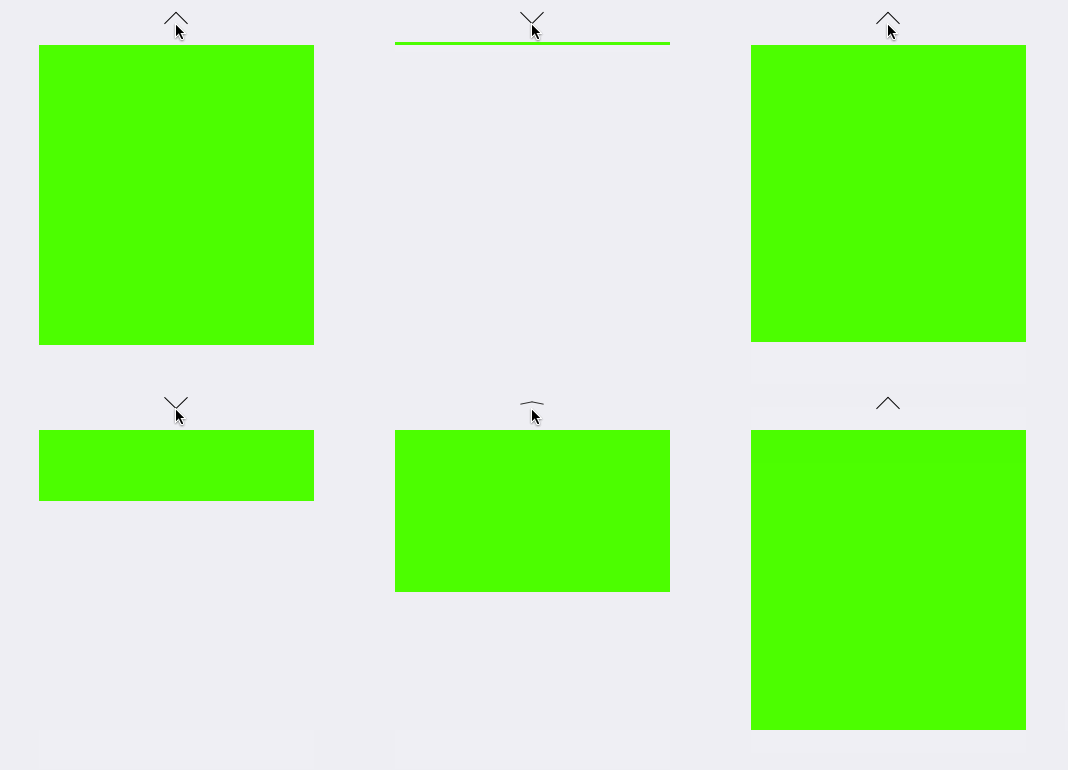
9、设置anchorPoint的X值为0~1,Y值为0,再设置transform的X轴的缩放比例为0.0001(稍微比0大一点,不然动画效果无效) (CGAffineTransformMakeScale(1, 0.0001)
// 设置锚点 animationView.layer.anchorPoint = CGPointMake(,);
[UIView animateWithDuration:1.0 delay:0.0 usingSpringWithDamping:0.8 initialSpringVelocity: options:UIViewAnimationOptionCurveEaseIn animations:^{
self.animationView.transform = CGAffineTransformMakeScale(, 0.0001);
} completion:nil];
效果如下:
CALayer的position,anchorPoint属性 与UIView的frame 属性的更多相关文章
- iOS学习--详解UIView的 contentStretch属性
通过实例和图片理解UIView的contentStretch属性 方法 通过一个图片建立一个简单的UIImageView 设置它的contentStretch属性 修改它的frame属性 观察 测试用 ...
- CALayer 的 position和anchorPoint属性
在iOS 中,UIButton.UIImage等UIView 之所以能够显示在屏幕上,是因为其内部有一个图层(CALayer).通过UIView的layer 属性可以访问这个图层: @property ...
- Position & anchorPoint 深入
引言 相信初接触到CALayer的人都会遇到以下几个问题: 为什么修改anchorPoint会移动layer的位置?CALayer的position点是哪一点呢?anchorPoint与positio ...
- UIView的常见属性
UIView的常见属性: @interface UIView : UIResponder<NSCoding, UIAppearance, UIAppearanceContainer, UIDyn ...
- UIView的transform属性
一.什么是Transform Transform(变化矩阵)是一种3×3的矩阵,如下图所示: 通过这个矩阵我们可以对一个坐标系统进行缩放,平移,旋转以及这两者的任意组着操作.而且矩阵的操作不具备交换律 ...
- iOS--------坐标系统(UIView的frame、bounds跟center属性)
1.概要翻开ios官方开发文档,赫然发现上面对这三个属性的解释如下: frame:描述当前视图在其父视图中的位置和大小. bounds:描述当前视图在其自身坐标系统中的位置和大小. center:描述 ...
- 关于UIView的userInteractionEnabled属性
关于UIView的userInteractionEnabled属性 如果父视图为ParentView包含一个Button,如果再ParentView上添加子视图ChildView,且ChildView ...
- UIView的clipsToBounds属性,layoutSubViews及触摸事件传递(默认情况下)总结
一.UIView的clipsToBounds属性 * 默认情况下,超出父控件尺寸范围的子控件还是可见的 * 如果设置父控件的clipsToBounds=YES,就会裁剪掉超出父控件尺寸范围内的子控件, ...
- UIView之常用属性
UIView之常用属性 1. view.tag = 200; // 系统保留0-1002. view.frame = CGRectMake(20, 30, 300, 300);3. view.cent ...
随机推荐
- Android Studio使用心得
说实话 開始接触这个工具 真的认为非常恶心 毕竟大陆被墙 非常多东西用起来不是非常方便 并且Eclipse转到Android Studio还是一个跨度 废话不多说 以下 讲下我遇到的问题 1. 安 ...
- u-boot 2016.05 添加自己的board 以及config.h
拿到一个uboot 后,我都想添加一个属于自己的board文件以及include/configs/*.h 文件. 如何添加这个些文件,今天来记录一下. 复制一份你所参考的板级文件,比如说board/v ...
- [uart]2.tty和uart的函数调用流程
以下是在include/uapi/linux/tty.h中定义了现有的线规号,如果需要定义新的,则需要在后面添加新的 /* line disciplines */ #define N_TTY 0 #d ...
- iOS开发小技巧--取消按钮的选中状态
首先要自定义按钮,并且实现如下方法,对,就是这么实现!!
- DataGridView使用技巧十一:DataGridView用户输入时,单元格输入值的设定
通过DataGridView.CellParsing事件可以设定用户输入的值.下面的示例:当输入英文文本内容的时候,立即被改变为大写.DataGridView.CellParsing在离开编辑的单元格 ...
- 执行大数据量SQL文件
sqlserver2008中需要执行大文件的脚本,查询分析器中打不开,需要用到sql命令,开始使用osql命令 使用sqlcmd可以执行:在DOS中,调用sqlcmd命令,并使用对应选项 sql ...
- Storm ack和fail机制再论
转自:http://www.cnblogs.com/fxjwind/p/3806404.html 之前对这个的理解有些问题,今天用到有仔细梳理了一遍,记录一下 首先开启storm tracker机制的 ...
- 关于Cocos2d-x中精灵节点的透明度的设置
1.当我们需要某个精灵作为一个大一点的容器来存放其他的小精灵的时候,我们先设置这个精灵的大小 setTextureRect(Rect(0, 0, babySize.width, babySize.he ...
- latex之转置符号
$\mathbf{A}^\mathrm{T}$ $\mathbf{A}^\top$ $\mathbf{A}^\mathsf{T}$ $\mathbf{A}^\intercal$ 效果分别为:
- 使用ffmpeg实现合并多个音频为一个音频的方法
使用ffmpeg实现合并多个音频为一个音频的方法可以使用ffmpeg的filter功能来进行这个操作,而且效果很好amerge也可以实 使用ffmpeg实现合并多个音频为一个音频的方法 可以使用ffm ...