
CALayer的position,anchorPoint属性 与UIView的frame 属性
彻底理解CALayer的position,anchorPoint属性 与UIView的frame 属性
一、position,anchorPoint两者都是CALayer的属性,都是CGPoint点
CALayer有2个非常重要的属性:position和anchorPoint
@property CGPoint position;
用来设置CALayer在父层中的位置
以父层的左上角为原点(0, 0)
@property CGPoint anchorPoint;
称为“定位点”、“锚点”
决定着CALayer身上的哪个点会在position属性所指的位置
以自己的左上角为原点(0, 0)
它的x、y取值范围都是0~1,默认值为(0.5, 0.5)
从一个例子开始入手吧,想象一下,把一张A4白纸用图钉订在书桌上,如果订得不是很紧的话,白纸就可以沿顺时针或逆时针方向围绕图钉旋转,这时候图钉就起着支点的作用。我们要解释的anchorPoint就相当于白纸上的图钉,它主要的作用就是用来作为变换的支点,旋转就是一种变换,类似的还有平移、缩放!而position是钉子在墙上的位置!像UIView有superView与subView的概念一样,CALayer也有superLayer与layer的概念
frame.origin由position和anchorPoint共同决定
frame.origin.x = position.x - anchorPoint.x * bounds.size.width;
frame.origin.y = position.y - anchorPoint.y * bounds.size.height;
例如 frame为(10,10,100,100)
10 = y-0.5*100
10 = y-0.5*100
这时候layer的posion为(60,60) anchorPoint为(0,5,0,5);
锚点的相关应用
下面结合UIView动画来解析 anchorPoint 对动画的影响
UIView的隐藏:(这里添加了弹簧效果)
[UIView animateWithDuration:1.0 delay:0.0 usingSpringWithDamping:0.8 initialSpringVelocity: options:UIViewAnimationOptionCurveEaseIn animations:^{

            self.animationView.transform = CGAffineTransformMakeScale(, 0.0001);

        } completion:nil];
UIView的显示:
[UIView animateWithDuration:1.0 delay:0.0 usingSpringWithDamping:0.5 initialSpringVelocity: options:UIViewAnimationOptionCurveEaseIn animations:^{

            self.animationView.transform = CGAffineTransformIdentity;

        } completion:nil];
1、CALayer的anchorPoint的默认位置为(0.5,0.5),即其bounds的center
// 设置锚点
animationView.layer.anchorPoint = CGPointMake(0.5,0.5);
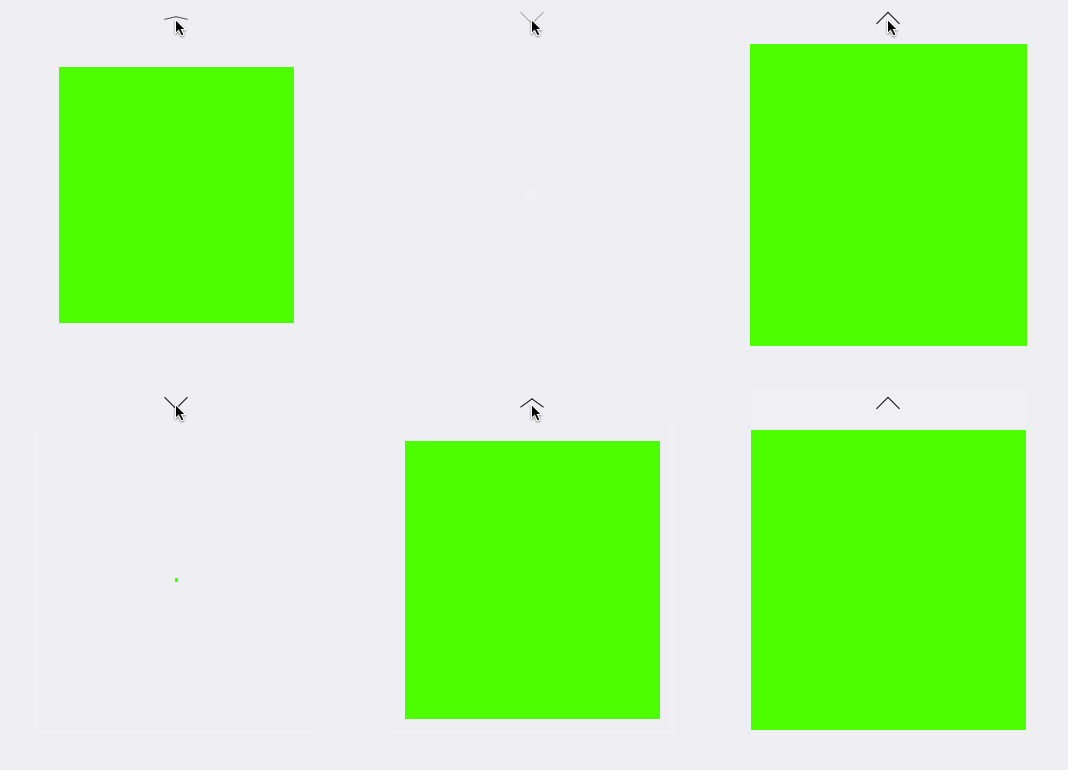
2、设置anchorPoint的默认位置为(0,0)
// 设置锚点
animationView.layer.anchorPoint = CGPointMake(,);
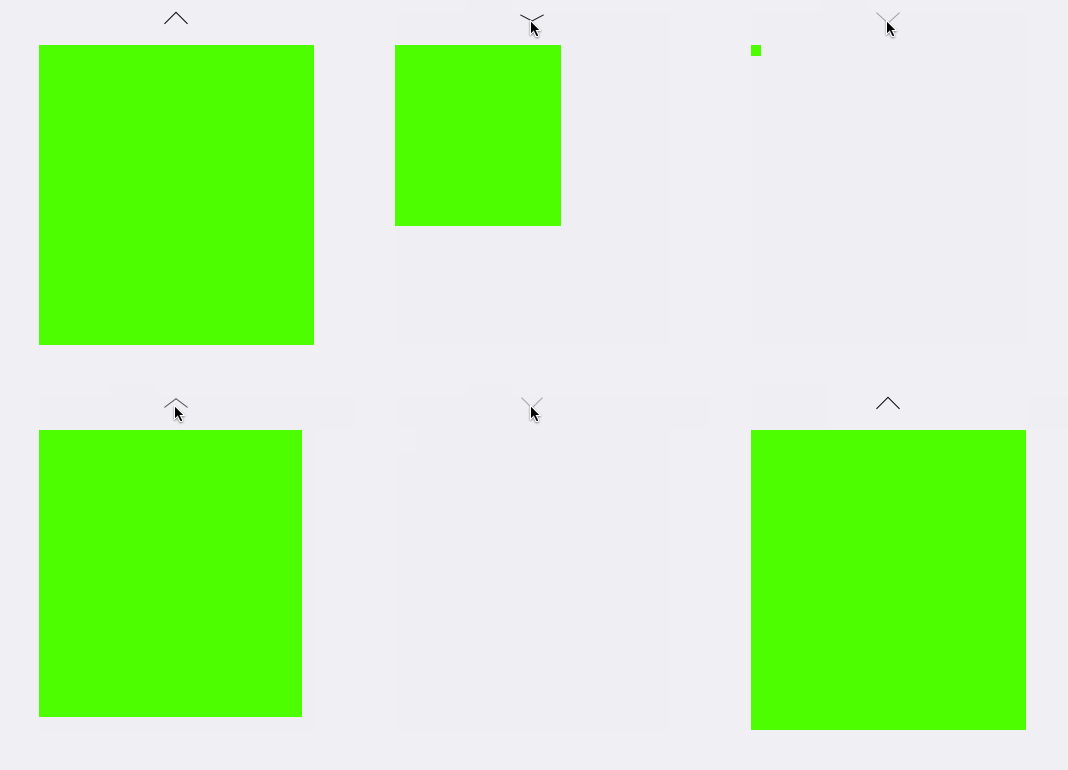
3、设置anchorPoint的默认位置为(0.5,0)
// 设置锚点
animationView.layer.anchorPoint = CGPointMake(0.5,);
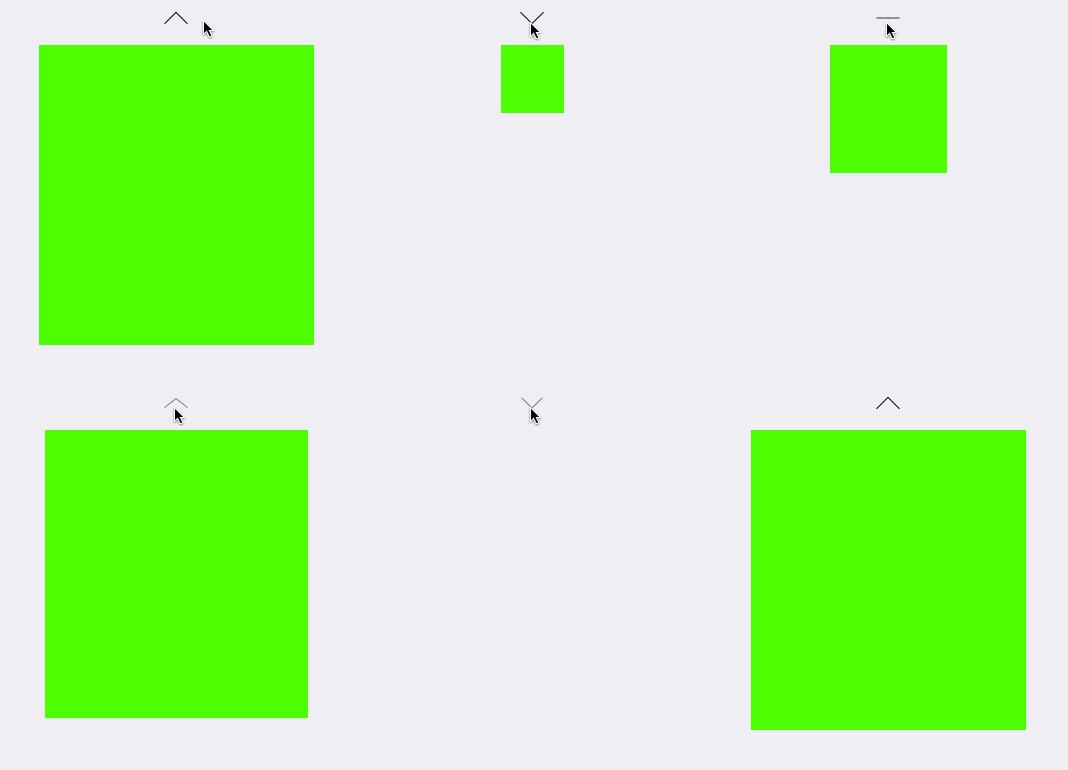
4、设置anchorPoint的默认位置为(1.0,1.0)
// 设置锚点
animationView.layer.anchorPoint = CGPointMake(1.0,1.0);
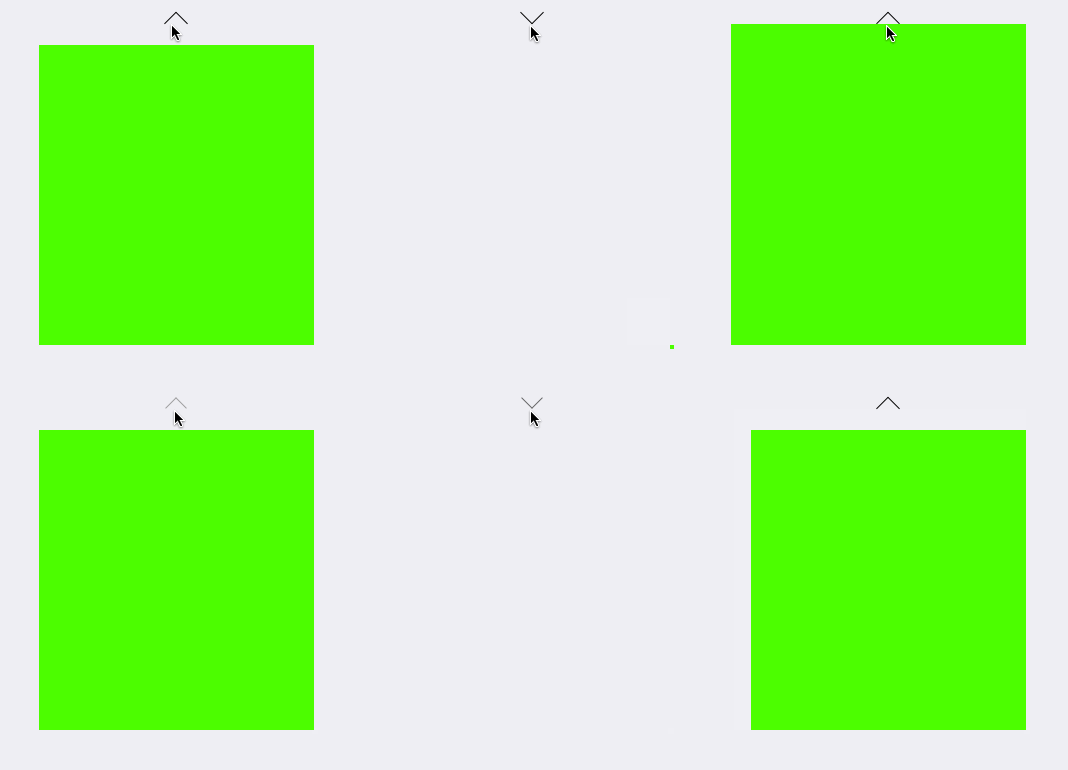
5、设置anchorPoint的默认位置为(0,0.5)
// 设置锚点animationView.layer.anchorPoint = CGPointMake(,0.5);
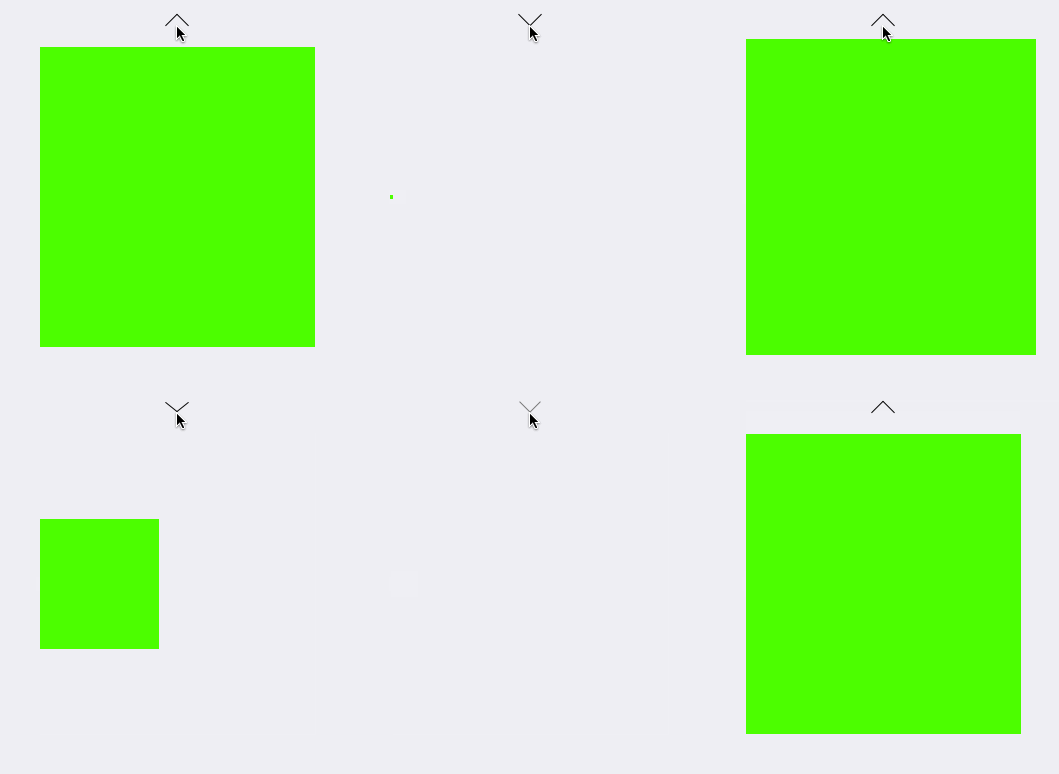
6、设置anchorPoint的默认位置为(1,0.5)
// 设置锚点
animationView.layer.anchorPoint = CGPointMake(,0.5);
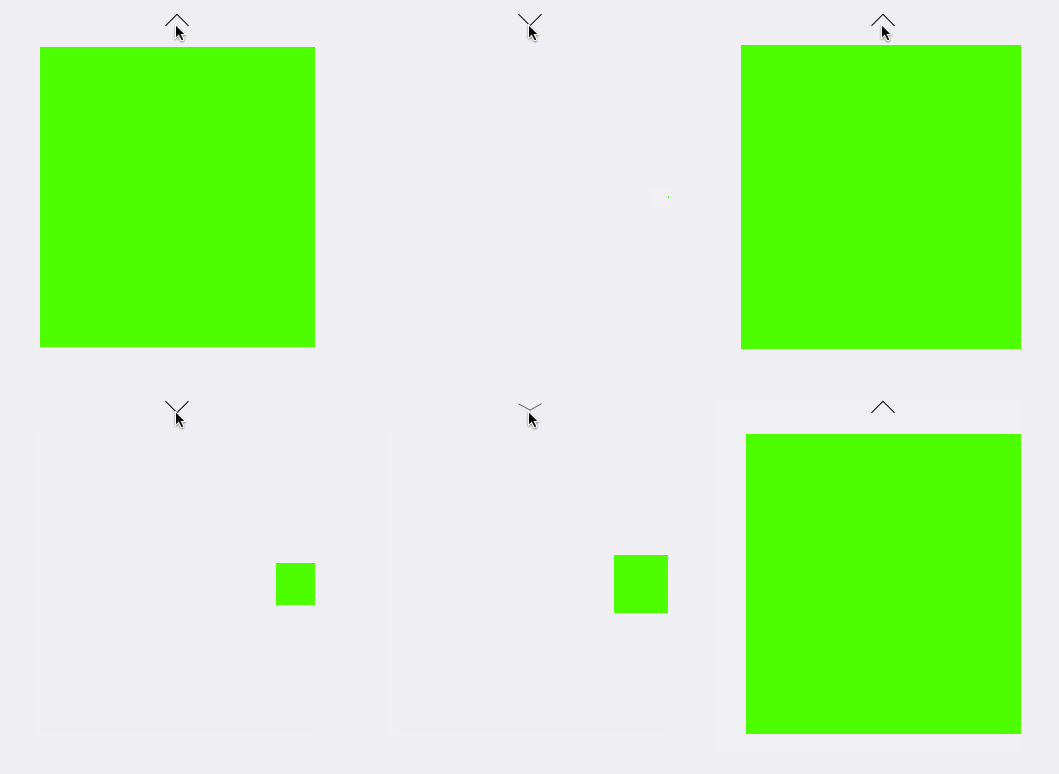
7、设置anchorPoint的默认位置为(0,1.0)
// 设置锚点
animationView.layer.anchorPoint = CGPointMake(,1.0);
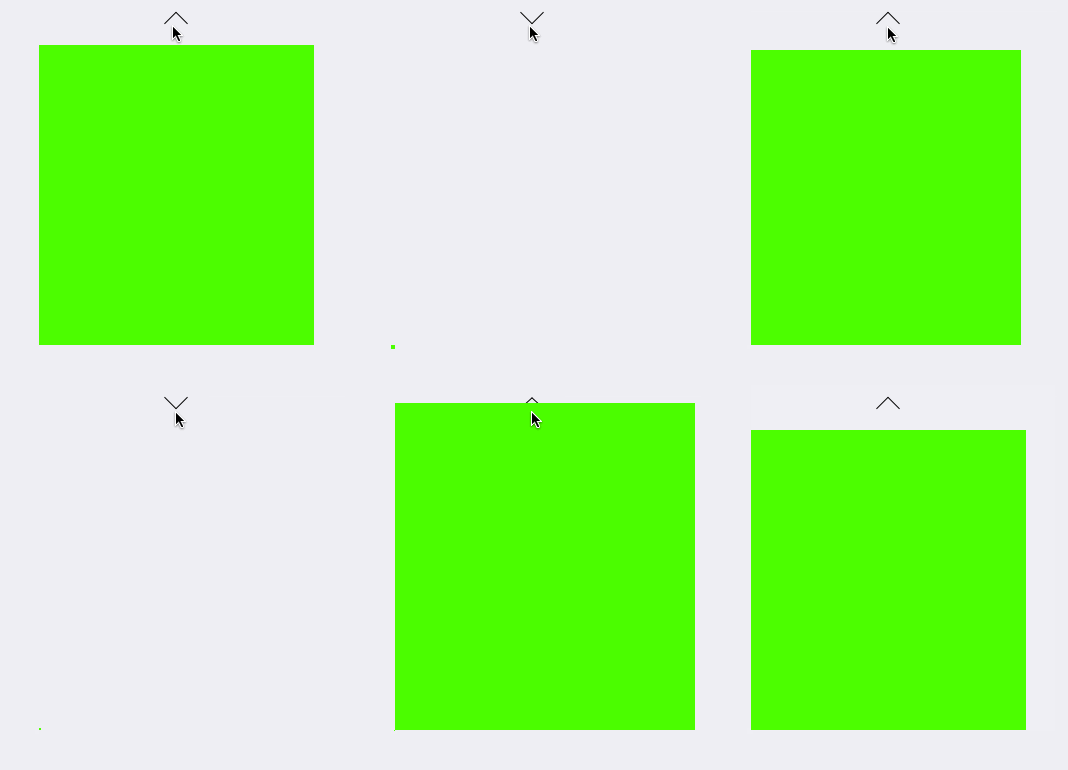
8、设置anchorPoint的默认位置为(1.0,1.0)
// 设置锚点
animationView.layer.anchorPoint = CGPointMake(1.0,1.0);
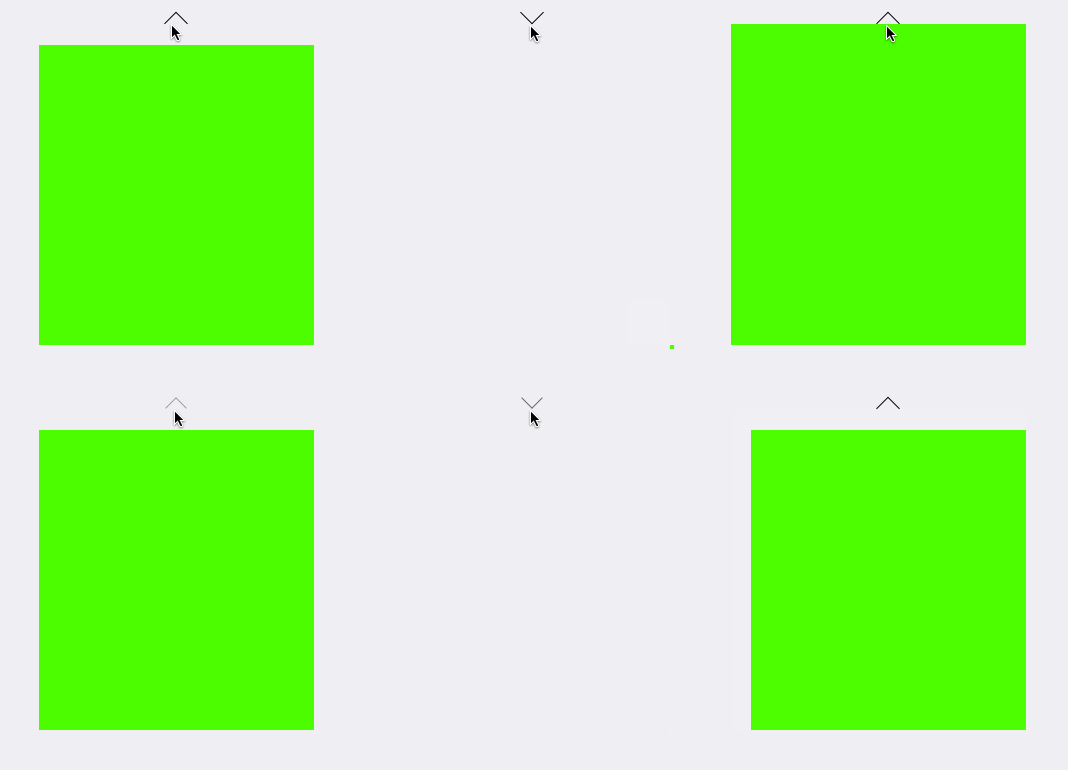
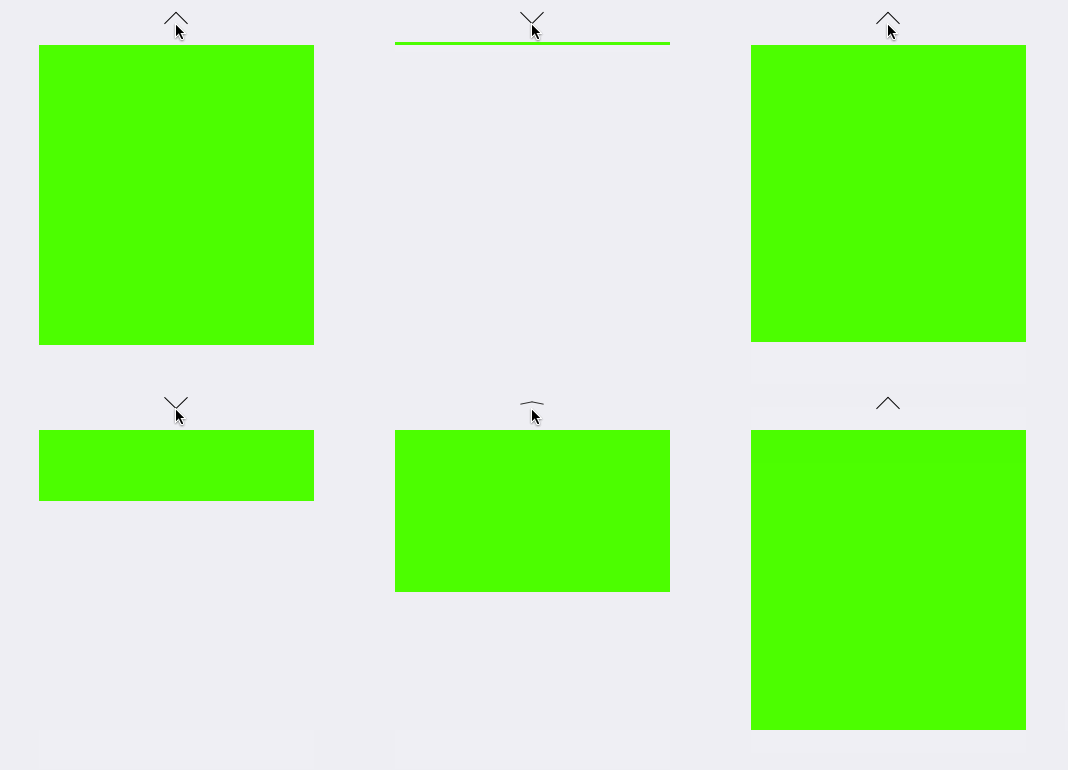
9、设置anchorPoint的X值为0~1,Y值为0,再设置transform的X轴的缩放比例为0.0001(稍微比0大一点,不然动画效果无效) (CGAffineTransformMakeScale(1, 0.0001)
// 设置锚点 animationView.layer.anchorPoint = CGPointMake(,);
[UIView animateWithDuration:1.0 delay:0.0 usingSpringWithDamping:0.8 initialSpringVelocity: options:UIViewAnimationOptionCurveEaseIn animations:^{
self.animationView.transform = CGAffineTransformMakeScale(, 0.0001);
} completion:nil];
效果如下:
CALayer的position,anchorPoint属性 与UIView的frame 属性的更多相关文章
- iOS学习--详解UIView的 contentStretch属性
通过实例和图片理解UIView的contentStretch属性 方法 通过一个图片建立一个简单的UIImageView 设置它的contentStretch属性 修改它的frame属性 观察 测试用 ...
- CALayer 的 position和anchorPoint属性
在iOS 中,UIButton.UIImage等UIView 之所以能够显示在屏幕上,是因为其内部有一个图层(CALayer).通过UIView的layer 属性可以访问这个图层: @property ...
- Position & anchorPoint 深入
引言 相信初接触到CALayer的人都会遇到以下几个问题: 为什么修改anchorPoint会移动layer的位置?CALayer的position点是哪一点呢?anchorPoint与positio ...
- UIView的常见属性
UIView的常见属性: @interface UIView : UIResponder<NSCoding, UIAppearance, UIAppearanceContainer, UIDyn ...
- UIView的transform属性
一.什么是Transform Transform(变化矩阵)是一种3×3的矩阵,如下图所示: 通过这个矩阵我们可以对一个坐标系统进行缩放,平移,旋转以及这两者的任意组着操作.而且矩阵的操作不具备交换律 ...
- iOS--------坐标系统(UIView的frame、bounds跟center属性)
1.概要翻开ios官方开发文档,赫然发现上面对这三个属性的解释如下: frame:描述当前视图在其父视图中的位置和大小. bounds:描述当前视图在其自身坐标系统中的位置和大小. center:描述 ...
- 关于UIView的userInteractionEnabled属性
关于UIView的userInteractionEnabled属性 如果父视图为ParentView包含一个Button,如果再ParentView上添加子视图ChildView,且ChildView ...
- UIView的clipsToBounds属性,layoutSubViews及触摸事件传递(默认情况下)总结
一.UIView的clipsToBounds属性 * 默认情况下,超出父控件尺寸范围的子控件还是可见的 * 如果设置父控件的clipsToBounds=YES,就会裁剪掉超出父控件尺寸范围内的子控件, ...
- UIView之常用属性
UIView之常用属性 1. view.tag = 200; // 系统保留0-1002. view.frame = CGRectMake(20, 30, 300, 300);3. view.cent ...
随机推荐
- IOS中摇一摇实现截屏(可实现问题反馈的功能)
有一段时间没有更新博客了,今天更新一篇关于最近工作中用到的一个功能,先简单描述一下:我们知道,测试人员在测试客户端产品时,当出现问题或者BUG的时候,都得先对页面截图,然后从相册中选择截图,加上一段描 ...
- 网络打印协议之LPR或RAW
网络打印端口 标准 TCP/IP 端口监视器 对于连接到网络的打印设备,标准的 TCP/IP 端口监视器就是最佳选择.标准端口监视器增强了LPR(line printer remote,远程行式打印机 ...
- jquery easyui datagrid 动态 加载列
实现方式: 首先根据输入的sql语句获得相关的列名称返回给前台,然后在datagrid中动态加载列,接着根据查询条件(包括sql语句)获取相关的记录返回给前台用于填充datagrid.从而实现类似or ...
- 【转】 web 测试使用的chrome插件
1.二维码插件 https://chrome.google.com/webstore/detail/%E4%BA%8C%E7%BB%B4%E7%A0%81qr%E7%A0%81%E7%94%9F%E6 ...
- hadoop集群运行dedup实现去重功能
一.配置开发环境1.我们用到的IDE是eclipse.要用它进行hadoop编程,要给eclipse安装hadoop自带的插件.(有的版本以源码提供插件,需要用户根据需要自己编译)2.用到的eclip ...
- Event Listener's Adapter Classes
摘自: http://www.ntu.edu.sg/home/ehchua/programming/java/J4a_GUI.html Refer to the WindowEventDemo, a ...
- java---final、finally、finalize的区别
Java finalize方法使用 标签: javaappletobjectwizardjvm工作 2011-08-21 11:37 48403人阅读 评论(5) 收藏 举报 分类: Java(96 ...
- linux -- ubuntu 14.10开机出现错误“Error found when loading /root/.profile”解决
修改完root权限自动登录后,发现开机出现以下提示: Error found when loading /root/.profile stdin:is not a tty ………… 解决方法:在终端中 ...
- SSL双向认证Java实现 Tomcat篇
双向验证,在客户机连接服务器时,客户机验证服务器的证书,服务器验证客户机的证书,链接双方都要对彼此的数字证书进行验证,保证这是经过授权的才能够连接. 1. 生成服务器端的keystore和trusts ...
- TinyOS节点间通信相关接口和组件介绍
一.基本通信接口: Packet:提供了对message_t抽象数据类型的基本访问.这个接口的命令有:清空消息内容,获得消息的有效载荷区长度,获得消息有效载荷区的指针. //tos/interfa ...