
sklearn调用分类算法的评价指标
sklearn分类算法的评价指标调用
#二分类问题的算法评价指标
import numpy as np
import matplotlib.pyplot as plt
import pandas as pd
from sklearn import datasets
d=datasets.load_digits()
x=d.data
y=d.target.copy()
print(len(y))
y[d.target==9]=1
y[d.target!=9]=0
print(y)
print(pd.value_counts(y))
from sklearn.model_selection import train_test_split
x_train,x_test,y_train,y_test=train_test_split(x,y,random_state=666)
from sklearn.linear_model import LogisticRegression
log_reg=LogisticRegression(solver="newton-cg")
log_reg.fit(x_train,y_train)
print(log_reg.score(x_test,y_test))
y_pre=log_reg.predict(x_test)
def TN(y_true,y_pre):
    return np.sum((y_true==0) & (y_pre==0))
def FP(y_true,y_pre):
    return np.sum((y_true==0) & (y_pre==1))
def FN(y_true,y_pre):
    return np.sum((y_true==1) & (y_pre==0))
def TP(y_true,y_pre):
    return np.sum((y_true==1) & (y_pre==1))
print(TN(y_test,y_pre))
print(FP(y_test,y_pre))
print(FN(y_test,y_pre))
print(TP(y_test,y_pre))
def confusion_matrix(y_true,y_pre):
    return np.array([
        [TN(y_true,y_pre),FP(y_true,y_pre)],
        [FN(y_true,y_pre),TP(y_true,y_pre)]
    ])
print(confusion_matrix(y_test,y_pre))

def precision(y_true,y_pre):
    try:
        return TP(y_true,y_pre)/(FP(y_true,y_pre)+TP(y_true,y_pre))
    except:
        return 0.0
def recall(y_true,y_pre):
    try:
        return TP(y_true,y_pre)/(FN(y_true,y_pre)+TP(y_true,y_pre))
    except:
        return 0.0
print(precision(y_test,y_pre))
print(recall(y_test,y_pre))
from sklearn.metrics import confusion_matrix
from sklearn.metrics import precision_score
from sklearn.metrics import recall_score
print((confusion_matrix(y_test,y_pre)))
print(precision_score(y_test,y_pre))
print(recall_score(y_test,y_pre))
print(log_reg.score(x_test,y_test))
def F1(pre,rec):
    try:
        return (2*pre*rec)/(pre+rec)
    except:
        return 0.0
print(F1(precision(y_test,y_pre),recall(y_test,y_pre)))
print(F1(0.1,0.9))
print(F1(0,1))
from sklearn.metrics import f1_score
print(f1_score(y_test,y_pre))
print(log_reg.decision_function(x_test))
#改变阈值,可以改变机器学习的召回率和精准率
decision_scores=log_reg.decision_function(x_test)
y_pre2=np.array(decision_scores>=5,dtype="int")
print(precision(y_test,y_pre2))
print(recall(y_test,y_pre2))
print(confusion_matrix(y_test,y_pre2))
y_pre3=np.array(decision_scores>=-5,dtype="int")
print(precision(y_test,y_pre3))
print(recall(y_test,y_pre3))
print(confusion_matrix(y_test,y_pre3))
print(y_pre3)
#绘制出决策边界阈值与精准率和召回率的变化曲线
from sklearn.metrics import precision_score
from sklearn.metrics import recall_score
thresholds=np.arange(np.min(decision_scores),np.max(decision_scores),0.1)
pre=[]
rec=[]
for threshold in thresholds:
    y_pre11=np.array(decision_scores>threshold,dtype="int")
    pre.append(precision_score(y_test,y_pre11))
    rec.append(recall_score(y_test,y_pre11))
plt.figure()
plt.plot(thresholds,pre,"r",thresholds,rec,"g")
plt.show()
#输出精确率和召回率曲线
plt.plot(pre,rec,"g",linewidth=5)
plt.show()

#直接在sklearn中调用精准率召回率曲线直接输出相应的精准率变化和召回率变化以及决策阈值
from sklearn.metrics import precision_recall_curve
decision_scores=log_reg.decision_function(x_test)
pre1,rec1,thre1=precision_recall_curve(y_test,decision_scores)
print(rec1.shape)
print(pre1.shape)
print(thre1.shape)
plt.figure()
plt.plot(thre1,pre1[:-1],"r")
plt.plot(thre1,rec1[:-1],"g")
plt.show()
plt.plot(pre1,rec1)
plt.show()
#sklearn中调用ROC(TPR与FPR曲线)
from sklearn.metrics import roc_curve
decision_scores=log_reg.decision_function(x_test)
fpr,tpr,thre2=roc_curve(y_test,decision_scores)
plt.plot(fpr,tpr,"r")
plt.show()   #曲线和x轴所围成的面积越大则性能越好一点
from sklearn.metrics import roc_auc_score
print(roc_auc_score(y_test,decision_scores))  #输出ROC与x轴围成的面积大小roc_auc

#多分类问题下的各个评判指标应用
import numpy as np
import matplotlib.pyplot as plt
import pandas as pd
from sklearn import datasets
d=datasets.load_digits()
x=d.data
y=d.target
from sklearn.model_selection import train_test_split
x_train,x_test,y_train,y_test=train_test_split(x,y,random_state=666)
from sklearn.linear_model import LogisticRegression
log1=LogisticRegression()
log1.fit(x_train,y_train)
print(log1.score(x_test,y_test))
y_p=log1.predict(x_test)
from sklearn.metrics import precision_score
print(precision_score(y_test,y_p,average="micro"))  #输出精准率的大小(需要设定average参数)
from sklearn.metrics import confusion_matrix
print(confusion_matrix(y_test,y_p))              #输出混淆矩阵
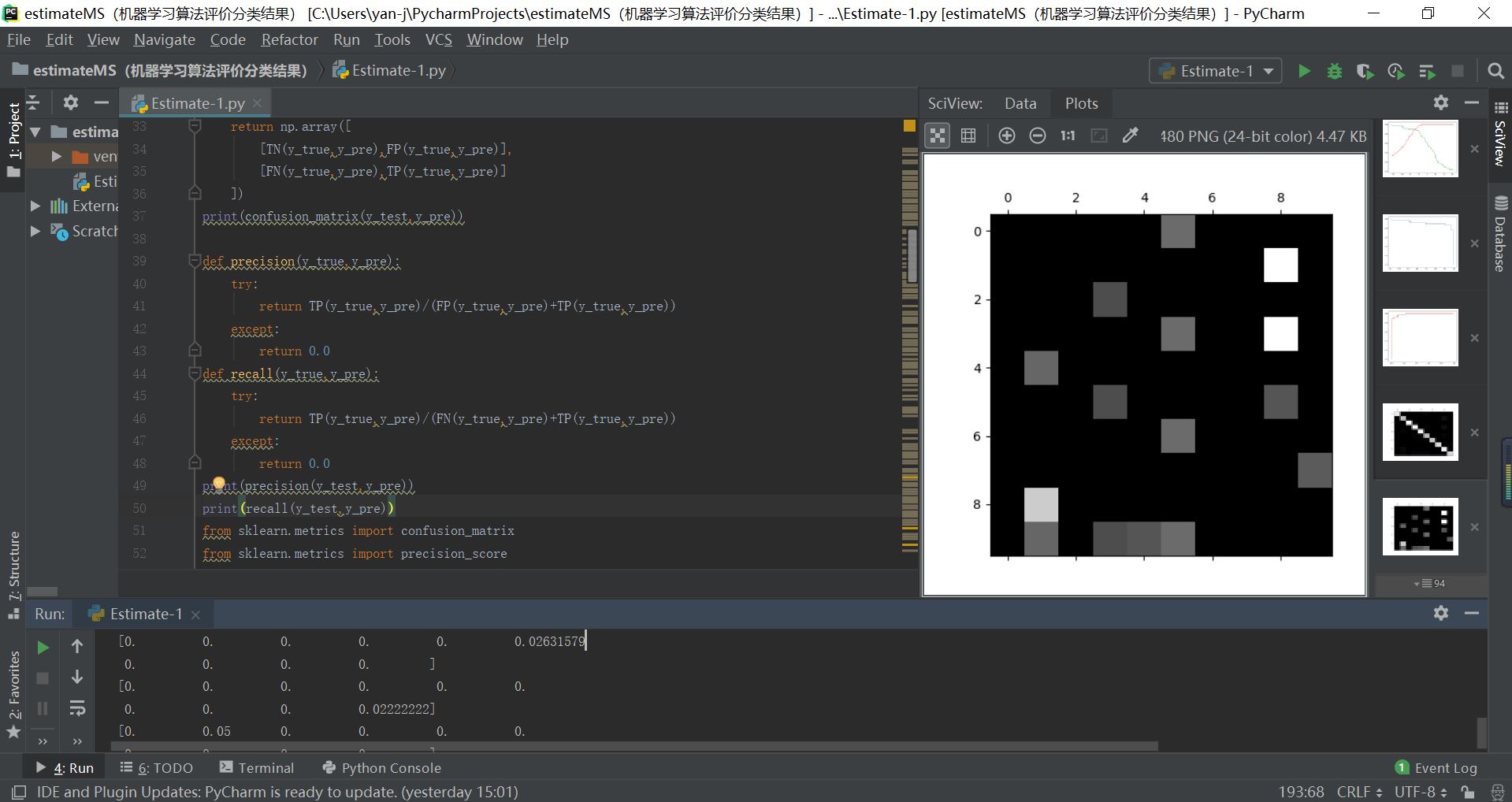
#绘制混淆矩阵通过灰度图的方法可以看出各个行列元素的相对大小
c=confusion_matrix(y_test,y_p)
plt.matshow(c,cmap=plt.cm.gray)
plt.show()
row_sum=np.sum(c,axis=1)
erro_matrix=c/row_sum
np.fill_diagonal(erro_matrix,0)  #将对角线的值填充为0
print(erro_matrix)
plt.matshow(erro_matrix,cmap=plt.cm.gray)   #输出多元分类结果时所输出的错误结果
plt.show()
sklearn调用分类算法的评价指标的更多相关文章
- sklearn调用SVM算法
1.支撑向量机SVM是一种非常重要和广泛的机器学习算法,它的算法出发点是尽可能找到最优的决策边界,使得模型的泛化能力尽可能地好,因此SVM对未来数据的预测也是更加准确的. 2.SVM既可以解决分类问题 ...
- 二分类算法的评价指标:准确率、精准率、召回率、混淆矩阵、AUC
评价指标是针对同样的数据,输入不同的算法,或者输入相同的算法但参数不同而给出这个算法或者参数好坏的定量指标. 以下为了方便讲解,都以二分类问题为前提进行介绍,其实多分类问题下这些概念都可以得到推广. ...
- Sklearn中的回归和分类算法
一.sklearn中自带的回归算法 1. 算法 来自:https://my.oschina.net/kilosnow/blog/1619605 另外,skilearn中自带保存模型的方法,可以把训练完 ...
- sklearn调用逻辑回归算法
1.逻辑回归算法即可以看做是回归算法,也可以看作是分类算法,通常用来解决分类问题,主要是二分类问题,对于多分类问题并不适合,也可以通过一定的技巧变形来间接解决. 2.决策边界是指不同分类结果之间的边界 ...
- sklearn中调用PCA算法
sklearn中调用PCA算法 PCA算法是一种数据降维的方法,它可以对于数据进行维度降低,实现提高数据计算和训练的效率,而不丢失数据的重要信息,其sklearn中调用PCA算法的具体操作和代码如下所 ...
- AI学习---分类算法[K-近邻 + 朴素贝叶斯 + 决策树 + 随机森林 ]
分类算法:对目标值进行分类的算法 1.sklearn转换器(特征工程)和预估器(机器学习) 2.KNN算法(根据邻居确定类别 + 欧氏距离 + k的确定),时间复杂度高,适合小数据 ...
- K邻近分类算法
# -*- coding: utf-8 -*- """ Created on Thu Jun 28 17:16:19 2018 @author: zhen "& ...
- SKlearn中分类决策树的重要参数详解
学习机器学习童鞋们应该都知道决策树是一个非常好用的算法,因为它的运算速度快,准确性高,方便理解,可以处理连续或种类的字段,并且适合高维的数据而被人们喜爱,而Sklearn也是学习Python实现机器学 ...
- 基于机器学习和TFIDF的情感分类算法,详解自然语言处理
摘要:这篇文章将详细讲解自然语言处理过程,基于机器学习和TFIDF的情感分类算法,并进行了各种分类算法(SVM.RF.LR.Boosting)对比 本文分享自华为云社区<[Python人工智能] ...
随机推荐
- 转发-【分享】思科无线控制器HA模式升级
思科无线控制器HA模式下升级文档 当前使用版本:8.0.120.0 计划升级版本:8.2.151.0 其他工具: TFTP Server: 3CDaemon 远程登录:SecureCRT ...
- Java Https双向验证
CA: Certificate Authority,证书颁发机构 CA证书:证书颁发机构颁发的数字证书 参考资料 CA证书和TLS介绍 HTTPS原理和CA证书申请(满满的干货) 单向 / 双向认证 ...
- POJ3268 Silver Cow Party (建反图跑两遍Dij)
One cow from each of N farms (1 ≤ N ≤ 1000) conveniently numbered 1..N is going to attend the big co ...
- 【 hibernate 】基本配置
hibernate.cfg.xml <?xml version="1.0" encoding="UTF-8"?> <!DOCTYPE hibe ...
- arcPy实现要素图层数据的复制(选择特定字段填写属性)
>>> import arcpy>>> fc=r"D:\楚雄州数据\testdata.gdb">>> editor=arcpy ...
- Django 学习之Django Rest Framework(DRF)
一. WEB应用模式 在开发Web应用中,有两种应用模式 1. 前后端不分离 把html模板文件和django的模板语法结合渲染完成以后才从服务器返回给客户. 2. 前后端分离 二. API接口 AP ...
- druid监控sql完整版
利用Druid实现应用和SQL监控 一.关于Druid Druid是一个JDBC组件,它包括三部分: DruidDriver 代理Driver,能够提供基于Filter-Chain模式的插件体系. D ...
- 十 Spring的AOP的底层实现:JDK动态代理和Cglib动态代理
SpringAOP底层的实现原理: JDK动态代理:只能对实现了接口的类产生代理.(实现接口默认JDK动态代理,底层自动切换) Cglib动态代理(类似Javassist第三方的代理技术):对没有实现 ...
- Can you answer these queries?-HDU4027 区间开方
题意: 给你n个数,两个操作,0为区间开方,1为区间求和 链接:http://acm.hdu.edu.cn/showproblem.php?pid=4027 思路: 如果当该区间的数都为1,我们没必要 ...
- springmvc启动加载指定方法
官网: https://docs.oracle.com/javaee/7/api/javax/annotation/PostConstruct.htmlblog:https://blog.csdn.n ...