
Unity开发之NGUI系列
Unity插件收集
在Unity开发过程中会收集一些插件,收集这些插件的目的并不是我喜欢在开发中使用插件,而是本着喜欢的态度去收集的,就像我喜欢收集模型一样;
还有一点就是通过了解插件能让我知道Unity更多的功能与应用,假设说:我想做一个RPG的手机游戏,但是不知道如何通过做出打斗的那种真实感,在Assets Store已经有这样的pack或kit,我就可以从它的代码结构,资源使用及Demo截图、文字描述中大概得知一二,再经过分析,能为我的前期规范,及项目规化做好工作。
当然了收集这么多插件,有些也是因为在Assets Store上宣传特别地给力,所以想收藏过来看一看其强大之处……
相对收集插件及模型来说,我更偏向看Unity方面的书箱,读书能够让我更全面地了解unity方方面面,包括一些基础的技能。
NGUI相关插件列表
其中与NGUI相关的一系列的插件就有如下:(注:还有一些未整理),版本也从刚开始使用的2.0到现在的3.0.1,经历这么多的版本变化,对我来说,我要使用的核心的功能还是一样“提高开发效率,减少Draw Call。”
最常用的要数NGUI、NGUI&HUD Text、StarlinkUI,其它的仅当了解,还没有应用到具体的项目中
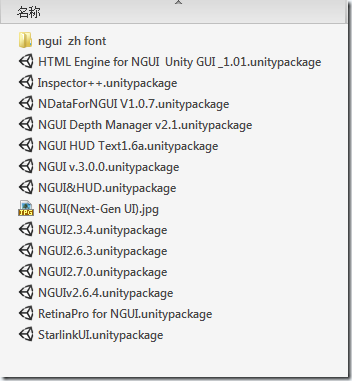
以下是部分插件在Assets Store上的截图
NGUI检视面板增强

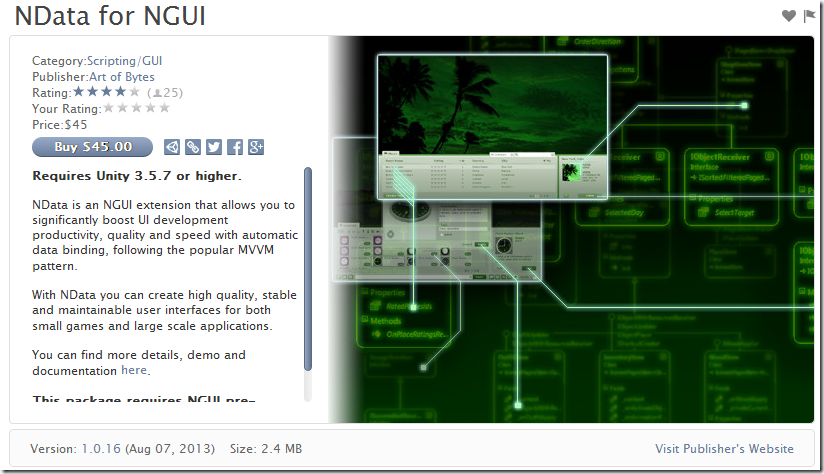
UI的MVVM模式
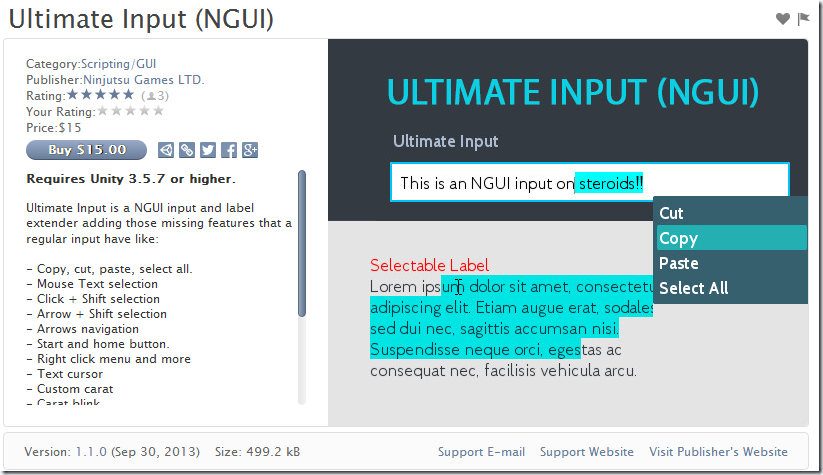
文字添加右键功能
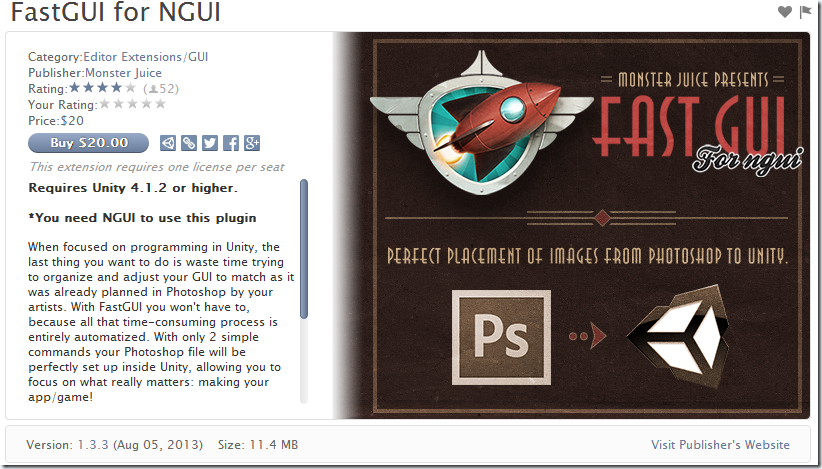
PS和Unity的工作流
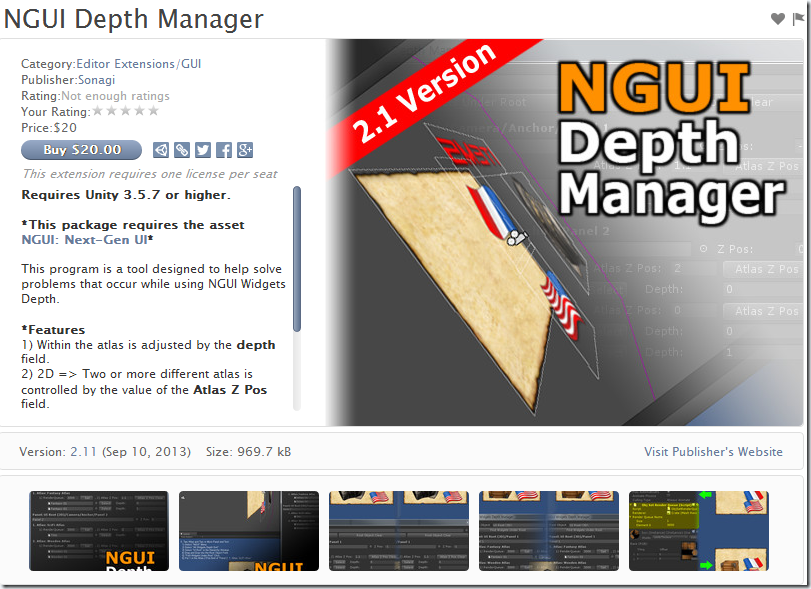
NGUI2.x的深度管理
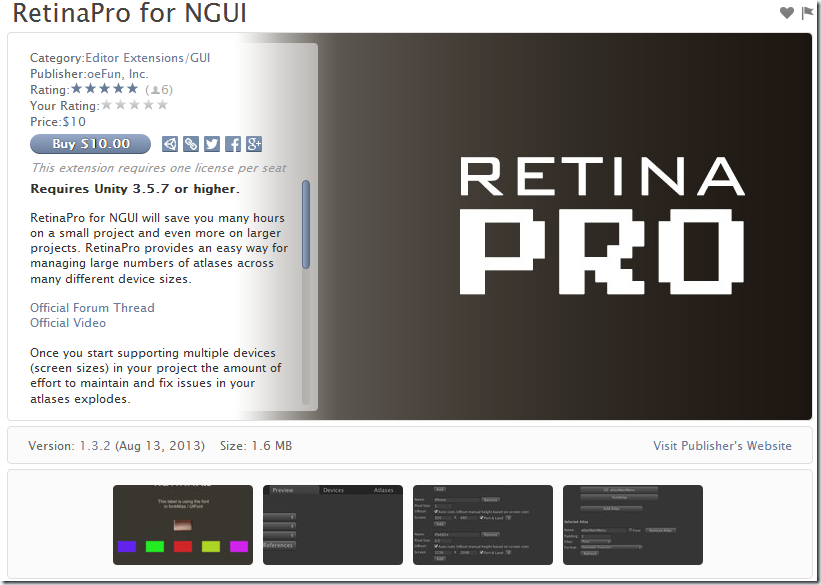
Retina适配
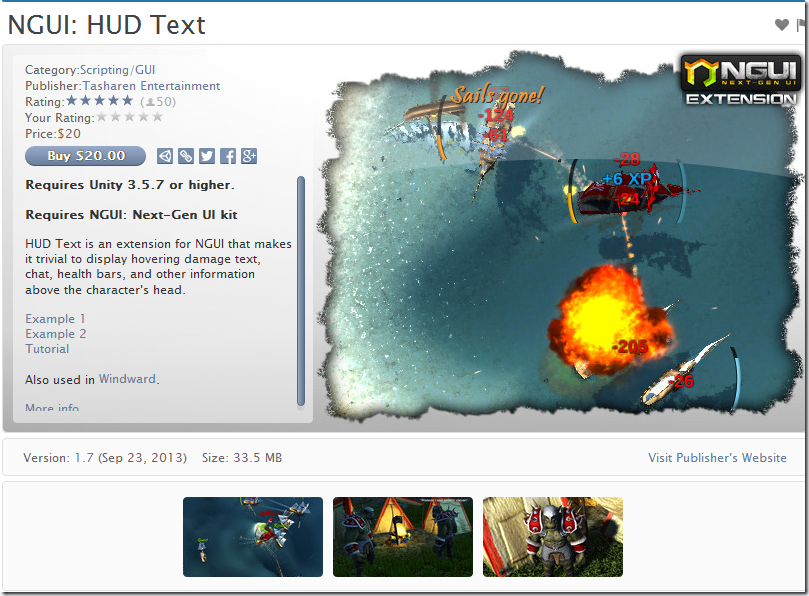
高效的头顶漂文 HUD
NGUI

UI模版
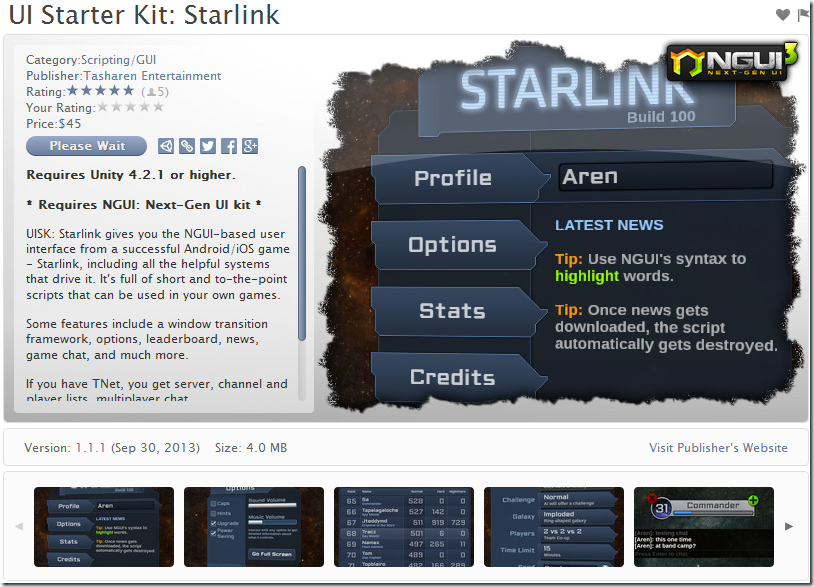
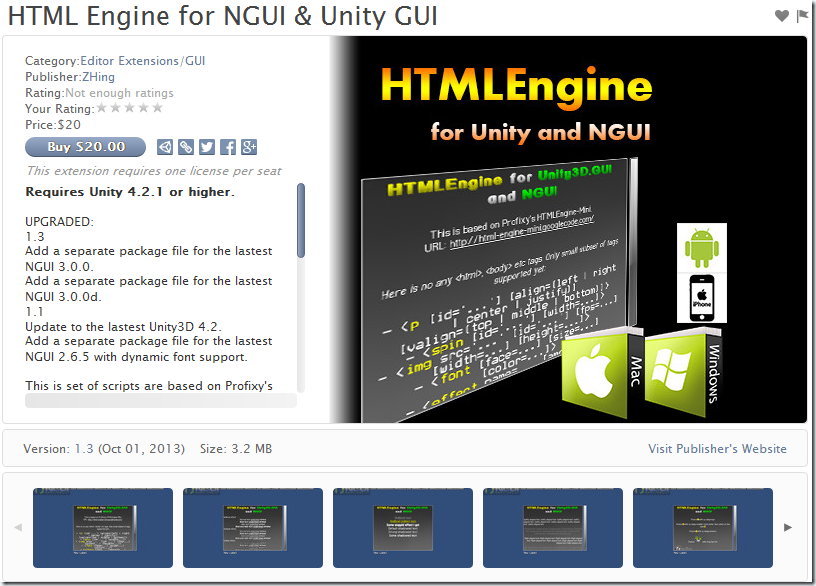
在NGUI中使用Html标签
NGUI版本升级
在使用3.0的时候,在readme中的这段话让我考虑了一下是否继续提升当前的NGUI版本
NGUI3.0更新日志
*** WARNING ***

PLEASE BACK UP YOUR PROJECT BEFORE UPDATING!

3.0.0 is a major changeset. You will need to open and re-save all of your scenes and prefabs after updating!

After updating, expect some things to no longer work the same way they used to. Widgets scale is no longer

used as its size, so any code that you had relying on this will need to change to use 'width' and 'height'.

You can also expect compile errors related to delegate usage. The following links may help you:

http://www.youtube.com/watch?v=uNSZsMnhS1o&list=UUQGZdUwzE8gmvgjomZSNFJg

http://www.tasharen.com/forum/index.php?topic=11.msg27296#msg27296

3.0.0:

- NEW: Changed the way widgets get batched, properly fixing all remaining Z/depth issues.

- NEW: Draw calls are now automatically split up as needed (no more sandwiching issues!)

- NEW: Re-designed the way widget width & height gets specified. The values are now explicit, and scale is no longer used.

- NEW: NGUI will now automatically replace UITextures with Sprites when they get added to an atlas.

- NEW: It's now possible to have clipped panels in 3D and not have them break when tilting the camera.

- NEW: It's now possible to nest widgets.

- NEW: It's now possible to have multiple widgets on the same object.

- NEW: It's now possible to change the selection handles color via the NGUI menu.

- NEW: UICheckbox is now a UIToggle, and you now specify a 'group' ID rather than a common root object.

- NEW: Added TweenWidth and TweenHeight to tween widgets width and height properties.

- NEW: You can now specify the label overflow method: shrink content, clamp content, resize height, or resize freely.

- NEW: When labels are in "resize label" overflow mode, the drag handles will be greyed out.

- NEW: Added a simple EventDelegate class and improved all generic components to use it.

- NEW: Added a Widget Container class that can be used to easily select and move groups of widgets (think: buttons, windows).

- NEW: Added the RealTime helper class that removed IgnoreTimeScale. Usage: RealTime.time, RealTime.deltaTime.

- NEW: Improved the inspector look of just about every component.

- NEW: UIPanel now shows a list of all of its draw calls and the widgets causing them.

- NEW: Added a way to auto-normalize the depth hierarchy from the NGUI menu.

- NEW: You can now hide explicit draw calls by collapsing the draw call fold-outs on the panel.

- NEW: Sprite selection window now shows sprite names as well.

- NEW: Atlas maker will now automatically sort the sprites, saving them in an alphabetical order.

- NEW: UICamera now has a better inspector, and it automatically hides properties if it's not the main one.

- FIX: CTRL+ and CTRL- now adjust all widgets under the selected object.

- FIX: Labels will now again align vertically properly.

- FIX: Atlas maker will now respect textures that were imported with a non-native size.

- FIX: Atlas maker will no longer change so many import settings on source textures.

- FIX: Make Pixel Perfect is now undoable.

- FIX: You can once again rename sprites in the atlas.

- DEL: Removed the long-ago deprecated UISlicedSprite, UITiledSprite, and UIFilledSprite classes and some other legacy code.
项目权衡,取舍
当我把原来的项目中的NGUIv2.6.4换成3.0之后有很多的Error,看着这些Error,权衡了一下与我们现在的项目(中国风3D跑酷)的关系,决定选择V2.7.0比较妥当。
我也明白太过追求最新的版本并不是最好的,考虑到我们组的开发人员有限(目前U3D只有两名),另外我要花时间去了解新版本特性及其修改的地方(Component细微的改变),但是项目组没有预算到这部分时间,所以稳定版的才是最适合我们的。
Unity开发之NGUI系列的更多相关文章
- unity游戏开发之NGUI的UISprite染色
游戏的UI开发中常常会遇到染色问题.比如button失效变灰的效果,同一个道具通过策划表配的颜色值染上红绿蓝紫等颜色,效果例如以下 最笨最挫的方法当然是让美术多出几个资源图.这种一个缺点是浪费资源,在 ...
- Unity3D开发之NGUI点击事件穿透响应处理
http://www.xuebuyuan.com/1936292.html 在使用NGUI 开发2D项目的时候,发现了一个问题,就是如果点出一个菜单,然后点击菜单上面的按钮的时候就会使得按钮下面的物品 ...
- Unity3D开发之NGUI结合粒子系统的遮挡问题
原地址:http://blog.csdn.net/lihandsome/article/details/22194025 我的是NGUI3.0.3版本,在加入粒子系统的时候发现一直都是在精灵的下面,所 ...
- winform开发之UI系列
1.如何构造一个漂亮的主窗体 主要讲述如何对一个新建窗体的美化过程,涉及到经常需要用到的几个属性我会着重强调它的用法,并不断更新它,因为楼主也正在探索中.... 步骤如下: vs新建一个winform ...
- Asp.net Mvc模块化开发之“开启模块开发、调试的简单愉快之旅”
整个世界林林种种,把所有的事情都划分为对立的两个面. 每个人都渴望的财富划分为富有和贫穷,身高被划分为高和矮,身材被划分为胖和瘦,等等. 我们总是感叹,有钱人的生活我不懂;有钱人又何尝能懂我们每天起早 ...
- [整理]Unity3D游戏开发之Lua
原文1:[Unity3D]Unity3D游戏开发之Lua与游戏的不解之缘(上) 各位朋友,大家好,我是秦元培,欢迎大家关注我的博客,我地博客地址是blog.csdn.net/qinyuanpei.如果 ...
- [Unity3D]Unity3D游戏开发之Lua与游戏的不解之缘终结篇:UniLua热更新全然解读
---------------------------------------------------------------------------------------------------- ...
- [Unity3D]Unity3D游戏开发之从Unity3D到Eclipse
---------------------------------------------------------------------------------------------------- ...
- [Unity3D]Unity3D游戏开发之Lua与游戏的不解之缘(下)
---------------------------------------------------------------------------------------------------- ...
随机推荐
- SQL Server SQL语句执行顺序
执行顺序: 1.FROM:对FROM子句中前两个表执行笛卡尔积生成虚拟表vt1 2.ON:对vt1表应用ON筛选器只有满足 为真的行才被插入vt2 3.OUTER(join):如果指定了 OUTER ...
- SFTP和FTS协议的区别
都是为FTP连接加密,协议非常相似.一个是借助SSL协议加密,一个时借助SSH协议加密.SSL是为HTTP/SMTP等加密设计的:SSH是为TELNET/FTP等加密.建立传输通道而设计的.其实SSH ...
- YUIDoc example代码高亮错误、生成API文档目录不按源文件注释顺序
1.如果发现yuidoc命令用不了,那就重装nodejs吧 昨天不知道是清扫电脑的原因,yuidoc命令用不了(命令不存在),也没有找到好的解决方法,怒重装YUIDoc也不行.最后想了想,怒重装了no ...
- Ajax的实现
一.JavaScript的ajax //Ajax var xhr; if(window.XMLHttpRequest){ //除IE外的浏览器 xhr = new XMLHttpRequest() } ...
- android 类ios actionsheet效果
1.http://blog.csdn.net/zhaoxy_thu/article/details/17733389 2. https://github.com/ojhariddhish/action ...
- MyBatis入门(一)---基本使用
一.MyBatis简介 1.1.概述 MyBatis 是支持定制化 SQL.存储过程以及高级映射的优秀的持久层框架. MyBatis 避免了几乎所有的 JDBC 代码和手动设置参数以及获取结果集. M ...
- iOS-多线程之NSOperation
前言 这篇文章主要讲NSOperation的使用. What 使用NSOperation和NSOperationQueue进行多线程开发类似于线程池,只要将一个NSOperation(实际开发中需要使 ...
- iOS之学习资源收集--很好的IOS技术学习网站
点击图片也能打开相关的网站: https://boxueio.com/skill/swift http://ios.b2mp.cn/ http://gold.xitu.io/welcome/?utm_ ...
- android 之 spinner的简单使用
先看spinner的效果图: 代码: MainActivity package com.mecury.spinnertest; import java.util.ArrayList; import a ...
- Redis-stat的安装与使用
redis-stat是一个用ruby写成的监控redis的程序,基于info命令获取信息,而不是通过monitor获取信息 一.安装ruby yum install -y ruby ruby-deve ...