
indexzero/http-server-1-简介
ethereumjs-vm的例子有用到这个
看完ethereumjs-vm,再看他ethereumjs/browser-builds,然后最后看他http-server,然后就能了解ethereumjs-vm的例子ethereumjs-vm/examples/run-transactions-simple了
https://github.com/indexzero/http-server
http-server: a command-line http server一个命令行http服务器
http-server is a simple, zero-configuration command-line http server. It is powerful enough for production usage, but it's simple and hackable enough to be used for testing, local development, and learning.
http-server是简单的、零配置的命令行http服务器。它足够强大,可以用于生产使用,但是它足够简单和可编程,可以用于测试、本地开发和学习

Installing globally:全局安装
Installation via npm:
npm install http-server -g
安装的版本:
+ http-server@0.11.
This will install http-server globally so that it may be run from the command line.
这将全局安装http-server,以至于它能从命令行运行
Usage:
http-server [path] [options]
[path] defaults to ./public if the folder exists, and ./ otherwise.
[path]如果文件夹存在则默认为./public,否则为./
Now you can visit http://localhost:8080 to view your server
你可以通过访问http://localhost:8080去查看你的服务器
Note: Caching is on by default. Add -c-1 as an option to disable caching.
注意:默认情况下,缓存是打开的。添加-c-1作为乐意选项去取消缓存
Available Options:有效选项
-p or --port Port to use (defaults to 8080) 使用的端口(默认为8080)
-a Address to use (defaults to 0.0.0.0) 使用的地址(默认为0.0.0.0)
-d Show directory listings (defaults to true) 是否显示目录列表(默认为true)
-i Display autoIndex (defaults to true) 是否显示自动索引
-g or --gzip When enabled (defaults to false) it will serve ./public/some-file.js.gz in place of ./public/some-file.js when a gzipped version of the file exists and the request accepts gzip encoding. 当可用时(但是默认为false,不可用),它将会在一个文件的压缩版本存在且需要接受gzip编码时,提供./public/some-file.js.gz以代替./public/some-file.js
-e or --ext Default file extension if none supplied (defaults to html) 如果提供的是none,默认文件扩展(默认为html)
-s or --silent Suppress log messages from output 从输出中取消日志信息
--cors Enable CORS via the Access-Control-Allow-Origin header 通过Access-Control-Allow-Origin头可用CORS
-o Open browser window after starting the server 在开启服务器后自动打开浏览器
-c Set cache time (in seconds) for cache-control max-age header, e.g. -c10 for 10 seconds (defaults to 3600). To disable caching, use -c-1. 为缓存控制的最大年龄设置缓存时间(秒为单位),比如 -c10代表10秒(默认为3600)。为了取消缓存,可以使用-c-1
-U or --utc Use UTC time format in log messages. 在日志信息中使用UTC时间格式
-P or --proxy Proxies all requests which can't be resolved locally to the given url. e.g.: -P http://someurl.com 代理所有无法在本地解析到给定url的请求,比如:-P http://someurl.com
-S or --ssl Enable https. 设置https可用
-C or --cert Path to ssl cert file (default: cert.pem). ssl证书文件路径(默认为cert.pem)
-K or --key Path to ssl key file (default: key.pem). ssl密钥文件路径(默认为key.pem)
-r or --robots Provide a /robots.txt (whose content defaults to User-agent: *\nDisallow: /) 提供一个/robots.txt文件(其内容默认为User-agent: *\nDisallow: /)
-h or --help Print this list and exit. 输出该列表内容并退出
Magic Files
index.htmlwill be served as the default file to any directory requests.index.html将作为任何目录请求的默认文件404.htmlwill be served if a file is not found. This can be used for Single-Page App (SPA) hosting to serve the entry page. 当一个文件找不到时,404.html将被使用。这可以用于单页面应用程序(SPA)托管来服务入口页面
Development开发
Checkout this repository locally, then:本地查看存储库
$ npm i

$ node bin/http-server
Now you can visit http://localhost:8080 to view your server
然后你就可以访问http://localhost:8080去查看你的服务器
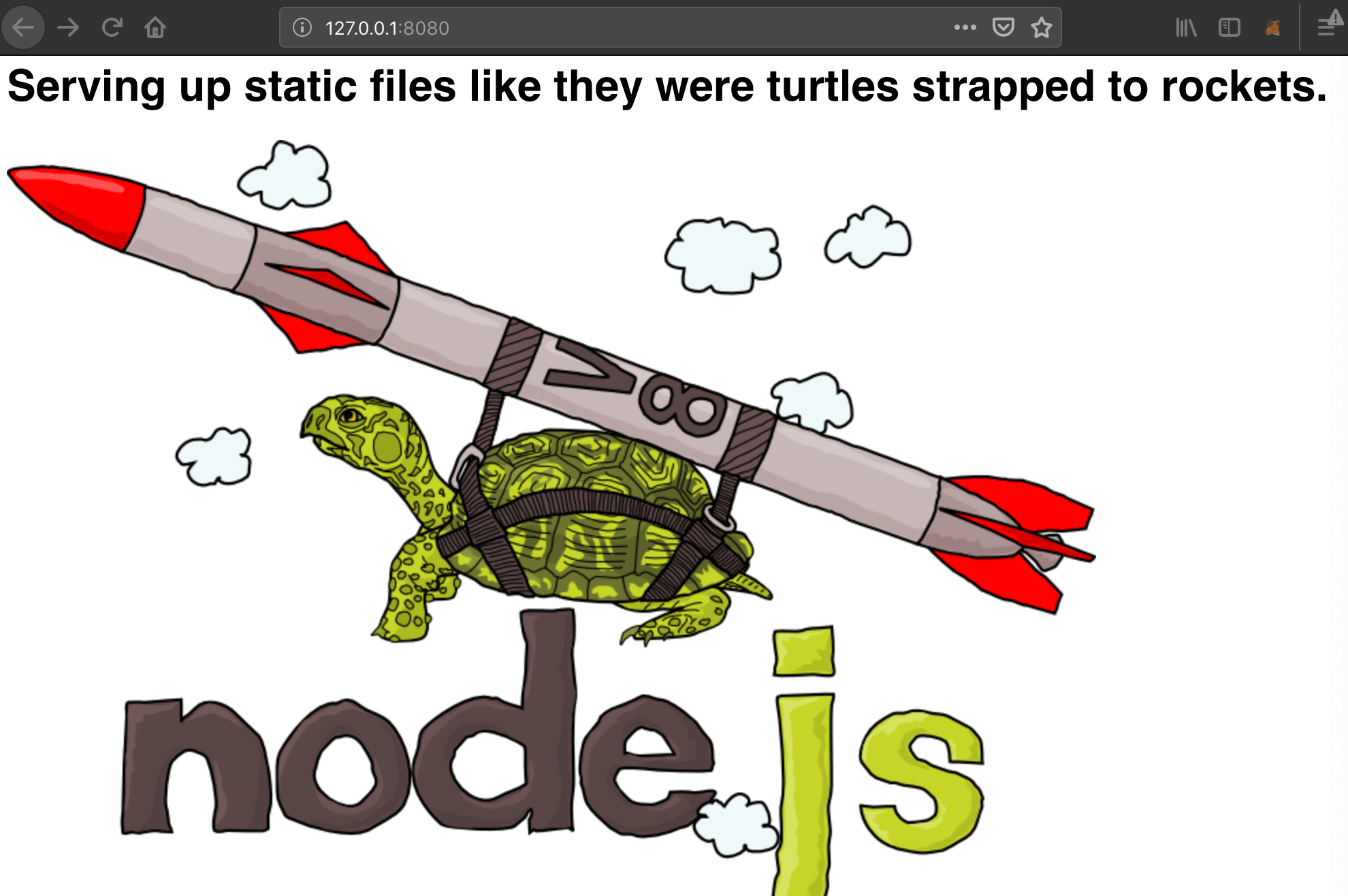
You should see the turtle image in the screenshot above hosted at that URL. See the ./public folder for demo content.
您应该可以在上面的截图中看到这个URL上托管的乌龟图像。有关演示内容,请参见./public文件夹
运行尝试一下:
userdeMacBook-Pro:~ user$ http-server

Starting up http-server, serving ./public

Available on:

  http://127.0.0.1:8080

  http://192.168.1.102:8080

Hit CTRL-C to stop the server

[Sat Dec   :: GMT+ (中国标准时间)] "GET /favicon.ico" "Mozilla/5.0 (Macintosh; Intel Mac OS X 10.14; rv:63.0) Gecko/20100101 Firefox/63.0"

[Sat Dec   :: GMT+ (中国标准时间)] "GET /favicon.ico" Error (): "Not found"
界面为:
indexzero/http-server-1-简介的更多相关文章
- 第三篇——第二部分——第一文 SQL Server镜像简介
原文:第三篇--第二部分--第一文 SQL Server镜像简介 原文出处:http://blog.csdn.net/dba_huangzj/article/details/26951563 镜像是什 ...
- 第十六周翻译-SQL Server复制的阶梯:第1级 - SQL Server复制简介
SQL Server复制的阶梯:第1级 - SQL Server复制简介 作者:Sebastian Meine,2012年12月26日 翻译:赖慧芳 译文: 该系列 本文是Stairway系列的一部 ...
- SQL server 2008 简介
一.简介 网状模型 关系模型(独立表) 拆分成有主键的表.连接表即可. 工资与奖金有了依赖关系.所以可以不保存奖金,计算得出结果. 二. 1. 2.环境配置 安装iis服务 https://jingy ...
- SQL Server 数据类型简介
在 SELECT 的查询过程和查询结果中,每个列.变量.表达式和参数都具有一个相关的数据类型.数据类型用于指定某个对象可保存的数据的类型. SQL Server系统的数据类型主要有:数值类型.日期和时 ...
- Windows Server 2016-Telnet 简介及安装
Telnet是基于请求注释(RFC)854的因特网标准程序和协议,该RFC规定了一种在网络上发送和接收未加密的ASCII字符(明文)的方法.Telnet包含两个功能模块:Telnet客户端和Telne ...
- Server JRE 简介
Server JRE, 服务器版JRE JRE安装包, JDK安装包, 以及 Server JRE 压缩包, 在 Java SE Download 页面都可以下载: http://www.oracle ...
- [转帖]sql server版本特性简介、版本介绍简介
sql server版本特性简介.版本介绍简介 https://www.cnblogs.com/gered/p/10986240.html 目录 1.1.sql server的版本信息 1.2.版本重 ...
- sql server版本特性简介、版本介绍简介
1.SQL Server 版本简介 1.1.sql server的版本信息 年 代 版 本 大版本号 1993年 SQL Server for Windows NT 4.21 1994年 ...
- SQL Server Profiler使用教程,通俗易懂才是王道
做开发,平时难免和数据库打交道,特别是写存储过程,对于我们这些不常写SQL的人来说是一件极其痛苦的事,每次写完运行总是有错,如果用的是本地数据库的话还好,可以在本机调试SQL,那如果在数据库在服务器上 ...
- MySQL:MySQL和SQL Server的区别
导读:接下来的网上商城的项目,需要用到MySQL数据库了.这个对于我来说,是一个新接触的东西,按照惯例,在刚开始学习一个东西的时候,先从宏观上去了解它.本篇博客,先介绍SQL Server的基本内容, ...
随机推荐
- 一:SpringCloud
一:前提知识+相关说明 前提知识:springmvc+spring/springboot+mybatis+maven+git...... cloud技术的五大神兽: 面试题: 什么是微服务? 微服务之 ...
- 四、curator recipes之共享重入互斥锁
简介 curator的recipes实现了可重入互斥锁,允许你在分布式场景下多个进程之间实现锁的互斥以协调多进程执行. 相关类:InterProcessMutex 官方文档:http://curato ...
- 三、hive JavaAPI示例
在上文中https://www.cnblogs.com/lay2017/p/9973370.html 我们通过hive shell去操作hive,本文我们以Java代码的示例去对hive执行加载数据和 ...
- Cookie写入之path的坑
问题 我在/page/index/index.html中向浏览器添加了一个useid的cookie(这里没有指定path), 然后试着从/page/demo/demo.html中取值,发现无法取到, ...
- 前端(十二):react-redux实现逻辑
一.context实现数据传递 在react中,props和state都可以设置数据.不同的是,props借助组件属性传递数据但不可以渲染组件,它相对来说是“静态的”:state可以监听事件来修改数据 ...
- 类库项目如何既能支持netcore2.0,也能支持net4.5
手动更改项目配置 .csporj 中的代码 <TargetFramework>netcoreapp2.</TargetFramework> 改成 <TargetFrame ...
- 30分钟掌握ES6/ES2015核心内容[上和下], 不错的说
ECMAScript 6(以下简称ES6)是JavaScript语言的下一代标准.因为当前版本的ES6是在2015年发布的,所以又称ECMAScript 2015. 也就是说,ES6就是ES2015. ...
- Hadoop & Spark & Hive & HBase
Hadoop: http://hadoop.apache.org/docs/r2.6.4/hadoop-project-dist/hadoop-common/SingleCluster.html bi ...
- Linux下vim(文本编译器)的使用
vim (文本编译器): Vim是从 vi 发展出来的一个文本编辑器. vim的一些命令操作: 插入命令: a 在光标所在字符后插入 A 在光标所在行尾插入 i 在光标所在字符前插入 I 在光标所在行 ...
- 学习使用PRINCE2能带来什么益处?
使用PRINCE2有许多好处.它除了可重复使用.可升级.非常灵活之外,是在成百上千名有经验的项目经理们的帮助下,总结他们多年积累的实践经验和专业技术建立的. PRINCE2 开发于1989年并从此不断 ...