
音视频入门-09-RGB&YUV互转-使用开源库
介绍开源库
使用第三方开源库来简化开发,屏蔽一些底层的复杂度,节省大量编写代码的时间。
libyuv: Google 开源的实现各种 YUV 与 RGB 之间相互转换、旋转、缩放的库。
yuv2rgb:C library for fast image conversion between yuv420p and rgb24.
使用开源库
libyuv
FFmpeg 生成代码所需文件:
ffmpeg -i rainbow.bmp -video_size 700x700 -pix_fmt yuv444p rainbow-yuv444p.yuv

ffmpeg -i rainbow.bmp -video_size 700x700 -pix_fmt yuv420p rainbow-yuv420p.yuv

ffmpeg -i rainbow.bmp -video_size 700x700 -pix_fmt rgb24 rainbow-rgb24.rgb
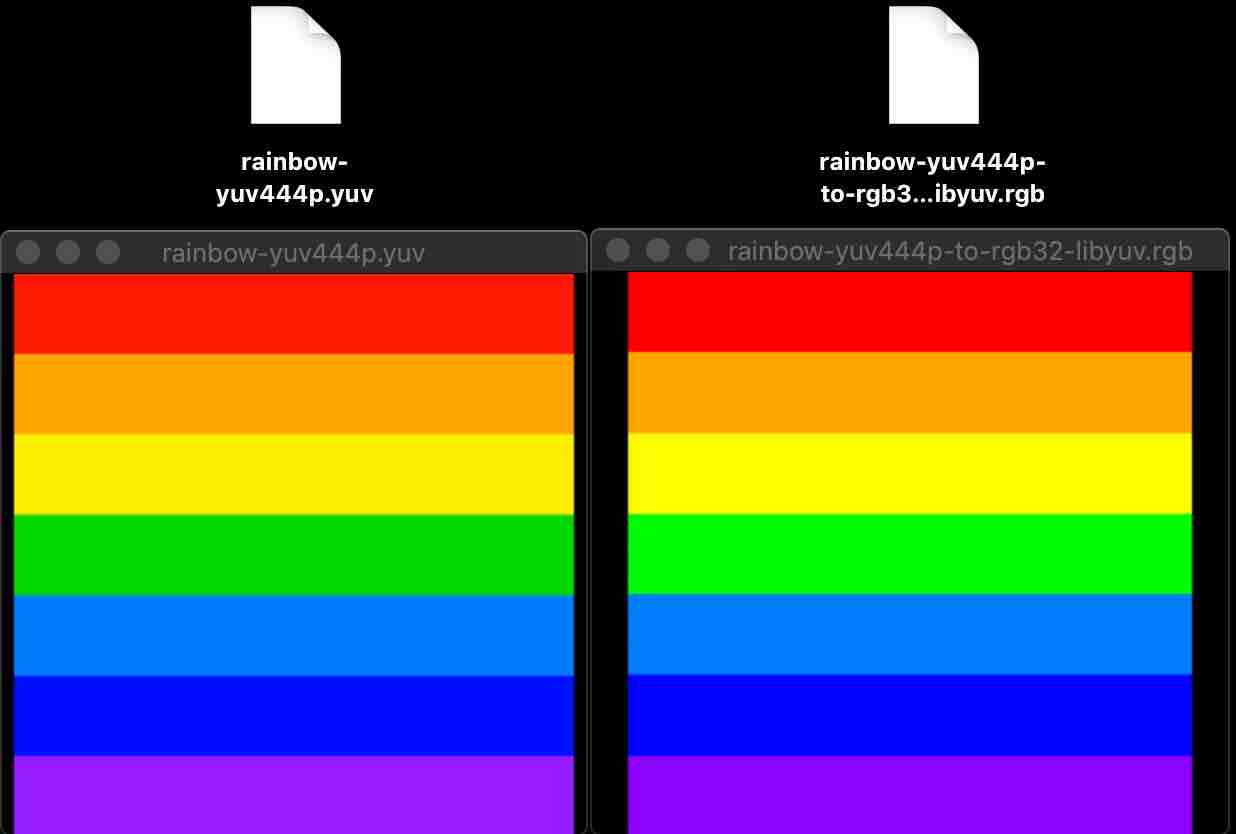
YUV444P to RGB32
将 FFmpeg 生成的 YUV444P 格式转换成 RGB32 格式。
[rainbow-yuv444p.yuv] -> [rainbow-yuv444p-to-rgb32-libyuv.rgb]
#include <stdio.h>

#include "libyuv.h"

void libyuv_I444_to_Rgb(char *srcFileName, char *dstFileName, int width, int height) {

    FILE *src_file = fopen(srcFileName, "rb");

    FILE *dst_file = fopen(dstFileName, "wb");

    int size_src = width * height * 3;

    int size_dest = width * height * 4;

    char *buffer_src = (char *)malloc(size_src);

    char *buffer_dest = (char *)malloc(size_dest);

    fread(buffer_src, 1, size_src, src_file);

    I444ToARGB(

        (const u_int8_t*)buffer_src, width,

        (const u_int8_t*)(buffer_src + width * height), width,

        (const u_int8_t*)(buffer_src + 2 * width * height), width,

        (u_int8_t*)buffer_dest, width * 4,

        width, height);

    fwrite(buffer_dest, 1, size_dest, dst_file);

    free(buffer_src);

    free(buffer_dest);

    fclose(dst_file);

    fclose(src_file);

}

int main() {

    int width = 700, height = 700;

    libyuv_I444_to_Rgb("/Users/staff/Desktop/rainbow-yuv444p.yuv", "/Users/staff/Desktop/rainbow-yuv444p-to-rgb32-libyuv.yuv", width, height);

    return 0;

}
FFplay 显示生成的 rainbow-yuv444p-to-rgb32-libyuv.rgb
ffplay -f rawvideo -pixel_format rgb32 -video_size 700x700 rainbow-yuv444p-to-rgb32-libyuv.rgb
RGB24 to YUV420p
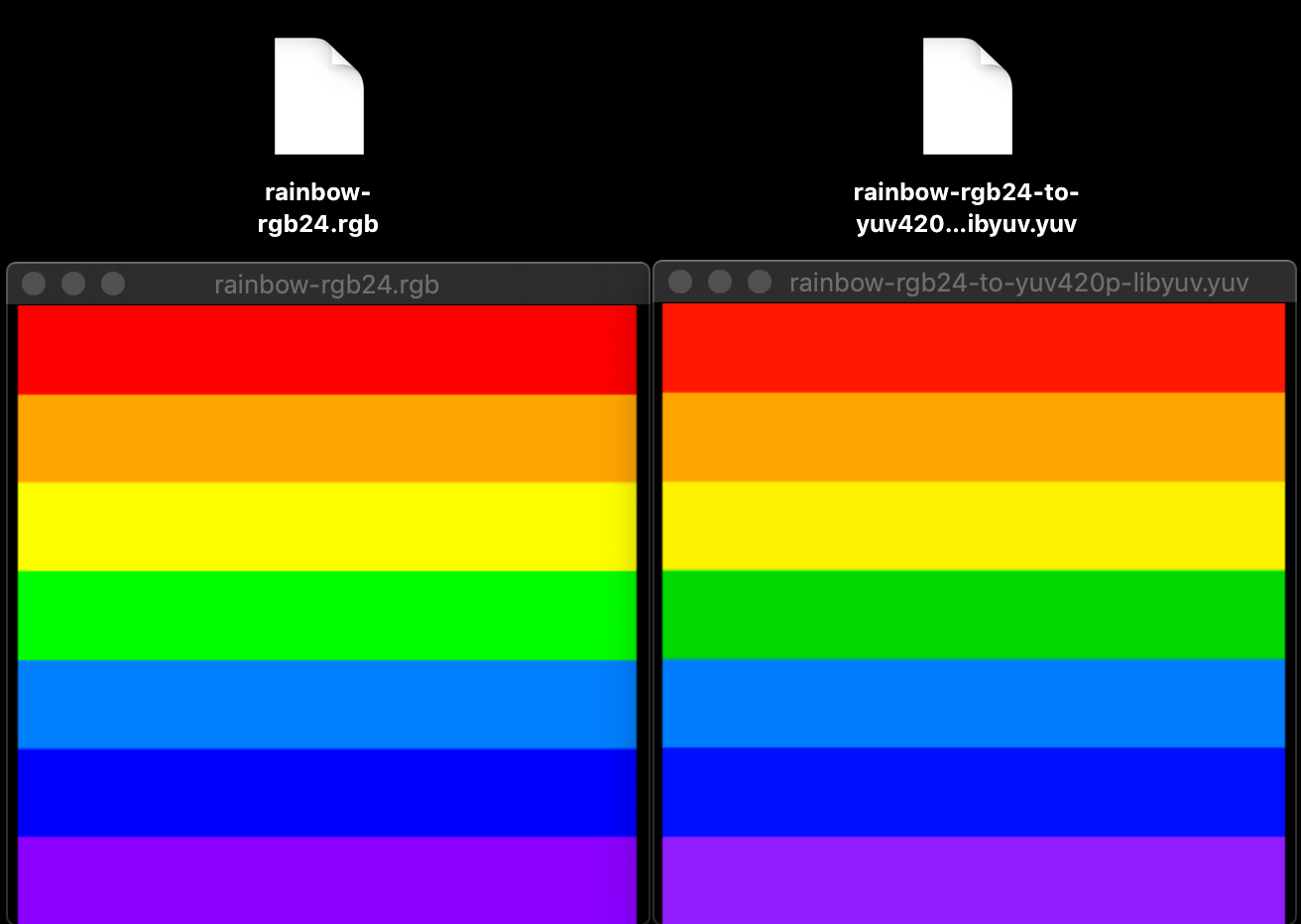
将 FFmpeg 生成的 RGB24 格式转换成 YUV420p 格式。
[rainbow-rgb24.rgb] -> [rainbow-rgb24-to-yuv420p-libyuv.yuv]
#include <stdio.h>

#include "libyuv.h"

void libyuv_Rgb24_to_Yuv420p(char *rgbFileName, char *yuvFileName, int width, int height) {

    FILE *rgb_file = fopen(rgbFileName, "rb");

    FILE *yuv_file = fopen(yuvFileName, "wb");

    int size_rgb = width * height * 3;

    int size_yuv = width * height * 3 / 2;

    uint8_t *buffer_rgb = (uint8_t *)malloc(size_rgb);

    uint8_t *buffer_yuv = (uint8_t *)malloc(size_yuv);

    fread(buffer_rgb, 1, size_rgb, rgb_file);

    // RGB to BGR

//    uint8_t temp;

//    for(int i = 0; i < size_rgb; i+=3) {

//        temp = buffer_rgb[i + 0];

//        buffer_rgb[i + 0] = buffer_rgb[i + 2];

//        buffer_rgb[i + 2] = temp;

//    }

//    RGB24ToI420(

    RAWToI420(

            buffer_rgb, width*3,

            buffer_yuv, width,

            buffer_yuv + width*height, (width+1)/2,

            buffer_yuv + width*height + ((width+1)/2)*((height+1)/2), (width+1)/2,

            width, height);

    fwrite(buffer_yuv, 1, size_yuv, yuv_file);

    free(buffer_rgb);

    free(buffer_yuv);

    fclose(yuv_file);

    fclose(rgb_file);

}

int main() {

    int width = 700, height = 700;

    libyuv_Rgb24_to_Yuv420p("/Users/staff/Desktop/rainbow-rgb24.rgb", "/Users/staff/Desktop/rainbow-rgb24-to-yuv420p-libyuv.yuv", width, height);

    return 0;

}
FFplay 显示生成的 rainbow-rgb24-to-yuv420p-libyuv.yuv
ffplay -f rawvideo -pixel_format yuv420p -video_size 700x700 rainbow-rgb24-to-yuv420p-libyuv.yuv
descampsa/yuv2rgb
YUV420p to RGB24
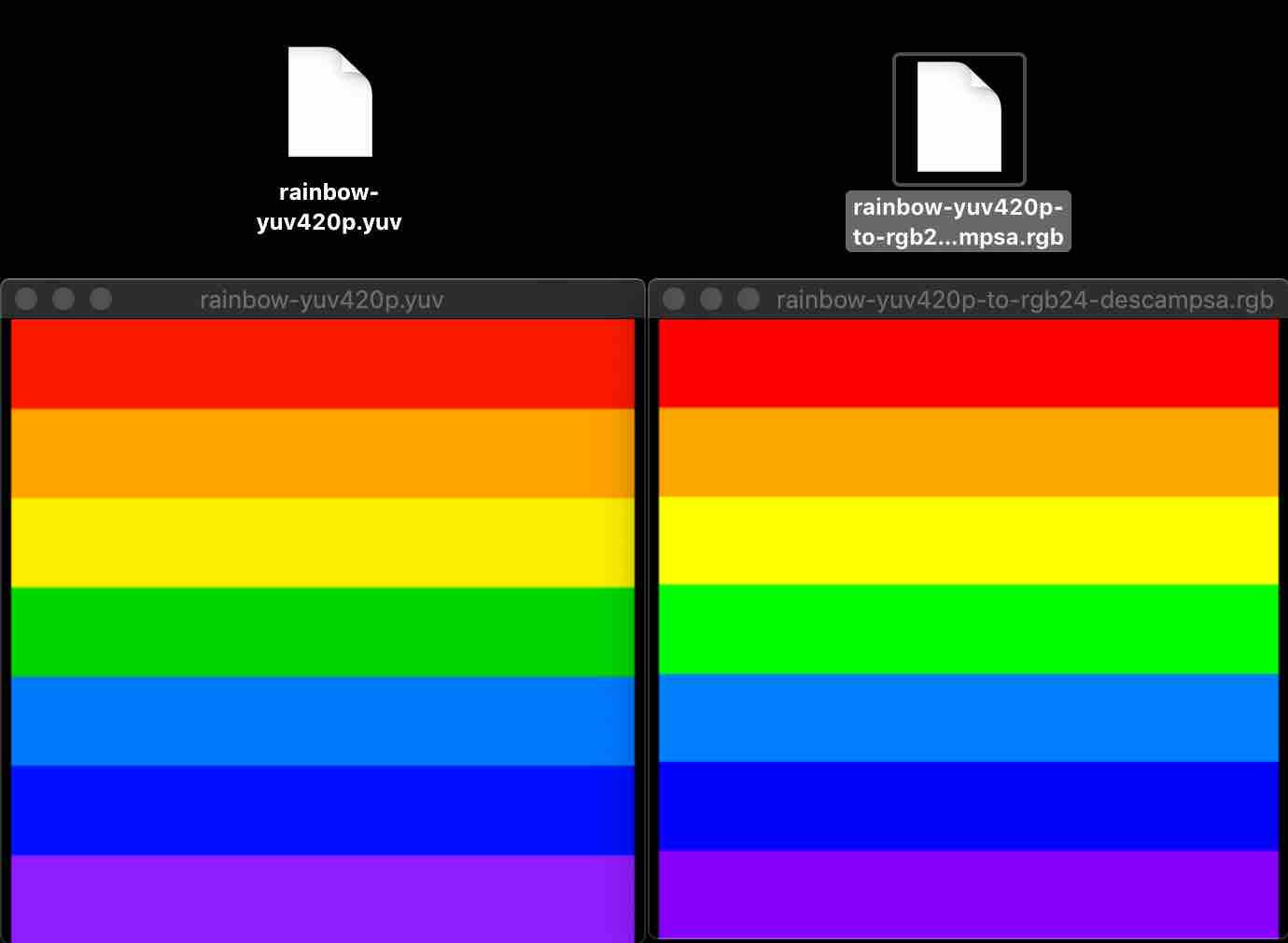
将 FFmpeg 生成的 YUV420P 格式转换成 RGB24 格式。
[rainbow-yuv420p.yuv] -> [rainbow-yuv420p-to-rgb24-descampsa.rgb]
#include <stdio.h>

#include "descampsa/yuv2rgb/yuv_rgb.h"

void yuv420pToRgb24(uint8_t *YUV, uint8_t *RGB, uint32_t width, uint32_t height) {

    const YCbCrType yuv_format = YCBCR_601;

    // const YCbCrType yuv_format = YCBCR_709;

    // const YCbCrType yuv_format = YCBCR_JPEG;

    yuv420_rgb24_std(

        width,

        height,

        YUV,

        YUV+width*height,

        YUV+width*height+((width+1)/2)*((height+1)/2),

        width,

        (width+1)/2,

        RGB,

        width*3,

        yuv_format);

}

int main() {

    uint32_t width = 700, height = 700;

    uint8_t RGB[width*height*3];

    uint8_t YUV[width*height*3/2];

    FILE *yuv420pFile = fopen("/Users/staff/Desktop/rainbow-yuv420p.yuv", "rb");

    fread(YUV, sizeof(YUV), 1, yuv420pFile);

    yuv420pToRgb24(YUV, RGB, width, height);

    FILE *rgb24File = fopen("/Users/staff/Desktop/rainbow-yuv420p-to-rgb24-descampsa.rgb", "wb");

    fwrite(RGB, sizeof(RGB), 1, rgb24File);

    fclose(rgb24File);

    fclose(yuv420pFile);

    return 0;

}
FFplay 显示生成的 rainbow-yuv420p-to-rgb24-descampsa.rgb
ffplay -f rawvideo -pixel_format rgb24 -video_size 700x700 rainbow-yuv420p-to-rgb24-descampsa.rgb
RGB24 to YUV420p
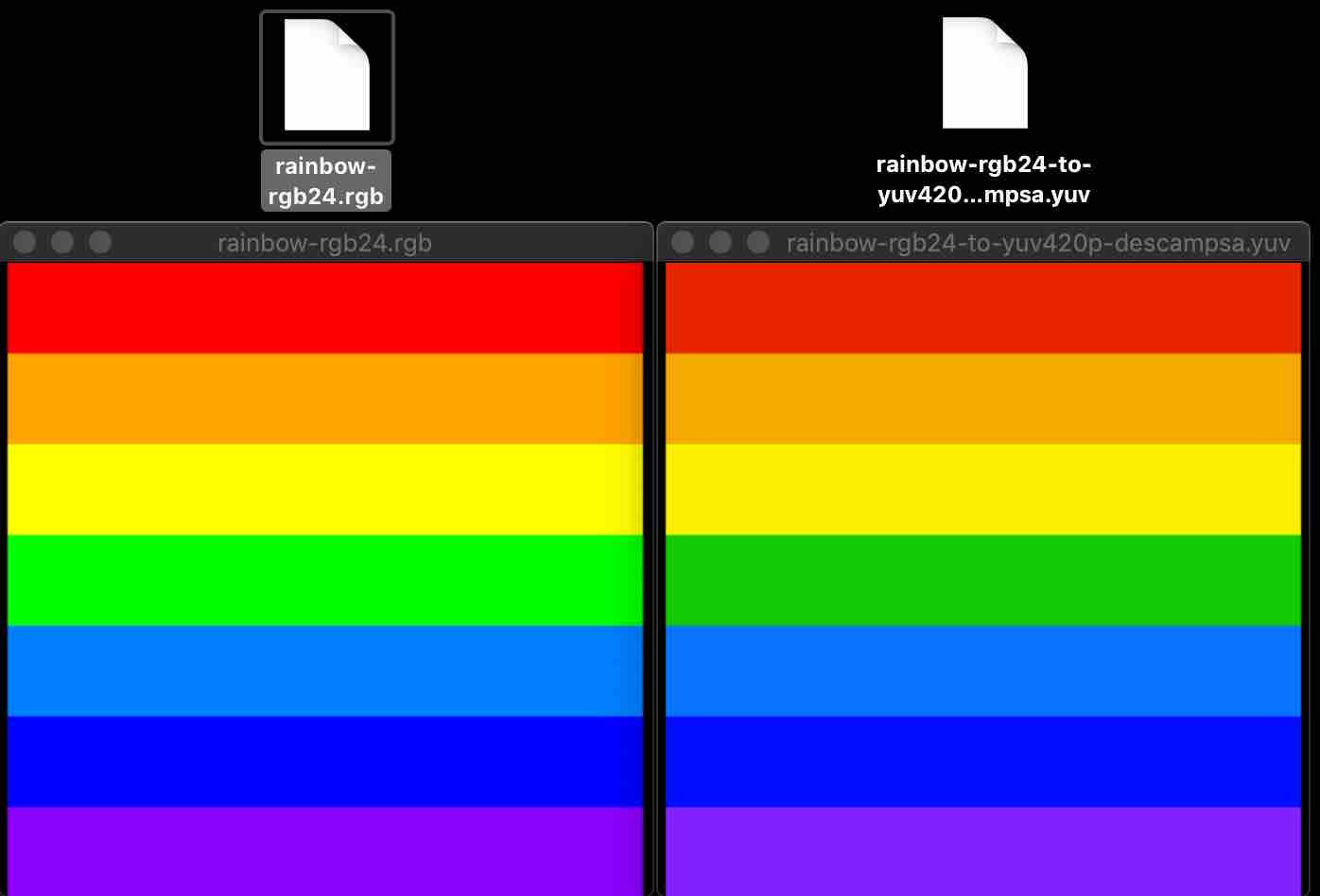
将 FFmpeg 生成的 RGB24 格式转换成 YUV420p 格式。
[rainbow-rgb24.rgb] -> [rainbow-rgb24-to-yuv420p-descampsa.yuv]
#include <stdio.h>

#include "descampsa/yuv2rgb/yuv_rgb.h"

void rgb24ToYuv420p(uint8_t *RGB, uint8_t *YUV, uint32_t width, uint32_t height) {

    const YCbCrType yuv_format = YCBCR_601;

//    const YCbCrType yuv_format = YCBCR_709;

    //const YCbCrType yuv_format = YCBCR_JPEG;

    rgb24_yuv420_std(

        width,

        height,

        RGB,

        width*3,

        YUV,

        YUV+width*height,

        YUV+width*height+((width+1)/2)*((height+1)/2),

        width,

        width/2,

        yuv_format);

}

int main() {

    uint32_t width = 700, height = 700;

    uint8_t RGB[width*height*3];

    uint8_t YUV[width*height*3/2];

    FILE *rgb24File = fopen("/Users/staff/Desktop/rainbow-rgb24.rgb", "rb");

    fread(RGB, sizeof(RGB), 1, rgb24File);

    rgb24ToYuv420p(RGB, YUV, width, height);

    FILE *yuvFile = fopen("/Users/staff/Desktop/rainbow-rgb24-to-yuv420p-descampsa.yuv", "wb");

    fwrite(YUV, sizeof(YUV), 1, yuvFile);

    fclose(rgb24File);

    fclose(yuvFile);

    return 0;

}
FFplay 显示生成的 rainbow-rgb24-to-yuv420p-descampsa.yuv
ffplay -f rawvideo -pixel_format yuv420p -video_size 700x700 rainbow-rgb24-to-yuv420p-descampsa.yuv
参考资料:
内容有误?联系作者:

音视频入门-09-RGB&YUV互转-使用开源库的更多相关文章
- 音视频入门-07-认识YUV
* 音视频入门文章目录 * YUV & YCbCr 简介 YUV,是一种颜色编码方法.常使用在各个视频处理组件中. YUV 在对照片或视频编码时,考虑到人类的感知能力,允许降低色度的带宽. Y ...
- 音视频入门-08-RGB&YUV
* 音视频入门文章目录 * YUV & RGB 相互转换公式 YCbCr 的 Y 与 YUV 中的 Y 含义一致,Cb 和 Cr 与 UV 同样都指色彩,Cb 指蓝色色度,Cr 指红色色度,在 ...
- 音视频入门-10-使用libyuv对YUV数据进行缩放、旋转、镜像、裁剪、混合
* 音视频入门文章目录 * libyuv libyuv 是 Google 开源的实现各种 YUV 与 RGB 之间相互转换.旋转.缩放等的库.它是跨平台的,可在 Windows.Linux.Mac.A ...
- 音视频入门-01-认识RGB
* 音视频入门文章目录 * RGB 简介 RGB 色彩模式是工业界的一种颜色标准,是通过对红(R).绿(G).蓝(B)三个颜色通道的变化以及它们相互之间的叠加来得到各式各样的颜色的,RGB 即是代表红 ...
- 音视频入门-11-PNG文件格式详解
* 音视频入门文章目录 * PNG 文件格式解析 PNG 图像格式文件由一个 8 字节的 PNG 文件署名域和 3 个以上的后续数据块(IHDR.IDAT.IEND)组成. PNG 文件包括 8 字节 ...
- 音视频入门-12-手动生成一张PNG图片
* 音视频入门文章目录 * 预热 上一篇 [PNG文件格式详解]详细介绍了 PNG 文件的格式. PNG 图像格式文件由一个 8 字节的 PNG 文件署名域和 3 个以上的后续数据块(IHDR.IDA ...
- 音视频入门-14-JPEG文件格式详解
* 音视频入门文章目录 * JPEG 文件格式解析 JPEG 文件使用的数据存储方式有多种.最常用的格式称为 JPEG 文件交换格式(JPEG File Interchange Format,JFIF ...
- 音视频入门-13-使用开源库生成PNG图片
* 音视频入门文章目录 * RGB-to-PNG 回顾 上一篇 [手动生成一张PNG图片] 根据 [PNG文件格式详解] 一步一步地手动实现了将 RGB 数据生成了一张 PNG 图片. 有许多开源的 ...
- 音视频入门-05-RGB-TO-BMP使用开源库
* 音视频入门文章目录 * RGB-TO-BMP 回顾 将 RGB 数据转成 BMP 图片: 了解 BMP 文件格式 准备 BMP 文件头信息 准备 BMP 信息头 BMP 存储 RGB 的顺序是 B ...
随机推荐
- linux 查看gpu信息
- 【Json】Json分词器
package com.hy; import java.io.BufferedReader; import java.io.FileInputStream; import java.io.FileNo ...
- 微信小程序不同机型的兼容布局解决
因为小程序是以微信为平台运行的,可以同时运行在android与ios的设备上,所以不可避免的会遇到布局适配问题,特别是在iphone5上,因为屏幕尺寸小的缘故,也是适配问题最多的机型,下面就简单介绍几 ...
- MiniUI treeGrid 树节点展开和不展开的性能差别很大
参考API: http://miniui.com/docs/api/index.html#ui=datagrid http://miniui.com/docs/api/index.html#ui=tr ...
- Oracle数据库启动报错,找不到数据文件(ORA-01157和ORA-01110)
数据库报了ORA-01157和ORA-01110错误,提示找不到一个数据文件. 1.启动数据库报错 在启动数据库过程中,报了ORA-01157和ORA-01110错误,提示找不到数据文件. SQL&g ...
- docker 打印带时间的日志
1, 根据容器日志查看连接情况 docker logs 684 (因为从6.30日开是打印,太慢了.) 2,docker带参数的打印出日志 docker logs 684 --since=&quo ...
- 让remix使用本地文件系统
让remix使用本地文件系统 转:https://blog.csdn.net/platocnet/article/details/83376792 1. 测试发现使用npm命令安装相关环境不成功, ...
- 谷歌官方 构建您的第一个应用 Kotlin版
https://developer.android.google.cn/training/basics/firstapp MainActivity.kt package com.example.myf ...
- openresty开发系列1--网关API架构及选型
微服务架构在项目中的应用越来越多,我们知道在微服务架构风格中,一个大应用被拆分成为了多个小的服务系统提供出来,这些小的系统他们可以自成体系,也就是说这些小系统可以拥有自己的数据库,框架甚至语言等,这些 ...
- 如何把VMware Workstation使用的虚拟SCSI磁盘转换成虚拟IDE硬盘
如何把VMware Workstation使用的虚拟SCSI磁盘转换成虚拟IDE硬盘 摘自:http://blog.sina.com.cn/s/blog_7525b71f0101d0u8.html ...