
swift--添加新手引导页
swift和oc逻辑上都是一样的,只是写法不一样,可以使用一个view,也可以使用一个viewController,两种都可以的,使用view注意初始化的时候给他一个frame,vc的话,直接在本控制器里面写控制即可!
1,创建一个vc,然后在里面初始化一个scrollview,升值contentsize为3 * 页面宽度,然后添加图片,最后可以实现相应的代理方法,判断最后是点击进入主页,还是滑动
具体代码如下:
import UIKit

class hDisplayViewController: UIViewController,UIScrollViewDelegate {

    //页面数量

    var numOfPages =

    override func viewDidLoad() {

        super.viewDidLoad()

        let frame = self.view.bounds

        //scrollView的初始化

        let scrollView = UIScrollView()

        scrollView.frame = self.view.bounds

        scrollView.delegate = self

        //为了能让内容横向滚动,设置横向内容宽度为3个页面的宽度总和

        scrollView.contentSize = CGSize(width:frame.size.width * CGFloat(numOfPages),

                                        height:frame.size.height)

        print("\(frame.size.width*CGFloat(numOfPages)),\(frame.size.height)")

        scrollView.isPagingEnabled = true

        scrollView.showsHorizontalScrollIndicator = false

        scrollView.showsVerticalScrollIndicator = false

        scrollView.scrollsToTop = false

        for i in ..<numOfPages{

            let imgfile = "bg\(Int(i+1)).png"

            print(imgfile)

            let image = UIImage(named:"\(imgfile)")

            let imgView = UIImageView(image: image)

            imgView.frame = CGRect(x:frame.size.width*CGFloat(i), y:CGFloat(),

                                   width:frame.size.width, height:frame.size.height)

            scrollView.addSubview(imgView)

        }

        scrollView.contentOffset = CGPoint.zero

        self.view.addSubview(scrollView)

    }

    func scrollViewDidScroll(_ scrollView: UIScrollView) {

        print("scrolled:\(scrollView.contentOffset)")

        let twidth = CGFloat(numOfPages-) * self.view.bounds.size.width

        //如果在最后一个页面继续滑动的话就会跳转到主页面

        if scrollView.contentOffset.x > twidth {

//            let mainStoryboard = UIStoryboard(name:"Main", bundle:nil)

//            let viewController = mainStoryboard.instantiateInitialViewController()

//           self.present(MainVC(), animated: true, completion: nil)

            let rootVC = UIApplication.shared.delegate as! AppDelegate
            rootVC.window?.rootViewController = MainVC()

        }

    }

}
2,在appdelegate里面写如下代码,判断是否第一次安装,
  //这里判断是否第一次启动APP

        if (!(UserDefaults.standard.bool(forKey: "everLaunched"))) {

            UserDefaults.standard.set(true, forKey:"everLaunched")

            let guideViewController = hDisplayViewController()

            self.window!.rootViewController=guideViewController;

            print("guideview launched!")

        }
如下图:
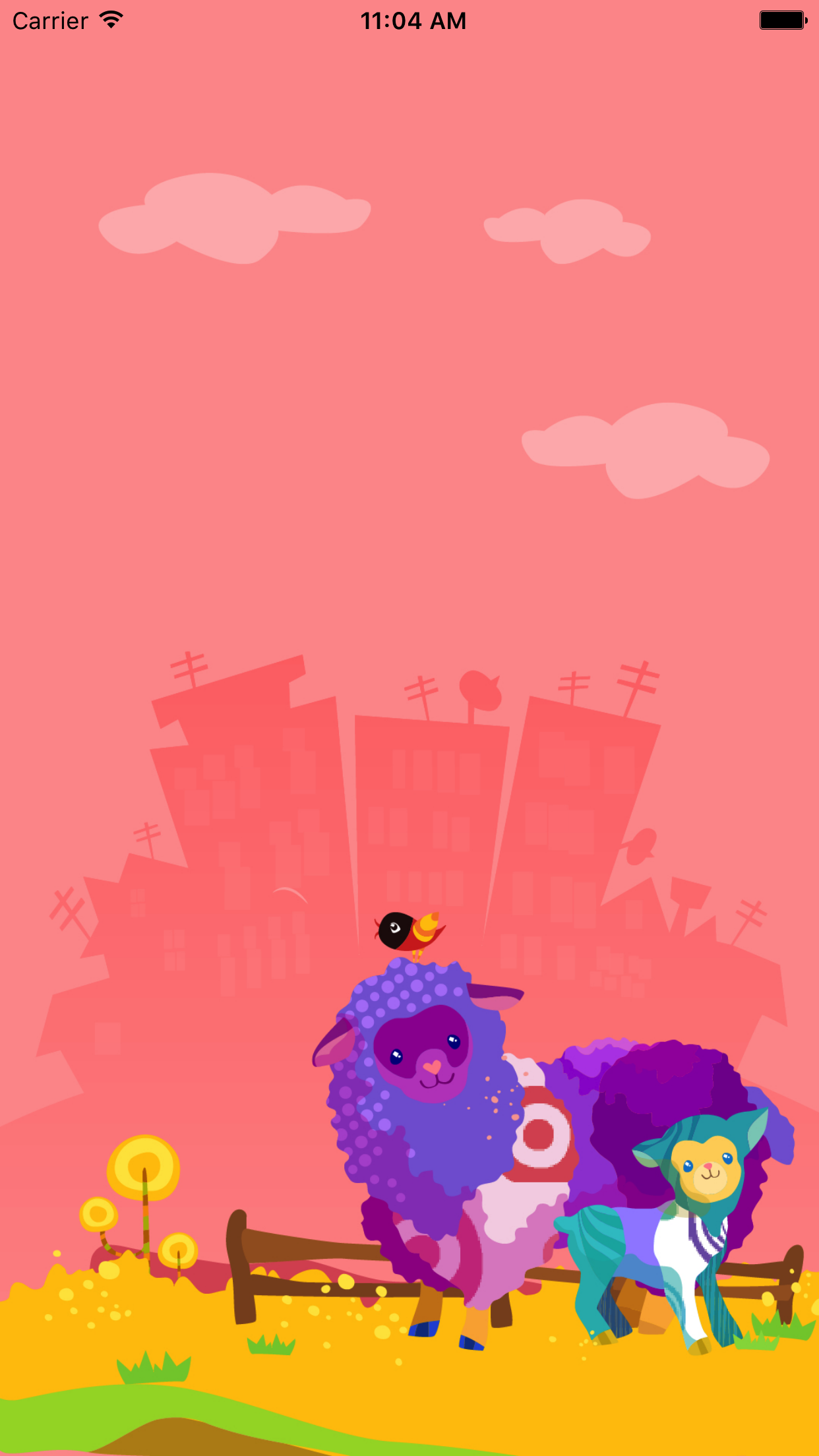
这样就完成了!
下面分享一个oc版的:
.h
@interface hDisplayView : UIView
.m :注意实现代理方法,判断偏移量或者其他的都行,因为是view,也可以添加手机或者按钮(建议frame是全屏幕大小的),然后实现响应事件隐藏就行了!
#import "hDisplayView.h"

@interface hDisplayView ()<UIScrollViewDelegate>

{

    UIScrollView    *_bigScrollView;

    NSMutableArray  *_imageArray;

    UIPageControl   *_pageControl;

}

@end

@implementation hDisplayView

-(instancetype)initWithFrame:(CGRect)frame

{

    self = [super initWithFrame:frame];

    if (self) {

        _imageArray = [@[@"闪屏1.png",@"闪屏2.png", @"闪屏3.png",@"闪屏4.png"]mutableCopy];

//        _imageArray = [NSMutableArray arrayWithObjects:@"闪屏1.png",@"闪屏2.png", @"闪屏3.png",@"闪屏4.png", nil];

        UIScrollView *scrollView = [[UIScrollView alloc]initWithFrame:CGRectMake(, , MainScreen_width, MainScreen_height)];

        scrollView.contentSize = CGSizeMake((_imageArray.count + )*MainScreen_width, MainScreen_height);

        //设置反野效果,不允许反弹,不显示水平滑动条,设置代理为自己

        scrollView.pagingEnabled = YES;//设置分页

        scrollView.bounces = NO;

        scrollView.showsHorizontalScrollIndicator = NO;

        scrollView.delegate = self;

        [self addSubview:scrollView];

        _bigScrollView = scrollView;

        for (int i = ; i < _imageArray.count; i++) {

            UIImageView *imageView = [[UIImageView alloc]init];

            imageView.frame = CGRectMake(i * MainScreen_width, , MainScreen_width, MainScreen_height);

            UIImage *image = [UIImage imageNamed:_imageArray[i]];

            imageView.image = image;

            [scrollView addSubview:imageView];

        }

        UIPageControl *pageControl = [[UIPageControl alloc]initWithFrame:CGRectMake(MainScreen_width/, MainScreen_height - , , )];

        pageControl.numberOfPages = _imageArray.count;

        pageControl.backgroundColor = [UIColor clearColor];

        [self addSubview:pageControl];

        _pageControl = pageControl;

        //添加手势

        UITapGestureRecognizer *singleRecognizer;

        singleRecognizer = [[UITapGestureRecognizer alloc]initWithTarget:self action:@selector(handleSingleTapFrom)];

        singleRecognizer.numberOfTapsRequired = ;

        [scrollView addGestureRecognizer:singleRecognizer];

    }

    return self;

}

-(void)handleSingleTapFrom

{

    if (_pageControl.currentPage == ) {

        self.hidden = YES;

    }

}

-(void)scrollViewDidEndDecelerating:(UIScrollView *)scrollView

{

    if (scrollView == _bigScrollView) {

        CGPoint offSet = scrollView.contentOffset;

        _pageControl.currentPage = offSet.x/(self.bounds.size.width);//计算当前的页码

        [scrollView setContentOffset:CGPointMake(self.bounds.size.width * (_pageControl.currentPage), scrollView.contentOffset.y) animated:YES];

    }

    if (scrollView.contentOffset.x == (_imageArray.count) *MainScreen_width) {

        self.hidden = YES;

    }

}
调用:
if (![[NSUserDefaults standardUserDefaults] boolForKey:@"everLaunched"]) {

        [[NSUserDefaults standardUserDefaults] setBool:YES forKey:@"everLaunched"];

        [[NSUserDefaults standardUserDefaults] setBool:YES forKey:@"firstLaunch"];

    }

    else{

        [[NSUserDefaults standardUserDefaults] setBool:NO forKey:@"firstLaunch"];

    }

    if ([[NSUserDefaults standardUserDefaults] boolForKey:@"firstLaunch"]) {

        // 这里判断是否第一次

        hDisplayView *hvc = [[hDisplayView alloc]initWithFrame:CGRectMake(, , MainScreen_width, MainScreen_height)];

        [self.window.rootViewController.view addSubview:hvc];

        [UIView animateWithDuration:0.25 animations:^{

            hvc.frame = CGRectMake(, , MainScreen_width, MainScreen_height);

        }];

    }
然后就可以了!
比较简单,只在此记录下!
swift--添加新手引导页的更多相关文章
- iOS新手引导页的实现,源码。
/*.在Main.storyboard中找到,ScrollView和PageControl并添加到ViewController中. .在ScrollView中添加ImageView,新手引导页有几个图 ...
- 指令汇B新闻客户端开发(一) 新手引导页开发
首先做开发的时候应该有一个闪屏页面和新手引导页, 我相信闪屏页面大家应该都会了,那么先看到新手引导页了. 我们可以看到这其实是一个ViewPager,我们也可以看到这是3个引导页,那么首先来看一下布局 ...
- iOS 新手引导页图片适配及其尺寸大全
早期新手引导页只需要几张图片就可以解决了,随着屏幕尺寸的的越来越多,新手引导页的尺寸适配起来越来越麻烦,否则就会出现尺寸不匹配,图片被拉伸的情况 目前应该是有2种方法来解决这个问题 方法1: 根据每款 ...
- EasyUI创建异步树形菜单和动态添加标签页tab
创建异步树形菜单 创建树形菜单的ul标签 <ul class="easyui-tree" id="treeMenu"> </ul> 写j ...
- iOSAPP添加启动页
如果你在开发过程中出现屏幕显示内容比例不正常或者显示不全的问题,你发现不是代码或者约束的问题,那么很可能是启动页没有添加或者添加不全的原因,下面配一张问题图片上下黑屏 添加启动页步骤如下图 (1) ( ...
- C# 如何添加Excel页眉页脚(图片、文字、奇偶页不同)
简介 我们可以通过代码编程来对Excel工作表实现很多操作,在下面的示例中,将介绍如何来添加Excel页眉.页脚.在页眉处,我们可以添加文字,如公司名称.页码.工作表名.日期等,也可以添加图片,如LO ...
- C#添加PDF页眉——添加文本、图片到页眉
页眉常用于显示文档的附加信息,我们可以在页眉中插入文本或者图形,例如,页码.日期.公司徽标.文档标题.文件名或作者名等等.那么我们如何以编程的方式添加页眉呢?今天,这篇文章向大家分享如何使用了免费组件 ...
- Swift - 添加纯净的Alamofire
Swift - 添加纯净的Alamofire 如果你有代码洁癖,不能容忍任何多余的东西,请继续往下看. . 下载Alamofire (https://github.com/Alamofire/Ala ...
- 用 Markdown 写作(一)——添加文章页内导航
Markdown 可以用更简化的标记来写文章,基本的语法可以参考Markdown 语法说明 (简体中文版). 我平时很少按照论文的写法去写博客,说来忏愧,因为很少写技术性的文章,最近看到百度百科和很多 ...
- ES6面向对象 动态添加标签页
HTML <!DOCTYPE html> <html lang="en" xmlns="http://www.w3.org/1999/xhtml&quo ...
随机推荐
- jquery50个代码段
1. 如何创建嵌套的过滤器 ? 1 //允许你减少集合中的匹配元素的过滤器, //只剩下那些与给定的选择器匹配的部分.在这种情况下, //查询删除了任何没(:not)有(:has) //包含class ...
- mysql 5.7.15 安装配置方法图文教程(转)
http://www.jb51.net/article/92521.htm ******************************* MySQL数据库作为关系型数据库中的佼佼者,因其体积小,速度 ...
- 【转】java中&和&&的区别和联系
[转]http://www.cnblogs.com/hongten/p/hongten_java_yu.html 电路问题总结: 对于:& -- > 不管怎样,都会执行" ...
- 通过Windows PowerShell远程管理计算机(精简版)
现在你手中有一台server(主控端),你打算通过主控端远程管理多台server(被控端).这个过程可以通过Windows PowerShell来完成. 首先在被控端上以管理员权限打开PowerShe ...
- Linux 设备模型之 (kobject、kset 和 Subsystem)(二)
问题描写叙述:前文我们知道了/sys是包括内核和驱动的实施信息的,用户能够通过 /sys 这个接口.用户通过这个接口能够一览内核设备的全貌.本文将从Linux内核的角度来看一看这个设备模型是怎样构建的 ...
- POj 1753--Flip Game(位运算+BFS)
Flip Game Time Limit: 1000MS Memory Limit: 65536K Total Submissions: 30669 Accepted: 13345 Descr ...
- SQL server 2005如何设置一个或几个字段唯一约束?
--建立是在三个字段上的唯一约束 alter table Tab add constraint uq_id unique(shipType, shipsession, Territory)
- FireFox火狐不能收藏书签
这个问题遇到过好几次了,最好还是记一下. 方法有以下几种: 禁用拓展:附加组件管理器. http://tieba.baidu.com/p/3034493996 禁用拓展:tab mix plus. h ...
- linux信号程序编译遇到的问题
如果把这个去掉-std=c99就会运行通过 还有一点就是 for(int i=0;i<n;i++) 在循环里声明变量仅被用在c99里面.也就是要想在循环里面声明变量,就必须使用-std=c99
- win8.1 64位安装oracle10g客户端心得
方法同win7 64位安装方法(http://www.cnblogs.com/winkey4986/p/3683568.html)下载Oracle 10g的客户端程序,文件名是 10201_clien ...