
C#基础——类
第一部分:String类
系统内置的处理字符串类型的函数方法类。方便我们对字符串类型进行一系列的处理。
+++++String类+++++
黑色小扳手 - 属性
紫色立方体 - 方法
1、***字符串.Length - 字符串长度,返回int类型
using System;

using System.Collections.Generic;

using System.Linq;

using System.Text;

namespace 练习题2

{

    class Program

    {

        static void Main(string[] args)

        {

            string a = Console.ReadLine();//小string是大String的快捷方式

            int i = a.Length;//Length(获取字符串长度,返回一个int类型的值)

            Console.WriteLine(i);

            Console.ReadLine();

        }

    }

}
输出结果:
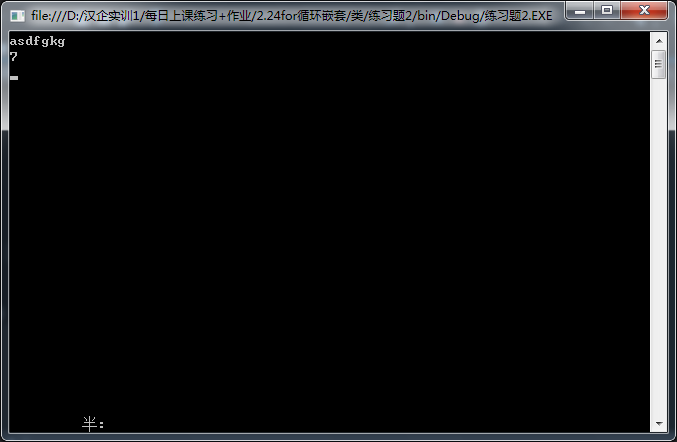
2、字符串.TrimStart() - 去掉前空格
using System;

using System.Collections.Generic;

using System.Linq;

using System.Text;

namespace 练习题2

{

    class Program

    {

        static void Main(string[] args)

        {

           //请输入您的邮箱

            string a = "    wersf   adz";//小string是大String的快捷方式

            string i = a.TrimStart();//TrimStart(去掉前空格,返回一个string类型的值)

            Console.WriteLine(i);

            Console.ReadLine();

        }

    }

}
输出结果:
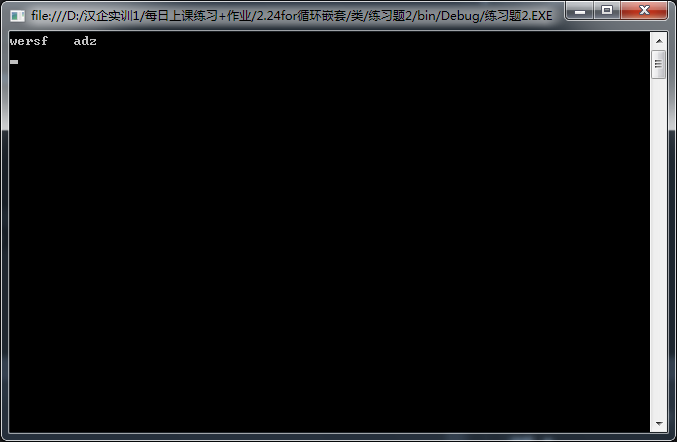
3、字符串.TrimEnd() - 去掉后空格
using System;

using System.Collections.Generic;

using System.Linq;

using System.Text;

namespace 练习题2

{

    class Program

    {

        static void Main(string[] args)

        {

           //请输入您的邮箱

            string a = "    wersfadz     ";//小string是大String的快捷方式

            string i = a.TrimEnd();//TrimEnd(去掉后空格,返回一个string类型的值)

            string j = "";

            Console.WriteLine(i+j);

            Console.ReadLine();

        }

    }

}
输出结果:
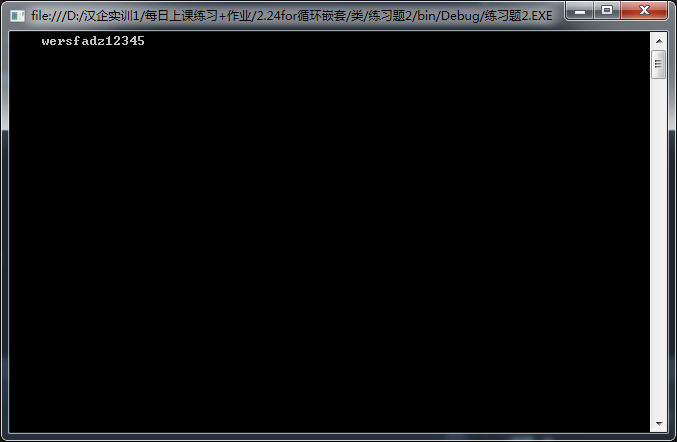
4、***字符串.Trim() - 去掉字符串的前后空格 string
using System;

using System.Collections.Generic;

using System.Linq;

using System.Text;

namespace 练习题2

{

    class Program

    {

        static void Main(string[] args)

        {

           //请输入您的邮箱

            string a = "    wersfadz     ";//小string是大String的快捷方式

            string i = a.Trim();//Trim(去掉前后空格,返回一个string类型的值)

            string j = "";

            Console.WriteLine(i+j);

            Console.ReadLine();

        }

    }

}
输出结果:
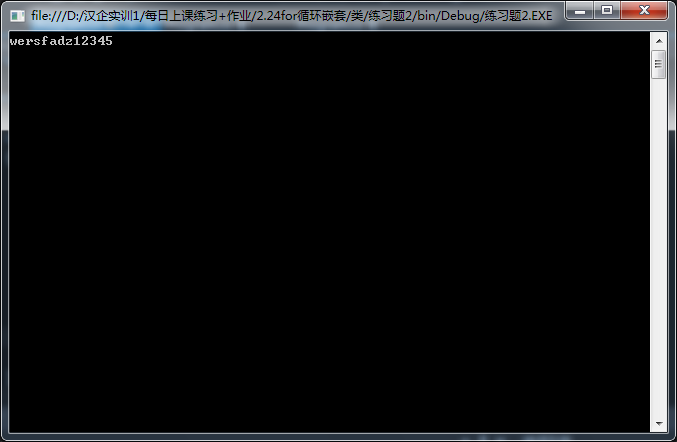
5、***字符串.ToUpper() - 将字符串中的小写字符变成大写 string
using System;

using System.Collections.Generic;

using System.Linq;

using System.Text;

namespace 练习题2

{

    class Program

    {

        static void Main(string[] args)

        {

           //请输入您的邮箱

            string a = "wersfadz";//小string是大String的快捷方式

            string i = a.ToUpper();//ToUpper(转换为大写字母,返回一个string类型的值)

            string j = "";

            Console.WriteLine(i+j);

            Console.ReadLine();

        }

    }

}
输出结果:
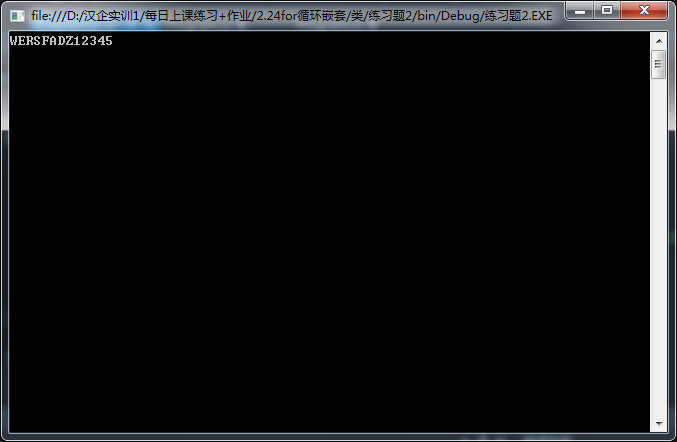
6、***字符串.ToLower() - 变成小写 string
using System;

using System.Collections.Generic;

using System.Linq;

using System.Text;

namespace 练习题2

{

    class Program

    {

        static void Main(string[] args)

        {

           //请输入您的邮箱

            string a = "wersfadzASWQD";//小string是大String的快捷方式

            string i = a.ToLower();//ToUpper(转换为小写字母,返回一个string类型的值)

            string j = "";

            Console.WriteLine(i+j);

            Console.ReadLine();

        }

    }

}
输出结果:
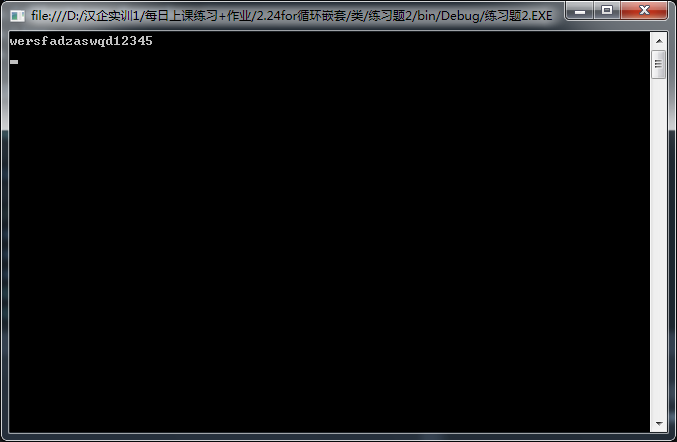
7、索引/下标
***字符串.SubString(a); - 截取字符串,a - 要开始截取的下标,包含下标所对应的字符
using System;

using System.Collections.Generic;

using System.Linq;

using System.Text;

namespace 练习题2

{

    class Program

    {

        static void Main(string[] args)

        {

           //请输入您的邮箱

            string a = "wersfadzASWQD";//小string是大String的快捷方式

            string i = a.Substring();//(截取字符串,a - 要开始截取的下标(从0开始),包含下标所对应的字符,返回一个string类型的值)

            Console.WriteLine(i);

            Console.ReadLine();

        }

    }

}
输出结果:
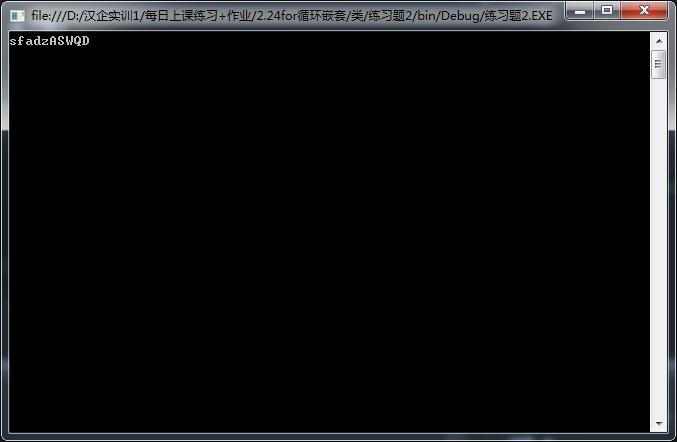
***字符串.SubString(a,b); - a - 下标 , b - 要截取几个字符(从1开始数)
using System;
using System.Collections.Generic;
using System.Linq;
using System.Text;
namespace 练习题2
{
class Program
{
static void Main(string[] args)
{
string a = "wersfadzASWQD";//小string是大String的快捷方式
string i = a.Substring(3,5);//(截取字符串,3 - 要开始截取的下标(从0开始),包含下标所对应的字符,5-截取的字符串长度,返回一个string类型的值)
Console.WriteLine(i);
Console.ReadLine();
}
}
}
输出结果:
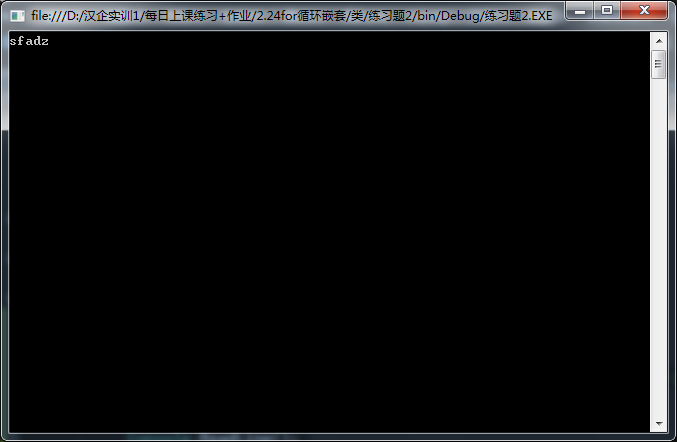
string
注意:????
8、***字符串.IndexOf("串"); - 返回字符串中第一个匹配项的索引,如果没有匹配项返回-1 int
using System;
using System.Collections.Generic;
using System.Linq;
using System.Text;
namespace 练习题2
{
class Program
{
static void Main(string[] args)
{
string a = "今天天气很不错!";//小string是大String的快捷方式
int i = a.IndexOf("天");//返回字符串中第一个匹配项的索引,如果没有匹配项返回-1 int
Console.WriteLine(i);
Console.ReadLine();
}
}
}
输出结果:
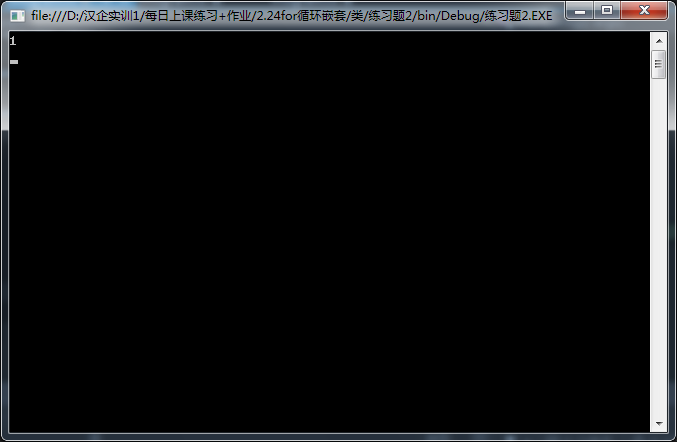
int b = s.IndexOf("天",s.IndexOf("天")+1); //获得第二个匹配项,3 4 5 6
using System;

using System.Collections.Generic;

using System.Linq;

using System.Text;

namespace 练习题2

{

    class Program

    {

        static void Main(string[] args)

        {

           //请输入您的邮箱

            string a = "今天天气很不错!";//小string是大String的快捷方式

            int i = a.IndexOf("天", a.IndexOf("天") + );//获得第二个匹配项,或者第3 4 5 6个  返回 int 类型

            Console.WriteLine(i);

            Console.ReadLine();

        }

    }

}
输出结果:
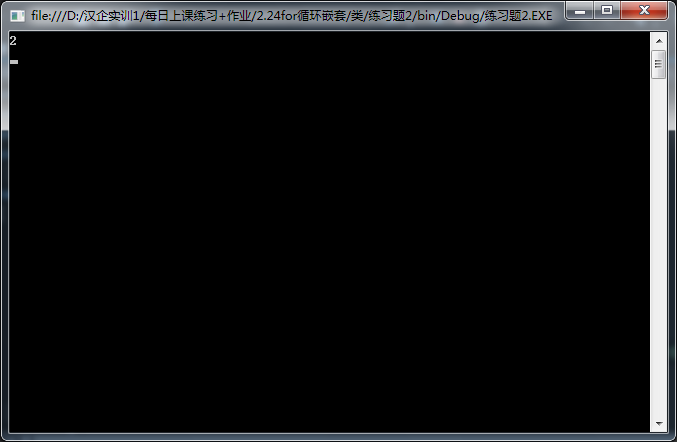
9、字符串.LastIndexOf("串"); - 返回最后一个匹配项的索引
using System;

using System.Collections.Generic;

using System.Linq;

using System.Text;

namespace 练习题2

{

    class Program

    {

        static void Main(string[] args)

        {

           //请输入您的邮箱

            string a = "今天天气很不错!";//小string是大String的快捷方式

            int i = a.LastIndexOf("天");//获得最后一个匹配项的索引   返回 int 类型

            Console.WriteLine(i);

            Console.ReadLine();

        }

    }

}
输出结果:
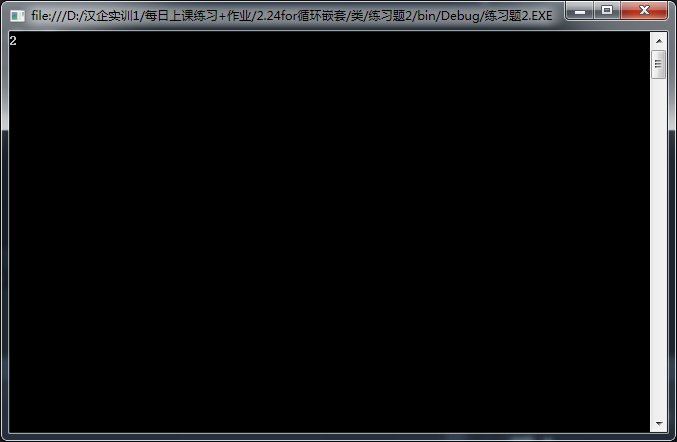
10、***字符串.StartWith("串"); - 判断是否以什么开头
using System;

using System.Collections.Generic;

using System.Linq;

using System.Text;

namespace 练习题2

{

    class Program

    {

        static void Main(string[] args)

        {

           //请输入您的邮箱

            string a = "今天天气很不错!";//小string是大String的快捷方式

            bool i= a.StartsWith("天");//判断是否以“天”开始 返回bool 类型

            Console.WriteLine(i);

            Console.ReadLine();

        }

    }

}
输出结果:
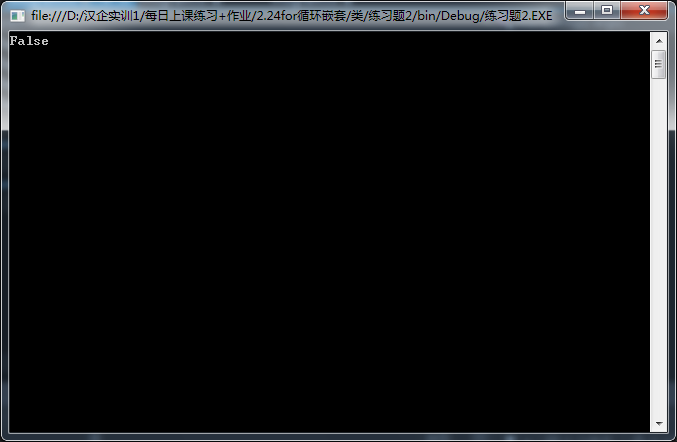
11、***字符串.EndsWith("串"); - 判断是否以什么结尾
using System;

using System.Collections.Generic;

using System.Linq;

using System.Text;

namespace 练习题2

{

    class Program

    {

        static void Main(string[] args)

        {

           //请输入您的邮箱

            string a = "今天天气很不错!";//小string是大String的快捷方式

            bool i= a.EndsWith("错");//判断是否以“错”结束   返回 bool 类型

            Console.WriteLine(i);

            Console.ReadLine();

        }

}

}
输出结果:
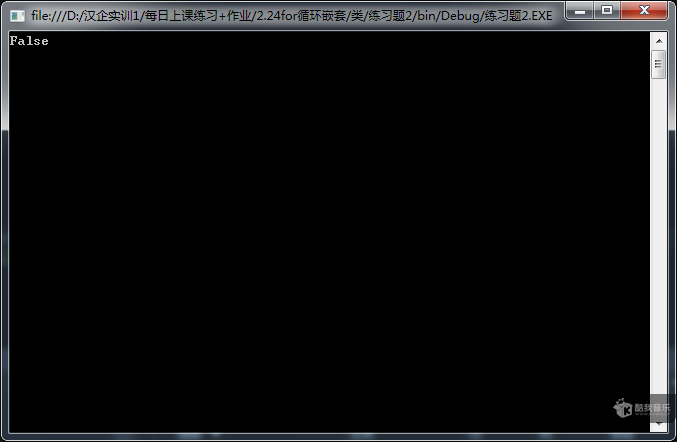
12、******字符串.Contains("串"); - 判断是否包含 string
using System;

using System.Collections.Generic;

using System.Linq;

using System.Text;

namespace 练习题2

{

    class Program

    {

        static void Main(string[] args)

        {

           //请输入您的邮箱

            string a = "今天天气很不错!";//小string是大String的快捷方式

            bool i= a.Contains("很");//判断是否包含“很”   返回 bool 类型

            Console.WriteLine(i);

            Console.ReadLine();

        }

    }

}
输出结果:
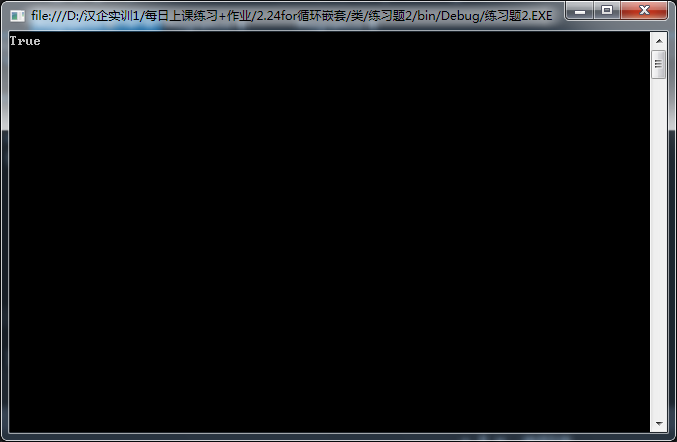
13、****s.Replace(要替换的字符串, 替换的字符串); - 字符替换 string
using System;

using System.Collections.Generic;

using System.Linq;

using System.Text;

namespace 练习题2

{

    class Program

    {

        static void Main(string[] args)

        {

           //请输入您的邮箱

            string a = "今天天气很不错!";//小string是大String的快捷方式

            string i= a.Replace("很","非常");//判断是否包含“很”   返回 bool 类型

            Console.WriteLine(i);

            Console.ReadLine();

        }

    }

}
输出结果:
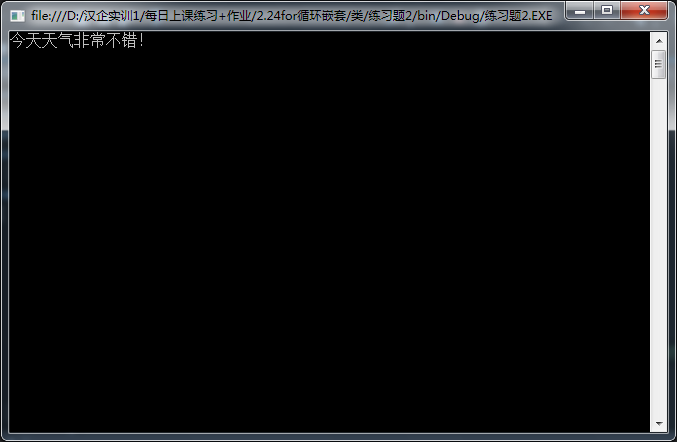
14、s.Remove(3); - 移除从索引到末尾的全部字符 string
using System;

using System.Collections.Generic;

using System.Linq;

using System.Text;

namespace 练习题2

{

    class Program

    {

        static void Main(string[] args)

        {

           //请输入您的邮箱

            string a = "今天天气很不错!";//小string是大String的快捷方式

           string i= a.Remove(); //移除从索引3到末尾的字符串 返回string类型

            Console.WriteLine(i);

            Console.ReadLine();

        }

    }

}
输出结果:
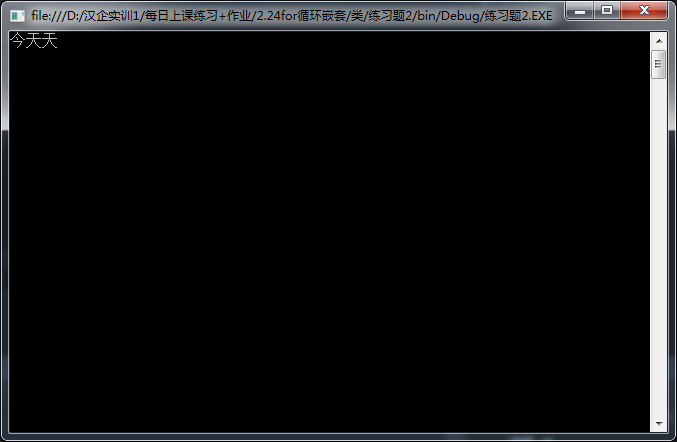
二、+++++Math类+++++
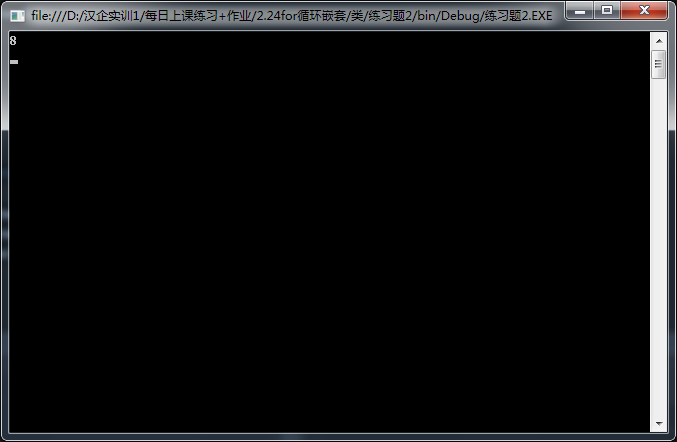
1、Math.Pow(x,y);——x的y次方
using System;

using System.Collections.Generic;

using System.Linq;

using System.Text;

namespace 练习题2

{

    class Program

    {

        static void Main(string[] args)

        {

            double i=Math.Pow(,);//平方

            Console.WriteLine(i);

            Console.ReadLine();

        }

    }

}
输出结果:
2、Math.Sqrt(x);——x的平方根
using System;

using System.Collections.Generic;

using System.Linq;

using System.Text;

namespace 练习题2

{

    class Program

    {

        static void Main(string[] args)

        {

            double i=Math.Sqrt();//平方根

            Console.WriteLine(i);

            Console.ReadLine();

        }

    }

}
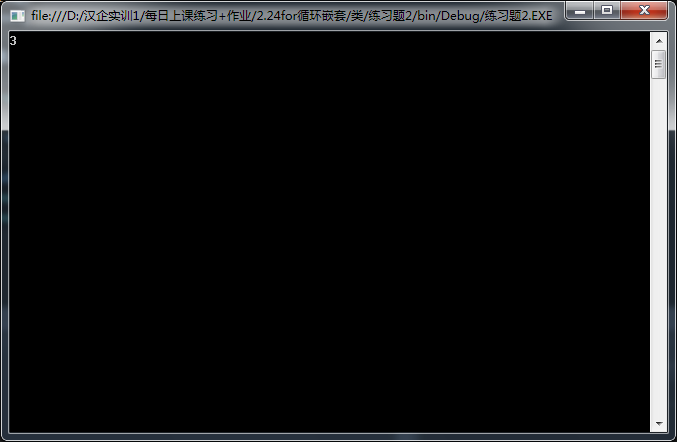
输出结果:
3、Math.Ceiling(double);——当为整数取数时,小数点后大于0,去小数加1取整数(Ceiling上限)
4、Math.Floor(double);——整数取数时,不管小数点后是多少,去掉小数取整数(Floor下限)
5、Math.Round(double);——四舍五入,当整数部分为奇数时,.5上位。整数部分为偶数时,.5舍去。
6、Math.Abs(double);——绝对值
+++++DateTime类+++++
DateTime 变量名 = new DateTime(年,月,日);——定义为时间类型
DateTime.Now;——获取当前时间
.ToString("Format");——.ToString("yyyy年MM月dd日");
.AddYears(10);——加上10年
.AddMonths(10);——加上10月
.AddDays(10);——加上10天
.AddHours(10);——加上10小时
.AddMinutes(10);——加上10分钟
.AddSeconds(10);——加上10秒
.Year;——只输出年
.Month;——只输出月
.Day;——只输出日
.Hour;——只输出小时
.Minute;——只输出分钟
.Second;——只输出年秒
.Millisecond;——只输出毫秒
.DayOfYear;——获取当前时间为此年中的第几天
.DayOfWeek;——获取是星期几
.Date;——获取日期
.TimeOfDay;——获取时间
TimeSpan类型
.Days——间隔几天
.Hours——一天中间隔几小时
.Minutes——一天中间隔几分钟
.Seconds——一天中间隔几秒
.Milliseconds——一天中间隔几毫秒
.Total....——总间隔
----------------------------
0、用户输入一个数字
1,2,3,4,5,6
1、“验证码:xxxx”
“请输入验证码:”
“输入的位数不正确!”
大小写都行
“验证成功!/ 验证失败!”
using System;

using System.Collections.Generic;

using System.Linq;

using System.Text;

namespace 练习题1

{

    class Program

    {

        static void Main(string[] args)

        {

            //随机产生四位验证码

            #region

            string z = "abcdefghijklmnopqistuvwxyz0123456789ABCDEFGHIJKLMNOPQRSTUVWXYZ";

           int wode= z.Length;

            string yanzheng="";

            Random r = new Random();

           for (int j = ; j < ; j++)

           {

               string  yan = z.Substring(r.Next(,wode),);

               yanzheng += yan;

           }

           Console.Write(yanzheng);

            #endregion

            //等待用户输入验证码

           #region

           Console.Write("请输入四位验证码:");

            string user = Console.ReadLine();

           #endregion

            //判断输入的位数是否正确

            #region

            int a= user.Length;

           if (a != )

           {

               Console.WriteLine("输入的位数不正确!");

           }

            #endregion

           //验证是否通过

           #region

           else

           {

               string end = user.ToUpper();

               string end1 = yanzheng.ToUpper();

               if (end == end1)

                   Console.WriteLine("验证通过!");

               else

               {

                   Console.WriteLine("验证失败!!!");

               }

           }

           #endregion

           Console.ReadLine();

        }

    }

}
输出结果:
2、“请输入您的邮箱:”123@123
1-“邮箱正确!/错误!”
2-“只能有一个@符号”
3-“不能以@开头”
4-“不能以@结尾”
5-“@之后必须有点”
6-“@之后不能是点”
7-最少一个点,最多两个点
8-“不能以点结尾”
9-不能以数字结束
3、“请输入身份证号(18位):”
判断正确性:
全数字
最后一位x/X
中间时间是否正确
“您的生日是:2000年1月1日”
4、
“请输入年:”
“请输入月:”
“请输入日:”
判断是否正确
“xxxx年xx月xx日是此年中的第xx天,星期几”
“距离2012年12月24日世界末日还有xxx天”
“距离2012年12月24日世界末日已经过去了xxx天”
“您输入的是世界末日!!!”
C#基础——类的更多相关文章
- python基础——类和实例
python基础——类和实例 面向对象最重要的概念就是类(Class)和实例(Instance),必须牢记类是抽象的模板,比如Student类,而实例是根据类创建出来的一个个具体的“对象”,每个对象都 ...
- C#核心基础--类(2)
C#核心基础--类的声明 类是使用关键字 class 声明的,如下面的示例所示: 访问修饰符 class 类名 { //类成员: // Methods, properties, fields, eve ...
- OC基础 类的三大特性
OC基础 类的三大特性 OC的类和JAVA一样,都有三大特性:继承,封装,多态,那么我们就来看一下OC中类的三大特性. 1.继承 继承的特点: (1)子类从父类继承了属性和方法. (2)子类独有的属 ...
- Python基础-类
Python基础-类 @(Python)[python, python基础] 写在前面 如非特别说明,下文均基于Python3 摘要 本文重点讲述如何创建和使用Python类,绑定方法与非绑定方法的区 ...
- python基础——类名称空间与对象(实例)名称空间
python基础--类名称空间与对象(实例)名称空间 1 类名称空间 创建一个类就会创建一个类的名称空间,用来存储类中定义的所有名字,这些名字称为类的属性 而类的良好总属性:数据属性和函数属性 其中类 ...
- 设计模式基础:类及类关系的UML表示
设计模式基础:类及类关系的UML表示 2009-10-26 17:00 by 宗哥, 1891 阅读, 1 评论, 收藏, 编辑 UML中,类关系分为这几种,泛化(generalization), 实 ...
- C#核心基础--类的声明
C#核心基础--类的声明 类是使用关键字 class 声明的,如下面的示例所示: 访问修饰符 class 类名 { //类成员: // Methods, properties, fields, eve ...
- 第31节:Java基础-类与对象
前言 Java基础-类与对象,方法的重载,构造方法的重载,static关键字,main()方法,this关键字,包,访问权限,类的继承,继承性,方法的重写,super变量. 方法的重载:成员方法的重载 ...
- C#基础--类/接口/成员修饰符,多态、重载、重写,静态和非静态
C#基础--类/接口/成员修饰符,多态.重载.重写,静态和非静态 类/接口/成员修饰符 C#修饰符---接口: 接口默认访问符是internal接口的成员默认访问修饰符是public C#修饰符--类 ...
- ios开发之OC基础-类和对象
本系列的文章主要来自于个人在学习前锋教育-欧阳坚老师的iOS开发教程之OC语言教学视频所做的笔记,边看视频,边记录课程知识点.建议大家先过一遍视频,在看视频的过程中记录知识点关键字,把把握重点,然后再 ...
随机推荐
- bzoj 2286 [Sdoi2011]消耗战 虚树+dp
题目大意:多次给出关键点,求切断边使所有关键点与1断开的最小费用 分析:每次造出虚树,dp[i]表示将i和i子树与父亲断开费用 对于父亲x,儿子y ①y为关键点:\(dp[x]\)+=\(dismn( ...
- Spark中的wordCount程序实现
import org.apache.spark.SparkConf; import org.apache.spark.api.java.JavaPairRDD; import org.apache.s ...
- php常用图片处理类
<?php /** * 已知问题:1.在图片缩放功能中,使用imagecreatetruecolor函数创建画布,并使用透明处理算法,但PNG格式的图片无法透明.用imagecreate函数创建 ...
- check_arp
检查arp表是否满 #!/bin/bash LANG=C test -e /bin/date && timestamp=`/bin/date +%s` ARP=`which arp` ...
- php中二维数组如何使用
最近需要使用PHP中的二维数组,就用一个简单的例子来说明PHP中二数组是如何使用 <?php $a=array('a','b','c'); $c=array('a1','b1','c1'); $ ...
- mfix模拟流化床燃烧帮助收敛的方法
1.在反应速率里用rate_limit函数:2.初始床料中可以添加一部分碳和灰.下面给出详细解释: 1.c3m生成的化学反应速率中有一个这样的函数: double precision function ...
- Java Swing paint repaint update 方法的关系
Java Swing paint repaint update 方法的关系: 参考:http://blog.csdn.net/xiaoliangmeiny/article/details/691665 ...
- MySQL数据类型--日期时间
一.博客前言 自接触学习MySQL已有一段时间了,对于MySQL的基础知识还是略懂略懂的.在这一路学习过来,每次不管看书还是网上看的资料,对于MySQL数据类型中的时间日期类型总是一扫而过,不曾停下来 ...
- redis.clients.jedis.exceptions.JedisDataException: ERR Client sent AUTH, but no password is set
使用哨兵模式连接redis连接池时,遇到错误: Caused by: redis.clients.jedis.exceptions.JedisDataException: ERR Client sen ...
- HDU5882
Balanced Game Time Limit: 3000/1000 MS (Java/Others) Memory Limit: 32768/32768 K (Java/Others)Tot ...