
原生Js_简易图片轮播模板
功能:图片自动循环轮播,通过点击“上一张”,“下一张”按钮来控制图片的切换
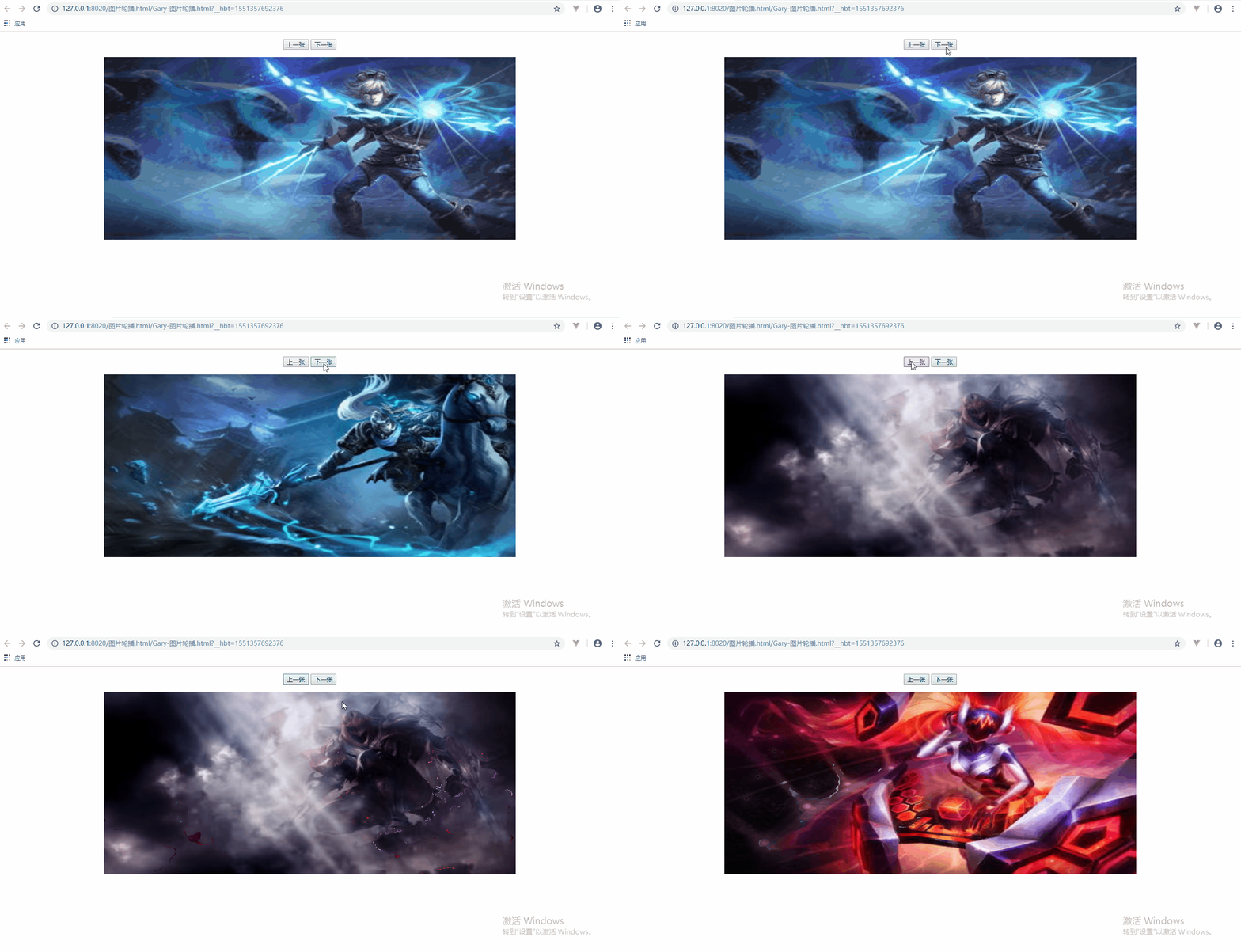
<!DOCTYPE html>

<html>

    <head>

        <meta charset="utf-8" />

        <title>Gary图片轮播</title>

        <style type="text/css">

            div{

                width: 900px;

                height:400px;

                margin: 0 auto;

            }

            div img{

                width:900px;

                height: 400px;

            }

        </style>

        <script type="text/javascript">

//            数组下标从0开始

            var index = 0;

            var pathArr = new Array(

                "img/1.jpg",

                "img/1.png",

                "img/2.jpg",

                "img/2.png"

            );

            function init(){

//                图片两秒进行一次切换

//                window.setTimeout(changeImg,2000);

//                图片每隔两秒循环进行切换

                window.setInterval(changeImg,2000);

            }

            function changeImg(){

                nextImg()

            }

            //点击上一张

            function preImg(){

//                得到img标签

                myimg = document.getElementById("myimg");

                index--;

                if(index<0){

                    index = pathArr.length-1;

                }

                myimg.src =pathArr[index];

            }

            function nextImg(){

                //                得到img标签

                myimg = document.getElementById("myimg");

                index++;

                if(index>pathArr.length){

                    index = 0;

                }

                myimg.src =pathArr[index];

            }

        </script>

    </head>

    <body onload="init()">

            <p align="center">

                <button onclick="preImg()">上一张</button>

                <button onclick="nextImg()">下一张</button>

            </p>

            <div>

                <img src="img/1.jpg" id="myimg"/>

            </div>

    </body>

</html>
Gary-图片轮播.html
Learn
一、设置图片的切换
二、设置图片的变更和循环
三、添加上一张和下一张按钮
四、图片轮播的优化
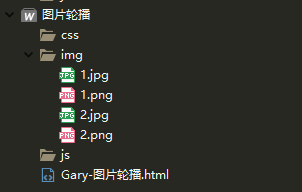
目录结构
一、设置图片的切换
设置图片div样式
            <div>

                <img src="img/Q1.jpg" id="myimg"/></img>

            </div>
设置图片样式居中对齐
        <style type="text/css">

            div{

                width: 900px;

                height:400px;

                margin: 0 auto;

            }

            div img{

                width:900px;

                height: 400px;

            }

        </style>
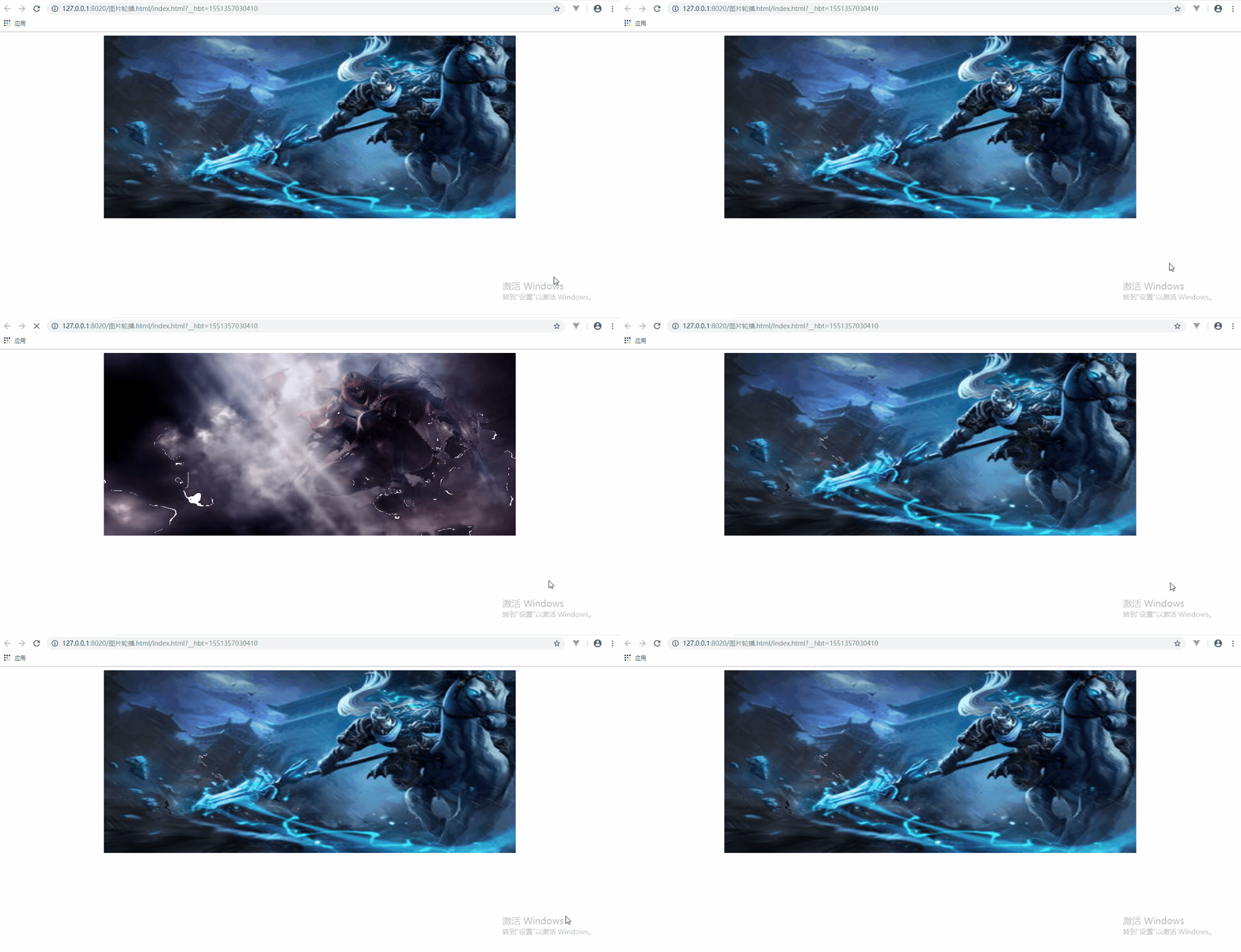
使用JavaScript脚本去控制图片的切换
        <script type="text/javascript">

//            图片两秒进行一次切换

            window.setTimeout(changeImg,2000);

            function changeImg(){

//                得到img标签

                myimg = document.getElementById("myimg");

                myimg.src ="img/Q2.jpg";

            }

        </script>
<!DOCTYPE html>

<html>

    <head>

        <meta charset="utf-8" />

        <title>Gary图片轮播</title>

        <style type="text/css">

            div{

                width: 900px;

                height:400px;

                margin: 0 auto;

            }

            div img{

                width:900px;

                height: 400px;

            }

        </style>

        <script type="text/javascript">

//            图片两秒进行一次切换

            window.setTimeout(changeImg,2000);

            function changeImg(){

//                得到img标签

                myimg = document.getElementById("myimg");

                myimg.src ="img/Q2.jpg";

            }

        </script>

    </head>

    <body>

            <div>

                <img src="img/Q1.jpg" id="myimg"/></img>

            </div>

    </body>

</html>
Gary-图片轮播.html
二、设置图片的变更和循环
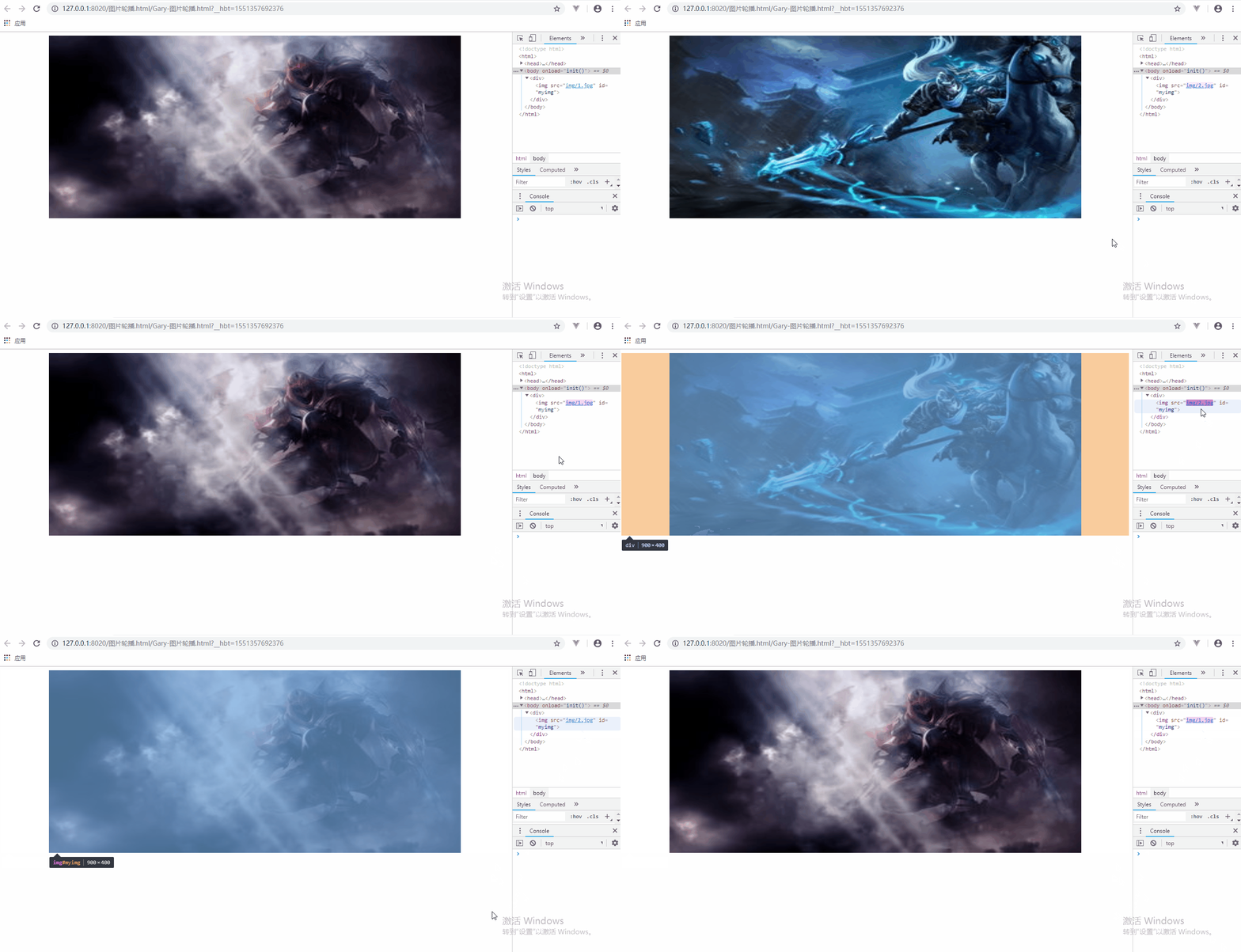
通过给<body>标签添加onload="init()"方法实现当页面加载的时候再调用init()中初始化方法
    <body onload="init()">

            <div>

                <img src="img/1.jpg" id="myimg"/>

            </div>

    </body>
使用JavaScript控制图片每隔2s循环播放
        <script type="text/javascript">

                var index = 1;

            function init(){

//                图片两秒进行一次切换

//                window.setTimeout(changeImg,2000);

//                图片每隔两秒循环进行切换

                window.setInterval(changeImg,2000);

            }

            function changeImg(){

//                得到img标签

                myimg = document.getElementById("myimg");

                index++;

                if(index>2){

                    index = 1;

                }

                myimg.src ="img/"+index+".jpg";

            }

        </script>
<!DOCTYPE html>

<html>

    <head>

        <meta charset="utf-8" />

        <title>Gary图片轮播</title>

        <style type="text/css">

            div{

                width: 900px;

                height:400px;

                margin: 0 auto;

            }

            div img{

                width:900px;

                height: 400px;

            }

        </style>

        <script type="text/javascript">

                var index = 1;

            function init(){

//                图片两秒进行一次切换

//                window.setTimeout(changeImg,2000);

//                图片每隔两秒循环进行切换

                window.setInterval(changeImg,2000);

            }

            function changeImg(){

//                得到img标签

                myimg = document.getElementById("myimg");

                index++;

                if(index>2){

                    index = 1;

                }

                myimg.src ="img/"+index+".jpg";

            }

        </script>

    </head>

    <body onload="init()">

            <div>

                <img src="img/1.jpg" id="myimg"/>

            </div>

    </body>

</html>
Gary-图片轮播.html
三、添加上一张和下一张按钮
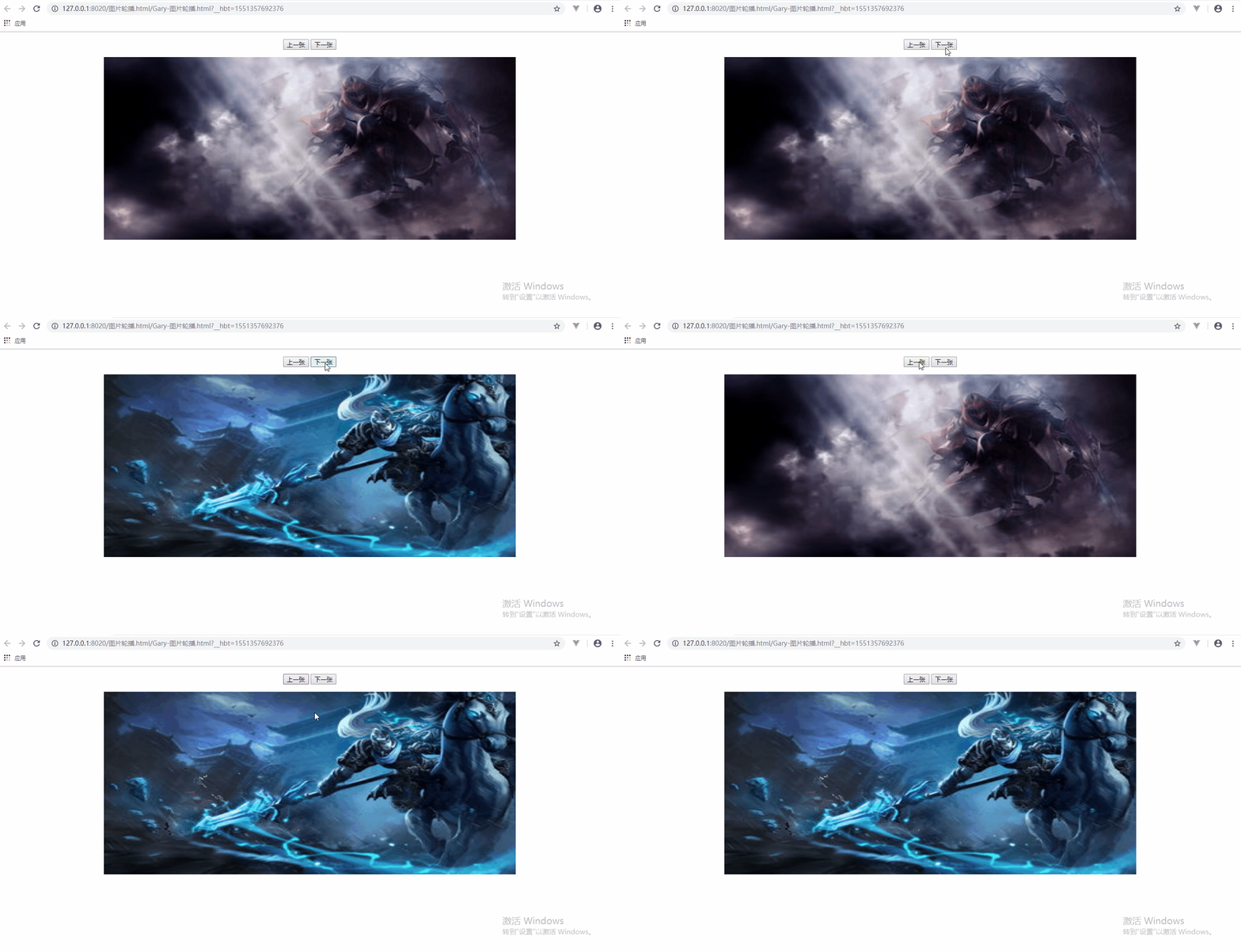
添加两个按钮并设置居中显示
            <p align="center">

                <button onclick="preImg()">上一张</button>

                <button onclick="nextImg()">下一张</button>

            </p>
添加点击按钮时调用上一张和下一张图片
    function changeImg(){

                nextImg()

            }

            //点击上一张

            function preImg(){

//                得到img标签

                myimg = document.getElementById("myimg");

                index--;

                if(index<1){

                    index = 2;

                }

                myimg.src ="img/"+index+".jpg";

            }

            function nextImg(){

                //                得到img标签

                myimg = document.getElementById("myimg");

                index++;

                if(index>2){

                    index = 1;

                }

                myimg.src ="img/"+index+".jpg";

            }
<!DOCTYPE html>

<html>

    <head>

        <meta charset="utf-8" />

        <title>Gary图片轮播</title>

        <style type="text/css">

            div{

                width: 900px;

                height:400px;

                margin: 0 auto;

            }

            div img{

                width:900px;

                height: 400px;

            }

        </style>

        <script type="text/javascript">

                var index = 1;

            function init(){

//                图片两秒进行一次切换

//                window.setTimeout(changeImg,2000);

//                图片每隔两秒循环进行切换

                window.setInterval(changeImg,2000);

            }

            function changeImg(){

                nextImg()

            }

            //点击上一张

            function preImg(){

//                得到img标签

                myimg = document.getElementById("myimg");

                index--;

                if(index<1){

                    index = 2;

                }

                myimg.src ="img/"+index+".jpg";

            }

            function nextImg(){

                //                得到img标签

                myimg = document.getElementById("myimg");

                index++;

                if(index>2){

                    index = 1;

                }

                myimg.src ="img/"+index+".jpg";

            }

        </script>

    </head>

    <body onload="init()">

            <p align="center">

                <button onclick="preImg()">上一张</button>

                <button onclick="nextImg()">下一张</button>

            </p>

            <div>

                <img src="img/1.jpg" id="myimg"/>

            </div>

    </body>

</html>
Gary-图片轮播.html
四、图片轮播的优化
为防止图片名不一定都是按Q1.jpg,Q2.jpg这种类型顺序排序,可以在先前的图片按钮点击遍历的基础上使用数组来存储图片的路径
//            数组下标从0开始

            var index = 0;

            var pathArr = new Array(

                "img/1.jpg",

                "img/1.png",

                "img/2.jpg",

                "img/2.png"

            );
点击上一张图片和下一张图片判定范围设置成pathArr.length
function changeImg(){

                nextImg()

            }

            //点击上一张

            function preImg(){

//                得到img标签

                myimg = document.getElementById("myimg");

                index--;

                if(index<0){

                    index = pathArr.length-1;

                }

                myimg.src =pathArr[index];

            }

            function nextImg(){

                //                得到img标签

                myimg = document.getElementById("myimg");

                index++;

                if(index>pathArr.length){

                    index = 0;

                }

                myimg.src =pathArr[index];

            }

<!DOCTYPE html>

<html>

    <head>

        <meta charset="utf-8" />

        <title>Gary图片轮播</title>

        <style type="text/css">

            div{

                width: 900px;

                height:400px;

                margin: 0 auto;

            }

            div img{

                width:900px;

                height: 400px;

            }

        </style>

        <script type="text/javascript">

//            数组下标从0开始

            var index = 0;

            var pathArr = new Array(

                "img/1.jpg",

                "img/1.png",

                "img/2.jpg",

                "img/2.png"

            );

            function init(){

//                图片两秒进行一次切换

//                window.setTimeout(changeImg,2000);

//                图片每隔两秒循环进行切换

                window.setInterval(changeImg,2000);

            }

            function changeImg(){

                nextImg()

            }

            //点击上一张

            function preImg(){

//                得到img标签

                myimg = document.getElementById("myimg");

                index--;

                if(index<0){

                    index = pathArr.length-1;

                }

                myimg.src =pathArr[index];

            }

            function nextImg(){

                //                得到img标签

                myimg = document.getElementById("myimg");

                index++;

                if(index>pathArr.length){

                    index = 0;

                }

                myimg.src =pathArr[index];

            }

        </script>

    </head>

    <body onload="init()">

            <p align="center">

                <button onclick="preImg()">上一张</button>

                <button onclick="nextImg()">下一张</button>

            </p>

            <div>

                <img src="img/1.jpg" id="myimg"/>

            </div>

    </body>

</html>
Gary-图片轮播.html
原生Js_简易图片轮播模板的更多相关文章
- 原生js实现图片轮播思路分析
一.复习原生js实现图片轮播 1.要点 自动轮播 点击小圆圈按钮,显示相应图片 点击左右箭头,实现向前向后轮播图片 2.实现思路 <div id="container"> ...
- 原生js实现图片轮播效果
思路:设置父容器(一定宽度,一定高度,相对定位,子容器超出部分进行隐藏),子容器图片并排(浮动,绝对定位,每次点击进行相应的左或右偏移量) 1.html: <!DOCTYPE html> ...
- JavaScript学习---简易图片轮播
效果如下: 图片定时轮播 点击左右控制显示下一张或上一张图片 index.html文件 <html> <head> <title> js编写实现幻灯片效果 < ...
- 原生Javascript实现图片轮播效果
首先引入js运动框架 function getStyle(obj,name){ if(obj.currentStyle){ return obj.currentStyle[name]; } else{ ...
- jquery的图片轮播 模板类型
先说一下用到的几个重要的事件 j jQuery on()方法是官方推荐的绑定事件的一个方法. $(selector).on(event,childSelector,data,function,map) ...
- 原生JS实现图片轮播
<!doctype html> <html lang="en"> <head> <meta charset="UTF-8&quo ...
- JS: 图片轮播模板——左右移动,点击编码移动,自动轮播
<!DOCTYPE html><html> <head> <meta charset="UTF-8"> <title> ...
- 原生Js_使用setInterval() 方法实现图片轮播功能
用javascript图片轮播功能 <!DOCTYPE html> <html> <head> <meta charset="utf-8" ...
- 原生JS实现"旋转木马"效果的图片轮播插件
一.写在最前面 最近都忙一些杂七杂八的事情,复习软考.研读经典...好像都好久没写过博客了... 我自己写过三个图片轮播,一个是简单的原生JS实现的,没有什么动画效果的,一个是结合JQuery实现的, ...
随机推荐
- 解决radiobutton在gridview中无法单选的一种方法
最近在项目中有个单选gridview中某一项的需求,使用radiobutton后发现,虽然最终选择出来的是一项,但是在页面上却可以选择多项,经过查看生成的html代码,发现生成的radio的name属 ...
- CentOS7 yum安装Mariadb
1.安装Mariadb #yum -y install mariadb mariadb-server 1.1当执行程序末端显示Complete则完成安装 2.安装完成后启动服务 # systemctl ...
- JS基础_非布尔值的与或运算
<!DOCTYPE html> <html> <head> <meta charset="UTF-8"> <title> ...
- [转载]深入理解maven构建生命周期和各种plugin插件
我就不复制博主文章了,到原文地址看吧.写这个只是为了自己搜索起来方便些: https://blog.csdn.net/zhaojianting/article/details/80321488 htt ...
- wpf GeometryDrawing 绘制文字
<GeometryDrawing x:Key="GeometryDrawingText"> <GeometryDrawing.Geometry> <R ...
- 快速写个node命令行工具
1.package.json-bin配置 [创建bat文件,把bat路径添加到PATH中]这些固定的工作可以由npm帮我们完成.package.json中有个bin字段配置: bin: { " ...
- Vue-----this.$nextTick()
Vue-----this.$nextTick() $nextTick Vue.nextTick()是在下次 DOM 更新循环结束之后执行延迟回调,在修改数据之后使用 $nextTick,则可以在回调中 ...
- mysql 使用zip包进行安装以及服务启动后立即关闭问题
本实例使用的mysql版本为 mysql-8.0.15-winx64 1.下载zip包 官网地址:https://dev.mysql.com/downloads/mysql/ 2.安 ...
- js对象的所有方法
Object构造方法 Object.assign() 将所有可枚举的自身属性的值从一个或多个源对象复制到目标对象. Object.create() 用指定的原型对象和属性创建一个新对象. Object ...
- bootstap 表格自动换行 截取超长数据
<table class="table" style="TABLE-LAYOUT:fixed;WORD-WRAP:break_word">