
【代码笔记】iOS-点击一个button,出6个button
一,效果图。
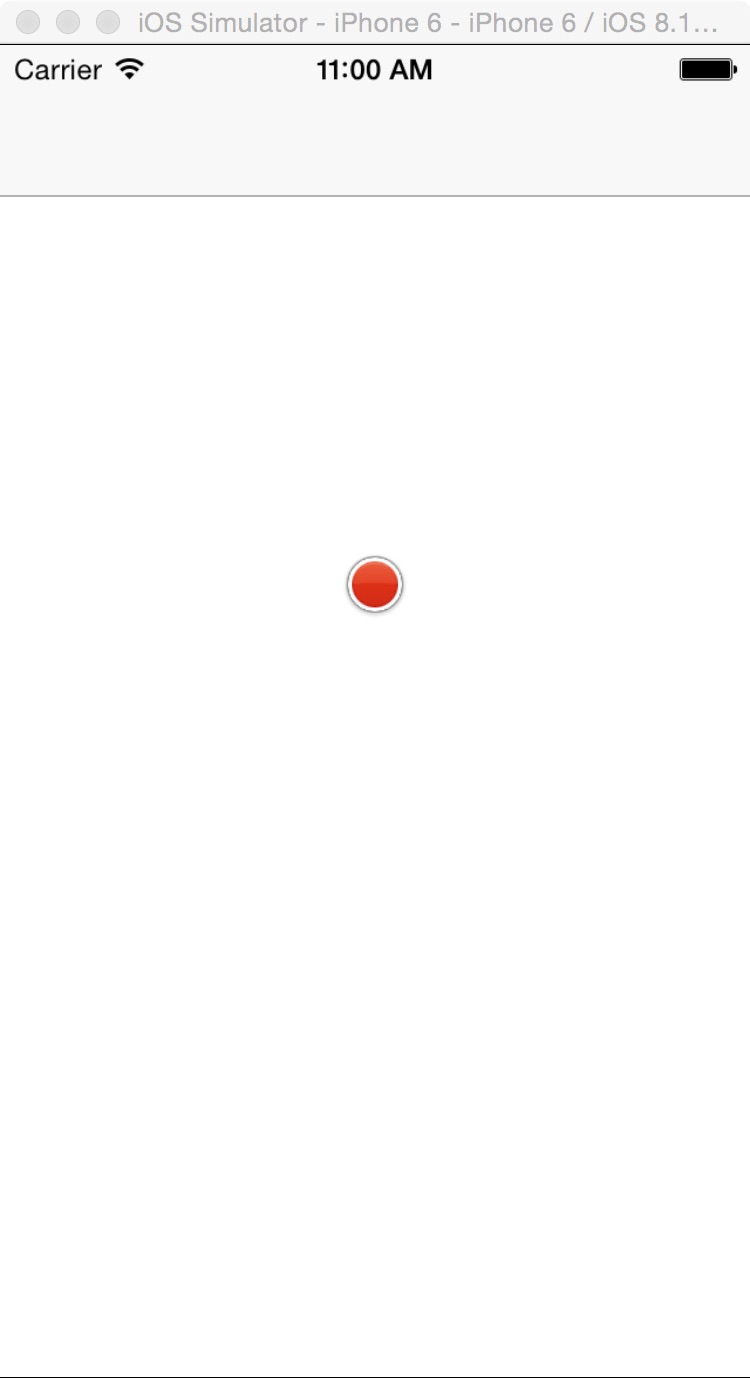
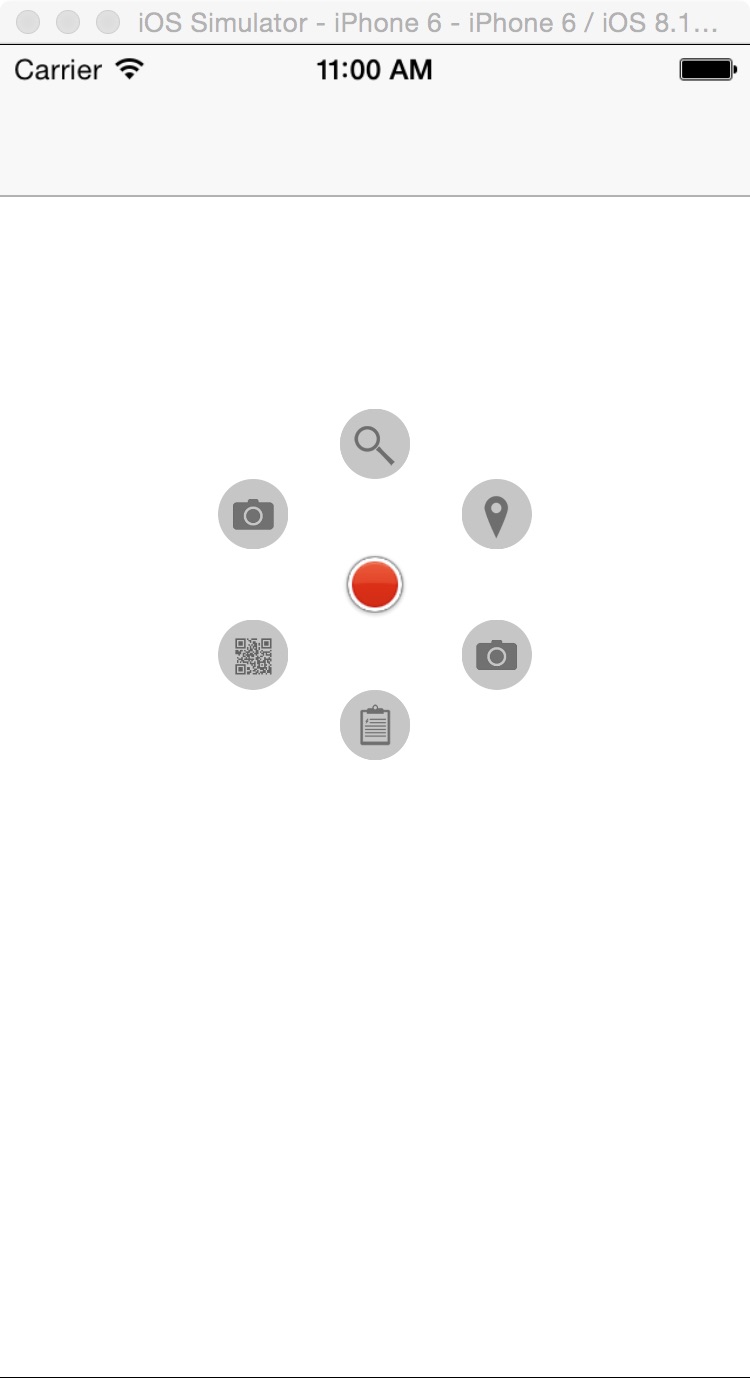
二,工程图。

三,代码。
RootViewController.h

#import <UIKit/UIKit.h>

//加入头文件

#import "DCPathButton.h"

@interface RootViewController : UIViewController

<DCPathButtonDelegate>

@end
RootViewController.m
#import "RootViewController.h"

@interface RootViewController ()

@end

@implementation RootViewController

- (id)initWithNibName:(NSString *)nibNameOrNil bundle:(NSBundle *)nibBundleOrNil

{

    self = [super initWithNibName:nibNameOrNil bundle:nibBundleOrNil];

    if (self) {

        // Custom initialization

    }

    return self;

}

- (void)viewDidLoad

{

    [super viewDidLoad];

    // Do any additional setup after loading the view.

    self.view.frame = CGRectMake(0, 0, 320, 460);

    self.view.backgroundColor = [UIColor whiteColor];

    DCPathButton *dcPathButton = [[DCPathButton alloc]

                                  initDCPathButtonWithSubButtons:6

                                  totalRadius:60

                                  centerRadius:15

                                  subRadius:15

                                  centerImage:@"custom_center"

                                  centerBackground:nil

                                  subImages:^(DCPathButton *dc){

                                      [dc subButtonImage:@"custom_1" withTag:0];

                                      [dc subButtonImage:@"custom_2" withTag:1];

                                      [dc subButtonImage:@"custom_3" withTag:2];

                                      [dc subButtonImage:@"custom_4" withTag:3];

                                      [dc subButtonImage:@"custom_5" withTag:4];

                                      [dc subButtonImage:@"custom_1" withTag:5];

                                  }

                                  subImageBackground:nil

                                  inLocationX:0 locationY:0 toParentView:self.view];

    dcPathButton.delegate = self;

}

#pragma mark - DCPathButton delegate

- (void)button_0_action{

    NSLog(@"Button Press Tag 0!!");

}

- (void)button_1_action{

    NSLog(@"Button Press Tag 1!!");

}

- (void)button_2_action{

    NSLog(@"Button Press Tag 2!!");

}

- (void)button_3_action{

    NSLog(@"Button Press Tag 3!!");

}

- (void)button_4_action{

    NSLog(@"Button Press Tag 4!!");

}

- (void)button_5_action{

    NSLog(@"Button Press Tag 5!!");

}

- (void)didReceiveMemoryWarning

{

    [super didReceiveMemoryWarning];

    // Dispose of any resources that can be recreated.

}
【代码笔记】iOS-点击一个button,出6个button的更多相关文章
- 【代码笔记】iOS-点击一个按钮会出现多个按钮的动画效果
一,效果图. 二,工程图. 三,代码. RootViewController.h #import <UIKit/UIKit.h> @interface RootViewController ...
- 【代码笔记】iOS-点击顶点处,弹出另一个小的界面
一,效果图. 二,文件目录. 三,代码. RootViewController.h #import <UIKit/UIKit.h> @interface RootViewControlle ...
- jQuery 学习笔记2 点击时弹出一个对话框
上次学习的是页面加载完成后弹出一个警告框,这里我们改为当用户点击后弹出一个警告框. <!DOCTYPE html PUBLIC "-//W3C//DTD XHTML 1.0 Trans ...
- 【代码笔记】iOS-点击搜索按钮,或放大镜后都会弹出搜索框
一, 效果图. 二,工程图. 三,代码. RootViewController.h #import <UIKit/UIKit.h> #import "CLHSearchBar.h ...
- 【代码笔记】iOS-点击任何处,显示出红色的UIView
一,效果图. 二,工程图. 三,代码. RootViewController.h #import <UIKit/UIKit.h> //头文件 #import "MoreView. ...
- 【代码笔记】iOS-点击搜索跳转到另外一个页面
一,效果图. 二,工程图. 三,代码. RootViewController.h #import <UIKit/UIKit.h> @interface RootViewController ...
- 【代码笔记】iOS-点击城市中的tableView跳转到旅游景点的tableView,下面会有“显示”更多。
一,效果图. 二,工程图. 三,代码. RootViewController.h #import <UIKit/UIKit.h> @interface RootViewController ...
- 【代码笔记】iOS-点击cell时候的动画翻转
一,效果图. 二,工程图. 三,代码. RootViewController.h #import <UIKit/UIKit.h> @interface RootViewController ...
- 【代码笔记】iOS-点击任何处,出现城市
一,效果图. 二,工程目录. 三,代码. //点击任何处,出现城市 -(void)touchesBegan:(NSSet *)touches withEvent:(UIEvent *)event { ...
随机推荐
- HT for Web 中Painter的介绍及用法
鉴于许多同学对Painter不熟悉,所以撰写此文介绍下.Painter的中文意思是画家.漆工,那放到HT里是什么意思呢?很简单,这是HT特有的一种接口,允许开发者在拓扑及其它通用组件上使用Canvas ...
- [Server] 搭建发布环境Web Deploy
在Web Deploy前,实际上完全可以使用FTP方式发布网站. 如果你购买的只是虚拟空间,那FTP方式更广泛. 先来搭建一套FTP吧 添加FTP服务 在网站上添加FTP发布 配置FTP服务 FTP注 ...
- Entity Framework基础01
学习了ADO.NET的相关知识,掌握了它对数据库表的基本操作,但是实际在开发项目应用中微软为我们开发ef这个ORM,使用它可以很方便的利用ADO.NET来操作DBMS,使得我们开发项目的着重点放在业务 ...
- Load Audio or Vedio files
//Load Audio or Vedio files private void btnLoadFile_Click(object sender, EventArgs e) { Startindex ...
- 【SQL】找出行数与自增标识值不相等的表(即有缺行)
环境:mssql ent 2k8 r2 原理:遍历所有含自增列的用户表,用sp_spaceused过程分别获取每张表的行数并写入临时表,然后使用IDENT_CURRENT函数获取表的最大标识值,比较二 ...
- java调用Oracle分页存储过程
Java程序 package com.test; import java.sql.CallableStatement; import java.sql.Connection; import java. ...
- MySQL建表规范与常见问题
一. 表设计 库名.表名.字段名必须使用小写字母,“_”分割. 库名.表名.字段名必须不超过12个字符. 库名.表名.字段名见名知意,建议使用名词而不是动词. 建议使用InnoDB存储引擎. 存储精确 ...
- 改变 TMemo 的背景颜色 (Firemonkey)
说明:展示使用程序码改变 Firemonkey TMemo 的背景颜色. 适用:XE6 源码下载:[原創]Memo改背景色_XE6.zip //---------------------------- ...
- Appcelerator Titanium Studio: JNI_CreateJavaVM missing error
Mac升级到Yosemite后,Titanium Studio启动不了,报Appcelerator Studio: JNI_CreateJavaVM missing error 之类的错误,重装了Or ...
- 通过jQuery的比较来认识AngularJS
通过jQuery的比较来认识AngularJS 这一章主要是通过几个例子分别通过jQuery和AngularJS来达到效果.主要通过思维转换来进一步了解AngularJS框架设计背后的思想. 注意: ...