
测开之路一百五十五:jquery-validation前台数据验证
前面做的wtform验证是服务器端的验证,需要把数据传输到服务器,服务器验证后再吧结果传输到前端,网络慢的时候,用户体验不好,所以需要前端验证,且后端验证不能少
传统的js或者jquery如果要验证信息,需要把一个个元素下的信息拿下来,再验证,而validation可以根据元素定位,可以直接就验证了
validation官网:https://jqueryvalidation.org/
cnd引用地址:https://www.bootcdn.cn/jquery-validate/
引用标签:
<script src="https://cdn.bootcss.com/jquery-validate/1.15.1/jquery.validate.js"></script>
<script src="https://cdn.bootcss.com/jquery-validate/1.15.0/additional-methods.min.js"></script>

页面
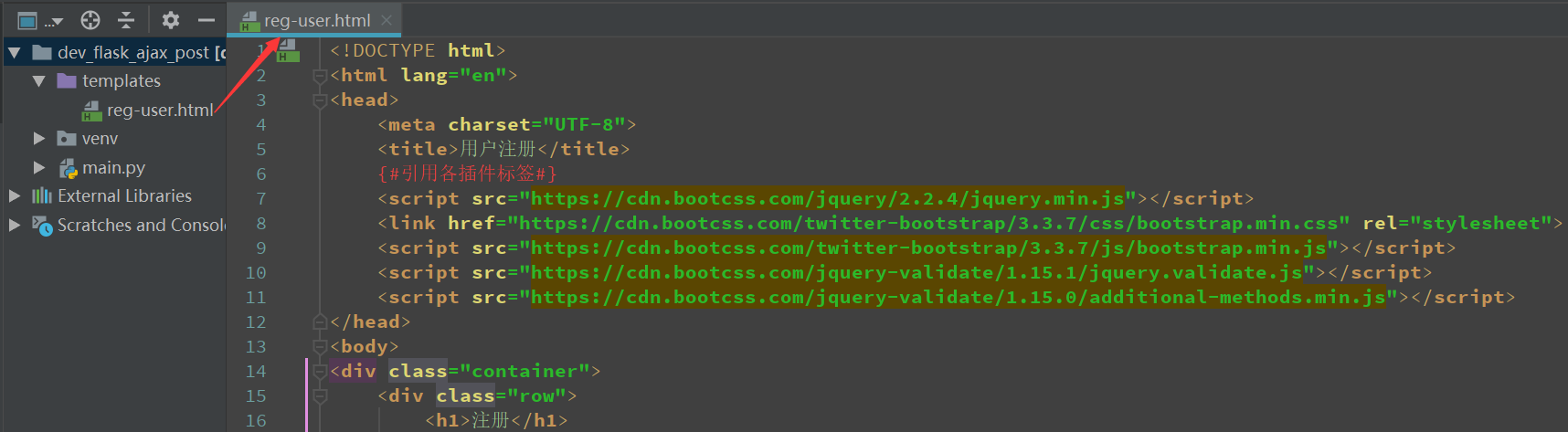
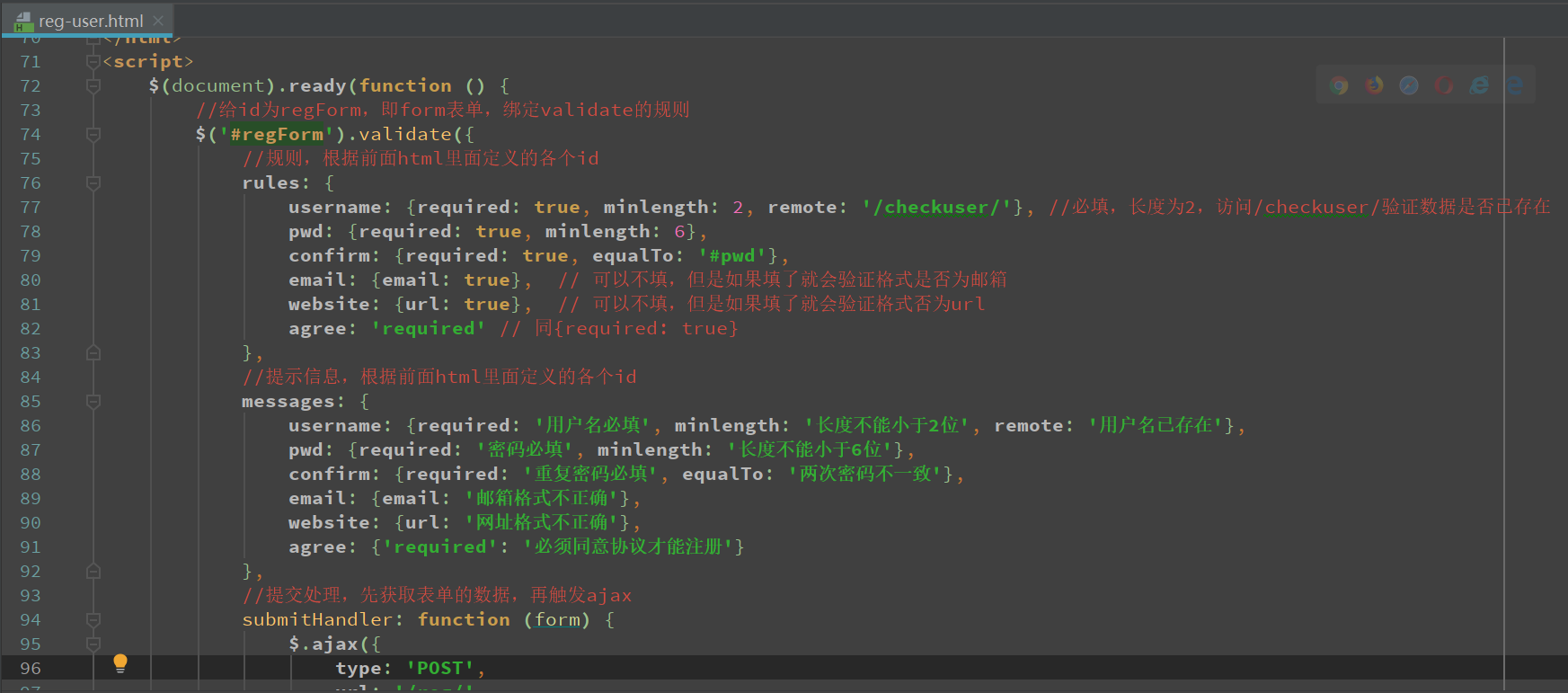
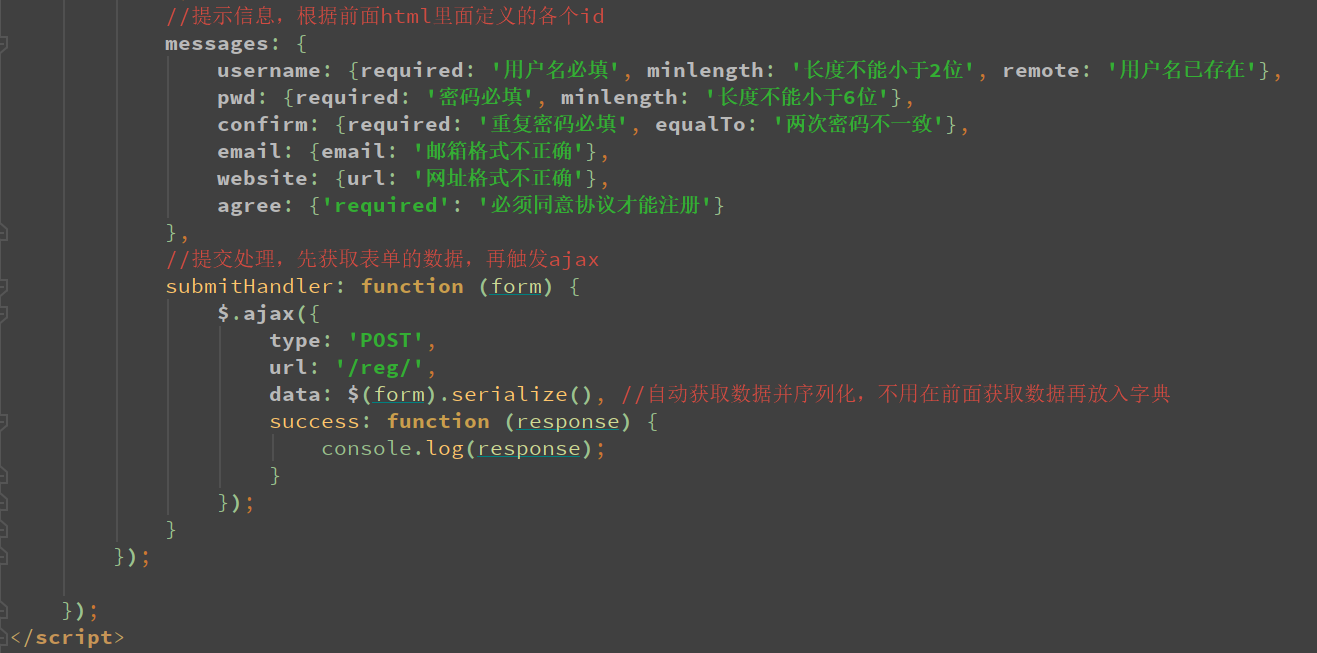
<!DOCTYPE html>
<html lang="en">
<head>
    <meta charset="UTF-8">
    <title>用户注册</title>
    {#引用各插件标签#}
    <script src="https://cdn.bootcss.com/jquery/2.2.4/jquery.min.js"></script>
    <link href="https://cdn.bootcss.com/twitter-bootstrap/3.3.7/css/bootstrap.min.css" rel="stylesheet">
    <script src="https://cdn.bootcss.com/twitter-bootstrap/3.3.7/js/bootstrap.min.js"></script>
    <script src="https://cdn.bootcss.com/jquery-validate/1.15.1/jquery.validate.js"></script>
    <script src="https://cdn.bootcss.com/jquery-validate/1.15.0/additional-methods.min.js"></script>
</head>
<body>
<div class="container">
    <div class="row">
        <h1>注册</h1>
    </div>
    <div class="row">
        <div class="col-md-6 col-md-offset-3">
            <form action="#" method="post" id="regForm" autocomplete="off" class="form-horizontal">
                {#            <form action="#" id="regForm" autocomplete="off" class="form-horizontal">#}
                <div class="form-group">
                    <label for="username" class="control-label col-md-2">用户名</label>
                    <div class="col-md-10">
                        <input type="text" class="form-control" id="username" name="username">
                    </div>
                </div>
                <div class="form-group">
                    <label for="pwd" class="control-label col-md-2">密码</label>
                    <div class="col-md-10">
                        <input type="password" class="form-control" id="pwd" name="pwd">
                    </div>
                </div>
                <div class="form-group">
                    <label for="confirm" class="control-label col-md-2">确认密码</label>
                    <div class="col-md-10">
                        <input type="password" class="form-control" id="confirm" name="confirm">
                    </div>
                </div>
                <div class="form-group">
                    <label for="email" class="control-label col-md-2">邮箱</label>
                    <div class="col-md-10">
                        <input type="email" class="form-control" id="email" name="email">
                    </div>
                </div>
                <div class="form-group">
                    <label for="website" class="control-label col-md-2">网址</label>
                    <div class="col-md-10">
                        <input type="text" class="form-control" id="website" name="website">
                    </div>
                </div>
                <div class="form-group">
                    <label for="agree" class="control-label col-md-2">同意协议</label>
                    <div class="col-md-10">
                        <input type="checkbox" id="agree" name="agree"><label for="agree">同意协议</label>
                    </div>
                </div>
                <div class="form-group">
                    <div class="col-md-10 col-md-offset-2">
                        <input type="submit" class="btn btn-primary" id="idSubmit" value="注册">
                        {#                        <input type="button" class="btn btn-primary" id="idSubmit" value="注册">#}
                        <input type="reset" class="btn btn-default" value="重置">
                    </div>
                </div>
            </form>
        </div>
    </div>
</div>
</body>
</html>
<script>
    $(document).ready(function () {
        //给id为regForm,即form表单,绑定validate的规则
        $('#regForm').validate({
            //规则,根据前面html里面定义的各个id
            rules: {
                username: {required: true, minlength: 2, remote: '/checkuser/'}, //必填,长度为2,访问/checkuser/验证数据是否已存在
                pwd: {required: true, minlength: 6},
                confirm: {required: true, equalTo: '#pwd'},
                email: {email: true},  // 可以不填,但是如果填了就会验证格式是否为邮箱
                website: {url: true},  // 可以不填,但是如果填了就会验证格式否为url
                agree: 'required' // 同{required: true}
            },
            //提示信息,根据前面html里面定义的各个id
            messages: {
                username: {required: '用户名必填', minlength: '长度不能小于2位', remote: '用户名已存在'},
                pwd: {required: '密码必填', minlength: '长度不能小于6位'},
                confirm: {required: '重复密码必填', equalTo: '两次密码不一致'},
                email: {email: '邮箱格式不正确'},
                website: {url: '网址格式不正确'},
                agree: {'required': '必须同意协议才能注册'}
            },
            //提交处理,先获取表单的数据,再触发ajax
            submitHandler: function (form) {
                $.ajax({
                    type: 'POST',
                    url: '/reg/',
                    data: $(form).serialize(), //自动获取数据并序列化,不用在前面获取数据再放入字典
                    success: function (response) {
                        console.log(response);
                    }
                });
            }
        });

    });
</script>
后台代码
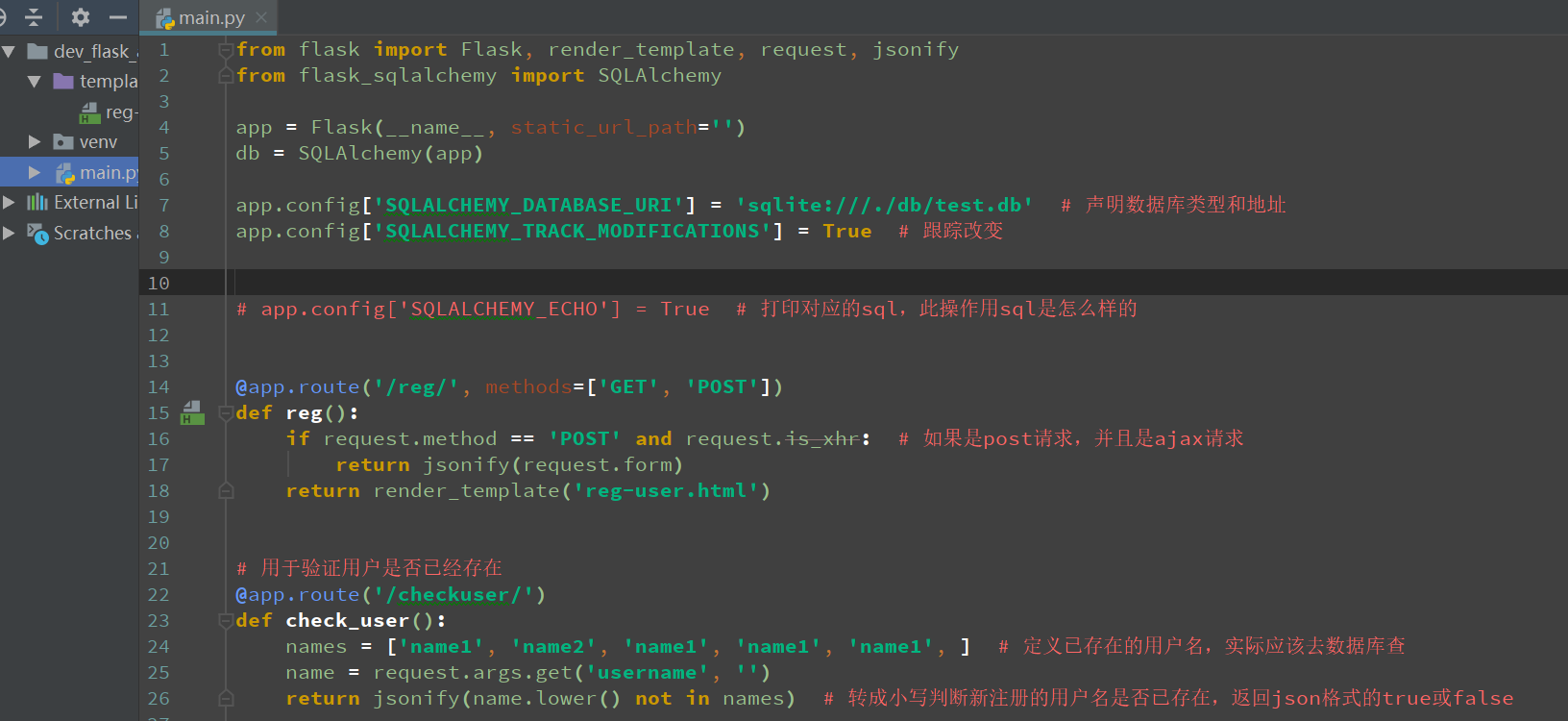
from flask import Flask, render_template, request, jsonify
from flask_sqlalchemy import SQLAlchemy

app = Flask(__name__, static_url_path='')
db = SQLAlchemy(app)

app.config['SQLALCHEMY_DATABASE_URI'] = 'sqlite:///./db/test.db'  # 声明数据库类型和地址
app.config['SQLALCHEMY_TRACK_MODIFICATIONS'] = True  # 跟踪改变

# app.config['SQLALCHEMY_ECHO'] = True  # 打印对应的sql,此操作用sql是怎么样的

@app.route('/reg/', methods=['GET', 'POST'])
def reg():
    if request.method == 'POST' and request.is_xhr:  # 如果是post请求,并且是ajax请求
        return jsonify(request.form)
    return render_template('reg-user.html')

# 用于验证用户是否已经存在
@app.route('/checkuser/')
def check_user():
    names = ['name1', 'name2', 'name1', 'name1', 'name1', ]  # 定义已存在的用户名,实际应该去数据库查
    name = request.args.get('username', '')
    return jsonify(name.lower() not in names)  # 转成小写判断新注册的用户名是否已存在,返回json格式的true或false

if __name__ == '__main__':
    app.run(debug=True)
页面
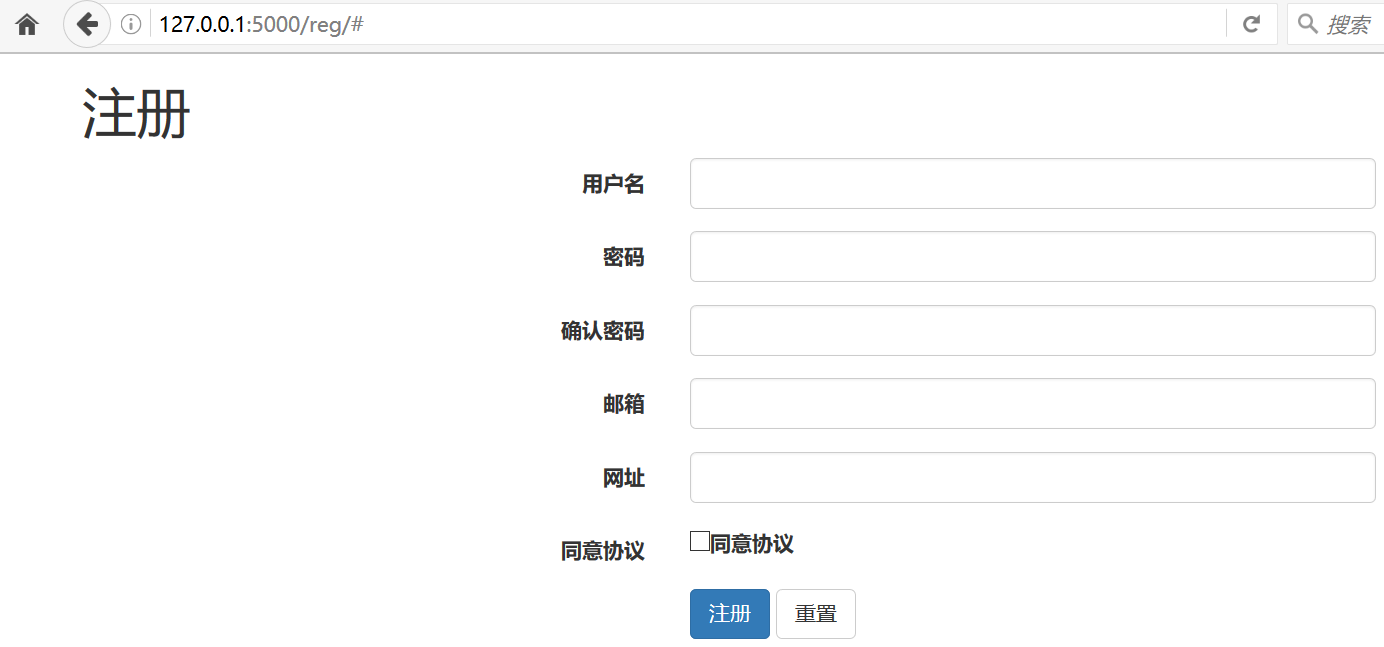
拦截
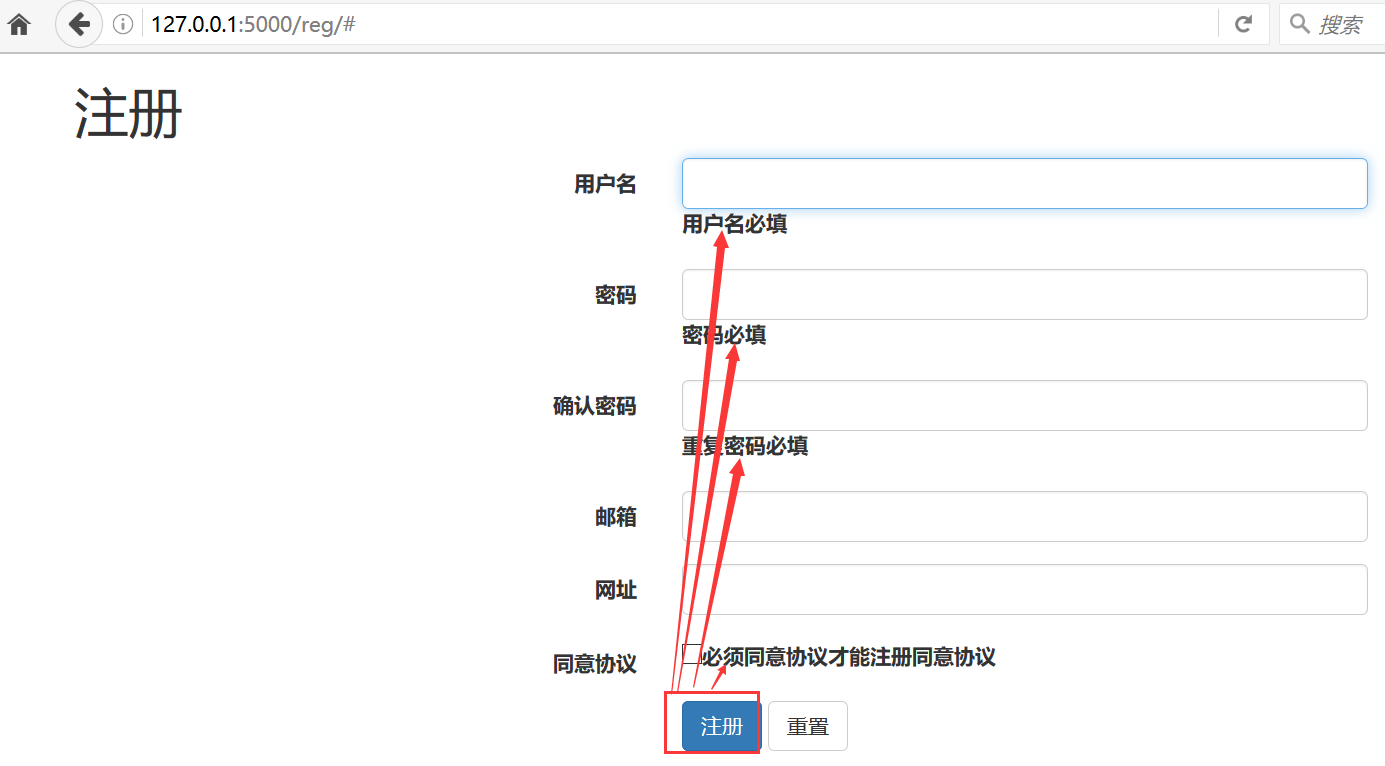
通过

测开之路一百五十五:jquery-validation前台数据验证的更多相关文章
- 测开之路一百二十五:flask之urlencode参数传递和解析
当get请求传参时,用?分隔参数和域名,用&分隔参数,如果参数里面本身就有&符号就会识别不出来,还是会当成分隔符,所以这些数据在传输的时候,就需要转义,现在普遍是转成urlencode ...
- 测开之路一百四十五:SQLAlchemy与后台模板整合之新增、查询、删除
实现在页面上点击展示页就展示内容,点击新增页就触发新增功能 项目结构 admin.__init__ from flask import Blueprint admin = Blueprint('adm ...
- 测开之路一百三十九:会话管理之cookie写入、读取、和更新
机制:服务器端发送的小段文本信息存储在客户端硬盘 功能:记录用户偏好,请求.页面.站点间共享信息 特点:易丢失.安全隐患 添加cookie,需要用到make_respons.set_cookie @a ...
- 测开之路一百三十八:会话管理之session
session管理和使用,需要用到flask的session模块和设置安全码:app.secret_key 比如列表页和编辑功能只能给admin用 列表页 编辑页 添加session 登录成功时,把u ...
- 测开之路一百二十九:jinja2模板语法
flask用的是jinja2模板,有自己特定的语法 形参: 在html里面留占位参数: {{ 参数名 }},后端传值时,参数名=参数值 <!DOCTYPE html><html la ...
- 测开之路一百二十八:flask之重定向和404
a.b两个视图,分别返回a的页面和b的页面 重定向:redirect 重定向到路由:请求/a/时,重定向到/b/ 重定向到视图函数:url_for(“函数名“),访问/a/时,重定向到函数b() 主动 ...
- 测开之路一百二十六:flask之获取request请求数据
可以根据flask的request对象获取所有的请求信息 path = request.path # 获取请求地址method = request.method # 获取请求方法ip = reques ...
- 测开之路一百二十四:flask之MVC响应过程
MVC流程 原本的请求响应 结构: 视图: from flask import Flask, render_template app = Flask(__name__) @app.route(&quo ...
- 测开之路一百四十八:WTForms表单验证
使用WTForms表单验证,可以在数据建模时就设置验证信息和错误提示 创建模型时,设置验证内容,如必填.格式.长度 from flask_wtf import Formfrom wtforms imp ...
- 测开之路一百零四:jquery操作样式
jquery操作样式 添加样式.删除样式 切换样式 css("属性","值") css("属性","值"), 修改多个 ...
随机推荐
- JVM内存分配和垃圾回收以及性能调优
JVM内存分配策略 一:堆中优先分配Eden 大多数情况下,对象都在新生代的Eden区中分配内存.而新生代会频繁进行垃圾回收. 二:大对象直接进入老年代 需要大量连续空间的对象,如:长字符串.数组等, ...
- (一)老毛桃U盘启动盘制作
制作U盘启动盘前,一定要将U盘数据进行备份.U盘启动盘制作步骤: 1. 到老毛桃官网上下载U盘制作程序http://www.laomaotao.org.cn/. 2. 双击运行安装包,设置安装路径. ...
- 使用window10系统搭建完善的Linux开发环境
https://juejin.im/post/5d22e46ee51d45775746b9b1 导读 在使用window系统开发时由于系统环境和线上环境不一致可能导致各种问题,以及部分扩展库只支持li ...
- python自动化测试—配置文件的使用
一.什么是配置文件? 配置文件示例 [mysql] default-character-set = utf8 [mysqld] port = 3306 basedir = c:\mysql-5.7.2 ...
- flex布局总结回顾
1.背景 传统css盒式模型,依赖 display属性 + position属性 + float属性实现页面的布局,而随着互联网的迅猛发展,带动了无数的互联网创业者和互联网产品,因而样式布局的美化成为 ...
- 阅读之SQL优化
一.性能不理想的系统中除了一部分是因为应用程序的负载确实超过了服务器的实际处理能力外,更多的是因为系统存在大量的SQL语句需要优化. 为了获得稳定的执行性能,SQL语句越简单越好.对复杂的SQL语句, ...
- 【NOIP2012模拟10.25】单元格
题目 在一个R行C列的表格里,我们要选出3个不同的单元格.但要满足如下的两个条件: (1)选中的任意两个单元格都不在同一行. (2)选中的任意两个单元格都不在同一列. 假设我们选中的单元格分别是:A, ...
- git 清除缓存
清除git缓存 git config --local --unset credential.helper git config --global --unset credential.helper g ...
- 计时器 GC垃圾回收 demo
计时器: public void start() { //定义计时器 Timer timer=new Timer(); //定义运行间隔(数字越小,速度越快) int interval=30; //创 ...
- toJSON() 方法,将 Date 对象转换为字符串,并格式化为 JSON 数据格式。
JavaScript toJSON() 方法 定义和用法 toJSON() 方法可以将 Date 对象转换为字符串,并格式化为 JSON 数据格式. JSON 数据用同样的格式就像x ISO-8601 ...