
物联网实验Arduino(1)
回顾

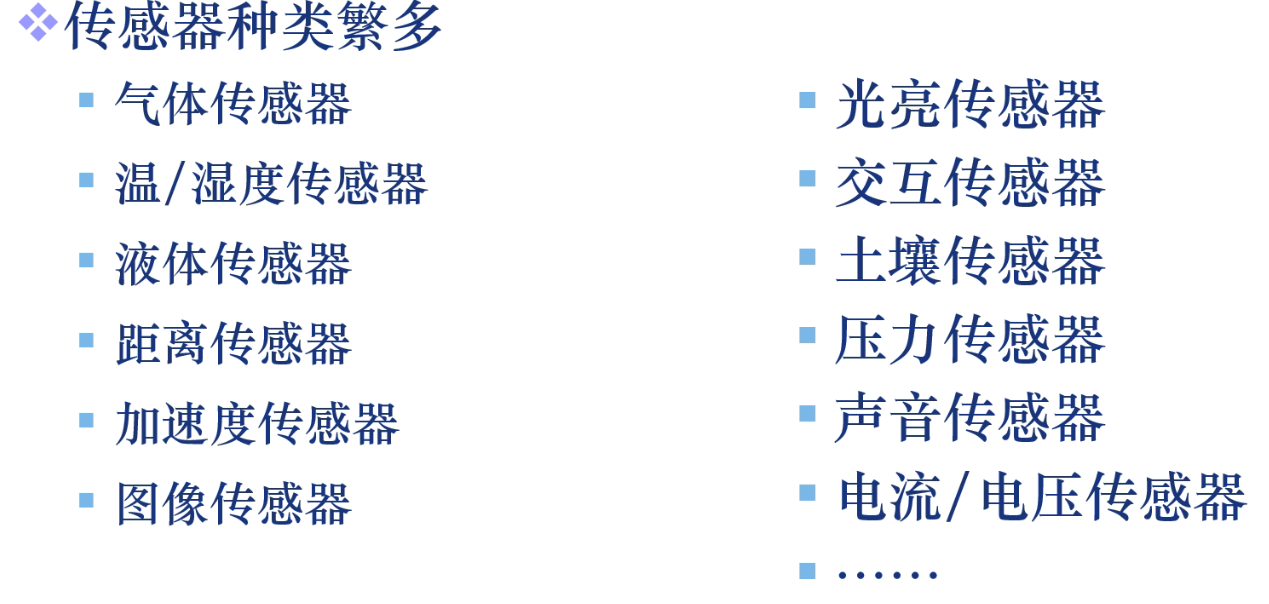
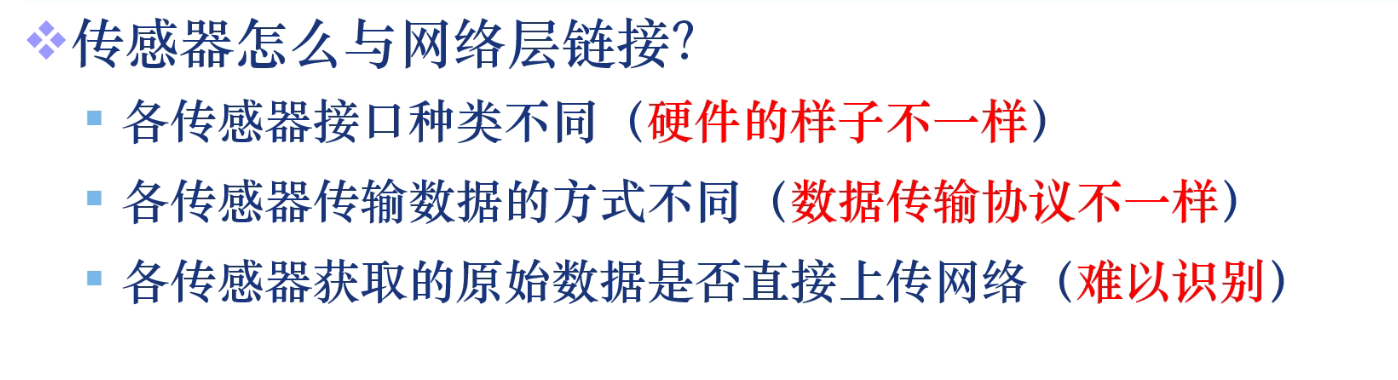

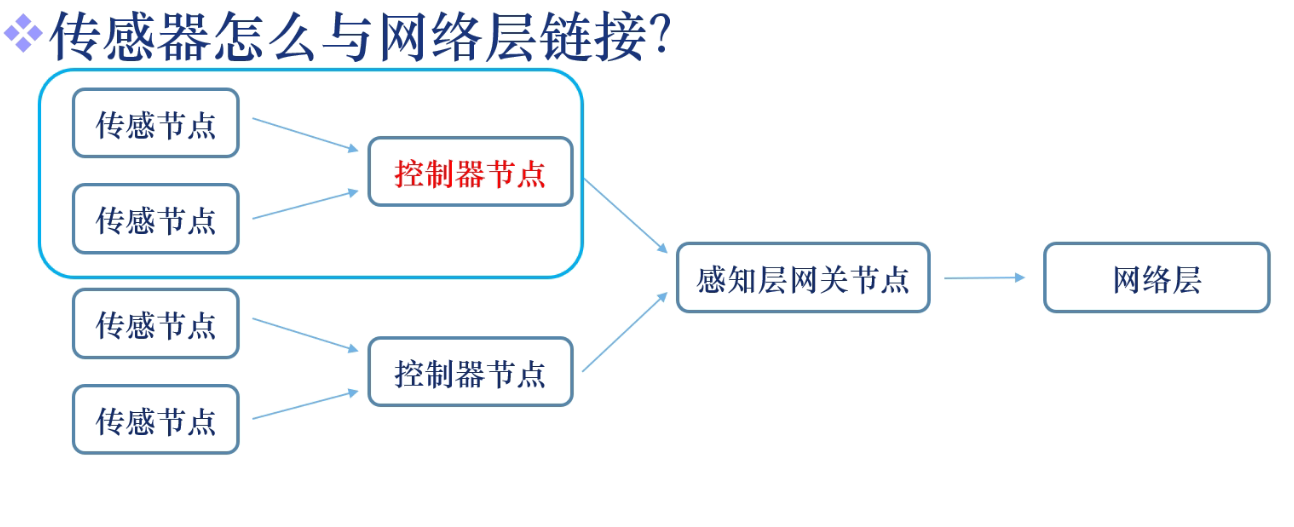
我们使用的平台:
Arduino
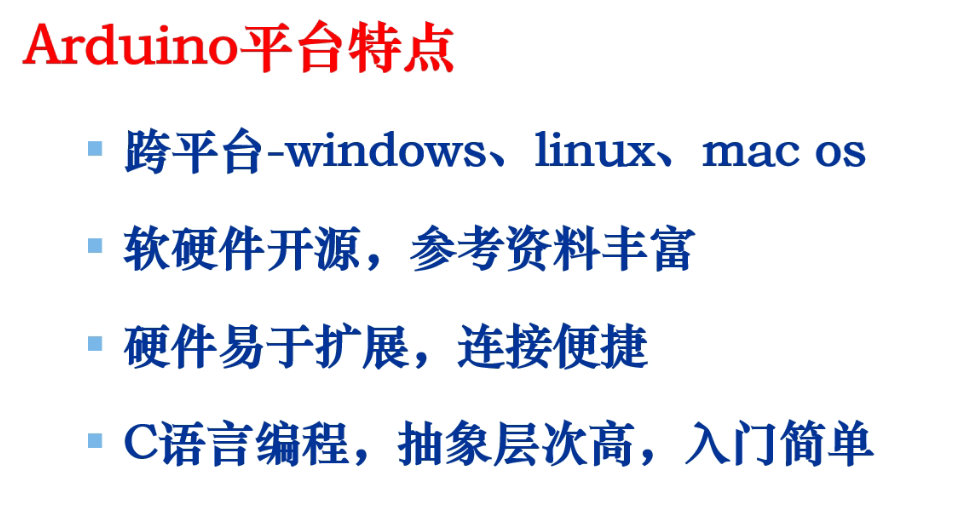





入门实验1
眨眼睛
/*

  Blink

  Turns an LED on for one second, then off for one second, repeatedly.

  Most Arduinos have an on-board LED you can control. On the UNO, MEGA and ZERO

  it is attached to digital pin 13, on MKR1000 on pin 6. LED_BUILTIN is set to

  the correct LED pin independent of which board is used.

  If you want to know what pin the on-board LED is connected to on your Arduino

  model, check the Technical Specs of your board at:

  https://www.arduino.cc/en/Main/Products

  modified 8 May 2014

  by Scott Fitzgerald

  modified 2 Sep 2016

  by Arturo Guadalupi

  modified 8 Sep 2016

  by Colby Newman

  This example code is in the public domain.

  http://www.arduino.cc/en/Tutorial/Blink

*/

// the setup function runs once when you press reset or power the board

void setup() {

  // initialize digital pin LED_BUILTIN as an output.

  pinMode(LED_BUILTIN, OUTPUT);

}

// the loop function runs over and over again forever

void loop() {

  digitalWrite(LED_BUILTIN, HIGH);   // turn the LED on (HIGH is the voltage level)

  delay();                       // wait for a second

  digitalWrite(LED_BUILTIN, LOW);    // turn the LED off by making the voltage LOW

  delay();                       // wait for a second

}
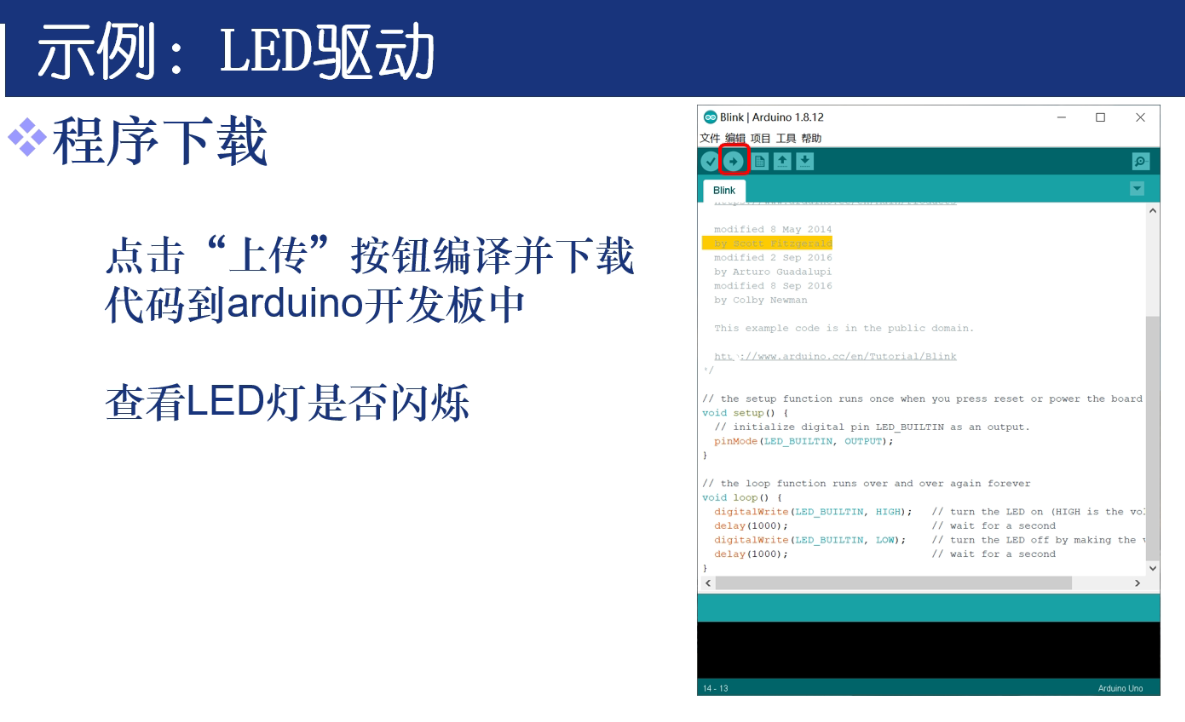
编译上传之后,可以见到开发板自带的LED交替闪亮
跑马灯
int led1=;

int led2=;

int led3=;

int n;

void setup() {

  // put your setup code here, to run once:

  //设置各个引脚的初始状态

  for(n=;n<=;n++)

  {

    pinMode(n, OUTPUT);

  }

}

void loop() {

  // put your main code here, to run repeatedly:

  turn1();//顺序点亮,顺序熄灭

  clean();  //灭掉所有灯

  turn2();//3灯齐闪

  clean();//灭掉所有灯

}

void turn1()  //顺序点亮,顺序熄灭

{

  for(n=;n<=;n++)

{

    digitalWrite(n,HIGH);

    delay();

}

  for(n=;n<=;n++)

{

    digitalWrite(n,LOW);

    delay();

}

}

void turn2()//3灯齐闪3次

{

for(int x=;x<=;x++)

{

  for( n=;n<=;n++)

{

    digitalWrite(n,HIGH);

}

delay();

  for(n=;n<=;n++)

{

    digitalWrite(n,LOW);

}

delay();

}

}

void clean()

{

for(n=;n<=;n++)

{

    digitalWrite(n,LOW);

}

delay();

}
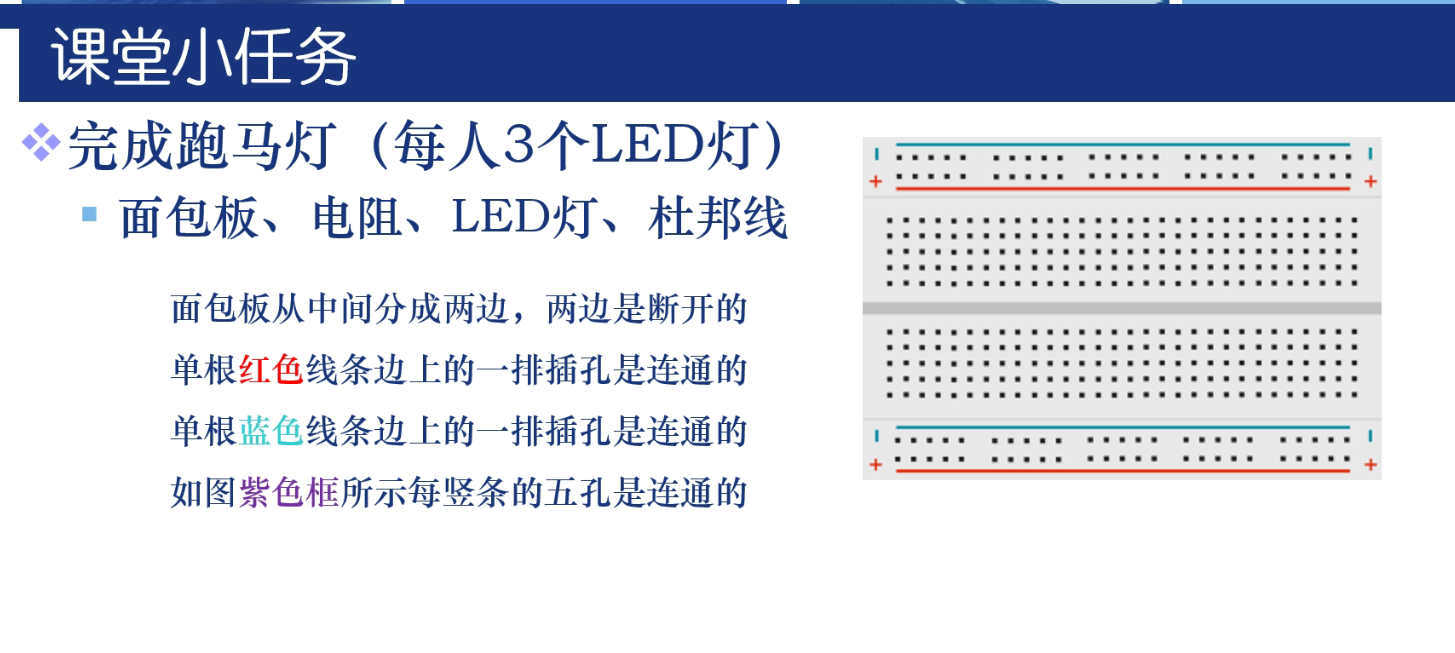
接线如下图

接5-7引脚

物联网实验Arduino(1)的更多相关文章
- 物联网实验4 alljoyn物联网实验之手机局域网控制设备
AllJoyn开源物联网协议框架,官方描述是一个能够使连接设备之间进行互操作的通用软件框架和系统服务核心集,也是一个跨制造商来创建动态近端网络的软件应用.高通已经将该项目捐赠给了一个名为“AllSee ...
- (原创) alljoyn物联网实验之手机局域网控制设备
AllJoyn开源物联网协议框架,官方描述是一个能够使连接设备之间进行互操作的通用软件框架和系统服务核心集,也是一个跨制造商来创建动态近端网络的软件应用.高通已经将该项目捐赠给了一个名为“AllSee ...
- 初探物联网 - 基于Arduino的气象站和View and Data API的结合实例
如果你参加了上个月在北京的Autodesk 开发者日,你应该看到了我做的关于Arduino的物联网实例演示,如果你没看到,欢迎参加14号在上海的开发者日,到时候我会再演(xian)示(bai)一下. ...
- 【物联网】arduino wifi
https://www.arduino.cn/forum.php?mod=viewthread&tid=49561 http://dy.163.com/v2/article/detail/DC ...
- Arduino教程资料汇总(8月22日悄悄跟新了一下)
http://www.geek-workshop.com/thread-985-1-1.html 本帖最后由 迷你强 于 2013-8-31 12:36 编辑 =====F-101 arduino基础 ...
- 可能是Mac环境变量恢复的参考
因为要做物联网实验的缘故,于是在Mac上用Android Studio想导入SensorSimulator的demo项目. 根据SensorSimulator的相关说明,需要先将Sensor Simu ...
- 迈出物联网的第一步,玩儿一下Arduino
大家知道,现在物联网Internet of Things(IoT) 方兴未艾,各种智能设备层出不穷,手表.手环.甚至运动鞋等可穿戴设备,还有智能家居产品,无时无刻不冲击着我们的思想和眼球.Autode ...
- 基于 Arduino 的 RFID 识别实验
http://www.it165.net/embed/html/201512/3287.html 2015年12月04日(周五) 上午 博士的智能卡实验--RFID识别实验,基于51单片机: 我们的 ...
- Arduino示例教程超声波测距实验
超声波传感器 超声波是一种超出人类听觉极限的声波即其振动频率高于20 kHz的机械波.超声波传感器在工作的时候就是将电压和超声波之间的互相转换,当超声波传感器发射超声波时,发射超声波的探头将电压转化的 ...
随机推荐
- 阿里云centos7服务器nginx配置及常见问题解答
前言: 本文参考了jackyzm的博客:https://www.cnblogs.com/jackyzm/p/9600738.html,进行了内容的更新,并请注意这里适用的版本是centos7的版本.并 ...
- CSRF攻击原理以及防御方法(写的很好)
转载地址:http://www.phpddt.com/reprint/csrf.html CSRF概念:CSRF跨站点请求伪造(Cross—Site Request Forgery),跟 ...
- 微服务架构中的BFF到底是啥?
在<技术中台与业务中台都是啥玩意>一文中留下一个问题:BFF是啥?为啥在API网关和业务中台之间加入了一层BFF?考虑到在实际工作中,我的大部分同事都问过这个问题,这里我也总结一下进行答复 ...
- python数据处理(二)之处理Excel文件
代码与资料 https://github.com/jackiekazil/data-wrangling 1.安装相关包 2.解析Excel文件 在解析Excel之前应该想办法寻找替代的格式 3.开始解 ...
- 数据可视化之DAX篇(八) DAX学习:使用VAR定义变量
https://zhuanlan.zhihu.com/p/64414205 前面介绍如何使用DAX生成日期表的时候,使用了VAR,有人留言问这个VAR怎么理解,那么这篇文章就来介绍VAR以及它的用法. ...
- python 面向对象专题(十):特殊方法 (三)__get__、__set__、__delete__ 描述符(三)方法是描述符
在类中定义的函数属于绑定方法(bound method),因为用户定义的函数都有 __get__ 方法,所以依附到类上时,就相当于描述符.示例 20-13 演示了从 面向对象专题(九)示例 20-8 ...
- 【Floyd算法+贪心】 travel 计蒜客 - 45275
题目: 有 n 个景点,从一个景点 i 旅行到另一个景点 j 要花费 Ai,j=Aj,i(n≤100),现在给出由 m(≤1e5) 个景点的组成序列 A,求:在所有 "有子序列 A 的序列中 ...
- 修改ElementUI样式的几种方式
ElementUI是一款非常强大的前端UI组件库,它默认定义了很多美观的样式,但是我们在实际开发过程中不可避免地遇到需要修改ElementUI默认样式.下面总结了几种修改默认样式的方法. 1. 新建全 ...
- 看了这篇你就会手写RPC框架了
一.学习本文你能学到什么? RPC的概念及运作流程 RPC协议及RPC框架的概念 Netty的基本使用 Java序列化及反序列化技术 Zookeeper的基本使用(注册中心) 自定义注解实现特殊业务逻 ...
- DQL_MySQL
4.DQL(查询数据){SUPER 重点} 4.1DQL (Data Query Language : 数据查询语言) -所有的查询操作: Select 数据库中最核心的语言 create data ...