
Spring_通过注解配置 Bean(1)
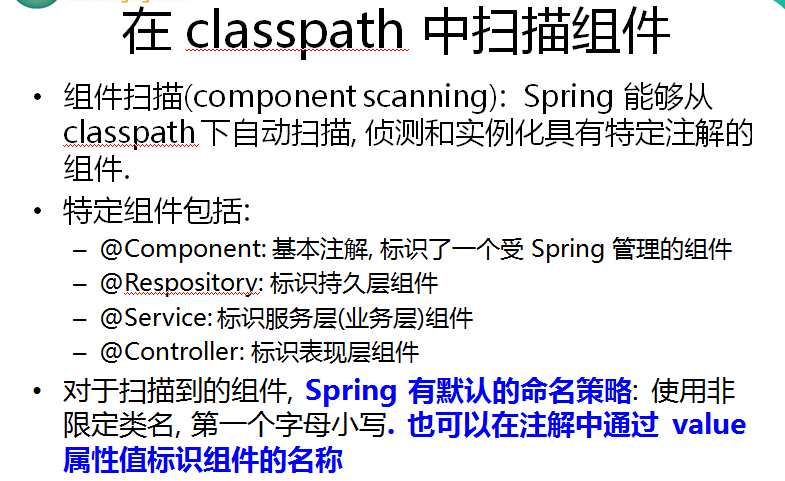
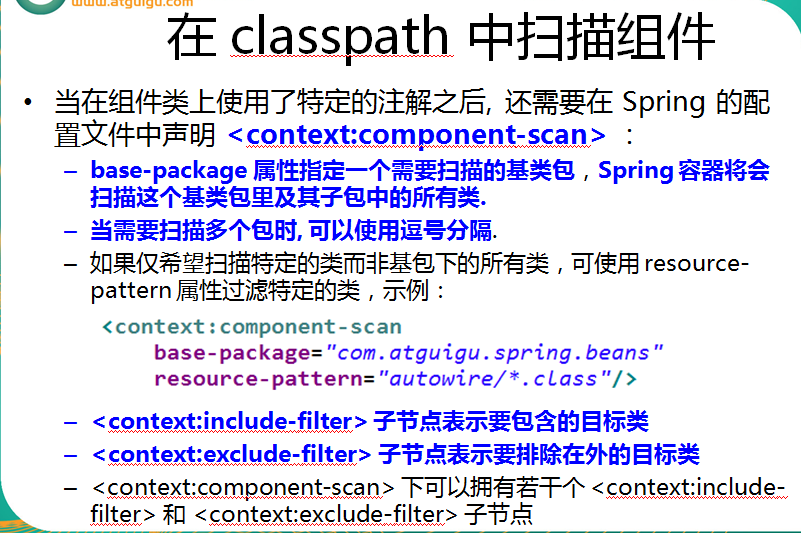
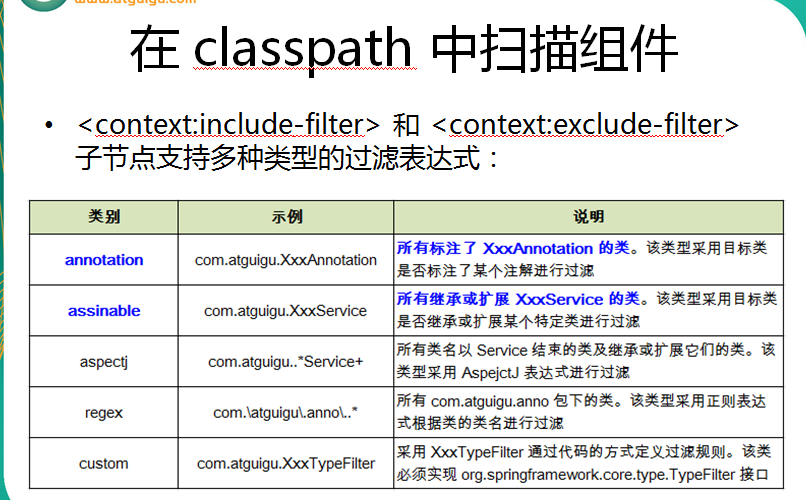
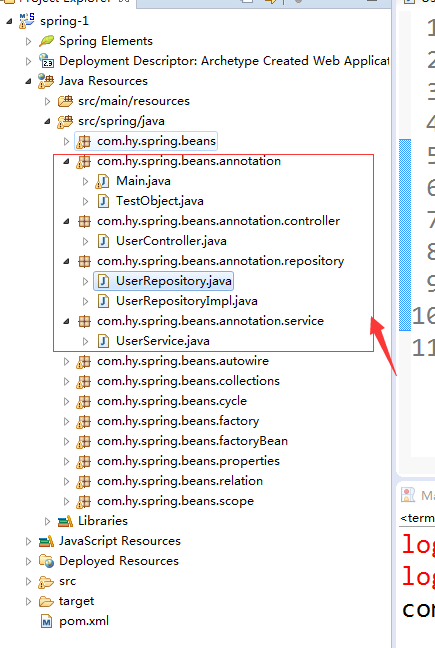
beans-annotation.xml
<?xml version="1.0" encoding="UTF-8"?>
<beans xmlns="http://www.springframework.org/schema/beans"
xmlns:xsi="http://www.w3.org/2001/XMLSchema-instance"
xmlns:context="http://www.springframework.org/schema/context"
xsi:schemaLocation="http://www.springframework.org/schema/beans http://www.springframework.org/schema/beans/spring-beans.xsd
http://www.springframework.org/schema/context http://www.springframework.org/schema/context/spring-context-4.1.xsd">
<!-- 指定spring IOC 容器扫描的包 -->
<!-- 可以通过 resource-pattern 指定扫描的资源 -->
<!--
<context:component-scan
base-package="com.hy.spring.beans.annotation"
resource-pattern="repository/*.class">
</context:component-scan>
-->
<!-- context:exclude-filter 子节点指定排除哪些指定表达式的组件 -->
<!-- context:include-filter 子节点指定包含哪些表达式的组件,该节点需要 use-default-filters 配合使用-->
<context:component-scan
base-package="com.hy.spring.beans.annotation"
use-default-filters="false">
<!--
<context:exclude-filter type="annotation"
expression="org.springframework.stereotype.Repository"/>
-->
<!-- <context:include-filter type="annotation"
expression="org.springframework.stereotype.Repository"/>
-->
<!-- <context:exclude-filter type="assignable"
expression="com.hy.spring.beans.annotation.repository.UserRepository"/>
-->
<context:include-filter type="assignable"
expression="com.hy.spring.beans.annotation.repository.UserRepository"/>
</context:component-scan>
</beans>
TestObject.java
package com.hy.spring.beans.annotation;
import org.springframework.stereotype.Component;
@Component
public class TestObject {
}
UserController.java
package com.hy.spring.beans.annotation.controller;
import org.springframework.stereotype.Controller;
@Controller
public class UserController {
public void execute(){
System.out.println("UserController execute....");
}
}
UserRepository.java
package com.hy.spring.beans.annotation.repository;
public interface UserRepository {
public void save();
}
UserRepositoryImpl.java
package com.hy.spring.beans.annotation.repository;
import org.springframework.stereotype.Repository;
@Repository("userRepository")
public class UserRepositoryImpl implements UserRepository{
public void save() {
System.out.println("UserRepositoryImpl save....");
}
}
UserService.java
package com.hy.spring.beans.annotation.service;
import org.springframework.stereotype.Service;
@Service
public class UserService {
public void add(){
System.out.println("UserService add...");
}
}
Spring_通过注解配置 Bean(1)的更多相关文章
- Spring_通过注解配置 Bean(2)
- [原创]java WEB学习笔记103:Spring学习---Spring Bean配置:基于注解的方式(基于注解配置bean,基于注解来装配bean的属性)
本博客的目的:①总结自己的学习过程,相当于学习笔记 ②将自己的经验分享给大家,相互学习,互相交流,不可商用 内容难免出现问题,欢迎指正,交流,探讨,可以留言,也可以通过以下方式联系. 本人互联网技术爱 ...
- Spring(二)--FactoryBean、bean的后置处理器、数据库连接池、引用外部文件、使用注解配置bean等
实验1:配置通过静态工厂方法创建的bean [通过静态方法提供实例对象,工厂类本身不需要实例化!] 1.创建静态工厂类 public class StaticFactory { private st ...
- 通过注解配置Bean
之前说的三种配置方式,都是使用XML配置,现在我们说说使用注解配置Bean. 这部分内容主要分为两个部分:使用注解配置Bean,使用注解配置Bean属性. 在classpath中扫描组件 组件扫描:S ...
- Spring(十五):通过注解配置 Bean
在ClassPath中扫描组件 1)组件扫描(component scanning):Spring能够从classpath下自动扫描,侦测和实例化具有特定注解的组件: 2)特定组件包含: --- @C ...
- IDEA02 利用Maven创建Web项目、为Web应用添加Spring框架支持、bean的创建于获取、利用注解配置Bean、自动装配Bean、MVC配置
1 环境版本说明 Jdk : 1.8 Maven : 3.5 IDEA : 专业版 2017.2 2 环境准备 2.1 Maven安装及其配置 2.2 Tomcat安装及其配置 3 详细步骤 3.1 ...
- Spring IOC机制之使用注解配置bean
一. 通过注解配置bean 1.1 概述 相对于XML方式而言,通过注解的方式配置bean更加简洁和优雅,而且和MVC组件化开发的理念十分契合,是开发中常用的使用方式. 1.2 ...
- 14Spring通过注解配置Bean(2)
下面将对13Spring通过注解配置Bean(1)的中Repository.Service.Controller通过注解方式来建立关联. <context:component-scan>元 ...
- 13Spring通过注解配置Bean(1)
配置Bean的形式:基于XML文件的方式:基于注解的方式(基于注解配置Bean:基于注解来装配Bean的属性) 下面介绍基于注解的方式来配置Bean. ——组件扫描(component scannin ...
随机推荐
- Java接口成员变量和方法默认修饰符
Java的interface中,成员变量的默认修饰符为:public static final 所以我们在interface中定义成员变量的时候,可以 1:public static final S ...
- jquery验证手机号码
function checkSubmitMobil() { if ($("#tel").val() == "") { alert("手机号码不能为空! ...
- MyEclipse中手工添加dtd支持
1.先下载好相应的dtd文件,如struts-2.3.dtd 2.打开MyEclipse,Window->Preferences 在搜索框中输入"XML Catalog" 3 ...
- fastJson API
FastJSON是一个很好的java开源json工具类库,相比其他同类的json类库,它的速度的确是fast,最快!但是文档做得不好,在应用前不得不亲测一些功能. 实际上其他的json处理工具都和 ...
- C# 利用StringBuilder提升字符串拼接性能
一个项目中有数据图表呈现,数据量稍大时显得很慢. 用Stopwatch分段监控了一下,发现耗时最多的函数是SaveToExcel 此函数中遍列所有数据行,通过Replace替换标签生成Excel行,然 ...
- a标签的href和onclick
1.链接的onclick事件被先执行,href的事件后执行 2.就今天遇到的问题说一下,通过a标签的onclick事件实现点击后定位到指定的div,或者是执行其他函数(比如弹出artdialog等), ...
- 踩坑之jinja2注释问题(Flask中)
报错信息 jinja2.exceptions.TemplateSyntaxError jinja2.exceptions.TemplateSyntaxError: Expected an expr ...
- 汇编学习笔记(AT&T语法)
一个最基本的汇编程序如下所示: .section .data .section .text .globl _start _start: movl $, %eax # the number 1 is t ...
- Consistent hashing
Download source code - 20.3 KB What is libconhash libconhash is a consistent hashing library which c ...
- Python(数据库之数据类型)
一.创建表的完整语法 #[]内的可有可无,即创建表时字段名和类型是必须填写的,宽度与约束条件是可选择填写的. create table 表名( 字段名1 类型[(宽度) 约束条件], 字段名2 类型[ ...