
python:selenium测试登录在chrome中闪退
问题描述:使用selenium.webdriver时测试网页,进行自动登录测试总是在登录成功时闪退。使用指定驱动器位置的方式chrome也会闪退
1.正常使用chrome驱动打开一个网页,正常访问
from selenium.webdriver import Chrome

web = Chrome()
web.get("http://www.chaojiying.com/user/login/")
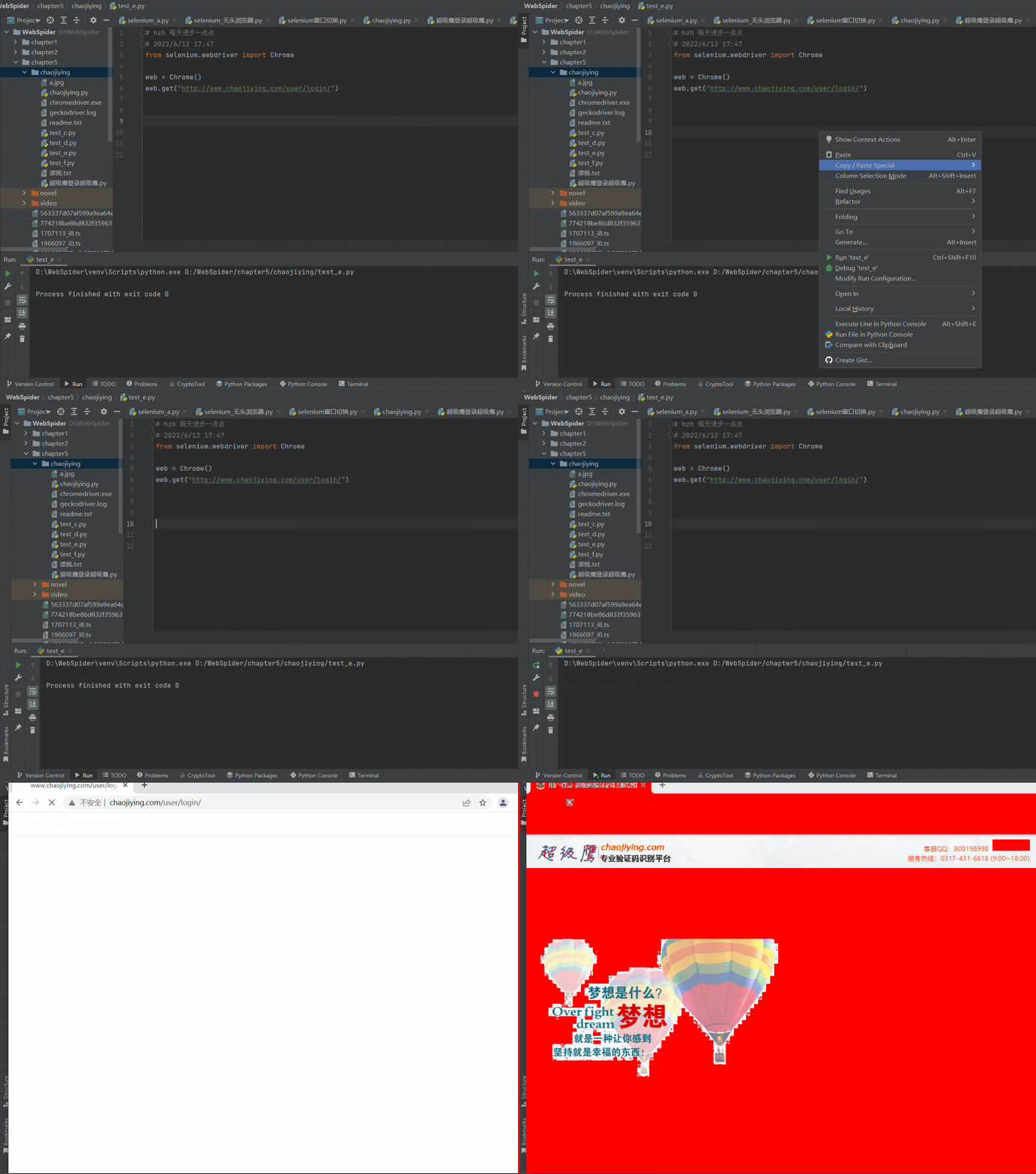
2.在使用selenium测试一个自动登录的程序,测试了很长时间,一直是闪退
chrome版本:版本 99.0.4844.51(正式版本) (64 位)
chromedriver版本:99.0.4844.51
seleniium版本:4.0+
from selenium.webdriver import Chrome

from chaojiying import Chaojiying_Client

from selenium.webdriver.common.by import By

import time

web = Chrome()

web.get("http://www.chaojiying.com/user/login/")

time.sleep(5) # Let the user actually see something!

# 处理验证码

img = web.find_element(By.XPATH,'/html/body/div[3]/div/div[3]/div[1]/form/div/img').screenshot_as_png

#登录超级鹰

chaojiying = Chaojiying_Client('18312341234', '123456', '912345')

dic = chaojiying.PostPic(img,1902)

verify_code = dic['pic_str']

# 想页面中填入用户名,密码验证码

web.find_element(By.XPATH,'/html/body/div[3]/div/div[3]/div[1]/form/p[1]/input').send_keys("18312341234")

web.find_element(By.XPATH,'/html/body/div[3]/div/div[3]/div[1]/form/p[2]/input').send_keys("123456")

web.find_element(By.XPATH,'/html/body/div[3]/div/div[3]/div[1]/form/p[3]/input').send_keys(verify_code)

#点击登录

time.sleep(2)

web.find_element(By.XPATH,'/html/body/div[3]/div/div[3]/div[1]/form/p[4]/input').click()

# driver.quit()
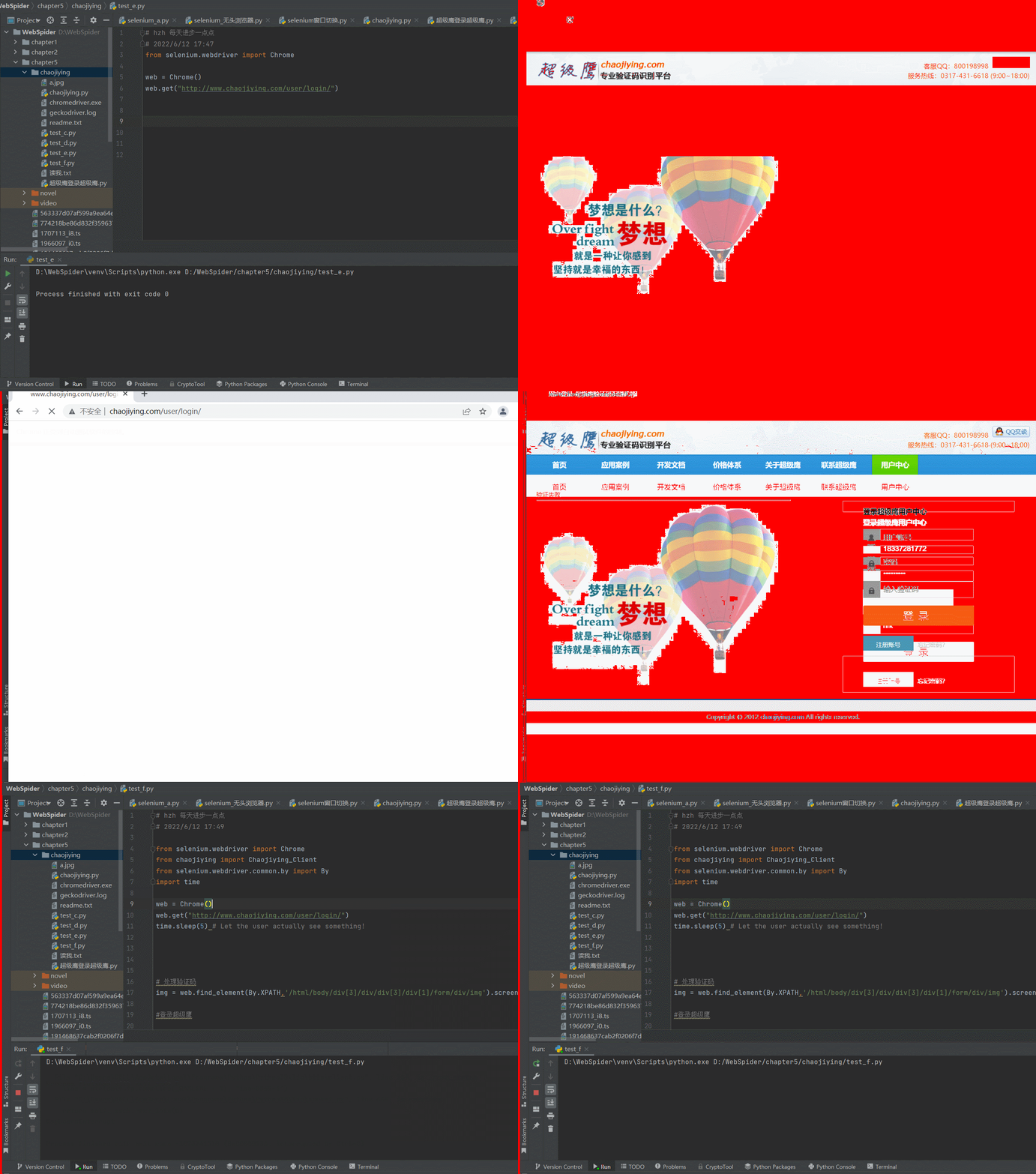
3.测试指定浏览器驱动位置
看网上的教程是,没有指定chromedrive.exe的环境变量,或者chrome的内核版本跟chromedrive版本不一致,两种方式都进行了重试,然后在重装,仍然没用,这里是指定chromedrive.exe的代码部分
from selenium import webdriver

from selenium.webdriver.firefox.service import Service

service = Service(r"D:\WebSpider\venv\Scripts\geckodriver.exe")

service.start()

driver = webdriver.Remote(service.service_url)

driver.get('http://www.chaojiying.com/user/login/')
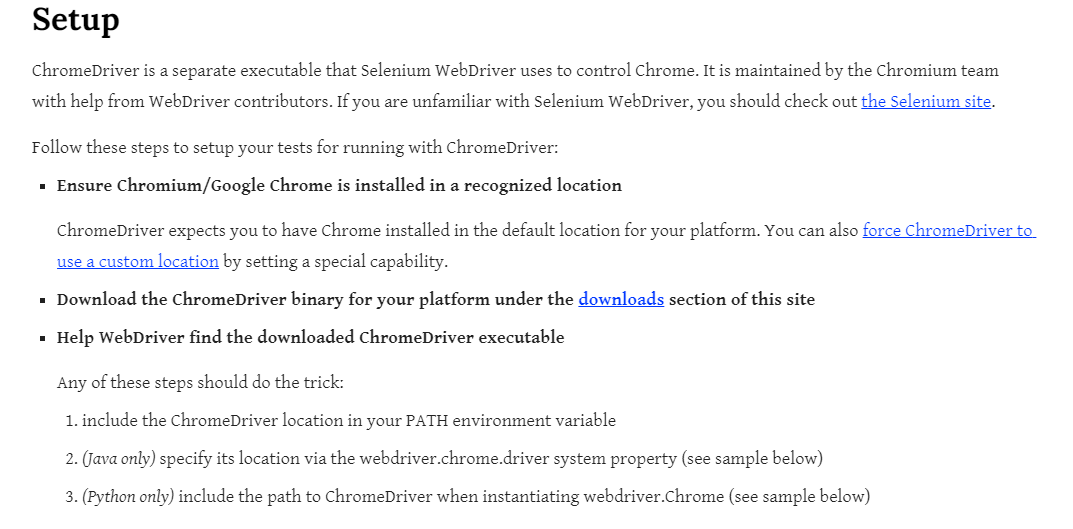
官方文档中给到的介绍,指定chromedrive的路径,但是实测通过这种方式打开网页还是闪退
import time

from selenium import webdriver

from selenium.webdriver.chrome.service import Service

service = Service('/path/to/chromedriver')

service.start()

driver = webdriver.Remote(service.service_url)

driver.get('http://www.google.com/');

time.sleep(5) # Let the user actually see something!

driver.quit()
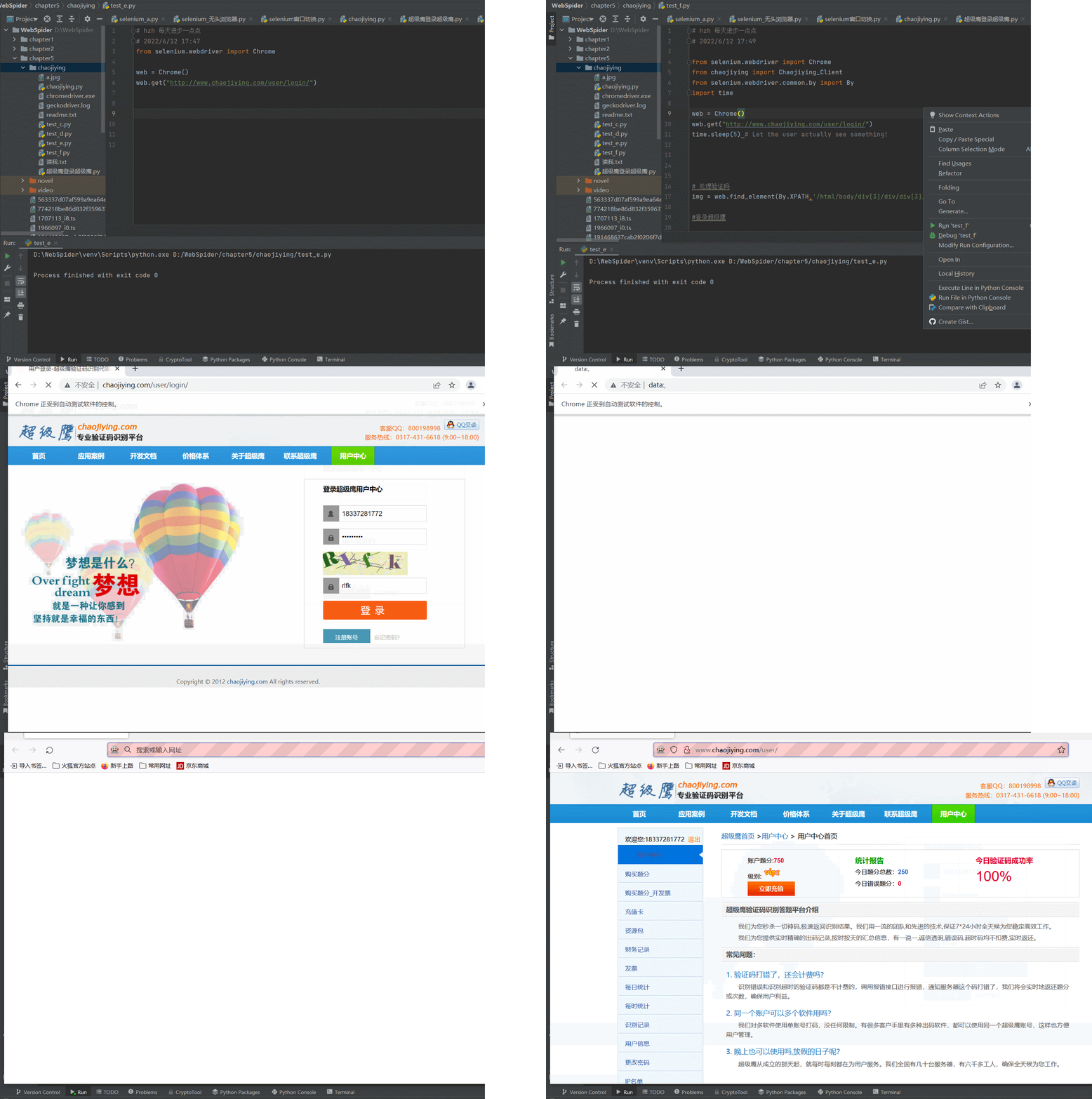
4.尝试更换浏览器为火狐的,使用最新版的火狐浏览器,直接对应也是最新的火狐驱动
firefox驱动下载链接:https://gitHub.com/mozilla/geckodriver/releases
火狐浏览器版本:101.0.1 (64 位)
火狐驱动版本:0.31.0 (2022-04-11, b617178ef491)
尝试使用指定火狐驱动打开之前写的程序,测试成功,问题还是出在了chrome浏览器中
from selenium.webdriver import Firefox

from selenium.webdriver.common.by import By

from chaojiying import Chaojiying_Client

import time

web = Firefox()

web.get("http://www.chaojiying.com/user/login/")

# 处理验证码

img = web.find_element(By.XPATH,'/html/body/div[3]/div/div[3]/div[1]/form/div/img').screenshot_as_png

chaojiying = Chaojiying_Client('18312341234', '123456', '912345')

dic = chaojiying.PostPic(img,1902)

verify_code = dic['pic_str']

# 想页面中填入用户名,密码验证码

web.find_element(By.XPATH,'/html/body/div[3]/div/div[3]/div[1]/form/p[1]/input').send_keys("183312341234")

web.find_element(By.XPATH,'/html/body/div[3]/div/div[3]/div[1]/form/p[2]/input').send_keys("123456")

web.find_element(By.XPATH,'/html/body/div[3]/div/div[3]/div[1]/form/p[3]/input').send_keys(verify_code)

#点击登录

time.sleep(5)

web.find_element(By.XPATH,'/html/body/div[3]/div/div[3]/div[1]/form/p[4]/input').click()

# driver.quit()
python:selenium测试登录在chrome中闪退的更多相关文章
- 使用Python+Selenium模拟登录QQ空间
使用Python+Selenium模拟登录QQ空间爬QQ空间之类的页面时大多需要进行登录,研究QQ登录规则的话,得分析大量Javascript的加密解密,这绝对能掉好几斤头发.而现在有了seleniu ...
- python+selenium遍历某一个标签中的内容
一.python+selenium遍历某一个标签中的内容 举个例子:我要获取列表标签<li></li>的内容 根据python+selenium定位到列表整体,使用for循环获 ...
- Python+selenium测试环境成功搭建,简单控制浏览器(firefox)接下来,继续学习其他浏览器上的测试环境搭建;学习Python语言,利用Python语言来写测试用例。加油!!!
Python+selenium测试环境成功搭建,简单控制浏览器(firefox)接下来,继续学习其他浏览器上的测试环境搭建:学习Python语言,利用Python语言来写测试用例.加油!!!
- python+selenium自动化登录dnf11周年活动界面领取奖励登录部分采坑总结[1]
背景: Dnf的周年庆活动之一,游戏在6月22日 06:00~6月23日 06:00之间登陆过游戏后可以于6月25日 16:00~7月04日 06:00领取奖励 目标:连续四天自动运行脚本,自动领取所 ...
- Python + Selenium 实现登录Office 365
最近捡起之前用的Python + Selenium实现工作中需要的登录Office 365功能.(吐槽:国内网络真是卡,登录Office 365实属不易.另外Selenium这样的网站都要墙,无法理解 ...
- python selenium 测试环境的搭建及python mysql的连接
又来一篇傻瓜教程啦,防止在学习的小伙伴们走弯路. 1.python 环境搭建 python官网:https://www.python.org/downloads/ 选择最新版本python下载(如果 ...
- 【python+selenium自动化】设置Chrome启动参数
起因:直接用selenium的webdriver启动chrome,会弹出“Chrome正在受到自动软件的控制”,并且窗口较小,是因为chrome没有加载任何配置 解决:点进selenium的Chrom ...
- Python+Selenium:初步使用Chrome谷歌浏览器
·············环境结合··············· 我的环境:window10 64位 Python 3.7 32-bit selenium 3.141.0 Goo ...
- python selenium 测试浏览器(IE,FF,Chrome)
browser_engine.py # coding=utf-8 from selenium import webdriver class BrowserEngine(object): "& ...
随机推荐
- enum in c++
enum in c++ enum的实用的定义:给一个值指定一个名称.enums是一种给值命名的方式. 枚举值就是一个整数 用enum的目的:增加程序的可读性 enum的用法:enums [枚举的类名] ...
- centOS一次性更新所有依赖库
CentOS中使用yum一次性更新安装依赖库 [tom@localhost /]# sudo -s [root@localhost /]# LANG=C [root@localhost /]# yum ...
- C语言之:结构体动态分配内存(利用结构体数组保存不超过10个学生的信息,每个学生的信息包括:学号、姓名和三门课(高数、物理和英语 )的成绩和平均分(整型)。)
题目内容: 利用结构体数组保存不超过10个学生的信息,每个学生的信息包括:学号.姓名和三门课(高数.物理和英语 )的成绩和平均分(整型). 编写程序,从键盘输入学生的人数,然后依次输入每个学生的学号. ...
- kali添加开机自启[亲测有效]
kali添加开机自启 采用systemd的方法,kali默认是没有rc.local的,需要自己创建.本方法也适用于ubuntu 18.04 64bit 改写rc-local.service 文件 先从 ...
- 在非k8s 环境下 的应用 使用 Dapr Sidekick for .NET
在k8s 环境下,通过Operator 可以管理Dapr sidecar, 在虚拟机环境下,我们也是非常需要这样的一个管理组件,类似下图:在这张图片中,在上图左面,我们看到了"dapr.ex ...
- java基础知识-序列化/反序列化-gson基础知识
以下内容来之官网翻译,地址 1.Gson依赖 1.1.Gradle/Android dependencies { implementation 'com.google.code.gson:gson:2 ...
- 学生管理系统(python实现)
# 定一个列表,用来存储所有的学生信息(每个学生是一个字典) info_list = [] def print_menu(): print("------------------" ...
- 安卓记账本开发学习day5之版本兼容问题
安卓5.0以上版本想要隐藏DatePicker头布局的写法比较复杂,需要一层一层隐藏 int headerId = getContext().getResources().getIdentifier( ...
- Java学习day33
线程池: 背景:经常创建和销毁.使用量特别大的资源,比如并发情况下的线程,对性能影响很大 思路:提前创建好多个线程.实现重复利用. 好处:提高响应速度,减少了创建新线程的时间:降低资源消耗,重复利用线 ...
- el-transfer增加拖拽功能
el-transfer增加拖拽排序,左右互相拖拽功能: npm i sortablejs <template> <el-transfer ref="transfer&quo ...