
Solaris 10上Oracle 10g安装步骤图解
文章目录
1. 说明
32位模式下安装32的10g,不是正规的安装方法,只能作为自己测试使用。
企业环境参考即可,请使用自己公司的标准化安装流程文档。
等什么时候有时间在出一份正规的企业级的安装过程(估计有点久远)。
2. 查看相关包
[root@oracle:/]# pkginfo -i SUNWarc SUNWbtool SUNWhea SUNWlibm SUNWlibms SUNWsprot SUNWtoo  SUNWi1of  SUNWi1cs SUNWi15cs SUNWxwfnt

system      SUNWarc   Lint Libraries (usr)

system      SUNWbtool CCS tools bundled with SunOS

system      SUNWhea   SunOS Header Files

system      SUNWi15cs X11 ISO8859-15 Codeset Support

system      SUNWi1cs  X11 ISO8859-1 Codeset Support

system      SUNWi1of  ISO-8859-1 (Latin-1) Optional Fonts

system      SUNWlibm  Math & Microtasking Library Headers & Lint Files (Usr)

system      SUNWlibms Math & Microtasking Libraries (Usr)

system      SUNWsprot Solaris Bundled tools

system      SUNWtoo   Programming Tools

system      SUNWxwfnt X Window System platform required fonts
代表需求包全部都已经安装了。
如果有未安装的包,使用如下方法安装:
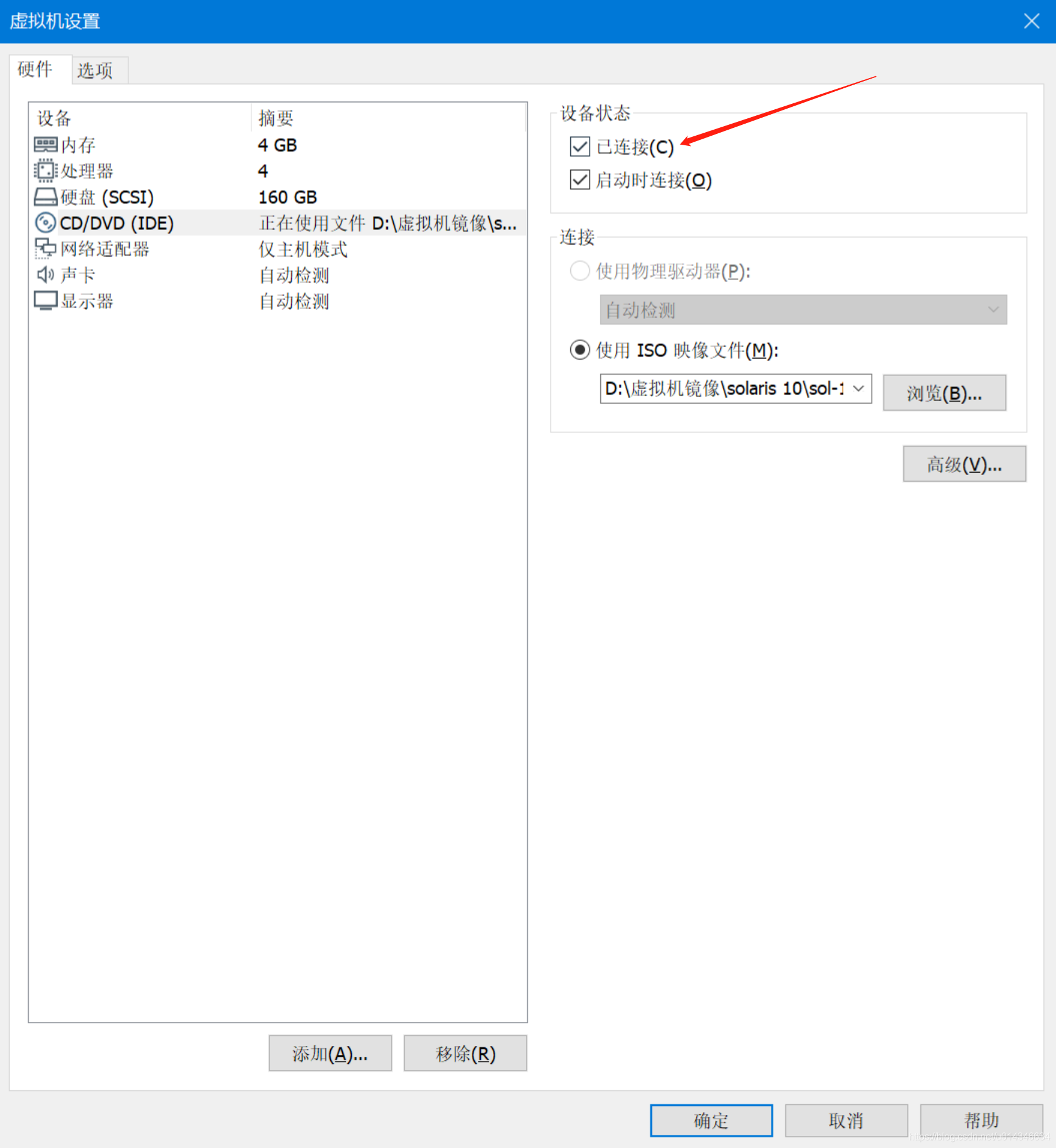
把“已连接”勾上,确定,重启Solaris操作系统。
接下来进去光盘的存放包的目录安装即可(不同OS路径名可能有区别)。
[root@oracle:/cdrom/sol_10_113_x86/Solaris_10/Product]# cd /cdrom/sol_10_113_x86/Solaris_10/Product

//按照这种格式安装:pkgadd -d . SUNWi1cs
3. 添加用户和组
[root@oracle:/]# groupadd oinstall

[root@oracle:/]# groupadd dba

[root@oracle:/]# useradd -g oinstall -G dba -s /usr/bin/bash -d /export/home/oracle oracle

[root@oracle:/]# mkdir -p /export/home/oracle

[root@oracle:/]# chown -R oracle:oinstall /export/home/oracle/

[root@oracle:/]# passwd oracle

New Password:

Re-enter new Password:

passwd: password successfully changed for oracle
4. 设置oracle环境变量
有个点是如果ORACLE_BASE和ORACLE_HOME最后边加了多个‘/’,比如
ORACLE_BASE=/export/home/oracle/u01/app/oracle/
会出现dbca后(数据库开了),sqlplus / as sysdba登进去后显示idle的问题。
DISPLAY这个你们就不需要加了,或者根据你们的环境自己改掉ip。
[root@oracle:/]# su - oracle

Oracle Corporation      SunOS 5.10      Generic Patch   January 2005

-bash-3.2$ vi .profile

ORACLE_BASE=/export/home/oracle/u01/app/oracle

ORACLE_HOME=$ORACLE_BASE/product/11.2.0/db_1

DISPLAY=192.168.180.1:0.0

LD_LIBRARY_PATH=$LD_LIBRARY_PATH:$ORACLE_HOME/lib:/usr/sbin:/usr/bin:/usr/sfw/bin:/usr/local/bin

PATH=$PATH:/usr/ccs/bin:$ORACLE_HOME/bin:/usr/sbin:/usr/sfw/bin:/usr/local/bin

ORACLE_SID=zkm

export ORACLE_BASE

export ORACLE_HOME

export LD_LIBRARY_PATH

export PATH

export ORACLE_SID

export DISPLAY

alias ll='ls -larth'

PS1='[\u@\h:$PWD]# '

export PS1

-bash-3.2$ source .profile

[oracle@oracle:/export/home/oracle]#
5. 创建Oracle软件目录
[oracle@oracle:/export/home/oracle]# mkdir -p /export/home/oracle/u01/app/oracle
6. 修改OS参数
使用root,在文件/etc/system追加:
set noexec_user_stack=1

set semsys:seminfo_semmni=100

set semsys:seminfo_semmns=1024

set semsys:seminfo_semmsl=256

set semsys:seminfo_semvmx=32767

set shmsys:shminfo_shmmax=4294967295

set shmsys:shminfo_shmmin=1

set shmsys:shminfo_shmmni=100

set shmsys:shminfo_shmseg=10
7. 上传Oracle软件包并解压
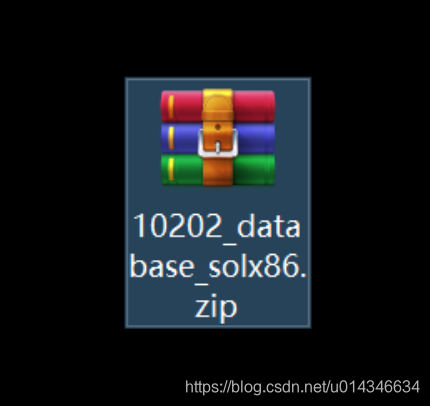
更改权限:
[root@oracle:/]# chown -R oracle:oinstall /soft
使用oracle解压:
[oracle@oracle:/soft]# unzip 10202_database_solx86.zip
8. 开始安装
[oracle@oracle:/soft/database]# ./runInstaller

Starting Oracle Universal Installer...

Checking installer requirements...

Checking operating system version: must be 5.10.    Actual 5.10

                                      Passed

Checking Temp space: must be greater than 250 MB.   Actual 3640 MB    Passed

Checking swap space: must be greater than 500 MB.   Actual 3875 MB    Passed

Checking monitor: must be configured to display at least 256 colors.    Actual 16777216    Passed

All installer requirements met.

Preparing to launch Oracle Universal Installer from /tmp/OraInstall2020-04-03_12-18-28PM. Please wait ...
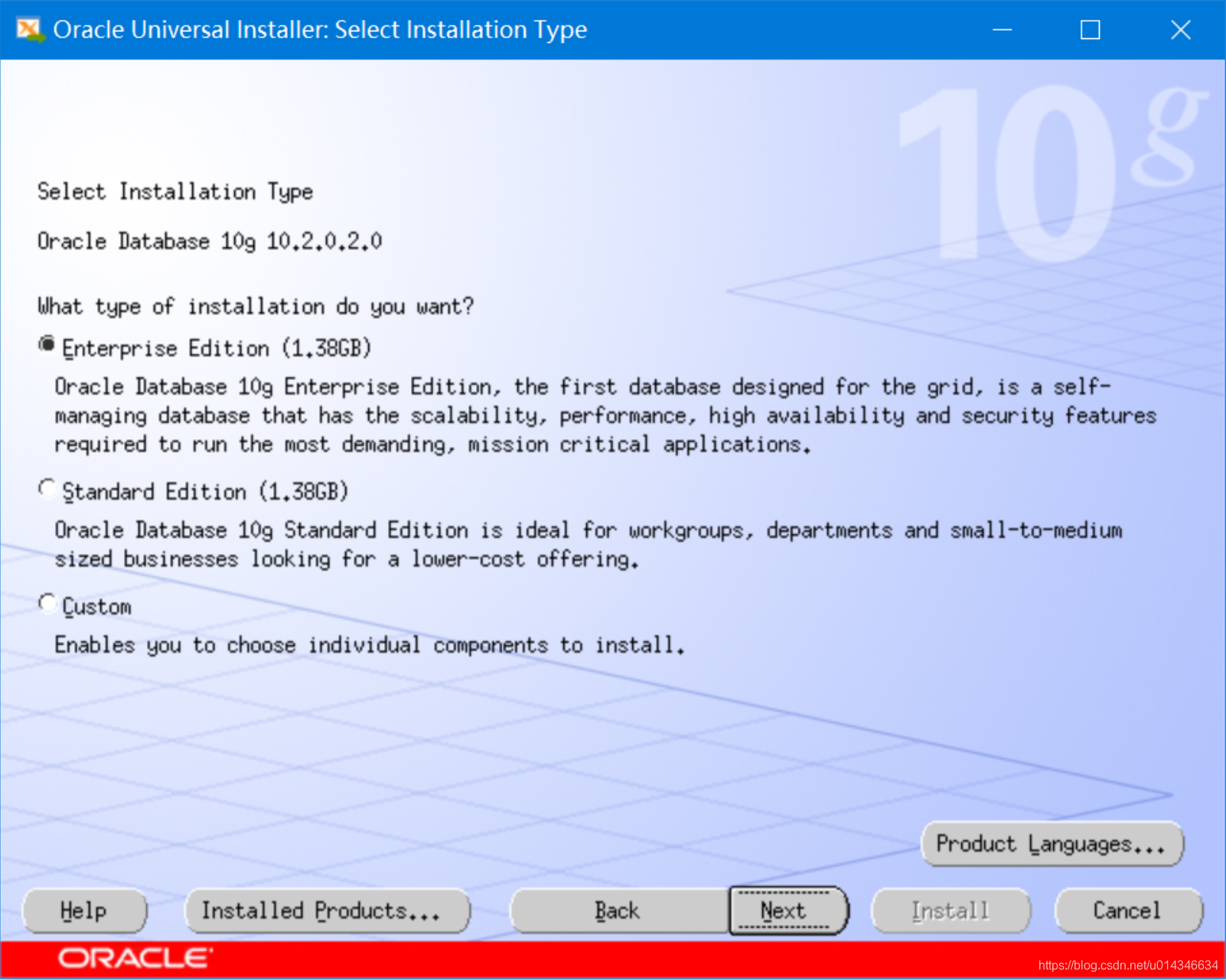
按照接下去截图,没特殊情况直接next即可。
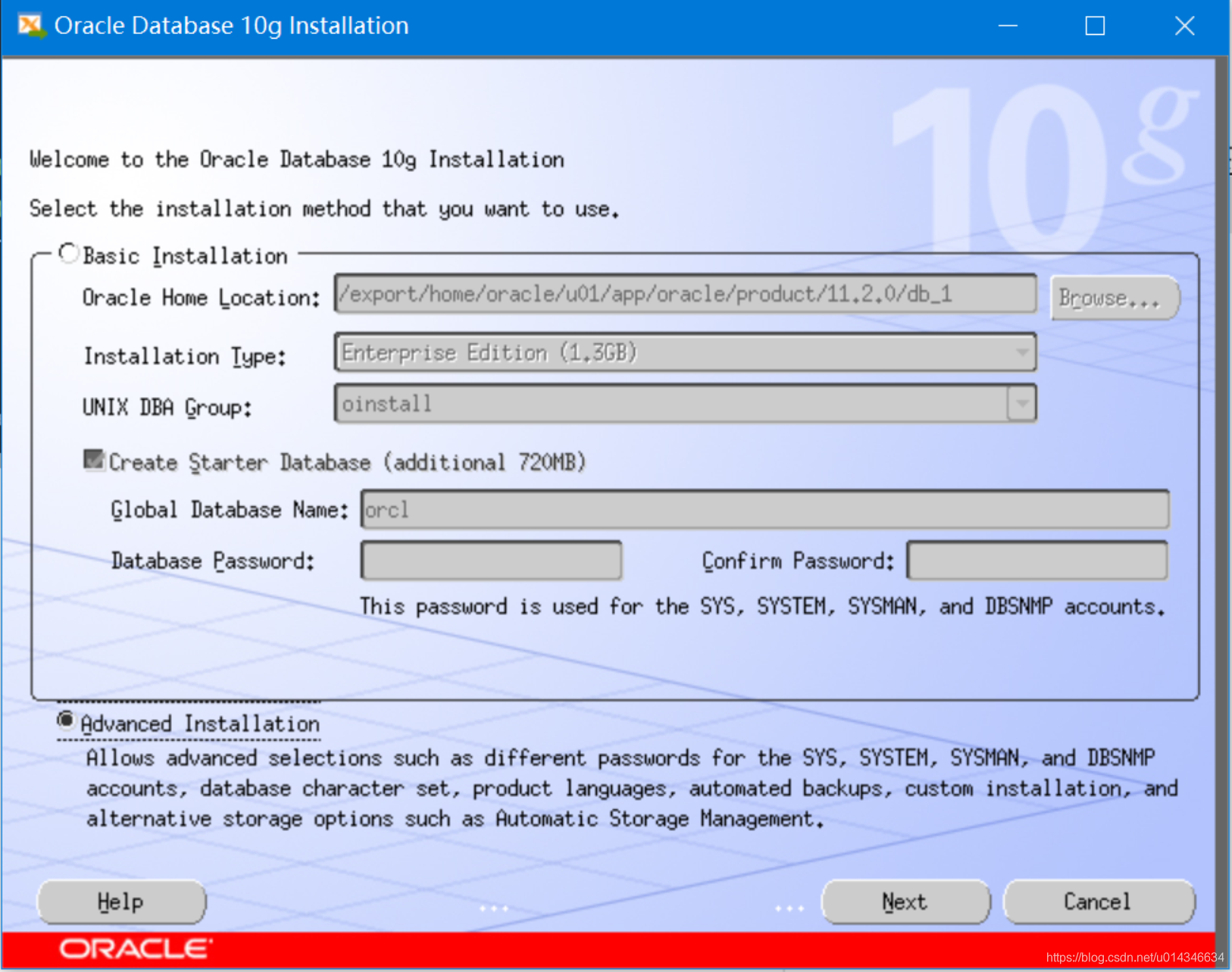
注意目录要对的上。
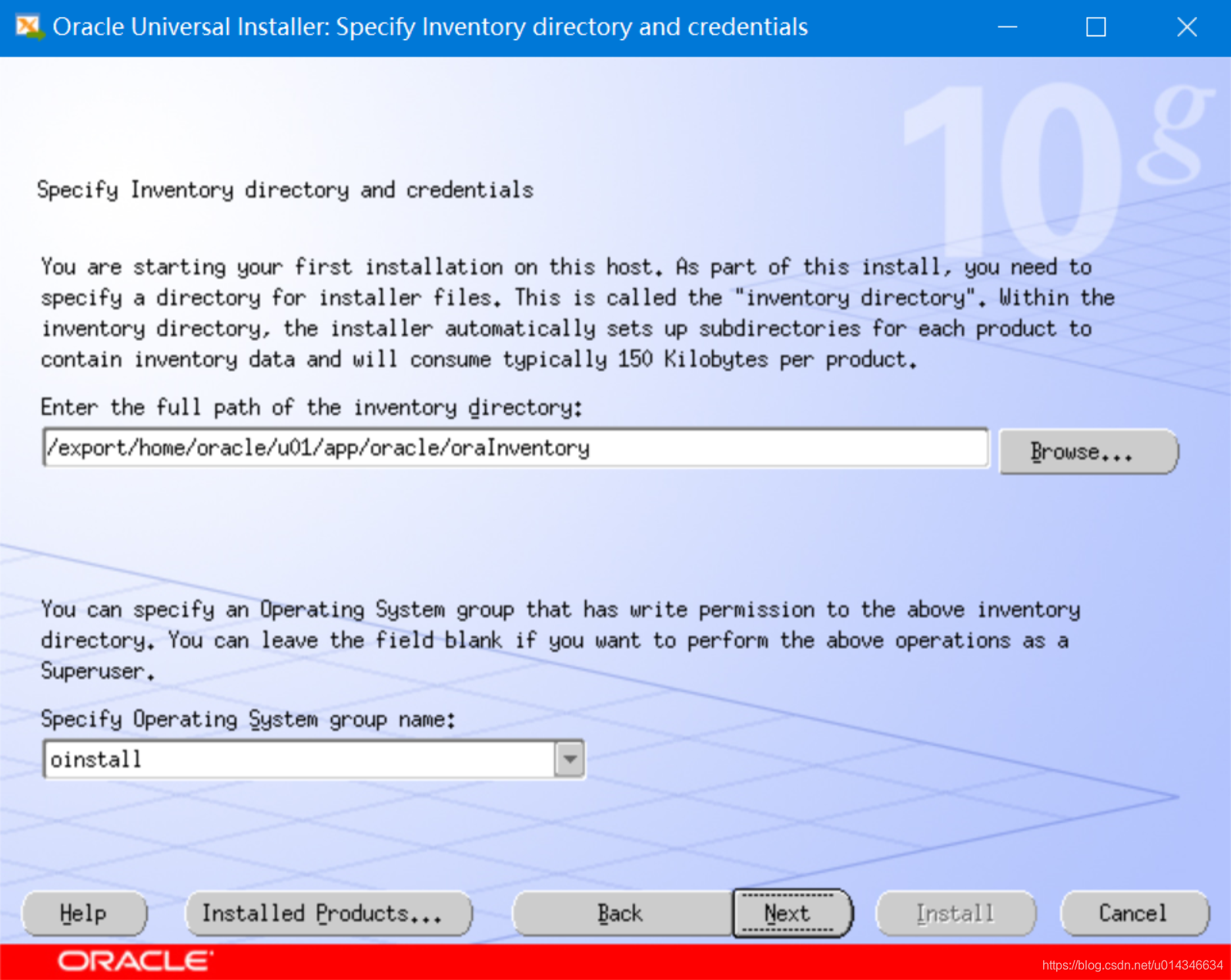
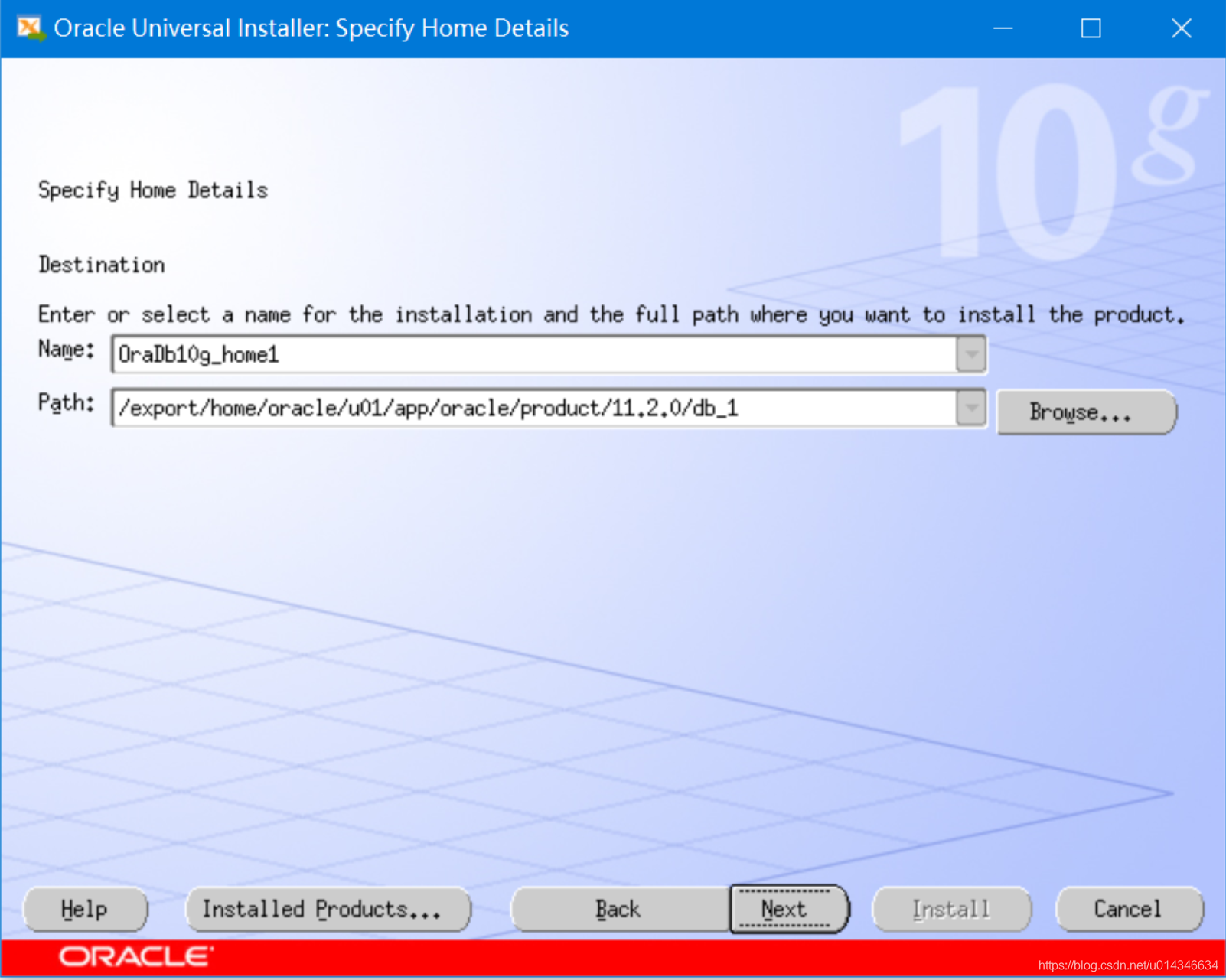
依然是目录要对的上。
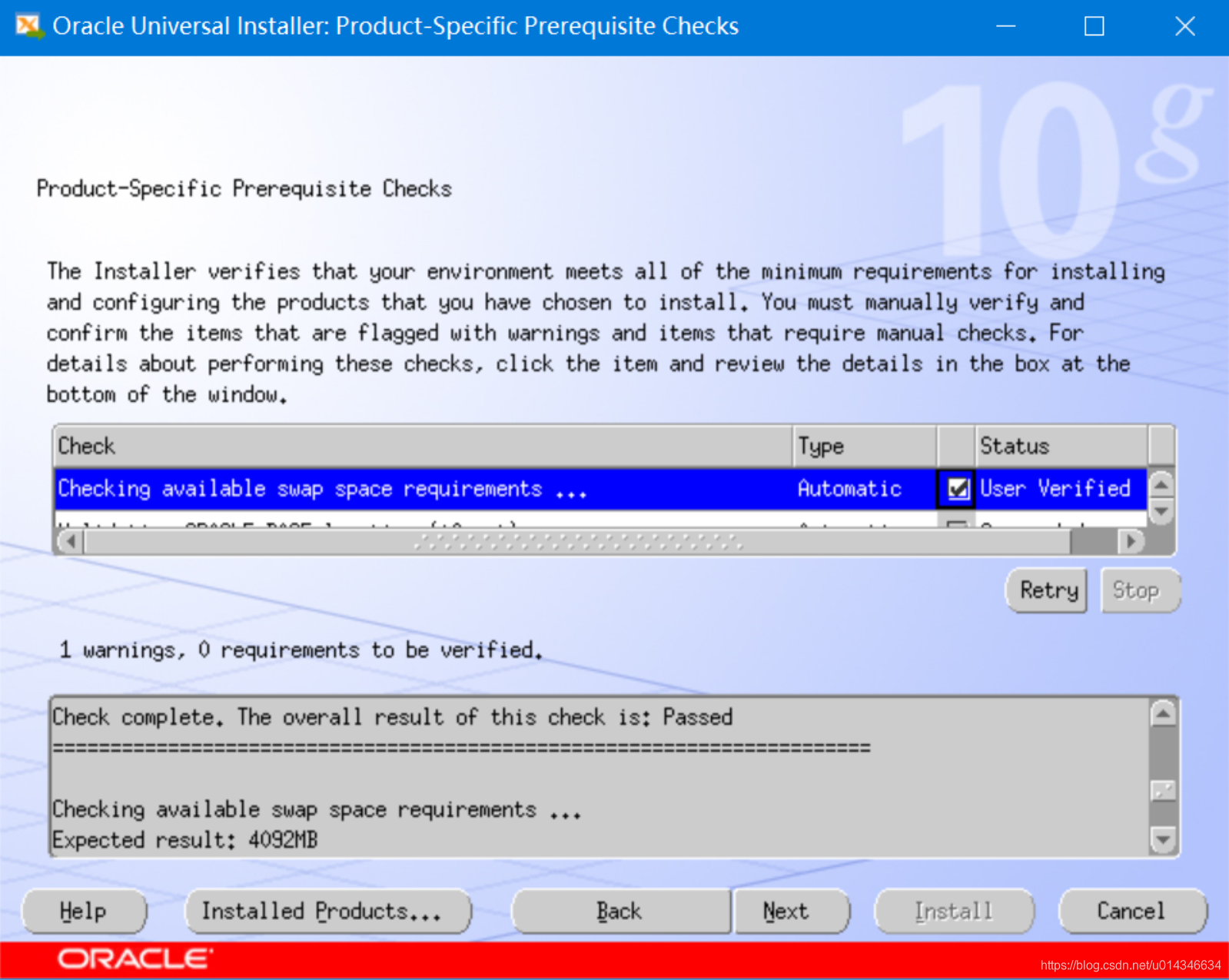
我只有一个交换空间不足的警告,可以忽略。
如果有其他的报错能不能忽略要看具体的报错。
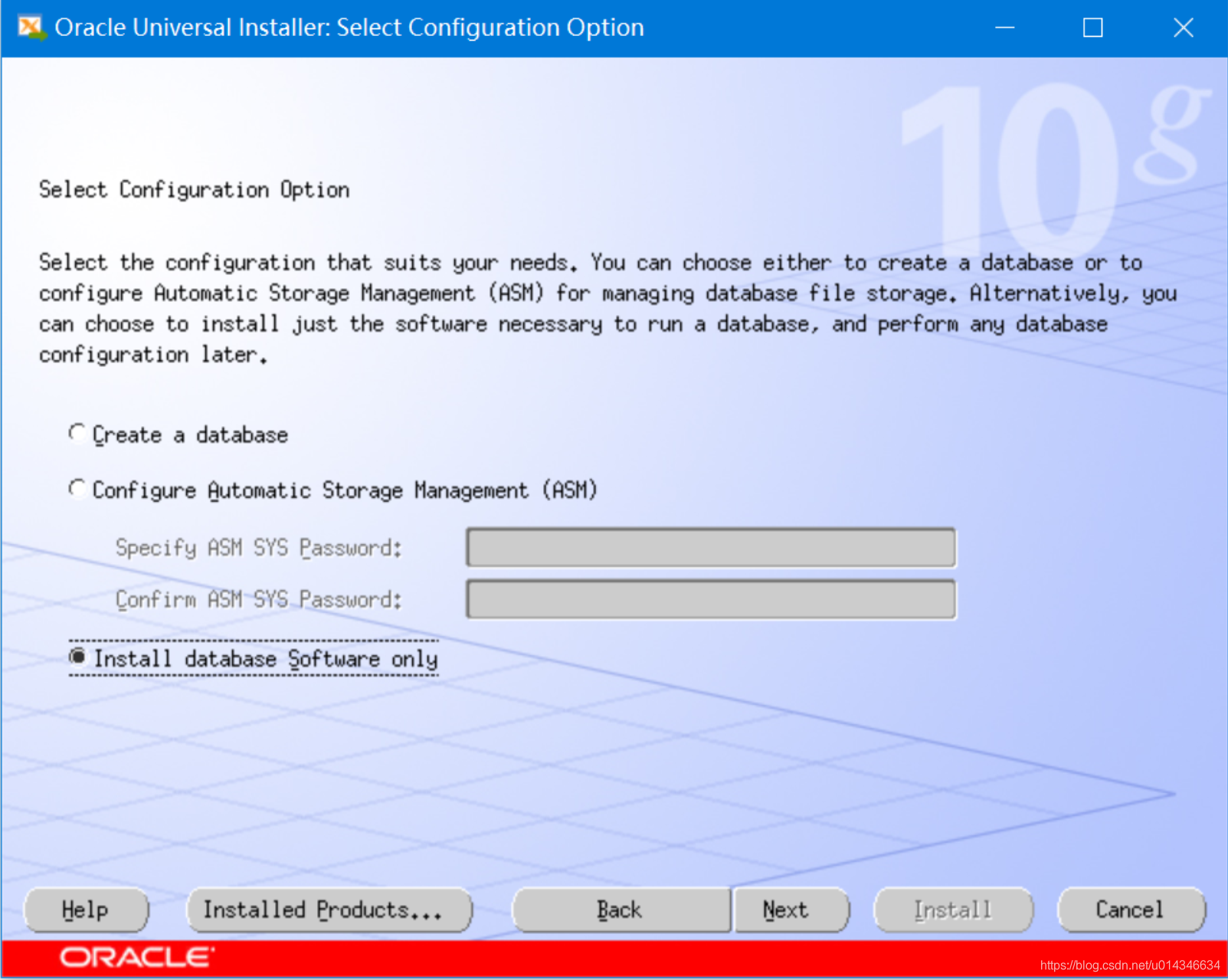
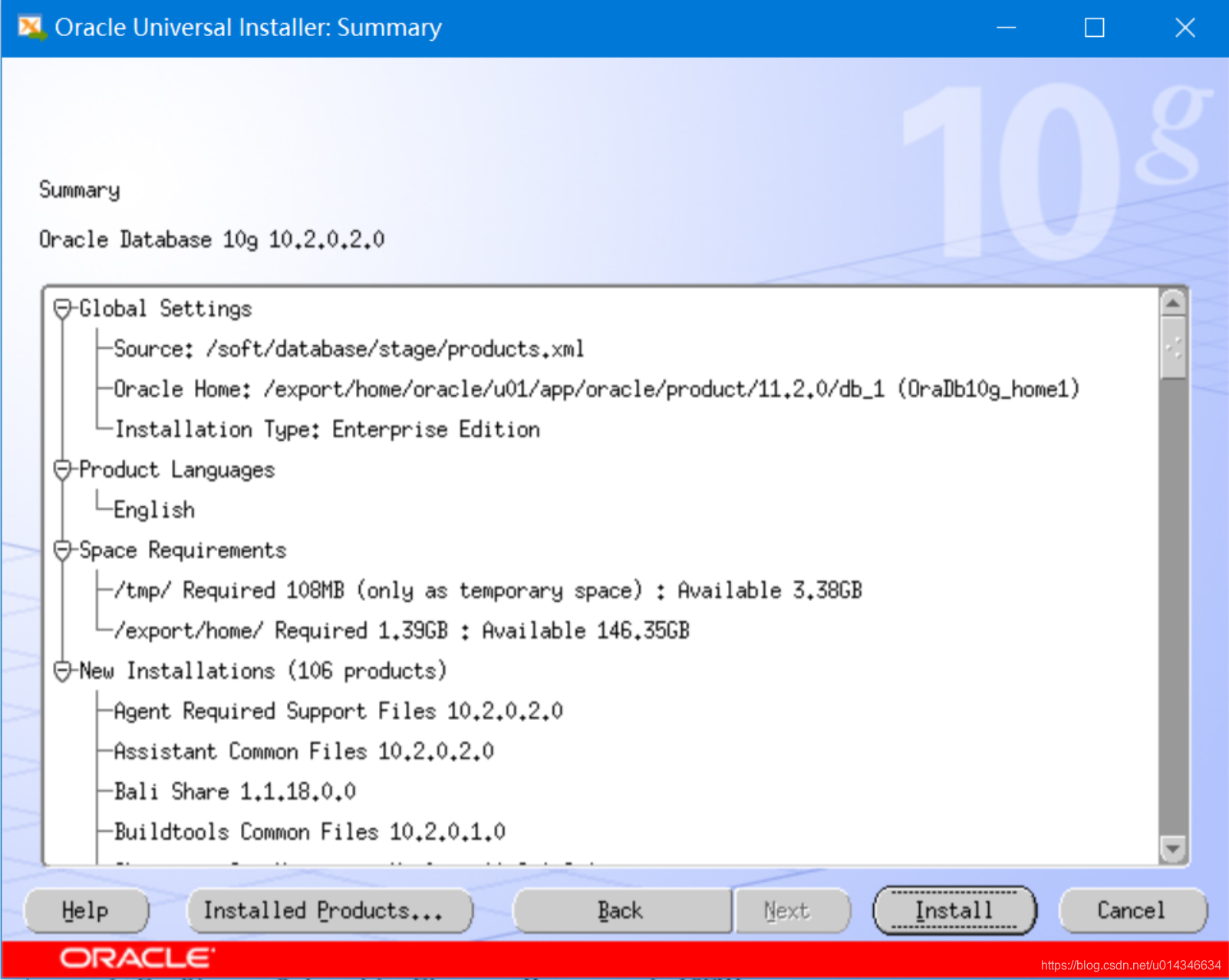
出现BUG(如下图报错),在Solaris下安装32位oracle软件出现(64位模式下安装64位oracle软件我没遇到)。
Bug 6791866 - ASSEMBLER CODE GENERATED BY GENNTTAB CAUSES LD ERROR IN LATEST SOLARIS BUILDS
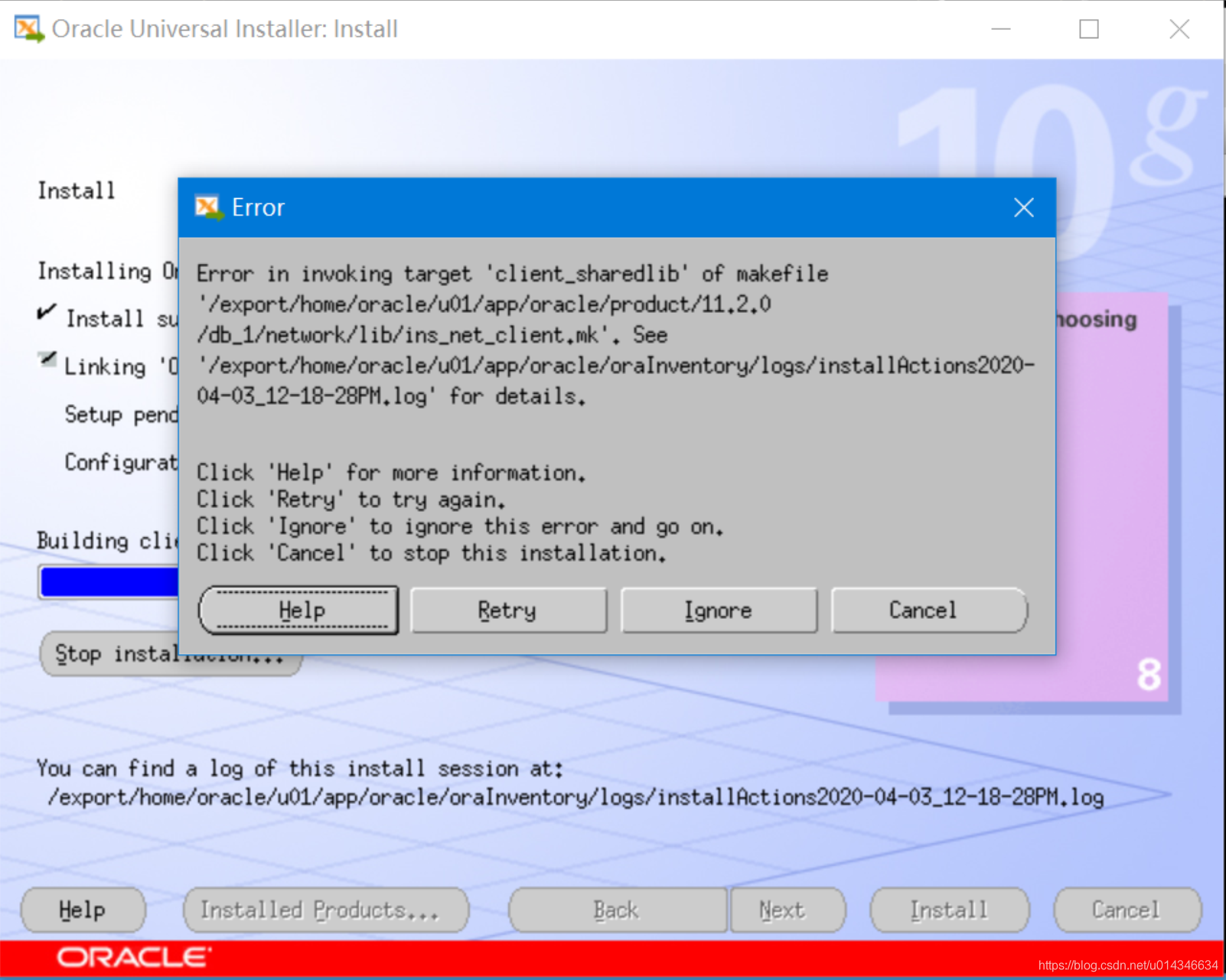
需要做如下处理:
步骤:
- cd $ORACLE_HOME/bin
- cp gennttab gennttab_orig
- vi gennttab
将这段配置中的112改成96- cd $ORACLE_HOME/network/lib
/usr/ccs/bin/make -f ins_net_client.mk ntcontab.o
$ORACLE_HOME/bin/genclntsh- 现在点retry 就好了
[root@oracle:/]# su - oracle

Oracle Corporation      SunOS 5.10      Generic Patch   January 2005

[oracle@oracle:/export/home/oracle]# cd $ORACLE_HOME/bin

[oracle@oracle:/export/home/oracle/u01/app/oracle/product/11.2.0/db_1/bin]# cp gennttab gennttab_orig

[oracle@oracle:/export/home/oracle/u01/app/oracle/product/11.2.0/db_1/bin]# grep 112 gennttab

        .size   ntcontab,112

[oracle@oracle:/export/home/oracle/u01/app/oracle/product/11.2.0/db_1/bin]# vi gennttab

//修改过程略

[oracle@oracle:/export/home/oracle/u01/app/oracle/product/11.2.0/db_1/bin]# grep 96 gennttab

        .size   ntcontab,96

        .ident  "@(#)machtypes.h        1.7     96/05/23 SMI"

[oracle@oracle:/export/home/oracle]# cd $ORACLE_HOME/network/lib

[oracle@oracle:/export/home/oracle/u01/app/oracle/product/11.2.0/db_1/network/lib]# /usr/ccs/bin/make -f ins_net_client.mk ntcontab.o

//输出内容略

[oracle@oracle:/export/home/oracle/u01/app/oracle/product/11.2.0/db_1/network/lib]# $ORACLE_HOME/bin/genclntsh
点击retry继续下一步安装。
先别点OK。
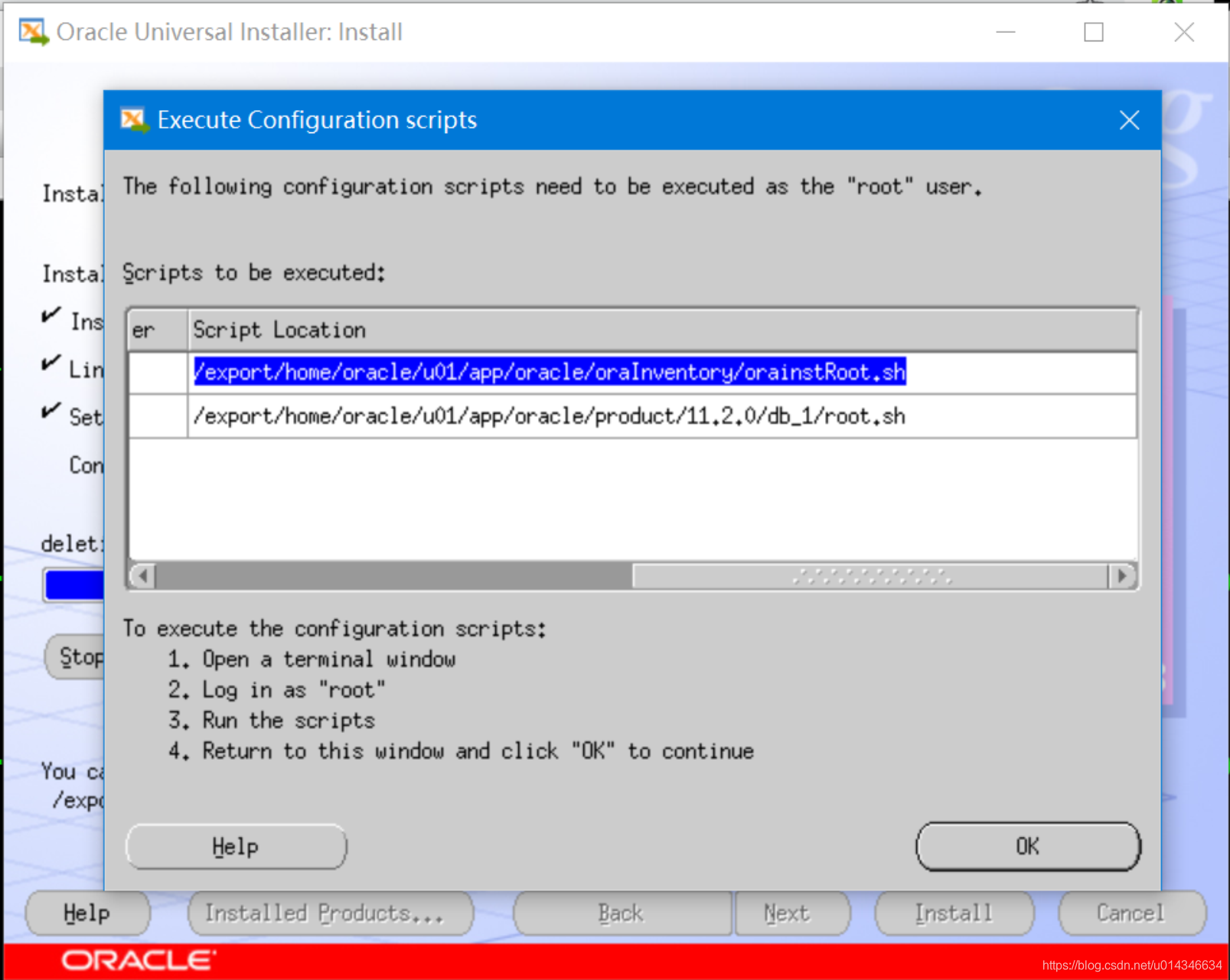
使用root用户跑完脚本。
[root@oracle:/]# /export/home/oracle/u01/app/oracle/oraInventory/orainstRoot.sh

Changing permissions of /export/home/oracle/u01/app/oracle/oraInventory to 770.

Changing groupname of /export/home/oracle/u01/app/oracle/oraInventory to oinstall.

The execution of the script is complete

[root@oracle:/]# /export/home/oracle/u01/app/oracle/product/11.2.0/db_1/root.sh

Running Oracle 10g root.sh script...

The following environment variables are set as:

    ORACLE_OWNER= oracle

    ORACLE_HOME=  /export/home/oracle/u01/app/oracle/product/11.2.0/db_1

Enter the full pathname of the local bin directory: [/usr/local/bin]:

   Copying dbhome to /usr/local/bin ...

   Copying oraenv to /usr/local/bin ...

   Copying coraenv to /usr/local/bin ...

Creating /var/opt/oracle/oratab file...

Entries will be added to the /var/opt/oracle/oratab file as needed by

Database Configuration Assistant when a database is created

Finished running generic part of root.sh script.

Now product-specific root actions will be performed.

[root@oracle:/]#
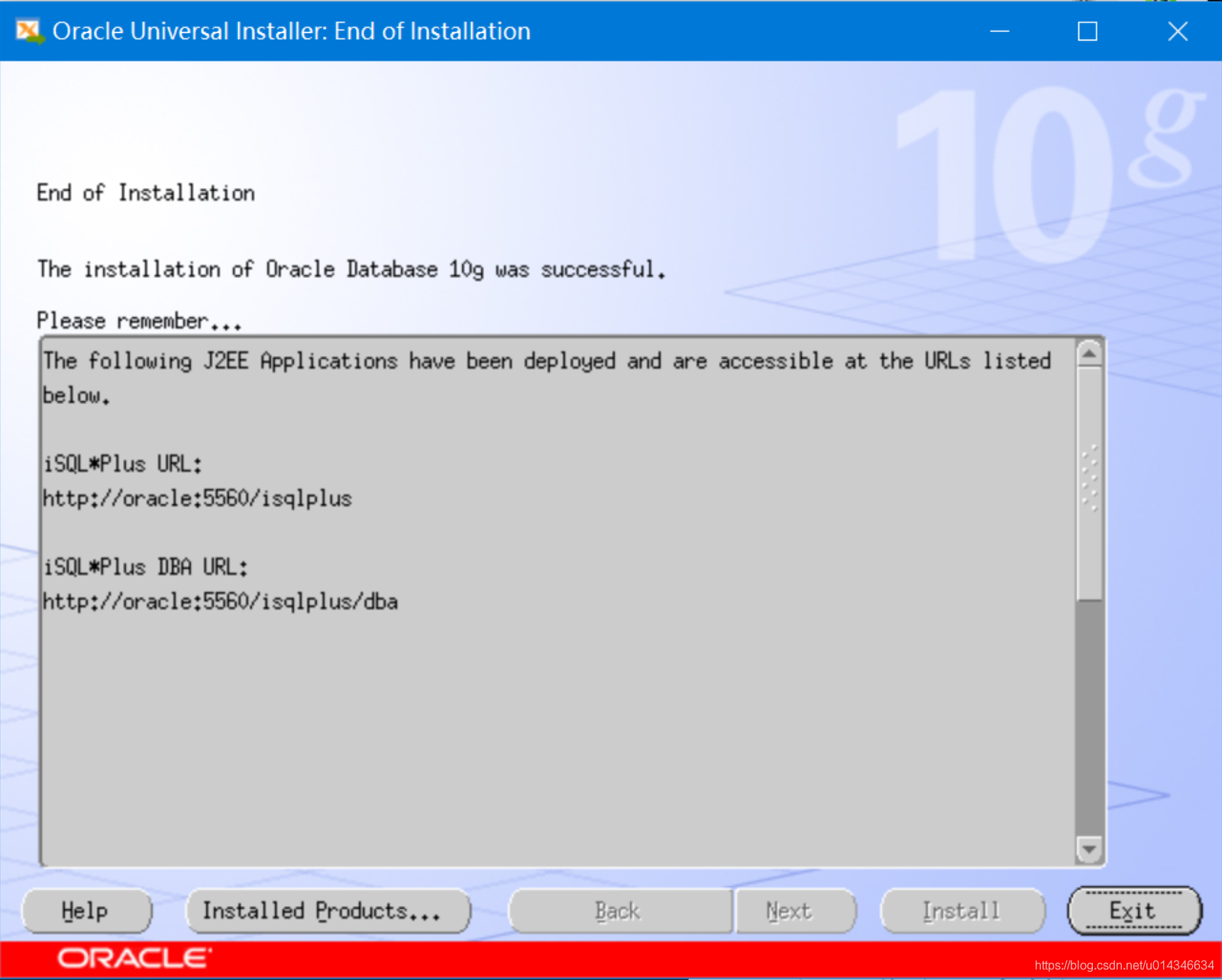
点’OK’结束,然后exit。
9. dbca建库
库名字是zkm。
[oracle@oracle:/soft/database]# dbca
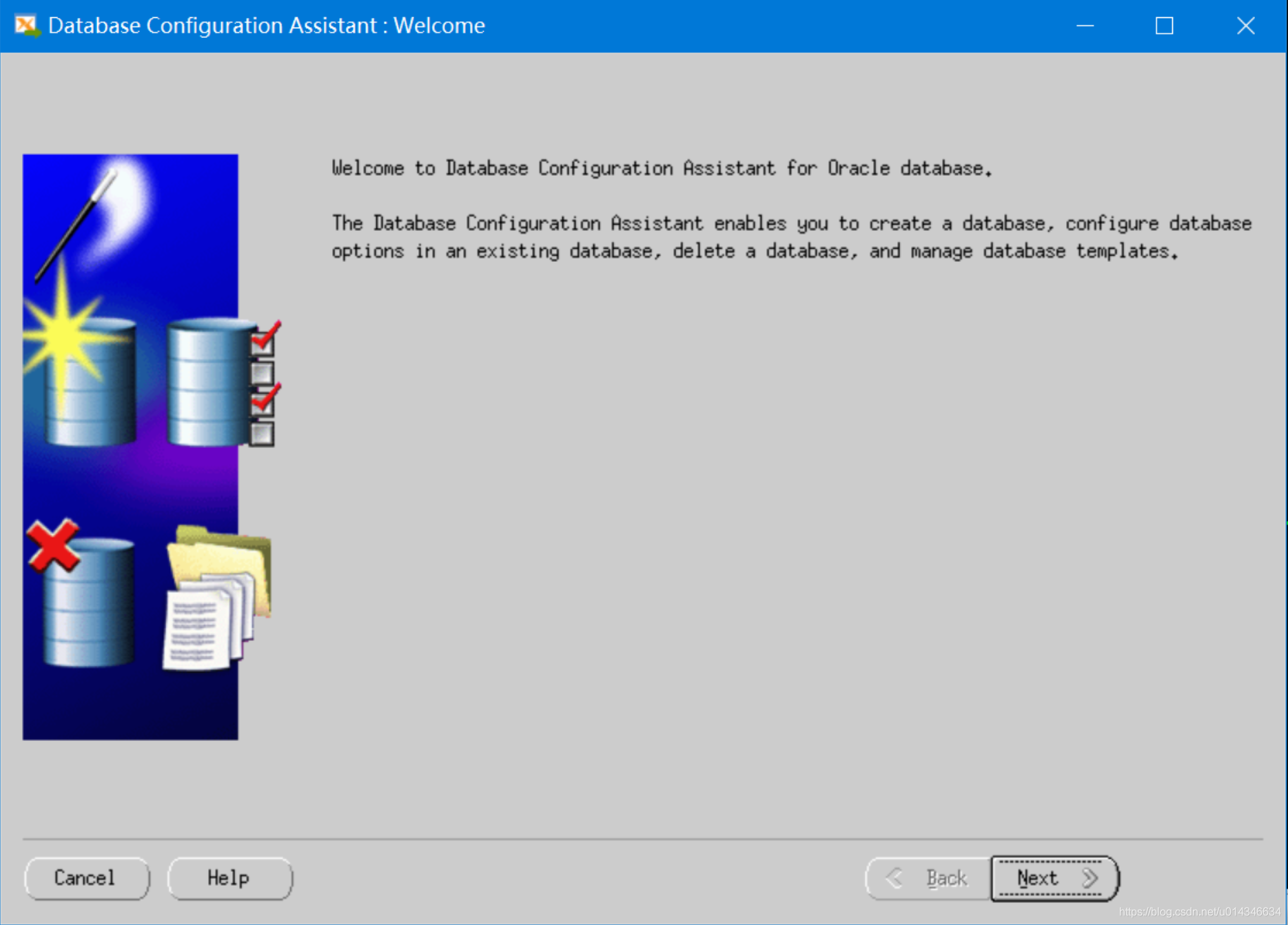
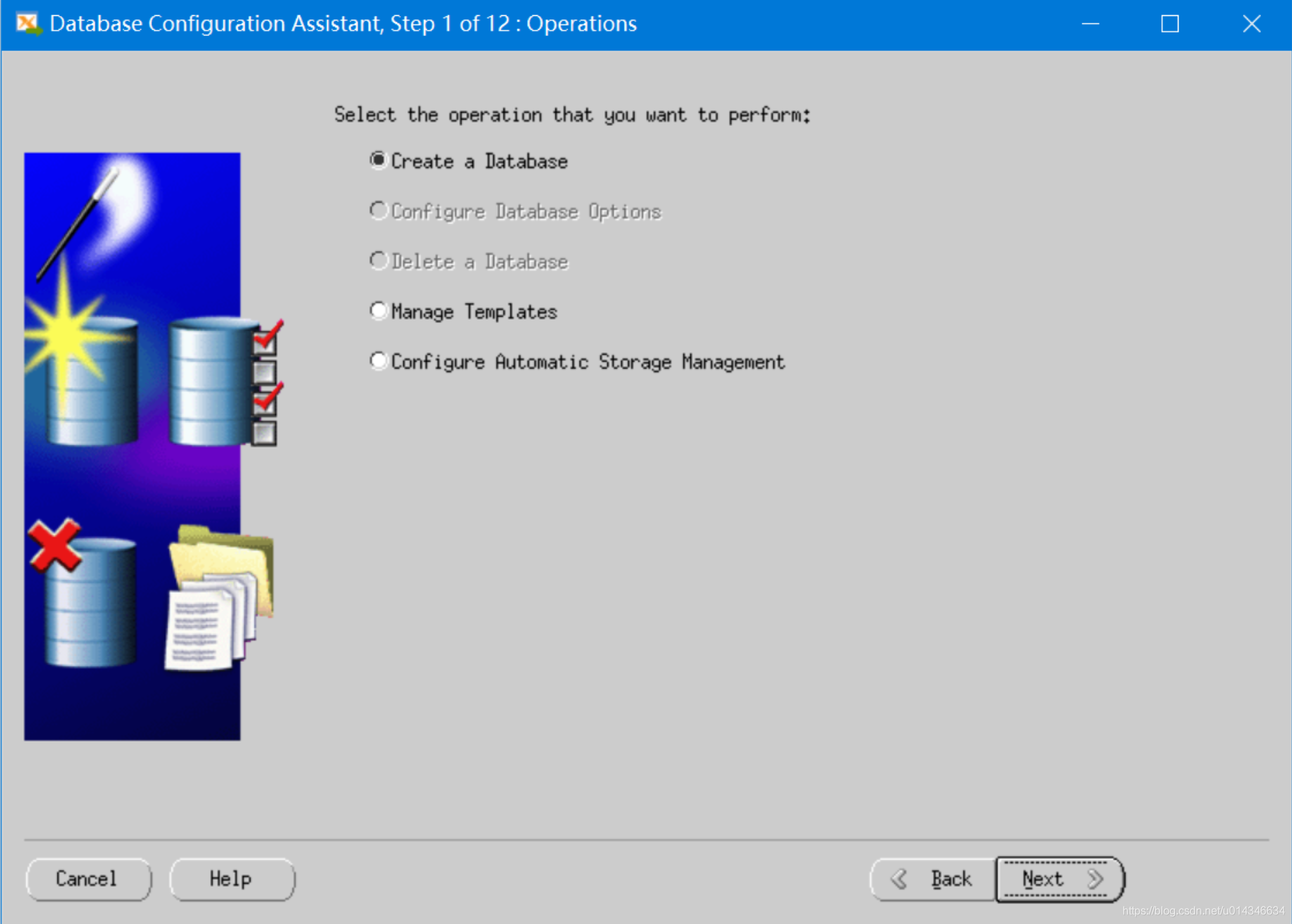
自己的测试库没那么多要求,默认就行。
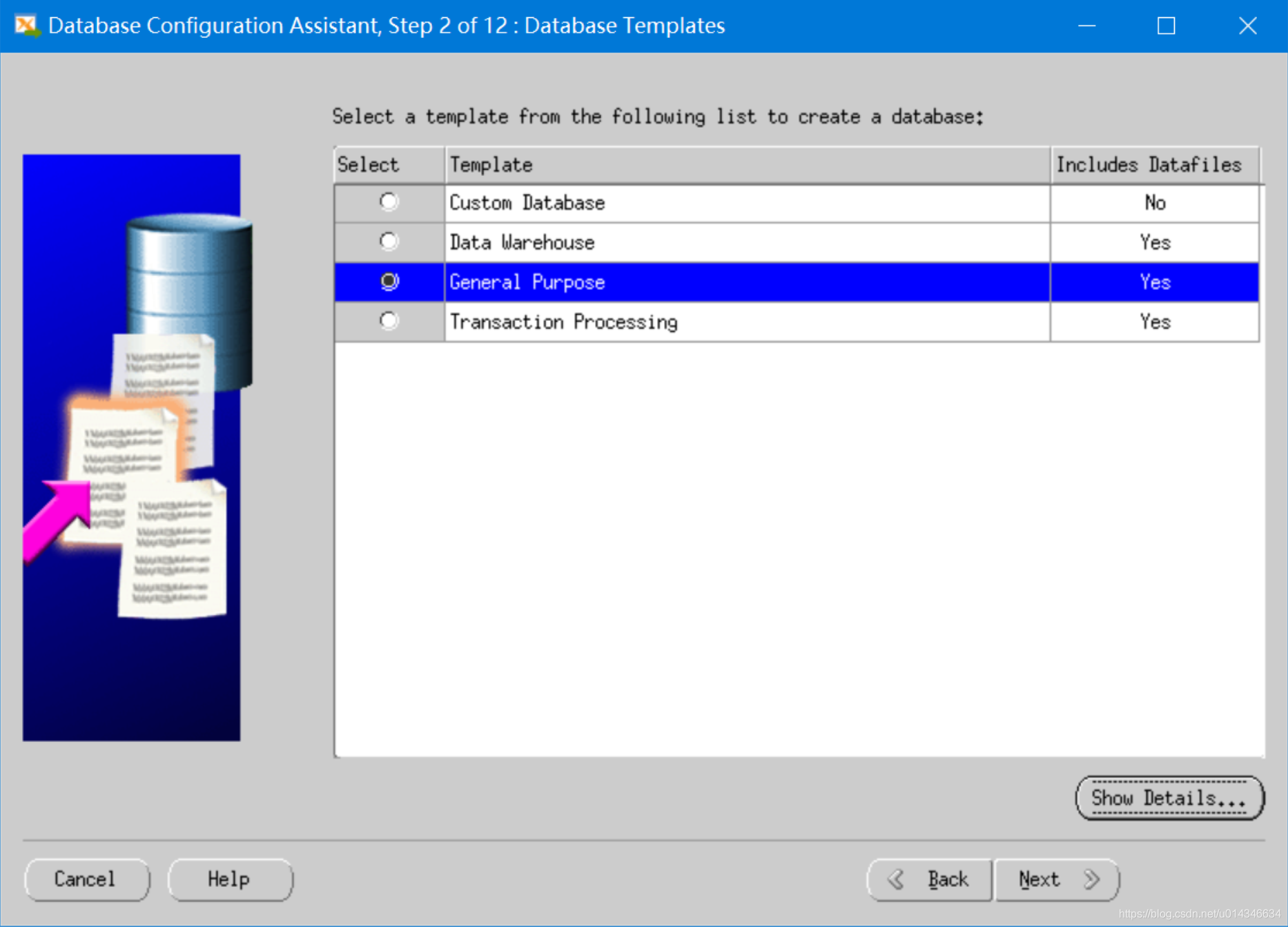
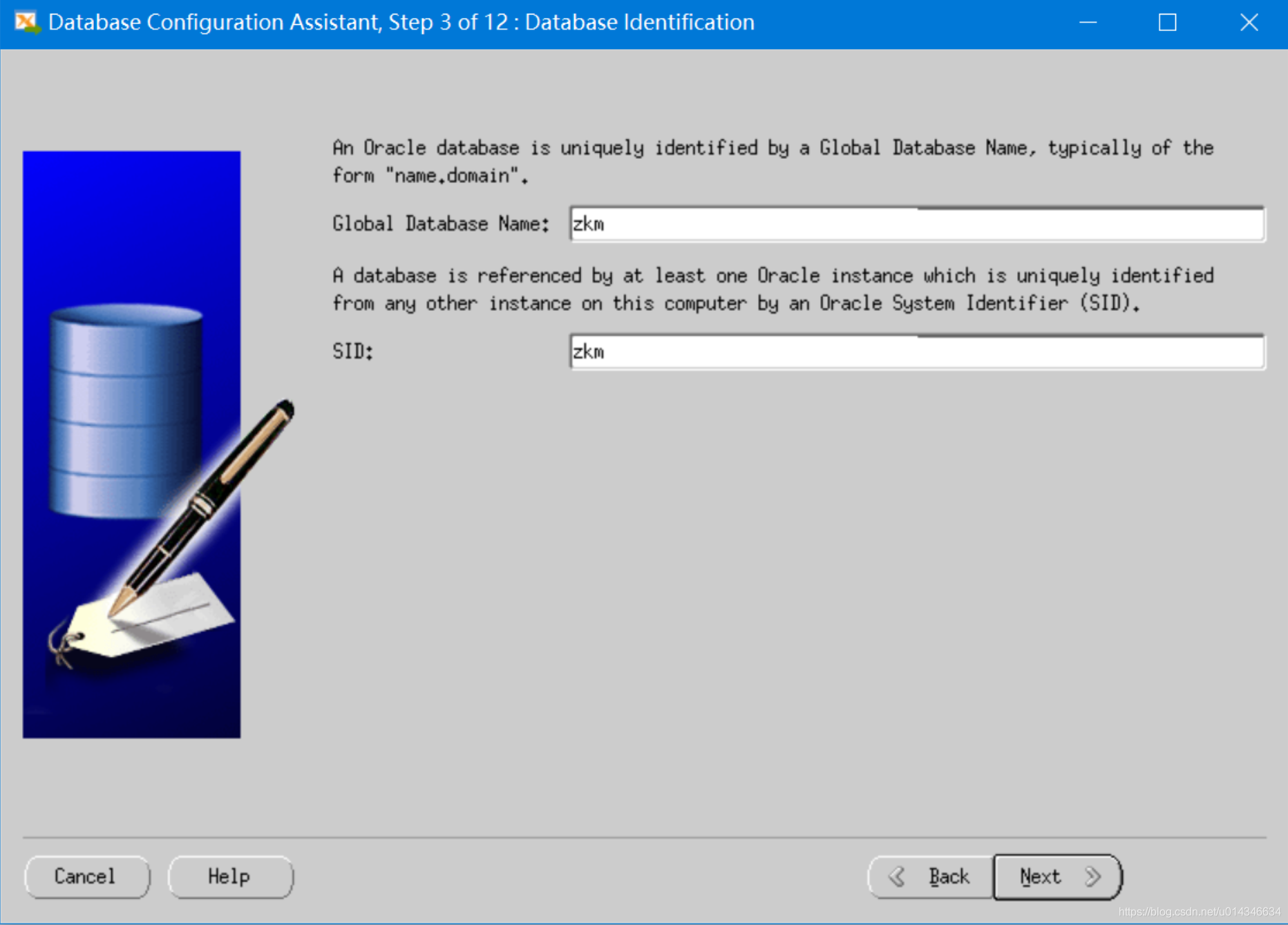
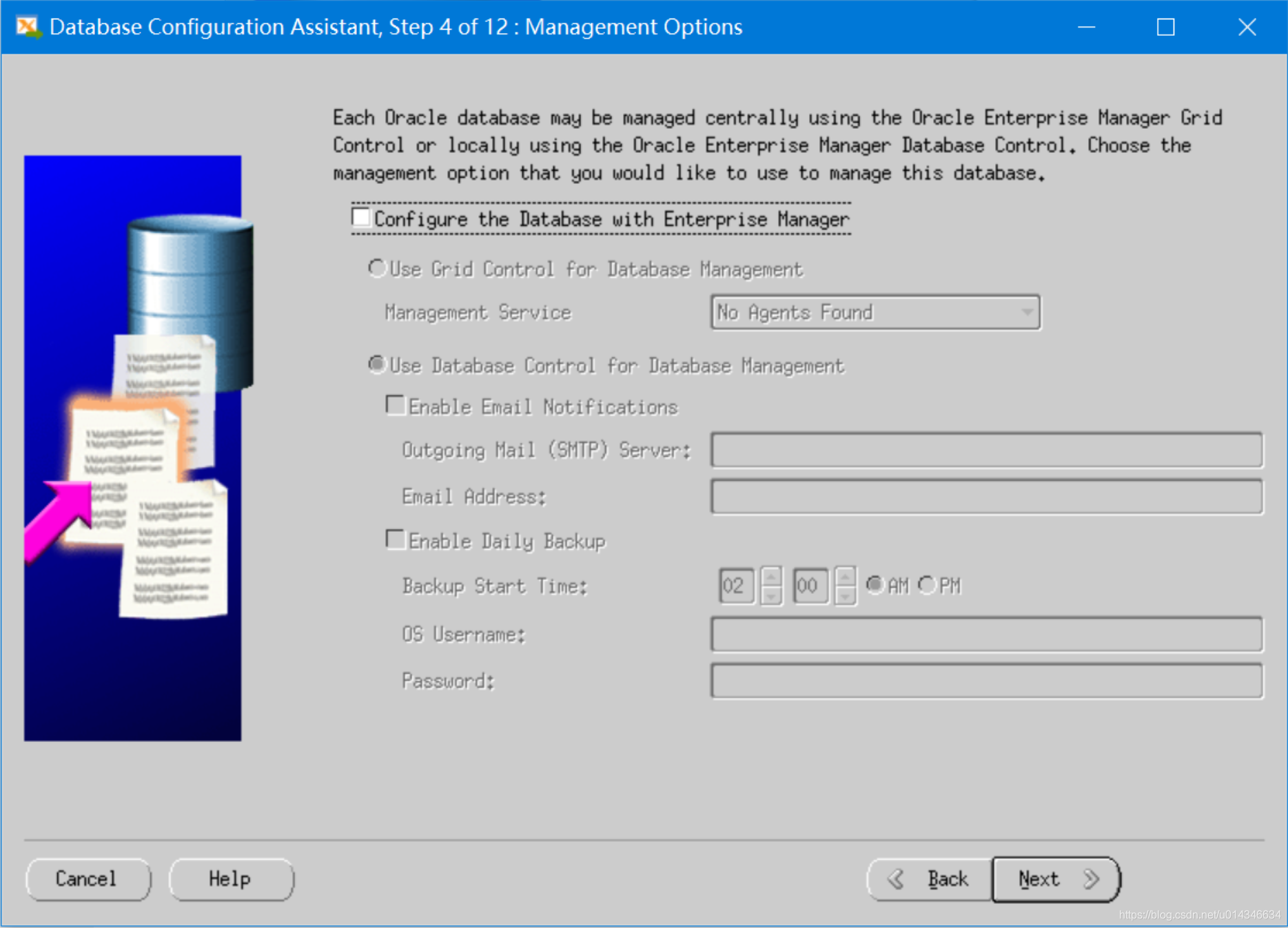
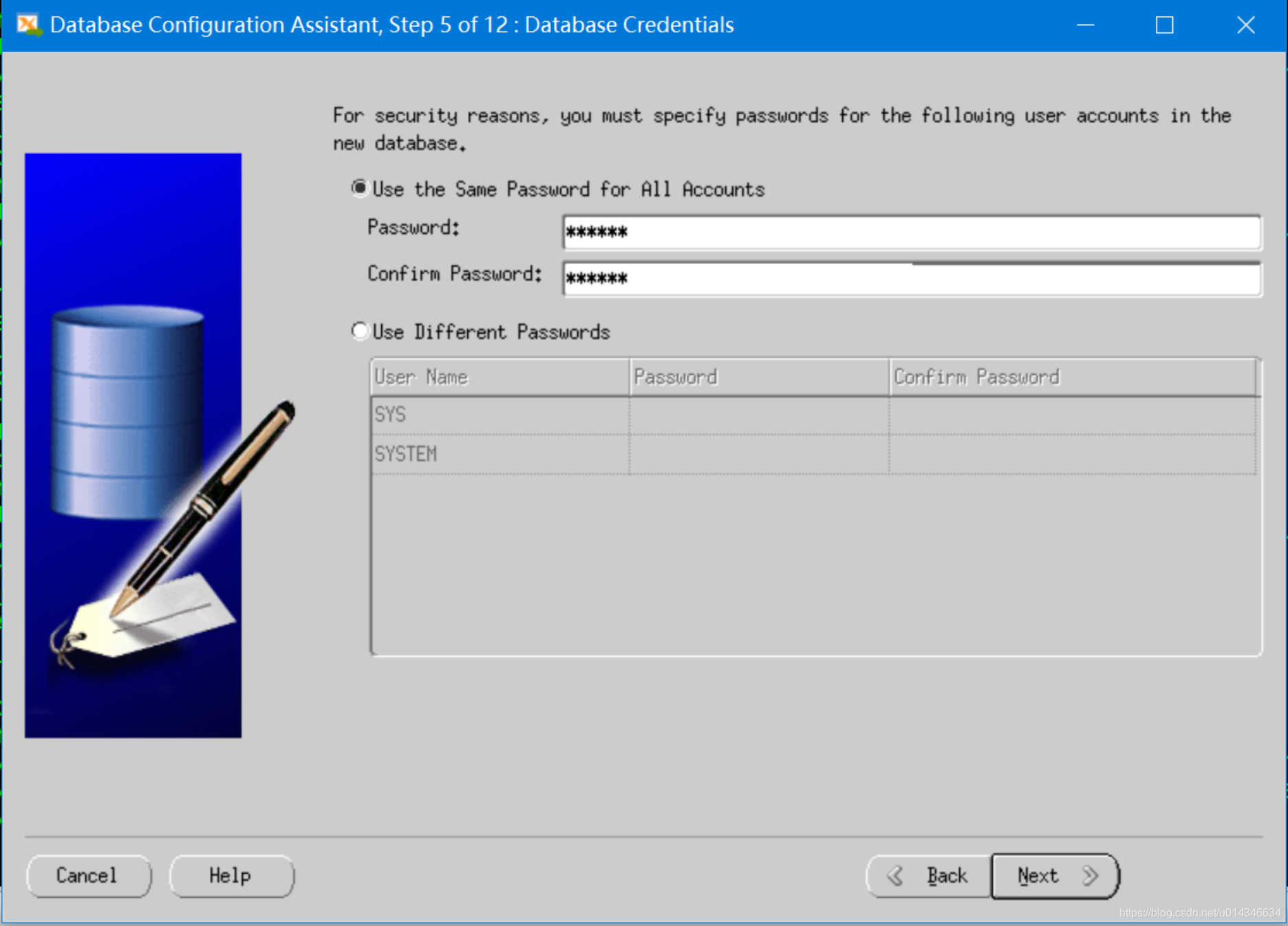
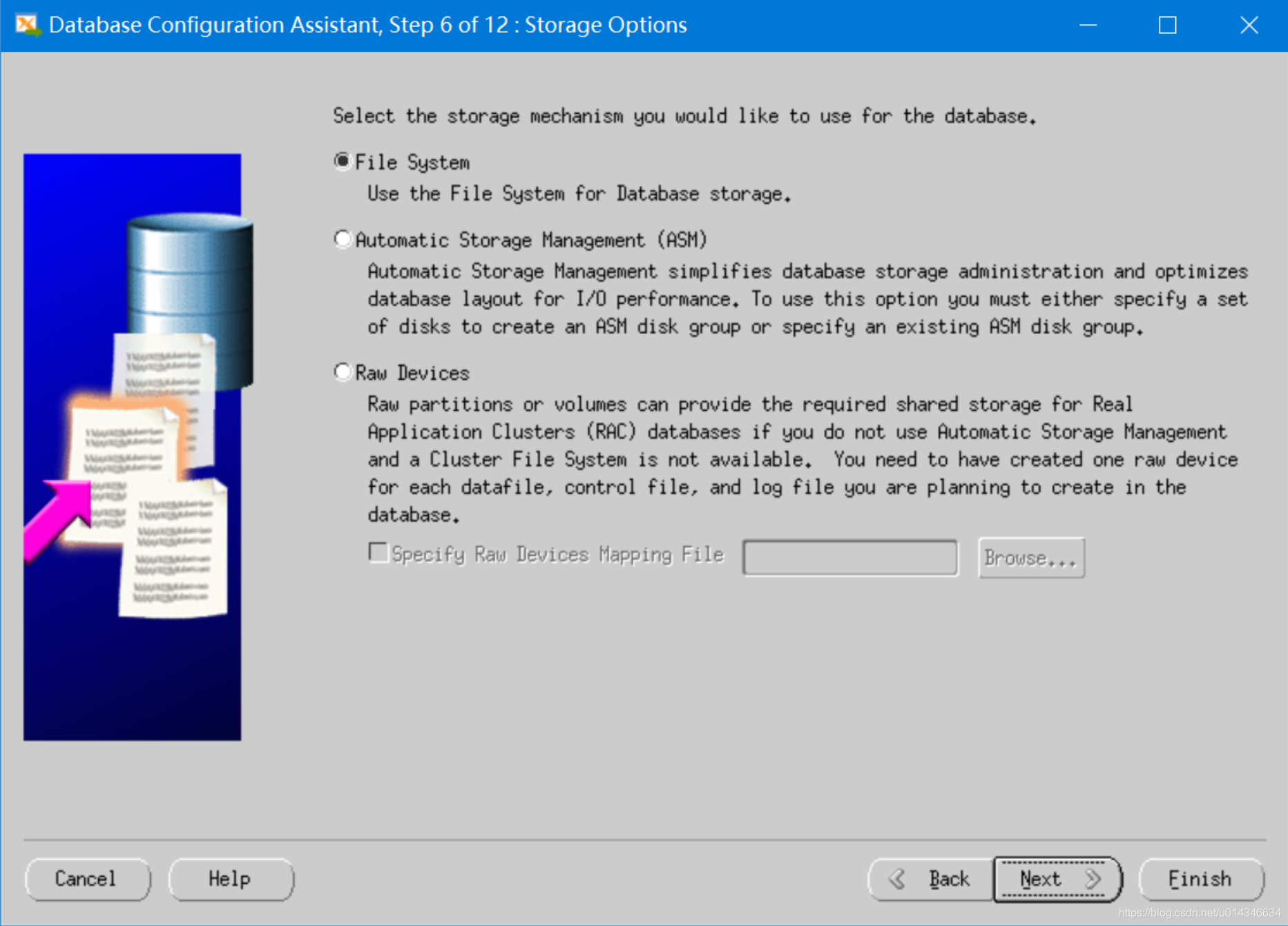
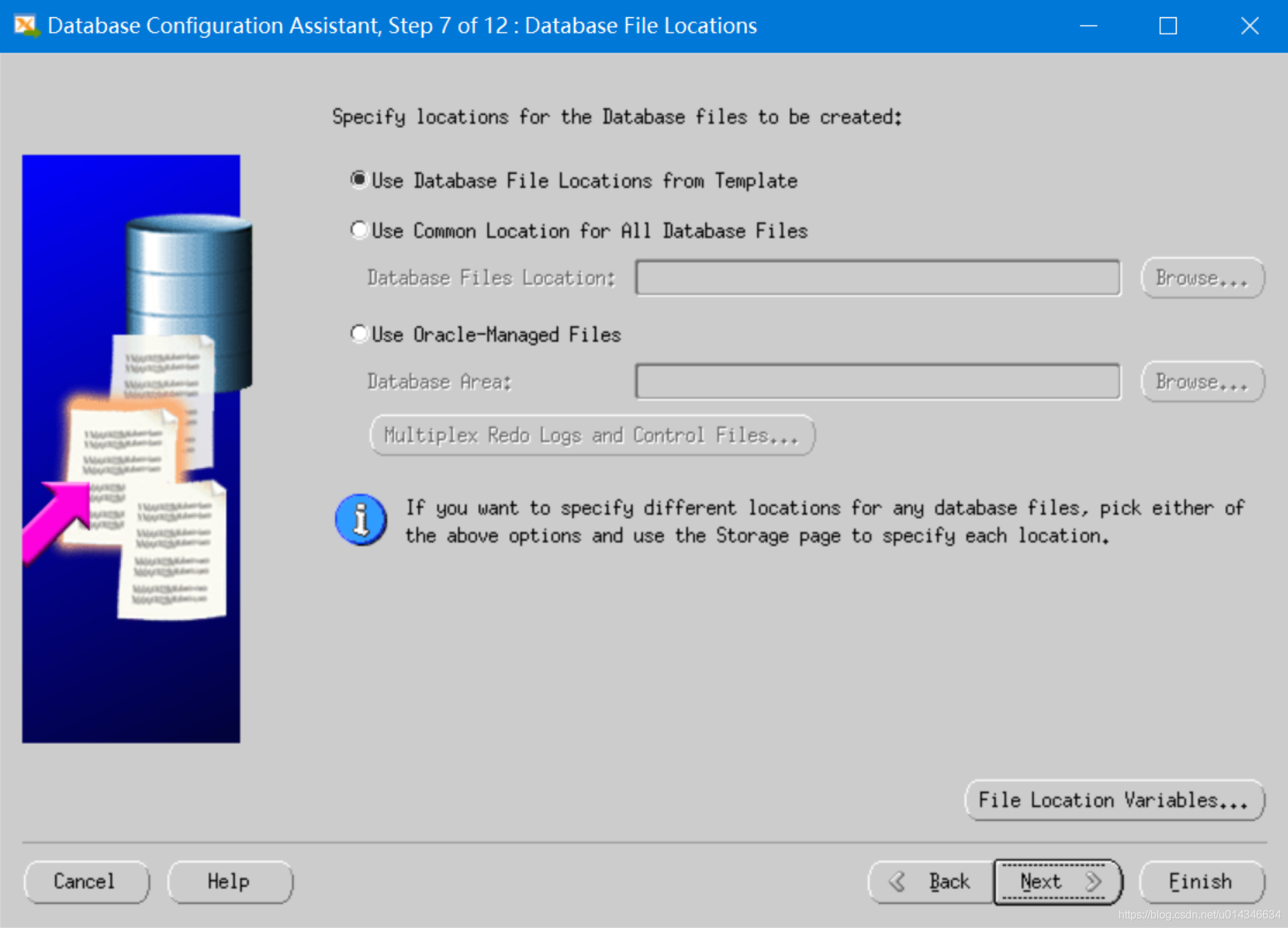
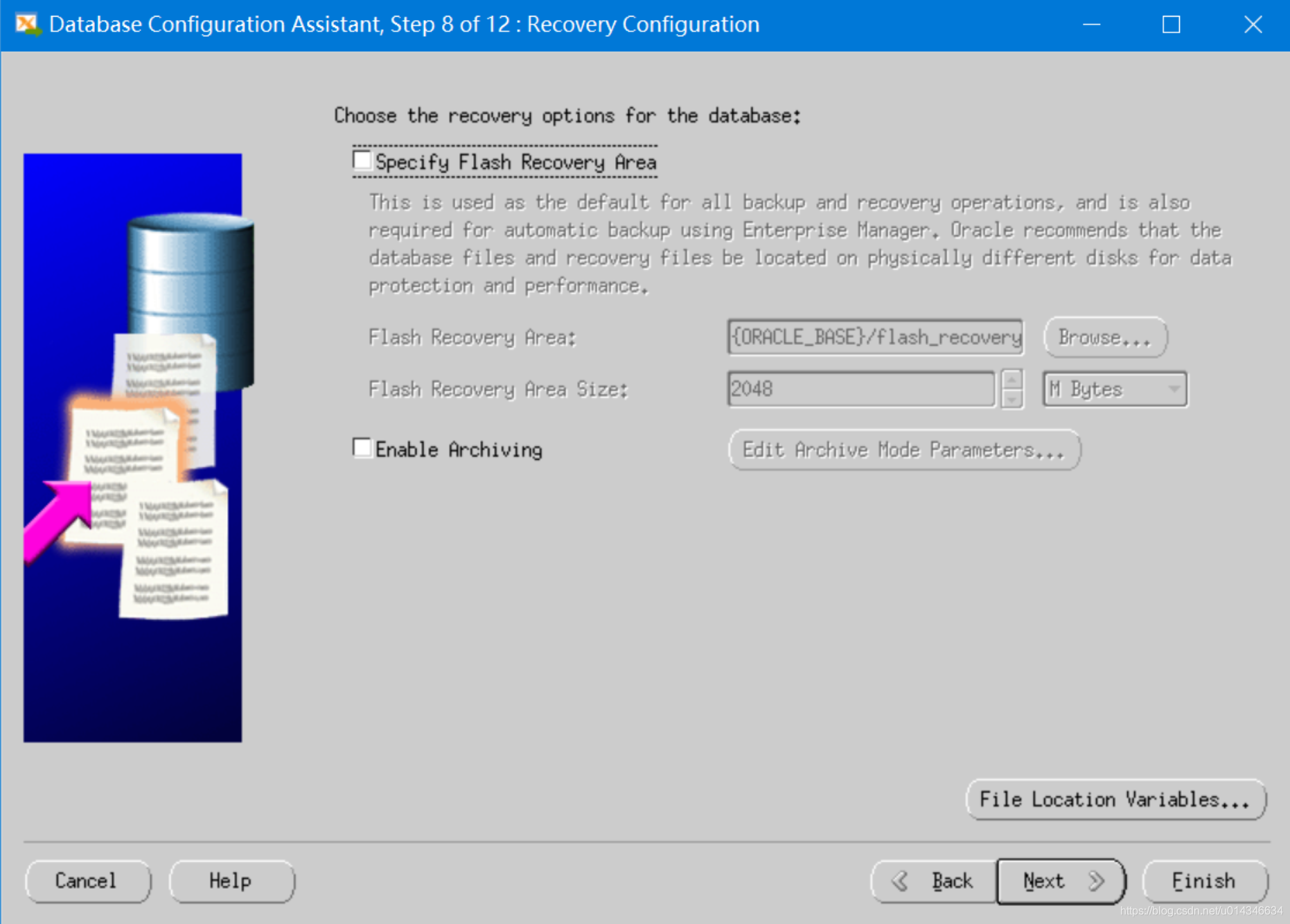
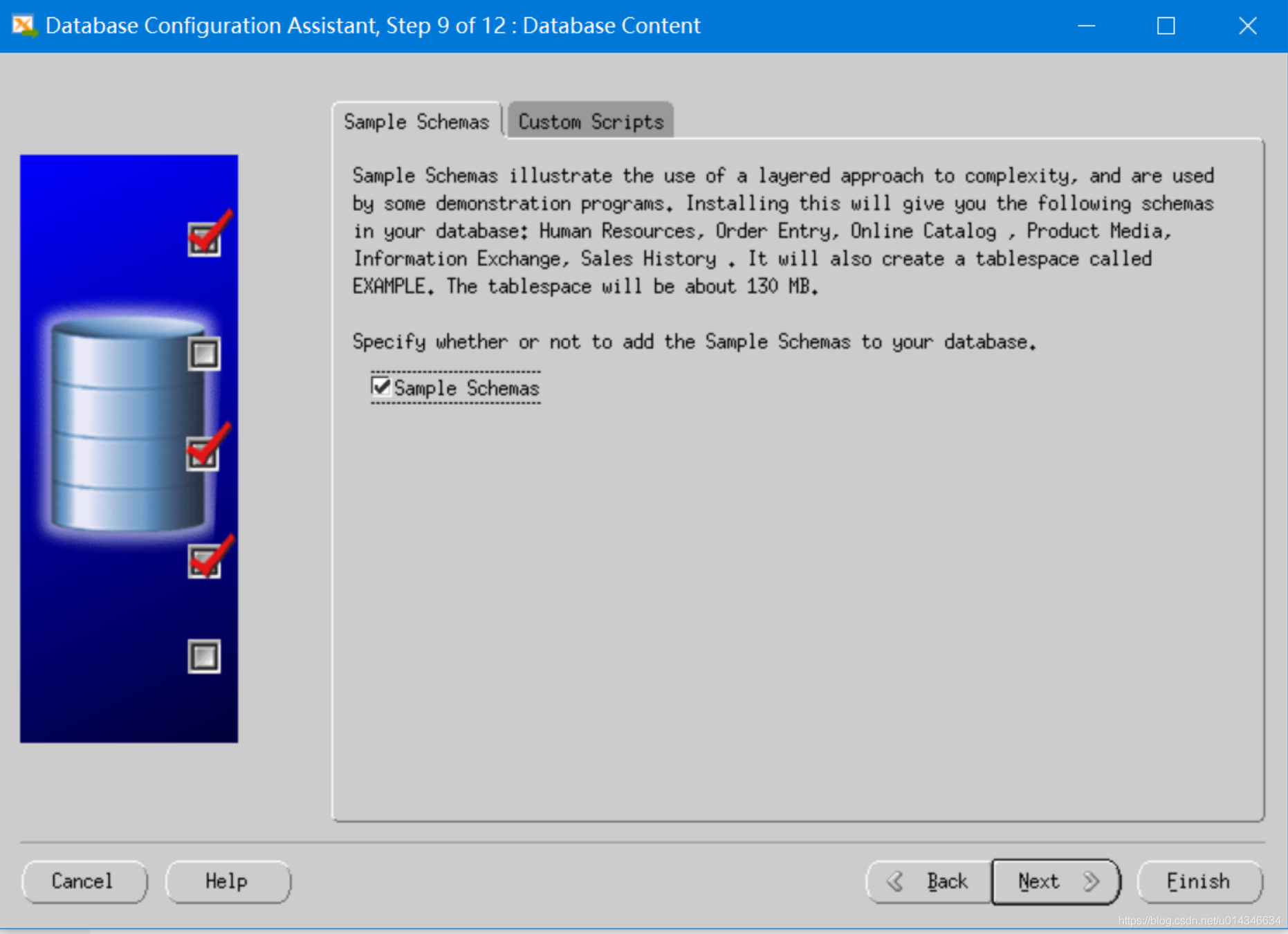
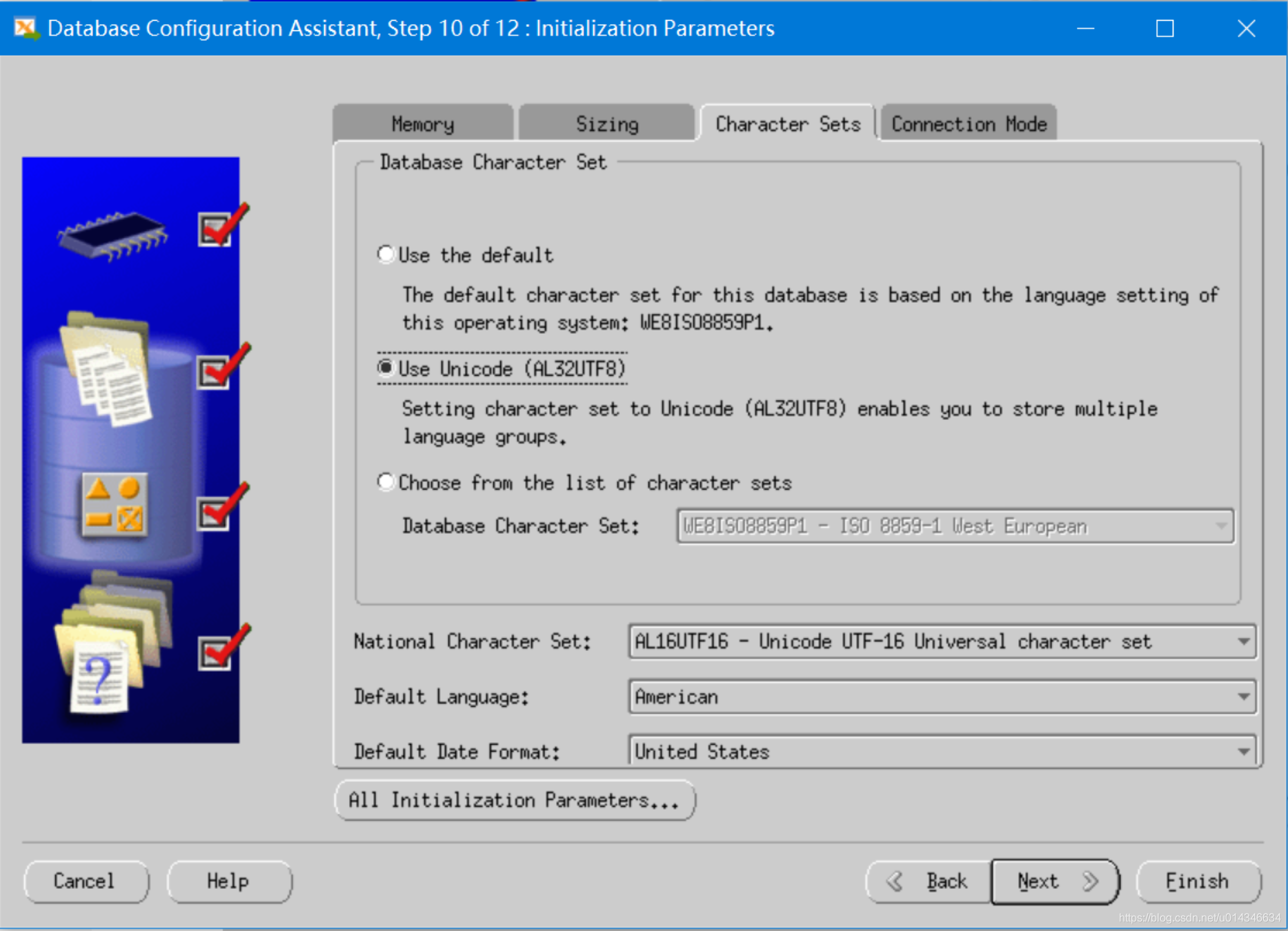
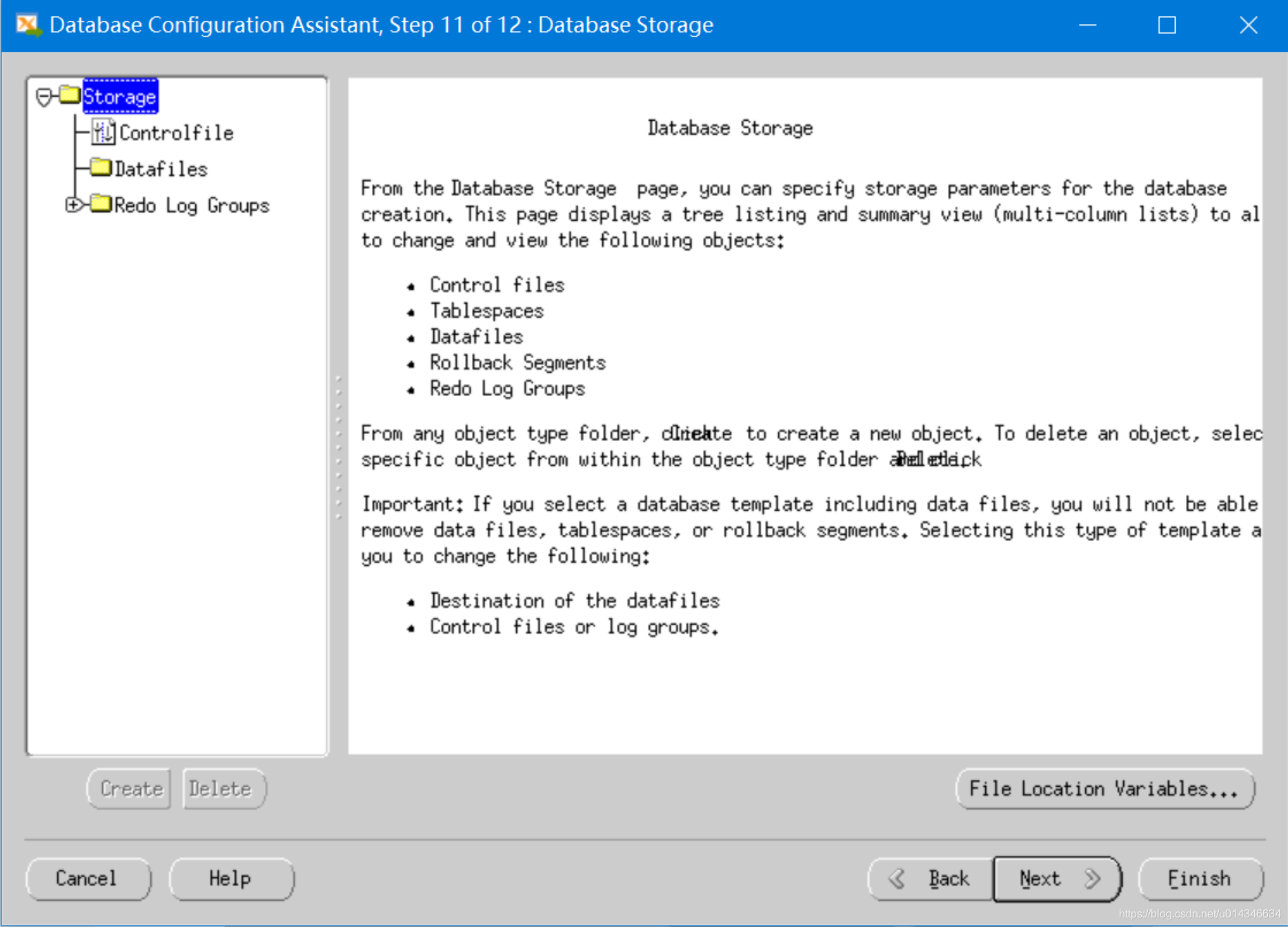
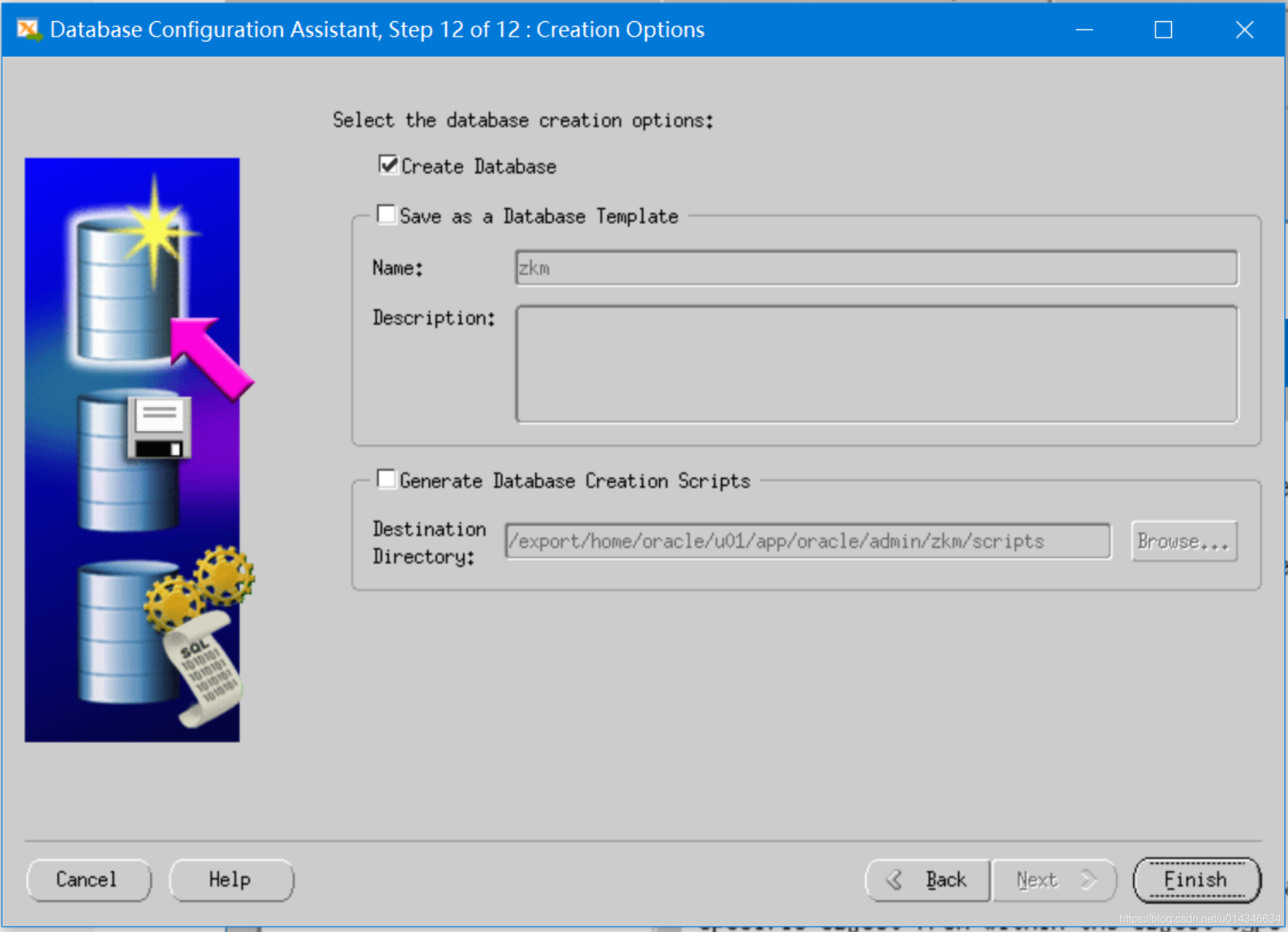
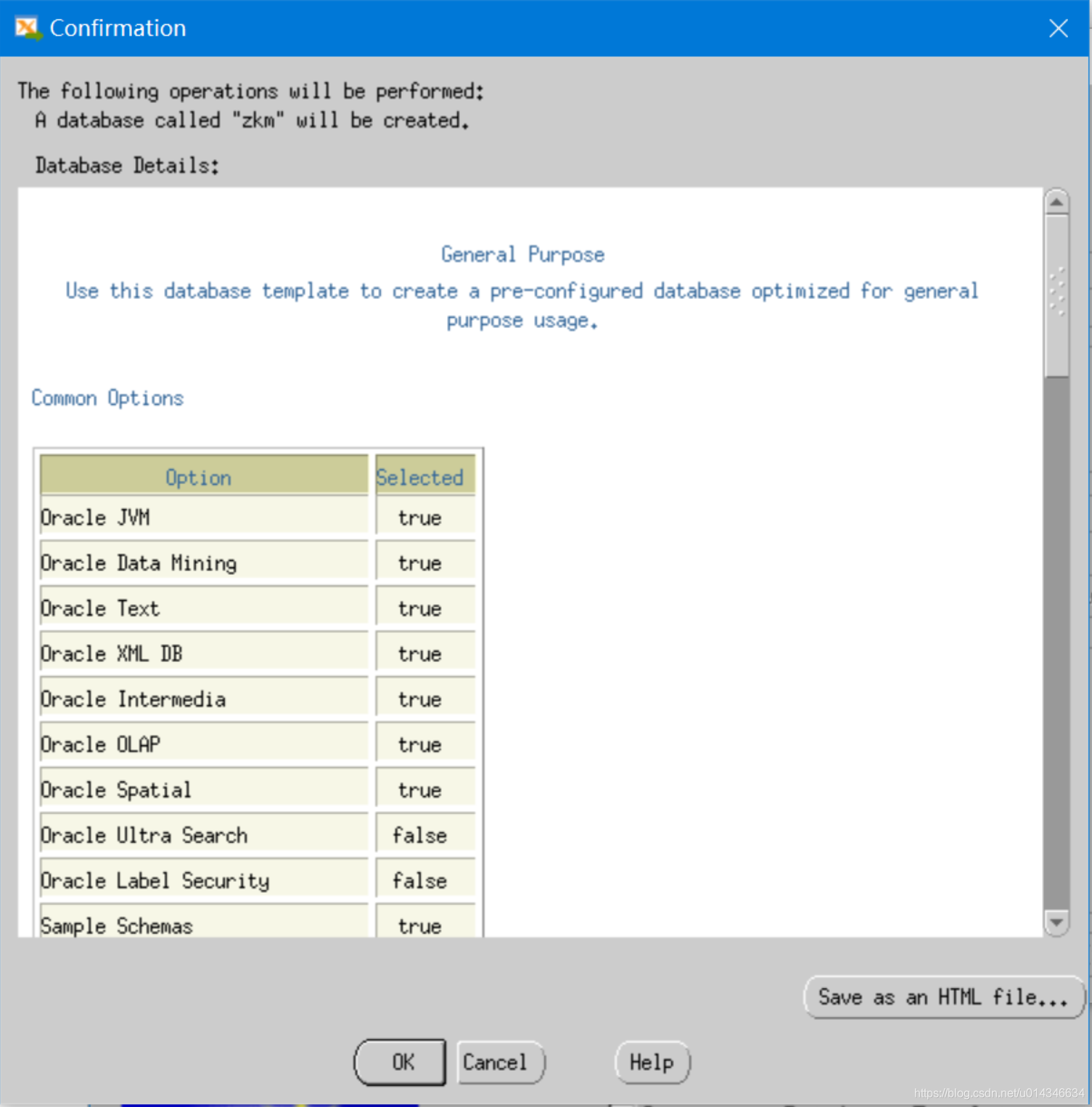
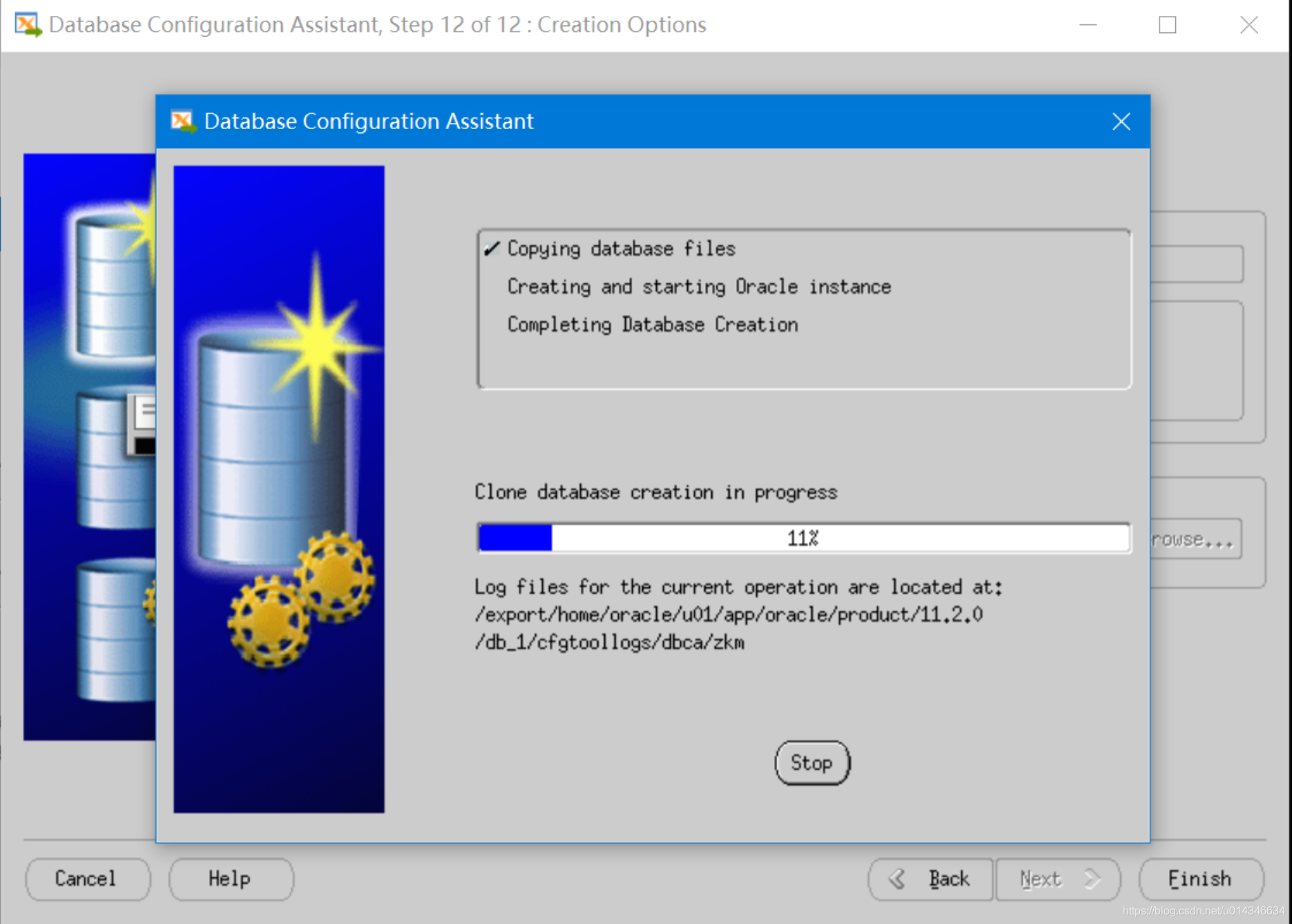
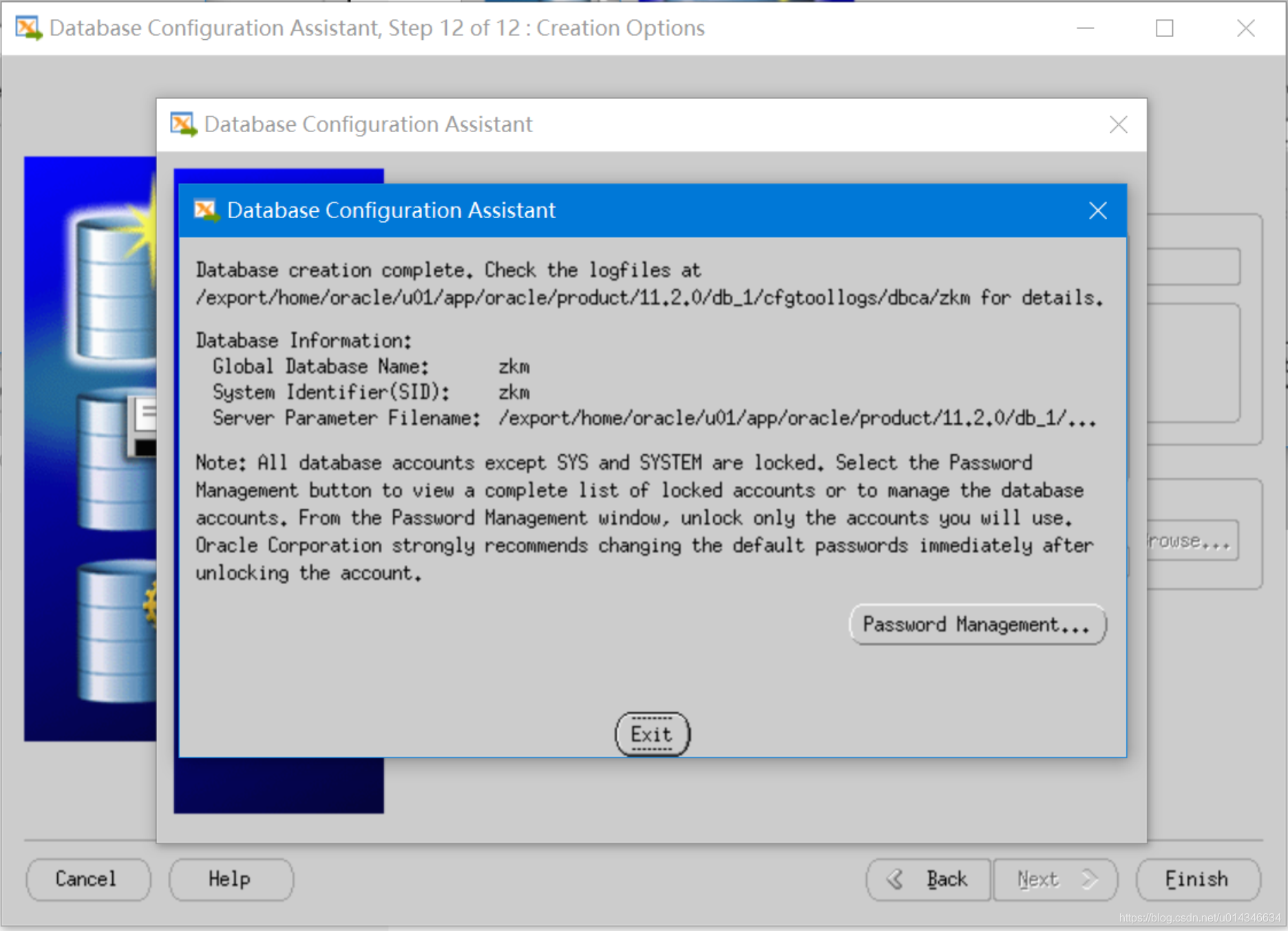
完成。
[oracle@oracle:/export/home/oracle]# sqlplus / as sysdba

SQL*Plus: Release 10.2.0.2.0 - Production on Fri Apr 3 12:52:29 2020

Copyright (c) 1982, 2005, Oracle.  All Rights Reserved.

Connected to:

Oracle Database 10g Enterprise Edition Release 10.2.0.2.0 - Production

With the Partitioning, OLAP and Data Mining options

SQL>
Solaris 10上Oracle 10g安装步骤图解的更多相关文章
- Linux上Oracle 11g安装步骤图解
Oracle 11g下载地址: http://www.oracle.com/technetwork/database/enterprise-edition/downloads/index.html 选 ...
- postgresql+postgis+pgrouting安装步骤图解
1.在此(https://www.bigsql.org/postgresql/installers.jsp/)下载postgresql(开源数据库,gis行业推荐使用); 2.在此(http://wi ...
- Oracle 11g安装步骤以及Oracle11g创建表空间和用户,并授权
Oracle 11g安装步骤详解 一.Oracle 下载 注意Oracle分成两个文件,下载完后,将两个文件解压到同一目录下即可. 路径名称中,最好不要出现中文,也不要出现空格等不规则字符. 官方下地 ...
- Oracle 10g安装64位图解流程
1. 安装准备阶段 1.1 安装Oracle环境 本例使用X-Manager来实现与Linux系统的连接,本例使用的所有命令和操作都是在X-Manager下进行.X-Manager安装完成后的配置方法 ...
- 分享一下Oracle 10g和Toad for Oracle的安装步骤
三年前用过Oracle,单纯的“用过”,主要就是说对数据库的一些操作,还不包含创建一些存储过程之类的,所以对Oracle仅仅只是了解一点儿,因为当时那家公司里面,数据库里面的东西都是那些顾问负责的,再 ...
- Oracle 11g安装步骤详谈
又是十月南京阴雨天气 图书馆花了一个多小左右把11g安装折腾好了.其中折腾SQL Developer 花了好长时间,总算搞定了.好了,先总结下安装步骤,希望给后面的童鞋提高安装效率. 相互方便 共同 ...
- Oracle 10G 安装文档
Oracle 10G安装指导 1. 解压文件10201_database_win32.zip,并双击解压目录下的setup.exe,出现安装界面,如下: 2. 输入口令和确认口令,如:password ...
- 超详细oracle 11g安装步骤 win版本
1. 打开网址: https://edelivery.oracle.com 使用oracle 任意账号登录 账号:2696671285@qq.com 密码:Oracle123 感谢来自某位好心大佬的共 ...
- Oracle 10g安装教程
首先下载安装文件,打开后文件结构如图所示: 安装之前请关闭Windows防火墙并断开网络. xp系统下直接双击运行(本经验以XP系统安装为例进行讲述). 如果是在win7上安装,如图:在setup文件 ...
随机推荐
- Java实现 蓝桥杯VIP 算法训练 删除多余括号
算法训练 删除多余括号 时间限制:1.0s 内存限制:512.0MB 问题描述 从键盘输入一个含有括号的四则运算表达式,要求去掉可能含有的多余的括号,结果要保持原表达式中变量和运算符的相对位置不变,且 ...
- Java实现 蓝桥杯VIP 算法提高 P0401
算法提高 P0401 时间限制:1.0s 内存限制:256.0MB 输入一个无符号整数x,输出x的二进制表示中1的个数. 输入: 76584 输出: 7 import java.util.Scanne ...
- Java实现 LeetCode 189 旋转数组
189. 旋转数组 给定一个数组,将数组中的元素向右移动 k 个位置,其中 k 是非负数. 示例 1: 输入: [1,2,3,4,5,6,7] 和 k = 3 输出: [5,6,7,1,2,3,4] ...
- Java实现 蓝桥杯VIP 算法提高 能量项链
算法提高 能量项链 时间限制:1.0s 内存限制:256.0MB 问题描述 在Mars星球上,每个Mars人都随身佩带着一串能量项链.在项链上有N颗能量珠.能量珠是一颗有头标记与尾标记的珠子,这些标记 ...
- @Transactional 事务的底层原理
最近同事发现一个业务状态部分更新的bug,这个bug会导致两张表的数据一致性问题.花了些时间去查问题的原因,现在总结下里面遇到的知识点原理. 问题一:事务没生效 我们先看一段实例代码,来说明下问题: ...
- WinUI 3试玩报告
1. 什么是 WinUI 3 在微软 Build 2020 开发者大会上,WinUI 团队宣布可公开预览的 WinUI 3 Preview 1,它让开发人员可以在 Win32 中使用 WinUI.Wi ...
- 小程序 大转盘 抽奖 canvas animation
项目需求运用到大转盘 可设置概率 可直接自定义结果 效果如下
- Kubernetes日志的6个最佳实践
本文转自Rancher Labs Kubernetes可以帮助管理部署在Pod中的上百个容器的生命周期.它是高度分布式的并且各个部分是动态的.一个已经实现的Kubernetes环境通常涉及带有集群和节 ...
- 2、react-生命周期1※※※
生命周期: 一个人的生命周期:从出生到去世 出生得那一刻就是当前这一个人特性固定下来得那一刻:实例化期 出生了之后生长知道死的那一刻:生存期 去世了:销毁期 所以对于一个组件来说它的生命周期是三个时期 ...
- [转载]java内存工具VisualVM的简单使用以及与Idea集成
本文来源https://blog.csdn.net/KingBoyWorld/article/details/75579606 一.idea集成 1.打开设置 windows File->Set ...