
EditPlus配色方案
找到配置文件:editplus_u.ini配置文件
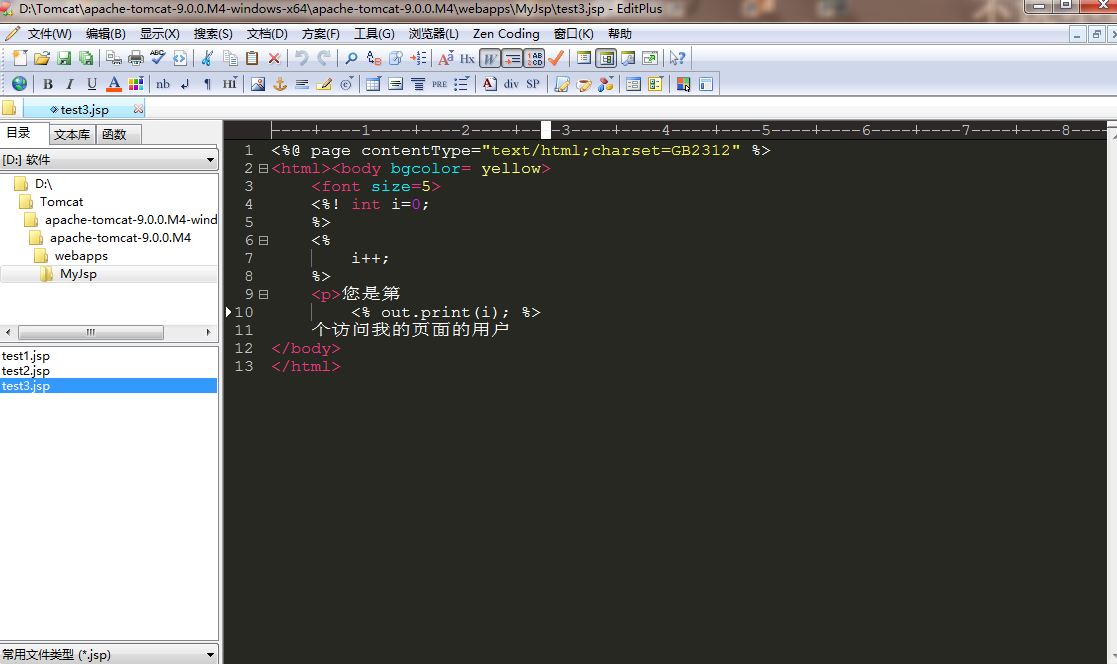
[Options]
Placement=2C00000002000000030000000083FFFF0083FFFFFFFFFFFFFFFFFFFFEA000000EE000000D6050000CF030000FF
Window List=00000000000000000000000000000000FF
Marker List=00000000000000000000000000000000FF
Function List=00000000000000000000000000000000FF
Open Remote=5C020000550100006404000067030000FF
Expand=00000000000000000000000000000000FF
Project Pos=00000000000000000000000000000000FF
Workspace Path=F:\phpcms\phpcms\user\inc
Cliptext Window=
Cliptext Window =
Output=
Output =
Folding=
FindX=
FindY=
Find=align
Tab Index=
Cliptext=
Custom colors=6D6D7200FFFFFF00FFFFFF00FFFFFF00FFFFFF00FFFFFF00FFFFFF00FFFFFF0031282700FFFFFF00FFFFFF00FFFFFF00FFFFFF00FFFFFF00FFFFFF00FFFFFF00FF
Matching Brace=
Indent guide=
[Files]
Encoding=
Backup=
Backup Remote=
[Fonts]
Edit Window=F0FFFFFF00000000000000000000000090010000000000000302013143006F007500720069006500720020004E0065007700000000000000000000000000000000000000000000000000000000000000000000000000000000000000FF
Printer=F4FFFFFF00000000000000000000000090010000000000000000003143006F007500720069006500720020004E0065007700000000000000000000000000000000000000000000000000000000000000000000000000000000000000FF
Output Window=F4FFFFFF00000000000000000000000090010000000000000000003143006F007500720069006500720020004E0065007700000000000000000000000000000000000000000000000000000000000000000000000000000000000000FF
Cliptext Window=F4FFFFFF0000000000000000000000009001000000000001000000004D006900630072006F0073006F006600740020005900610048006500690020005500490000000000000000000000000000000000000000000000000000000000FF
Document Selector=F4FFFFFF0000000000000000000000009001000000000001000000004D006900630072006F0073006F006600740020005900610048006500690020005500490000000000000000000000000000000000000000000000000000000000FF
Hex Viewer=F4FFFFFF00000000000000000000000090010000000000010000003143006F007500720069006500720020004E0065007700000000000000000000000000000000000000000000000000000000000000000000000000000000000000FF
Custom =F4FFFFFF00000000000000000000000090010000000000000000002241007200690061006C000000720020004E0065007700000000000000000000000000000000000000000000000000000000000000000000000000000000000000FF
Custom =F5FFFFFF000000000000000000000000900100000000000000000022560065007200640061006E00610000004E0065007700000000000000000000000000000000000000000000000000000000000000000000000000000000000000FF
Custom =F4FFFFFF000000000000000000000000900100000000000000000012540069006D006500730020004E0065007700200052006F006D0061006E0000000000000000000000000000000000000000000000000000000000000000000000FF
Custom =F5FFFFFF0000000000000000000000009001000000000000000000224D0053002000530061006E0073002000530065007200690066000000000000000000000000000000000000000000000000000000000000000000000000000000FF
Custom =F3FFFFFF00000000000000000000000090010000000000FF000000315400650072006D0069006E0061006C00000065007700000000000000000000000000000000000000000000000000000000000000000000000000000000000000FF
[Tool Option]
Top Selector=
[Colors\Text]
Background=
Default=
Foreground=
[Colors\Keyword ]
Foreground=
Default=
[Colors\Embedded script]
Foreground=
Default=
[Colors\Keyword ]
Foreground=
Default=
[Colors\Keyword ]
Foreground=
Default=
[Colors\Keyword ]
Foreground=
Default=
[Colors\Keyword ]
Foreground=
Default=
[Colors\Keyword ]
Foreground=
Default=
[Colors\Keyword ]
Foreground=
Default=
[Colors\Quotation]
Foreground=
Default=
[Colors\Quotation ]
Foreground=
Default=
[Colors\Line comment]
Foreground=
Default=
[Colors\Line number]
Foreground=
Background=
Default=
[Colors\Folding mark -]
Background=
Default=
[Colors\Matching words]
Default=
Background=
[Colors\Keyword ]
Foreground=
Default=
[Colors\Folding mark +]
Background=
Default=
[Colors\Text selection]
Background=
Default=
[Colors\Number]
Foreground=
Default=
[Colors\Block comment]
Foreground=
Default=
[Colors\Keyword ]
Foreground=
Default=
[Colors\Ruler]
Foreground=
Default=
Background=
[Colors\Cursor indicator]
Background=
Default=
[Colors\Indent Guide]
Foreground=
Default=
EditPlus配色方案的更多相关文章
- 推荐一个Monokai风格的EditPlus配色方案
如何配置 找到EditPlus的配置文件editplus_u.ini,该文件默认在:系统盘:\Users\用户名\AppData\Roaming\EditPlus目录中.将其中的内容替换为如下即可: ...
- Monokai风格的EditPlus配色方案
EditPlus的配置文件editplus_u.ini,该文件默认在:系统盘:\Users\用户名\AppData\Roaming\EditPlus目录中.将其中的内容替换为如下即可: [Option ...
- Editplus下载、安装并最佳配色方案(强烈推荐)
不多说,直接上干货! Editplus下载 第一步:进入官网 https://www.editplus.com/ 第二步:下载 https://www.editplus.com/download.ht ...
- EditPlus仿Sublime配色方案(三种任你选择)
[Options] Placement=2C00000002000000030000000083FFFF0083FFFFFFFFFFFFFFFFFFFFEA000000EE000000D6050000 ...
- 改变linux默认配色方案(dircolors和dircolors-solarized使用)
前言 前几天刚买了阿里云的云服务器,今天使用putty进入服务器,发现linux默认的bash配色实在太丑. 特别是文件夹显示为深蓝色,到了白天,和黑色背景一搭配,根本看不清文字. 好在在github ...
- VisualStudio配色方案
最近发现一个很神奇的网站,可以方便的为VisualStudio配色:Studio Styles - Visual Studio color schemes 可以下载一份自己喜欢的配色方案 如果还不满意 ...
- 好看的IDE配色方案让代码看起来不再那么凶猛了
写这篇小文的初衷是,笔者是原教旨主义者,一直坚持用IDE默认的配色方案.另外也觉得网上黑色系的配色方案太过bling bling了.但今天尝试用新的配色方案后,兴奋地发现对代码的好感度大幅提升. 嗯, ...
- Sourceinsight最佳配色方案及颜色字体调整方法
在Ubuntu下面用Gedit有一款比较好看的配色,应该是Darkblue.按照那个样子在SI里面做了一个差不多的,按个人喜好,背景色换成黑色,如下所示: 配色的方案文件可以从此处链接免费下载: 配色 ...
- Visual Studio配色方案
Eclipse开源工具和VS在诸多方面真的是差距非常大,无奈Java编程,使用VS非常麻烦.所以只能选择Eclipse 但是Eclipse的系统配色,又实在是不舒服,于是抽时间,从VS上抠了一份默认的 ...
随机推荐
- python之 yield --- “协程”
在编程中我们经常会用到列表,以前使用列表时需要声明和初始化,在数据量比较大的时候也需要把列表完整生产出来,例如要存放1000给数据,需要准备长度1000的列表,这样计算机就需要准备内存放置这个列表,在 ...
- Cockpit- Linux 服务器管理接口
Cockpit- Linux 服务器管理接口 功能 它包含 systemd 服务管理器. 有一个用于故障排除和日志分析的 Journal 日志查看器. 包括 LVM 在内的存储配置比以前任何时候都要简 ...
- Ansbile实战经验
一.相关用法: 1.执行shell 获取web组里得eth0接口信息 ansible web -a "ifconfig eth0" 2.执行ifconfig eth0 命令,ans ...
- tomcat的内存配置
WEB站点在跑安全测试时,跑一会儿就连接不上,考虑是否是tomcat内存溢出问题. Linux环境,修改Tomcat的内存配置: 修改bin/catalina.sh文件,在cygwin=false前面 ...
- [REPRINT]Properties vs. Getters and Setters
http://www.python-course.eu/python3_properties.php Our new class means breaking the interface. The a ...
- 详述 DB2 分页查询及 Java 实现的示例_java - JAVA
文章来源:嗨学网 敏而好学论坛www.piaodoo.com 欢迎大家相互学习 博主说:有时候,我们需要对数据库中现有的数据进行大量处理操作(例如表中的某个字段需要全部更新等),如果直接使用selec ...
- 【leetcode】698. Partition to K Equal Sum Subsets
题目如下: 解题思路:本题是[leetcode]473. Matchsticks to Square的姊妹篇,唯一的区别是[leetcode]473. Matchsticks to Square指定了 ...
- 部署至Oracle数据库的注意事项
部署至Oracle数据库的注意事项 安装数据库之前1)检查计算机名,如果是乱码,改一下名字 2)有杀毒软件,能关则关 但是最好征求用户的同意 3)装两个一起解压databa ...
- HRESULT: 0x80040228
When run the arcgis engine codes in the console application, may come to the exception: HRESULT: 0x8 ...
- Comet OJ - Contest #7 D 机器学习题 斜率优化 + 未调完
Code: #include <cstdio> #include <algorithm> #include <cstring> #define setIO(s) f ...