
Hive数据导入Elasticsearch
Elasticsearch Jar包准备
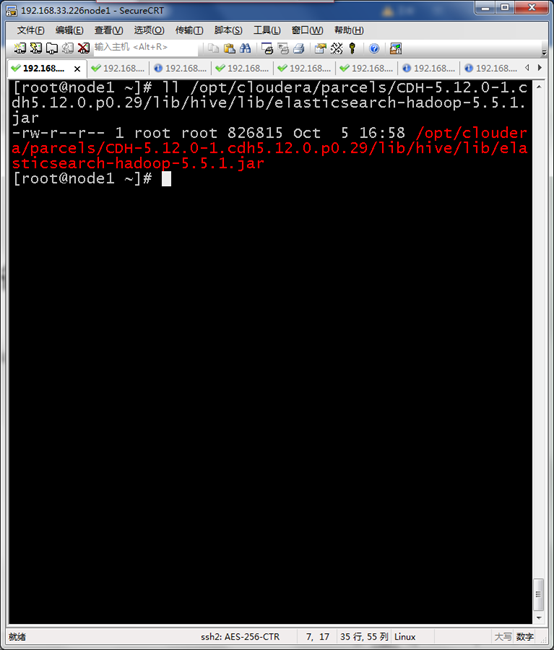
所有节点导入elasticsearch-hadoop-5.5.1.jar
/opt/cloudera/parcels/CDH-5.12.0-1.cdh5.12.0.p0.29/lib/hive/lib/elasticsearch-hadoop-5.5.1.jar
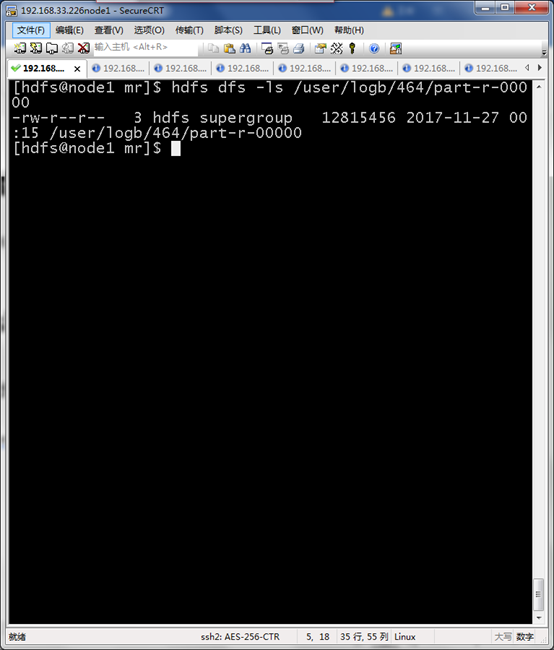
HDFS导入数据准备
hdfs dfs -ls /user/logb/464/part-r-00000
进入HIVE shell 执行
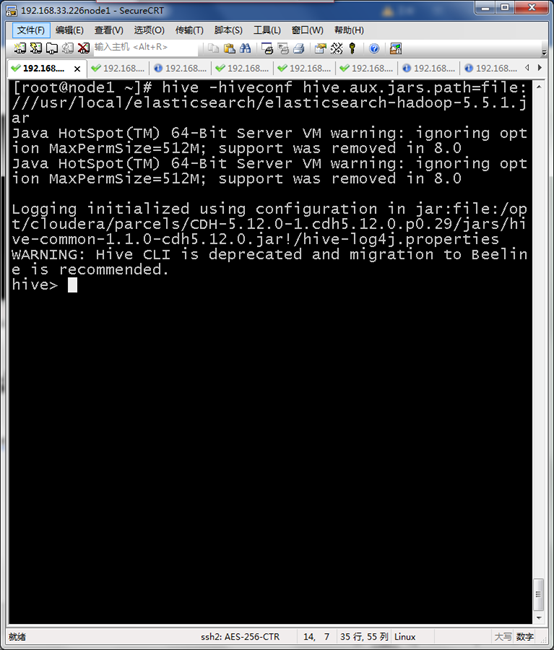
引用Elasticsearch jar包进行hive界面
hive -hiveconf hive.aux.jars.path=file:///usr/local/elasticsearch/elasticsearch-hadoop-5.5.1.jar
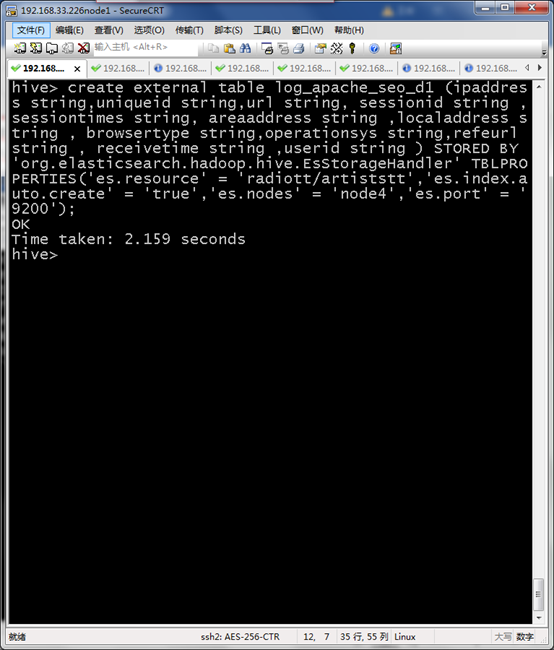
创建与Elasticsearch对接log_apache_seo_d1外部表
create external table log_apache_seo_d1 (ipaddress string,uniqueid string,url string, sessionid string ,sessiontimes string, areaaddress string ,localaddress string , browsertype string,operationsys string,refeurl string , receivetime string ,userid string ) STORED BY 'org.elasticsearch.hadoop.hive.EsStorageHandler' TBLPROPERTIES('es.resource' = 'radiott/artiststt','es.index.auto.create' = 'true','es.nodes' = 'node4','es.port' = '9200');
创建源数据表log_apache_seo_source_d1
CREATE TABLE log_apache_seo_source_d1 (ipaddress string,uniqueid string,url string, sessionid string ,sessiontimes string, areaaddress string ,localaddress string , browsertype string,operationsys string,refeurl string , receivetime string ,userid string ) row format delimited fields terminated by '\t' stored as textfile;
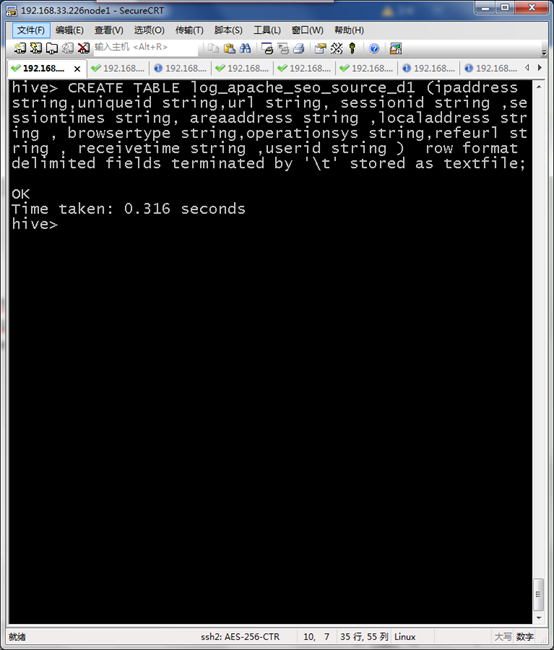
加载MR结果到HIVE
load data inpath '/user/logb/464/part-r-00000' into table log_apache_seo_source_d1 ;

将HIVE数据加载到Elasticsearch所需表中
insert overwrite table log_apache_seo_d1 select s.ipaddress,s.uniqueid,s.url,s.sessionid,s.sessiontimes,s.areaaddress,s.localaddress,s.browsertype,s.operationsys,s.refeurl,s.receivetime,s.userid from log_apache_seo_source_d1 s;
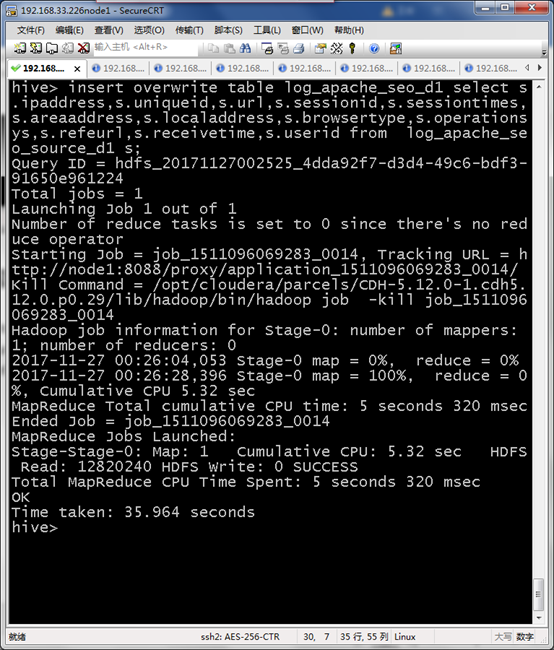
编写shell脚本
#!/bin/sh
# upload logs to hdfs
hive -e "
set hive.enforce.bucketing=true;
set hive.exec.compress.output=true;
set mapred.output.compress=true;
set mapred.output.compression.codec=org.apache.hadoop.io.compress.GzipCodec;
set io.compression.codecs=org.apache.hadoop.io.compress.GzipCodec;
load data inpath '/user/logb/464/part-r-00000' into table log_apache_seo_source_d1 ;
"
执行脚本任务
0 */2 * * * /opt/bin/hive_opt/crontab_import.sh
Hive数据导入Elasticsearch的更多相关文章
- 利用sqoop将hive数据导入导出数据到mysql
一.导入导出数据库常用命令语句 1)列出mysql数据库中的所有数据库命令 # sqoop list-databases --connect jdbc:mysql://localhost:3306 ...
- Hive数据导入导出的几种方式
一,Hive数据导入的几种方式 首先列出讲述下面几种导入方式的数据和hive表. 导入: 本地文件导入到Hive表: Hive表导入到Hive表; HDFS文件导入到Hive表; 创建表的过程中从其他 ...
- KUDU数据导入尝试一:TextFile数据导入Hive,Hive数据导入KUDU
背景 SQLSERVER数据库中单表数据几十亿,分区方案也已经无法查询出结果.故:采用导出功能,导出数据到Text文本(文本>40G)中. 因上原因,所以本次的实验样本为:[数据量:61w条,文 ...
- sqoop用法之mysql与hive数据导入导出
目录 一. Sqoop介绍 二. Mysql 数据导入到 Hive 三. Hive数据导入到Mysql 四. mysql数据增量导入hive 1. 基于递增列Append导入 1). 创建hive表 ...
- Logstash学习之路(四)使用Logstash将mysql数据导入elasticsearch(单表同步、多表同步、全量同步、增量同步)
一.使用Logstash将mysql数据导入elasticsearch 1.在mysql中准备数据: mysql> show tables; +----------------+ | Table ...
- Nebula Exchange 工具 Hive 数据导入的踩坑之旅
摘要:本文由社区用户 xrfinbj 贡献,主要介绍 Exchange 工具从 Hive 数仓导入数据到 Nebula Graph 的流程及相关的注意事项. 1 背景 公司内部有使用图数据库的场景,内 ...
- 从零自学Hadoop(16):Hive数据导入导出,集群数据迁移上
阅读目录 序 导入文件到Hive 将其他表的查询结果导入表 动态分区插入 将SQL语句的值插入到表中 模拟数据文件下载 系列索引 本文版权归mephisto和博客园共有,欢迎转载,但须保留此段声明,并 ...
- 从零自学Hadoop(17):Hive数据导入导出,集群数据迁移下
阅读目录 序 将查询的结果写入文件系统 集群数据迁移一 集群数据迁移二 系列索引 本文版权归mephisto和博客园共有,欢迎转载,但须保留此段声明,并给出原文链接,谢谢合作. 文章是哥(mephis ...
- Hive 实战(1)--hive数据导入/导出基础
前沿: Hive也采用类SQL的语法, 但其作为数据仓库, 与面向OLTP的传统关系型数据库(Mysql/Oracle)有着天然的差别. 它用于离线的数据计算分析, 而不追求高并发/低延时的应用场景. ...
随机推荐
- A*算法【拼图游戏】
数据结构 using System; using System.Collections.Generic; using System.Linq; using System.Text; using Sys ...
- C++线性表通过结构体实现操作和结构体字符串快速排序和shell排序结合
#include<iostream> #include<string> #define ml 10 using namespace std; typedef struct{// ...
- Android尺寸适配问题
1, 布局与组件大小用dp,文字大小用sp 2,
- hadoop批量命令脚本xrsync.sh传输脚本
1.xrsync.sh脚本 #!/bin/bash if [[ $# -lt 1 ]] ; then echo no params ; exit ; fi p=$1 #echo p=$p dir=`d ...
- Linux运维必会的100道MySql面试题之(一)
01 如何启动MySql服务 /etc/init.d/mysqld start service mysqld start Centos 7.x 系统 sysctl start mysqld 02 检 ...
- 新手 vim常用命令总结 (转)
转自 https://www.cnblogs.com/yangjig/p/6014198.html 在命令状态下对当前行用== (连按=两次), 或对多行用n==(n是自然数)表示自动缩进从当前行起的 ...
- 从安装 centos 到运行 laravel 的配置
# 安装 centos cd /etc/sysconfig/network-scripts/ vi ifcfg-xxx # 修改 ONBOOT="no" 为 "yes&q ...
- SpringBootMVC02——SpringDataJpa与ThymeLeaf
大纲 - SpringDataJpa进阶使用- SpringDataJpa自定义查询- 整合Servlet.Filter.Listener- 文件上传- Thymeleaf常用标签 1.整合Servl ...
- linux上开启和分析mysql慢查询日志
本人qq群也有许多的技术文档,希望可以为你提供一些帮助(非技术的勿加). QQ群: 281442983 (点击链接加入群:http://jq.qq.com/?_wv=1027&k=29Lo ...
- CSS中filter属性的使用
filter 属性定义了元素的可视效果 blur 给图像设置高斯模糊."radius"一值设定高斯函数的标准差,或者是屏幕上以多少像素融在一起, 所以值越大越模糊. 如果没有设定值 ...