
3. @RequestMapping注解
1. @RequestMapping 注解的功能
@RequestMapping 注解的作用就是将请求和处理请求的控制器方法关联起来,建立映射关系。
SpringMVC 接收到指定的请求 , 就会来找到在映射关系中对应的控制器方法来处理这个请求
2. @RequestMapping 注解的位置
@RequestMapping 标识一个类:设置映射请求的请求路径的初始信息
@RequestMapping 标识一个方法:设置映射请求请求路径的具体信息
@Controller

@RequestMapping("/test")

public class RequestMappingController {

    //此时请求映射所映射的请求的请求路径为:/test/testRequestMapping

    @RequestMapping("/testRequestMapping")

    public String testRequestMapping(){

        return "success";

    }

}
3. @RequestMapping 注解的 value 属性
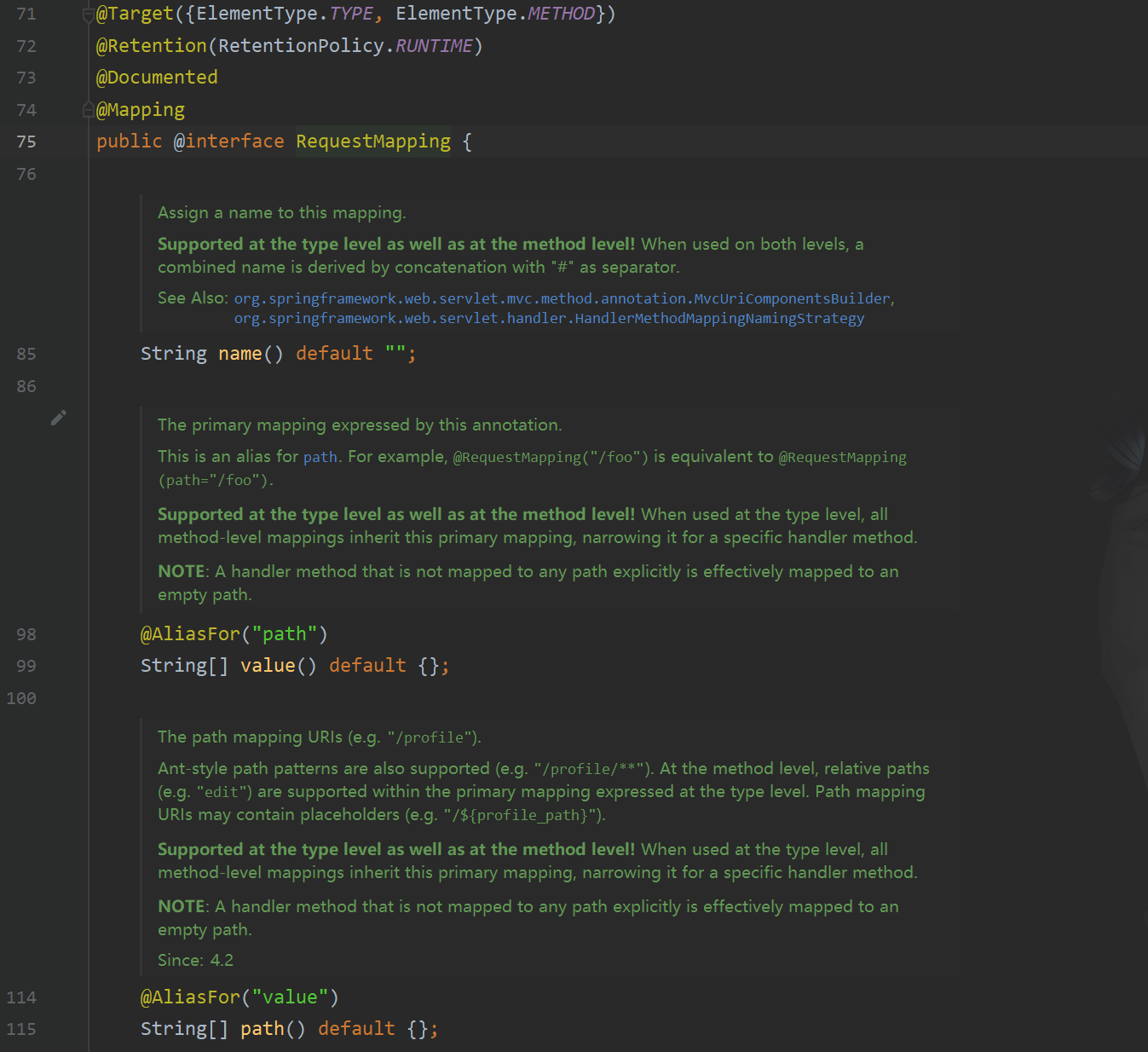
@RequestMapping 注解的 value 属性通过请求的请求地址匹配请求映射
@RequestMapping 注解的 value 属性是一个字符串类型的数组,表示该请求映射能够匹配多个请求地址所对应的请求
@RequestMapping 注解的 value 属性必须设置,至少通过请求地址匹配请求映射
<a th:href="@{/testRequestMapping}">测试@RequestMapping的value属性-->/testRequestMapping</a><br>

<a th:href="@{/test}">测试@RequestMapping的value属性-->/test</a><br>
@RequestMapping(

    value = {"/testRequestMapping", "/test"}

)

public String testRequestMapping(){

    return "success";

}
4. @RequestMapping 注解的 method 属性
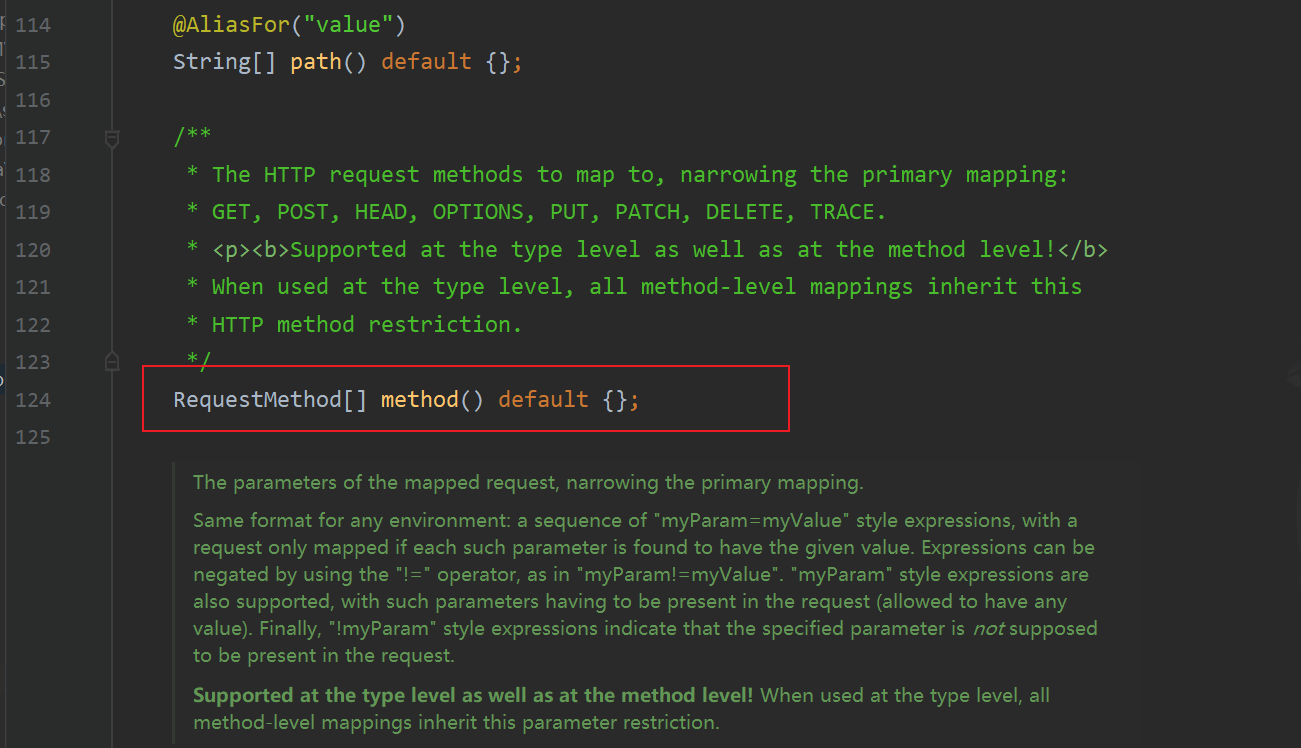
@RequestMapping 注解的 method 属性通过请求的请求方式(get 或 post)匹配请求映射
@RequestMapping 注解的 method 属性是一个 RequestMethod 类型的数组,表示该请求映射能够匹配多种请求方式的请求
若当前请求的请求地址满足请求映射的 value 属性,但是请求方式不满足 method 属性,则浏览器报错
405:Request method 'POST' not supported
<a th:href="@{/test}">测试@RequestMapping的value属性-->/test</a><br>

<form th:action="@{/test}" method="post">

    <input type="submit">

</form>
@RequestMapping(

    value = {"/testRequestMapping", "/test"},

    method = {RequestMethod.GET, RequestMethod.POST}

)

public String testRequestMapping(){

    return "success";

}
注:
1、对于处理指定请求方式的控制器方法,SpringMVC 中提供了@RequestMapping 的派生注解
处理 get 请求的映射-->@GetMapping
处理 post 请求的映射-->@PostMapping
处理 put 请求的映射-->@PutMapping
处理 delete 请求的映射-->@DeleteMapping
2、常用的请求方式有 get,post,put,delete
但是目前浏览器只支持 get 和 post,若在 form 表单提交时,为 method 设置了其他请求方式的字符
串(put 或 delete),则按照默认的请求方式 get 处理
若要发送 put 和 delete 请求,则需要通过 spring 提供的过滤器 HiddenHttpMethodFilter,在
RESTful 部分会讲到
5. @RequestMapping 注解的 params 属性(了解)
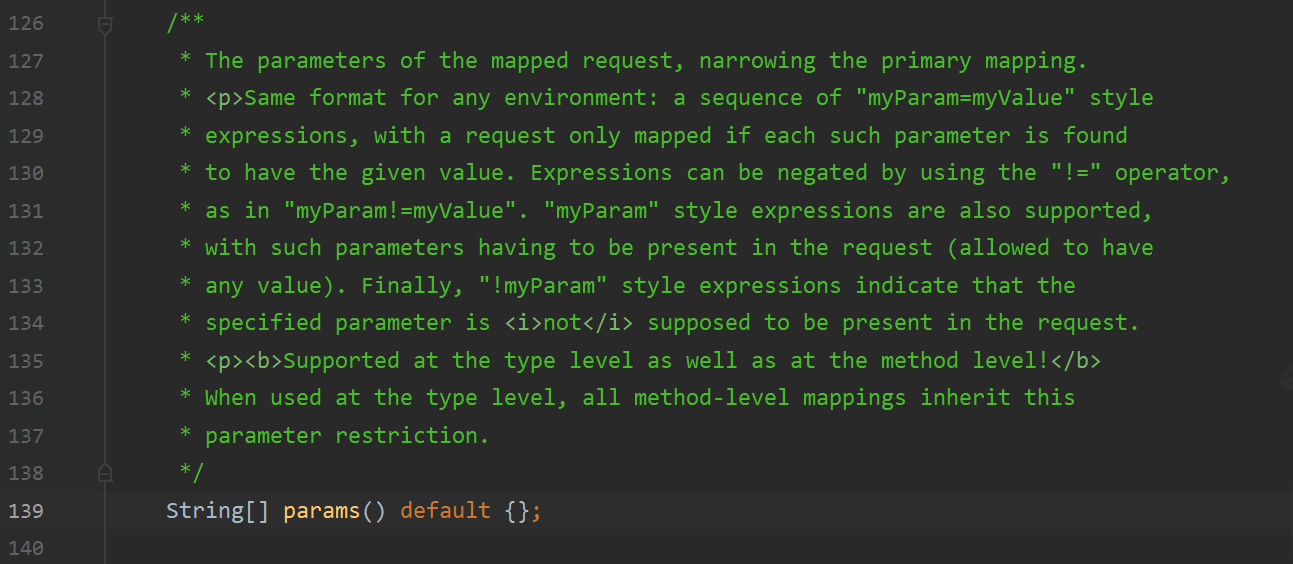
@RequestMapping 注解的 params 属性通过请求的请求参数匹配请求映射
@RequestMapping 注解的 params 属性是一个字符串类型的数组,可以通过四种表达式设置请求参数和请求映射的匹配关系
"param":要求请求映射所匹配的请求必须携带 param 请求参数
"!param":要求请求映射所匹配的请求必须不能携带 param 请求参数
"param=value":要求请求映射所匹配的请求必须携带 param 请求参数且 param=value
"param!=value":要求请求映射所匹配的请求必须携带 param 请求参数但是 param!=value
<a th:href="@{/test(username='admin',password=123456)">测试@RequestMapping的

params属性-->/test</a><br>
@RequestMapping(

    value = {"/testRequestMapping", "/test"}

    ,method = {RequestMethod.GET, RequestMethod.POST}

    ,params = {"username","password!=123456"}

)

public String testRequestMapping(){

    return "success";

}
注:
若当前请求满足@RequestMapping 注解的 value 和 method 属性,但是不满足 params 属性,此时
页面回报错 400:Parameter conditions "username, password!=123456" not met for actual
request parameters: username={admin}, password={123456}
6. @RequestMapping 注解的 headers 属性(了解)

@RequestMapping 注解的 headers 属性通过请求的请求头信息匹配请求映射
@RequestMapping 注解的 headers 属性是一个字符串类型的数组,可以通过四种表达式设置请求头信
息和请求映射的匹配关系
"header":要求请求映射所匹配的请求必须携带 header 请求头信息
"!header":要求请求映射所匹配的请求必须不能携带 header 请求头信息
"header=value":要求请求映射所匹配的请求必须携带 header 请求头信息且 header=value
"header!=value":要求请求映射所匹配的请求必须携带 header 请求头信息且 header!=value
若当前请求满足@RequestMapping 注解的 value 和 method 属性,但是不满足 headers 属性,此时页面
显示 404 错误,即资源未找到
7. SpringMVC 支持 ant 风格的路径
?:表示任意的单个字符
*:表示任意的0 个或多个字符
**:表示任意层数的任意目录
注意:在使用时,只能使用//xxx 的方式
8. SpringMVC 支持路径中的占位符(重点)
原始方式:/deleteUser?id=1
rest 方式:/user/delete/1
SpringMVC 路径中的占位符常用于**RESTful风格**中,当请求路径中将某些数据通过路径的方式传输到服务器中,就可以在相应的**@RequestMapping注解的value属性中通过占位符{xxx}表示传输的数据**,在**通过@PathVariable注解**,将占位符所表示的数据赋值给控制器方法的形参
<a th:href="@{/testRest/1/admin}">测试路径中的占位符-->/testRest</a><br>
@RequestMapping("/testRest/{id}/{username}")

public String testRest(@PathVariable("id") String id, @PathVariable("username")

String username){

    System.out.println("id:"+id+",username:"+username);

    return "success";

}

//最终输出的内容为-->id:1,username:admin
3. @RequestMapping注解的更多相关文章
- @RequestMapping注解详解
@RequestMapping是一个用来处理请求地址映射的注解,可用于类或者方法上.用于类上,表示类中的所有响应请求的方法都是以该地址作为父路径.@RequestMapping注解有六个属性,下面进行 ...
- springmvc 中RequestMapping注解的使用
1.RequestMapping注解既可以修饰方法,又可以修饰类型,类型指定的url相对于web跟路径,而方法修饰的url相对于类url: 2.RequestMapping的几个属性: value:用 ...
- @RequestMapping注解
Spring MVC中用于参数绑定的注解有很多,都在org.springframework.web.bind.annotation包中,根据它们处理的request的不同内容部分可以分为四类(主要讲解 ...
- Spring MVC @RequestMapping注解详解
@RequestMapping 参数说明 value:定义处理方法的请求的 URL 地址.(重点) method:定义处理方法的 http method 类型,如 GET.POST 等.(重点) pa ...
- 超详细 Spring @RequestMapping 注解使用技巧
@RequestMapping 是 Spring Web 应用程序中最常被用到的注解之一.这个注解会将 HTTP 请求映射到 MVC 和 REST 控制器的处理方法上. 在这篇文章中,你将会看到 @R ...
- Spring @RequestMapping 注解使用技巧
@RequestMapping 是 Spring Web 应用程序中最常被用到的注解之一.这个注解会将 HTTP 请求映射到 MVC 和 REST 控制器的处理方法上. 在这篇文章中,你将会看到 @R ...
- 超详细 Spring @RequestMapping 注解使用技巧 (转)
@RequestMapping 是 Spring Web 应用程序中最常被用到的注解之一.这个注解会将 HTTP 请求映射到 MVC 和 REST 控制器的处理方法上. 在这篇文章中,你将会看到 @R ...
- spring @RequestMapping注解技巧
@RequestMapping 是 Spring Web 应用程序中最常被用到的注解之一.这个注解会将 HTTP 请求映射到 MVC 和 REST 控制器的处理方法上. 下面我们看看,@Request ...
- SpringMVC源码解读 - RequestMapping注解实现解读 - RequestMappingInfo
使用@RequestMapping注解时,配置的信息最后都设置到了RequestMappingInfo中. RequestMappingInfo封装了PatternsRequestCondition, ...
- SpringMVC源码解读 - RequestMapping注解实现解读 - RequestCondition体系
一般我们开发时,使用最多的还是@RequestMapping注解方式. @RequestMapping(value = "/", param = "role=guest& ...
随机推荐
- Flutter 下载篇 - 叁 | 网络库切换实践与思考
前言 本文是关于使用flutter_download_manager下载功能的实践和探索.我们将基于flutter_download_manager的功能扩展,改造成自己想要的样子.在阅读本文之前,建 ...
- ASP.NET Core - 缓存之内存缓存(上)
1. 缓存 缓存指的是在软件应用运行过程中,将一些数据生成副本直接进行存取,而不是从原始源(数据库,业务逻辑计算等)读取数据,减少生成内容所需的工作,从而显著提高应用的性能和可伸缩性,使用好缓存技术, ...
- Buffer中的public void write(Buffer source, long byteCount)解析
这个把source缓冲区中的数据写到当前缓冲区的方法是比较经典的: if (source == null) throw new IllegalArgumentException("sourc ...
- 数据泵:19c PDB数据泵迁入
1.问题描述 用数据泵进行pdb的迁入迁出,模拟测试将其他库的数据导入到19cpdb中 2.环境介绍 source:12.2.0.1.0 target:19.0.0.0.0 3.源端制造数据 创建表空 ...
- 【Vue项目】商品汇前台(二)进度条插件+Vuex模块化仓库+函数的防抖与节流+路由传参
前言 1 nprogress进度条的使用 当请求发出进度条出现并向前走,请求成功后进度条消失.nprogress是一种进度条插件 1.1 nprogress进度条插件安装 npm i --save n ...
- 【Vue】前端解决跨域问题
Vue解决跨域问题 什么是跨域:违背了同源策略,即协议名.主机名.端口号必须一致.浏览器与服务器之间存在跨域问题,而服务器与服务器之间由于通过Http通信是不存在跨域问题的. 如图所示,浏览器 ...
- 部署kubernetes-dashboard并配置ServiceAccount和登录鉴权
"种草" kubernetes-dashboard 安装部署dashboard 创建用于登录面板的ServiceAccount 权限控制 "种草" kubern ...
- 用C#发送post请求,实现更改B站直播间标题[简单随笔]
第一次发这样的网络数据包.记录一下. API参考 https://github.com/SocialSisterYi/bilibili-API-collect/blob/master/live/man ...
- 安装Nodejs,执行npm命令异常
异常现象: 在安装完成Nodejs之后,使用npm install时提示异常: 使用cmd查看npm版本,也报同样的错误. "operation not permitted, mkdir ' ...
- 深度学习-09(目标检测:Object Detection)
文章目录 目标检测(Object Detection) 一 .基本概念 1. 什么是目标检测 2. 目标检测的核心问题 3. 目标检测算法分类 4. 目标检测应用 目标检测原理 1.候选区域产生 1 ...